- Cloud Networking
How to Configure VLANs with Cisco Meraki
16 Feb, 2026


£236.90 inc. VAT
AI-generated summary
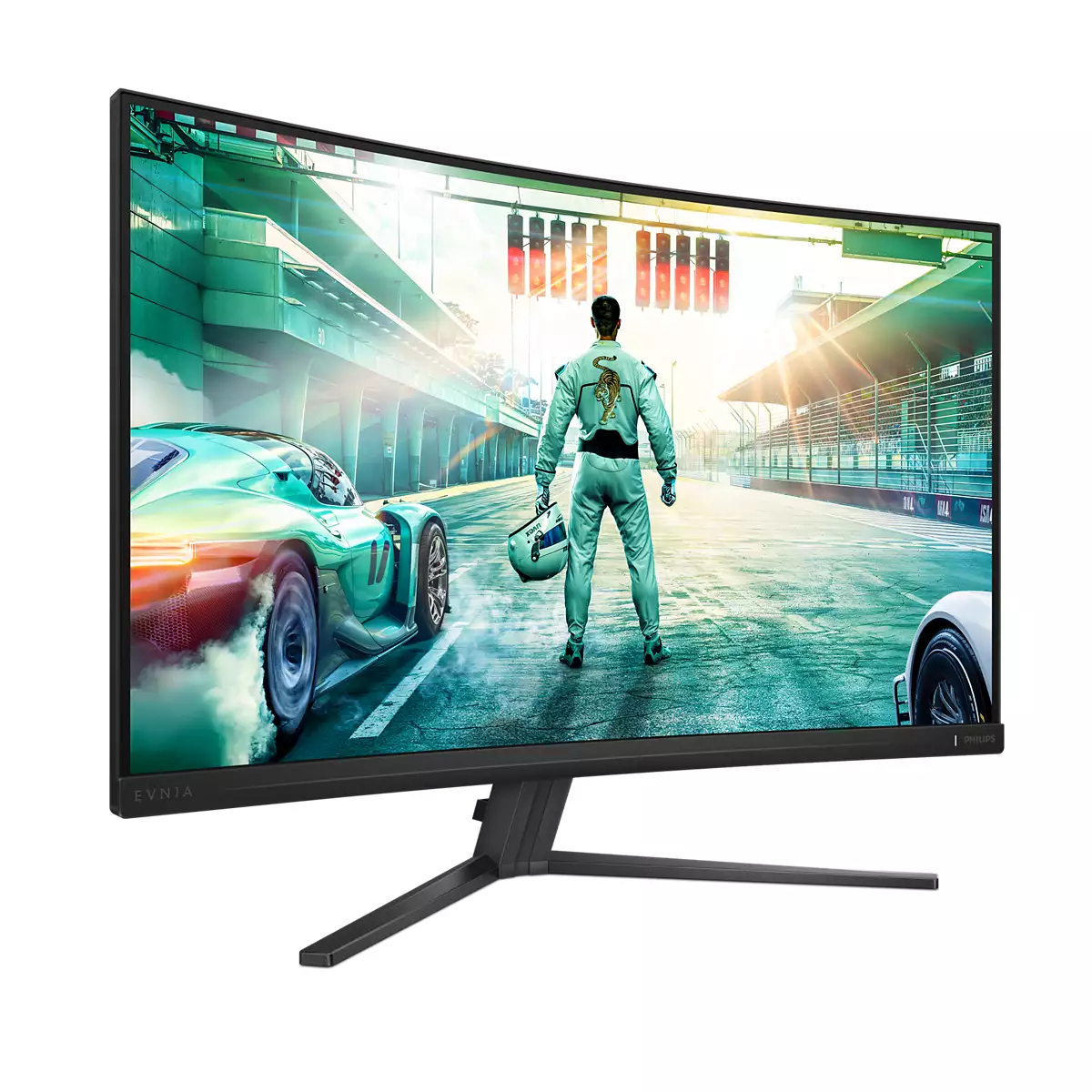
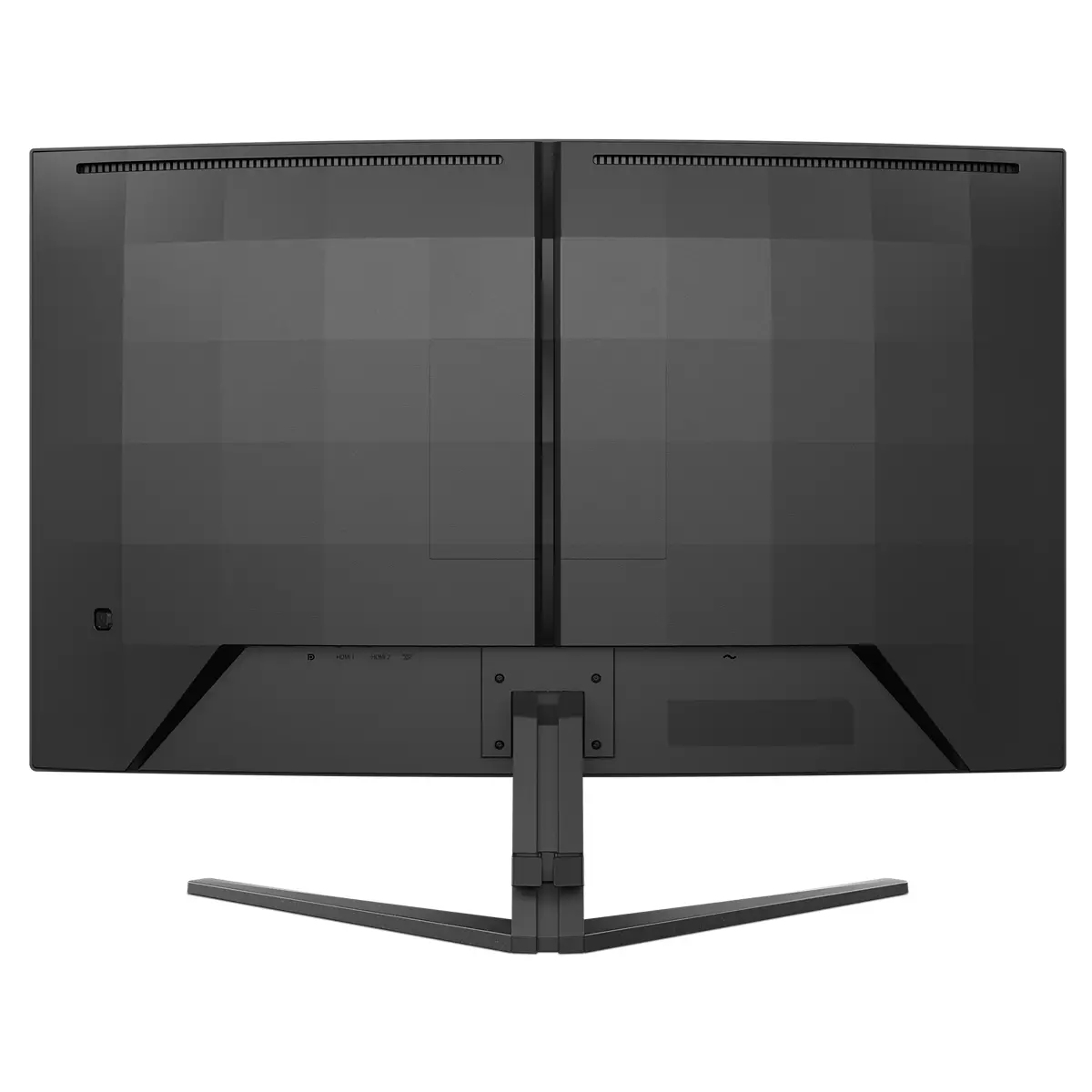
For £197.33 ex-VAT, the Philips Evnia 32M2C3500L/00 is a pretty sensible buy **if you want a big 31.5” Quad HD screen without paying “premium” pricing**. The jump from 1080p to 1440p at this size makes a real difference in day-to-day office work (spreadsheets, dashboards, admin systems) and it’s also decent for general content viewing. Philips’ Evnia branding usually means the panel tuning is geared towards everyday usability, so you’re not just getting a brute-force size increase—you’re getting something that feels more comfortable than cheap office monitors when you’re in front of it for hours.
That said, I wouldn’t buy it for **competitive gaming** or anyone who’s picky about “premium” motion smoothness and contrast. At this price point you should assume compromises in the areas enthusiasts care about most, and you’ll notice them if you’re coming from high-end VA/IPS gaming models. If your setup is mostly **work-focused** (hybrid users, sales desks, analysts, finance, reception/back office) or you want a **single large screen** for productivity, it’s a strong value option. If you tell me what you’re using it for—Excel heavy, CAD, reporting dashboards, or gaming—I can say more confidently whether it’s the right “fit,” not just the right price.
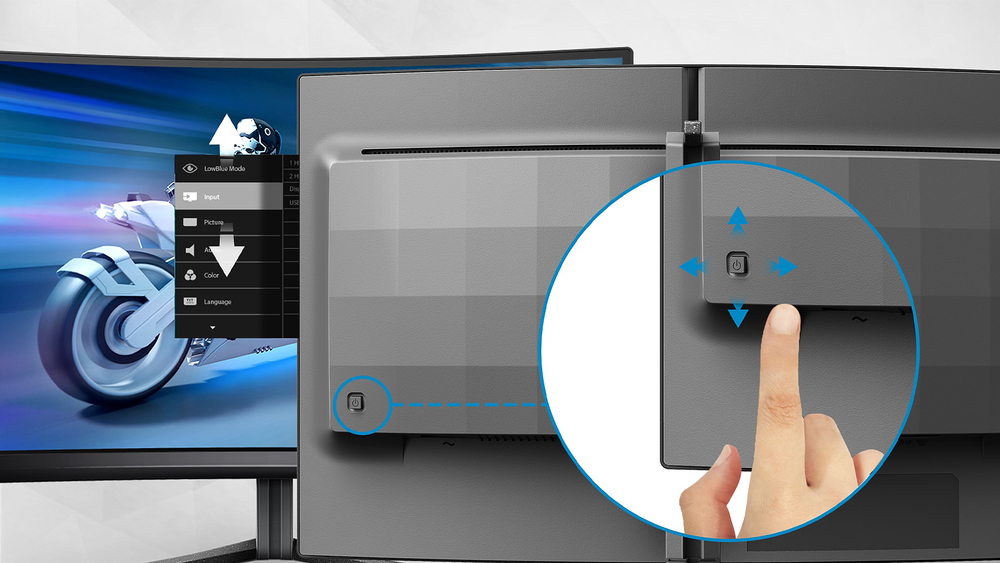
EasySelect menu toggle key for quick on-screen menu access
The discreetly placed EasySelect Menu Toggle Key allows you to make quick and easy adjustments to monitor settings in the On-Screen Display menu.

Smart Crosshair: for better aim and more fun
Color of Crosshair is set by default. When Smart Crosshair is on, the color will change as complementary color to the background color. Smart Crosshair enhances the accuracy of aiming so you can sp...

LowBlue mode and Flicker-free easy-on-the eyes viewing
Our LowBlue Mode and Flicker-free technology have been developed to reduce eye strain and fatigue often caused by long hours in front of a monitor.

SmartImage game mode optimized for gamers
The new Philips gaming display has quick access OSD fine tuned for gamers, offering you multiple options. "FPS" mode (First person shooting) improves dark themes in games, allowing you to see hidde...

180Hz refresh rates for ultra-smooth, brilliant images
You play intense, competitive gaming. You demand display with lag free, ultra-smooth images. This display redraws the screen image up-to 180 times per second, effectively faster than a standard dis...

Low input lag reduces time delay between devices to monitor
Input lag is the amount of time that elapses between performing an action with connected devices and seeing the result on screen. Low input lag reduces the time delay between entering a command fro...

ViewSonic
ViewSonic VA220-H - LED monitor - 22" - 1920 x 1080 Full HD (1080p) @ 100 Hz - VA - 250 cd/m� - 4000:1 - 1 ms - HDMI, VGA
Lenovo
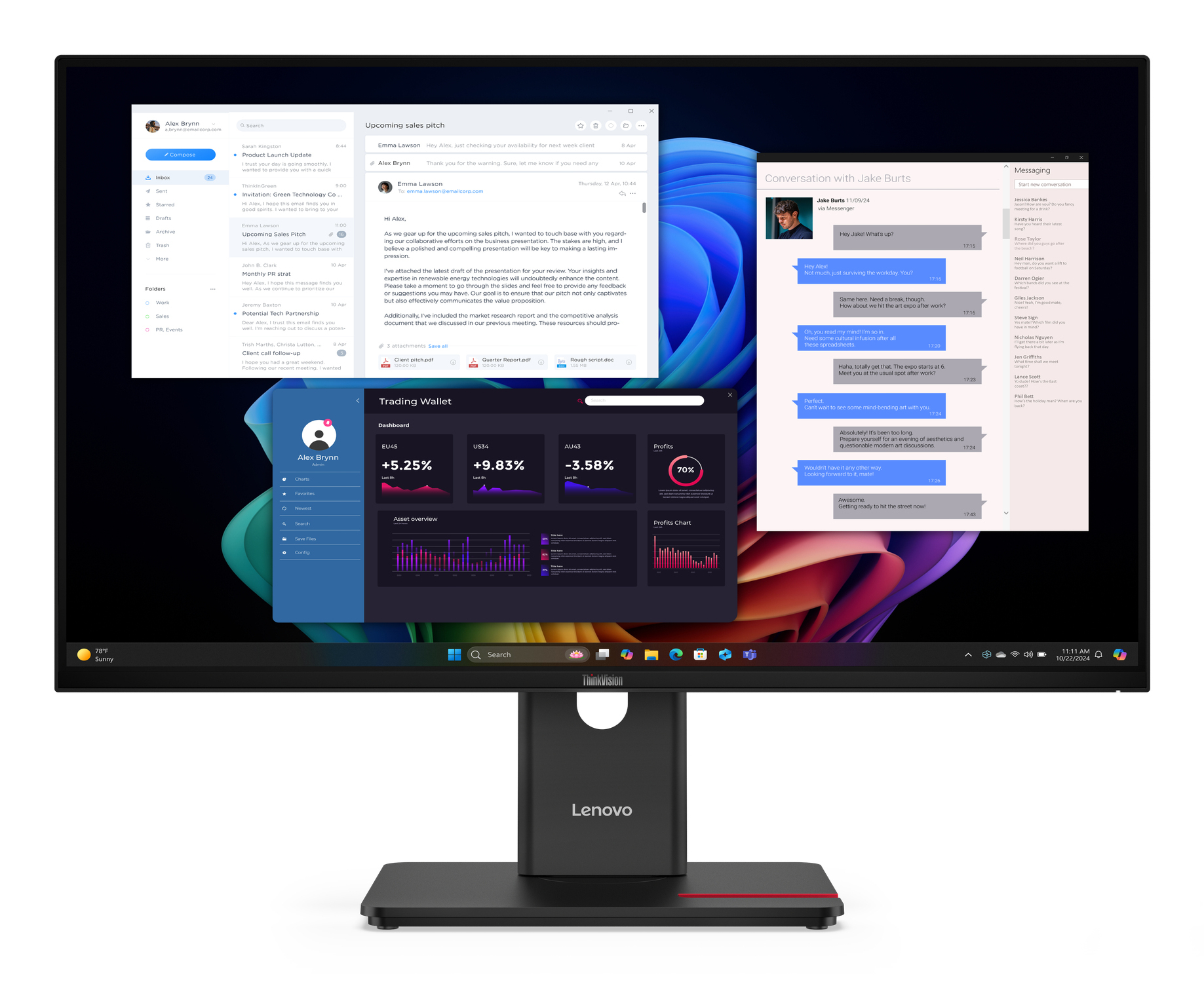
Lenovo ThinkVision T27UD-40 - LED monitor - 27" - 3840 x 2160 4K @ 60 Hz - IPS - 350 cd/m� - 1500:1 - HDR10 - 4 ms - HDMI, DisplayPort, USB-C - eclipse black
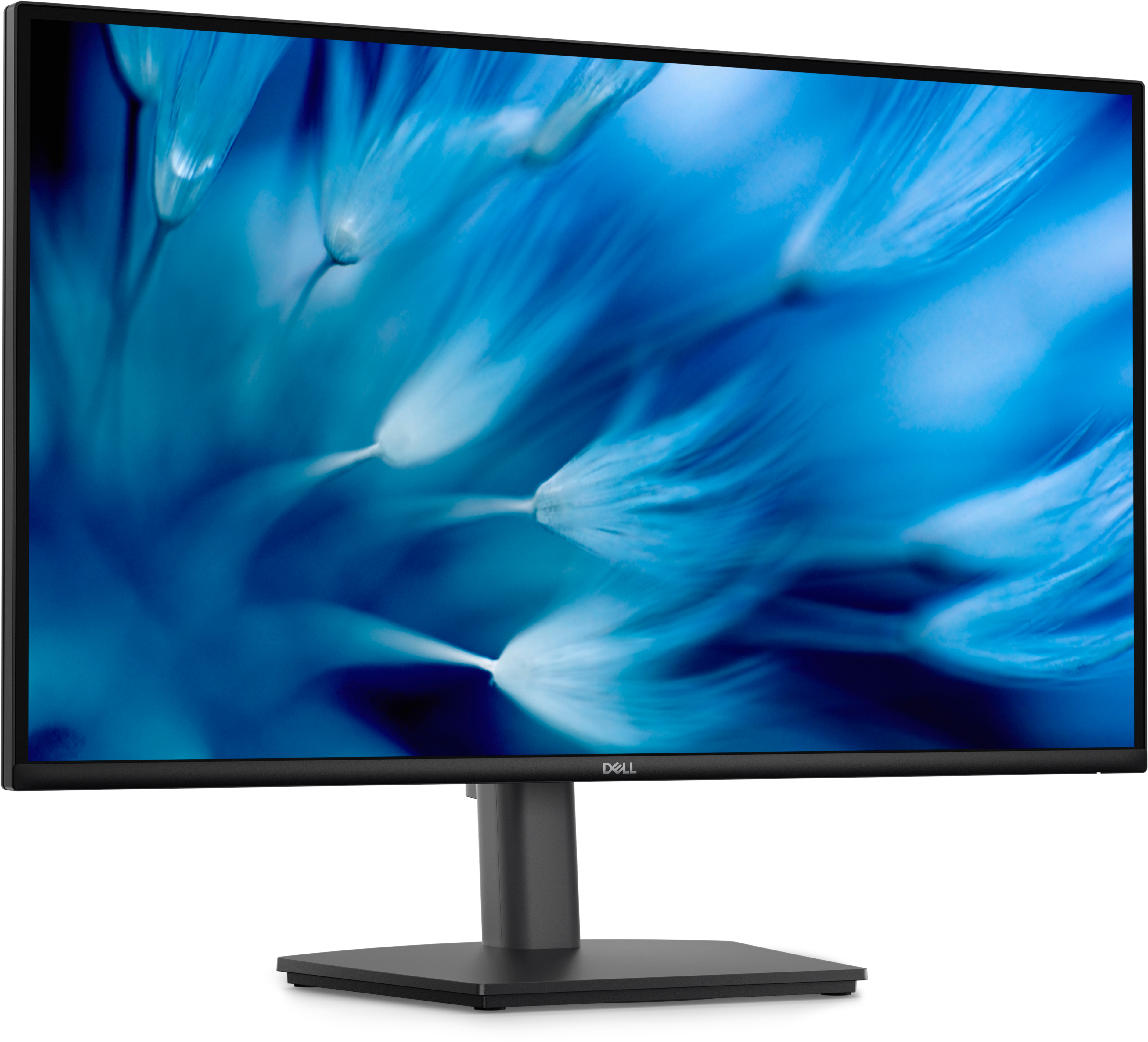
Dell
Dell Pro E2726DS - LED monitor - 27" - 2560 x 1440 QHD @ 100 Hz - IPS - 300 cd/m� - 1000:1 - 5 ms - HDMI, DisplayPort - speakers - with 3 years Advanced Exchange Service
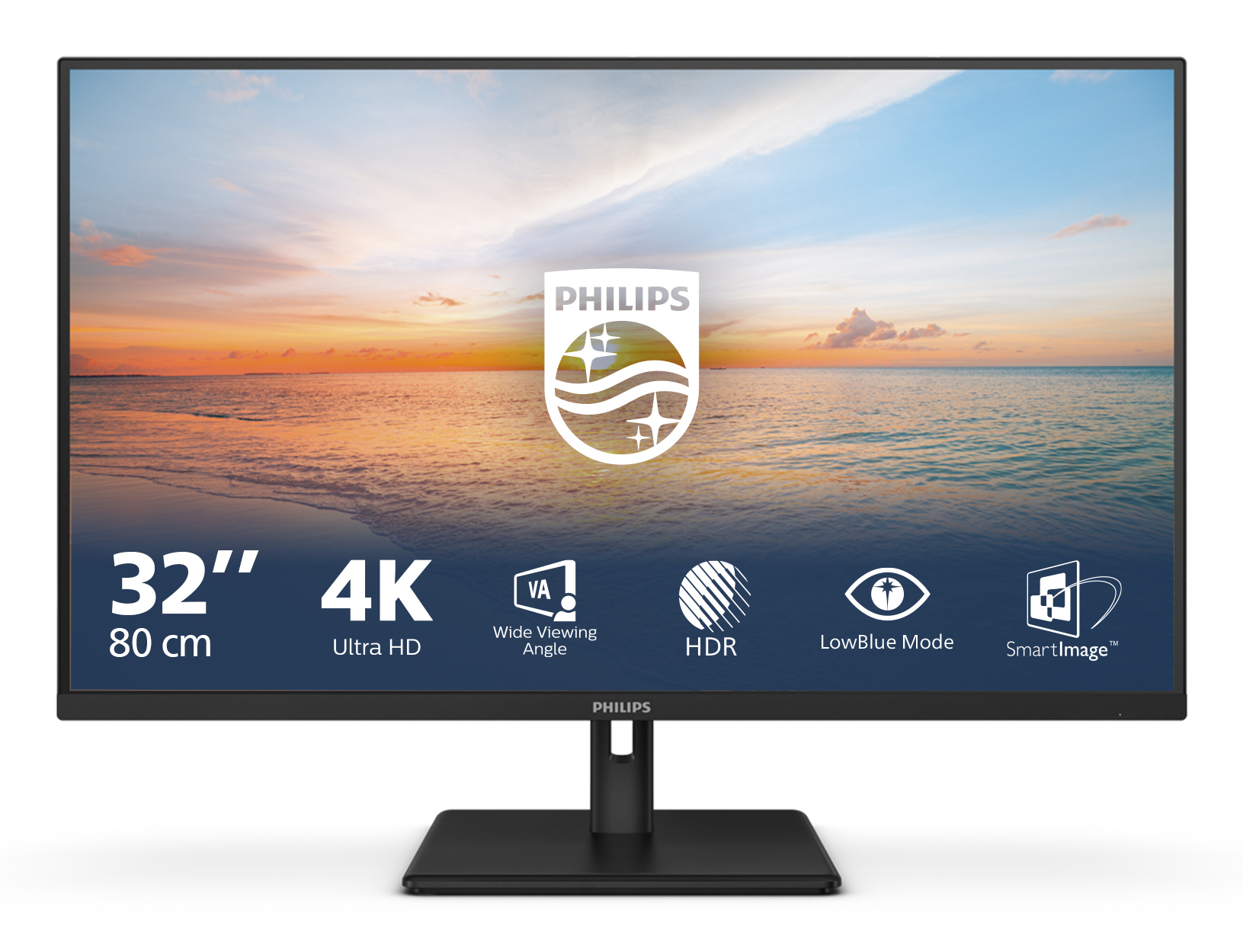
Philips
Philips 32E1N1800LA - 1000 Series - LED monitor - 32" (31.5" viewable) - 3840 x 2160 4K UHD (2160p) @ 60 Hz - VA - 300 cd/m� - 3500:1 - HDR10 - 4 ms - 2xHDMI, DisplayPort - speakers - black