- Cloud Networking
How to Set Up Meraki for Healthcare Environments
18 Mar, 2026
£236.90 inc. VAT
AI-generated summary
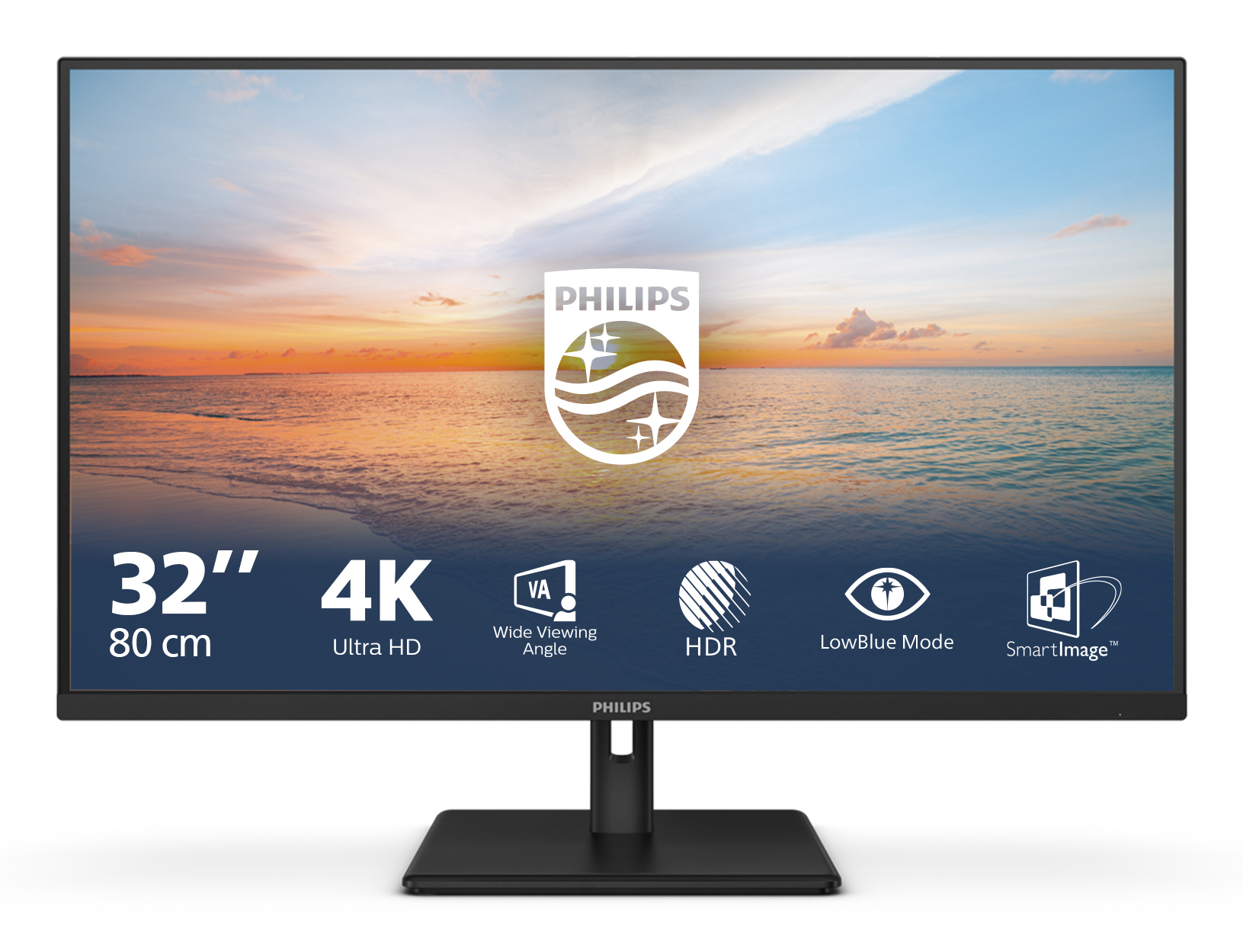
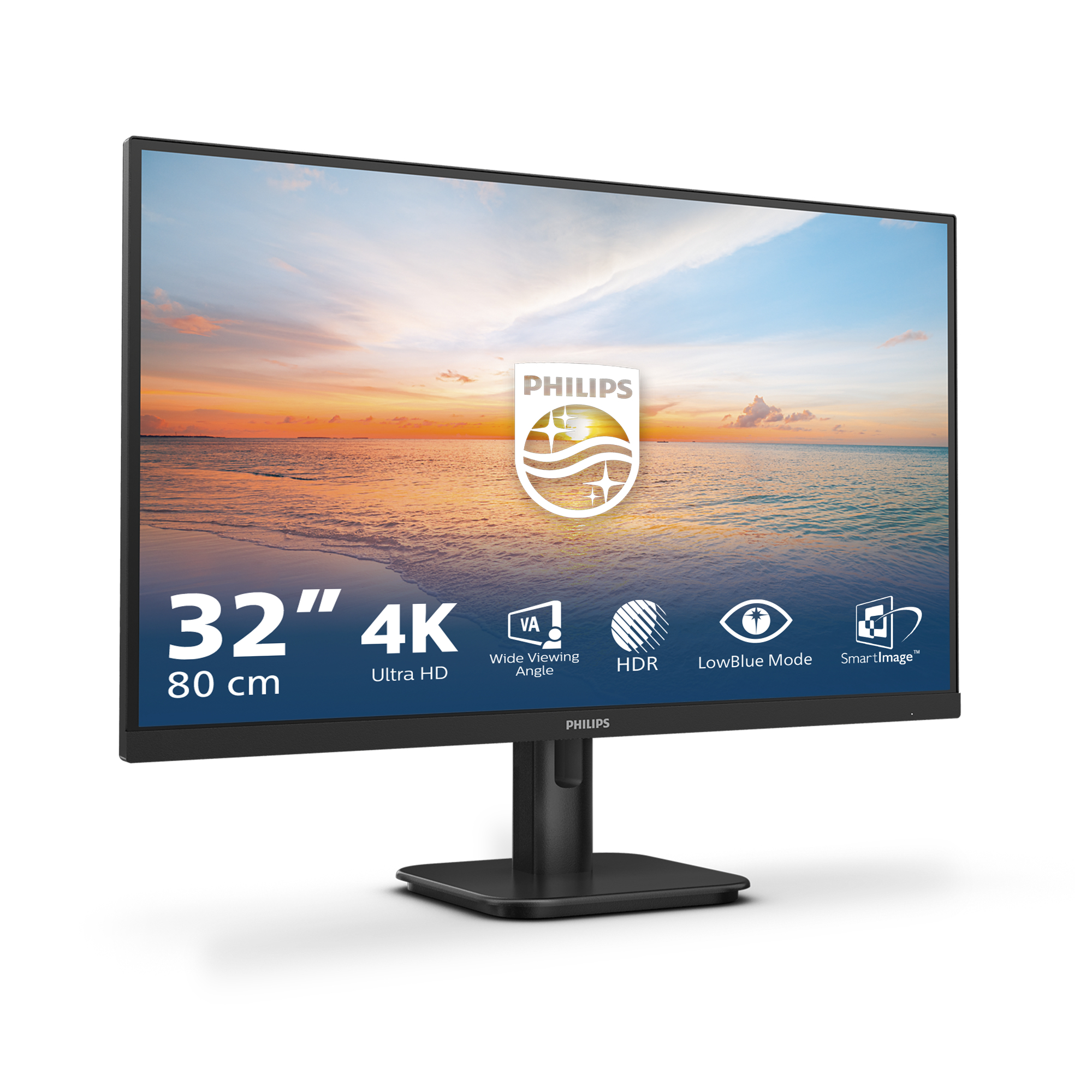
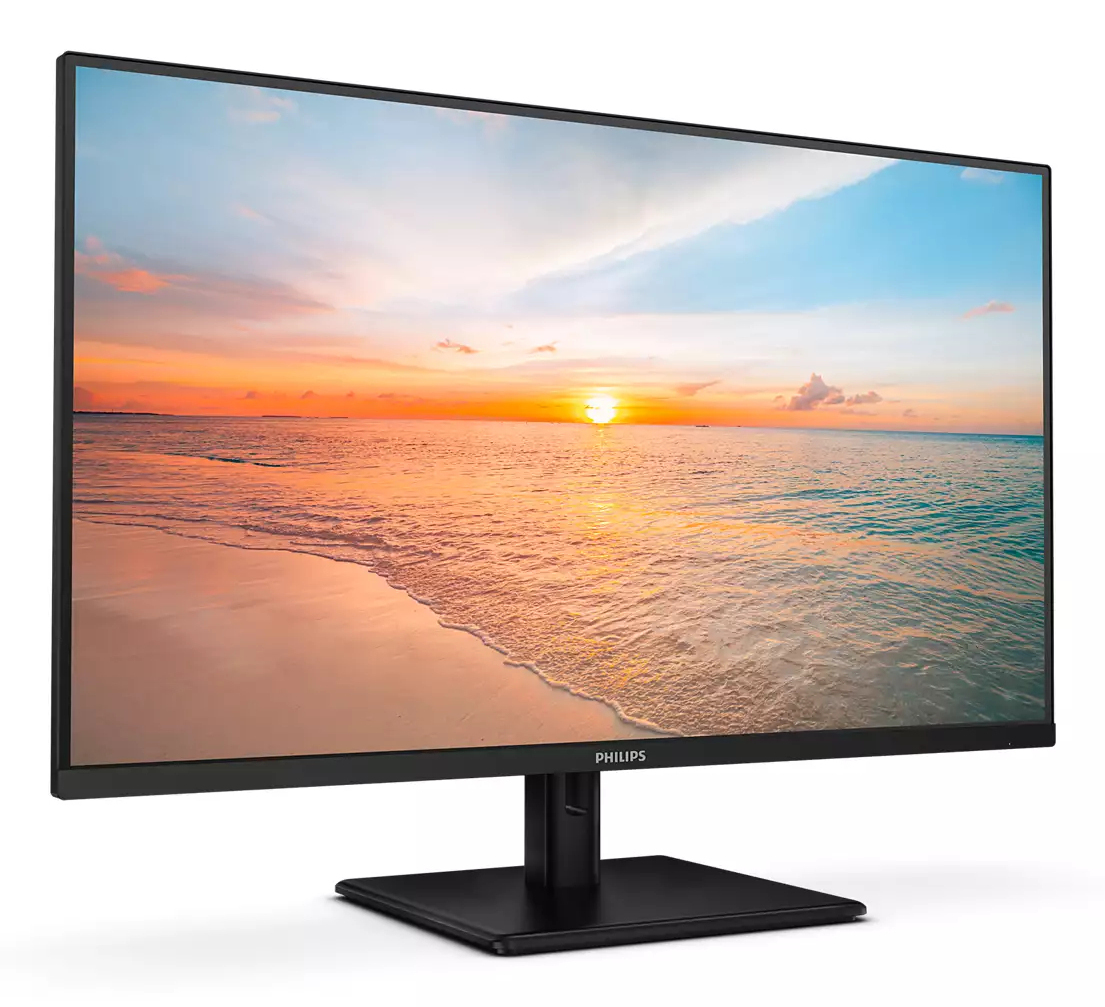
For £197 ex-VAT, this Philips 31.5" 4K monitor looks like a solid value buy for the right kind of user: someone who wants a big desktop workspace without paying flagship money. 4K at this size is genuinely nice for spreadsheets, finance dashboards, lots of documentation, and “two-window” productivity—text feels sharp and you don’t feel like you’re squinting or scaling everything awkwardly. Philips typically keeps the basics sensible (menus, picture presets, general usability), so it’s a good “office workhorse” choice rather than a gaming-focused upgrade.
That said, I wouldn’t buy it if your priority is gaming responsiveness or colour-critical work. Budget 4K panels often trade off on things like motion smoothness, contrast finesse, and uniformity—great for general office use, but you may notice limitations if you’re picky about gradients, dark scenes, or fast movement. If you work mostly in daylight, office apps, and presentations, it’s probably a safe bet for the cost. If you need fast refresh, deep blacks, or consistently good colour across the screen, spend a bit more or step up to a model aimed at creators/gamers.
**Buy this if:** you want a large 4K monitor for office productivity and video calls on a tight budget. **Skip it if:** you care about competitive gaming, demanding photo/video colour accuracy, or you’re sensitive to panel quality variability.
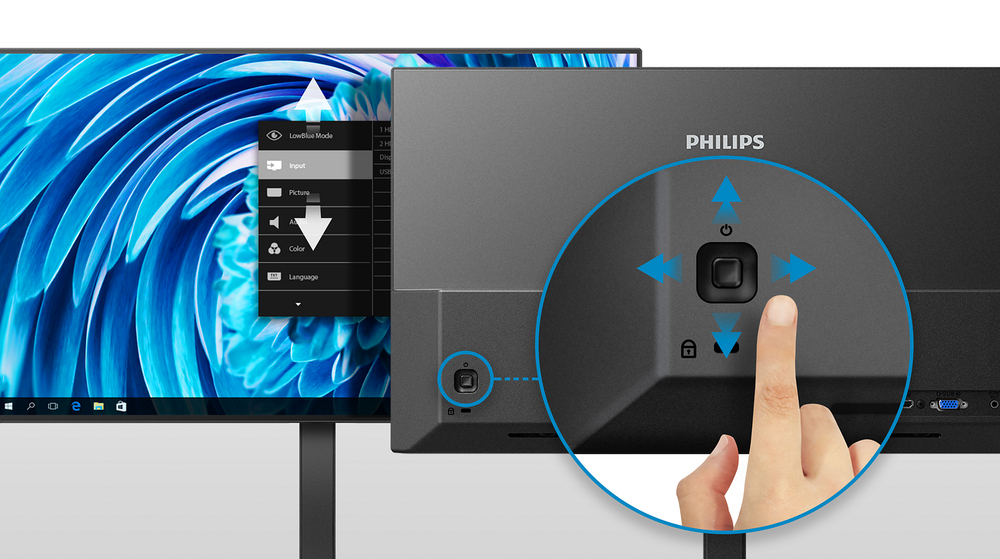
EasySelect menu toggle key for quick on-screen menu access
The discreetly placed EasySelect Menu Toggle Key allows you to make quick and easy adjustments to monitor settings in the On-Screen Display menu.

LowBlue mode and Flicker-free easy-on-the eyes viewing
Our LowBlue Mode and Flicker-free technology have been developed to reduce eye strain and fatigue often caused by long hours in front of a monitor.

UltraClear 4K UHD (3840x2160) resolution for precision
These Philips displays utilize high performance panels to deliver UltraClear, 4K UHD (3840 x 2160) resolution images. Whether you are demanding professional requiring extremely detailed images for ...

Cable management reduces cable clutter for neat workspace
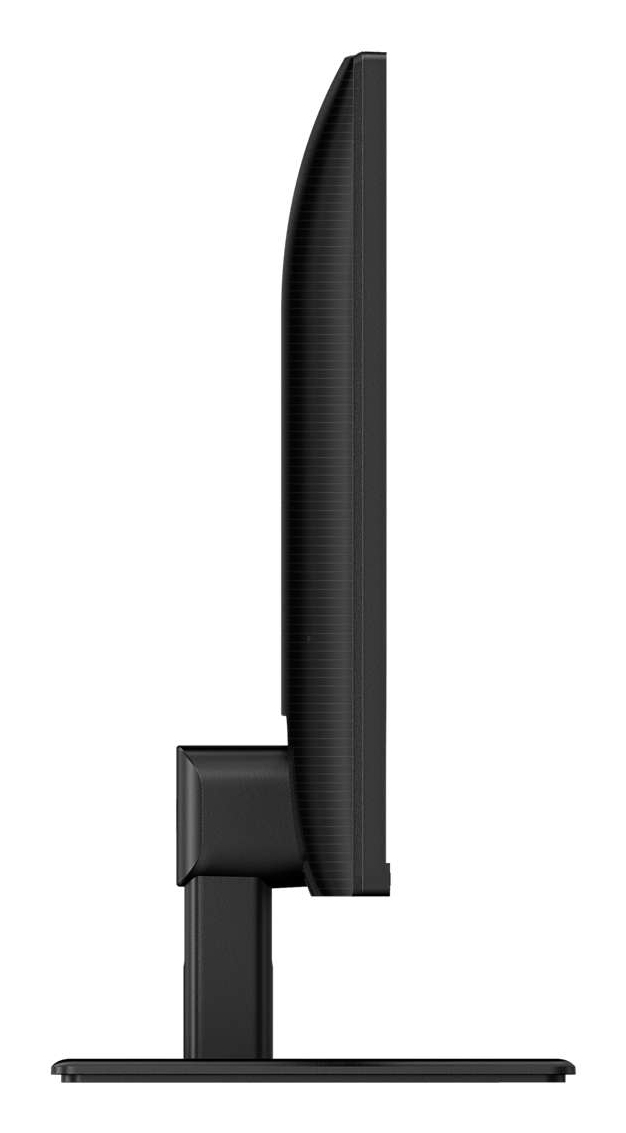
Cable management is an intimate design that maintains tidy workspace by organizing cables and wires required for the operation of a display device.

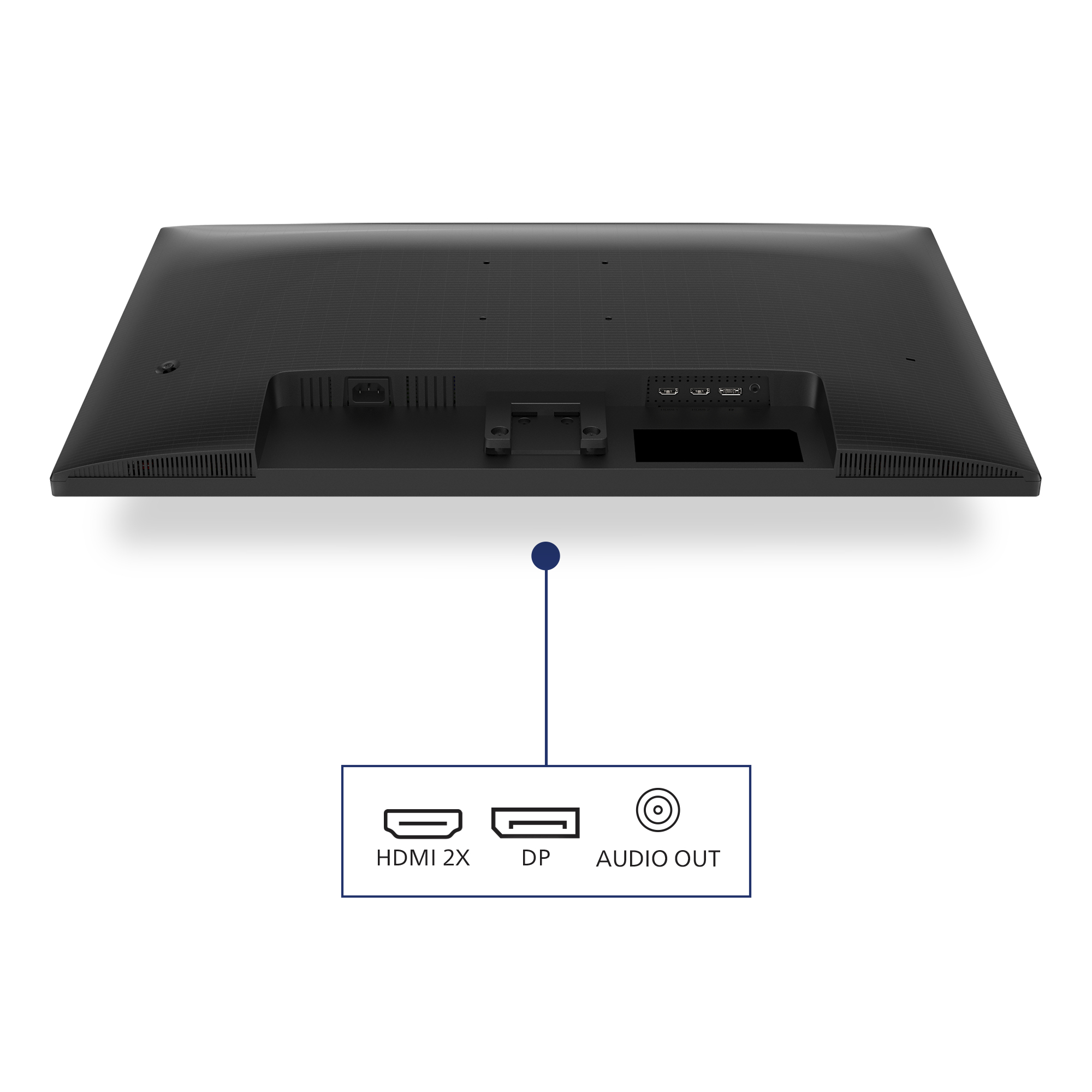
DisplayPort connection for maximum visuals
DisplayPort is a digital link from PC to Monitor without any conversion. With higher capabilities than DVI standard, it is fully capable to support up to 15meter cables and 10.8 Gbps/sec data trans...

HDMI ensures universal digital connectivity
An HDMI-ready device has all the required hardware to accept High-Definition Multimedia Interface (HDMI) input. A HDMI cable enables high-quality digital video and audio all transmitted over a sing...
Lenovo
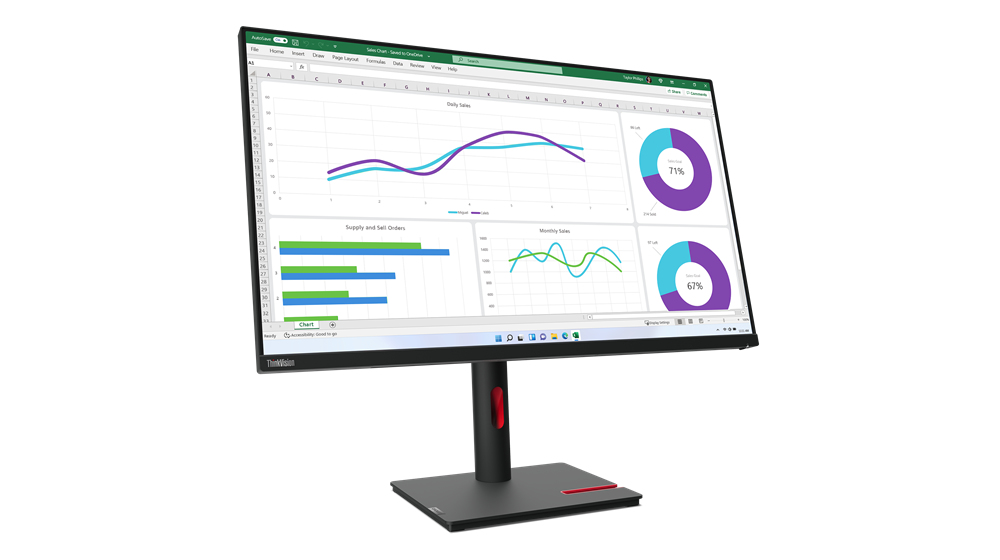
Lenovo ThinkVision T32h-30 - LED monitor - 31.5" - 2560 x 1440 WQHD @ 60 Hz - IPS - 350 cd/m� - 1000:1 - 4 ms - HDMI, DisplayPort, USB-C - raven black
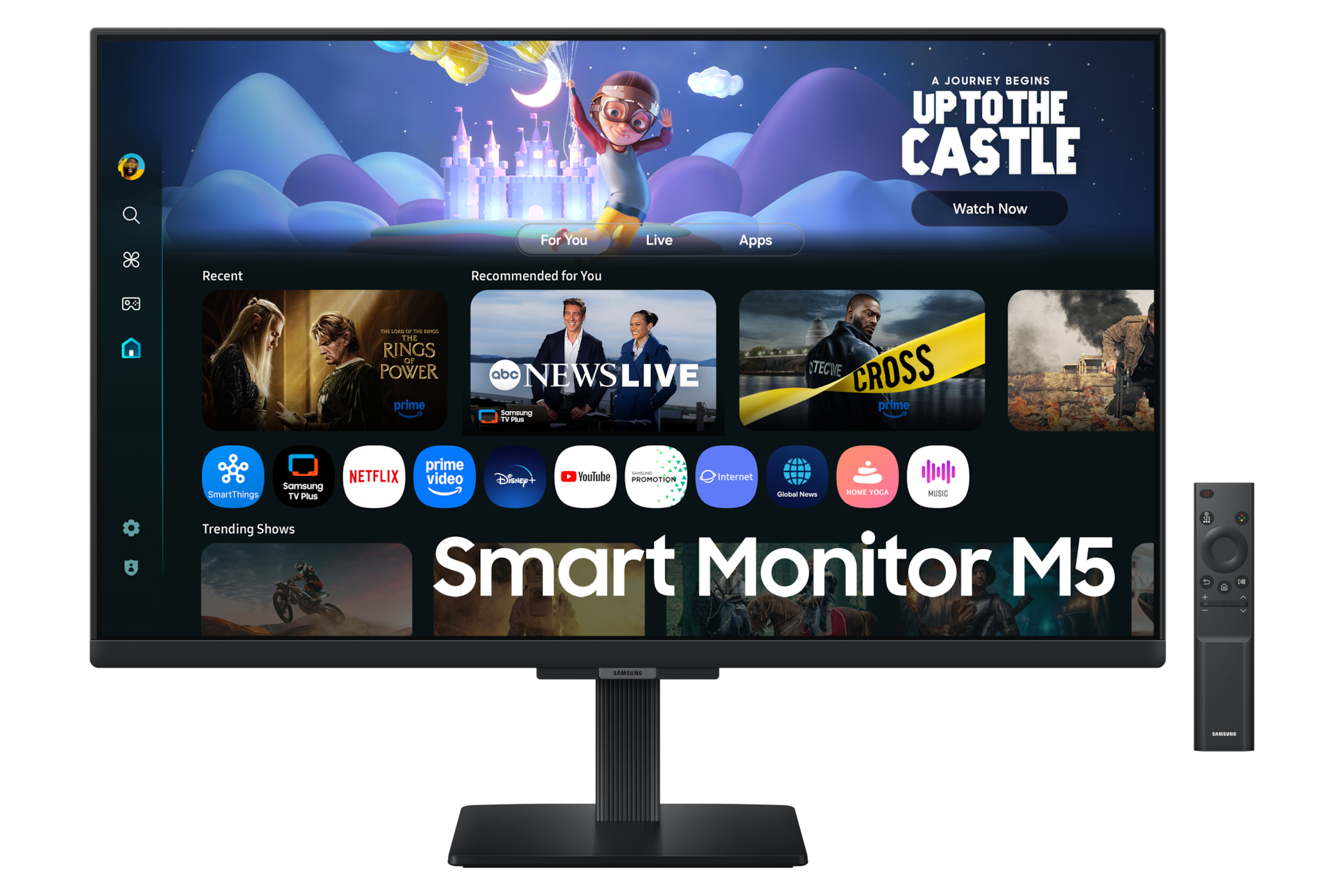
Samsung
Samsung S27FM500EU - M50F Series - LED monitor - Smart - 27" - 1920 x 1080 Full HD @ 60 Hz - IPS - 250 cd/m� - 1000:1 - HDR10 - 5 ms - 2xHDMI - speakers - black
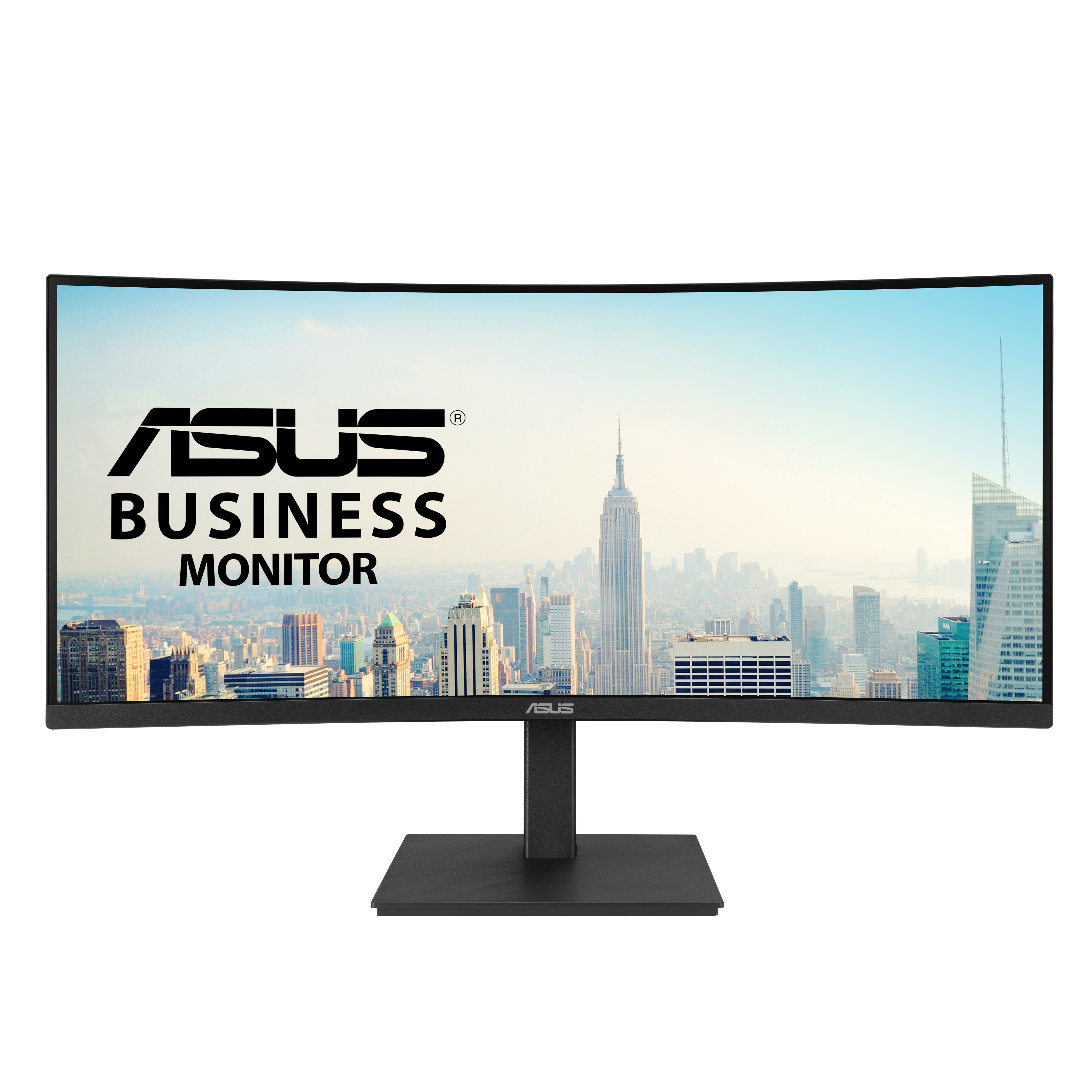
Asus
ASUS VA34VCPSR - LED monitor - curved - 34" - 3440 x 1440 @ 100 Hz - VA - 300 cd/m� - 3000:1 - HDR10 - 4 ms - HDMI, DisplayPort, USB-C - speakers - black
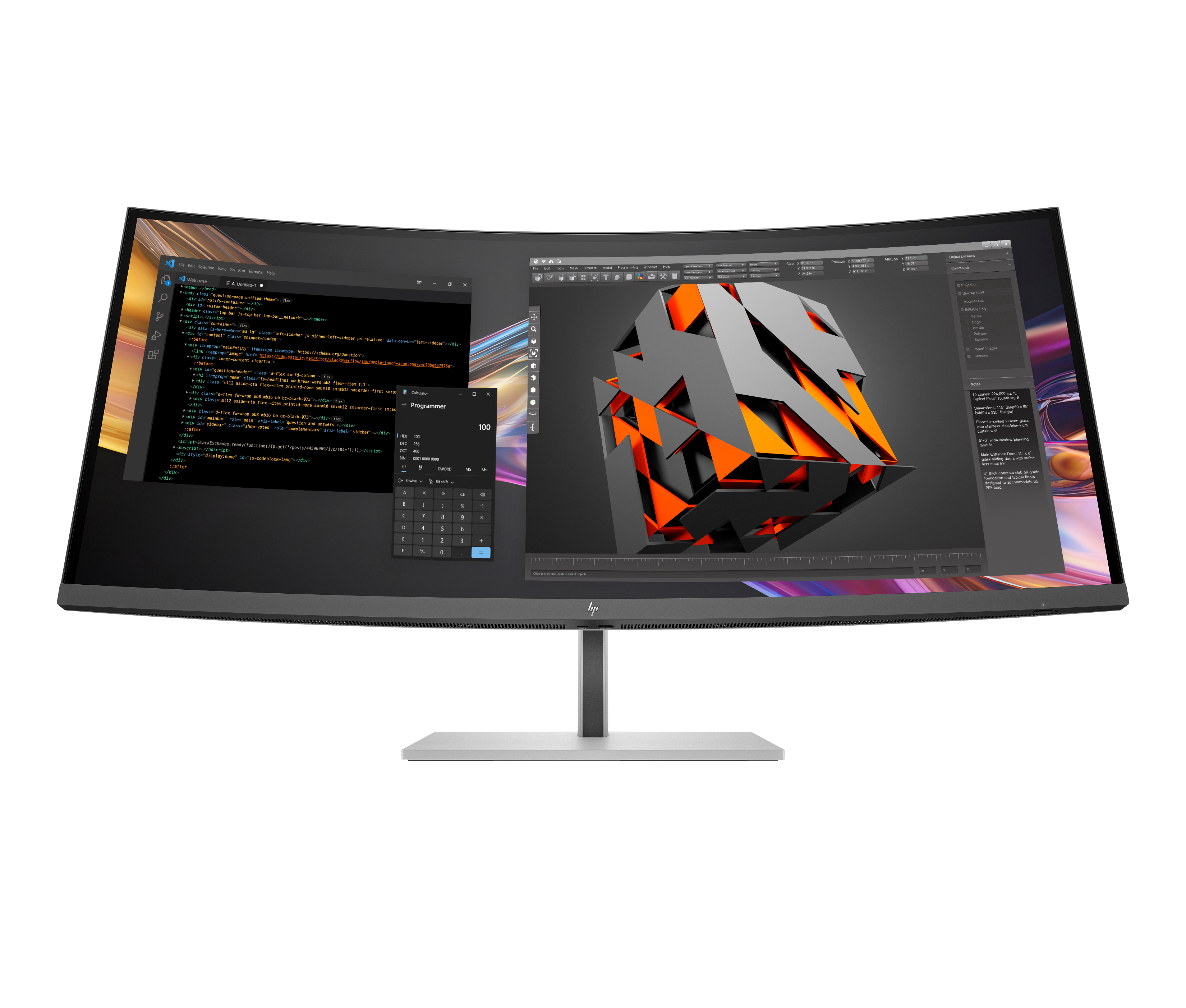
HP
HP 738pu - Series 7 Pro - LED monitor - curved - 38" (37.52" viewable) - 3840 x 1600 WQHD+ @ 60 Hz - IPS Black - 400 cd/m� - 2000:1 - DisplayHDR 400 - 5 ms - Thunderbolt 4, HDMI, DisplayPort, USB-C - speakers - black, silver