- Cloud Email
How to Manage Mobile Devices with Microsoft Intune
15 Jan, 2026

£194.17 inc. VAT
AI-generated summary
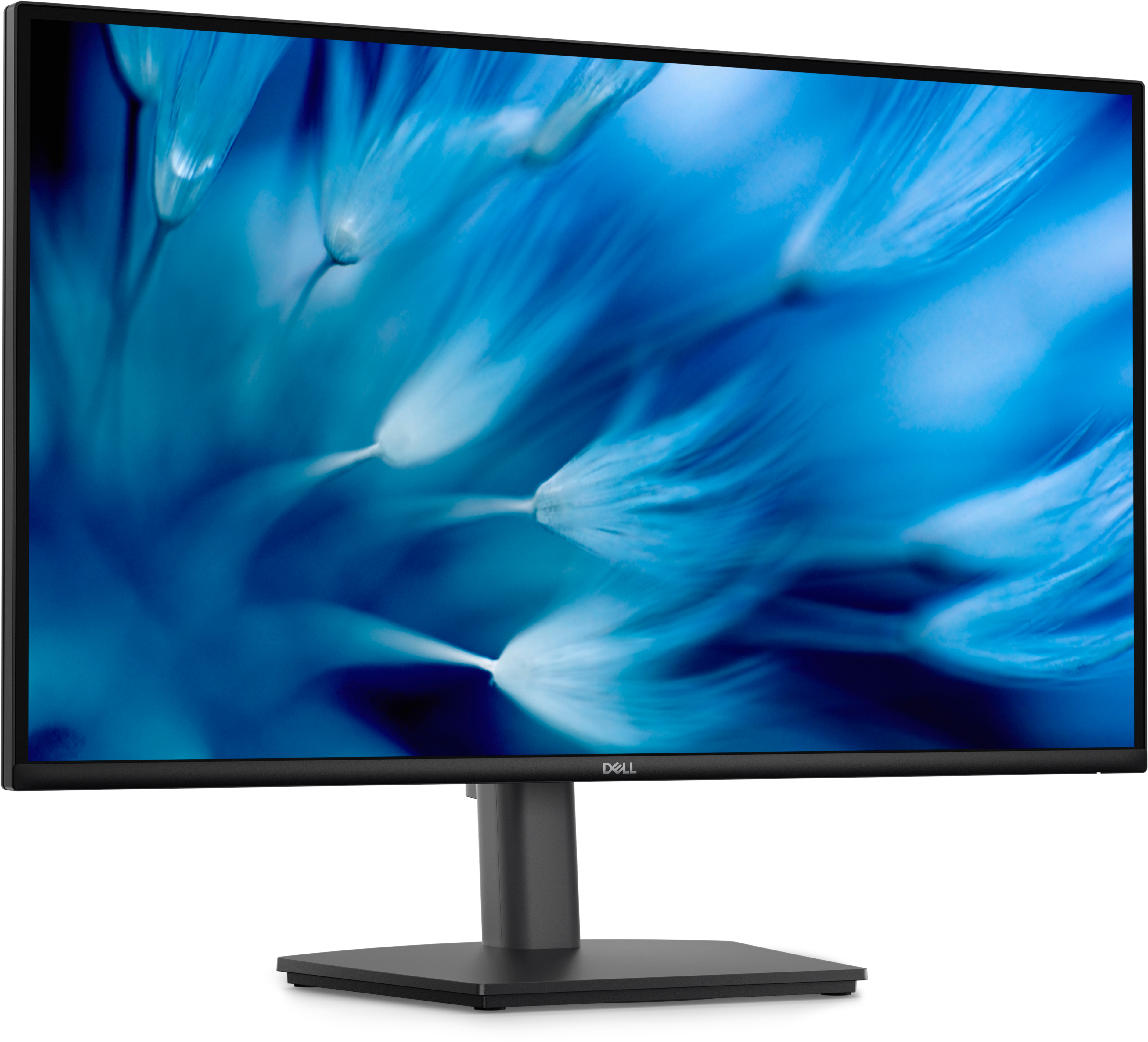
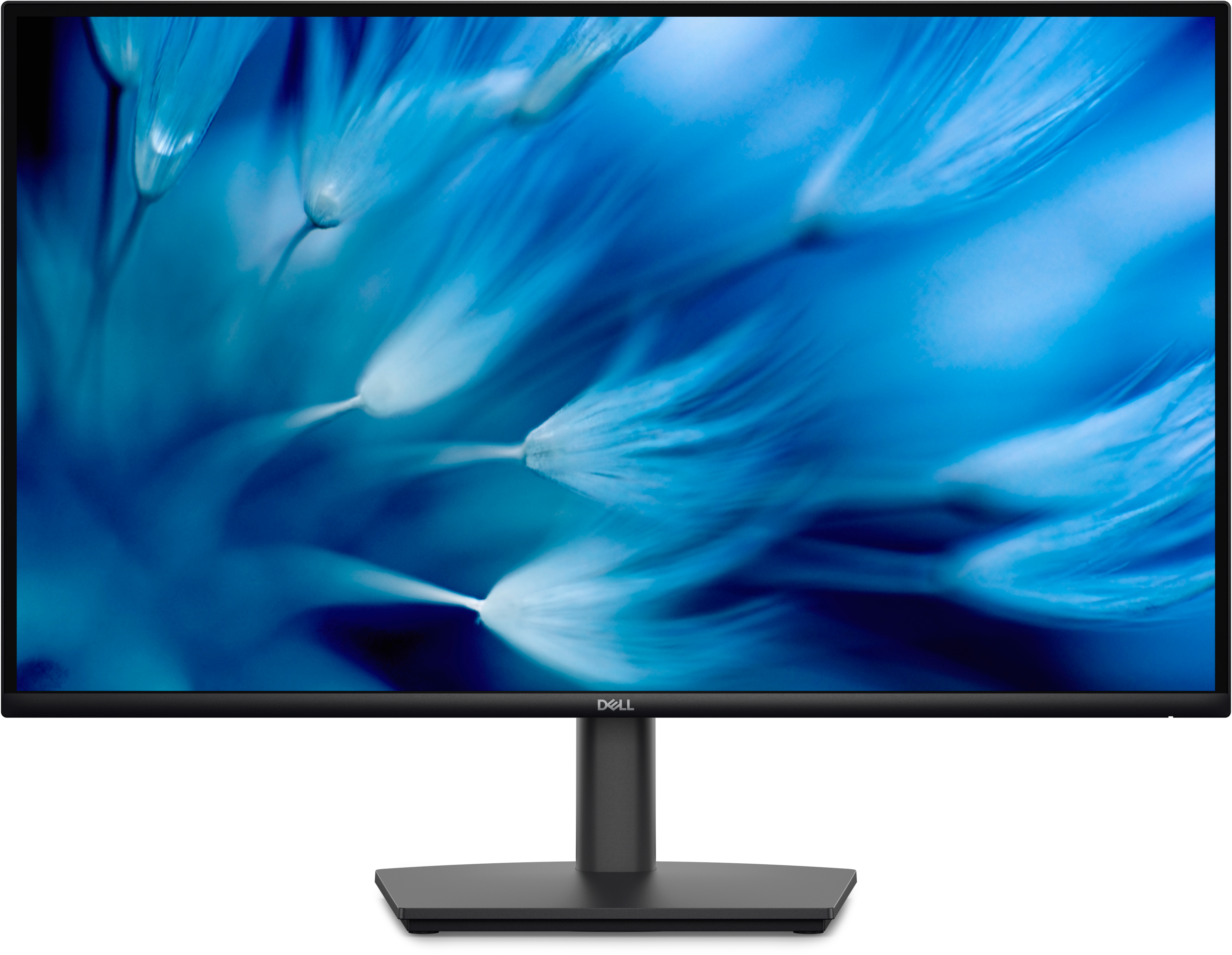
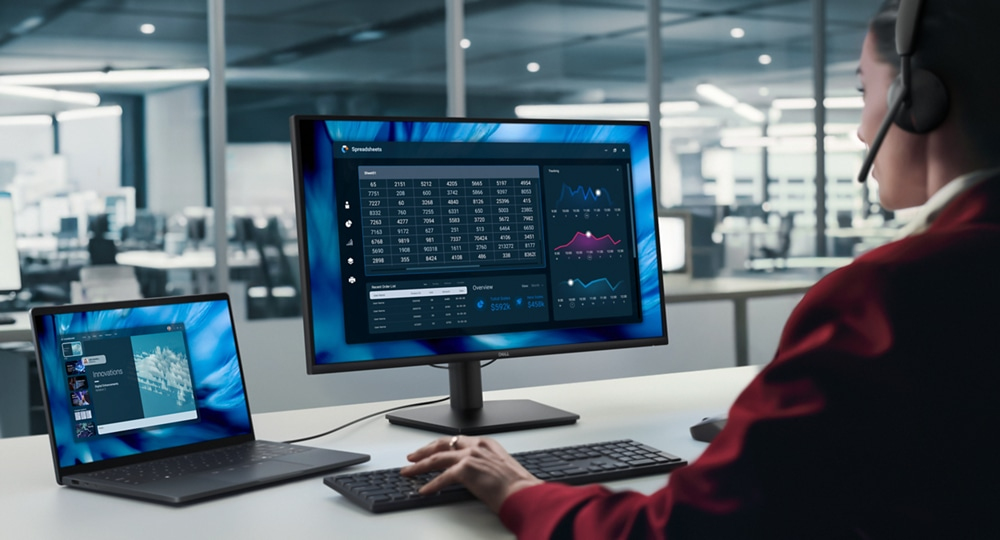
Dell’s Pro E2726DS is the kind of 27-inch office monitor you buy when you want “boring-but-reliable” rather than showy. At £162 ex-VAT it’s decent value for Quad HD in a business setting—sharp enough to make spreadsheets, dashboards, and side-by-side documents feel comfortable without the cost jumping to higher-end models. If your team works mostly in standard Windows apps (Office, browser-heavy workflows, admin systems) this should deliver a solid day-to-day experience, and Dell’s Pro line is generally good for desks that need something that just keeps working.
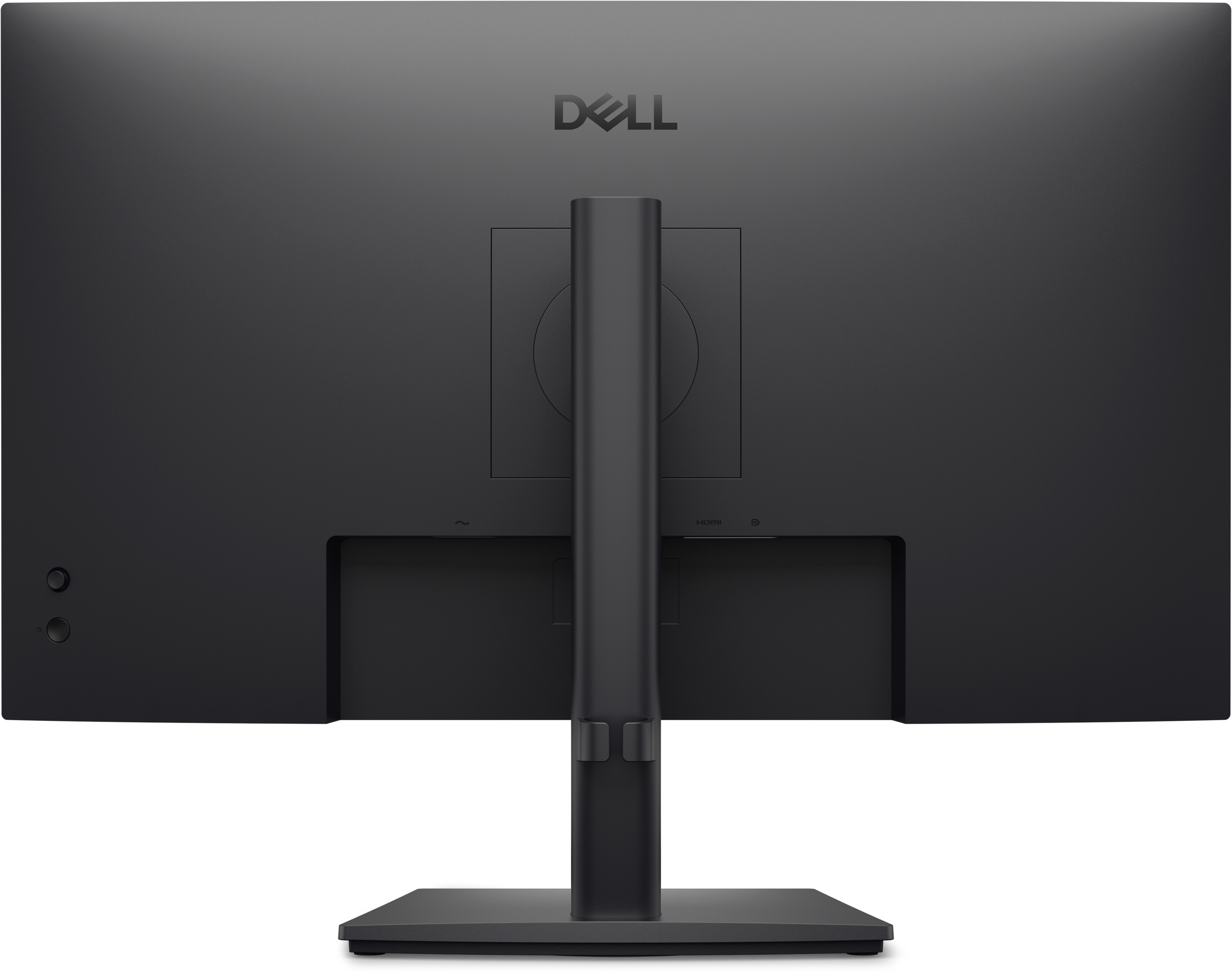
That said, I wouldn’t pick it if you’re a creative user chasing the best colour accuracy, gaming responsiveness, or premium ergonomics—this is more “work monitor” than “enthusiast monitor.” Also, if you’re planning to run lots of cables and docking from a single setup, you’ll want to double-check the connectivity options you actually need (ports and how it integrates with your laptop docking), because cheap mistakes there cost more in time than in money. Overall: a sensible buy for office staff and general business use at this price, but not the one to choose if your work demands top-tier visual performance.
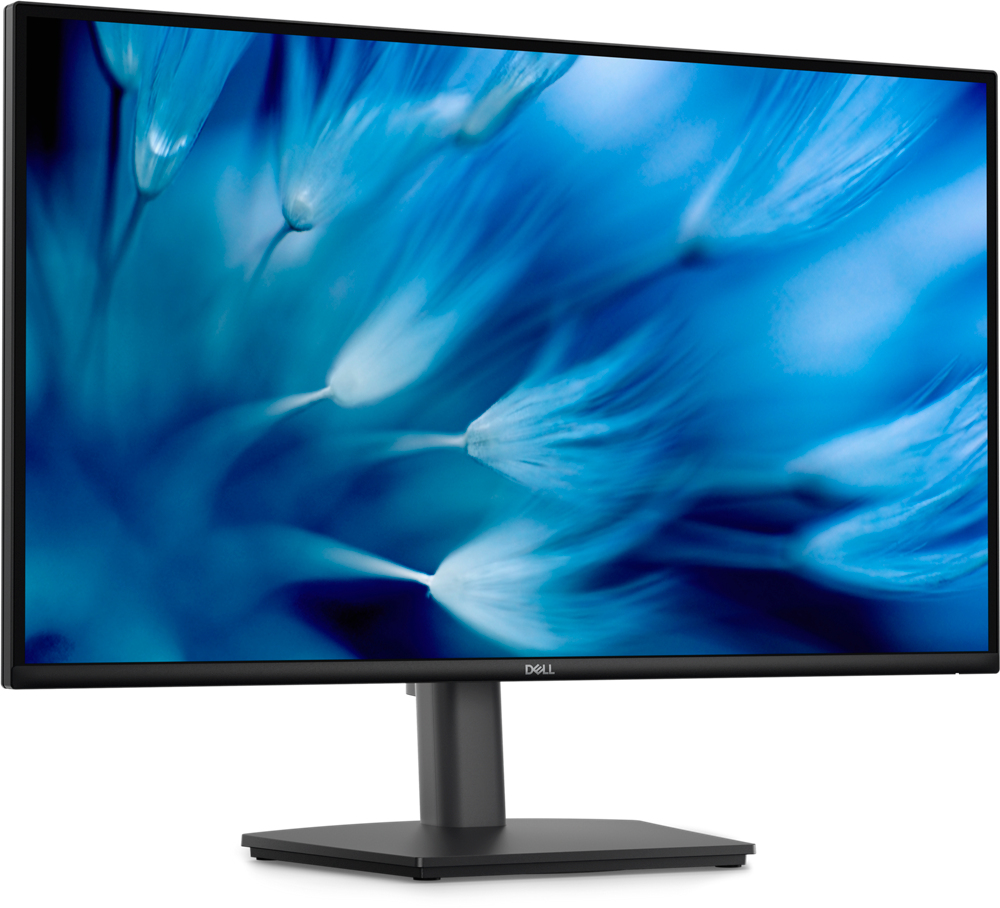
An improved viewing experience
Work with a high 100Hz refresh rate across your tasks, supported by a TÜV Rheinland 3-star certified viewing experience coupled with ComfortView Plus.
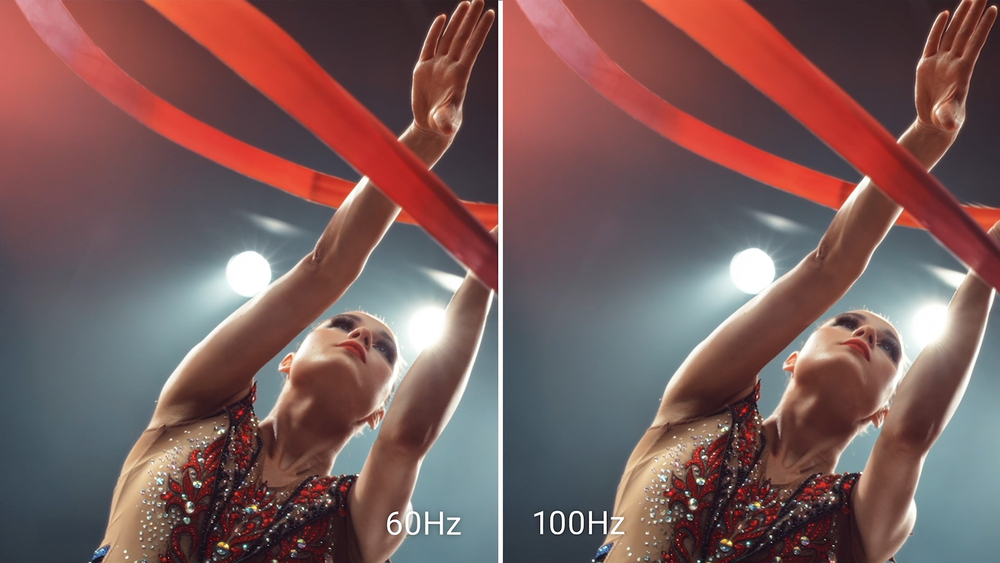
High refresh rate
A high 100Hz refresh rate delivers less flicker, more seamless scrolling and smoother motion.

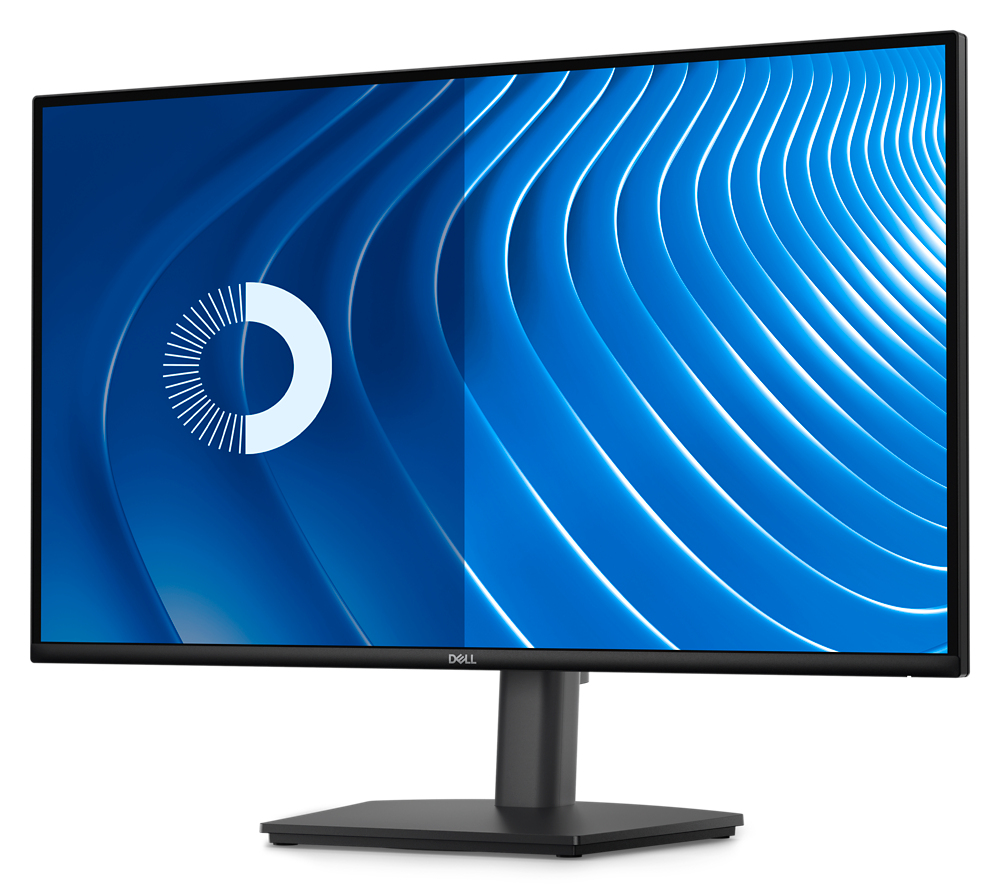
ComfortView Plus
Minimise harmful blue light exposure without sacrificing colour accuracy with Dell’s always-on, built-in ComfortView Plus. See the difference when ComfortView Plus helps dial back the yellow hues ...
Dependable from every angle
QHD Resolution 2560 x 1440 resolution makes every detail stand out. Wide viewing angle With In-Plane Switching (IPS) technology, you get consistent views across a wide 178°/178° viewing angle. Ul...
Functional, space-saving design
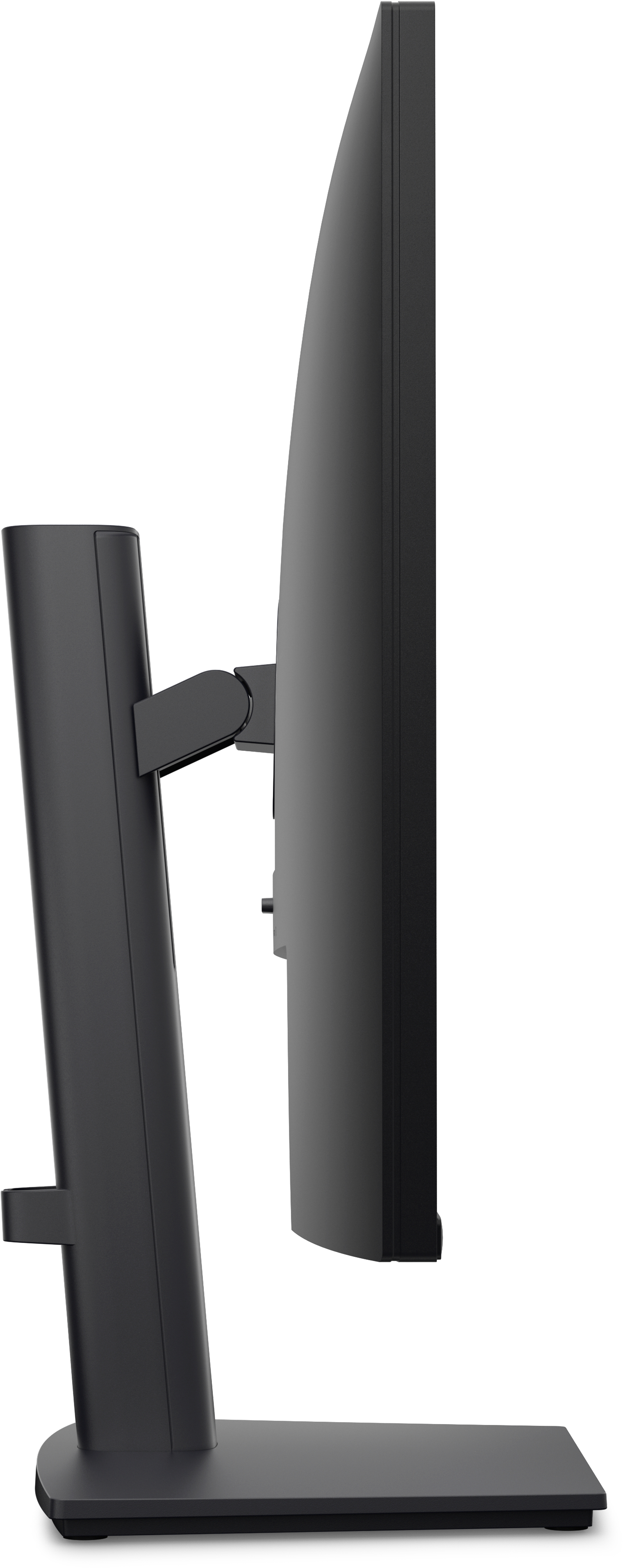
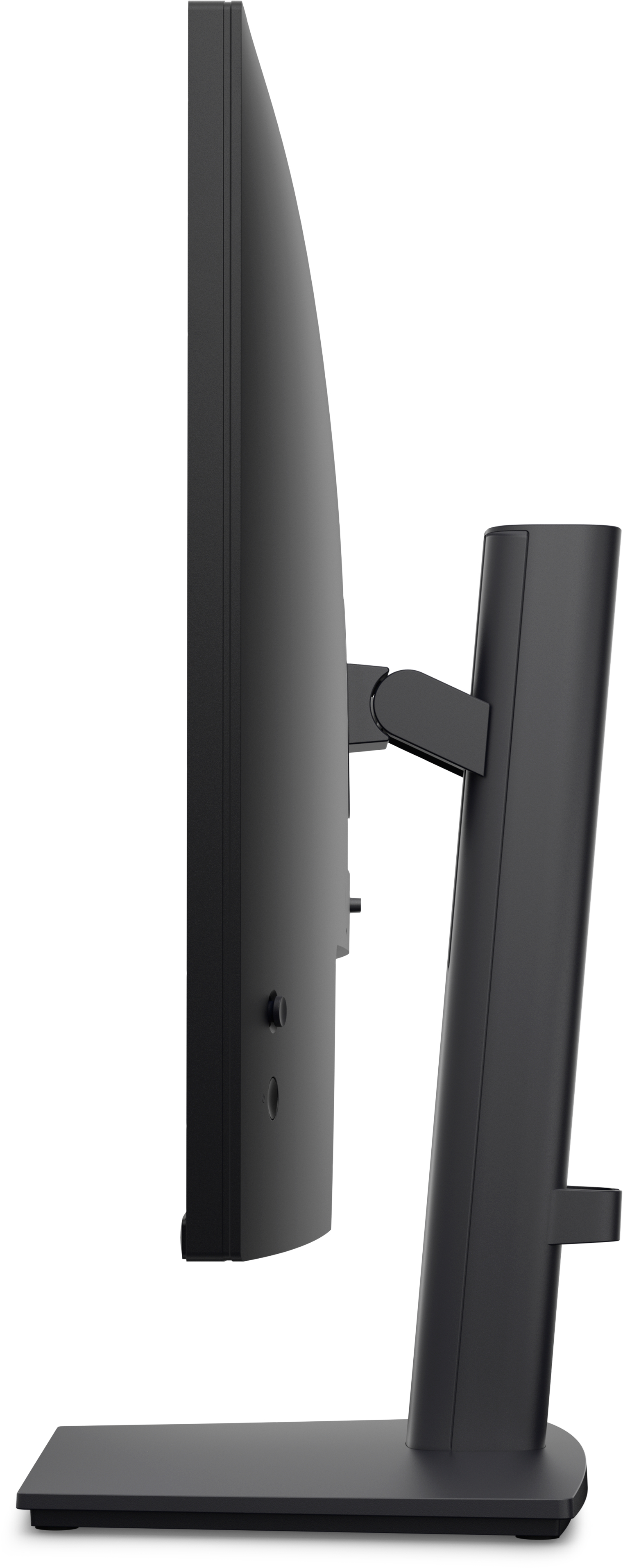
Adapts to your needs Work comfortably with a height-adjustable stand that extends up to 5.1 inches (130 mm). Suitable for any desk size with versatile VESA-compatible mounts and stands. Convenient ...
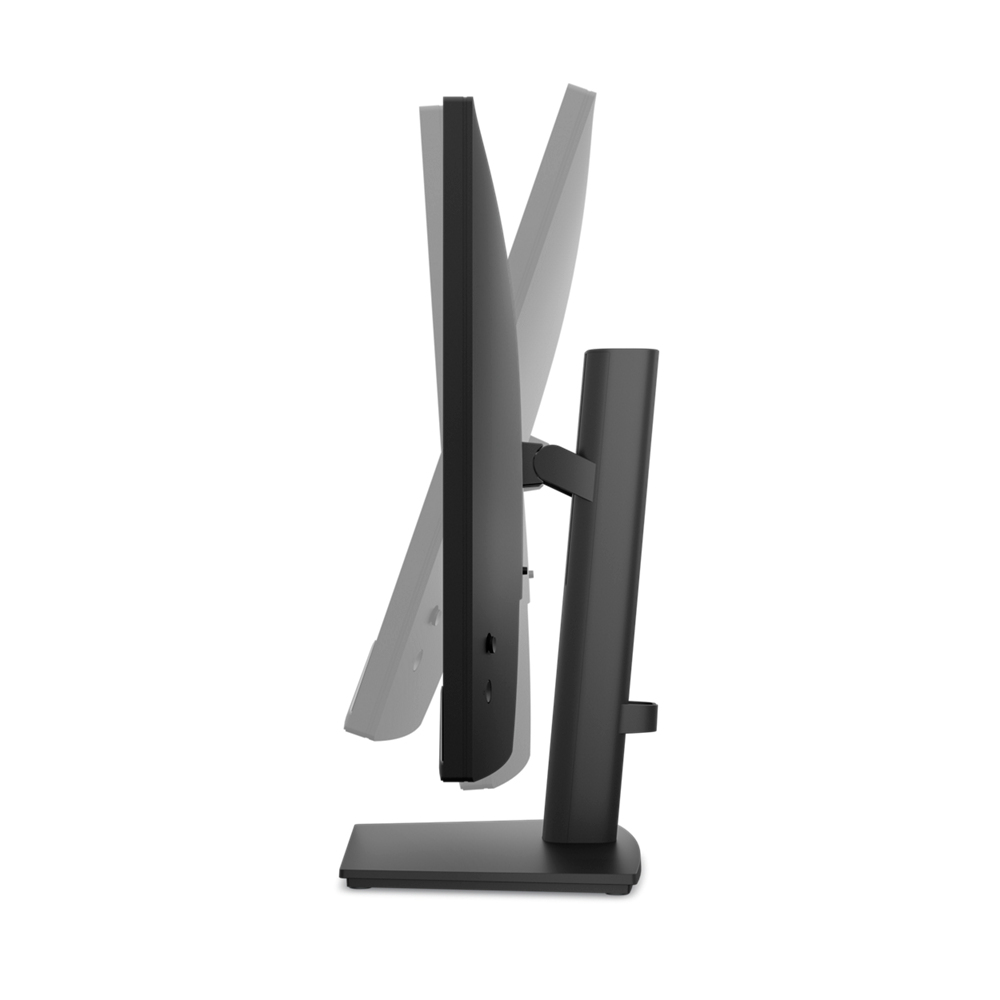
Tilt
-5°/+21°
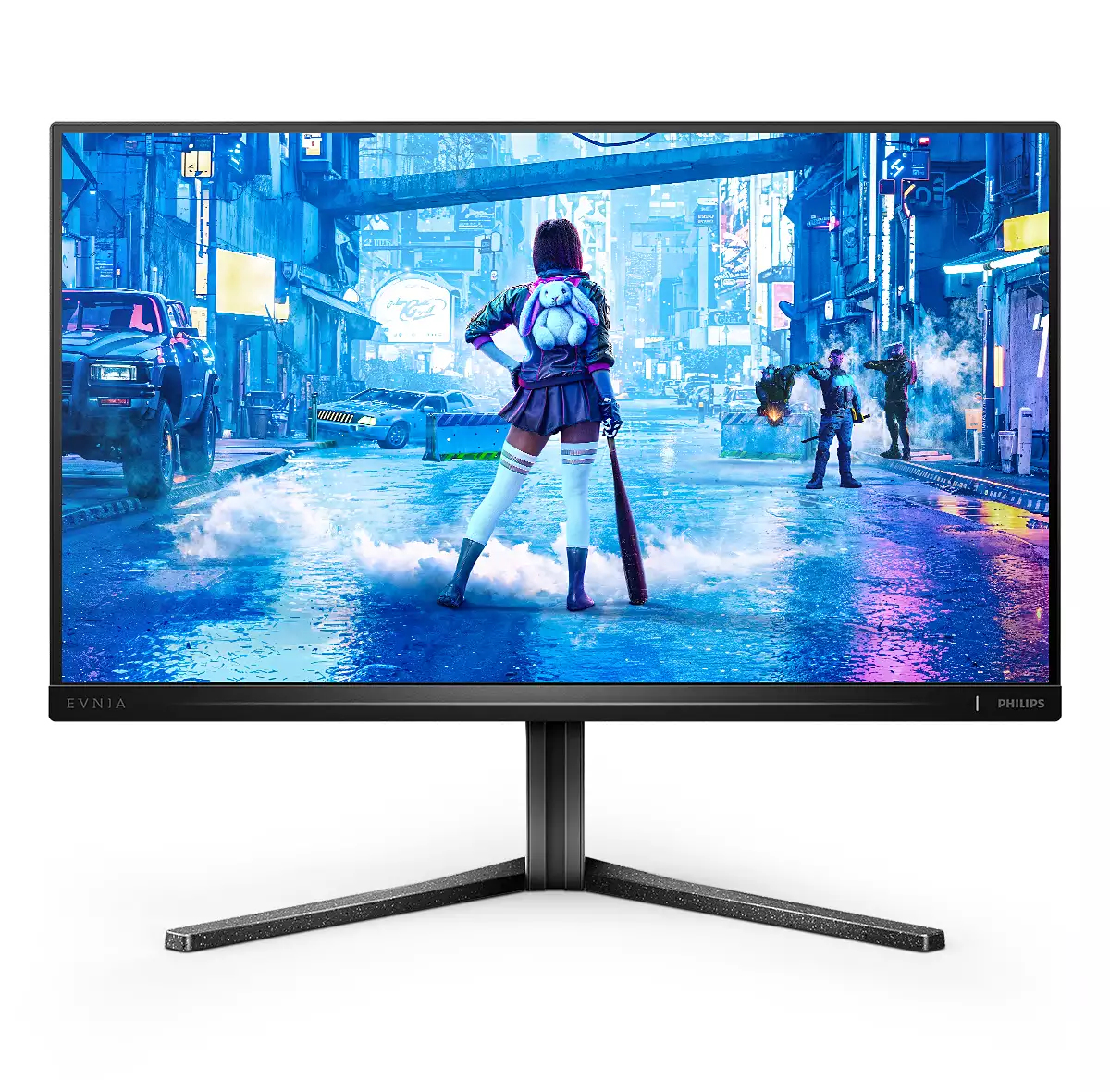
Philips
Philips Evnia 5000 25M2N5200P - LED monitor - gaming - 24.5" - 1920 x 1080 Full HD (1080p) @ 240 Hz - IPS - 400 cd/m� - 1000:1 - HDR10 - 0.5 ms - 2xHDMI, DisplayPort - dark slate
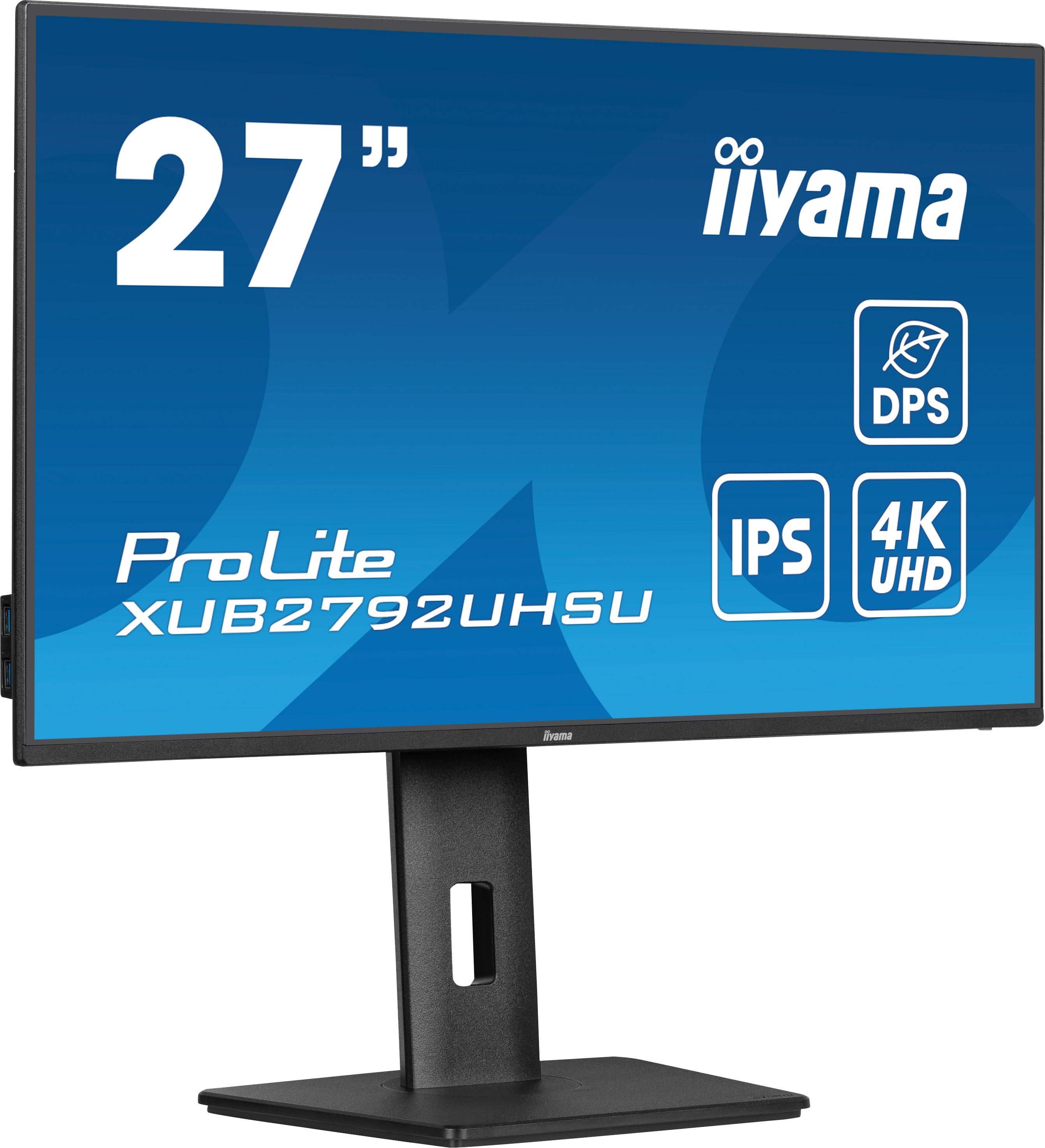
Iiyama
iiyama ProLite XUB2792UHSU-B6 - LED monitor - 27" - 3840 x 2160 4K @ 60 Hz - IPS - 350 cd/m� - 1300:1 - 4 ms - HDMI, DisplayPort, USB-C - speakers - matte black
AOC
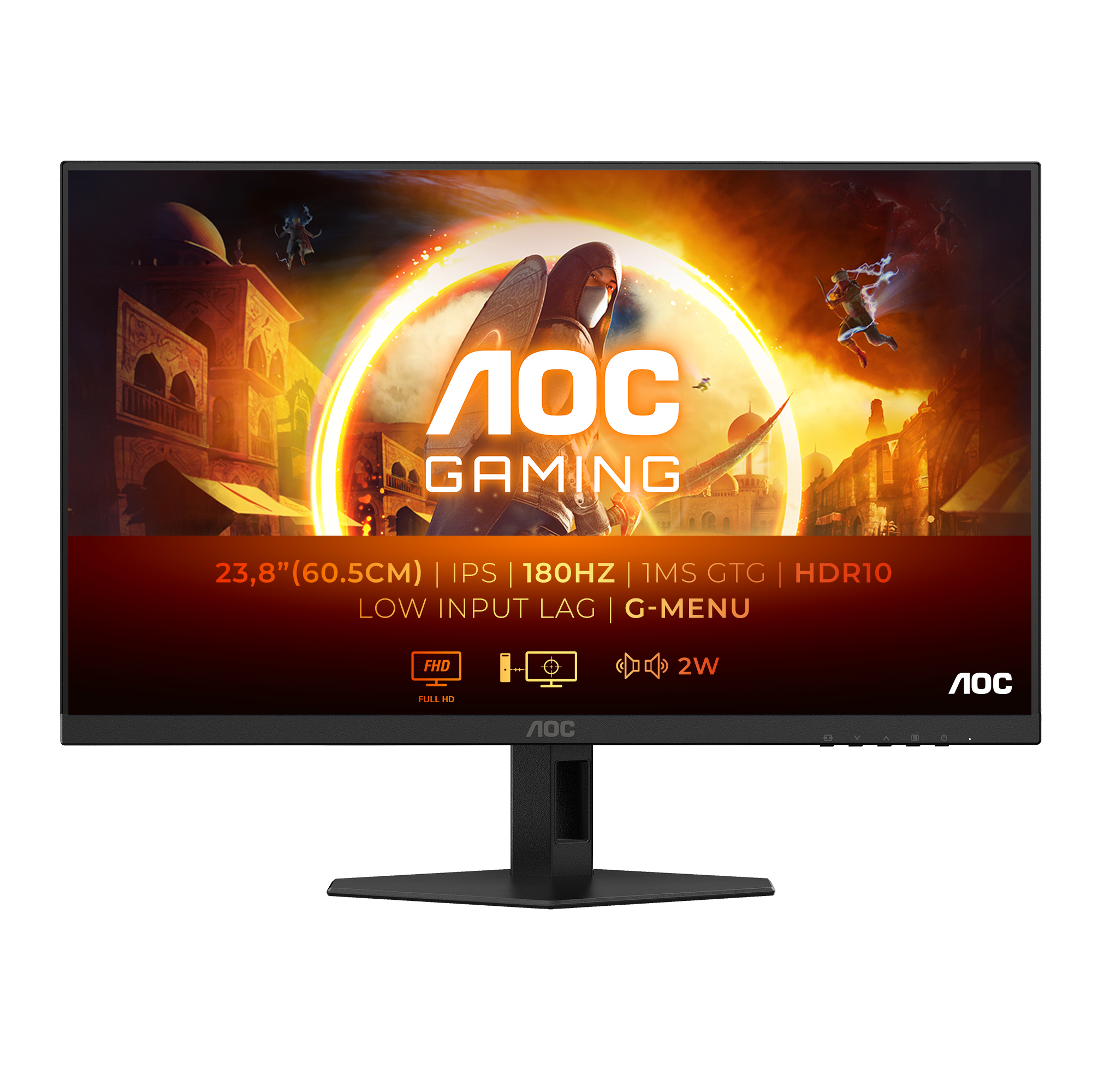
AOC Gaming 24G4XE - G4 Series - LED monitor - gaming - 24" (23.8" viewable) - 1920 x 1080 Full HD (1080p) @ 180 Hz - Fast IPS - 300 cd/m� - 1000:1 - HDR10 - 0.5 ms - 2xHDMI, DisplayPort - speakers - black
MSI
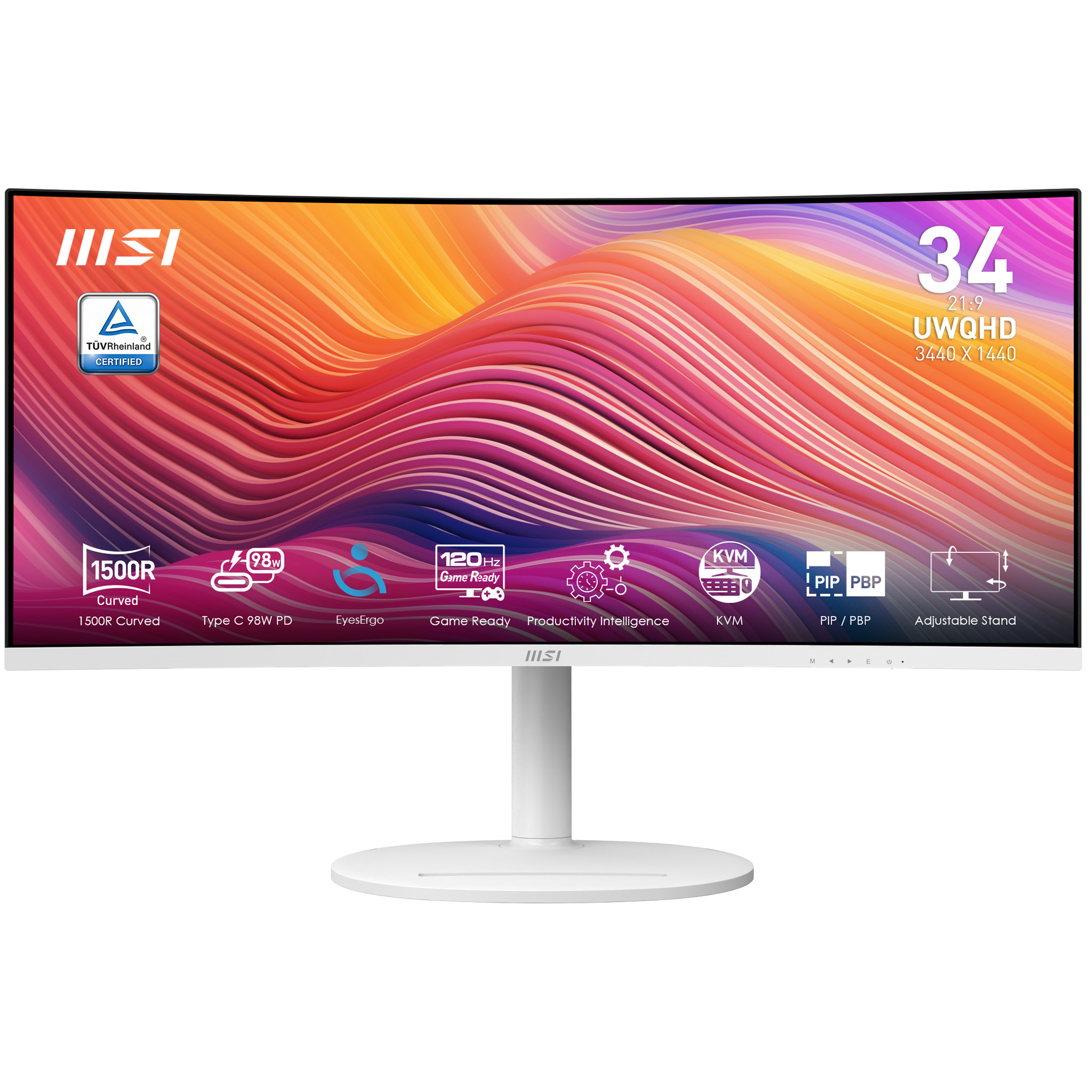
MSI Modern MD342CQPW - LED monitor - curved - 34" - 3440 x 1440 UWQHD @ 120 Hz - VA - 300 cd/m� - 3500:1 - 1 ms - 2xHDMI, DisplayPort, USB - speakers