- Azure Cloud
Azure Backup vs Third-Party Backup: Which Should You Use?
11 Mar, 2026
£311.62 inc. VAT
AI-generated summary
Honestly, at **£260.83 ex-VAT for 4GB DDR4 ECC SO-DIMM**, this is a tough sell for anything but a very specific Synology path. The reason is simple: memory is memory in day-to-day use, and the only time you pay a premium like that is when you *need* the exact compatibility Synology demands for stability and support. If your **DS2422+** is short on headroom and you’ve already tried cheaper upgrade routes (or you’re constrained by Synology’s supported DIMM list), then buying the right **ECC, unbuffered SO-DIMM** can be worth it to avoid weird behavior and “will it work?” downtime.
Who should buy it: **Synology DS2422+ admins** who want predictable performance under load (VMs, iSCSI, heavy indexing, frequent metadata operations) and are upgrading exactly within Synology’s supported memory specs. Who should *not* buy it: anyone looking for a general-purpose bargain memory upgrade—**the price-per-GB here is high**, so you’ll usually get better value by comparing total upgrade cost across *all* slots (and buying the right size kit rather than single sticks, when possible). If you tell me your current RAM and how many modules are installed, I can suggest the most cost-effective upgrade plan.
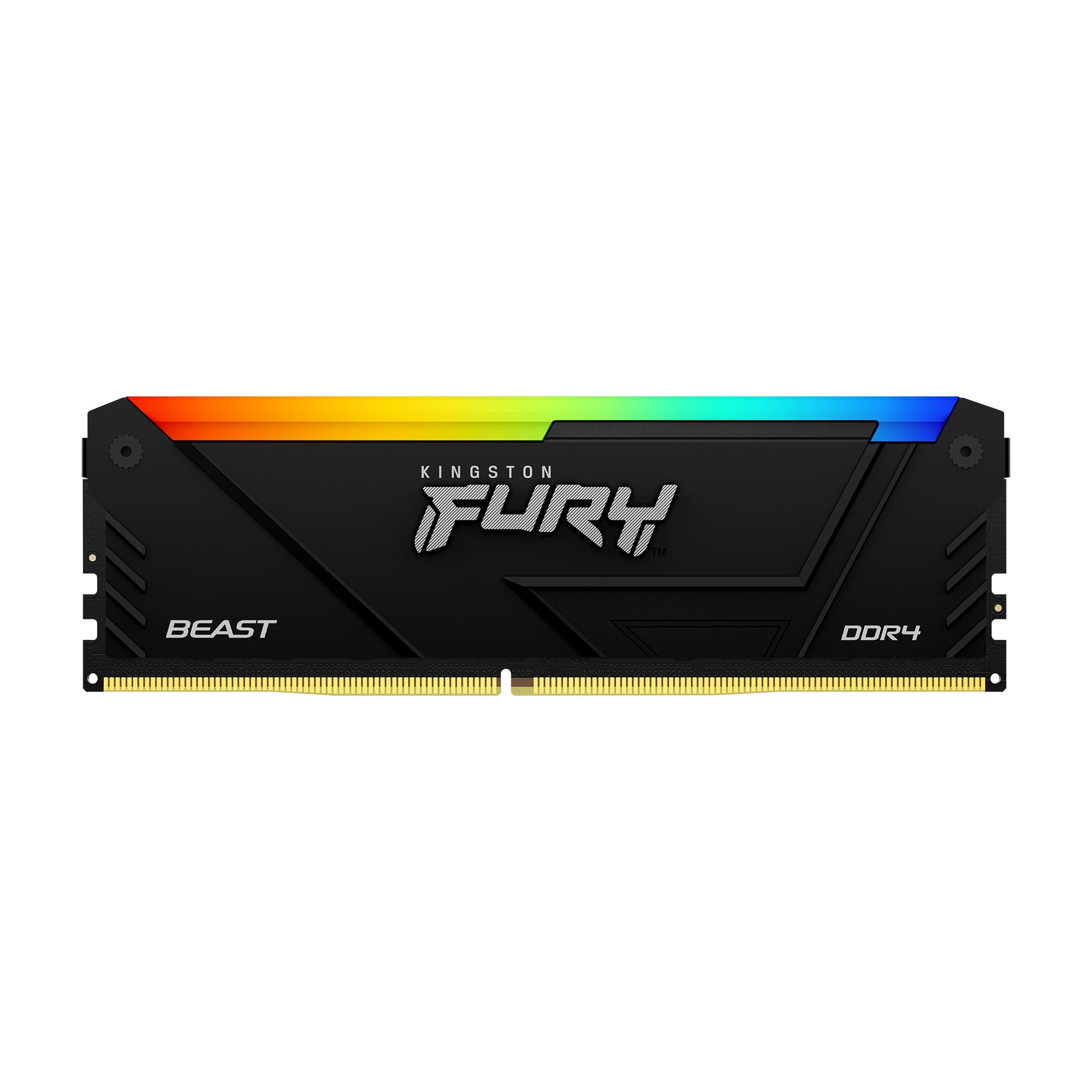
Kingston
Kingston FURY Beast RGB - DDR4 - module - 8 GB - DIMM 288-pin - 3600 MT/s / PC4-28800 - CL17 - 1.35 V - unbuffered - non-ECC

HP
16GB DDR5 5600 NECC Memory
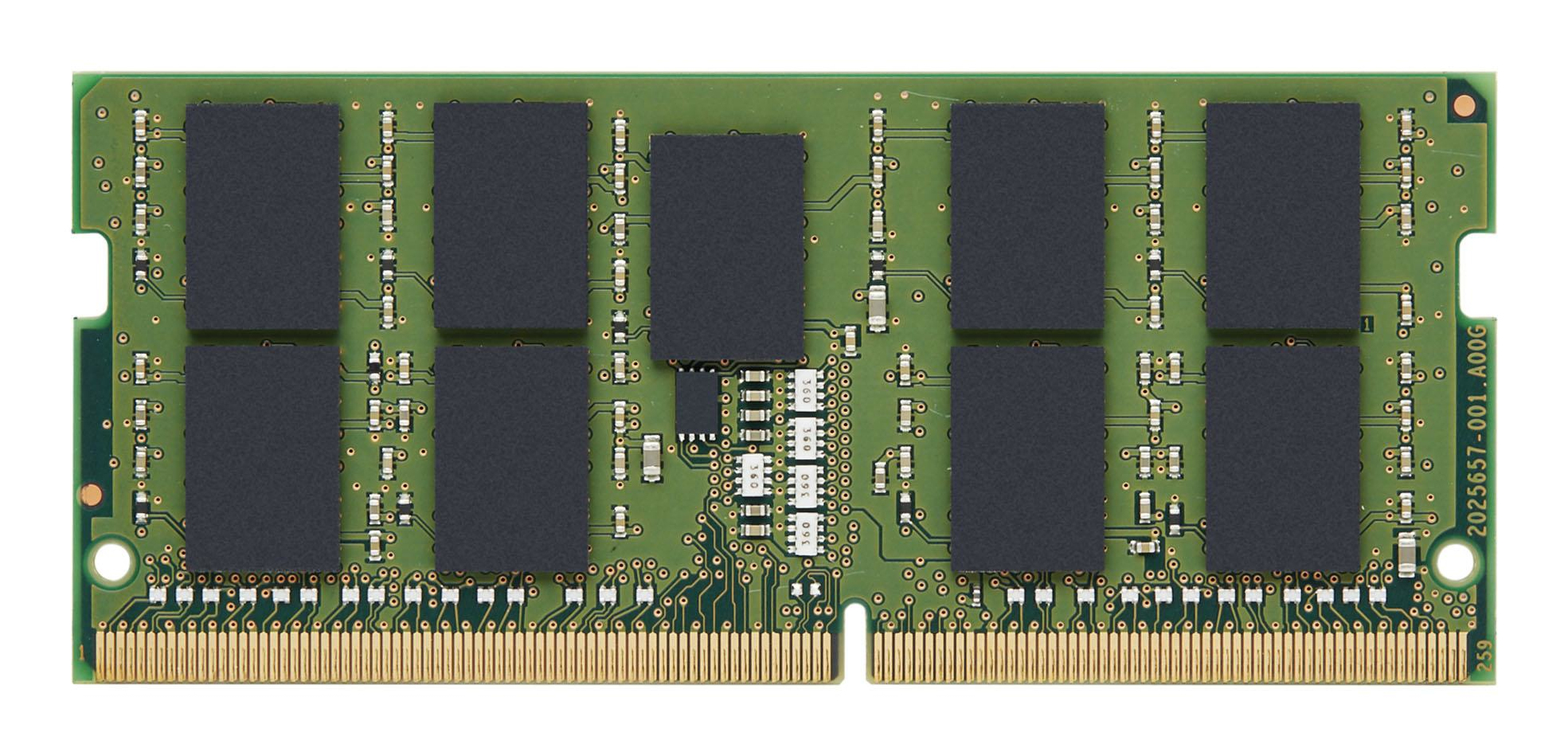
Kingston
Kingston - DDR4 - module - 32 GB - SO-DIMM 260-pin - 3200 MHz / PC4-25600 - CL22 - 1.2 V - unbuffered - ECC - for HP ZBook Fury 15 G8 Mobile Workstation, 17 G8 Mobile Workstation
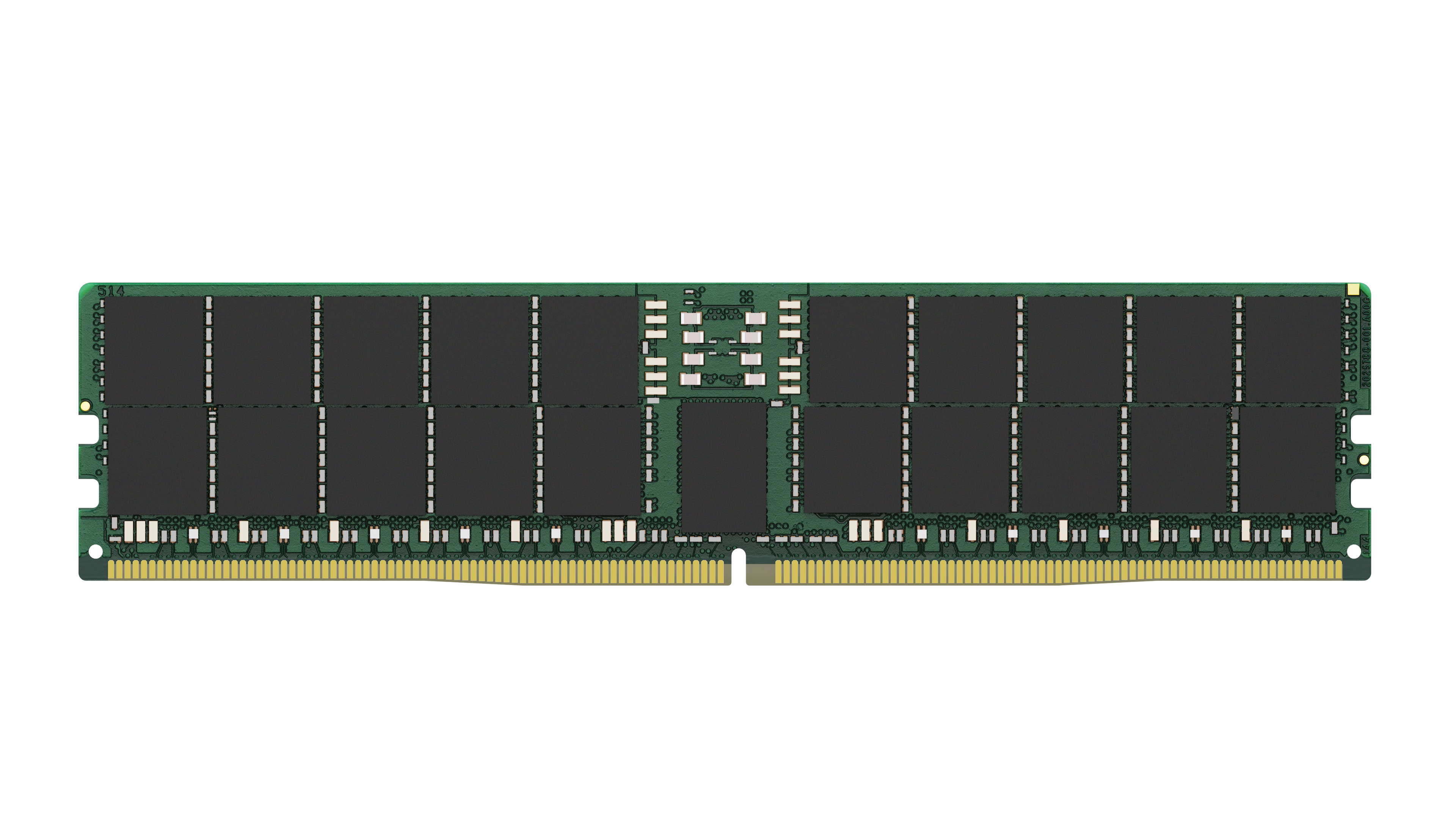
Kingston
Kingston - DDR5 - module - 128 GB - DIMM 288-pin - 6400 MT/s / PC5-25600 - CL52 - 1.1 V - registered - ECC