- Cyber Security
How to Secure Remote Workers and Home Offices
13 Aug, 2025
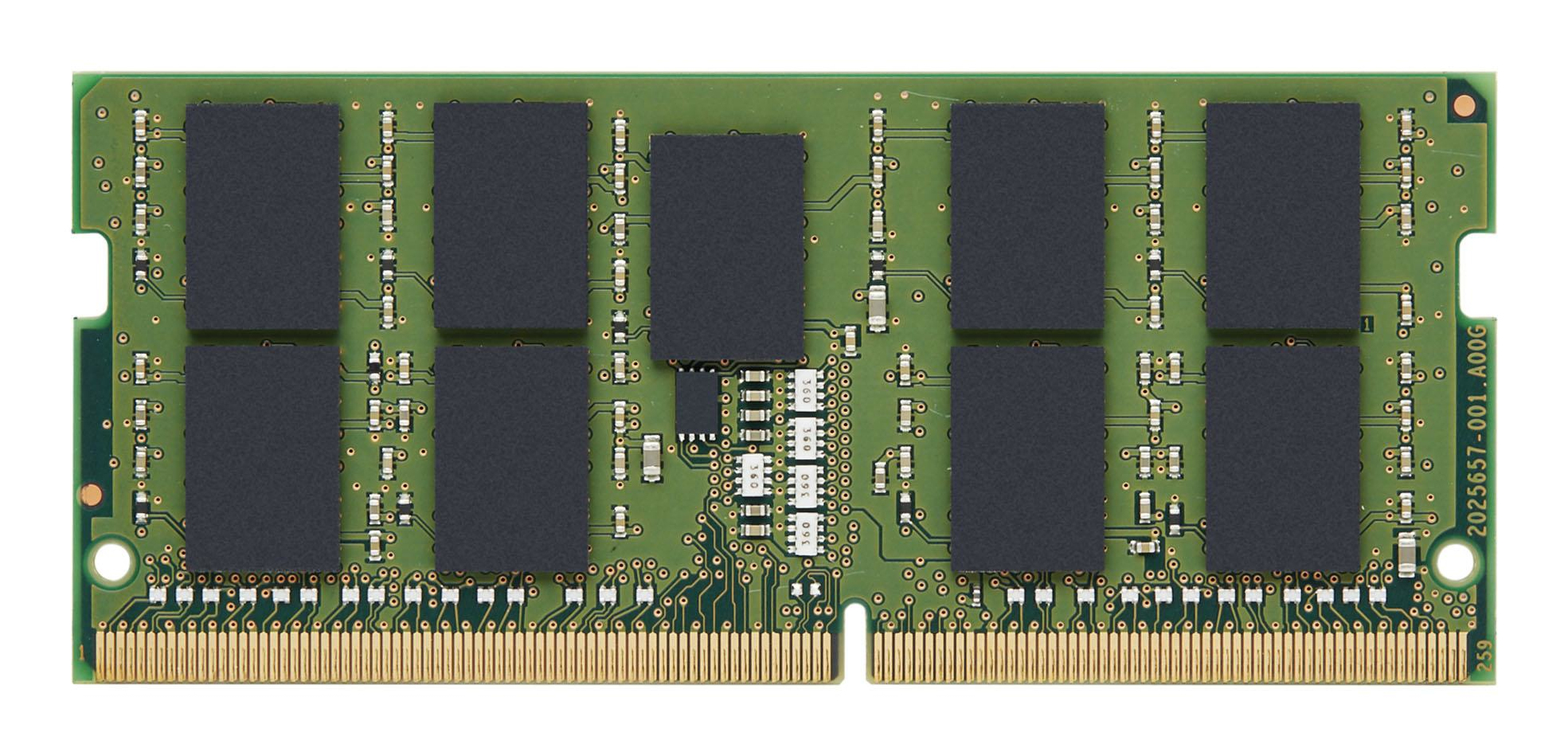
£385.87 inc. VAT
AI-generated summary
Kingston’s KTH-PN432E/32G DDR4 SO-DIMM is the sort of “boring but dependable” upgrade you buy when you know exactly what you’re fitting it into. The ECC part is the big selling point in real use: if you’re running a server-ish workload, virtualization, or you just want extra error checking in a mission-critical environment, this is the kind of memory that won’t make you second-guess stability later. Kingston is also generally consistent with compatibility compared to cheaper no-name sticks, which matters when you’re trying to avoid downtime.
That said, £321.47 ex-VAT for a 32GB DDR4 module is only good value if you truly need ECC *and* your specific platform supports it (and supports it in the way you’re expecting—SO-DIMM ECC can be picky depending on the laptop/workstation/server model). If your use is purely office, dev boxes with no strong uptime concerns, or general desktop workloads, you’ll likely pay this premium for features you won’t feel. For a UK reseller client, I’d recommend it for managed environments and known-compatible systems; I’d avoid it for “maybe it’ll work” upgrades or anywhere ECC isn’t required—there are usually cheaper non-ECC options that do the job.
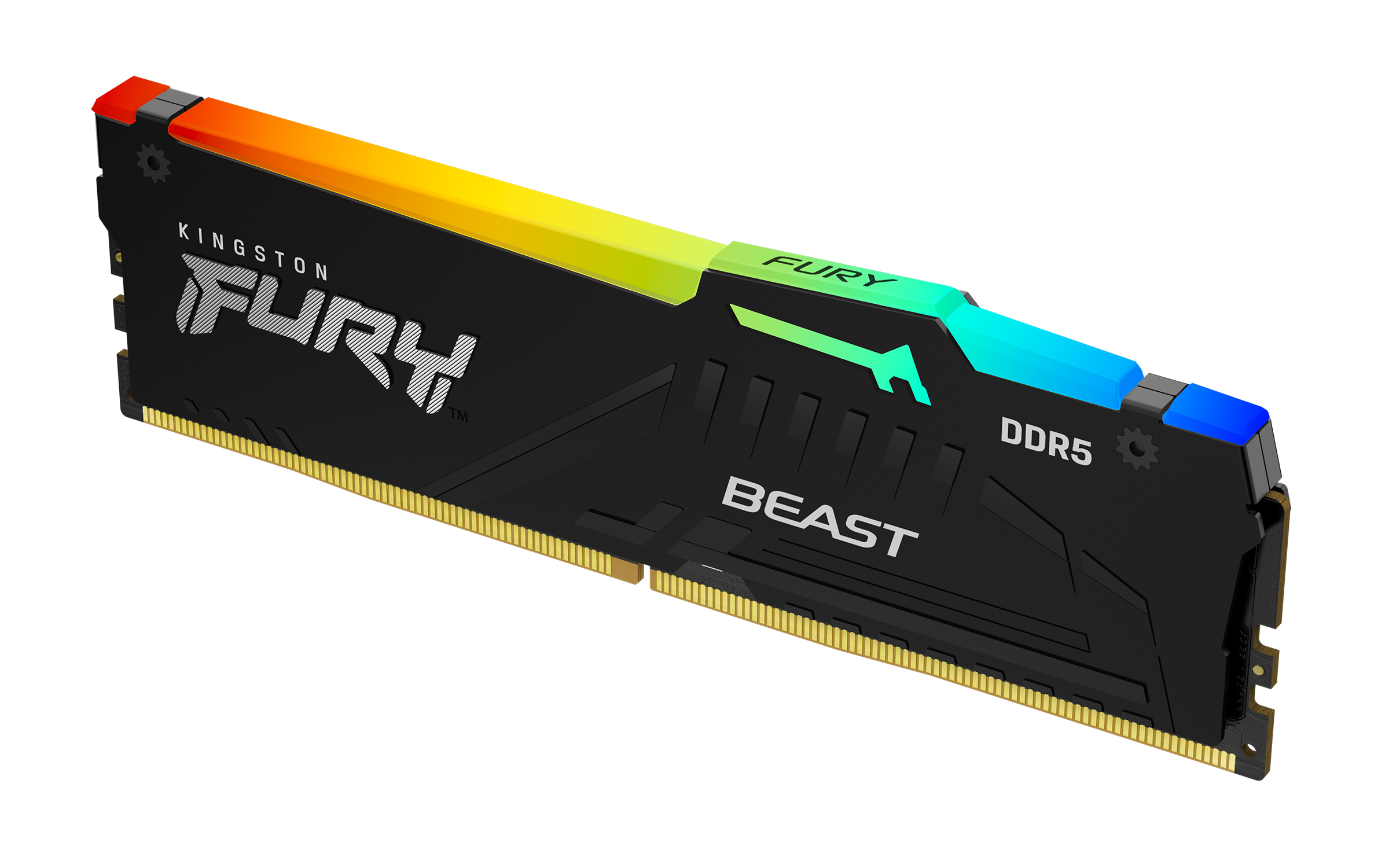
Kingston
Kingston FURY Beast RGB - DDR5 - module - 32 GB - DIMM 288-pin - 6000 MT/s / PC5-48000 - CL36 - 1.35 V - unbuffered - on-die ECC - black
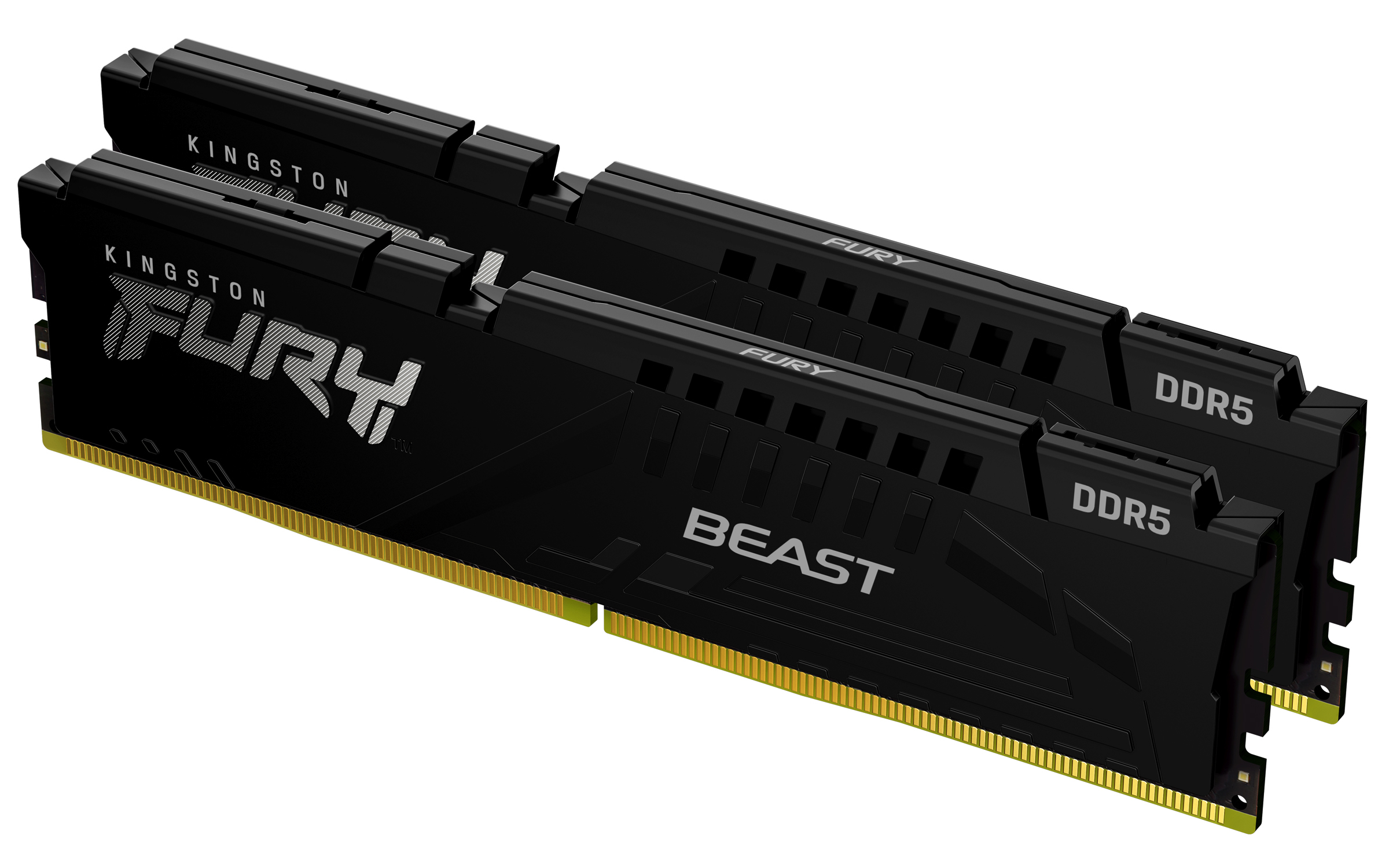
Kingston
Kingston FURY Beast - DDR5 - kit - 64 GB: 2 x 32 GB - DIMM 288-pin - 2800 MHz / PC5-44800 - CL36 - 1.25 V - unbuffered - on-die ECC - black
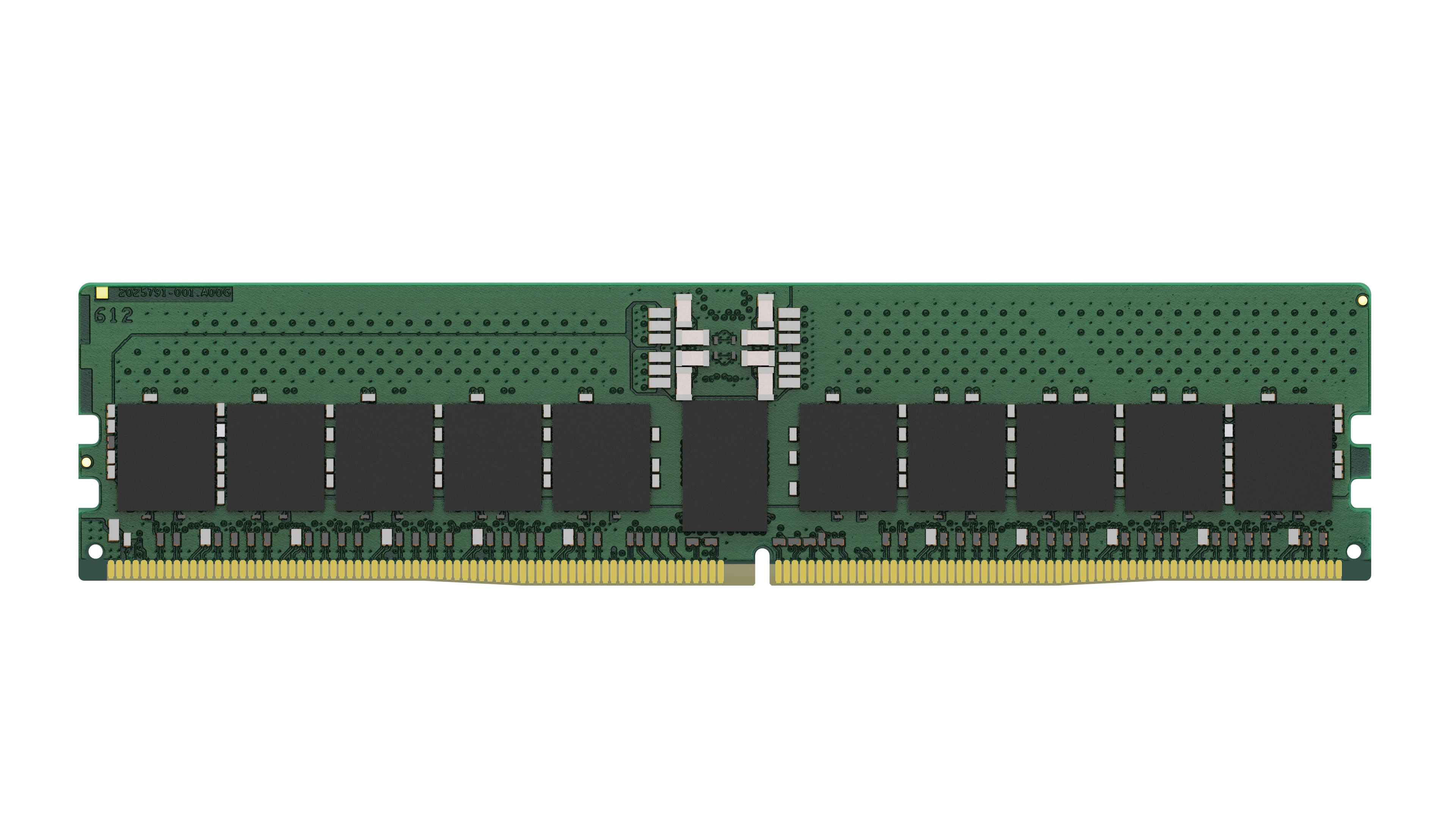
Kingston
Kingston - DDR5 - module - 32 GB - DIMM 288-pin - 5600 MHz / PC5-44800 - CL46 - 1.1 V - registered - ECC
Qnap
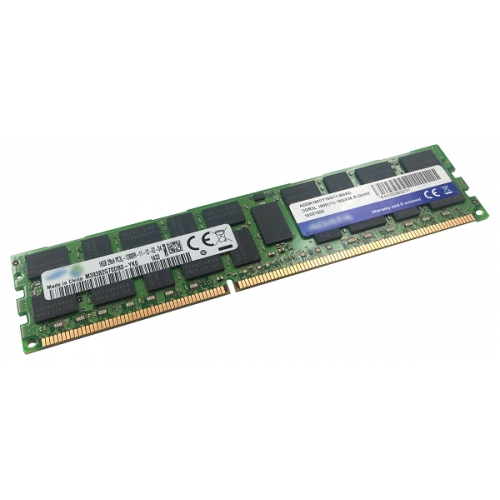
QNAP - DDR3 - module - 16 GB - DIMM 240-pin - 1600 MHz / PC3-12800 - registered - ECC