- Virtual CIO
How to Prioritise IT Projects When Budget is Limited
25 Dec, 2025
£2021.53 inc. VAT
AI-generated summary
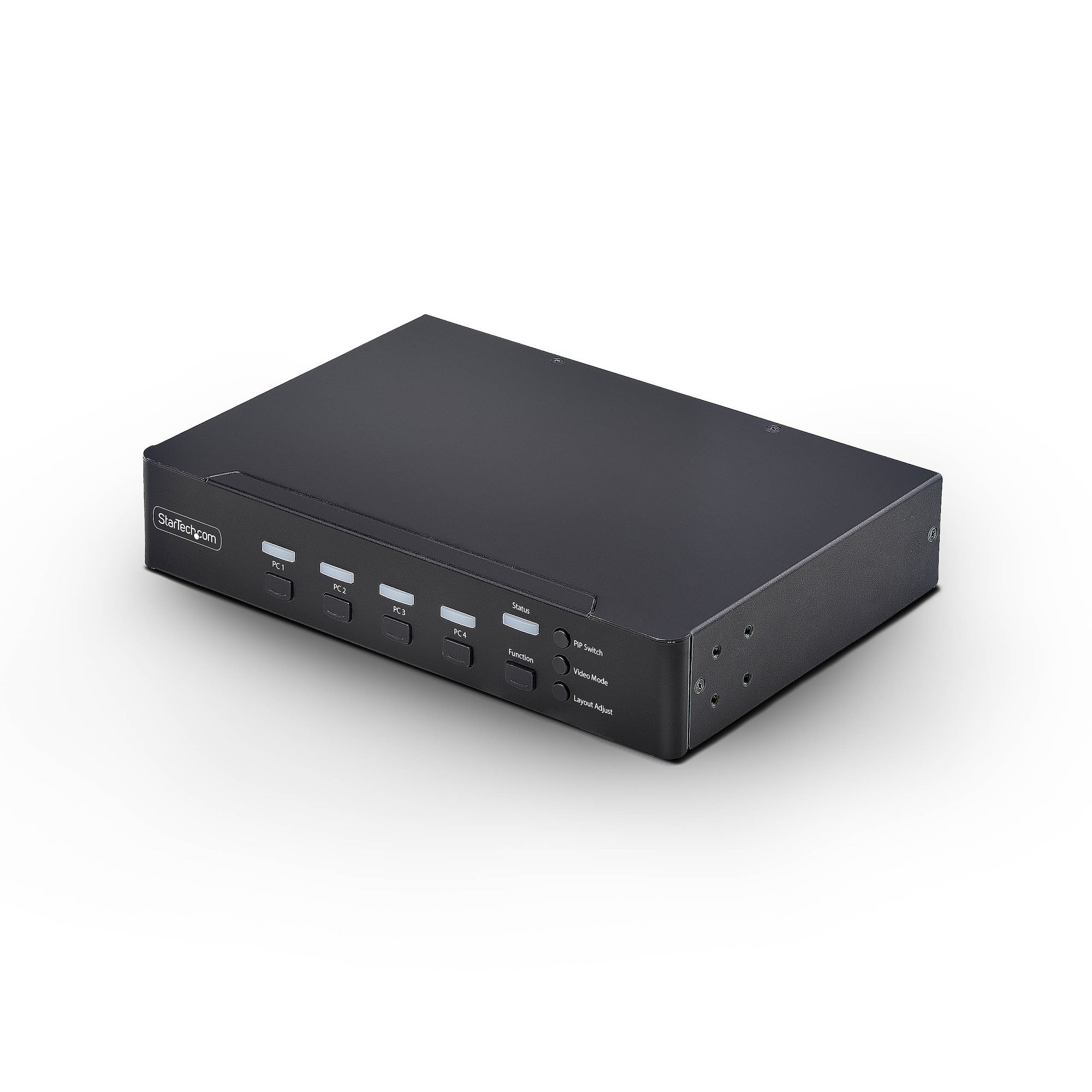
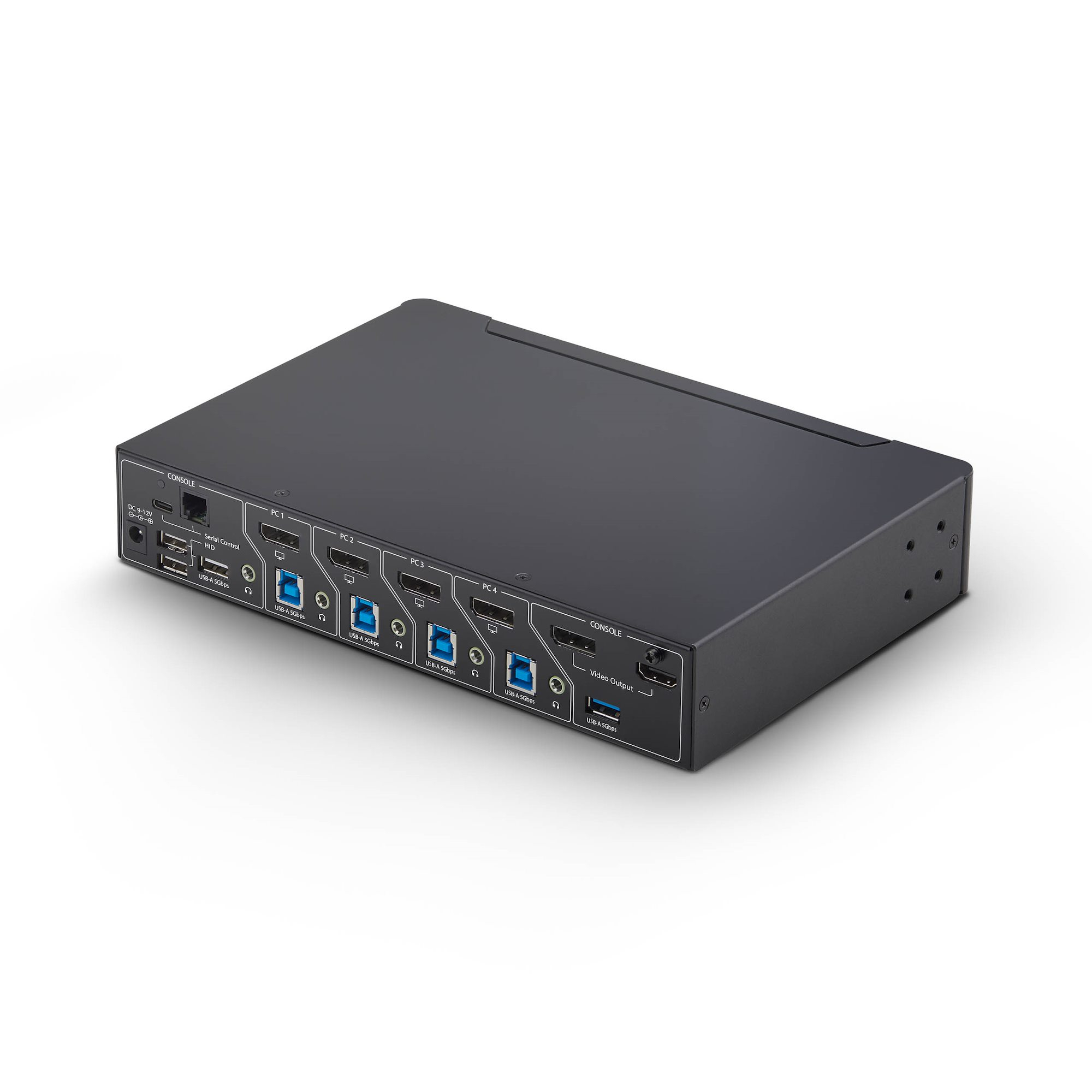
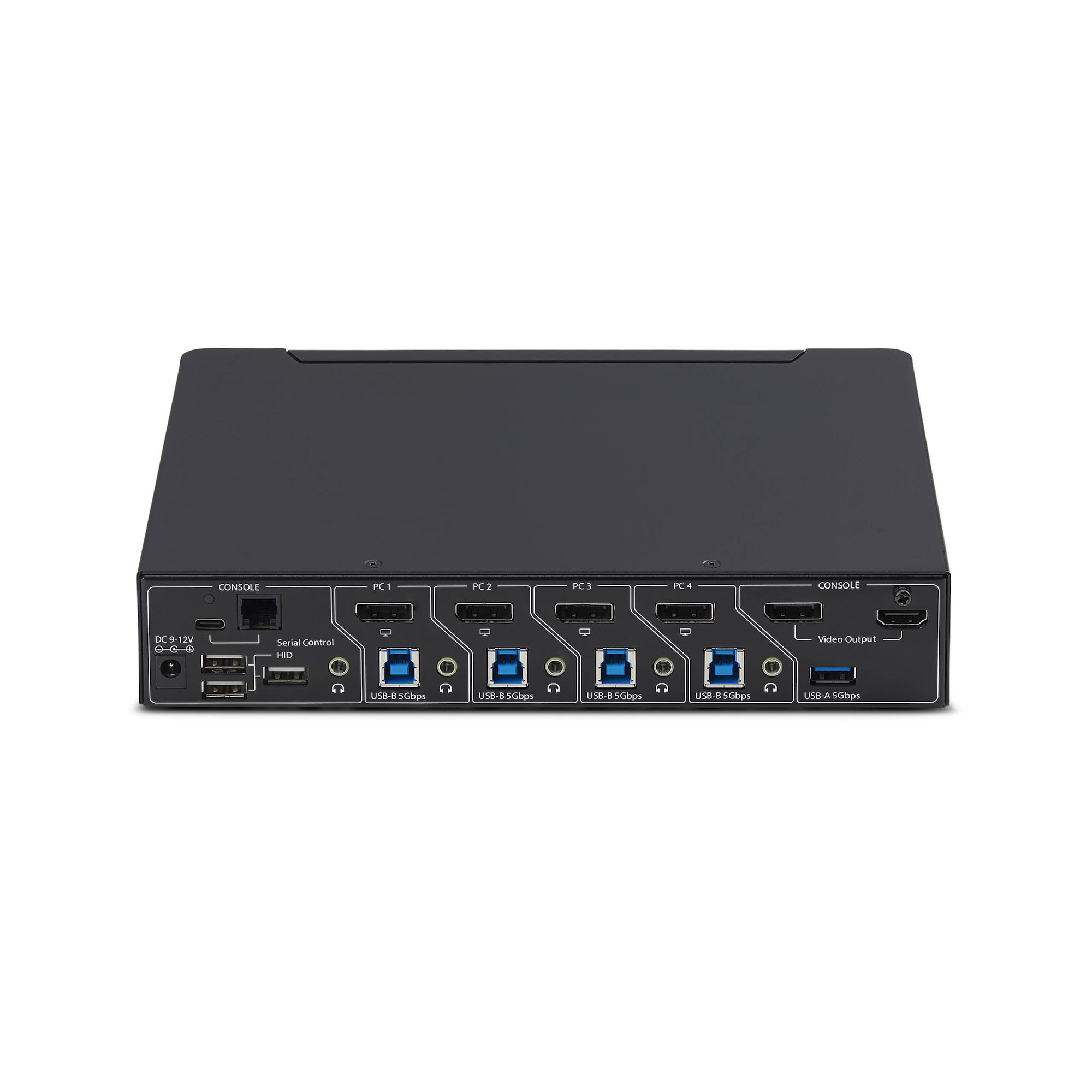
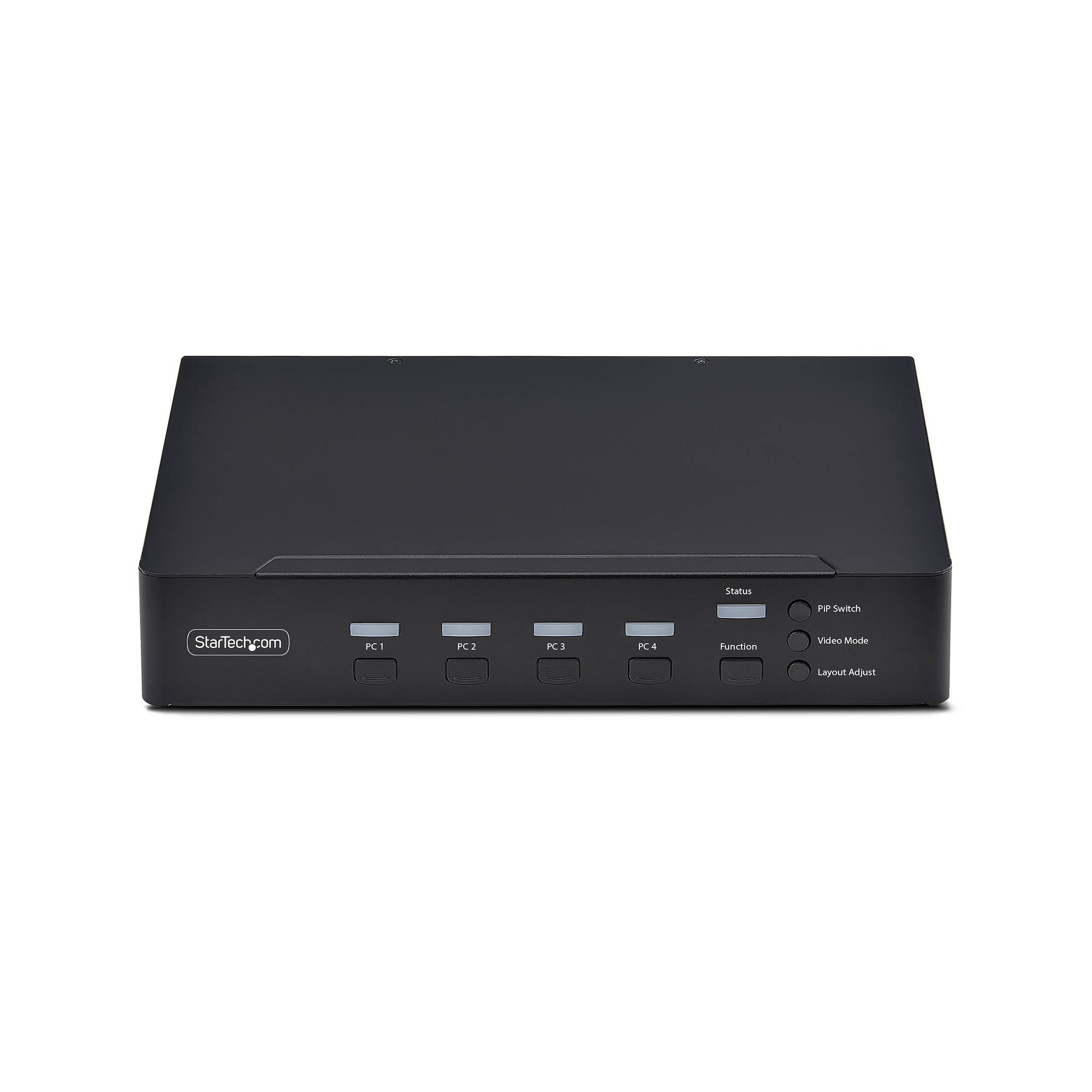
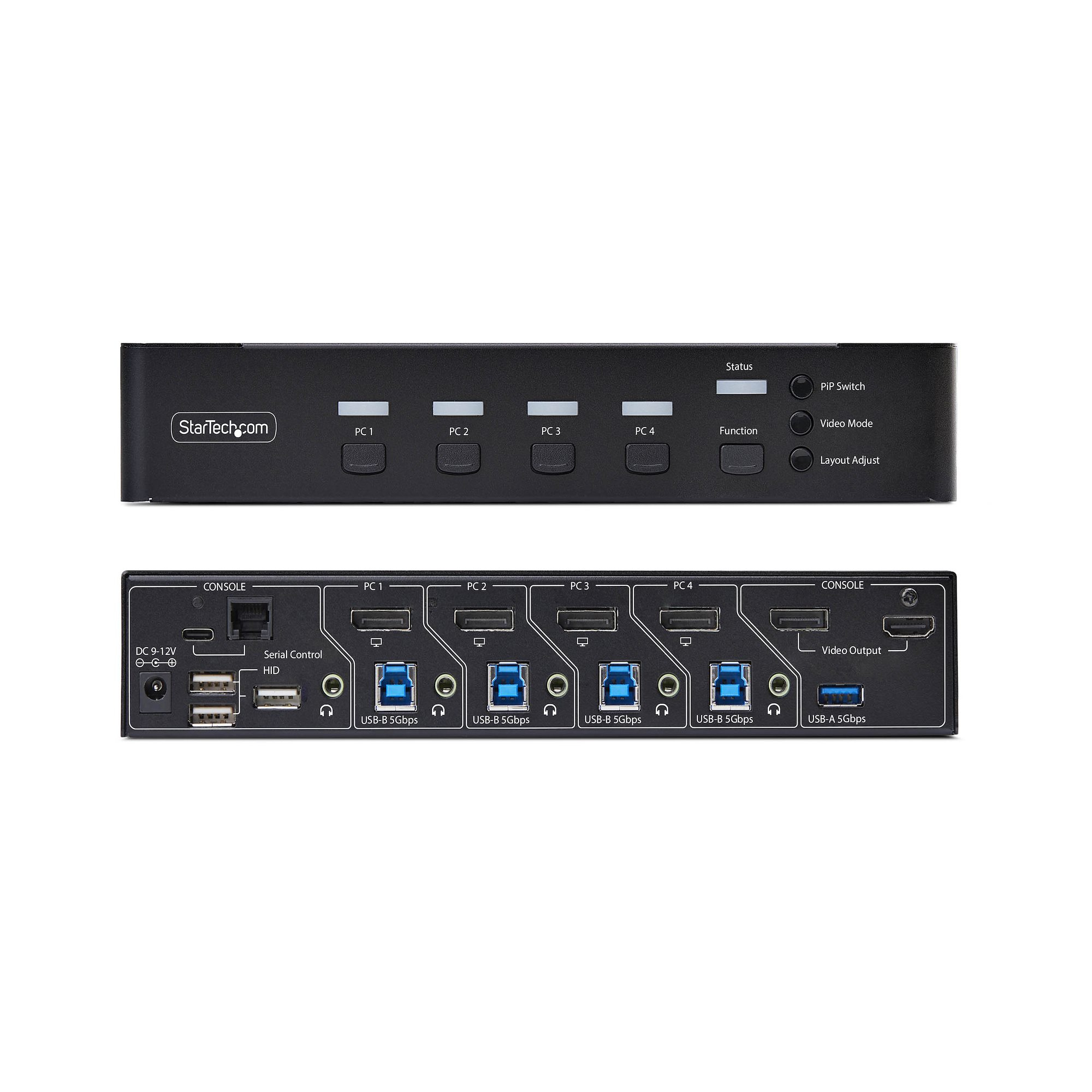
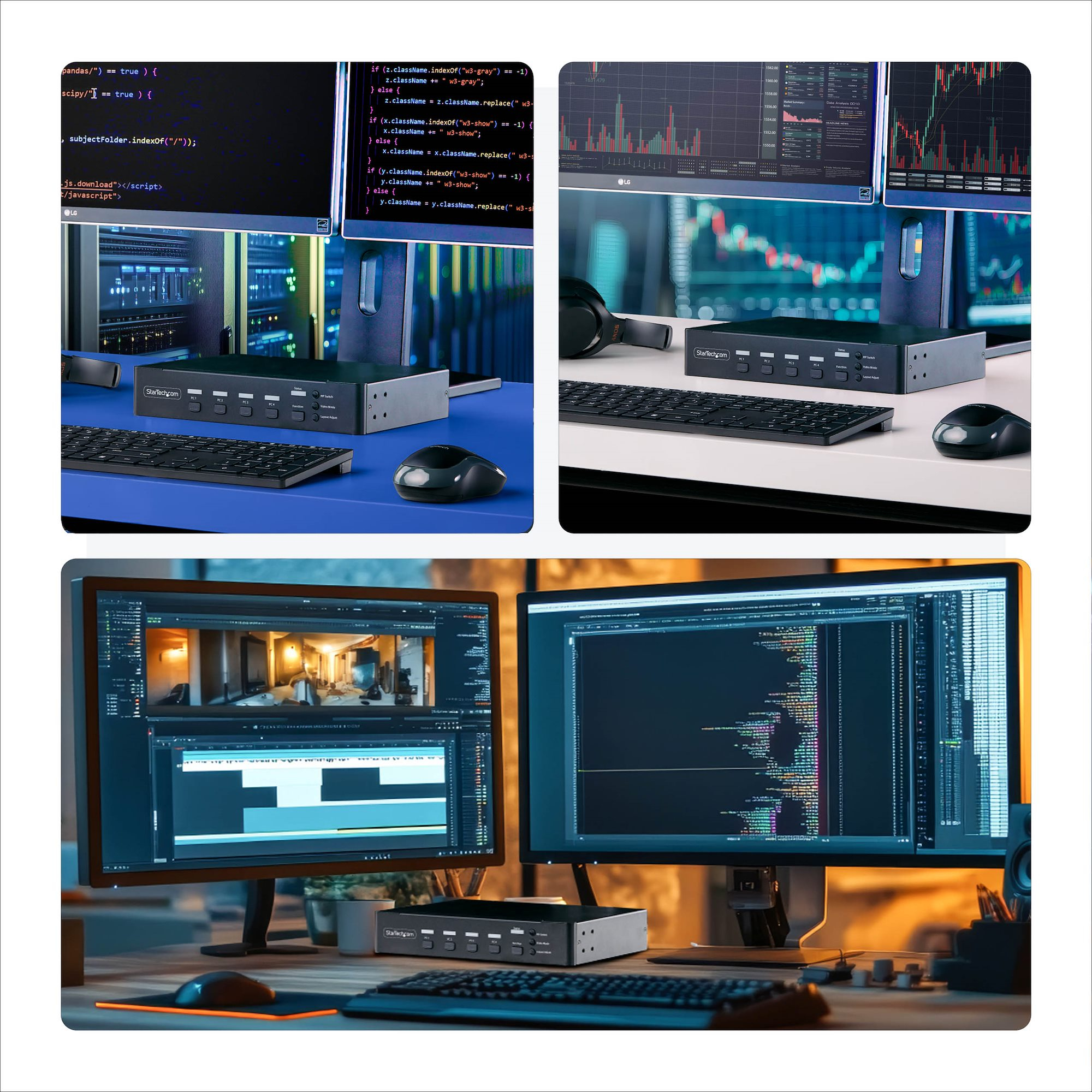
At **£1,684 ex‑VAT**, this StarTech KVM is firmly in “serious workplace infrastructure” territory, not “nice-to-have desk kit”. The upside is exactly what you’d expect from a professional switch: fast switching, real multi-display behaviour (multi-view / picture-in-picture), and mouse roaming that’s meant to feel like you’re moving around a single desktop rather than constantly fighting KVM limitations. If you’ve got engineers, analysts, or traders bouncing between multiple machines (and you actually need more than one screen layout), it can genuinely cut downtime and frustration.
That said, the price is the real warning sign. For many offices, the same problem is solved with cheaper KVMs and a bit of workflow discipline, especially if you’re not using complex screen layouts or relying on consistent cursor movement across displays. I’d only recommend this if you’re confident you’ll use the multi-view/PiP features and the USB hub portion daily—otherwise it’s hard to justify spending this much versus consolidating around a simpler KVM or even docking solutions. Also, if your environment is mostly single-user and you don’t need hotkey-driven control, you may feel like you’re paying extra for capability you won’t fully exploit.
**Who should buy:** teams standardising a multi-monitor workstation with multiple PCs per user, where switching speed and “single mouse experience” matter, and where compliance matters (TAA). **Who should not:** small teams or individuals with basic dual-monitor needs, or anyone whose day-to-day doesn’t require multi-view/PiP—unless they’ve already confirmed the exact features will be used and there’s no cheaper fit.
STARTECH
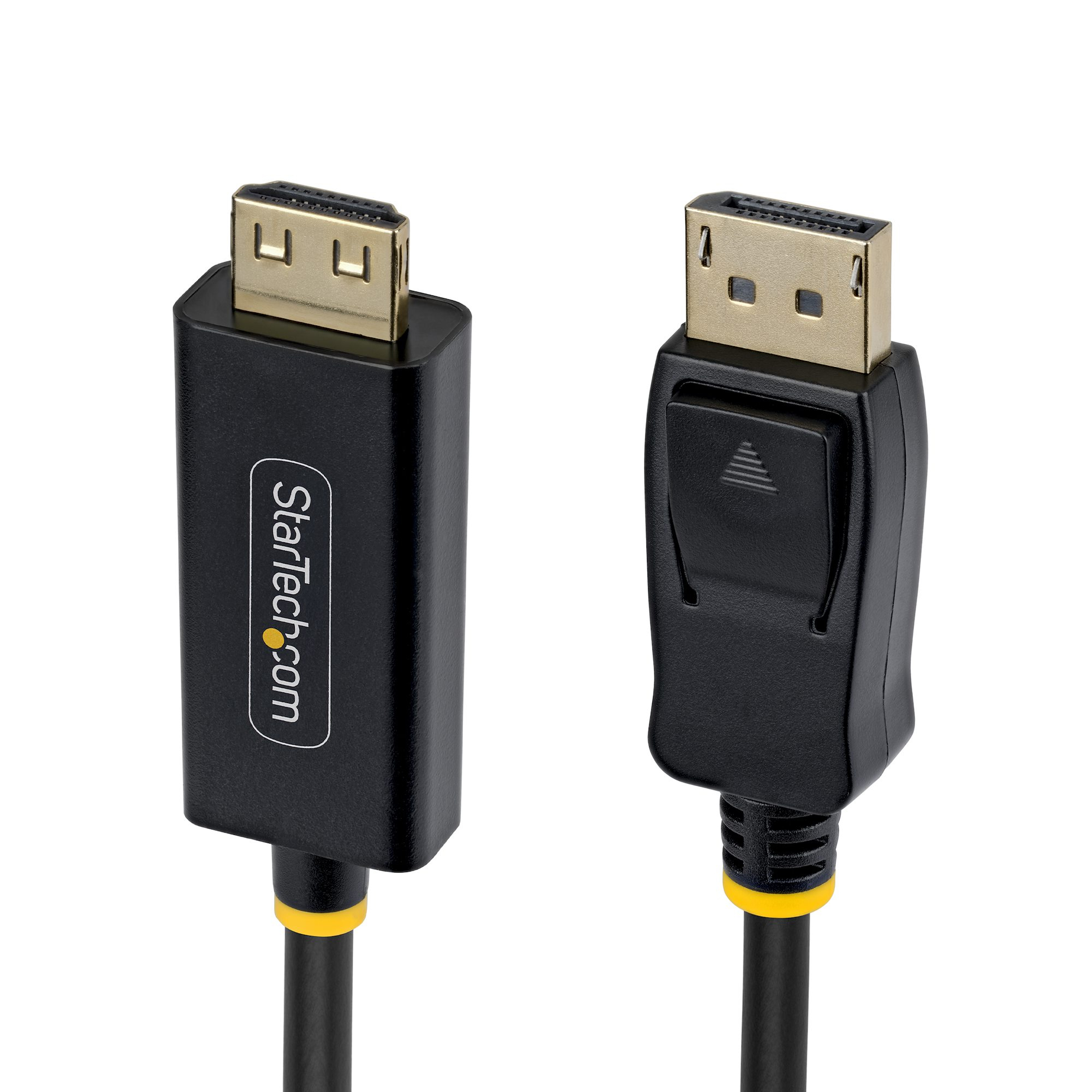
3m DP to HDMI Adapter Cable Gripping
STARTECH
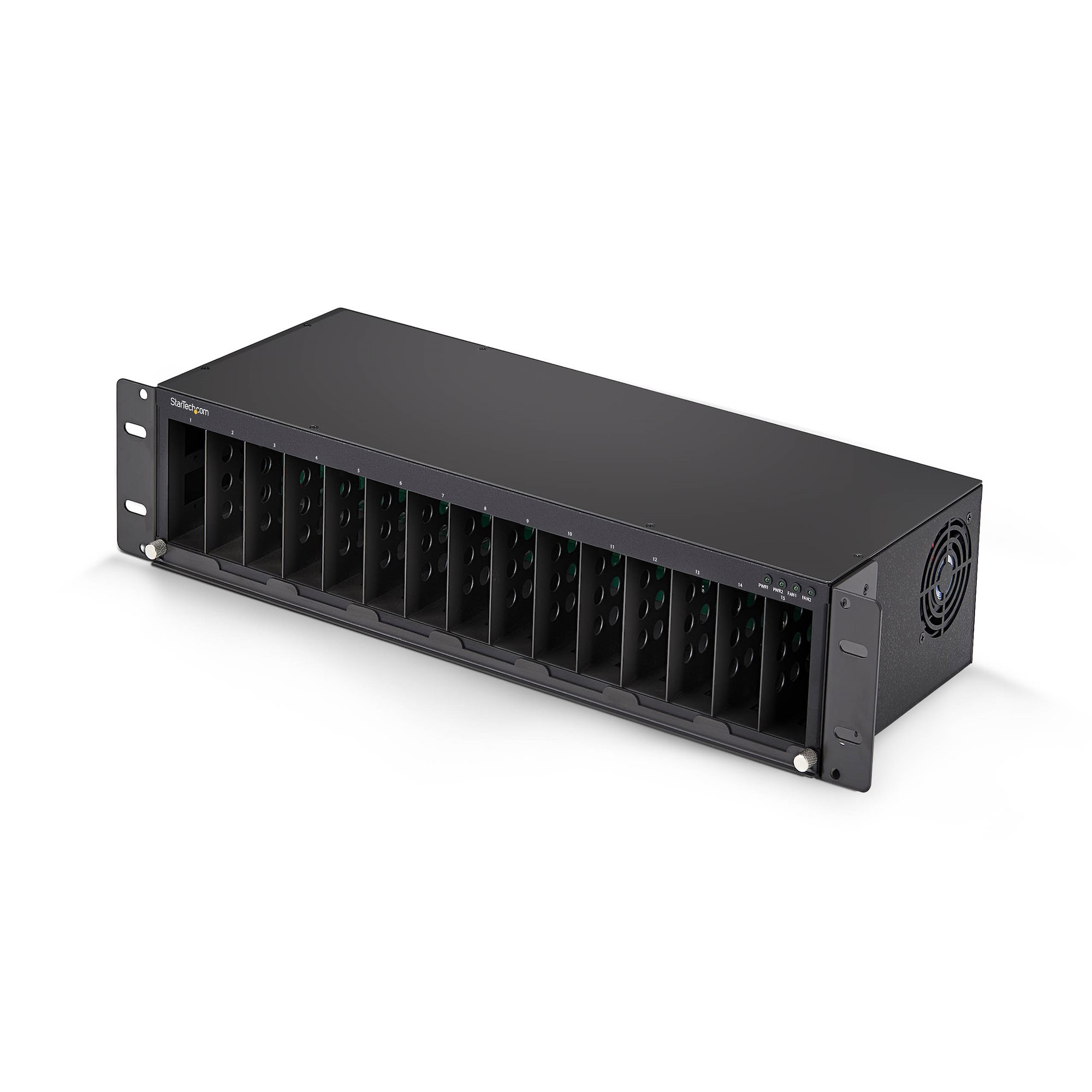
StarTech.com - Modular expansion base - media converter chassis - rack-mountable - TAA Compliant
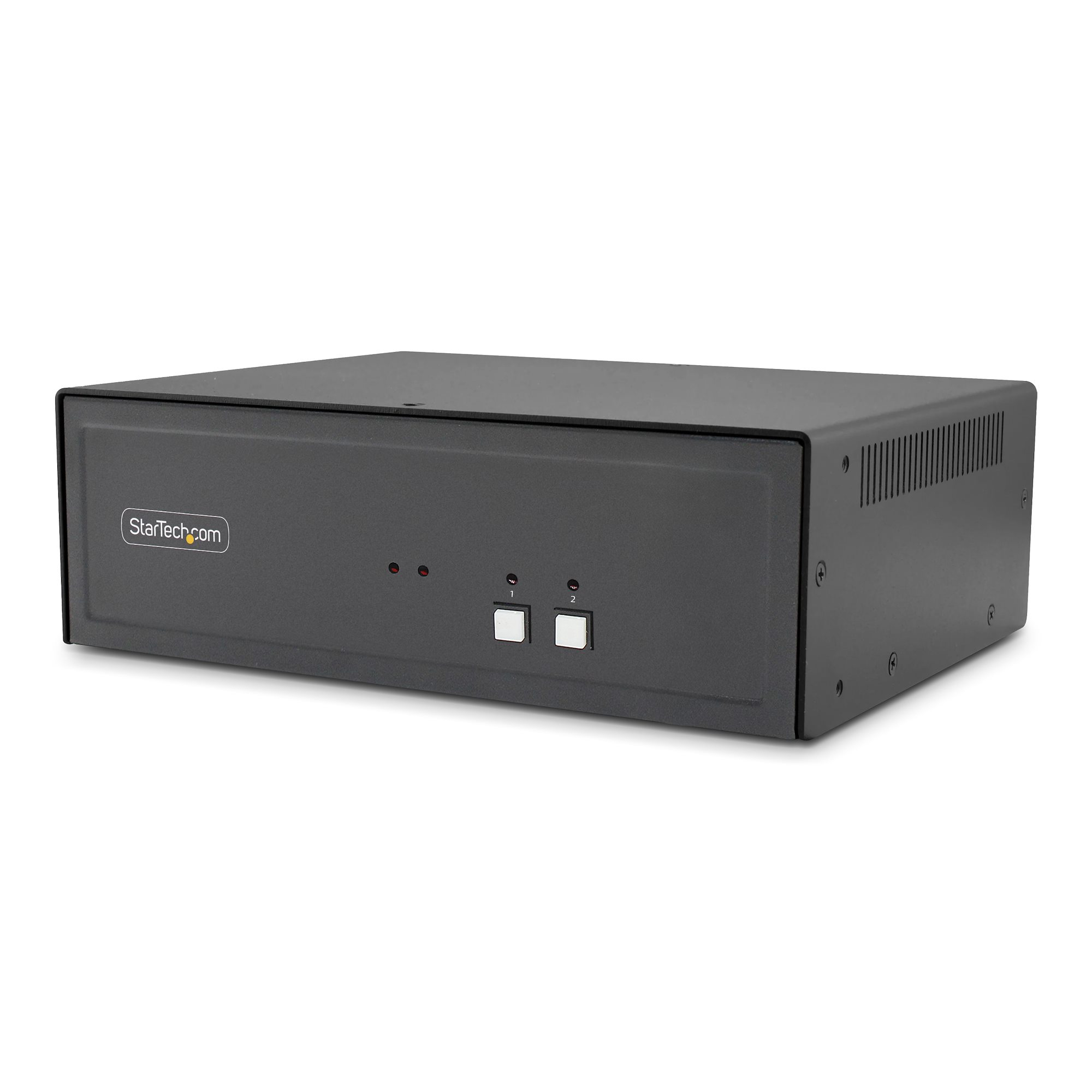
STARTECH
StarTech.com - KVM / audio / USB switch - 2 x KVM / audio / USB - 1 local user - desktop - TAA Compliant
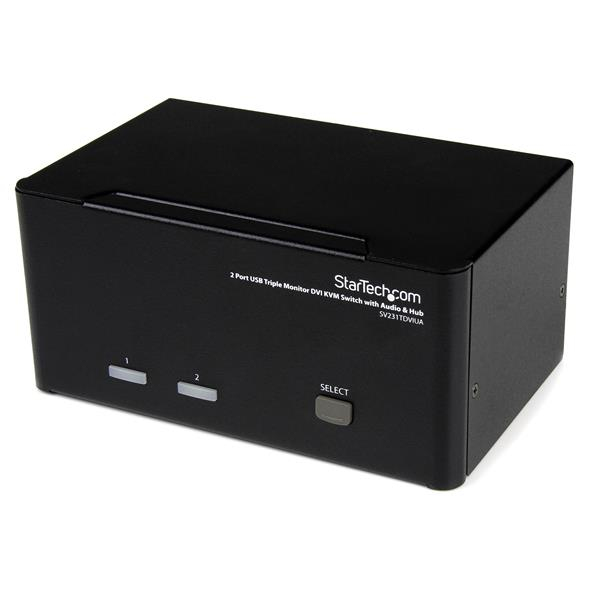
STARTECH
StarTech.com 2 Port Triple Monitor DVI USB KVM Switch with Audio & USB 2.0 Hub - Multi Monitor KVM - Dual Port KVM Switch (SV231TDVIUA) - KVM / audio / USB switch - 2 x KVM / audio / USB - 1 local user - desktop - for P/N: SVA12M2NEUA, SVA12M5NA