- Cloud Email
How to Set Up Guest Access in Microsoft Teams
24 Feb, 2026
£167.39 inc. VAT
AI-generated summary
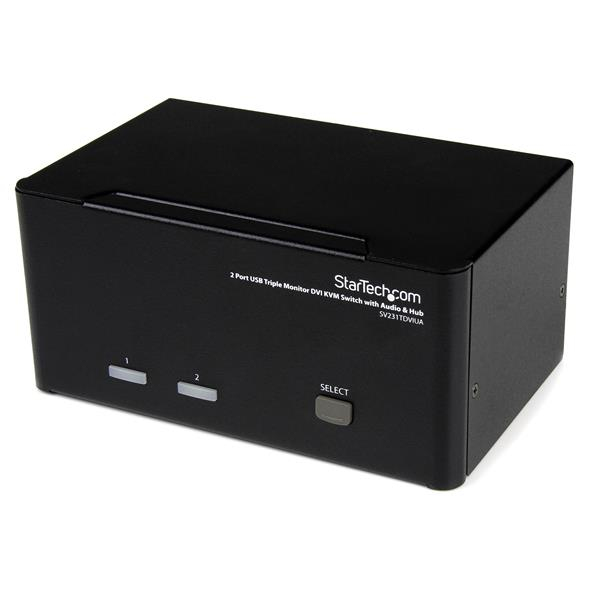
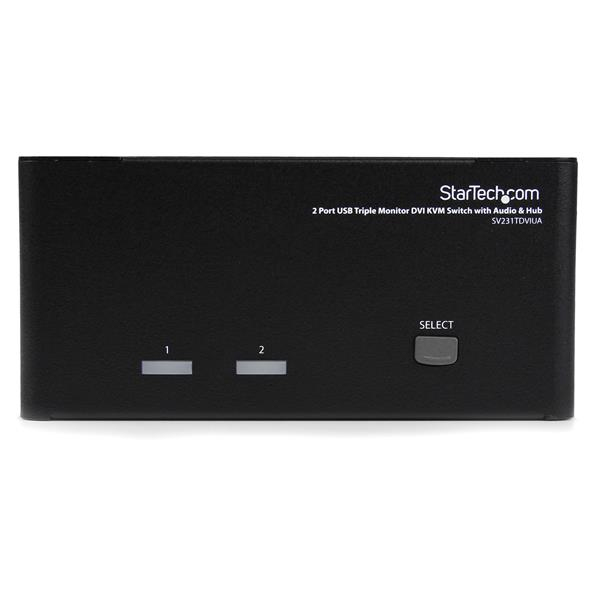
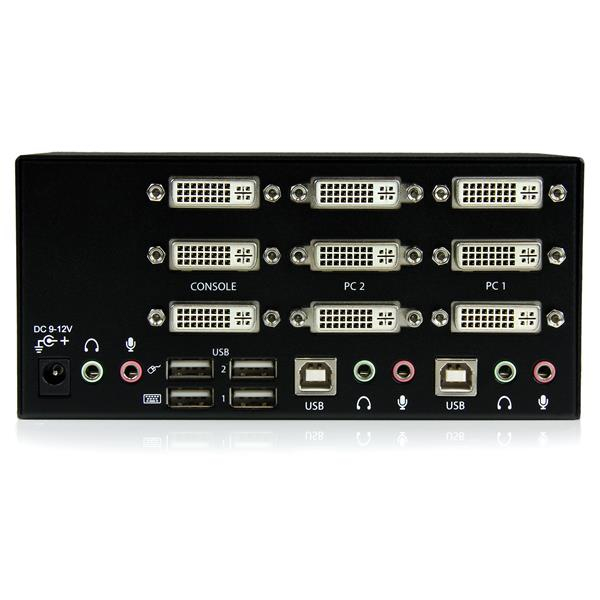
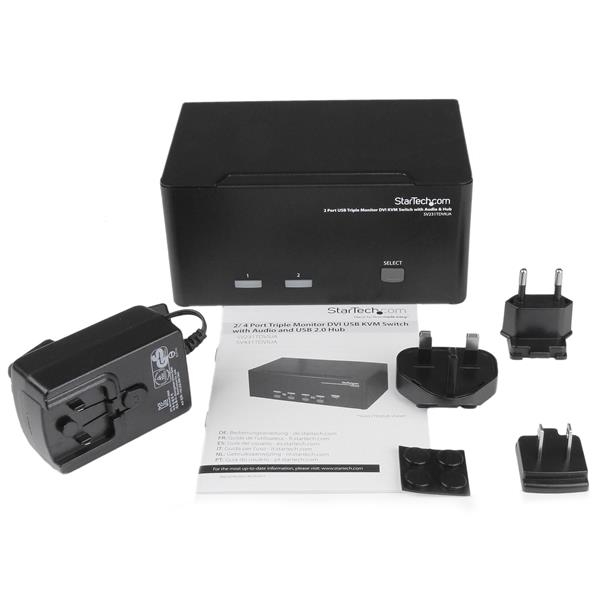
For £139.70 ex-VAT, this StarTech 2‑port DVI KVM with USB hub is a sensible buy if you’ve got two laptops/desktops you regularly dock between and you just want your dual-monitor setup to “follow” you—without the faff of manual cable swapping. The standout value here is the USB hub + audio pass-through angle: in real offices you’ll often be using a USB dongle, headset, or phone charging alongside your screens, so being able to centralise that saves time and avoids extra cabling on your desk. It’s the kind of KVM that suits shared hot-desking areas, simple engineering desks, or anyone who needs two independent users’ machines but doesn’t want to go up to expensive multi-port workstation switching.
That said, you should sanity-check two things before buying. First, it’s DVI-focused—if your environment is mostly HDMI/DisplayPort now, you may end up paying for conversions (and conversions are where “it works” can quietly turn into “why does one monitor flicker?”). Second, KVMs live or die on switching smoothness and peripheral behaviour: some USB hub setups can be picky with certain devices (especially anything that likes to do frequent re-enumeration), so if you rely on high-sensitivity USB hardware, it’s worth testing with your exact peripherals or at least confirming compatibility expectations. Overall: a good practical choice for straightforward dual-monitor switching on DVI setups; not ideal if you’re already deep in modern digital display outputs or you need rock-solid niche USB device support.
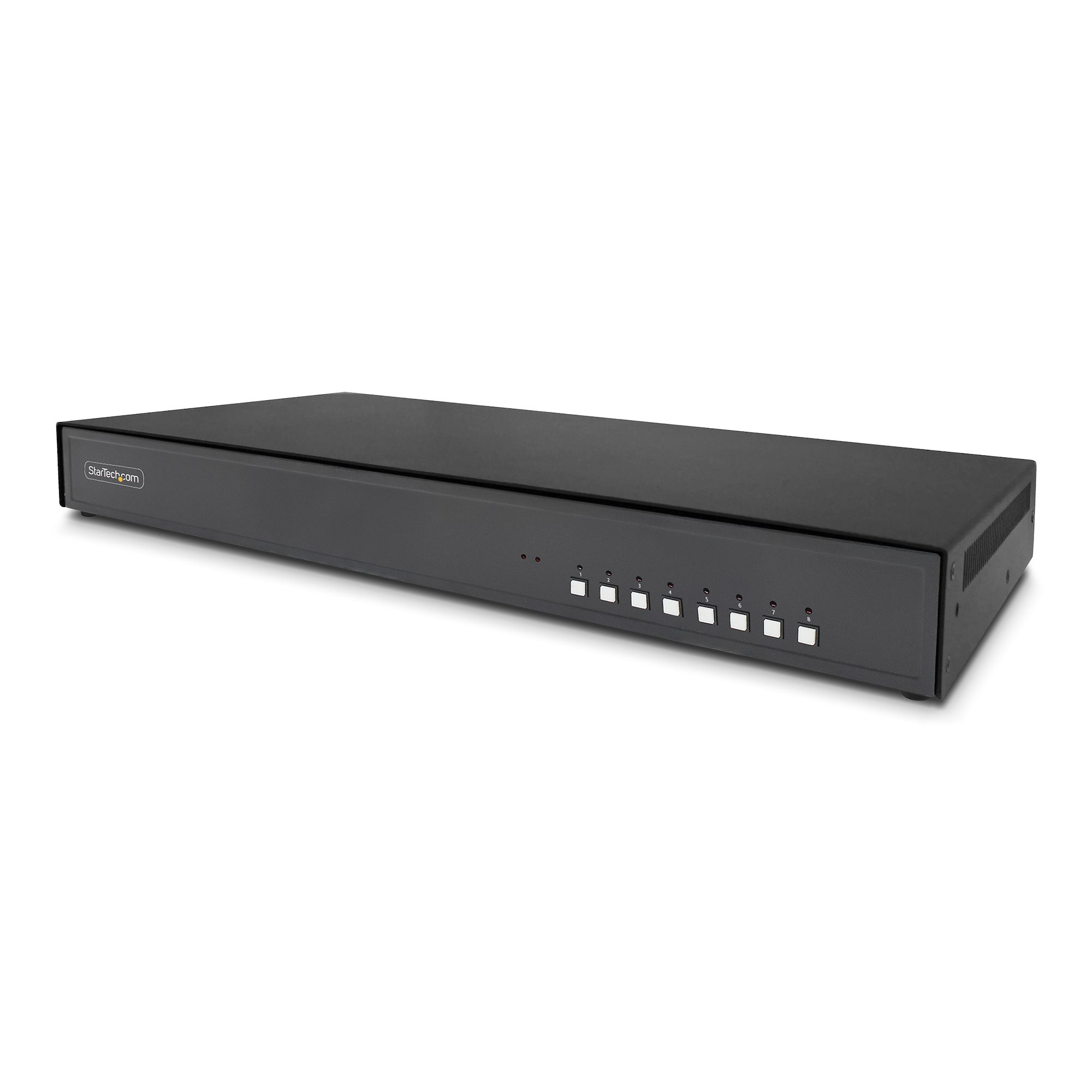
STARTECH
StarTech.com - KVM switch - secure - 8 x KVM port(s) - 1 local user - desktop - TAA Compliant
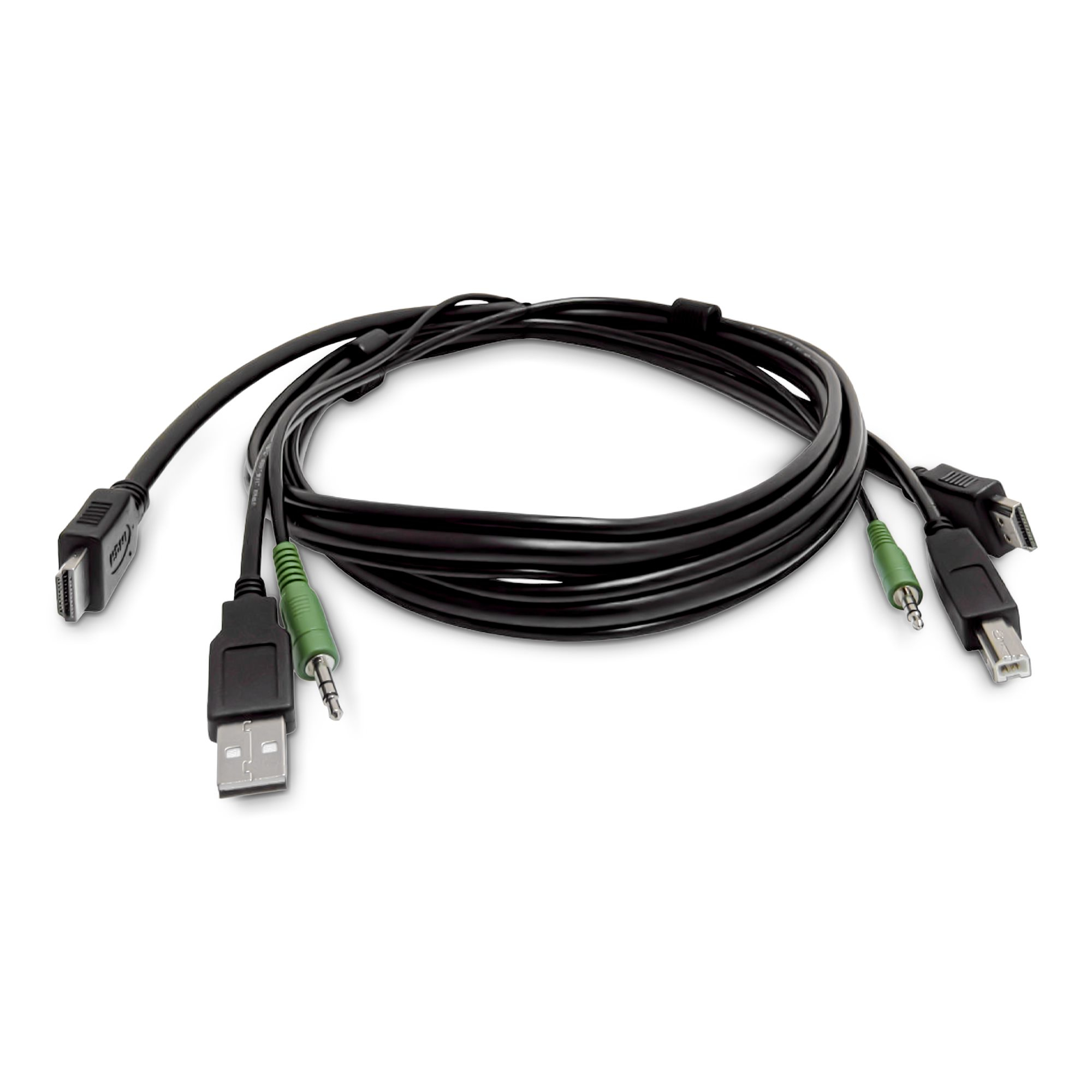
STARTECH
StarTech.com - Adapter cable - HDMI, USB Type A, 3.5mm audio jack male to HDMI, USB Type B, 3.5mm audio jack male - 1.8 m
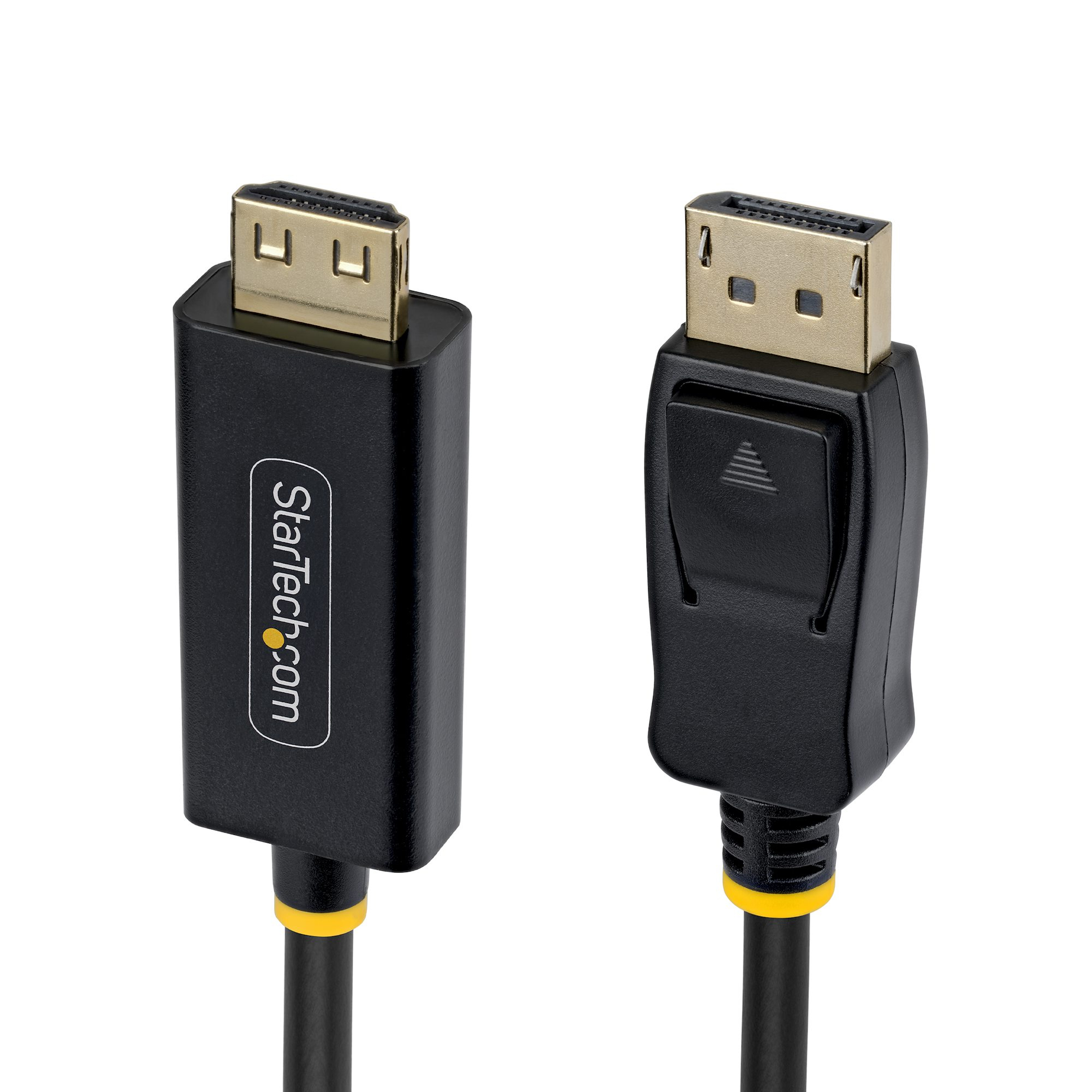
STARTECH
15ft DP to HDMI Adapter Cable Gripping
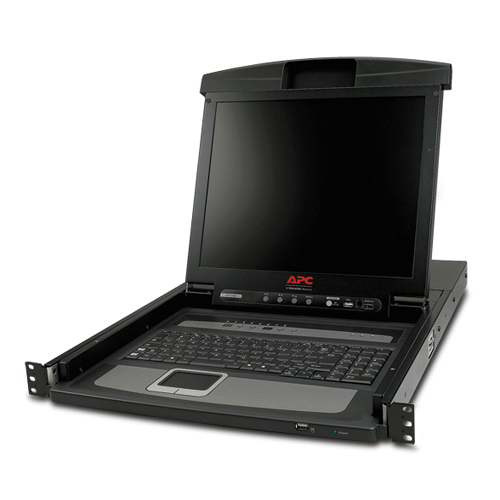
APC
17" Rack LCD Console with Integrated 8 Port Analog KVM Switch