- Cloud Networking
Cisco Meraki Licensing Explained: What You Need to Know
11 Mar, 2026
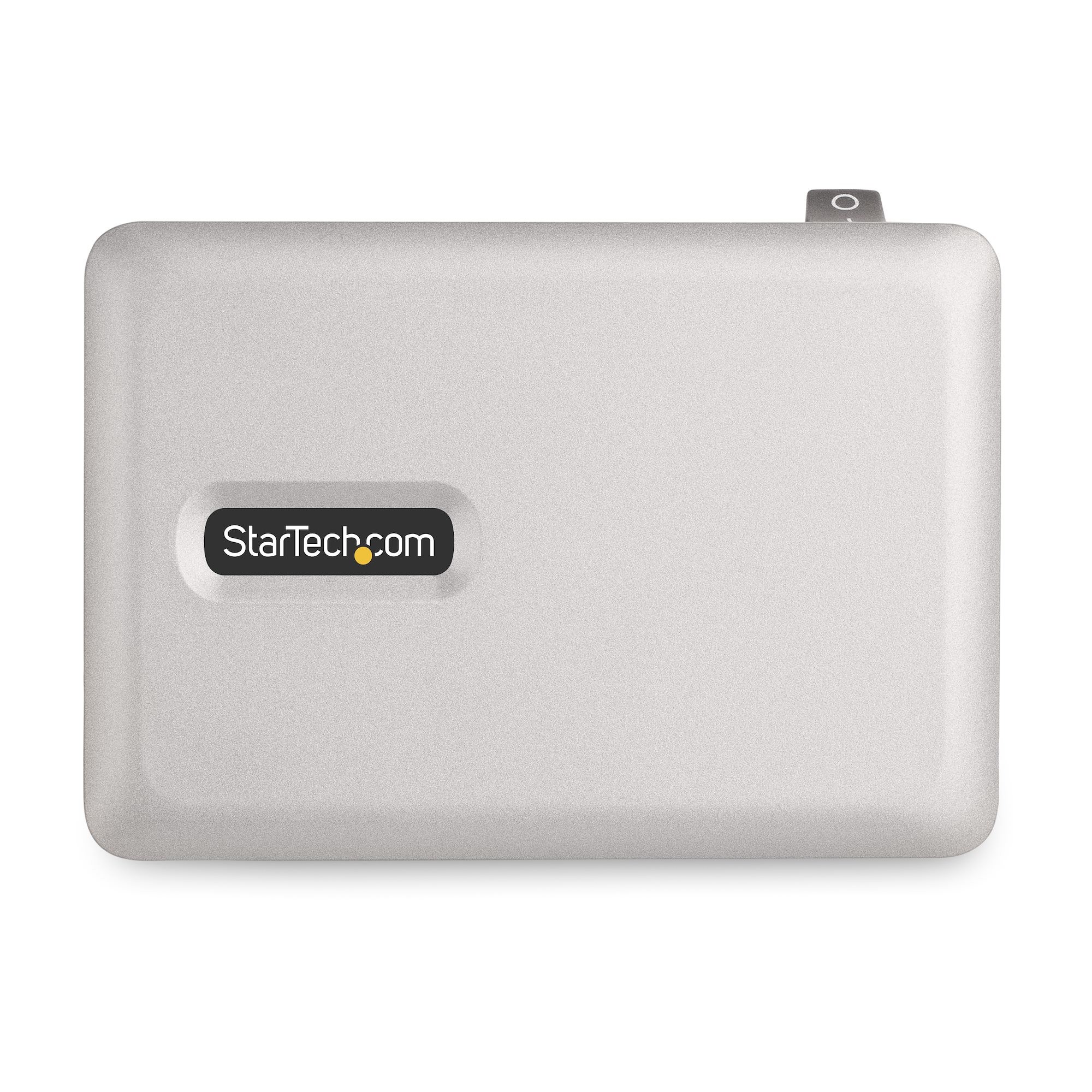
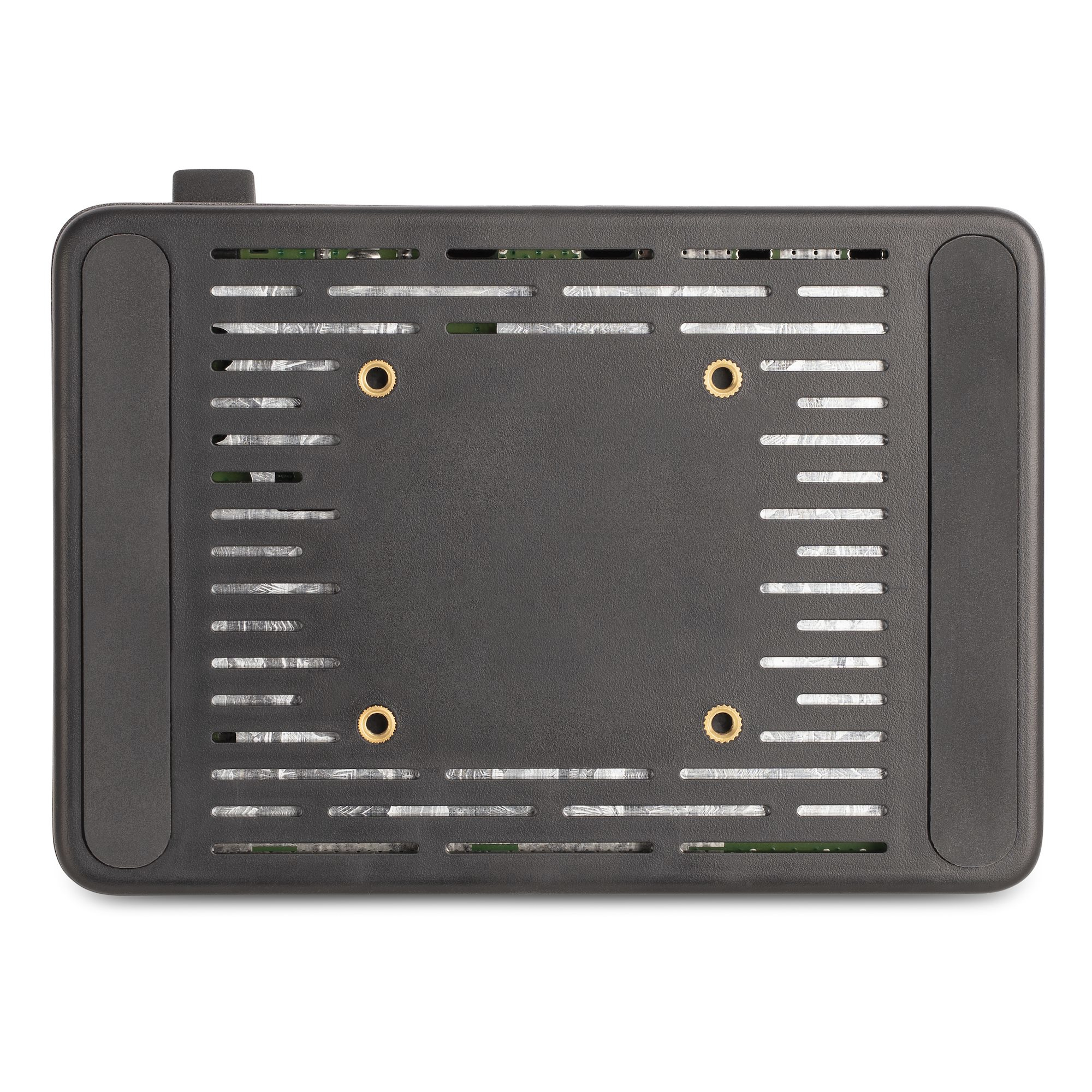
£116.59 inc. VAT
AI-generated summary
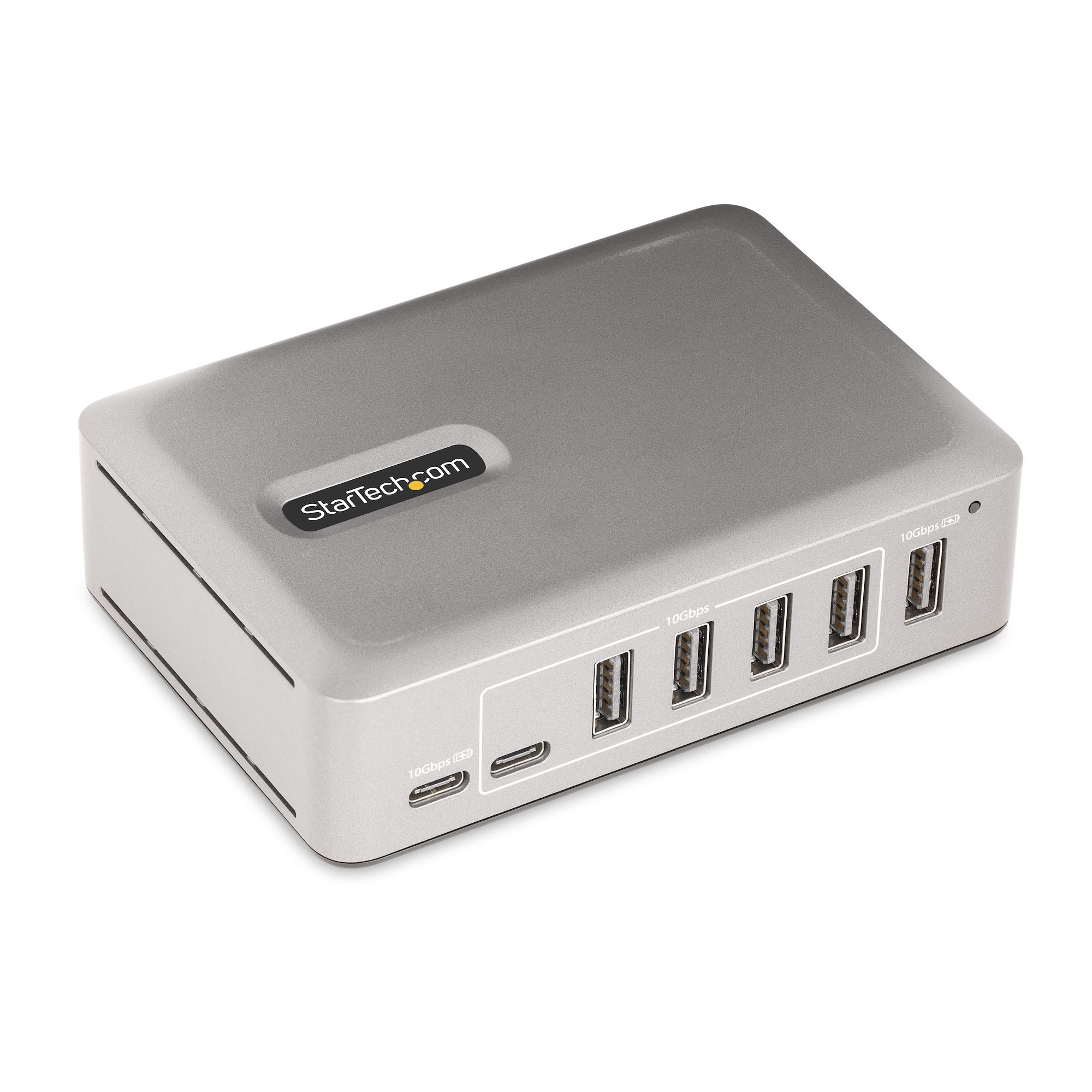
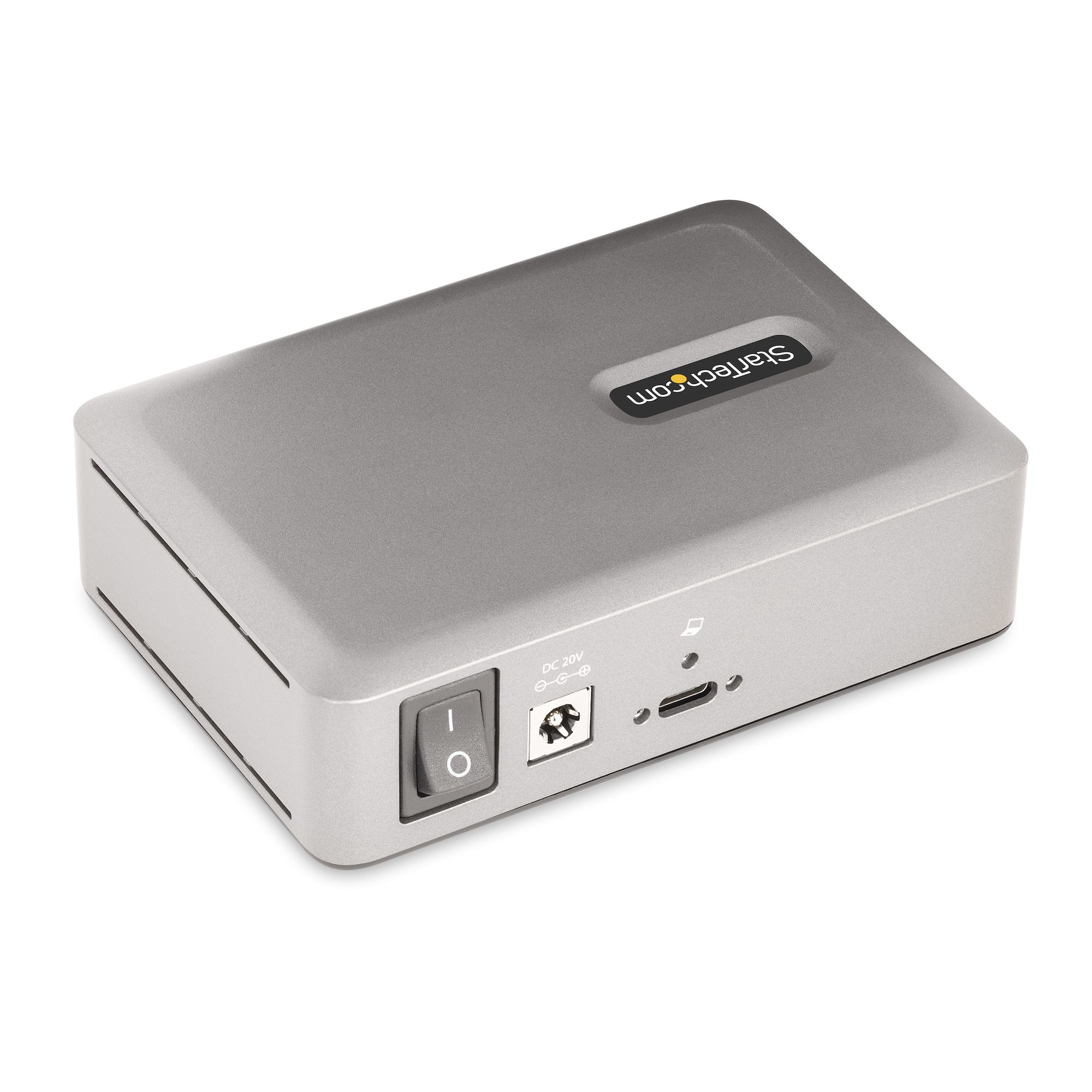
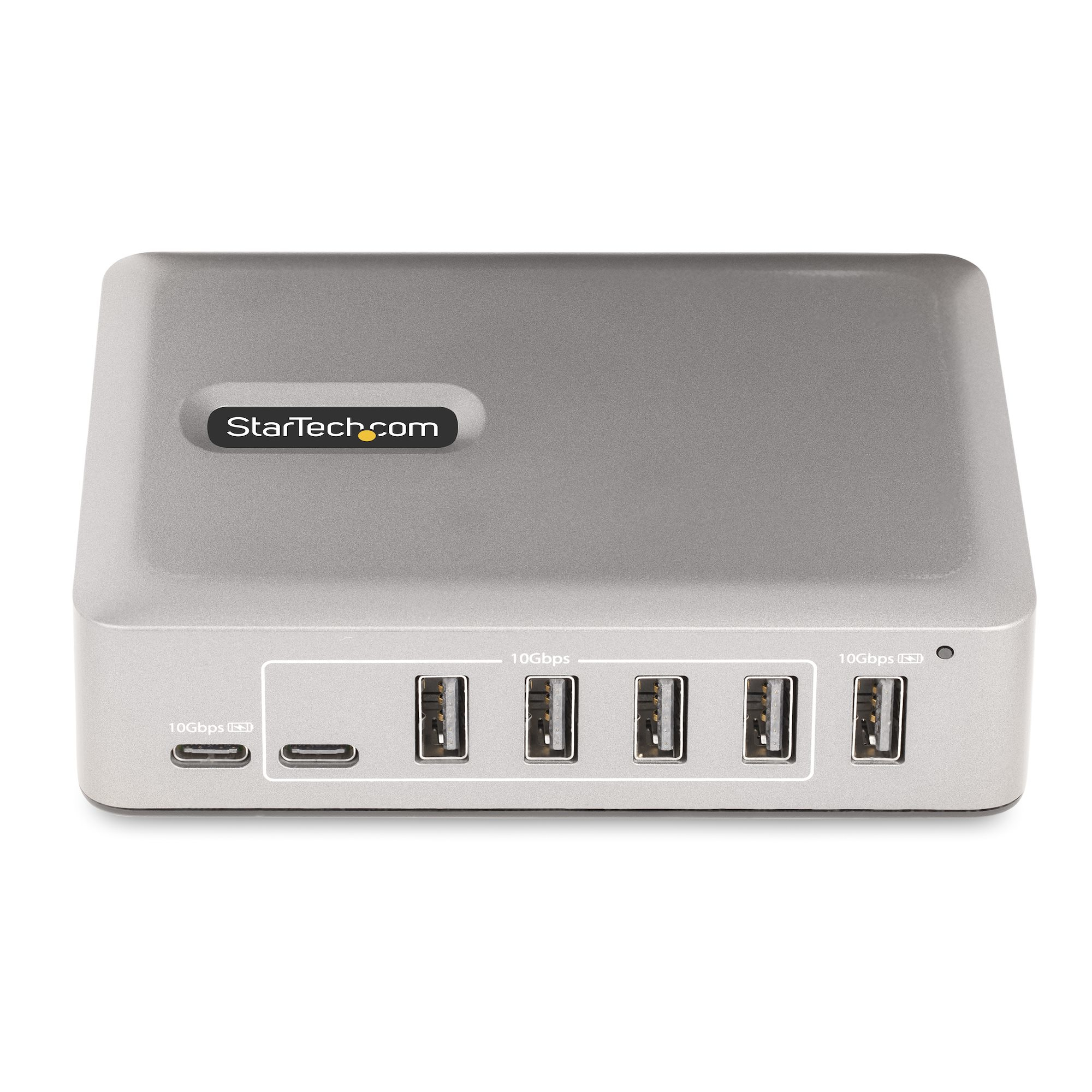
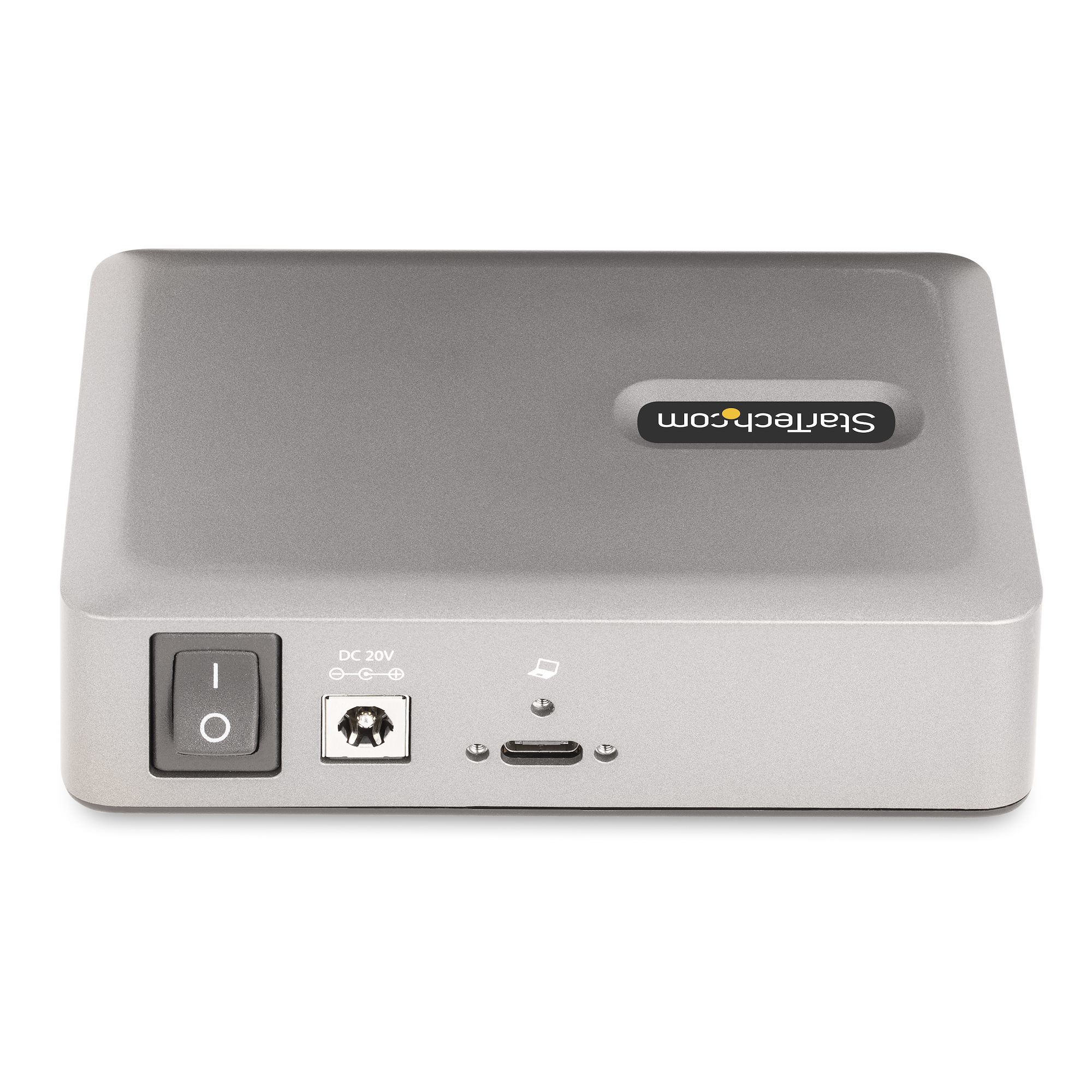
For £97.32 ex-VAT, this StarTech hub is a sensible “office survival” buy if you need a reliable desktop-ready expansion for a USB‑C laptop and don’t want to keep juggling docks or fragile cables. The self-powered angle matters in the real world: it generally behaves better when you plug in power-hungry peripherals (external drives, dongly Wi‑Fi adapters, webcams) and it avoids that annoying “sometimes it works, sometimes it doesn’t” syndrome you get with bus-powered hubs. Also, the locking cable is genuinely underrated for a shared workspace—less accidental unplugging and fewer “why did the network drop?” tickets.
That said, I wouldn’t treat it like a full replacement for a proper docking station. It’s a hub, not a KVM—so if you’re actually trying to switch between displays/host devices, you’ll be in the wrong category and you’ll still need a real KVM setup. And if your main issue is charging (or you want a neat one-cable desk ecosystem with lots of integrated I/O), you may find better value with a dedicated dock that bundles the ports you actually use daily.
**Who should buy:** small teams, consultants, and admins who want a sturdy, self-powered USB‑C hub with multiple USB-A options and a locking connection. **Who shouldn’t:** anyone needing display switching, or buyers expecting “dock-like” functionality beyond straightforward USB expansion.
STARTECH
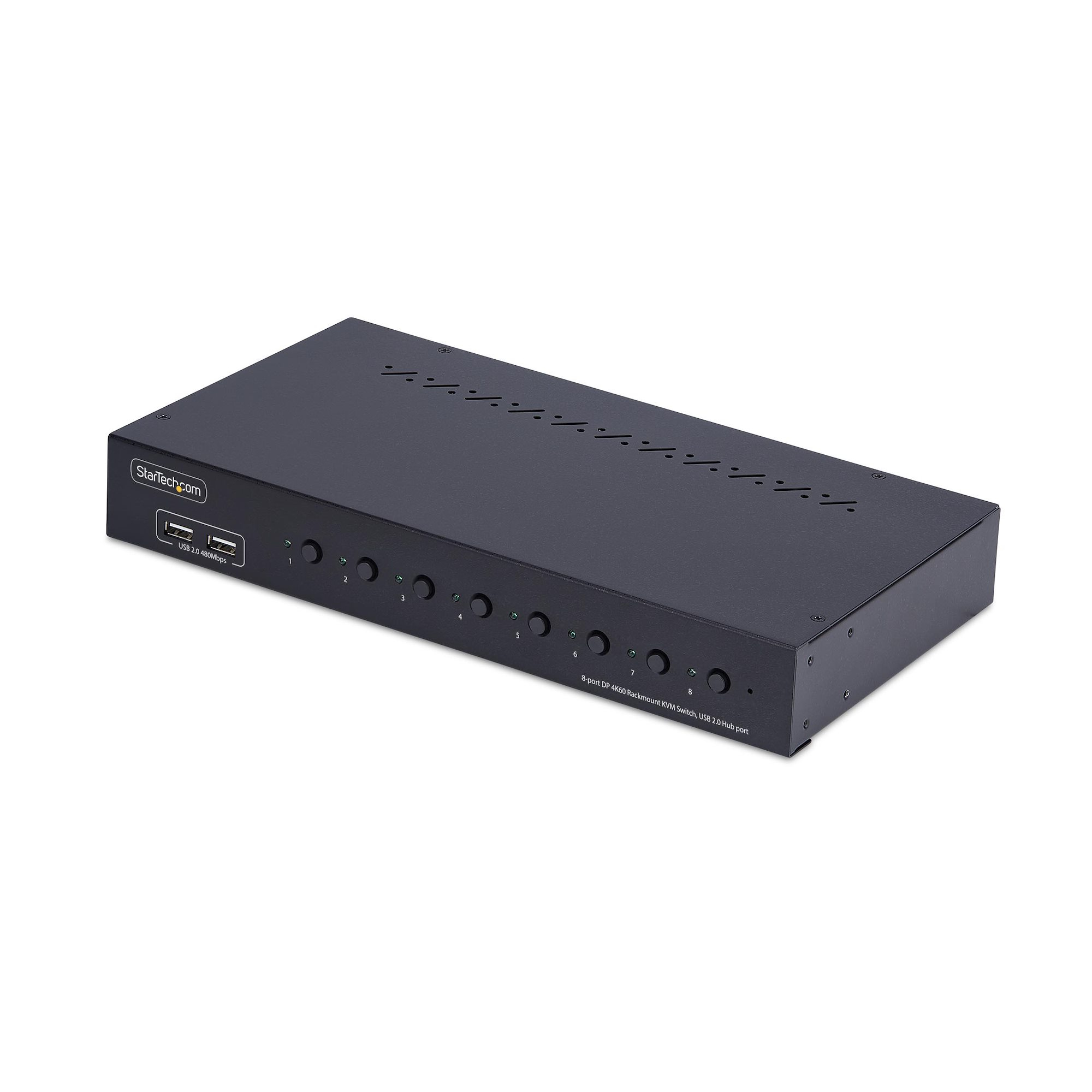
StarTech.com 8-Port DisplayPort KVM Switch w/1U Rack Mount Kit, 4K 60Hz - KVM switch - 8 x KVM port(s) - 1 local user - desktop - TAA Compliant
STARTECH
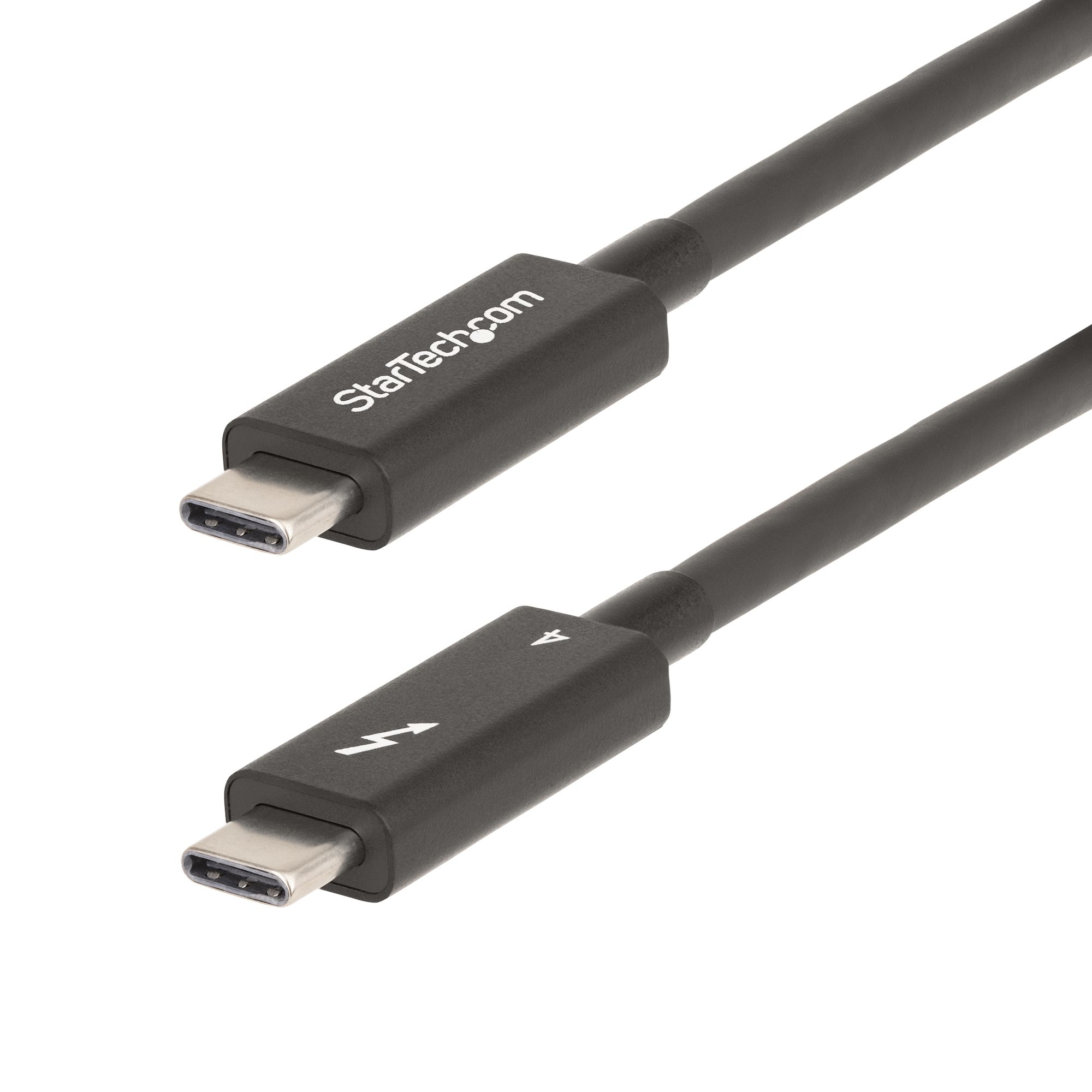
StarTech.com 6ft (2m) Active Thunderbolt 4 Cable, 40Gbps, 100W PD, 4K/8K, Intel Certified, Compatible w/Thunderbolt 3/USB 3.2/DisplayPort (A40G2MB-TB4-CABLE) - USB cable - USB-C (M) to USB-C (M) - USB 3.2 Gen 2 / USB4 / Thunderbolt 3 / Thunderbolt 4 / DisplayPort 1.4a - 2 m - active, USB Power Delivery (100W), 8K60Hz support, 4K60Hz support, up to 40 Gbps data transfer rate - black
STARTECH
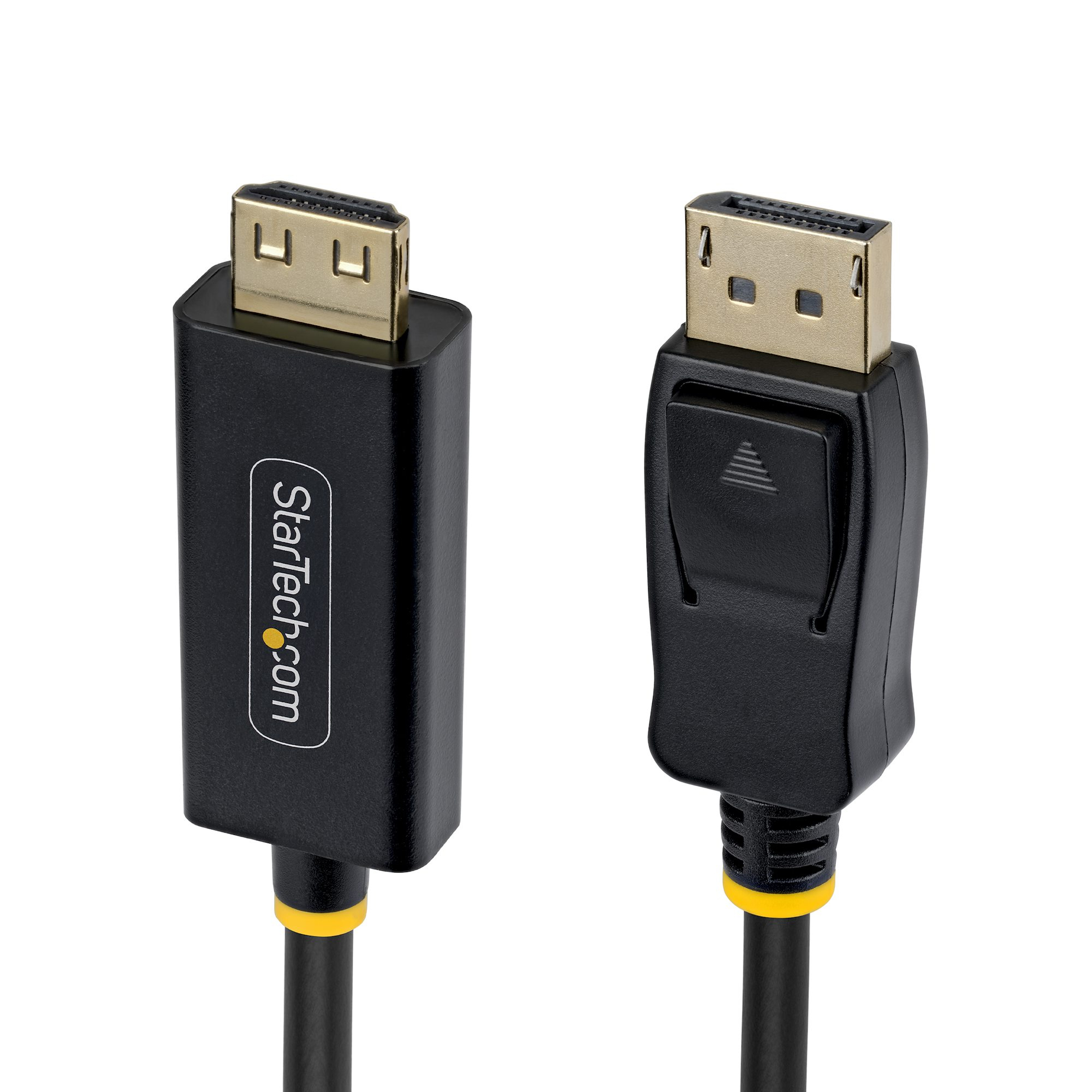
15ft DP to HDMI Adapter Cable Gripping
Dell
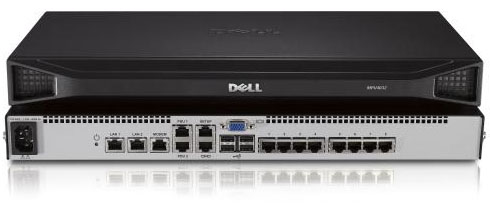
Dell DMPU108E - KVM switch - 8 x KVM port(s)