- Network Admin
How to Set Up Remote Access Without Compromising Security
2 Feb, 2026
£509.68 inc. VAT
AI-generated summary
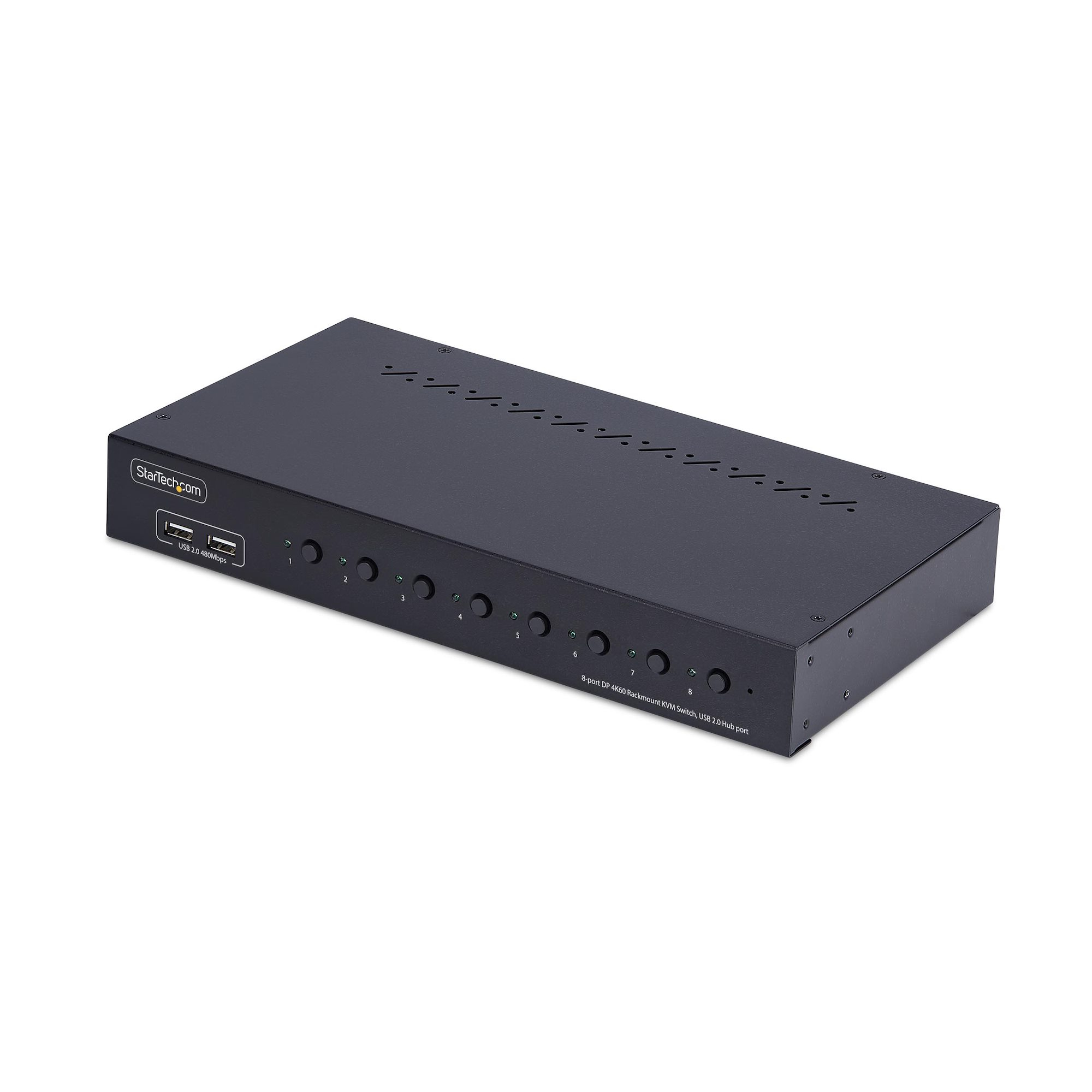
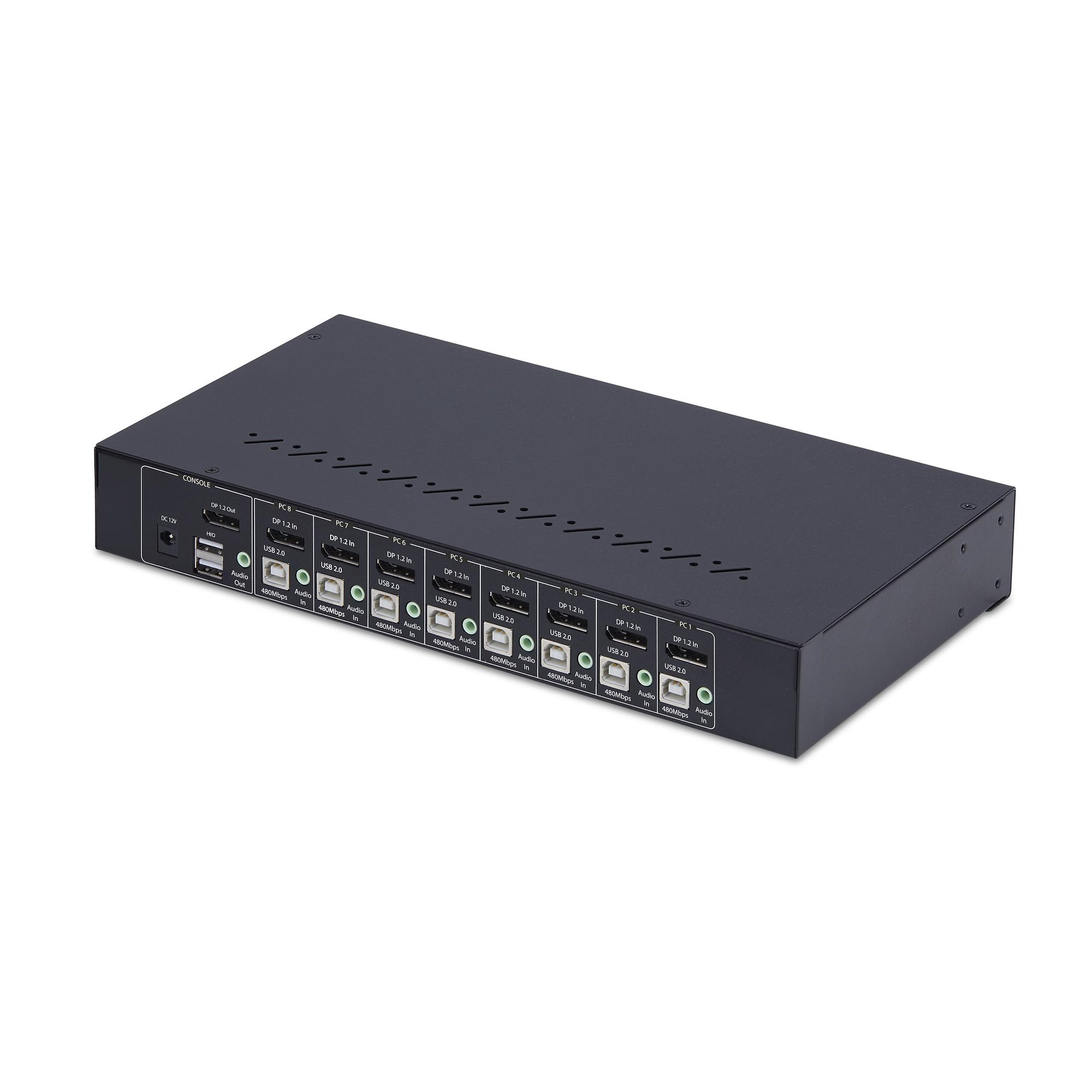
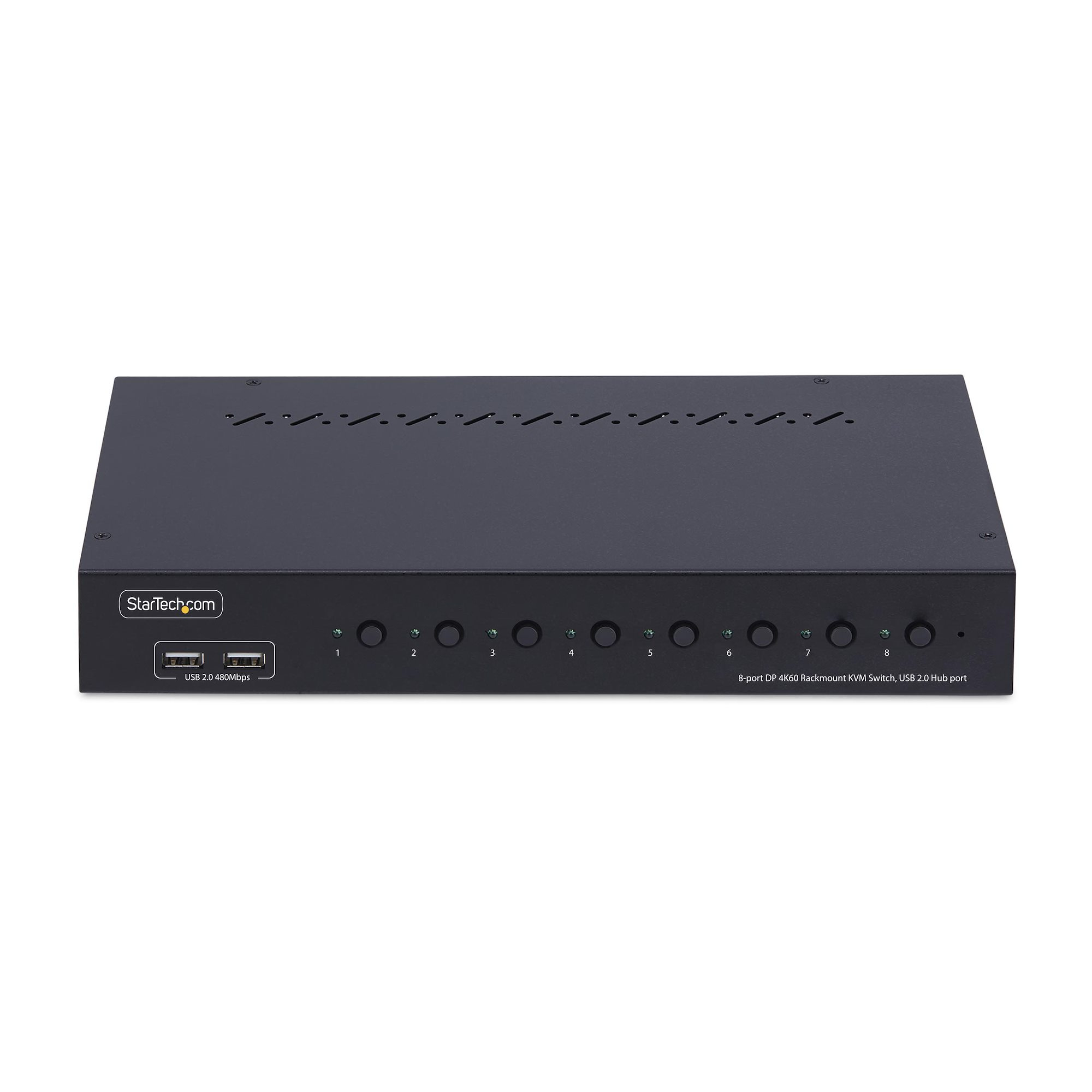
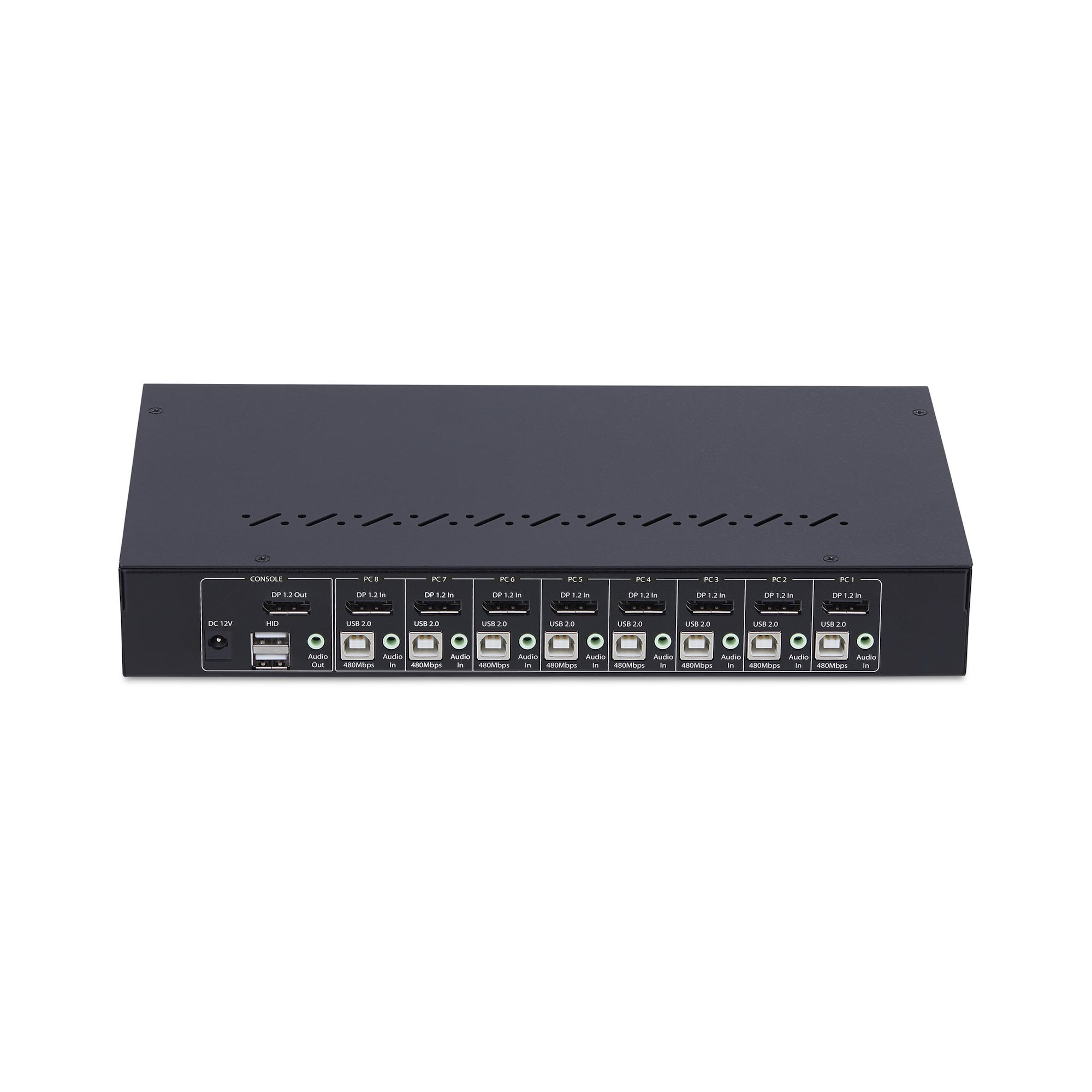
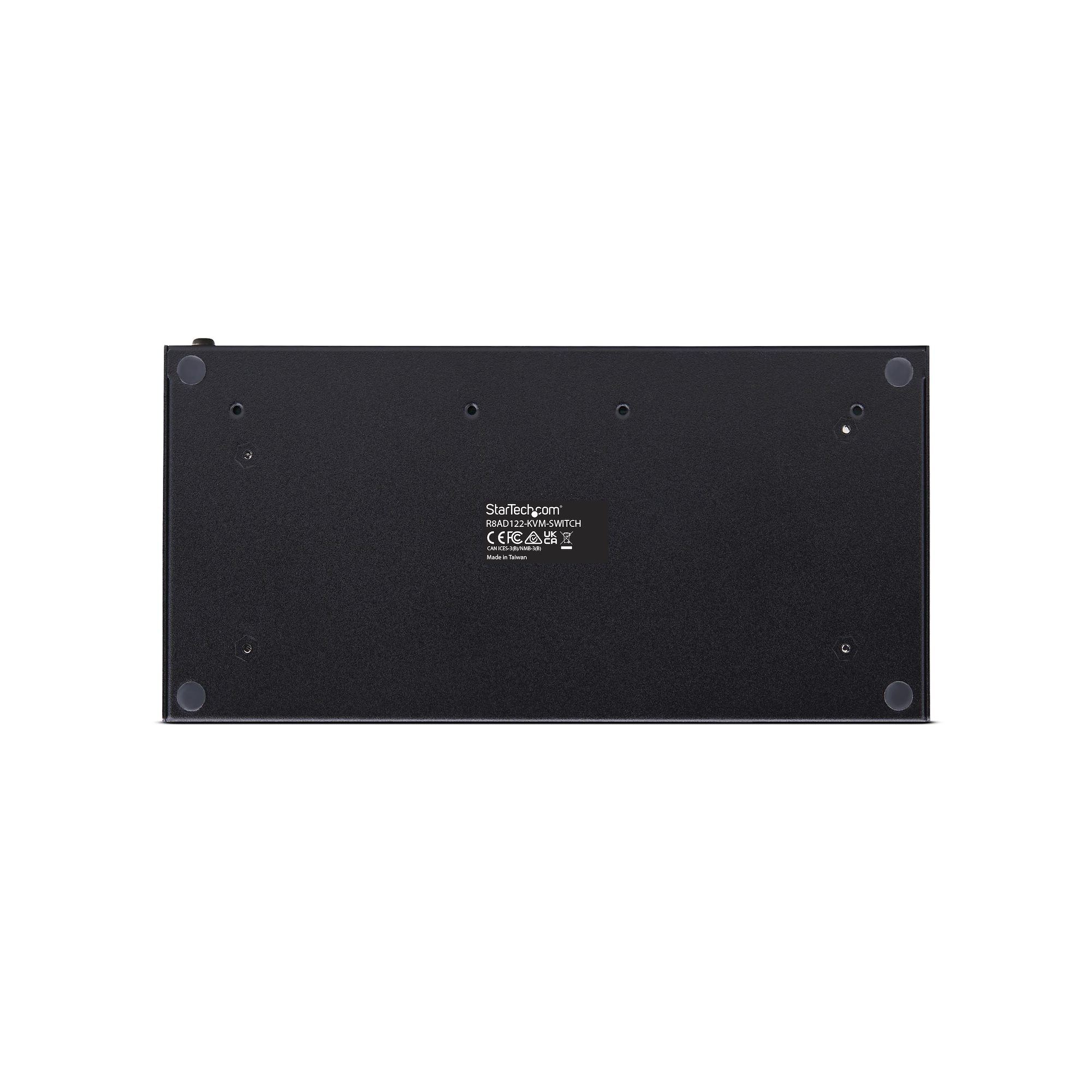
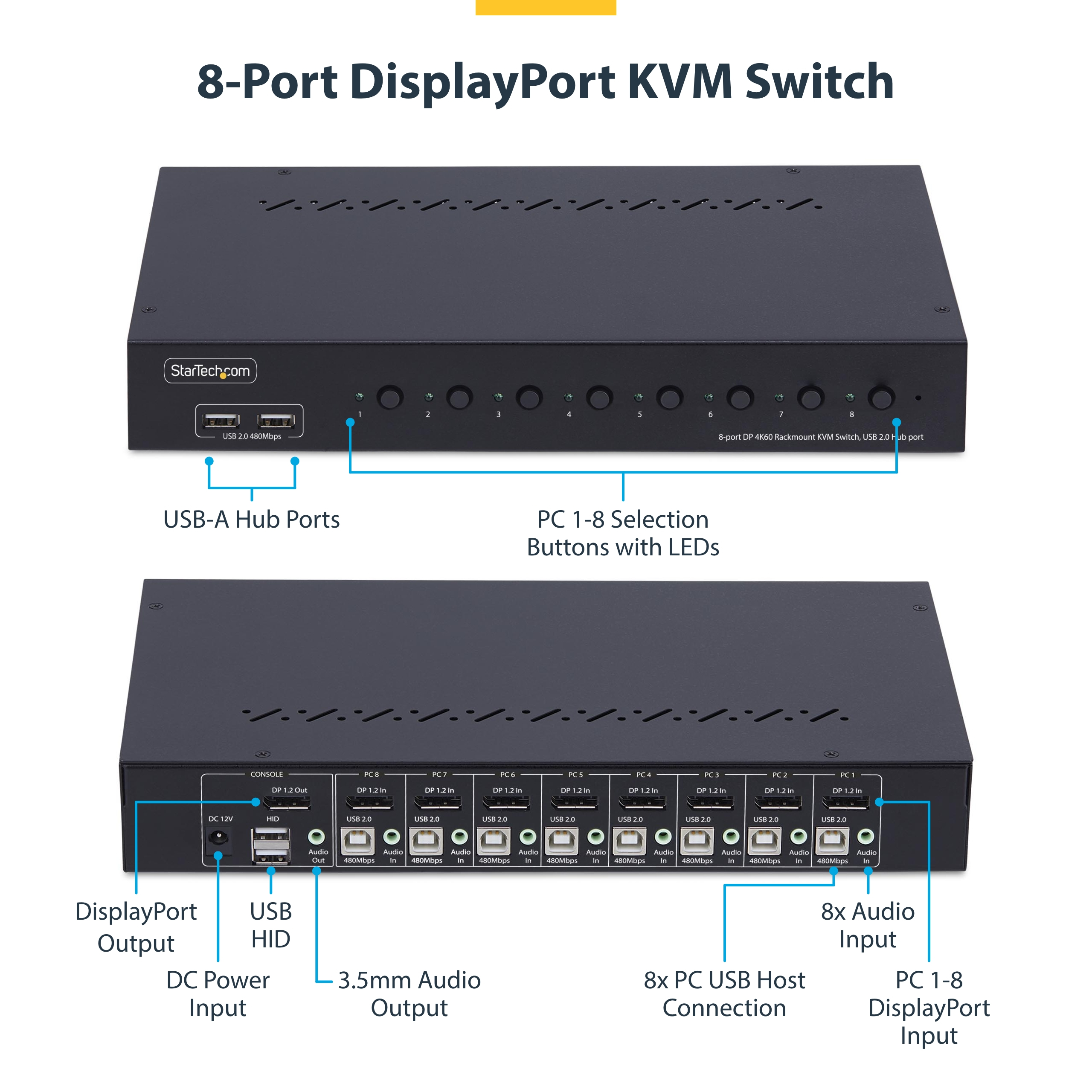
If you’ve got a rack and multiple DisplayPort PCs to manage, this StarTech 8-port KVM is the sort of practical, “does what it says on the tin” tool that’s easy to justify. The 1U rack kit matters in real deployments, and the push-button + hotkey switching is what you want when users are going in and out all day. The built-in USB hub also saves you from buying extra switching hardware when you’re dealing with peripherals like keyboards, headsets, or USB dongles—so you end up with fewer cables to troubleshoot when something inevitably gets unplugged.
That said, at £424.72 ex-VAT, it’s not a bargain for casual home office use. This is aimed at SMB/IT teams who already know they need a rack-friendly multi-host setup and will actually use the full port count. I’d lean toward it if you’re standardising on DisplayPort and you need “OS independent” behaviour for mixed Windows/Linux environments. If you only have 2–4 machines, or if your pain is mostly webcam/USB device passthrough quirks rather than video switching, you might be better off with a simpler/cheaper unit—because with KVMs, complexity is often what drives support overhead.
**Buy this if:** you’re managing 5–8 DisplayPort sources in a server/rack environment and want clean switching without drama (plus USB hub convenience). **Skip or consider alternatives if:** you don’t need the extra ports, or you need very specific USB device behaviour—then it’s worth pressure-testing with your actual peripherals before committing.
STARTECH
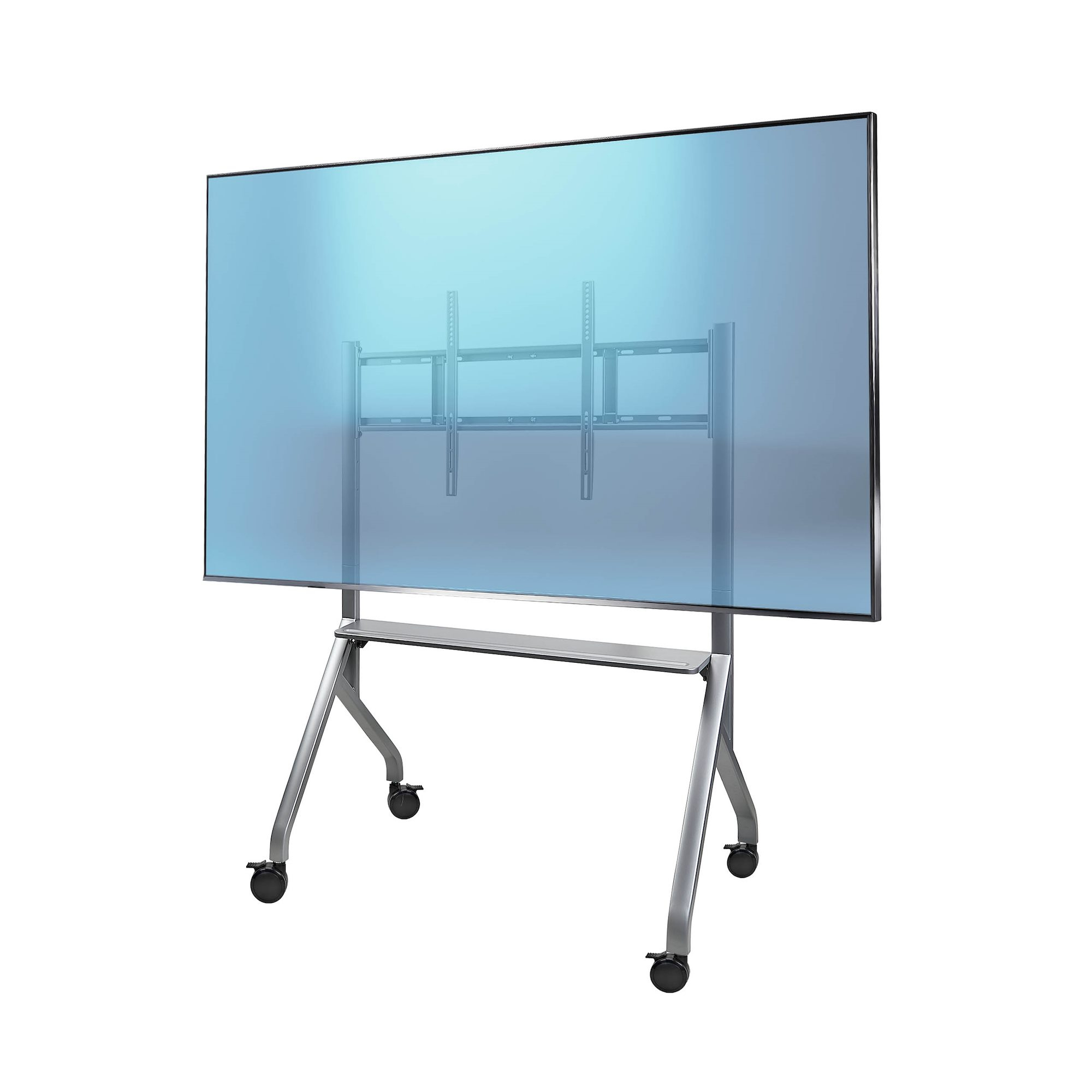
Easel-Style TV Cart/Stand for 100"/220lb
STARTECH
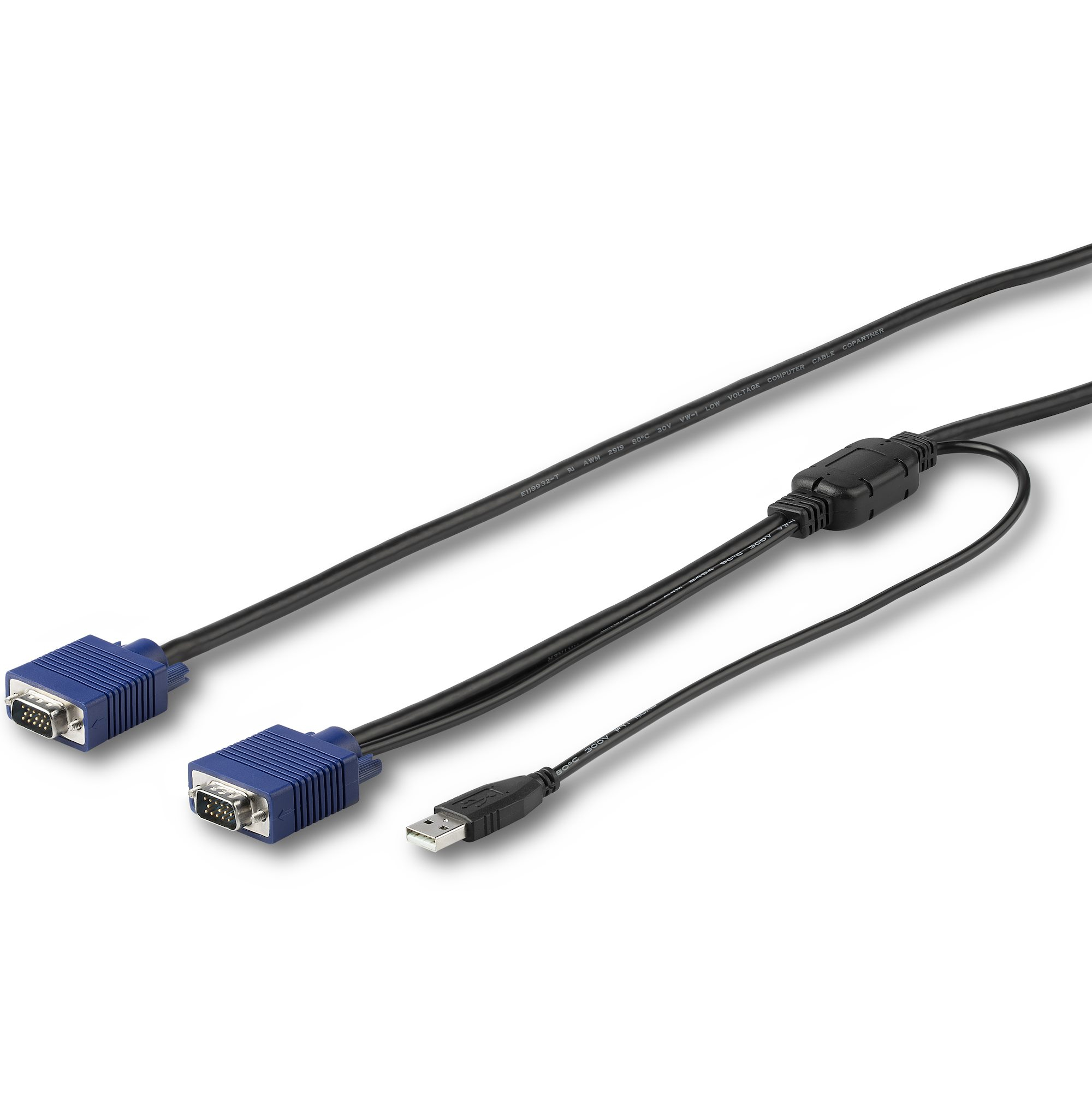
StarTech.com 6 ft. (1.8 m) USB KVM Cable for StarTech.com Rackmount Consoles - VGA and USB KVM Console Cable (RKCONSUV6) - Video / USB cable - mini-VGA (M) to USB, HD-15 (VGA) (M) - 1.8 m - for P/N: RKCONS1701, RKCONS1708K, RKCONS1716K, RKCONS17HD, RKCONS1908K, RKCONS1916K
STARTECH
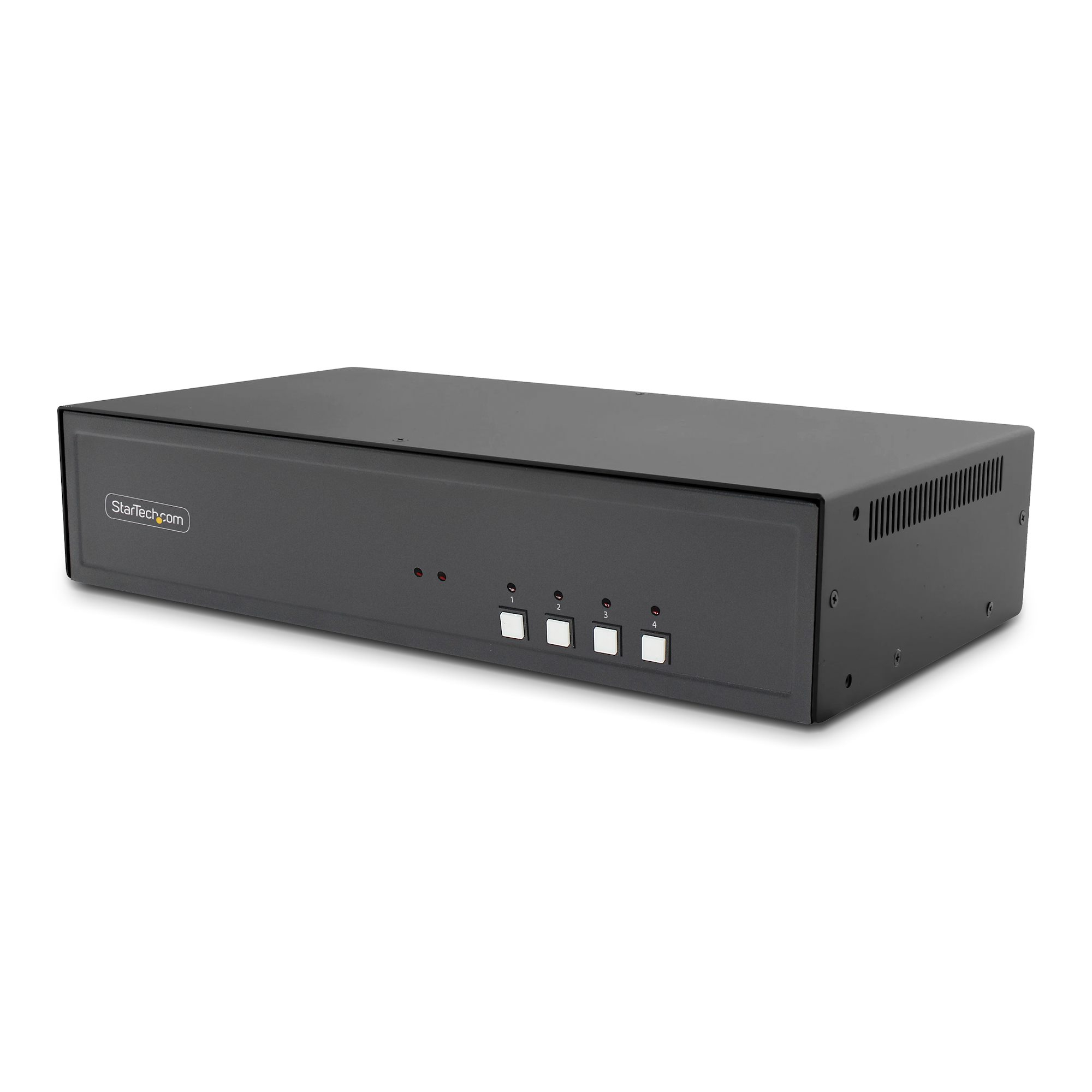
StarTech.com - KVM switch - secure - 4 x KVM port(s) - 1 local user - desktop - TAA Compliant

STARTECH
StarTech.com 4 Port DisplayPort KVM Switch - DP KVM Switch with Audio and Built-in USB 3.0 Hub for Peripherals - 4K 30Hz (SV431DPU3A2) - KVM / USB switch - 4 x KVM / audio / USB + 3 x SuperSpeed USB - 1 local user - rack-mountable - AC 120/230 V / DC 9 - 12 V - for P/N: SV431RACK