- Web Development
How to Plan a Website Migration Without Breaking Links
20 Mar, 2026
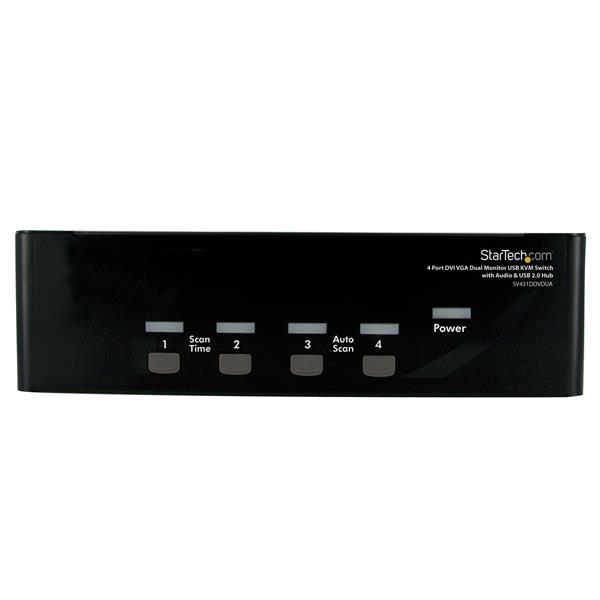
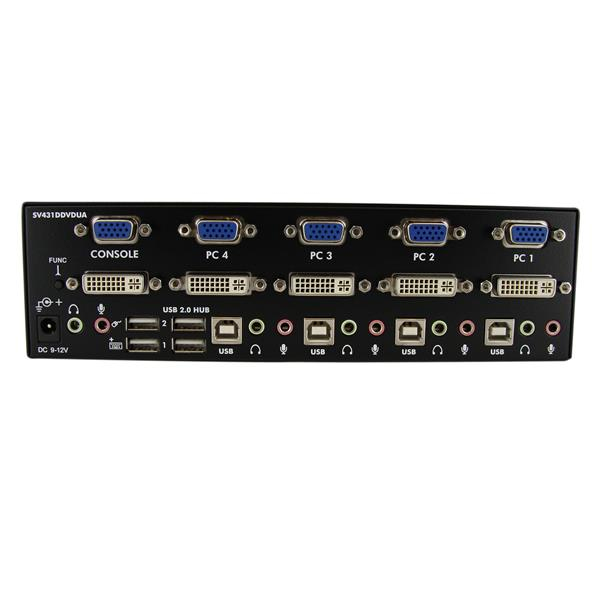

£312.55 inc. VAT
AI-generated summary
If you’ve got a pair of machines that both need to be used with a single set of DVI/VGA monitors plus shared peripherals, this StarTech 4‑port KVM is a sensible “get it working reliably” choice. The USB 2.0 hub and audio passthrough are genuinely useful in offices/shops where you don’t want to keep swapping cables for speakers, headsets, or common USB gear. At ~£260 ex‑VAT, it’s priced like a practical desk/IT-room utility rather than a flashy enthusiast switch—and for that purpose it tends to make more sense than cheaper, more temperamental alternatives.
That said, I wouldn’t buy it if you’re expecting a high-end, latency-sensitive workflow (CAD/video editing, KVM gaming, or anything where signal timing is critical). KVM switches in this class are usually fine for office and general workstation use, but they can be a pain if you have very specific monitor setups or you rely on “it should auto-detect perfectly” behavior. It’s best for teams who want straightforward sharing between a small number of computers, and for buyers who care more about dependable day-to-day switching than squeezing out the absolute best video performance.
STARTECH
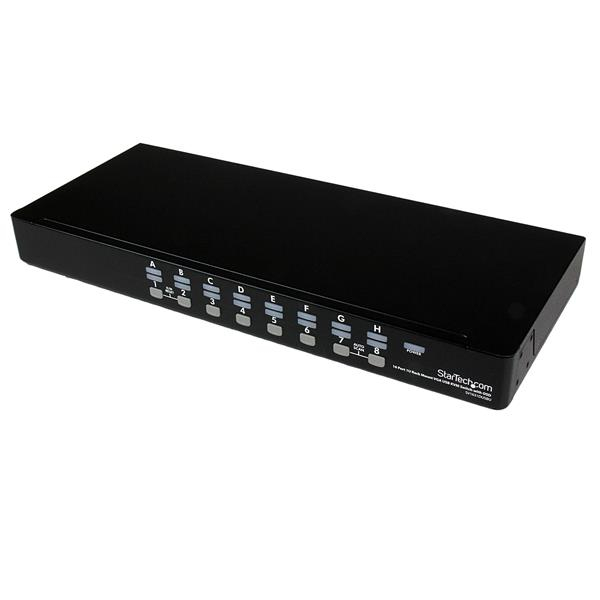
StarTech.com 16 Port 1U Rackmount USB KVM Switch with OSD (SV1631DUSBU) - KVM switch - 16 x KVM port(s) - 1 local user - desktop - for P/N: RK3236BKF, RK4236BKB, RKCONS1701, RKCONS17HD, RKCONS1901, RKCONS1908K, RKCONS1916K
STARTECH
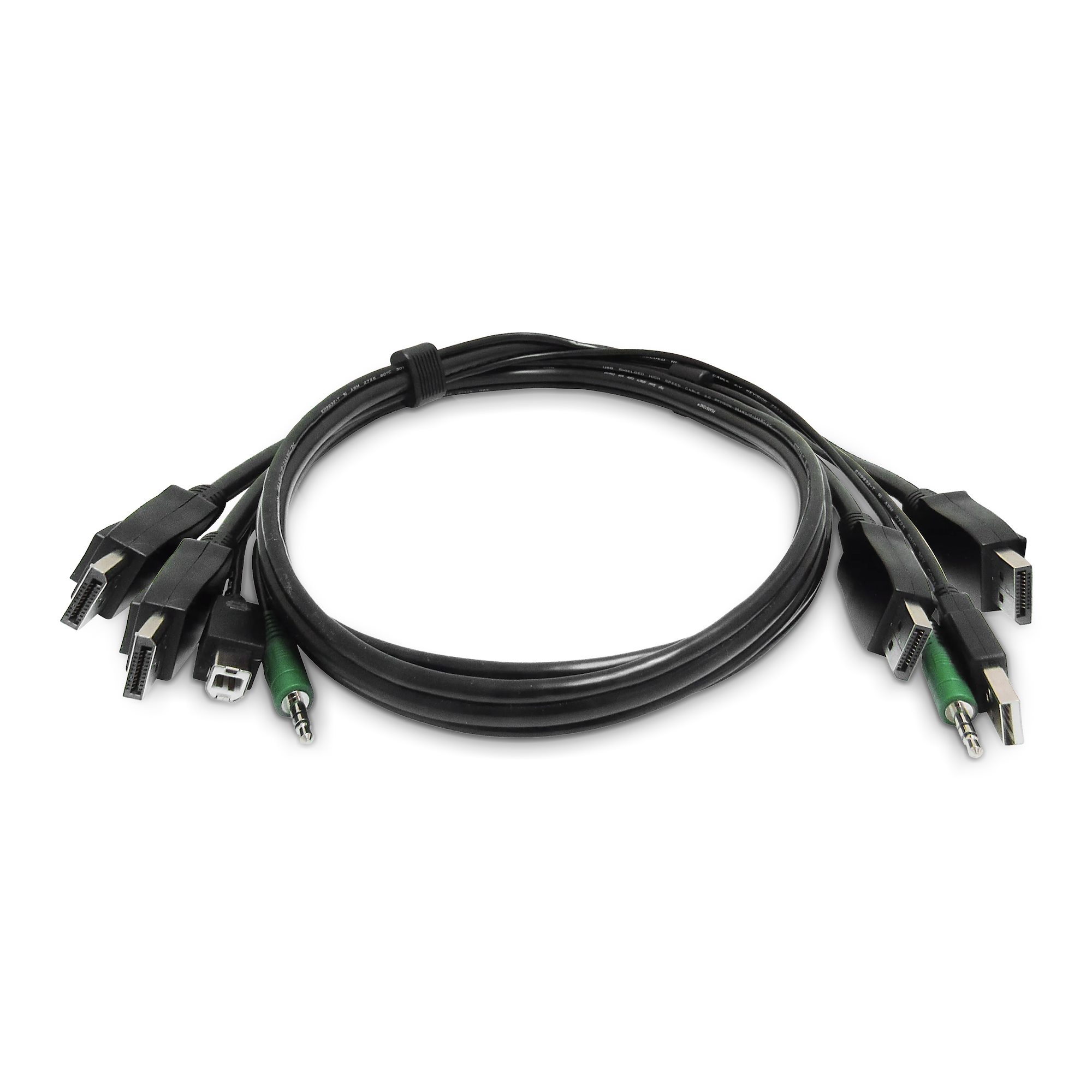
StarTech.com - Keyboard / video / mouse (KVM) cable - TAA Compliant - USB Type A, 3.5mm audio jack, DisplayPort (M) to USB Type B, 3.5mm audio jack, DisplayPort (M) - 1.8 m
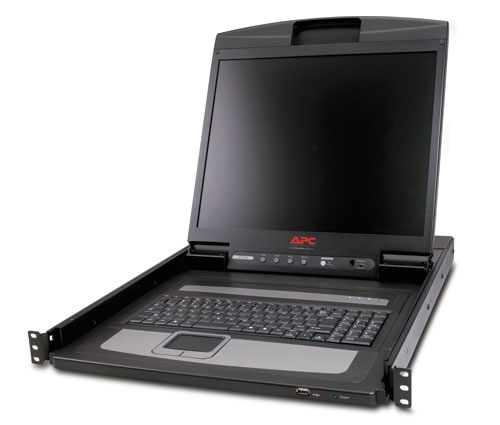
APC
APC 19" Rack LCD Console
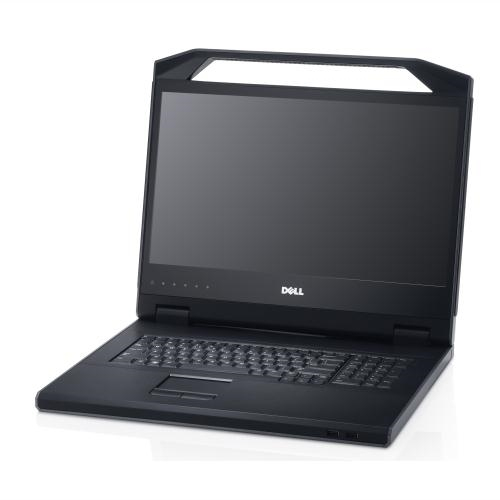
Dell
Dell KMM Console - KVM console - 18.5" - rack-mountable - 1U