- Google Ads & PPC
Google Ads Budgeting: How Much Should You Spend?
3 May, 2026
£576.43 inc. VAT
AI-generated summary
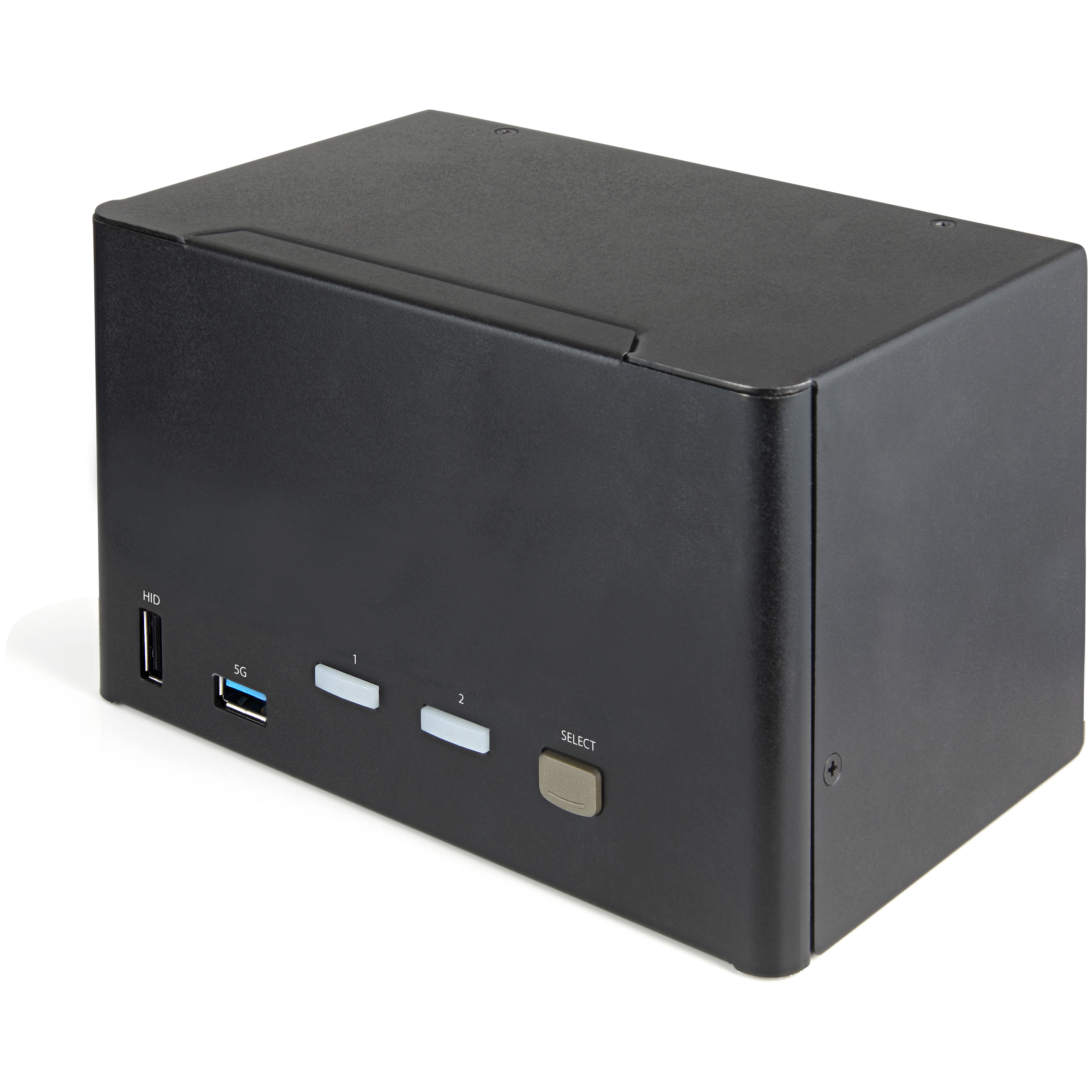
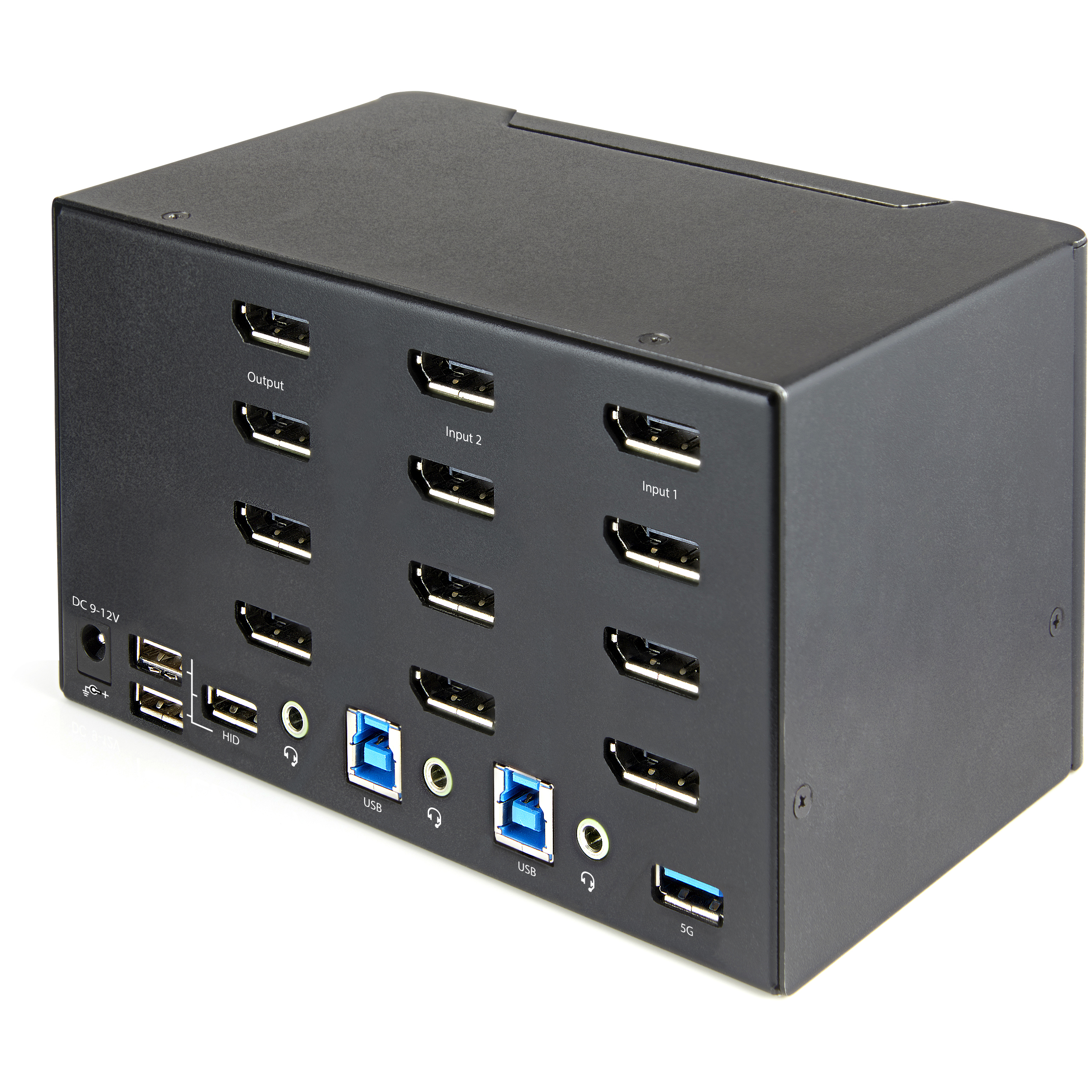
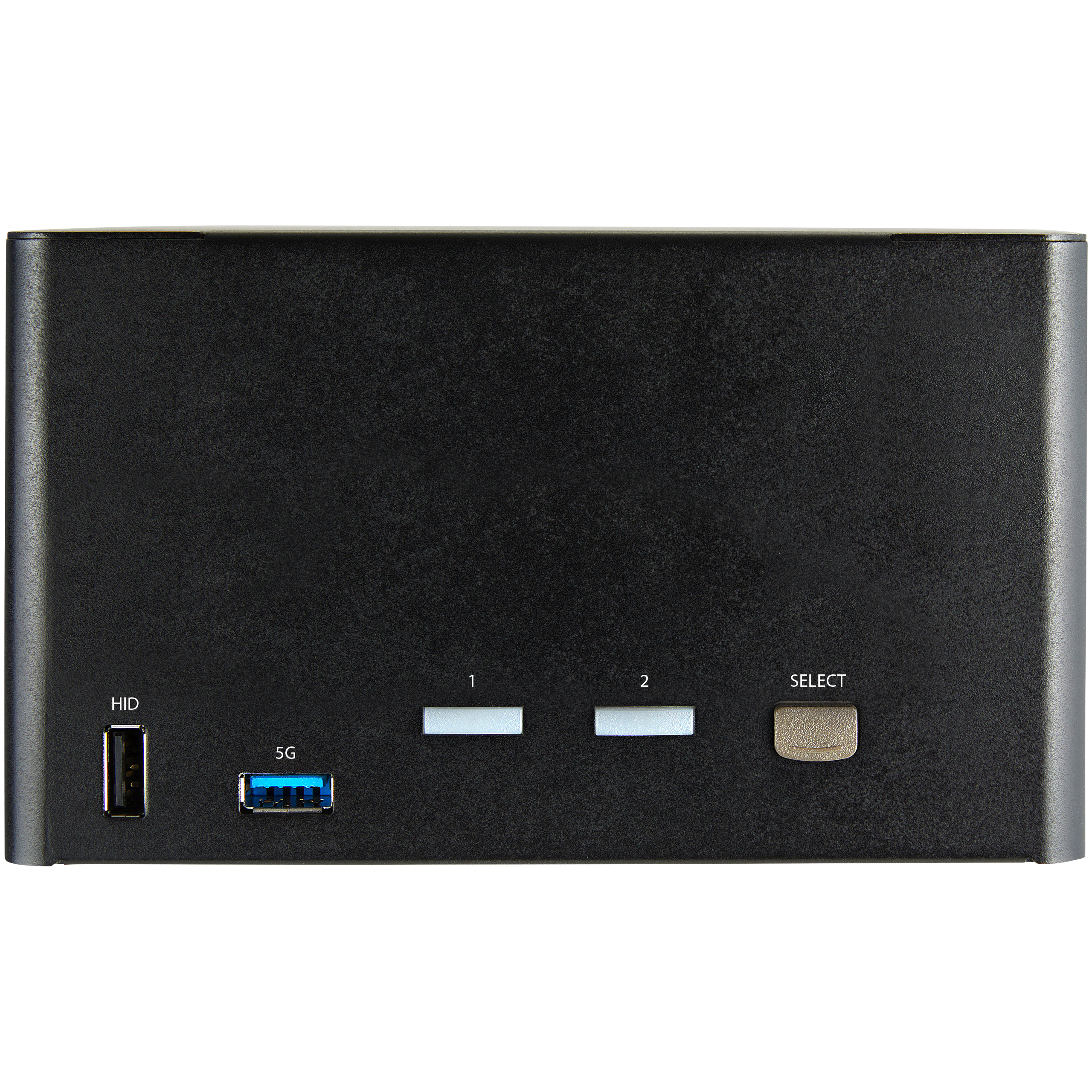
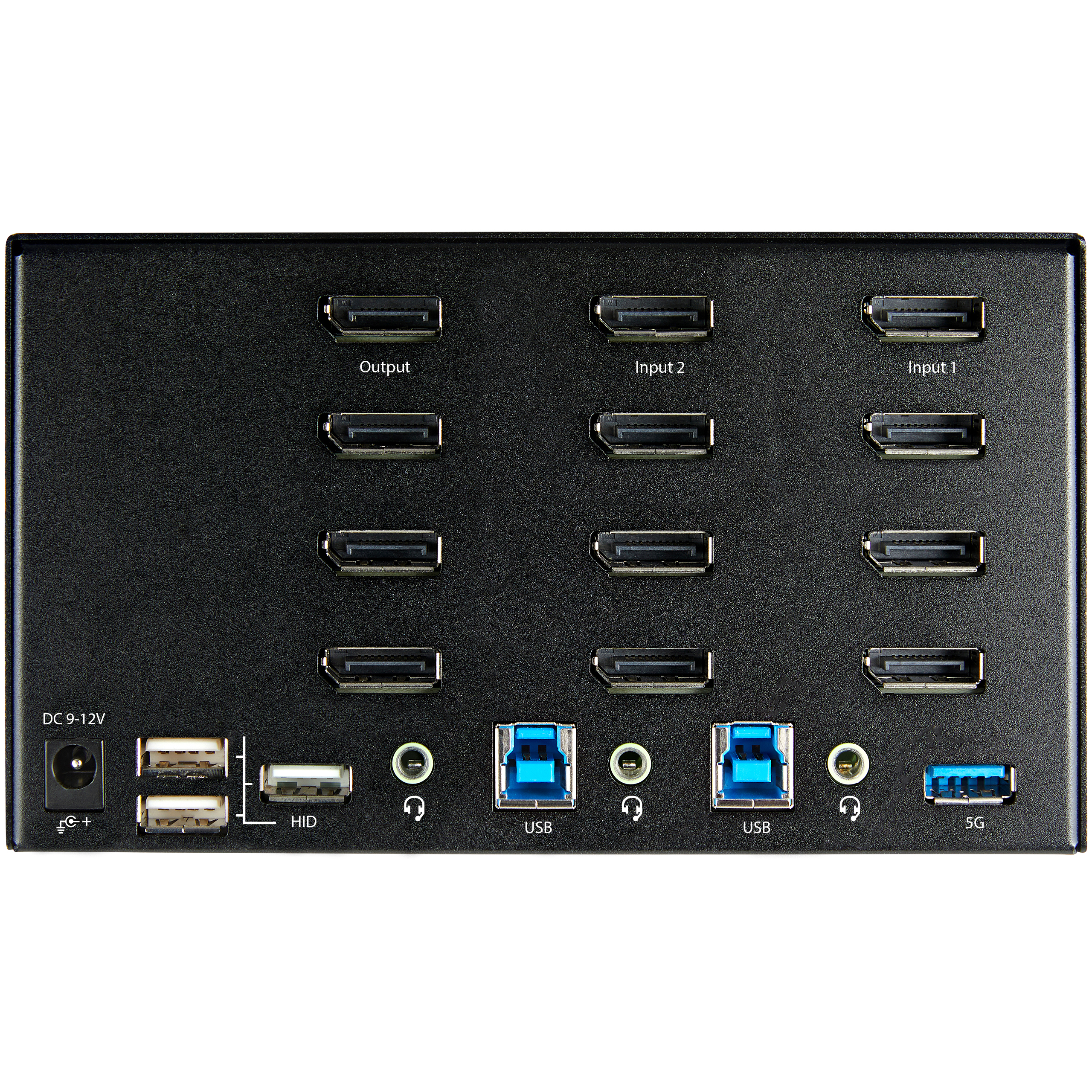
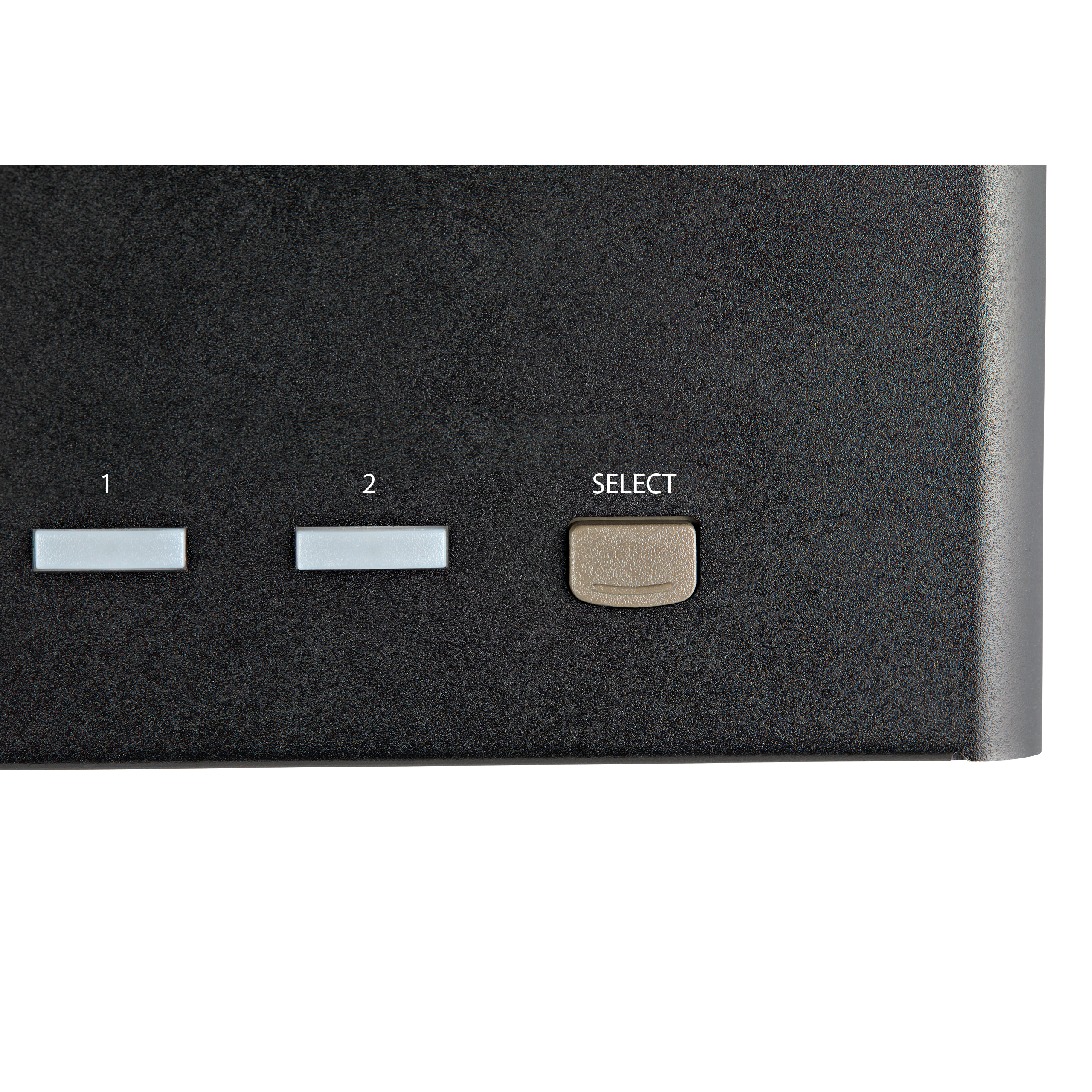
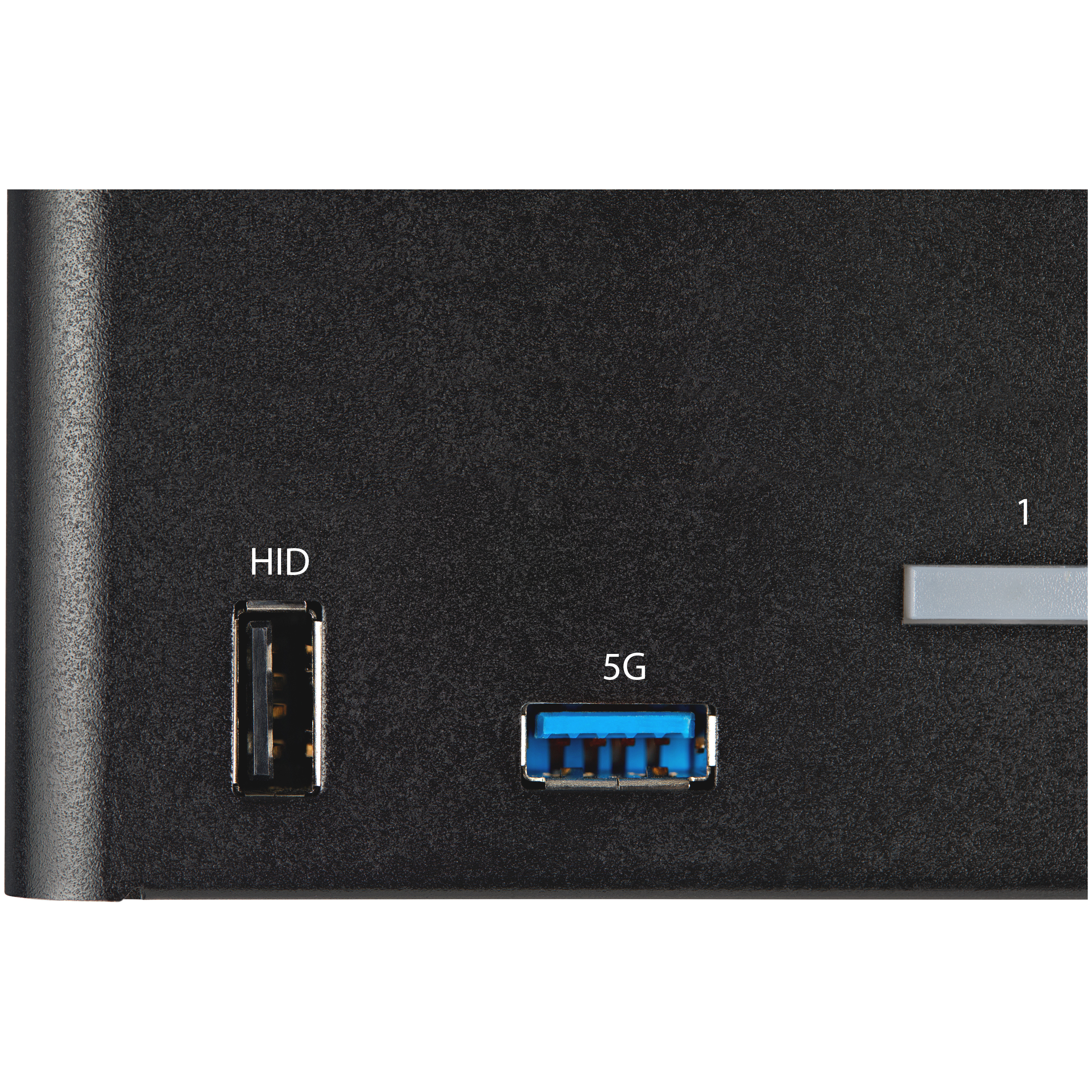
At ~£480 ex-VAT, this StarTech 2‑port DisplayPort KVM is priced like a “serious office” tool, not a desk gadget. It makes sense if you actually run two computers in one workstation and want to keep keyboard/mouse plus shared peripherals under control—hotkey switching is usually what you end up relying on day to day, and StarTech tends to be more consistent than bargain brands. The added USB hub/HID ports are also genuinely useful in real admin and finance setups (think barcode scanners, dongles, simple peripherals) where you don’t want to keep swapping cables.
That said, I wouldn’t buy it just for the headline “4K 60Hz HDR” numbers. In practice, KVMs like this live or die on your specific monitor model, GPU/driver behaviour, and whether you’re sensitive to input latency or handshake quirks when switching. If your environment is simple (one keyboard/mouse, minimal USB devices, not fussed about HDR), you can almost certainly find better value. If you *do* have a proper dual‑PC setup, multiple USB devices that need to stay mapped, and you’re using DisplayPort reliably across both machines, then paying the money here is defensible—this is the kind of KVM you buy once and stop thinking about.
STARTECH
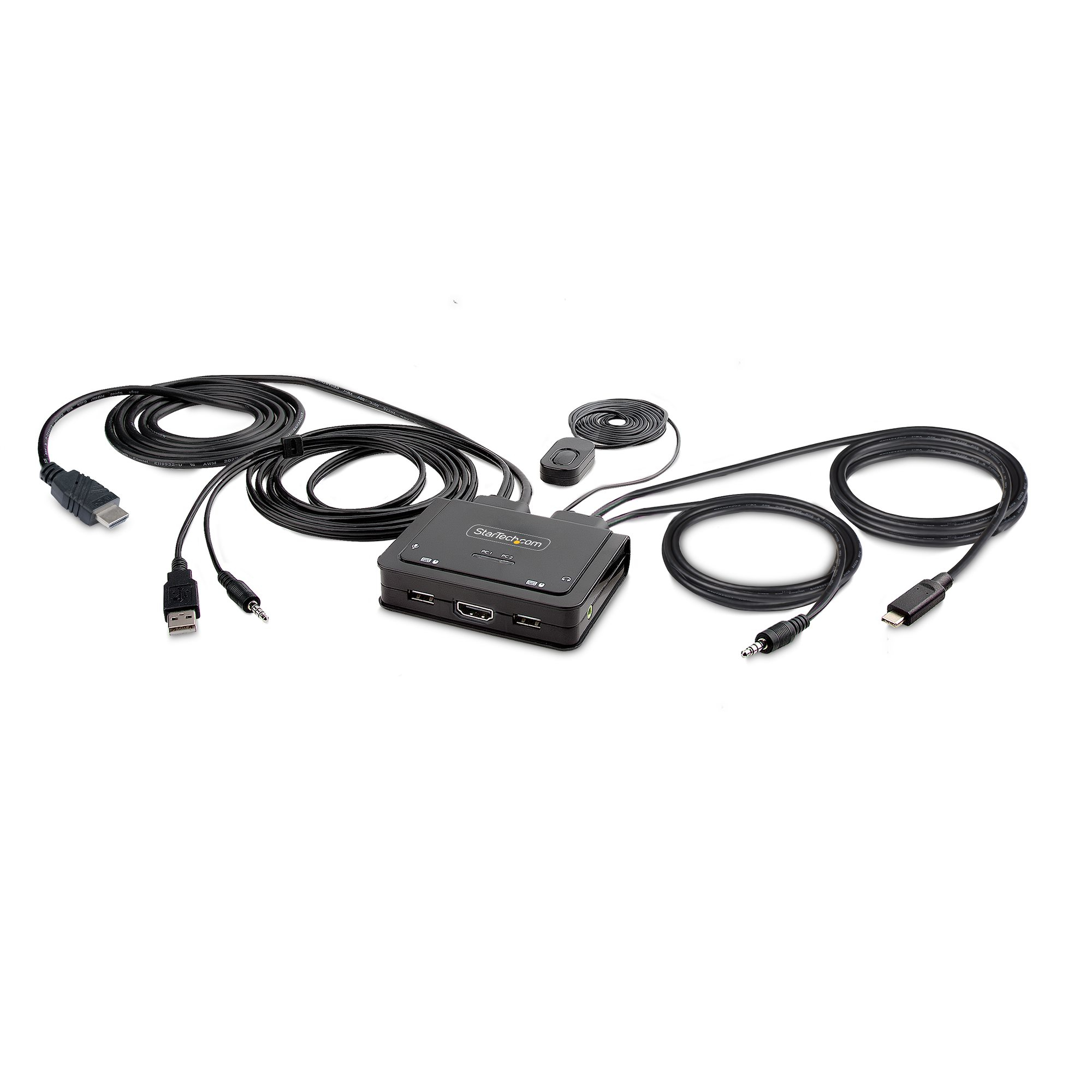
StarTech.com 2-Port Hybrid USB-C HDMI Cable KVM Switch, 4K 60Hz, Compact KVM with 6ft/1.8m USB-A/HDMI/Audio & 4ft/1.2m USB-C Integrated Host Cables, Bus Powered - Remote Push Button/Hotkey Switching (C2-H46-UAC-CBL-KVM) - KVM / audio / USB switch - compact - 2 x KVM / audio / USB - 1 local user - desktop
STARTECH
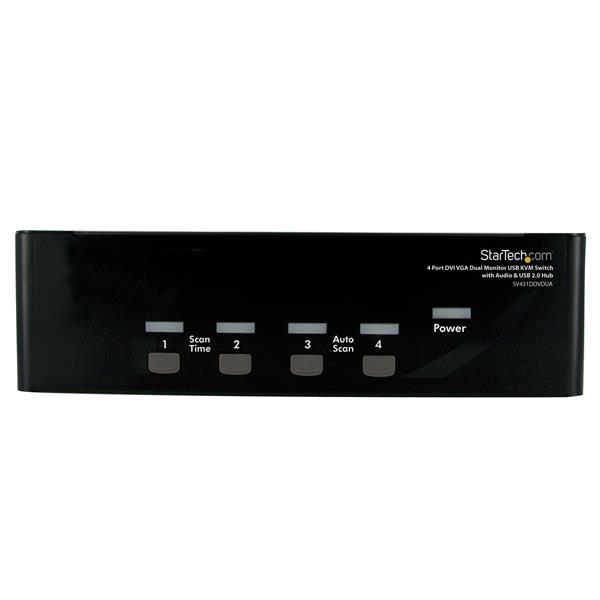
StarTech.com 4 Port DVI VGA Dual Monitor KVM Switch USB with Audio and USB 2.0 Hub (SV431DDVDUA) - KVM / audio / USB switch - 4 x KVM / audio / USB - 1 local user - desktop - for P/N: IM12D1500P, SVA12M2NEUA, SVA12M5NA, USBDVI4N1A6, USBVGA4N1A10, USBVGA4N1A6

STARTECH
StarTech.com 2 Port DisplayPort KVM Switch, 4K 60Hz, Compact Dual Port UHD DP 1.2 USB Desktop KVM Switch w/ Integrated 4ft Cables & Audio, Bus Powered & Remote Switching, MacBook ThinkPad - 4K KVM Switch w/ Audio (SV211DPUA4K) - KVM / audio switch - 2 x KVM / audio - desktop
STARTECH
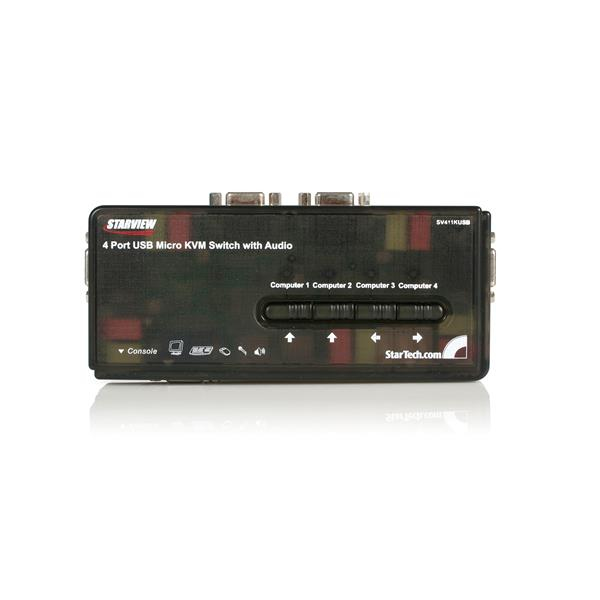
StarTech.com 4 Port Black USB KVM Switch Kit with Cables and Audio - desktop KVM Switch - VGA KVM Switch - USB KVM Switch 4 Port (SV411KUSB) - KVM / audio switch - 4 x KVM / audio - 1 local user - desktop