- Web Development
How to Measure Your Website's Performance
11 Mar, 2026
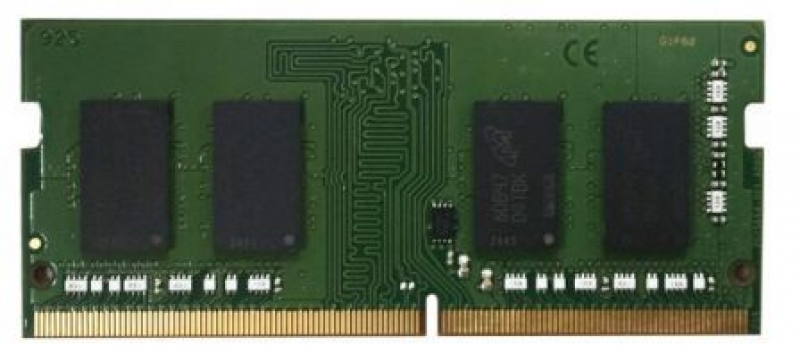
£819.65 inc. VAT
AI-generated summary
Honestly, this QNAP 16GB DDR5 SO-DIMM is a pretty niche purchase, and at **£682.98 ex-VAT** it’s hard to justify unless you *know* you’re fixing a specific QNAP compatibility/performance need. For most small business users running QNAP NAS workloads, RAM upgrades are usually the difference between “it’s fine” and “it’s getting sluggish” — but the price here suggests you’re paying more for “the right stick for the NAS” than for raw memory value. If you’re just trying to add headroom for general file serving or light Docker/VMs, you can often get much better value elsewhere.
That said, **who should buy it:** people with a QNAP NAS that explicitly supports this exact DDR5 module/format and who are hitting limits (lots of concurrent users, heavy indexing, container workloads, or caching benefits). It’s for environments where stability and compatibility matter more than chasing the cheapest RAM. **Who should not:** anyone without a confirmed need, or anyone able to choose cheaper equivalent memory options—because unless your NAS is picky about module type and you’re sure this is the match, you’ll likely pay a premium for something you could source more cost-effectively. If you tell me your QNAP model, I can say whether this price looks sensible or whether there’s a cheaper, safer route.
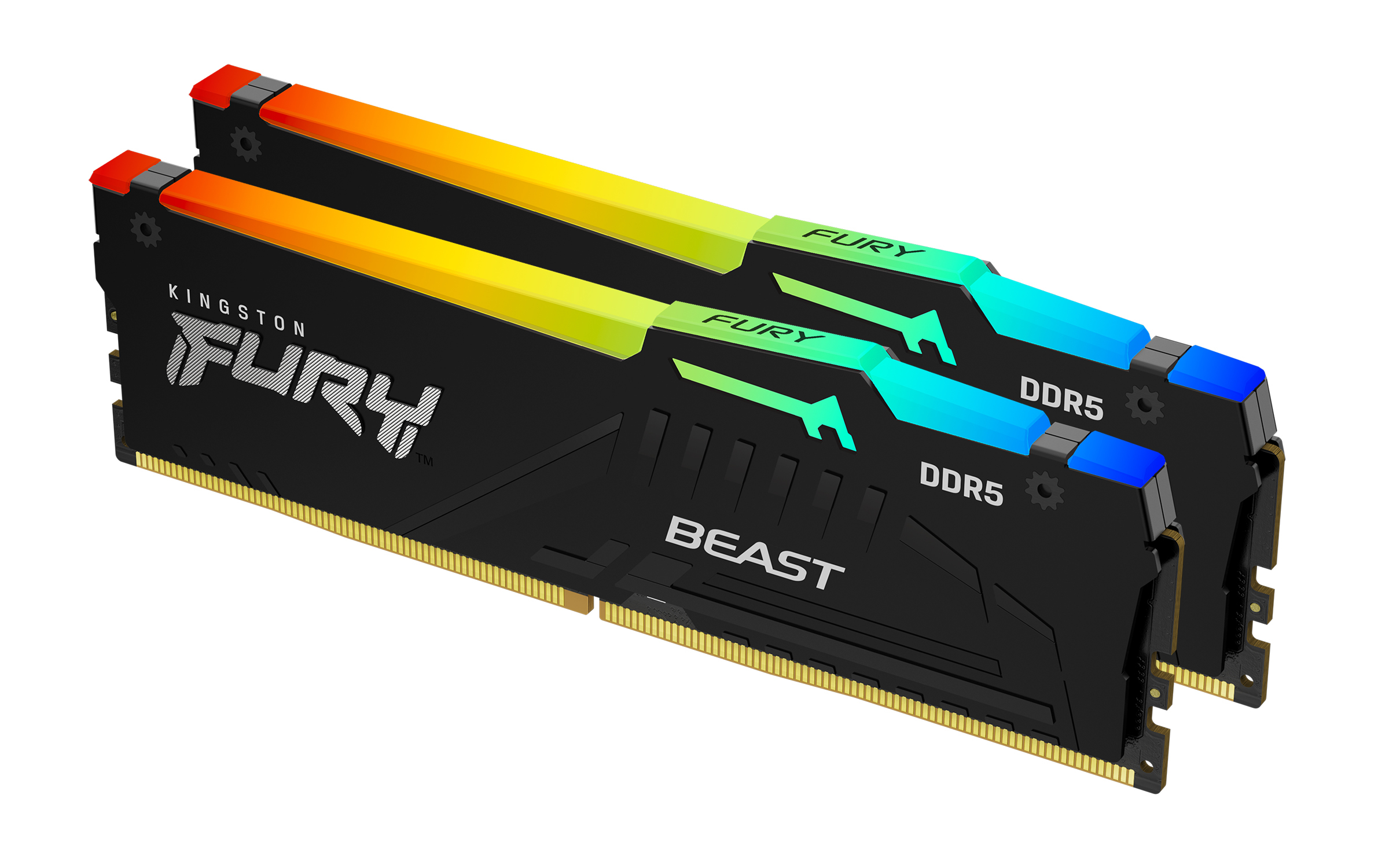
Kingston
Kingston FURY Beast RGB - DDR5 - kit - 16 GB: 2 x 8 GB - DIMM 288-pin - 5600 MT/s / PC5-44800 - CL40 - 1.25 V - unbuffered - on-die ECC
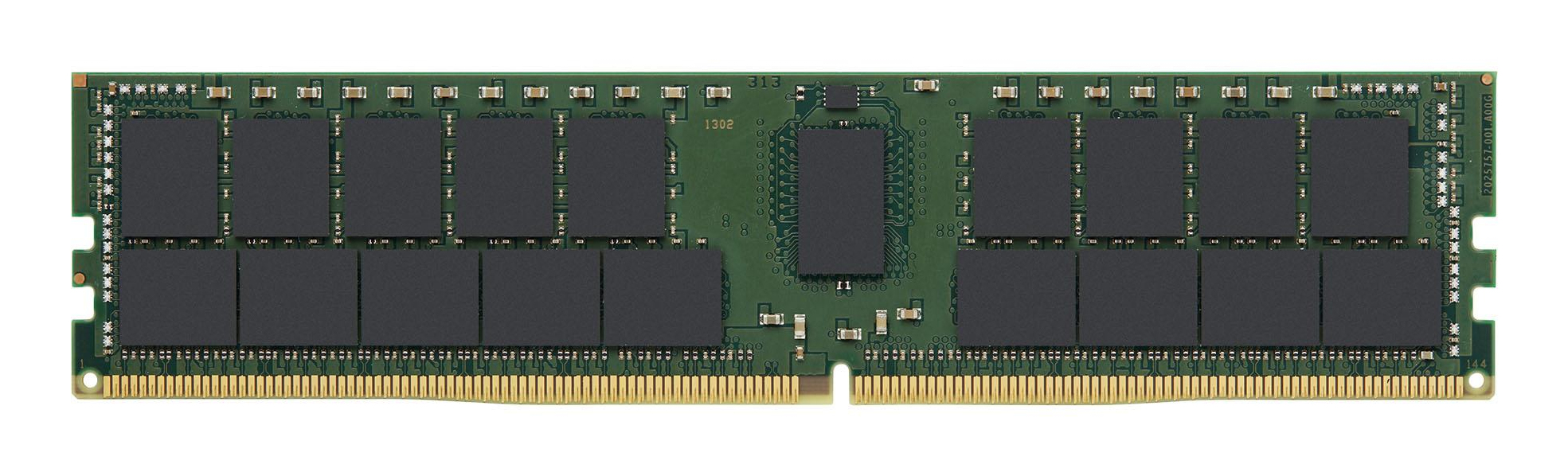
Kingston
Kingston - DDR4 - module - 32 GB - DIMM 288-pin - 3200 MT/s / PC4-25600 - CL22 - 1.2 V - registered - ECC - for Lenovo ThinkStation P620
Qnap
QNAP - DDR4 - module - 2 GB - SO-DIMM 260-pin - 2400 MT/s / PC4-19200 - 1.2 V - unbuffered - non-ECC

Kingston
Kingston FURY Beast - DDR4 - kit - 64 GB: 4 x 16 GB - DIMM 288-pin - 3600 MT/s / PC4-28800 - CL18 - 1.35 V - unbuffered - non-ECC - black