- Cloud Backup
How to Choose a Cloud Backup Provider for Your Business
12 Jul, 2025
£80.63 inc. VAT
AI-generated summary
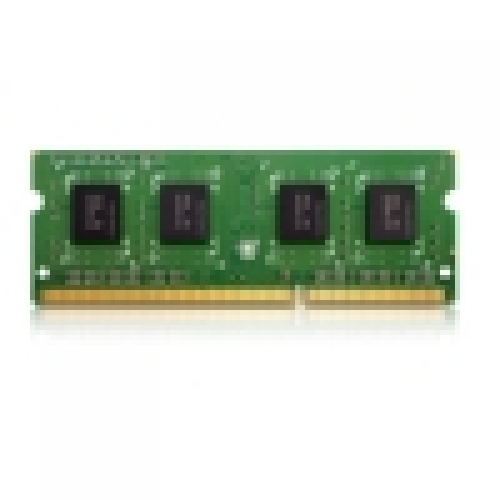
If you’ve got a QNAP NAS that’s explicitly compatible with this kind of DDR4 SO‑DIMM, this is the sort of straightforward, “no drama” top-up that can make older boxes feel snappier—especially if you’re seeing sluggishness from lots of concurrent users, indexing, or heavy app workloads. For £66.91 ex‑VAT for a 2GB stick, the value is all about whether your NAS actually benefits from adding just that small amount. In real terms, it’s usually best when you’re near the edge of usability rather than way underpowered—think “it’s okay, but…” rather than “it’s painful.”
Where I’d be cautious: if your NAS supports bigger RAM upgrades, a single 2GB module can be a bit of an oddball expense—because you may end up paying to upgrade again later (or leaving performance on the table). Also, make sure you’re not mixing unsupported speeds/brands or exceeding what the NAS firmware will reliably recognise. If you already know your model supports this exact module and you’re upgrading from the absolute minimum, it’s a sensible, safe purchase. If you’re planning a bigger capacity jump or your NAS is already clearly under-allocated, you’ll likely get better money per performance by going larger in one go.
Kingston
Kingston ValueRAM - DDR4 - module - 4 GB - DIMM 288-pin - 3200 MT/s / PC4-25600 - CL22 - 1.2 V - unbuffered - non-ECC
Kingston
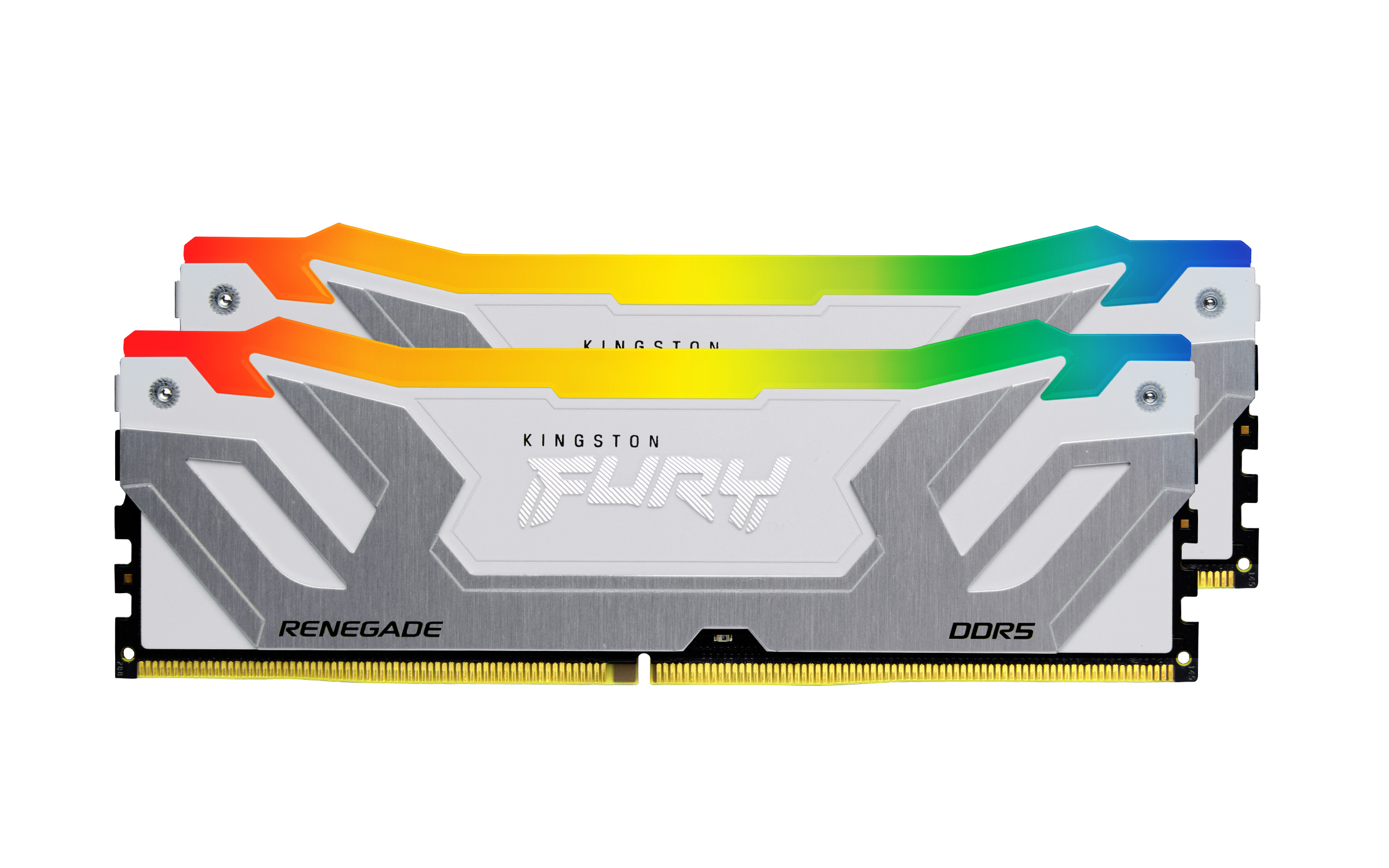
Kingston FURY Renegade RGB - DDR5 - module - 24 GB - DIMM 288-pin - 8800 MT/s / PC5-70400 - CL42 - 1.4 V - clocked unbuffered - on-die ECC - white & silver
Kingston
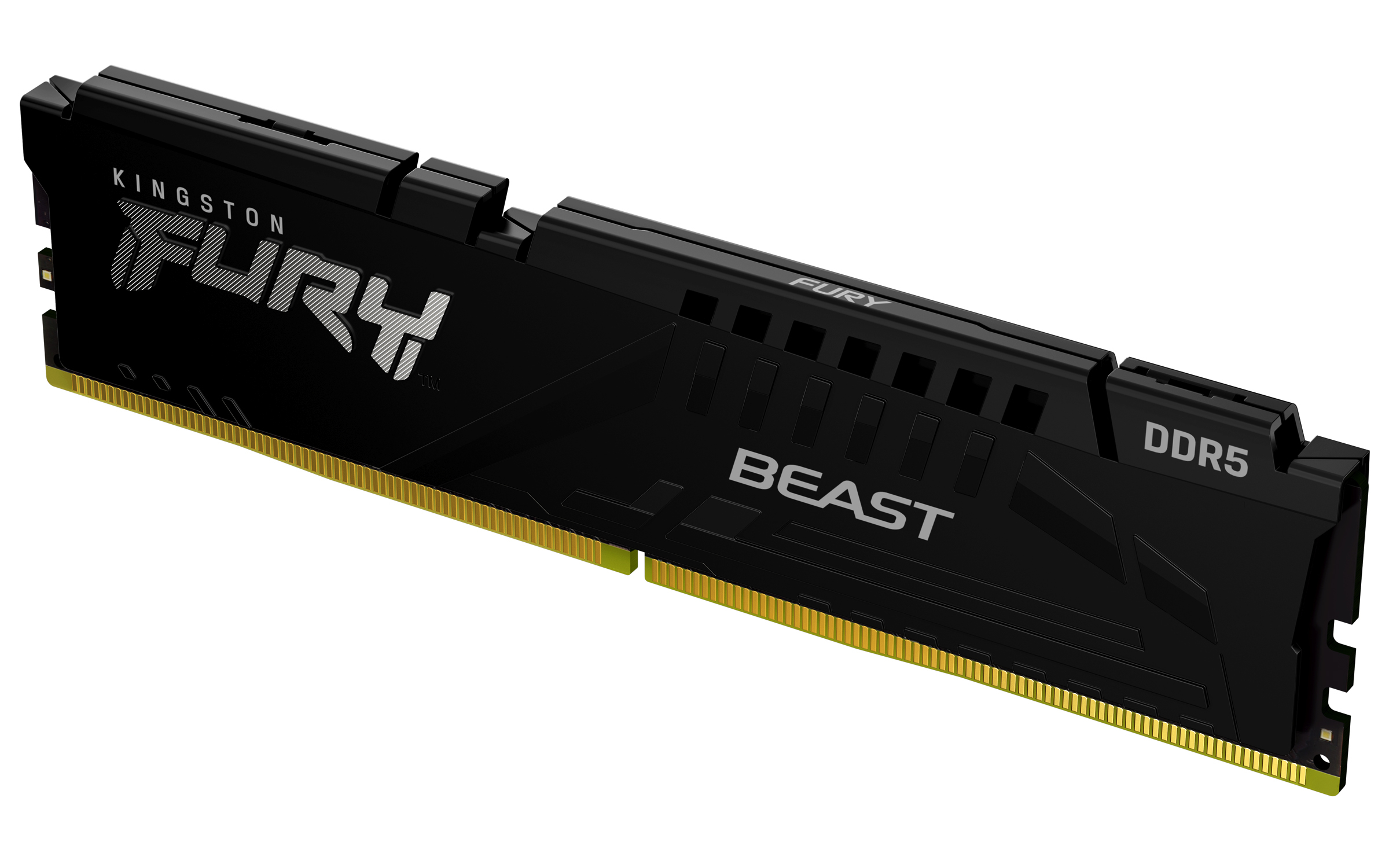
Kingston FURY Beast - DDR5 - module - 8 GB - DIMM 288-pin - 5600 MT/s / PC5-44800 - CL36 - 1.25 V - unbuffered - on-die ECC - black
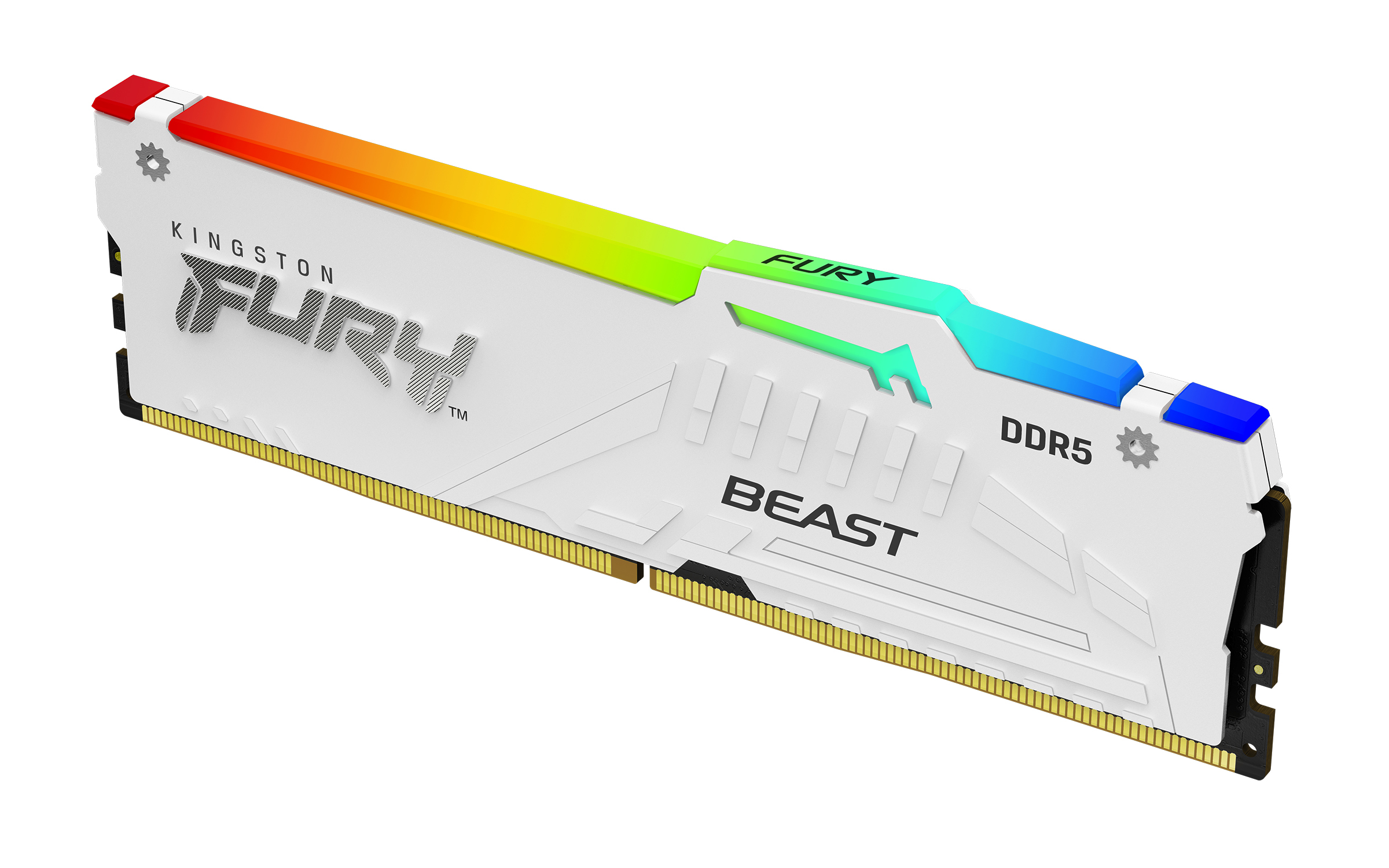
Kingston
Kingston FURY Beast RGB - DDR5 - module - 32 GB - DIMM 288-pin - 5600 MT/s / PC5-44800 - CL36 - 1.25 V - unbuffered - on-die ECC - white