- Google Ads & PPC
The Complete Guide to Google Ads for Small Businesses
1 May, 2026
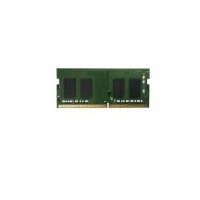
£588.82 inc. VAT
AI-generated summary
For £490 ex-VAT, this QNAP 32GB DDR4 SO‑DIMM is only really “worth it” if you’re confident you need that exact module for a specific QNAP box and you want everything to stay stable without hunting around. QNAP RAM upgrades tend to work well because they’re validated for the enclosure, but they’re rarely the cheapest route. If you’re just trying to add general capacity, you’ll usually get better value by sourcing compatible memory elsewhere—unless your NAS/VM workload is sensitive to compatibility quirks.
Who should buy it? If you’ve got a QNAP NAS that’s running memory-hungry workloads (lots of container/VM activity, heavy caching, many services/users, or you’ve already maxed out safer low-risk slots) and you want to avoid “will it boot?” downtime, then this makes sense. Who should *not* buy it? If you’re on a budget, don’t have a specific need to upgrade now, or you’re not tied to QNAP’s compatibility constraints, this price is steep enough that you should compare against cheaper matched DDR4 SO‑DIMMs for your exact model—because paying this kind of premium for RAM is hard to justify unless you’re buying reliability and time back.
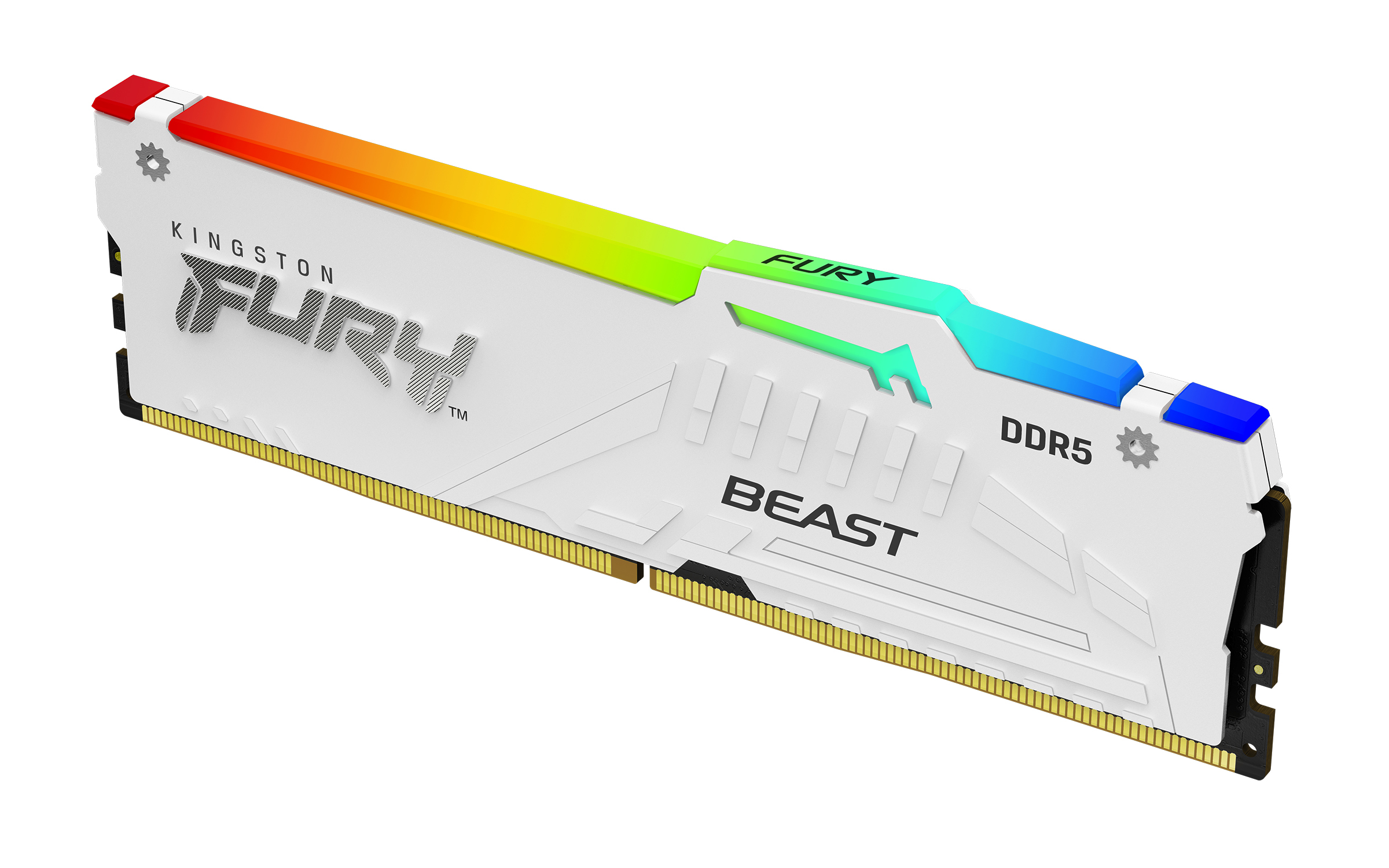
Kingston
Kingston FURY Beast RGB - DDR5 - module - 16 GB - DIMM 288-pin - 5600 MT/s / PC5-44800 - CL40 - 1.25 V - unbuffered - on-die ECC - white

Kingston
Kingston - DDR4 - module - 8 GB - SO-DIMM 260-pin - 3200 MT/s / PC4-25600 - CL22 - 1.2 V - unbuffered - non-ECC
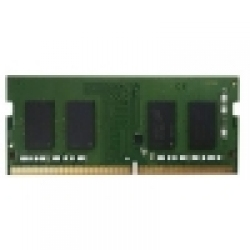
Qnap
QNAP - DDR4 - module - 2 GB - SO-DIMM 260-pin - 2400 MT/s / PC4-19200 - 1.2 V - unbuffered - non-ECC
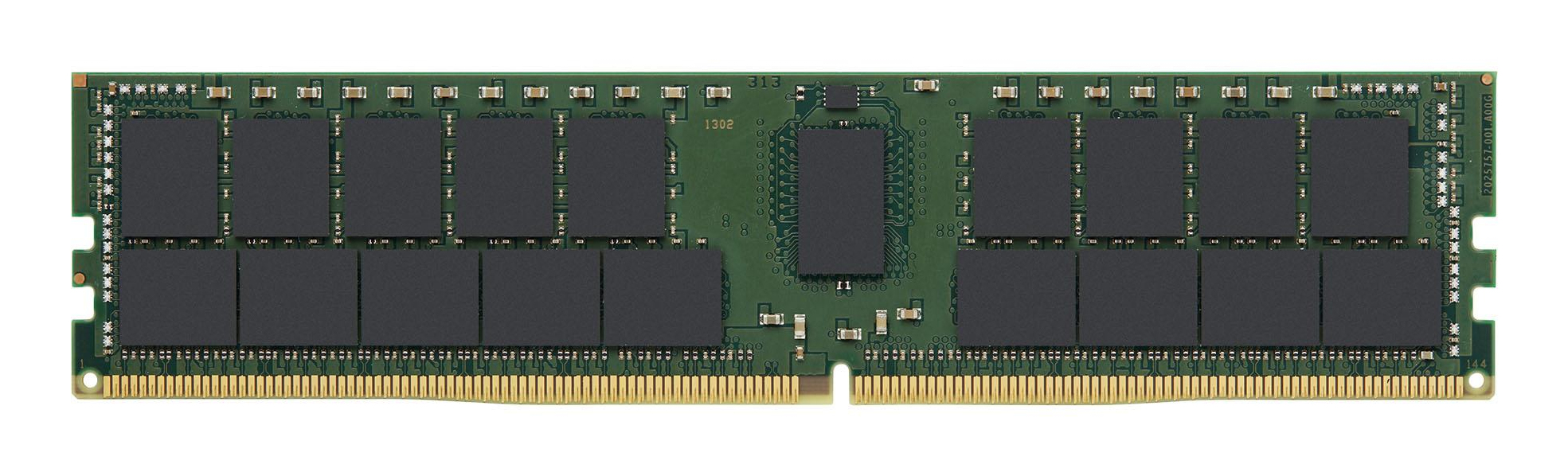
Kingston
Kingston - DDR4 - module - 64 GB - DIMM 288-pin - 3200 MT/s / PC4-25600 - CL22 - 1.2 V - registered - ECC