- Azure Cloud
How to Use Azure Monitor for Proactive IT Management
15 Feb, 2026
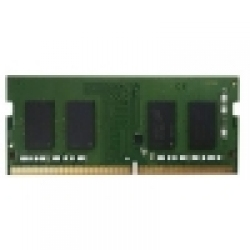
£78.83 inc. VAT
AI-generated summary
If you’re running a QNAP NAS that’s already the right model family, the RAM-2GDR4T0-SO is a pretty sensible “keep it boring” upgrade. 2GB doesn’t sound like much, but in real day-to-day terms it’s often enough to smooth out how the NAS handles a few extra services or a heavier SMB workload—think more responsive UI, fewer slowdowns when apps are ticking over, and better breathing room for caching. At £65.42 ex-VAT, it’s not cheap, but it’s also not wildly overpriced for a matched QNAP SO-DIMM, which matters because compatibility headaches are the most expensive kind of downtime.
That said, I wouldn’t buy this unless you’ve confirmed the NAS actually supports and benefits from that specific slot type and that you’re genuinely memory-constrained. If you’re already running multiple containers/virtualisation-style features, heavy transcoding, lots of users, or you’ve simply outgrown the platform, this 2GB stick will feel like a token gesture—you’ll spend money but still hit the same performance ceiling. For most people, buy it only as a targeted patch for a smaller workload and only if QNAP compatibility checks out; otherwise, you’re usually better off planning a larger memory upgrade in one go.
Kingston
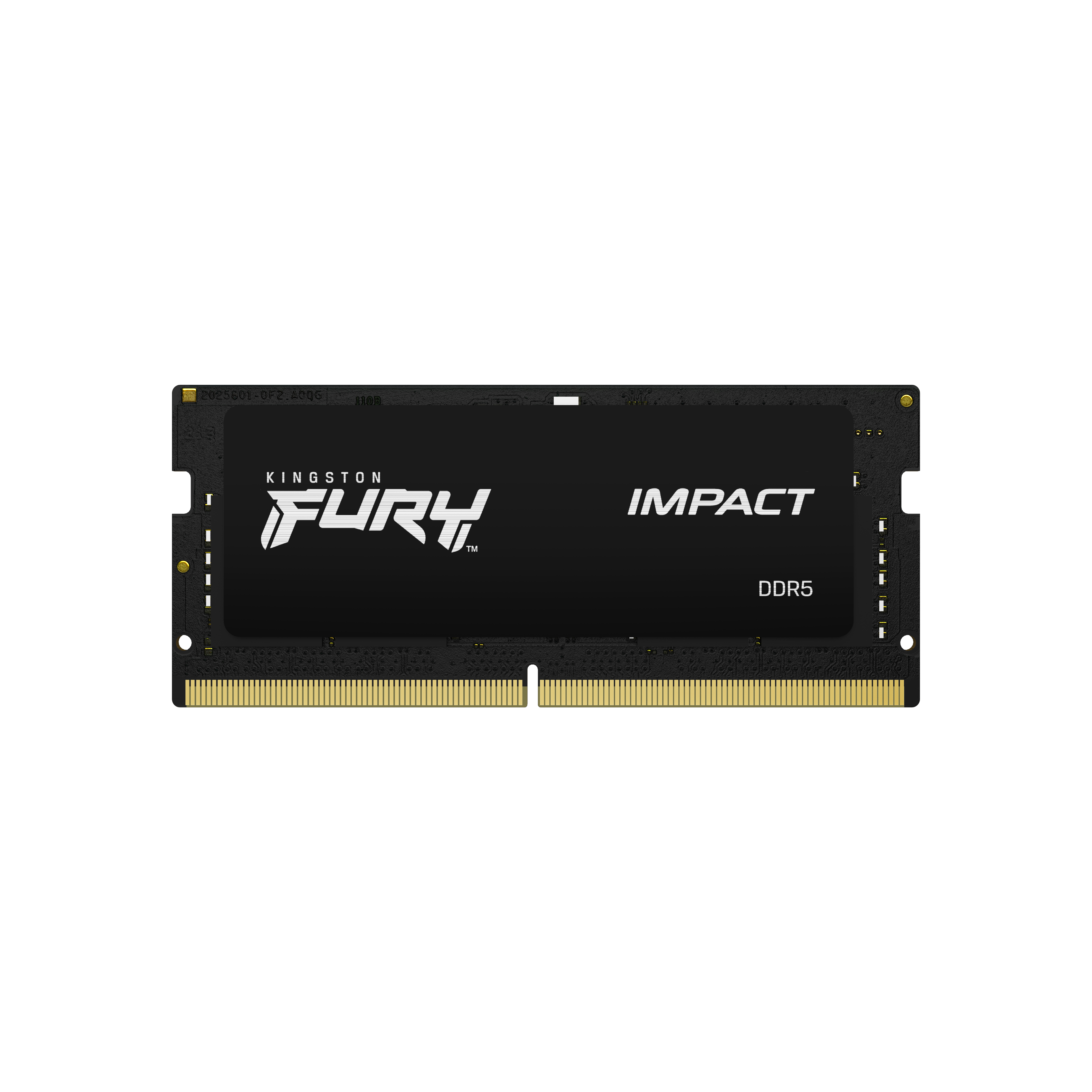
Kingston FURY Impact - DDR5 - kit - 32 GB: 2 x 16 GB - SO-DIMM 262-pin - 6400 MT/s / PC5-51200 - CL38 - 1.35 V - on-die ECC
Kingston
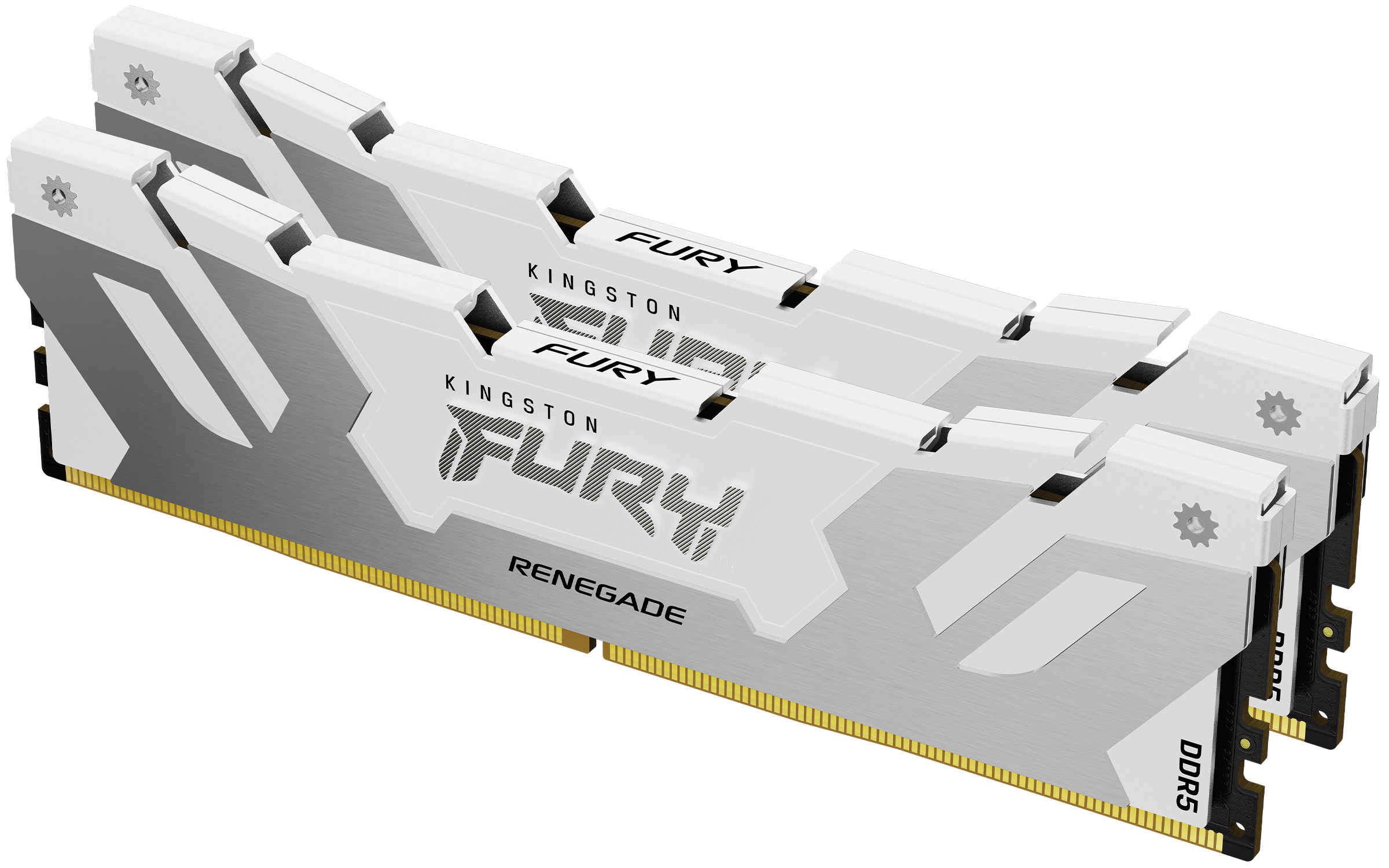
48GB 8000MT/s DDR5 CL38 DIMM Kit of 2 FU
Kingston
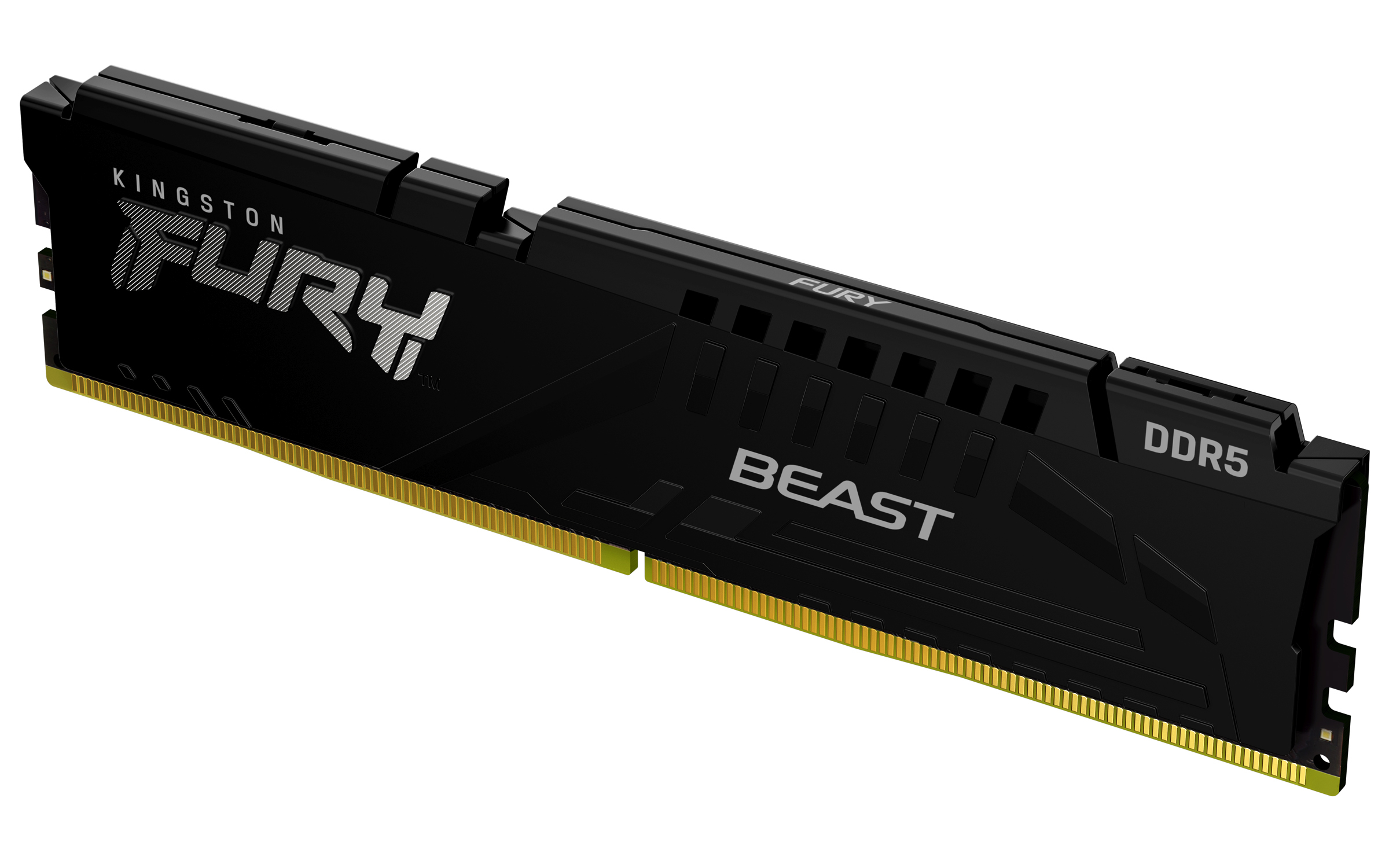
Kingston FURY Beast - DDR5 - module - 32 GB - DIMM 288-pin - 6000 MT/s / PC5-48000 - CL30 - 1.4 V - unbuffered - on-die ECC - black
HP
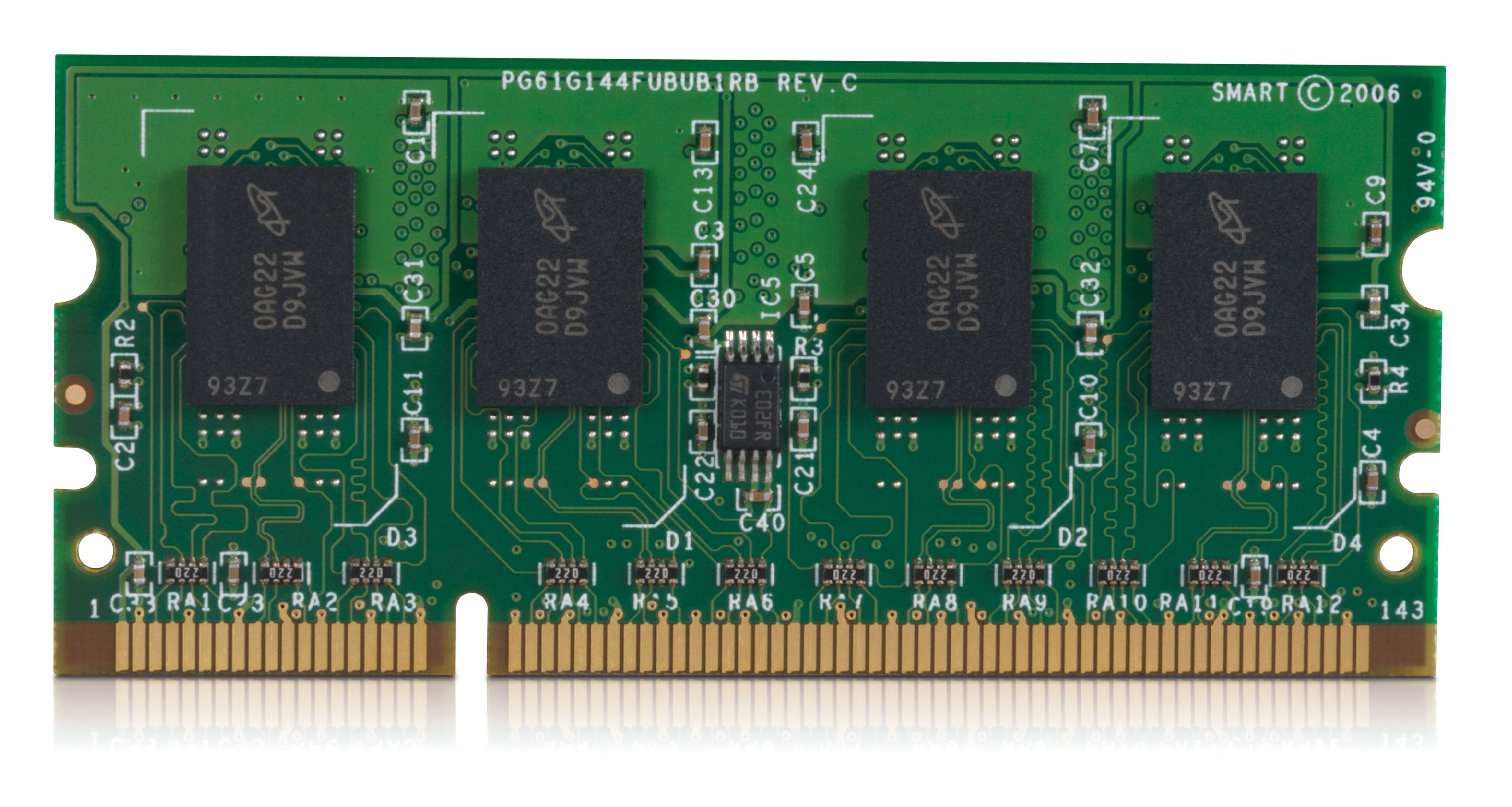
HP 200-pin DDR2 512MB x64 DIMM