- Database Reporting
How to Set Up Scheduled Reports in Your Database
20 Mar, 2026
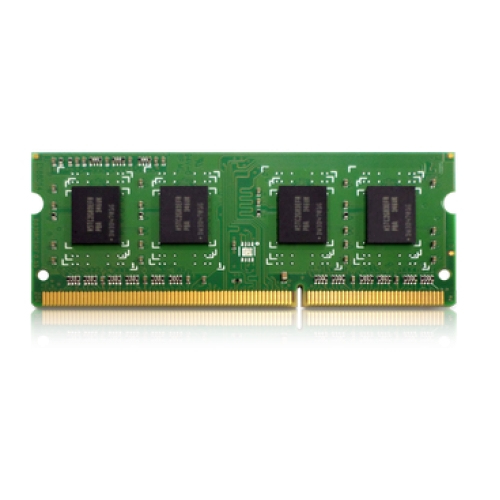
£91.34 inc. VAT
AI-generated summary
If you’ve got a QNAP NAS that takes DDR3L SODIMMs, this 4GB stick can be a decent, no-drama upgrade—particularly if your unit is struggling with basic multitasking like heavy indexing, lots of users, or running apps alongside file services. In real terms, going from “tight” to “comfortable” RAM can make the NAS feel less sluggish and reduce the temptation to babysit caches and services.
That said, £75.82 ex-VAT for just 4GB is the part that makes me pause. If you’re buying it purely to gain performance and your NAS is already using most of its RAM, you might get noticeable improvement—but if the machine can take more later, it’s often better to plan for a bigger capacity jump rather than paying similar money for small gains. Also, only buy this if you’re 100% sure your QNAP model supports DDR3L SODIMM and that it’s the right speed/type; mismatches are a common “I shouldn’t have trusted the spec sheet” problem with memory.
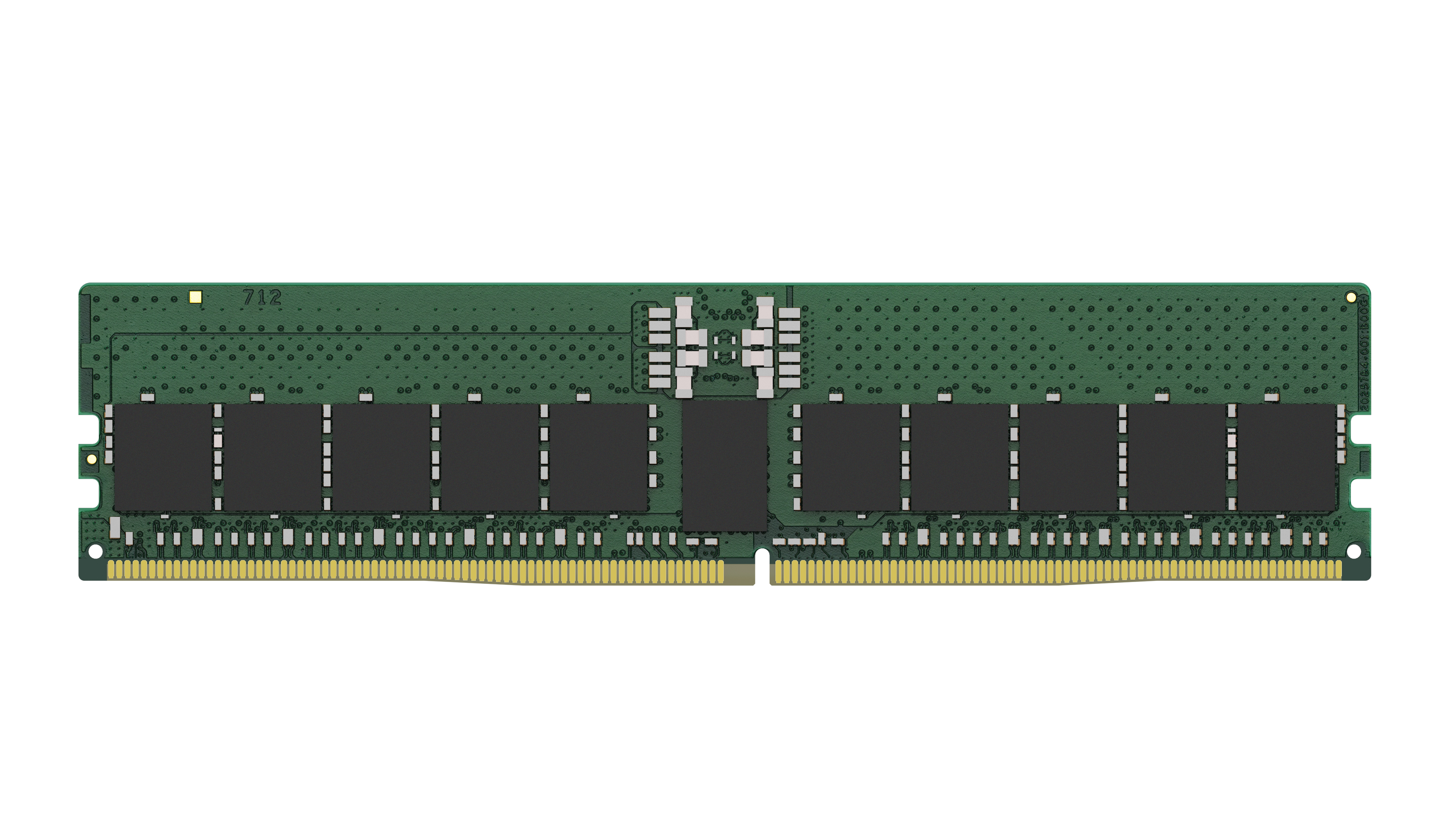
Kingston
Kingston - DDR5 - module - 48 GB - DIMM 288-pin - 5600 MHz / PC5-44800 - CL46 - 1.1 V - registered - ECC
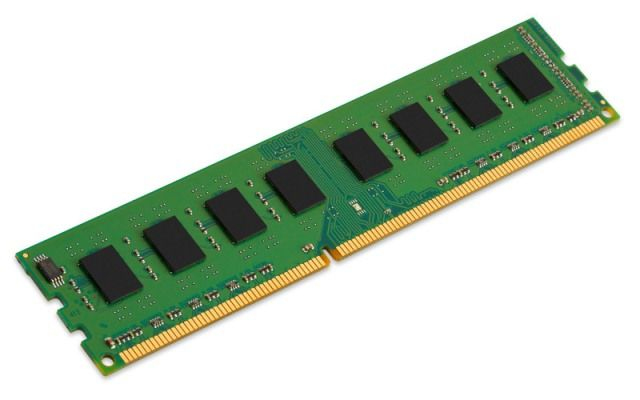
Kingston
8GB 1600MHz DDR3L Non-ECC CL11 DIMM 1.35V
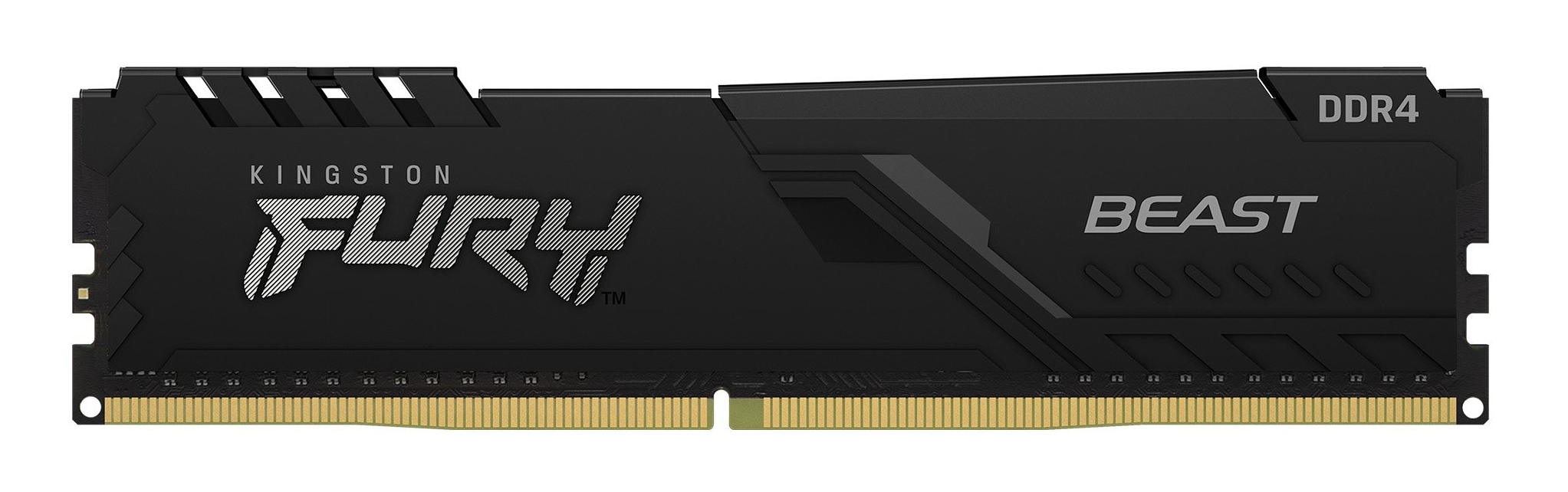
Kingston
Kingston FURY Beast - DDR4 - module - 16 GB - DIMM 288-pin - 3200 MHz / PC4-25600 - CL16 - 1.35 V - unbuffered - non-ECC - black
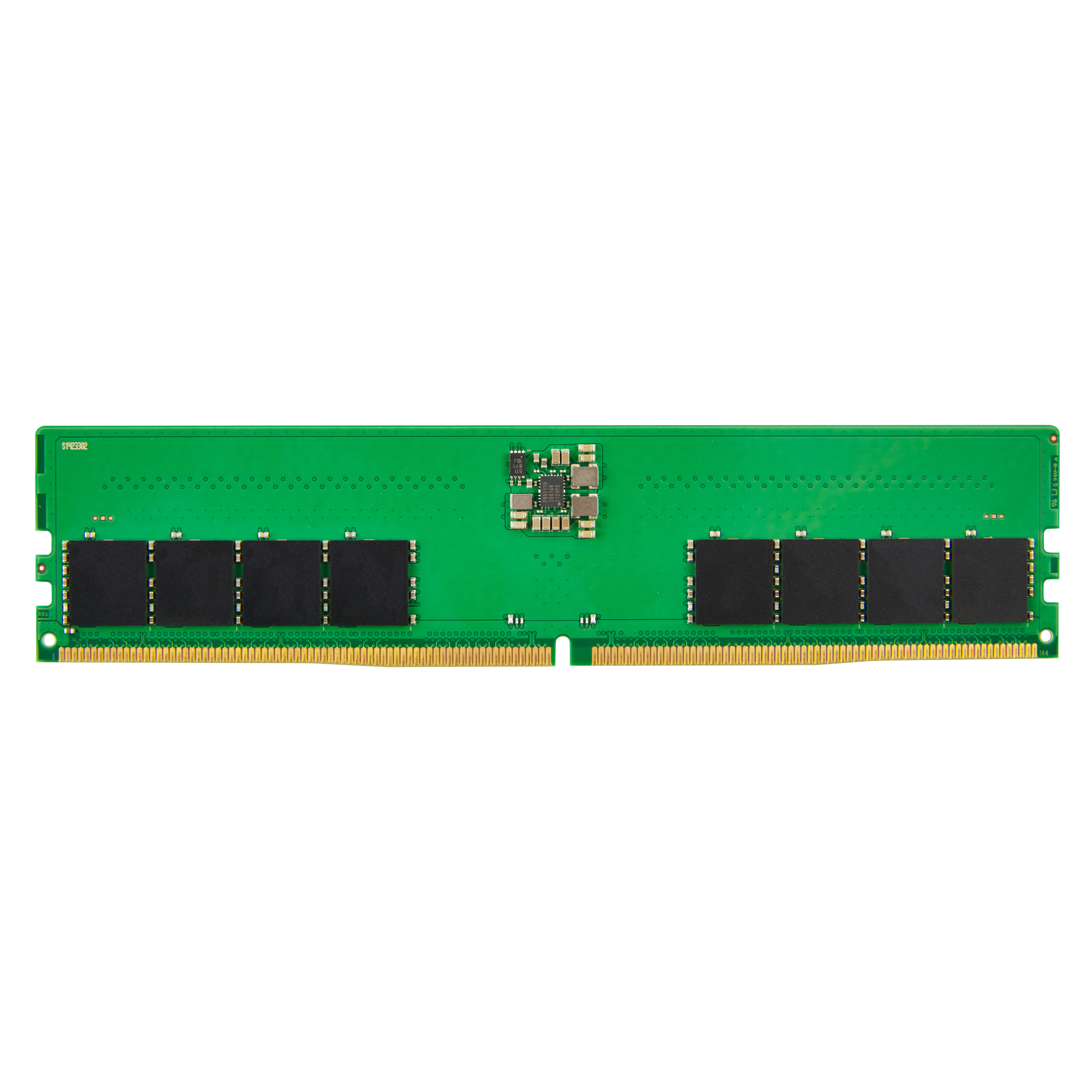
HP
HP - DDR5 - module - 32 GB - DIMM 288-pin - 4800 MHz / PC5-38400 - unbuffered - non-ECC - for Elite 600 G9, 800 G9, Workstation Z2 G9