- Azure Cloud
How to Set Up Multi-Factor Authentication with Azure AD
8 Sep, 2025
£1073.71 inc. VAT
AI-generated summary
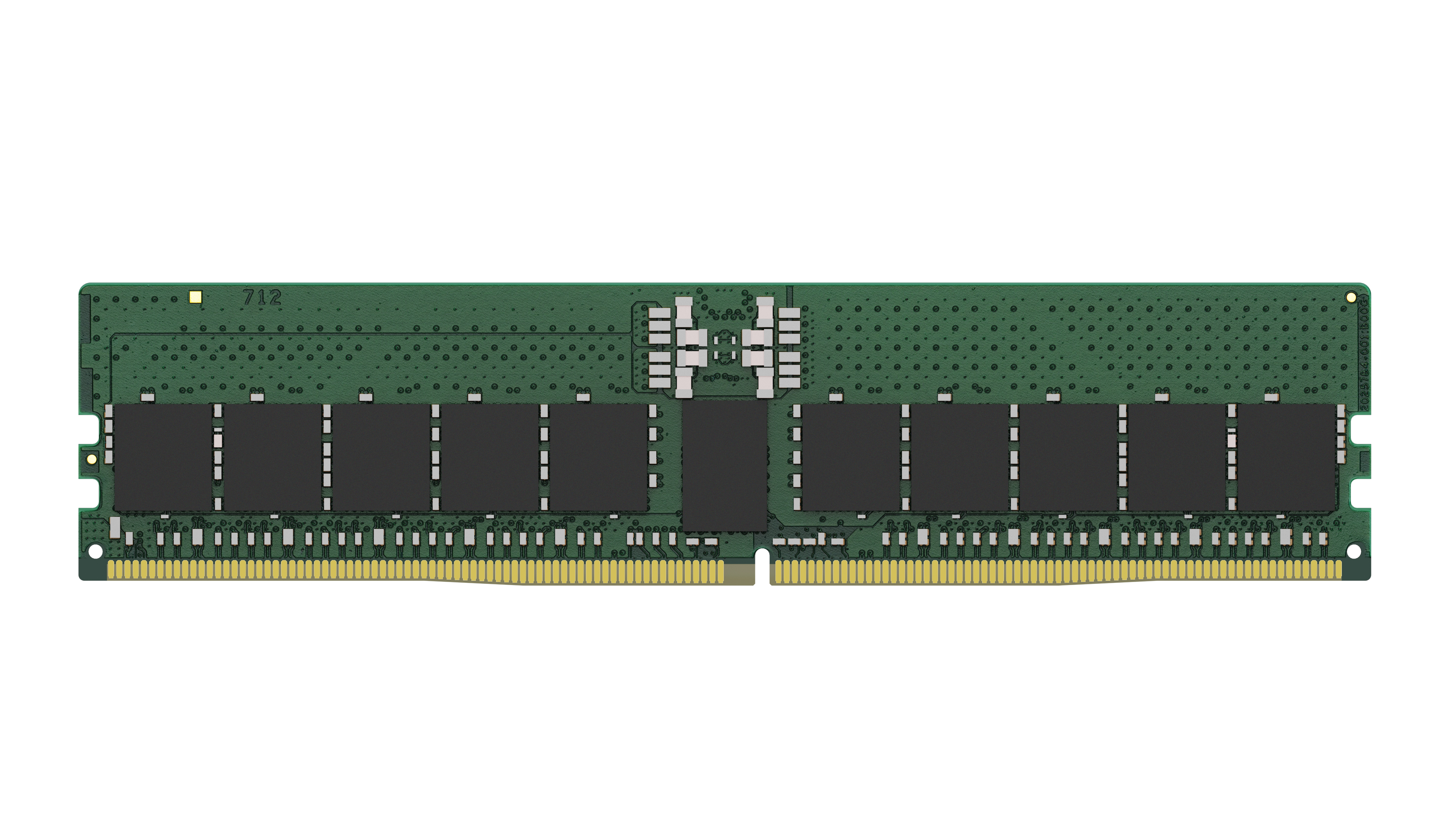
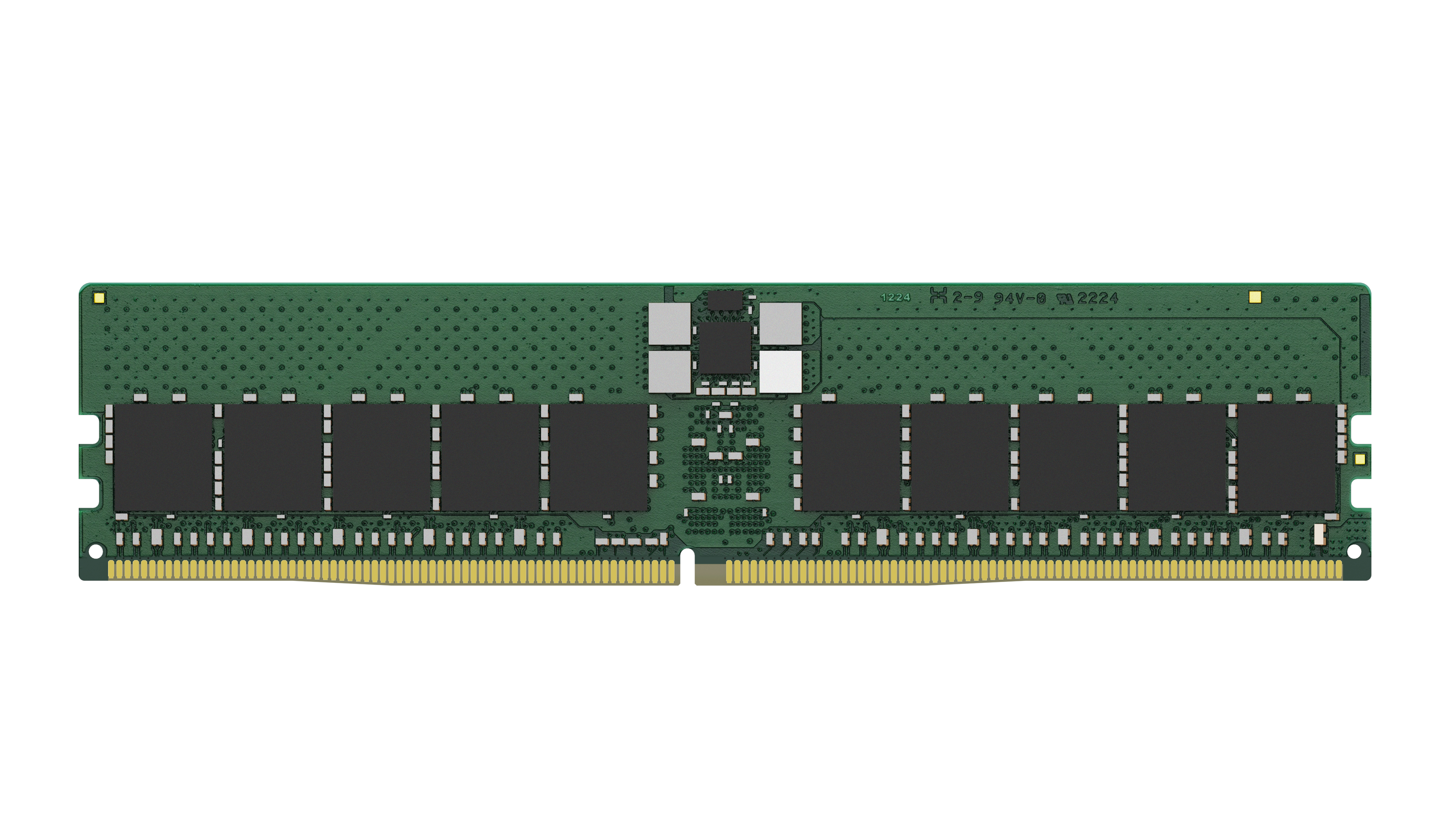
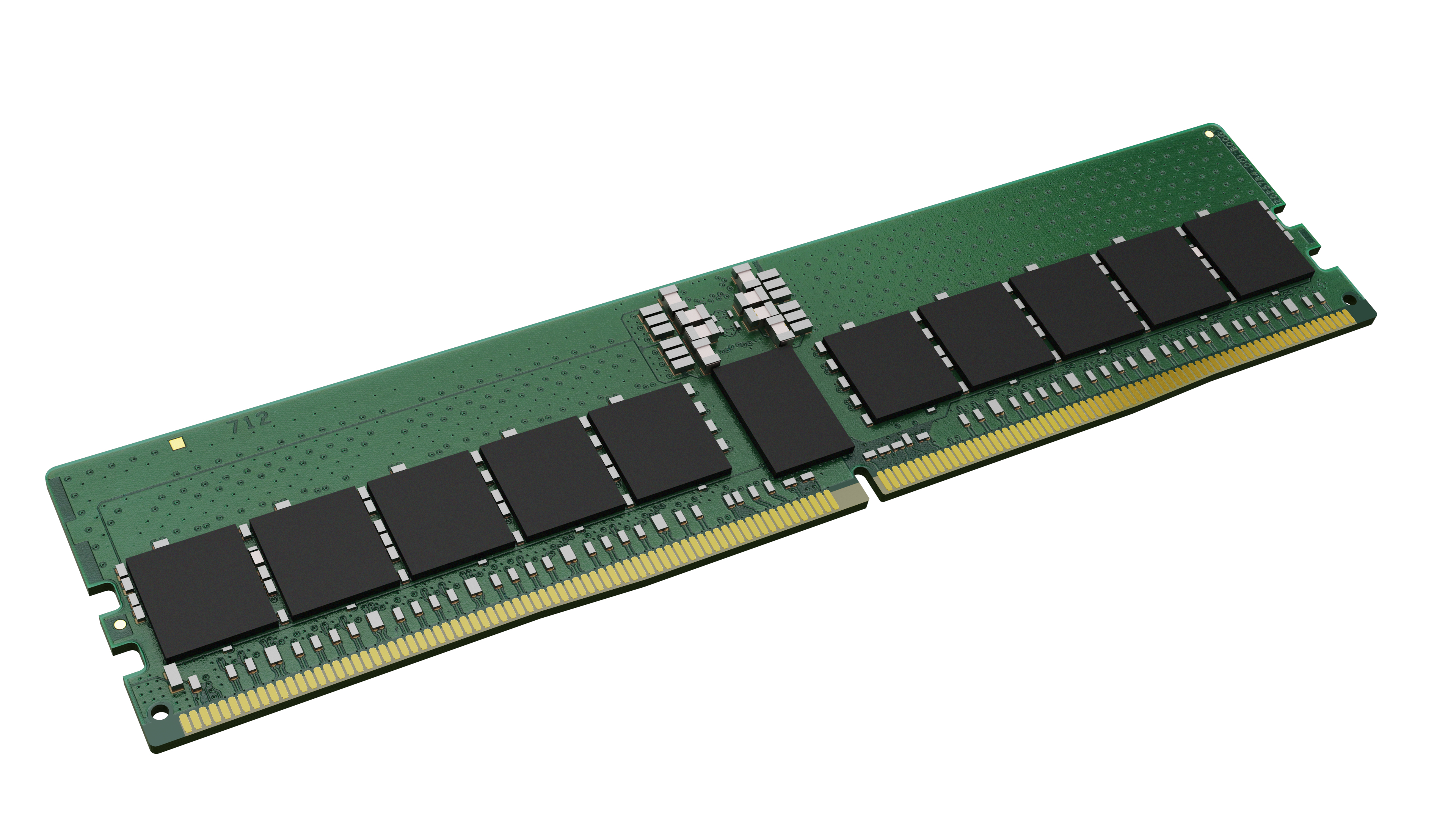
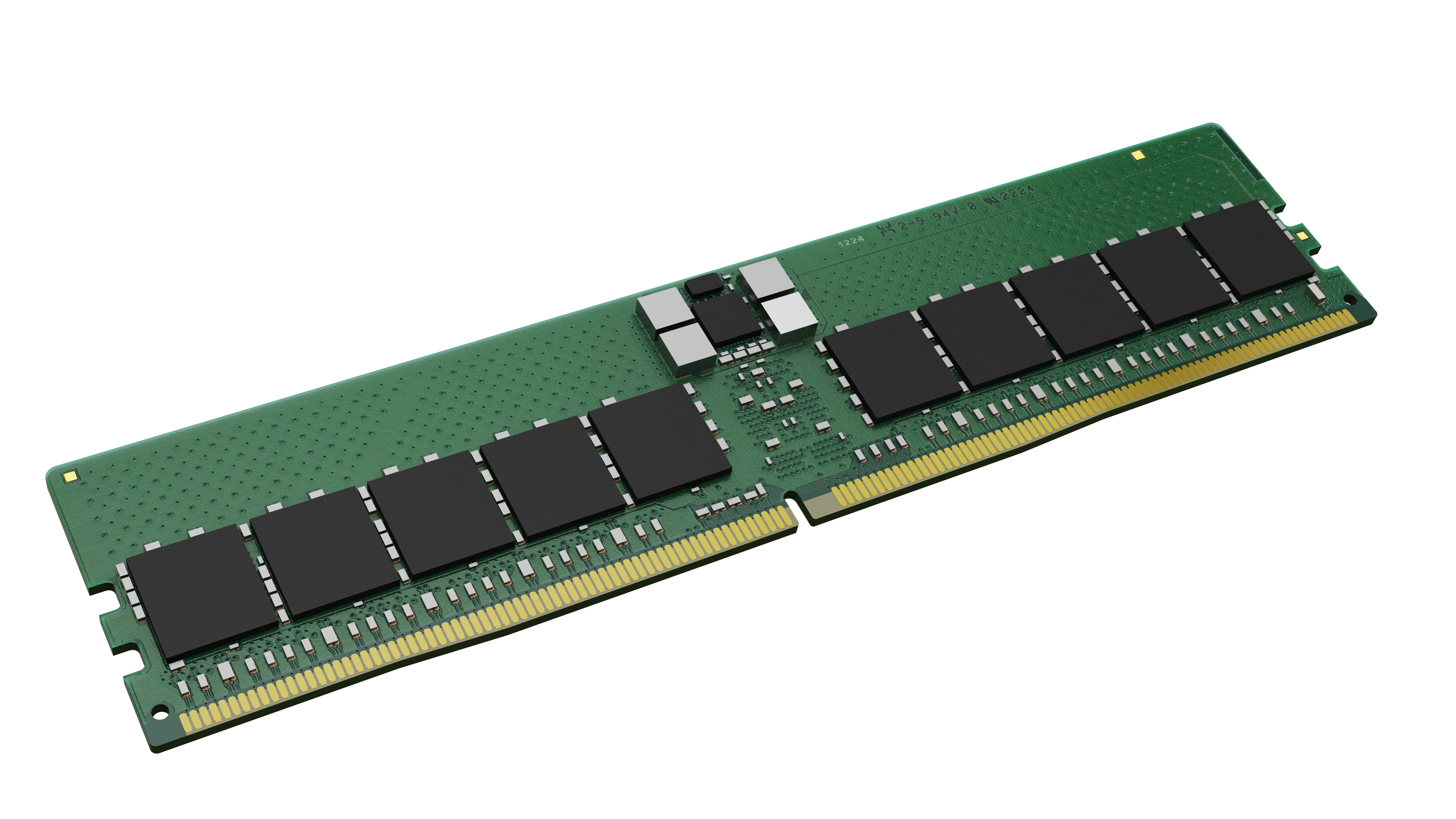
At **£894.47 ex-VAT for a single 48GB DDR5 stick**, the Kingston KSM56R46BS4PMI-48MBI is honestly hard to justify on pure value. Most businesses would normally look at DDR5 capacity purchases where the cost per GB is sensible, especially if they’re building servers for predictable workloads. This price looks like it’s either for a very specific “need-it-now” upgrade path or for customers who don’t have the flexibility to buy in smaller chunks—because when you’re paying this much for one module, you’re taking on a lot of “premium tax” compared with buying a fuller set that matches your platform’s supported configuration.
That said, I *can* see who should buy it: teams doing a **targeted memory upgrade** where their motherboard/server only supports particular populated slots, or where they must land on **exact capacity without replacing everything**. If you’re doing something like a workstation/edge box or a server where you’re constrained by slot count and can’t afford downtime to rebuild the whole memory plan, a single matched module can be the least risky option. But if you’re spec’ing new builds or you have room to populate multiple slots, I’d strongly consider shopping around for a **better-cost-per-GB kit** from Kingston or a reputable equivalent—because for most UK resellers’ customers, this level of spend rarely translates to real-world performance gains, just capacity.
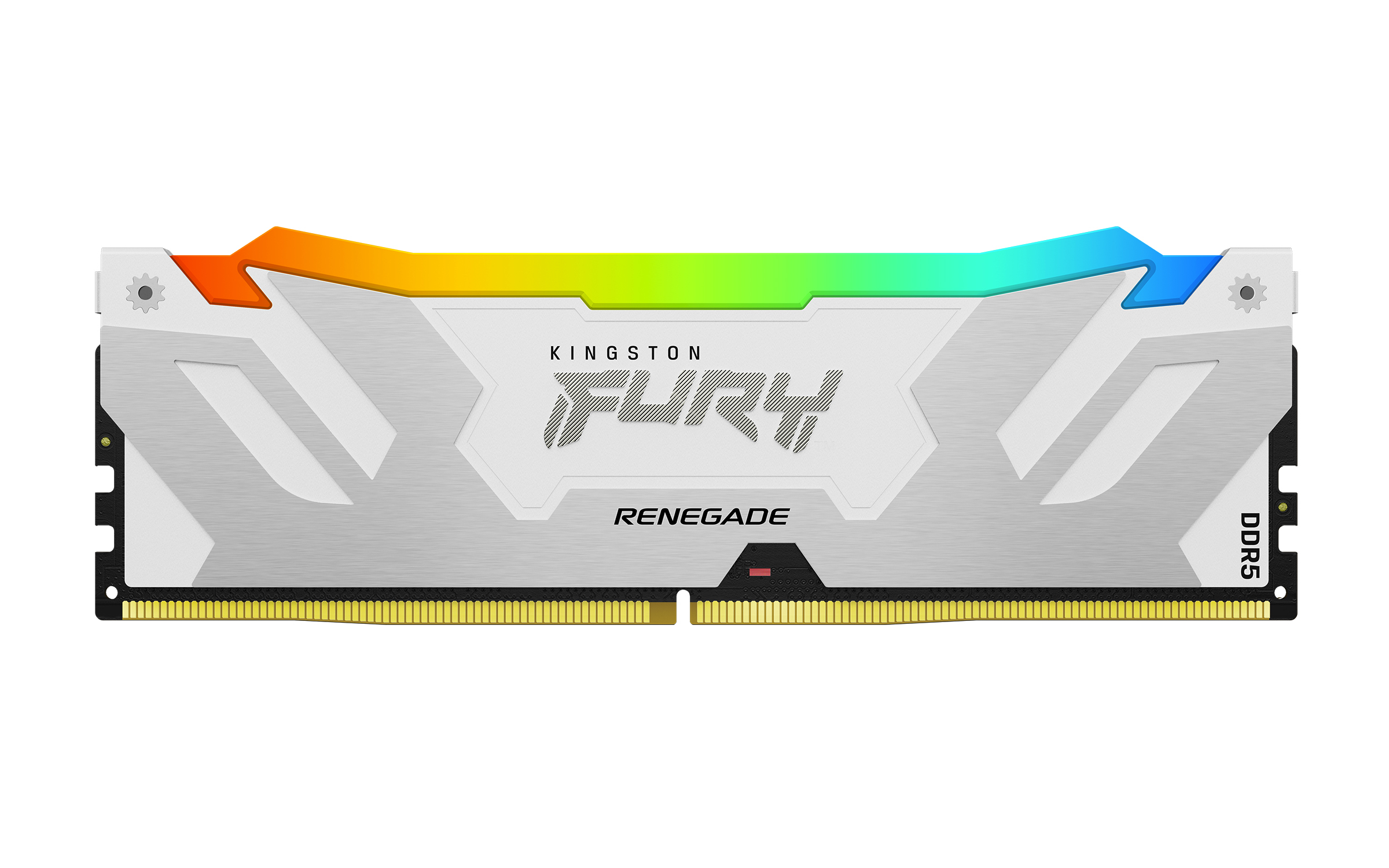
Kingston
24GB 8000MT/s DDR5 CL38 DIMM FURY Renega

Kingston
Kingston ValueRAM - DDR4 - module - 8 GB - SO-DIMM 260-pin - 3200 MHz / PC4-25600 - CL22 - 1.2 V - unbuffered - non-ECC
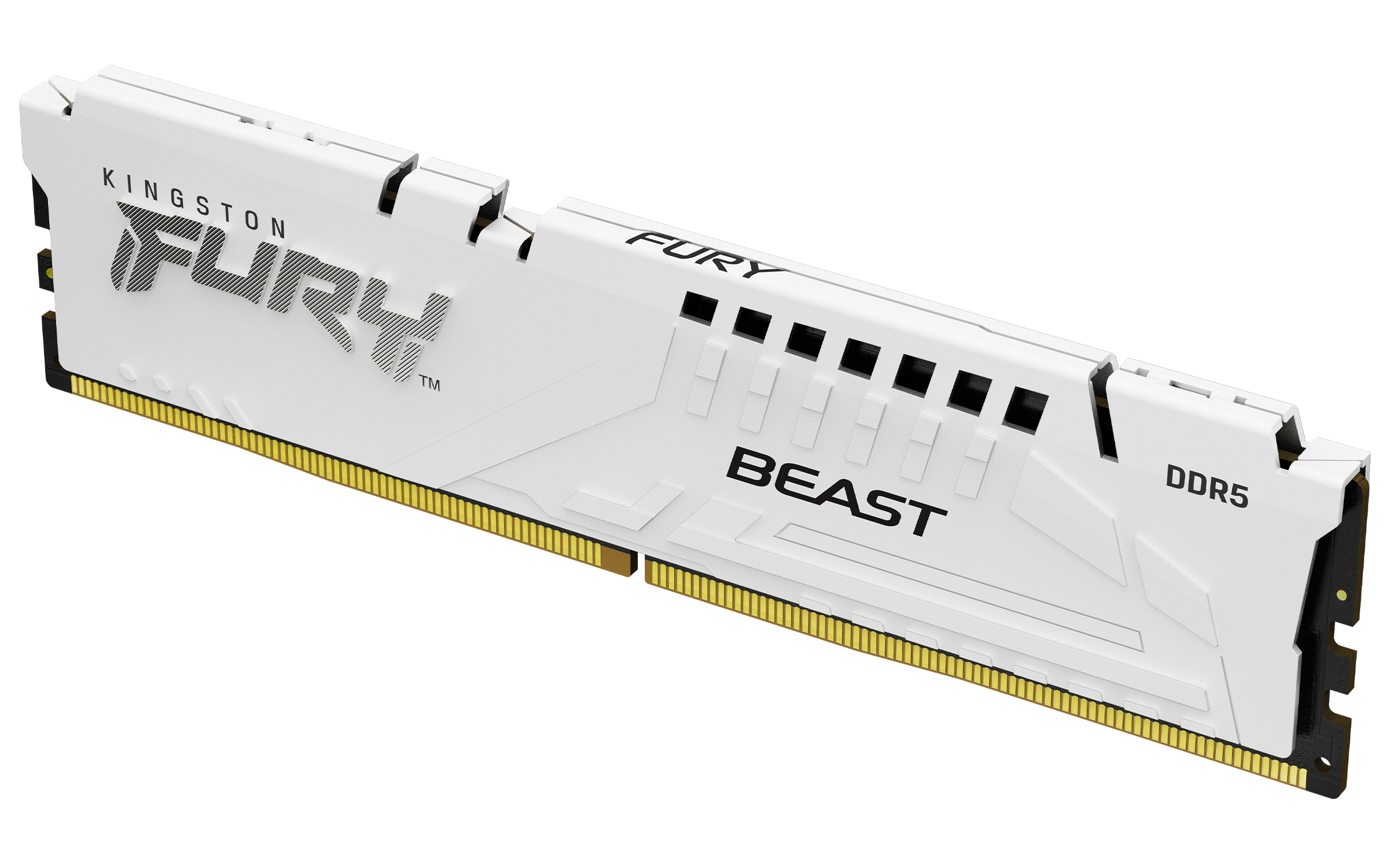
Kingston
Kingston FURY Beast - DDR5 - module - 16 GB - DIMM 288-pin - 6000 MT/s / PC5-48000 - CL36 - 1.35 V - unbuffered - on-die ECC - white
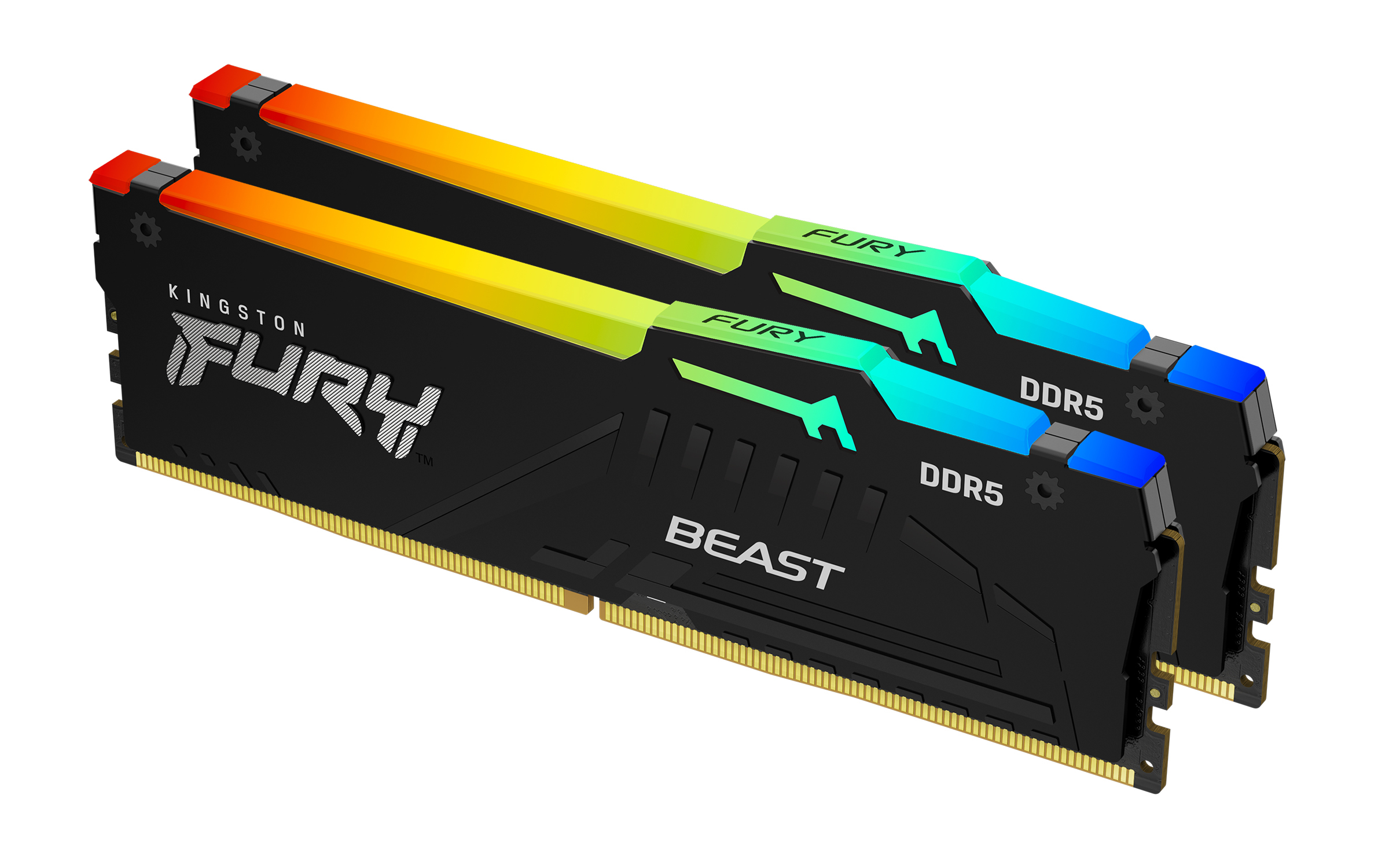
Kingston
Kingston FURY Beast RGB - DDR5 - kit - 64 GB: 2 x 32 GB - DIMM 288-pin - 2800 MHz / PC5-44800 - CL36 - 1.25 V - unbuffered - on-die ECC - black