- IT Office Moves
Setting Up Guest Wi-Fi in Your New Office
3 Dec, 2025


£201.36 inc. VAT
AI-generated summary
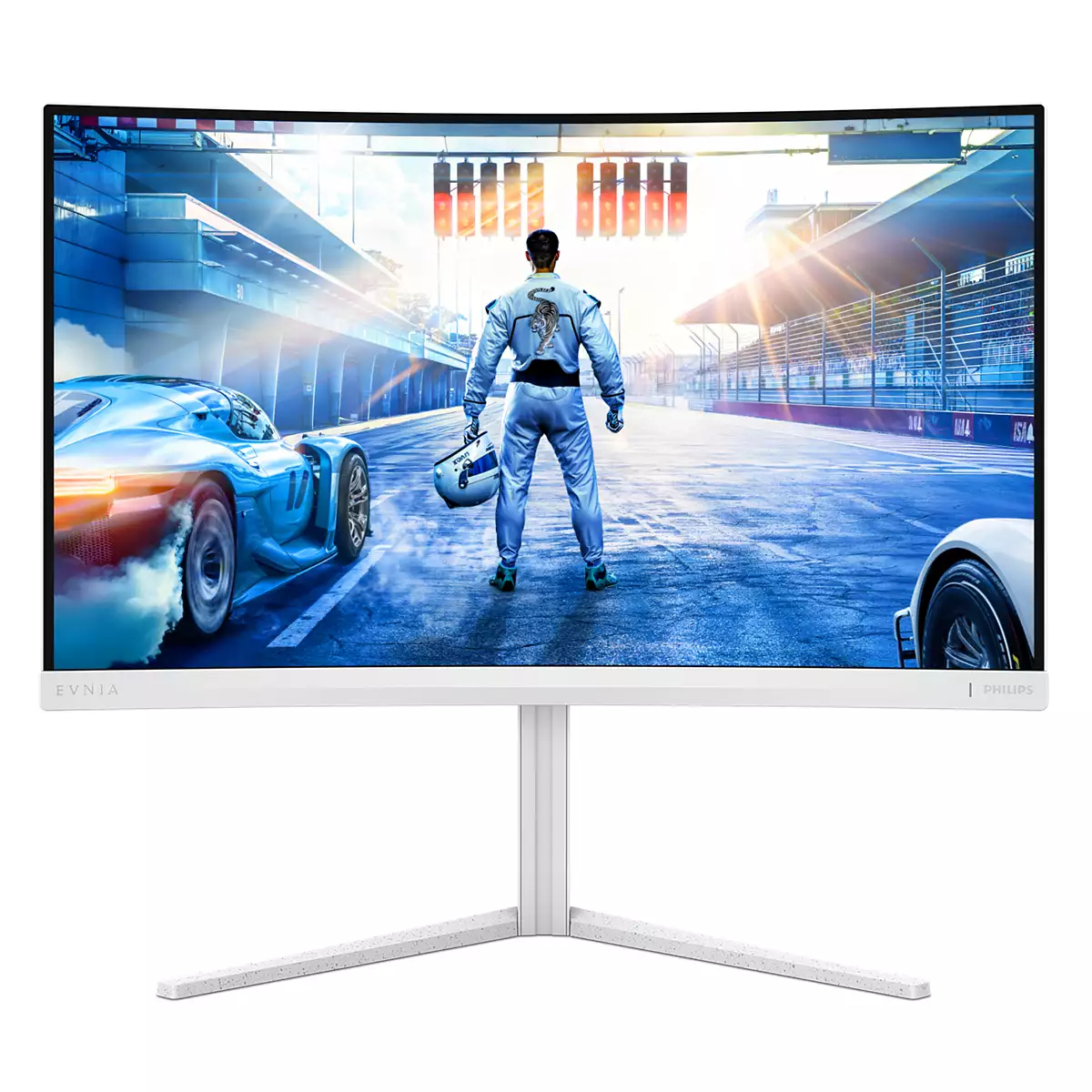
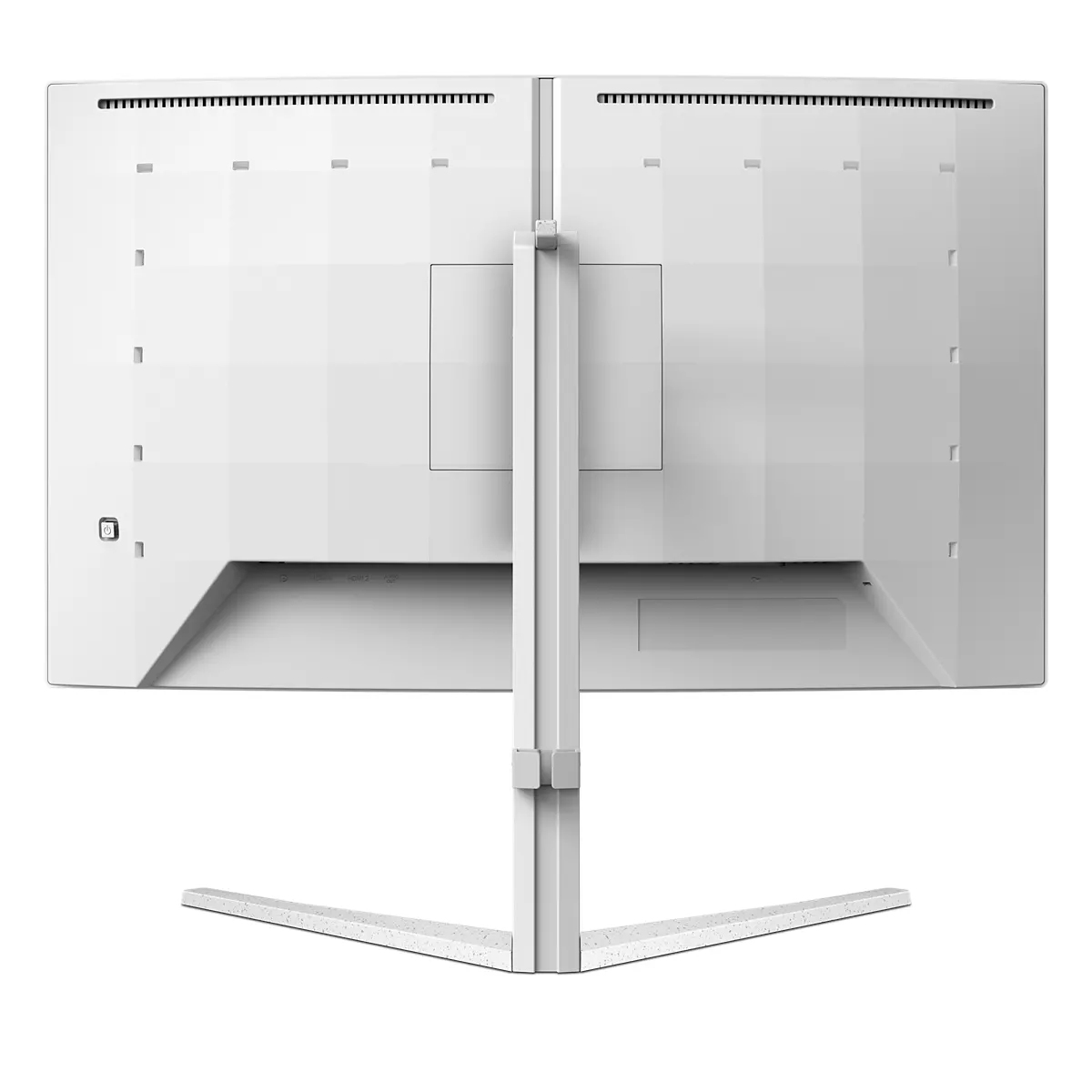
For £167.72 ex-VAT, the Philips Evnia 5000 27M2C5501/00 is the kind of office-friendly monitor that makes sense if you want a clean 27-inch Quad HD setup without paying “gaming premium” pricing. 1440p on a 27" panel is a sweet spot for day-to-day work: spreadsheets look less cramped than 1080p, and you don’t feel like you need to scale everything aggressively. If your team is doing mixed admin/analysis, documentation, and general knowledge work, it’s a solid value play—especially if you’re trying to standardise desks.
That said, if you’re the sort of buyer who needs colour-critical output (design, pre-press, marketing asset finishing) or very consistent brightness for content work across a room, I’d be cautious without checking calibration quality and panel performance first. Also, “Evnia” branding can tilt expectations toward gaming smoothness—fine for casual use, but if your main goal is high-end motion handling, you’ll likely get better outcomes elsewhere for the same money once you factor in the panel’s responsiveness and any promised extras. Overall: buy this if you want reliable everyday productivity at a sensible price; think twice if your use case is genuinely colour-sensitive or you’re chasing top-tier gaming performance.

AI-enhanced Ambiglow: for intensified entertainment
Our AI-enhanced processor analyzes the incoming image content and continuously adapts the color and brightness of the emitted light to match the image. This feature adds a new dimension to your vie...

Smart Crosshair: for better aim and more fun
Color of Crosshair is set by default. When Smart Crosshair is on, the color will change as complementary color to the background color. Smart Crosshair enhances the accuracy of aiming so you can sp...

SmartImage game mode optimized for gamers
The new Philips gaming display has quick access OSD fine tuned for gamers, offering you multiple options. "FPS" mode (First person shooting) improves dark themes in games, allowing you to see hidde...

LowBlue mode and Flicker-free easy-on-the eyes viewing
Our LowBlue Mode and Flicker-free technology have been developed to reduce eye strain and fatigue often caused by long hours in front of a monitor.

180Hz refresh rates for ultra-smooth, brilliant images
You play intense, competitive gaming. You demand display with lag free, ultra-smooth images. This display redraws the screen image up-to 180 times per second, effectively faster than a standard dis...

Low input lag reduces time delay between devices to monitor
Input lag is the amount of time that elapses between performing an action with connected devices and seeing the result on screen. Low input lag reduces the time delay between entering a command fro...
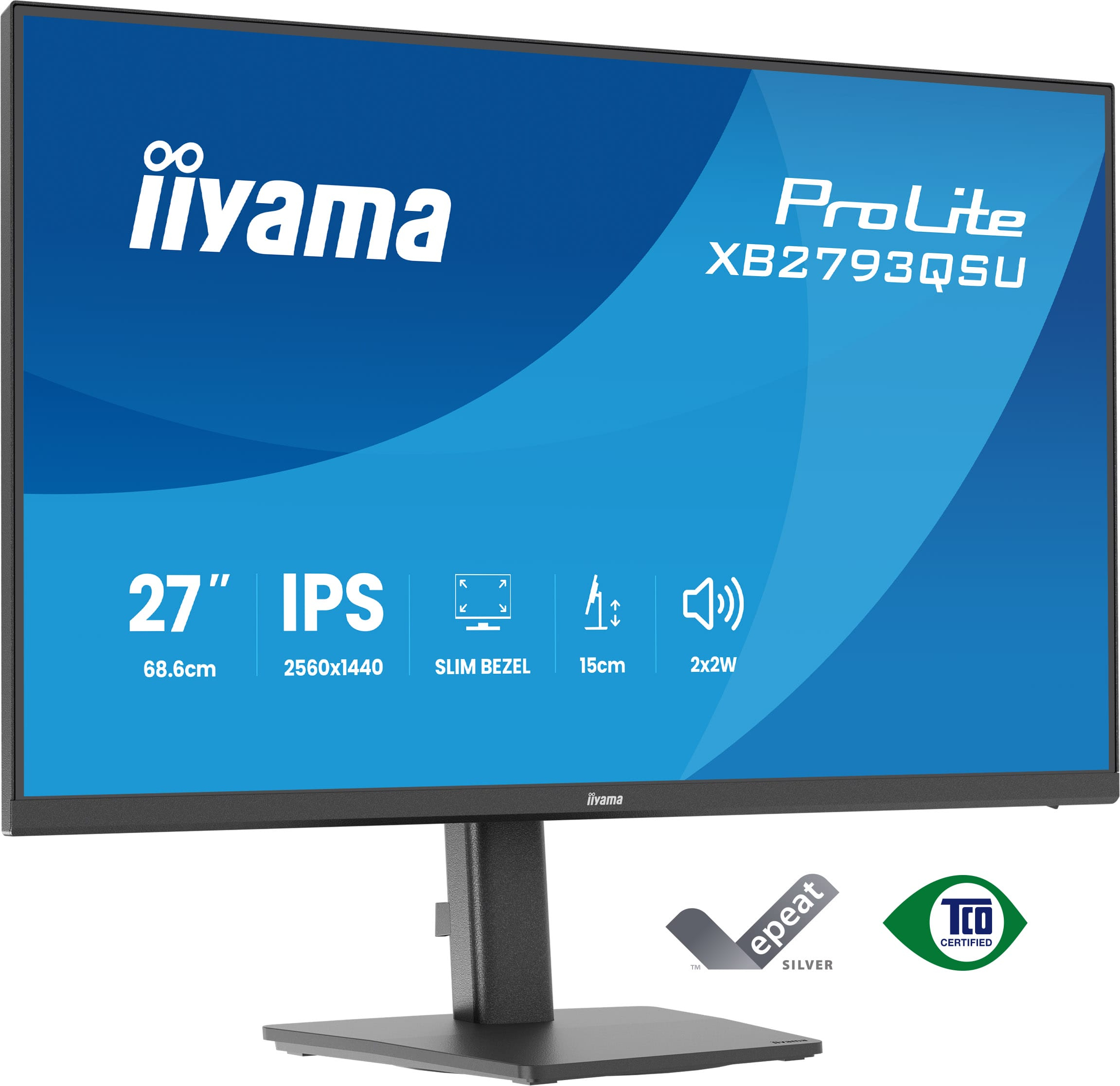
Iiyama
iiyama ProLite XB2793QSU-B1 - LED monitor - 27" - 2560 x 1440 QHD @ 75 Hz - IPS - 350 cd/m� - 1000:1 - 1 ms - HDMI, DisplayPort - speakers - black, matte
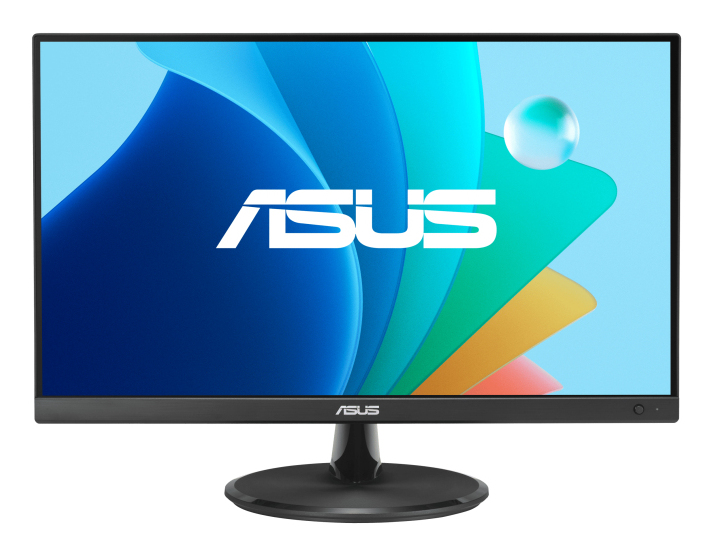
Asus
ASUS VZ279HG Eye Care Gaming Monitor

AOC
AOC Gaming Q27G42ZE - LED monitor - gaming - 27" - 2560 x 1440 QHD @ 240 Hz - Fast IPS - 300 cd/m� - HDR10 - 0.3 ms - HDMI, DisplayPort
AOC
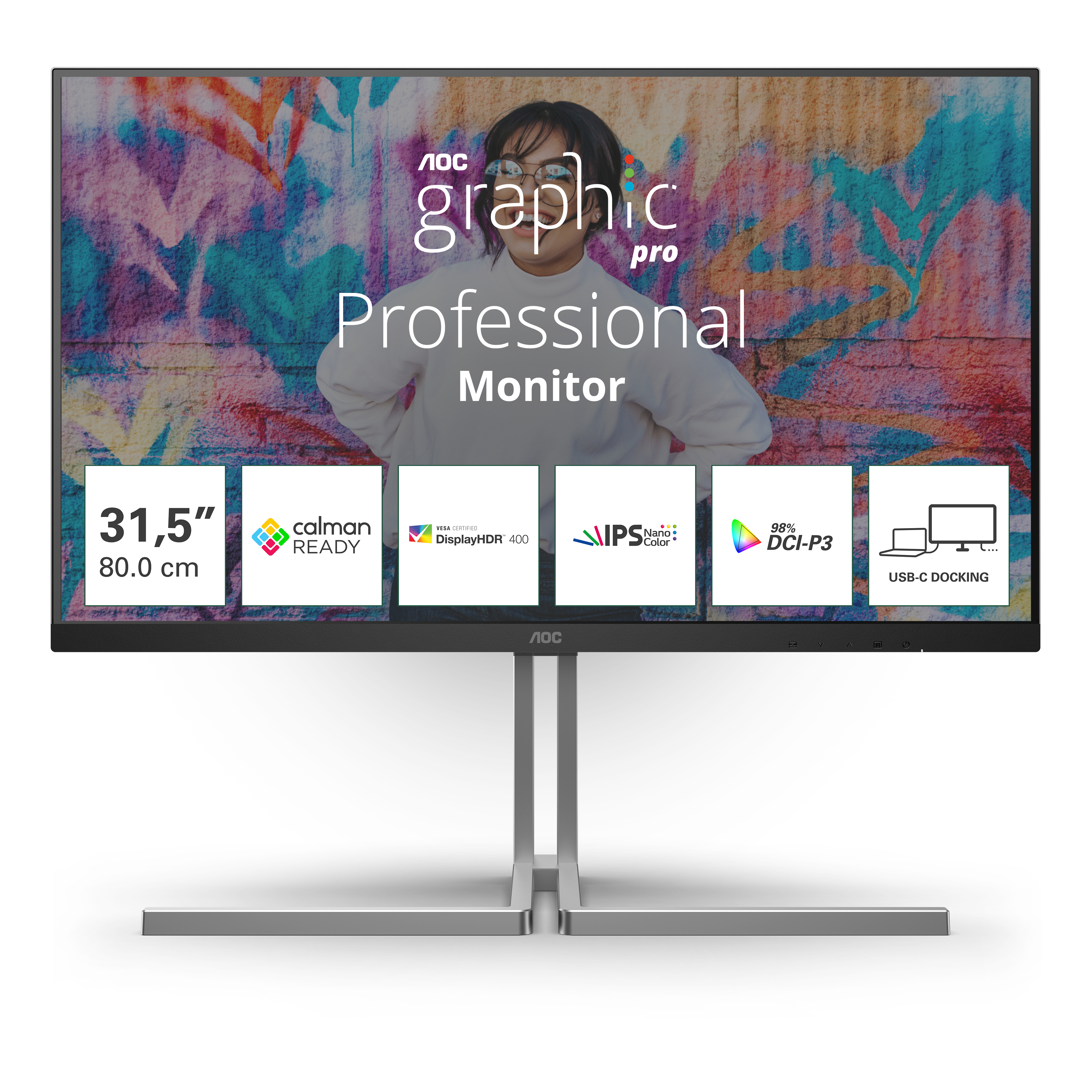
AOC U32U3CV - Graphic Pro Series - LED monitor - 32" (31.5" viewable) - 3840 x 2160 4K @ 60 Hz - Nano IPS - 400 cd/m� - 1000:1 - DisplayHDR 400 - 4 ms - 2xHDMI, DisplayPort, 2xUSB-C - speakers - black