- Google Ads & PPC
The Guide to Microsoft Advertising (Bing Ads) for Business
18 Mar, 2026
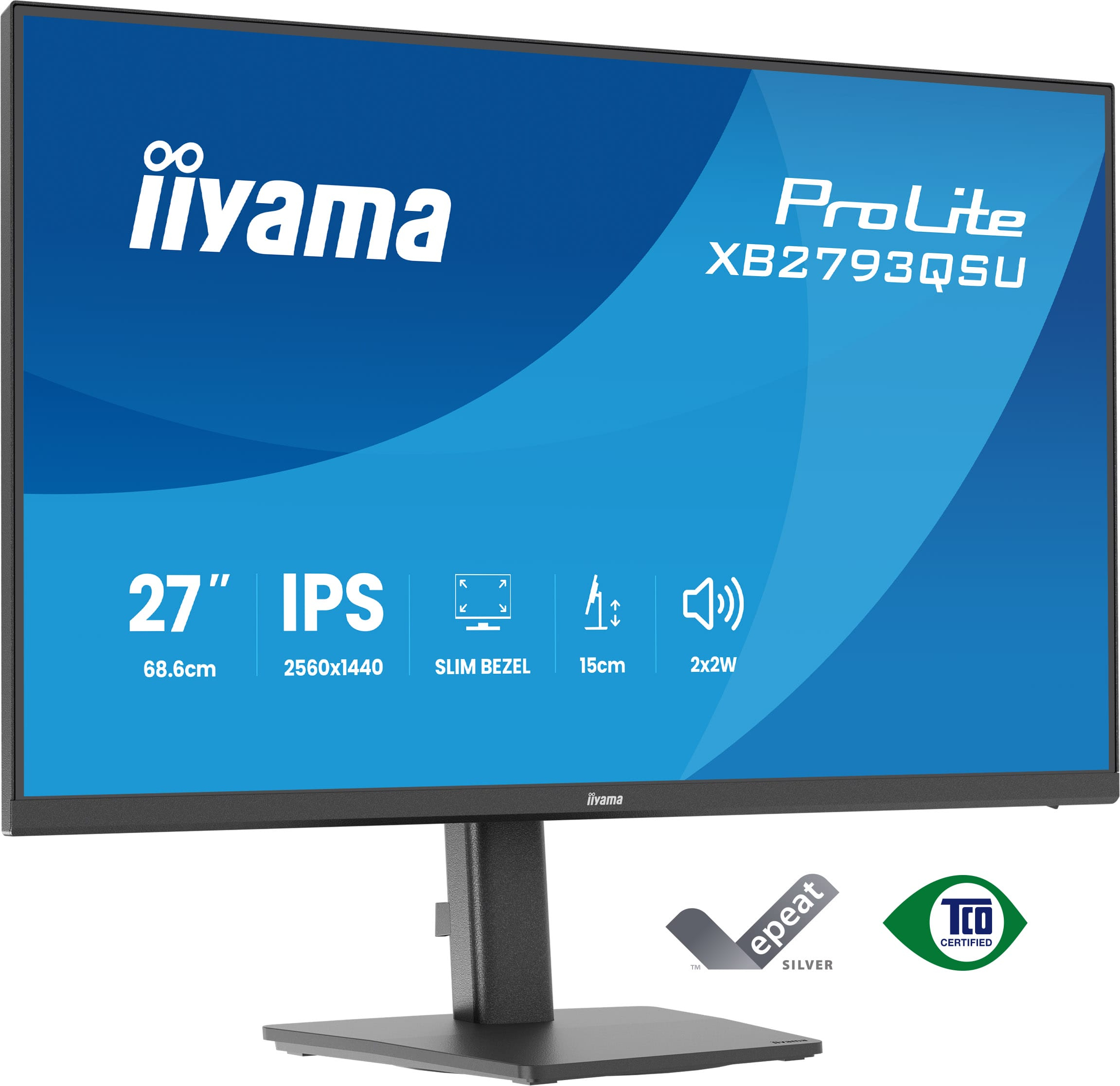
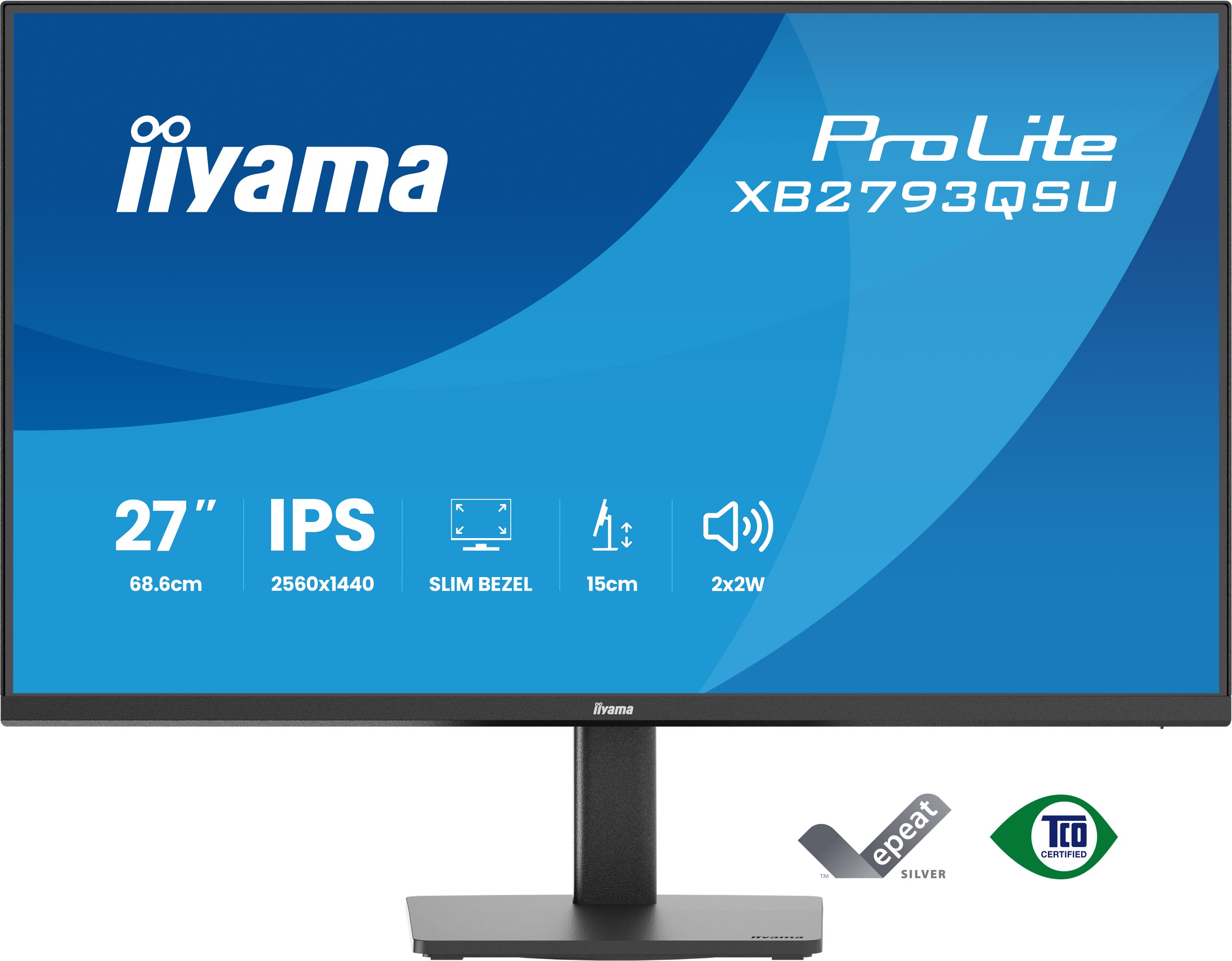
£174.37 inc. VAT
AI-generated summary
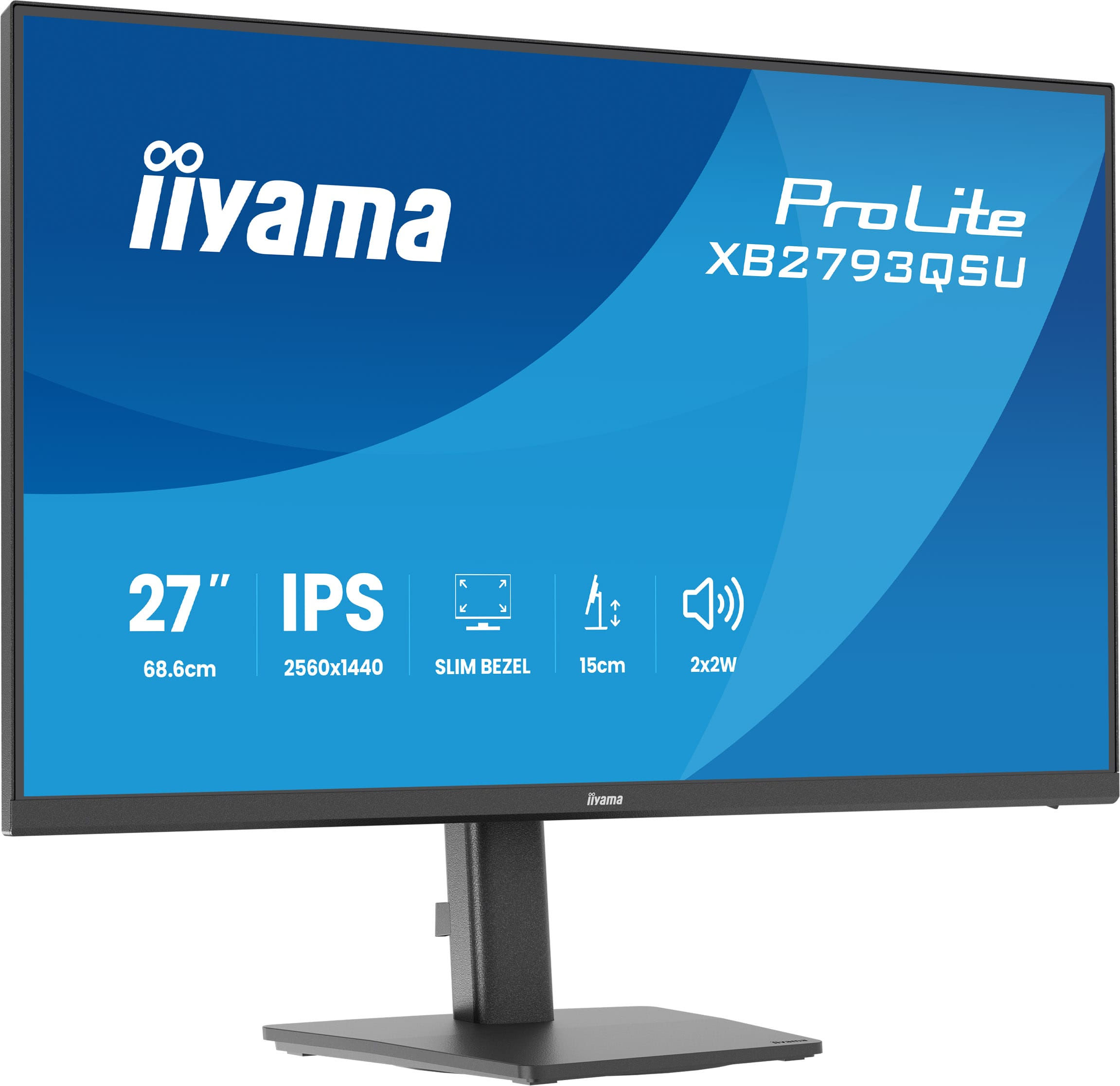
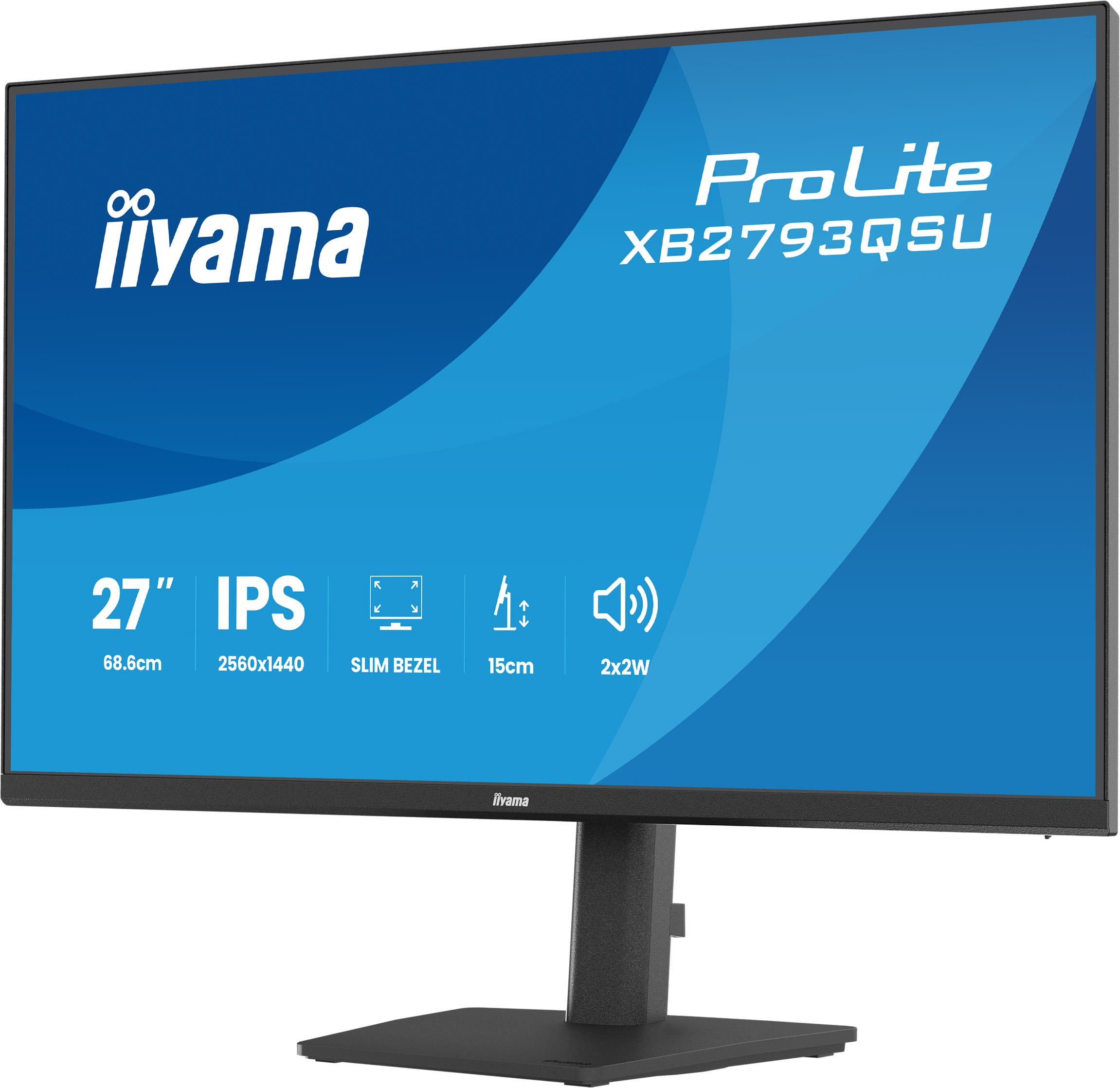
The iiyama ProLite XB2793QSU-B1 at ~£148 ex-VAT is exactly the kind of monitor I’d consider for a pragmatic office setup: clear Quad HD at 27" without paying the “brand tax.” iiyama generally tunes these for everyday usability (good readability, sensible factory setup, and generally solid panels for the money), so it suits knowledge workers, admin teams, and anyone who wants a bigger canvas for spreadsheets and documents. If you’re moving up from 24" 1080p, this will feel like a noticeable upgrade in day-to-day productivity.
That said, I wouldn’t buy it for heavy creative work, colour-critical design, or high-end gaming—mainly because you’re paying entry-to-midrange money and you should expect the usual compromises in contrast/colour uniformity and motion performance compared with pricier “premium” panels. Also, check your connections before committing: if your staff need specific ports for docking setups, it can become a “minor annoyance” quickly. If your goal is value-for-money per seat and you’re not chasing absolute top-tier visual fidelity, it’s a sensible buy. If you are, you’ll likely want to spend a bit more and get a monitor tuned for that purpose.
Expand your view with QHD
QHD 2560x1440 resolution offers up to 77% more screen space than Full HD, giving you plenty of room to multitask efficiently, view more content at once, and work with greater precision, without con...
Multi-screen setup for a panoramic workspace
Connect multiple ultra-slim bezel monitors to create a panoramic workspace, keep your apps in view, streamline multitasking, and boost productivity.
Adjustable stand for optimal comfort
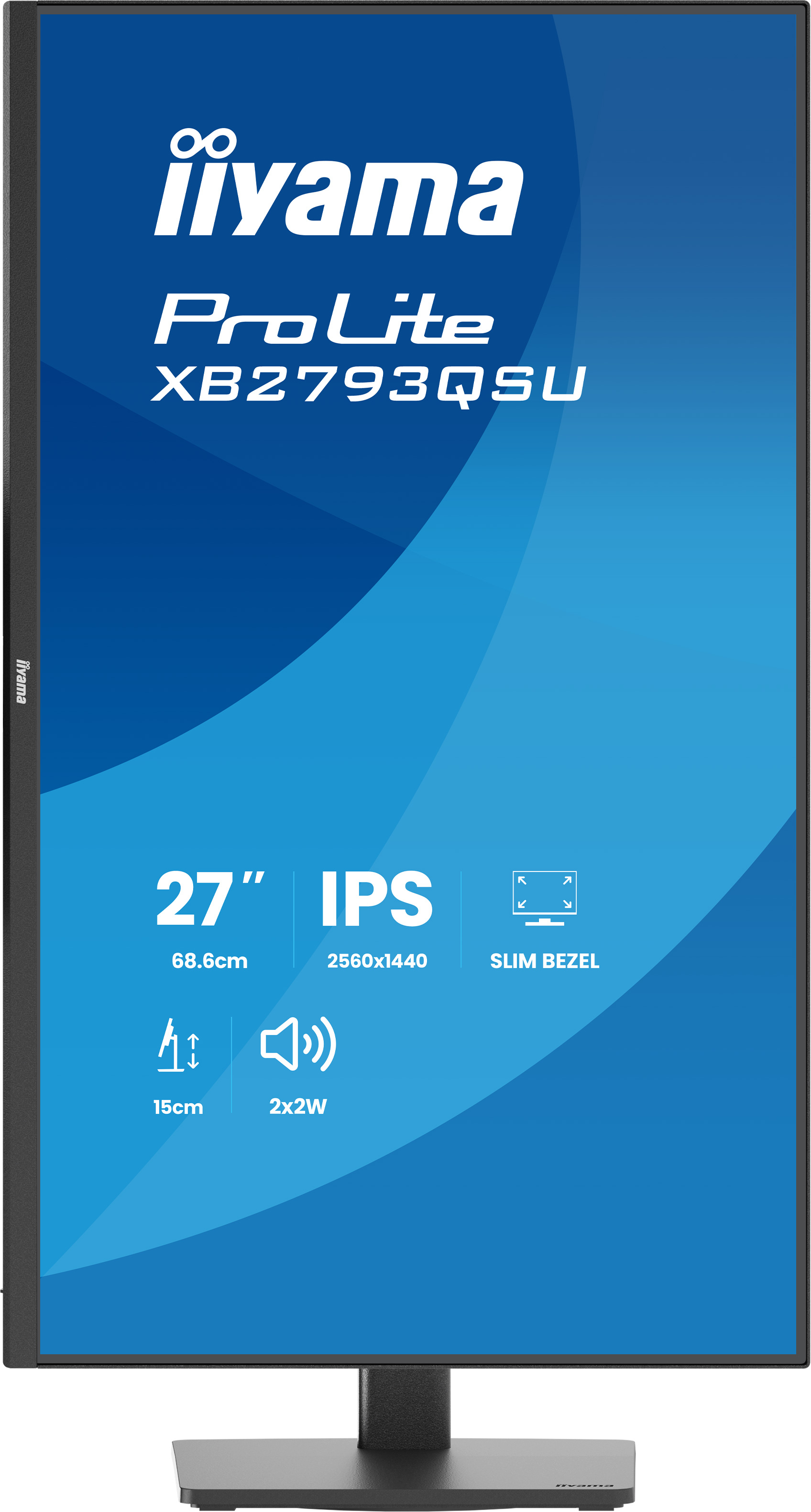
Find your perfect screen position easily and maintain a healthy, comfortable posture all day long. Thanks to its fully adjustable stand, you can effortlessly adapt the monitor to your needs. Raise ...
Versatile connectivity for all your devices
Connect multiple devices and accessories in one simple step with HDMI, DisplayPort and the USB hub, streamlining your workspace for maximum efficiency and ensuring a tidy, uninterrupted workflow.
Built-in audio without extra clutter
Enjoy clear, pleasant sound for calls, videos, and music while keeping your desk free of extra speakers, thanks to the integrated audio.
Asus
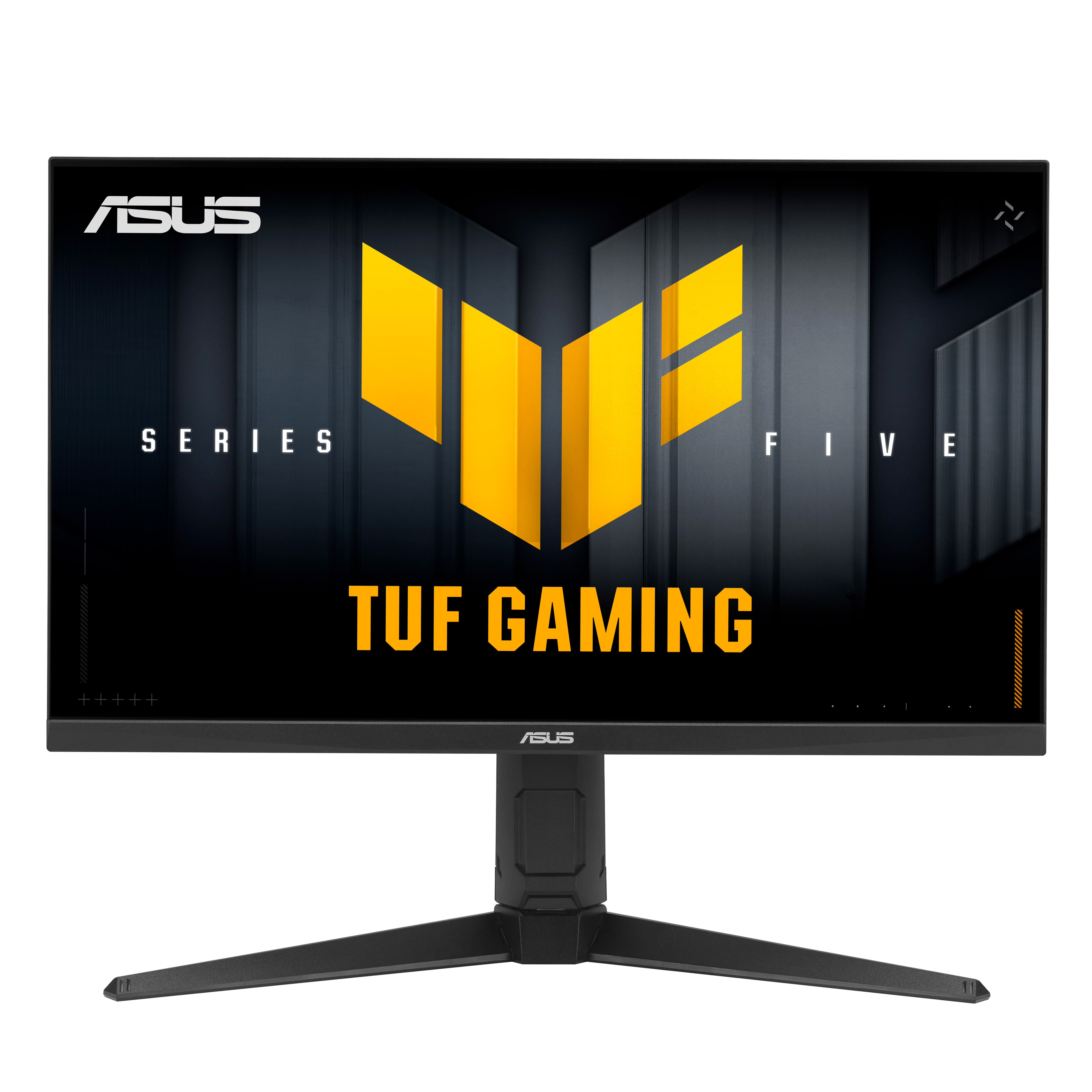
ASUS TUF Gaming VG27AQL5A - LED monitor - gaming - 27" - 2560 x 1440 QHD @ 210 Hz - Fast IPS - 400 cd/m� - 1300:1 - DisplayHDR 400 - 0.3 ms - 2xHDMI, DisplayPort - speakers - black
HP
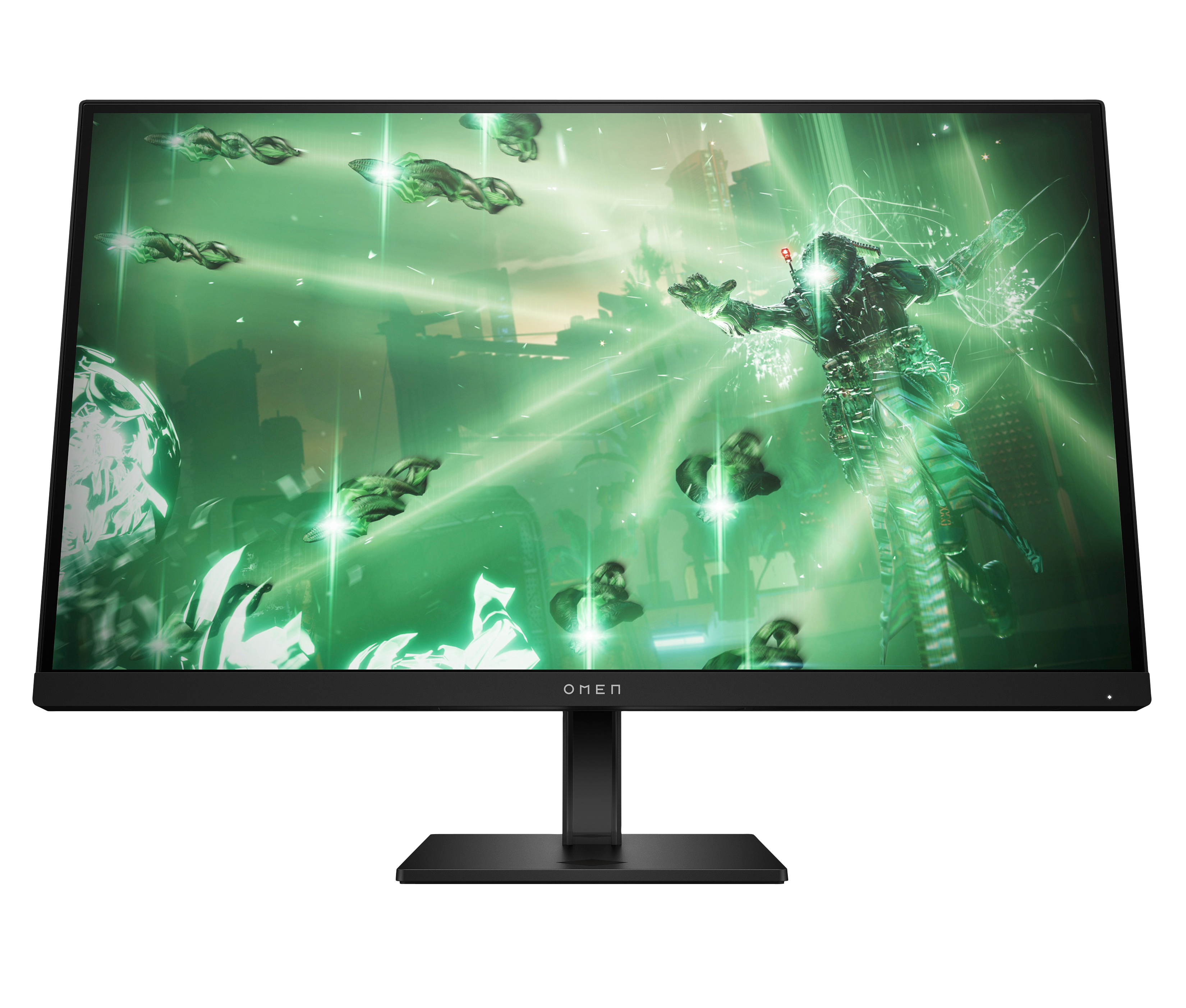
OMEN by HP 27qz - LED monitor - gaming - 27" (26.96" viewable) - 2560 x 1440 QHD @ 165 Hz - IPS - 400 cd/m� - 1000:1 - 1 ms - 2xHDMI, DisplayPort - black
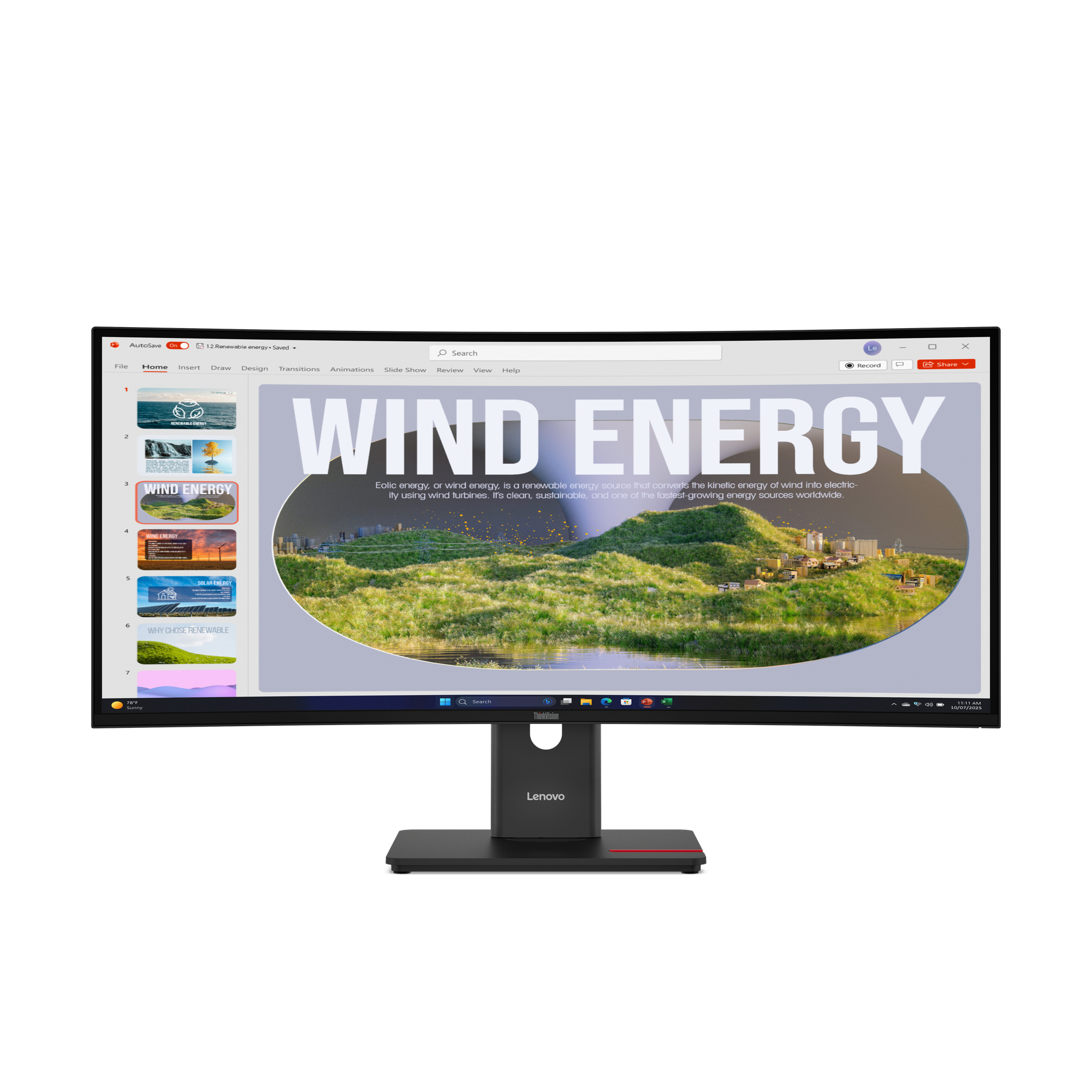
Lenovo
Lenovo ThinkVision T34WD-40 - LED monitor - curved - 34" - 3440 x 1440 UWQHD @ 120 Hz - VA - 300 cd/m� - 3000:1 - HDR10 - 4 ms - HDMI, DisplayPort, USB-C - eclipse black
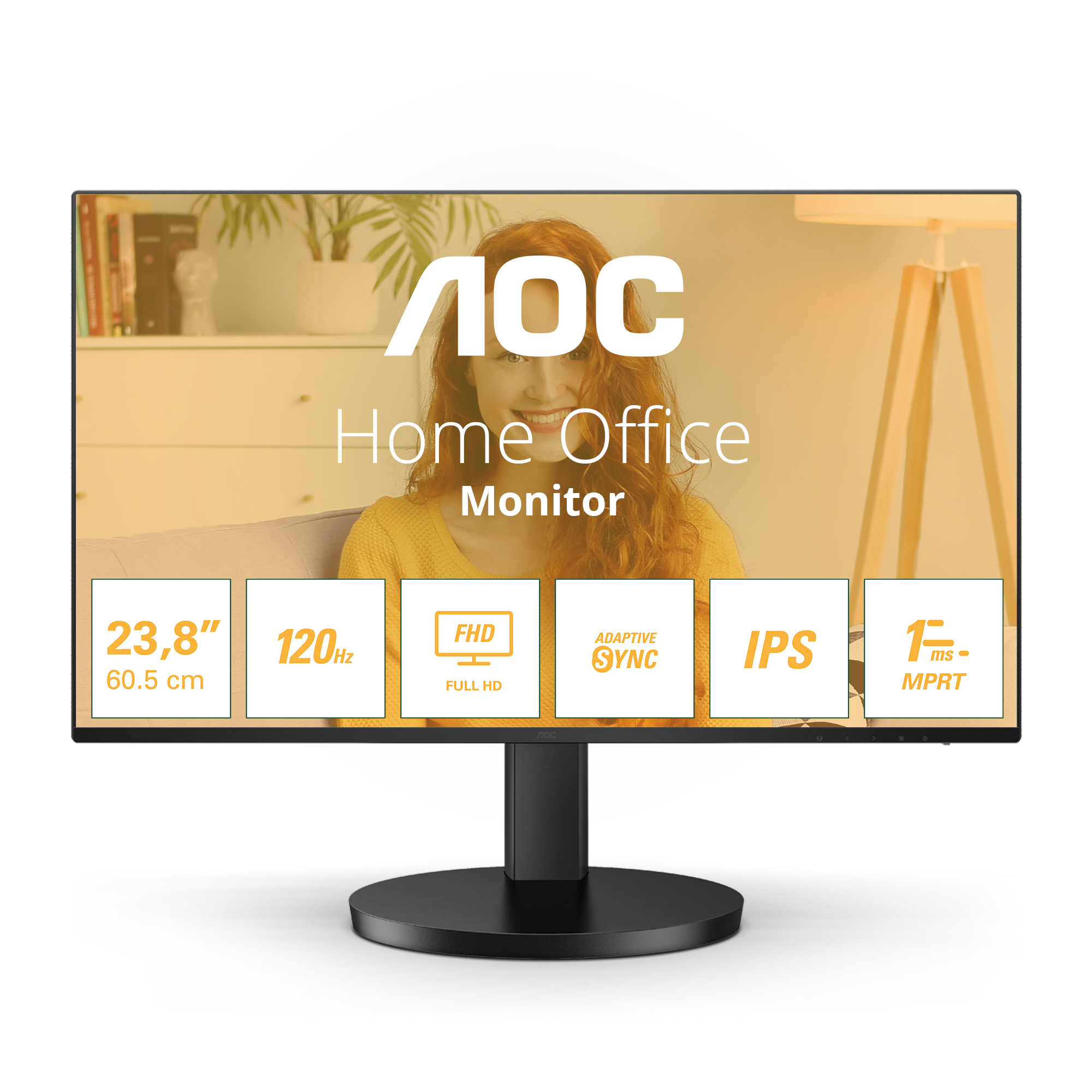
AOC
AOC Basic-line 24B3HA2 - LED monitor - 24" (23.8" viewable) - 1920 x 1080 Full HD (1080p) @ 100 Hz - IPS - 250 cd/m� - 1 ms - HDMI, VGA - speakers - black