- Cloud Networking
Cisco Meraki MX vs Traditional Firewalls: A Comparison
11 Mar, 2026

£225.12 inc. VAT
AI-generated summary
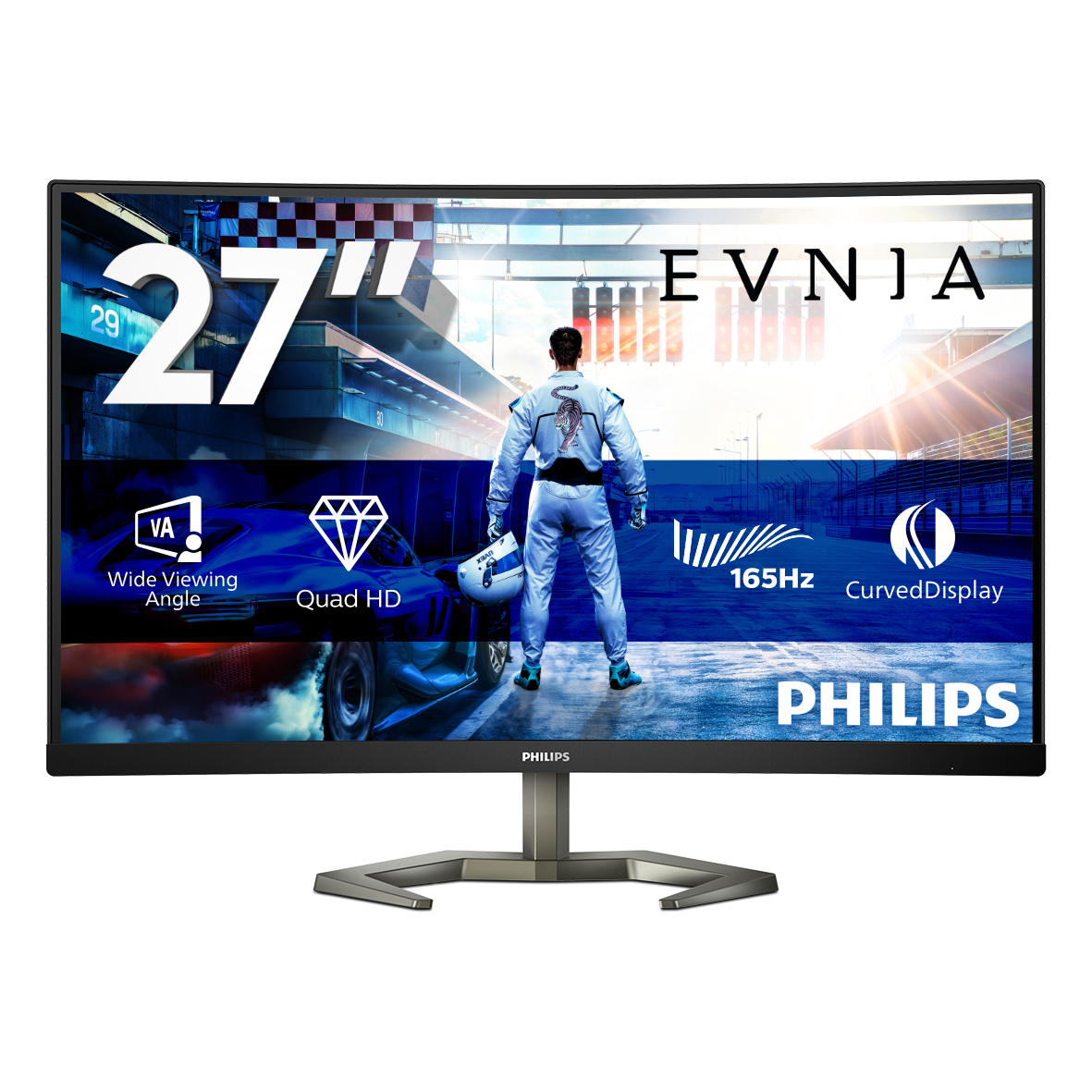
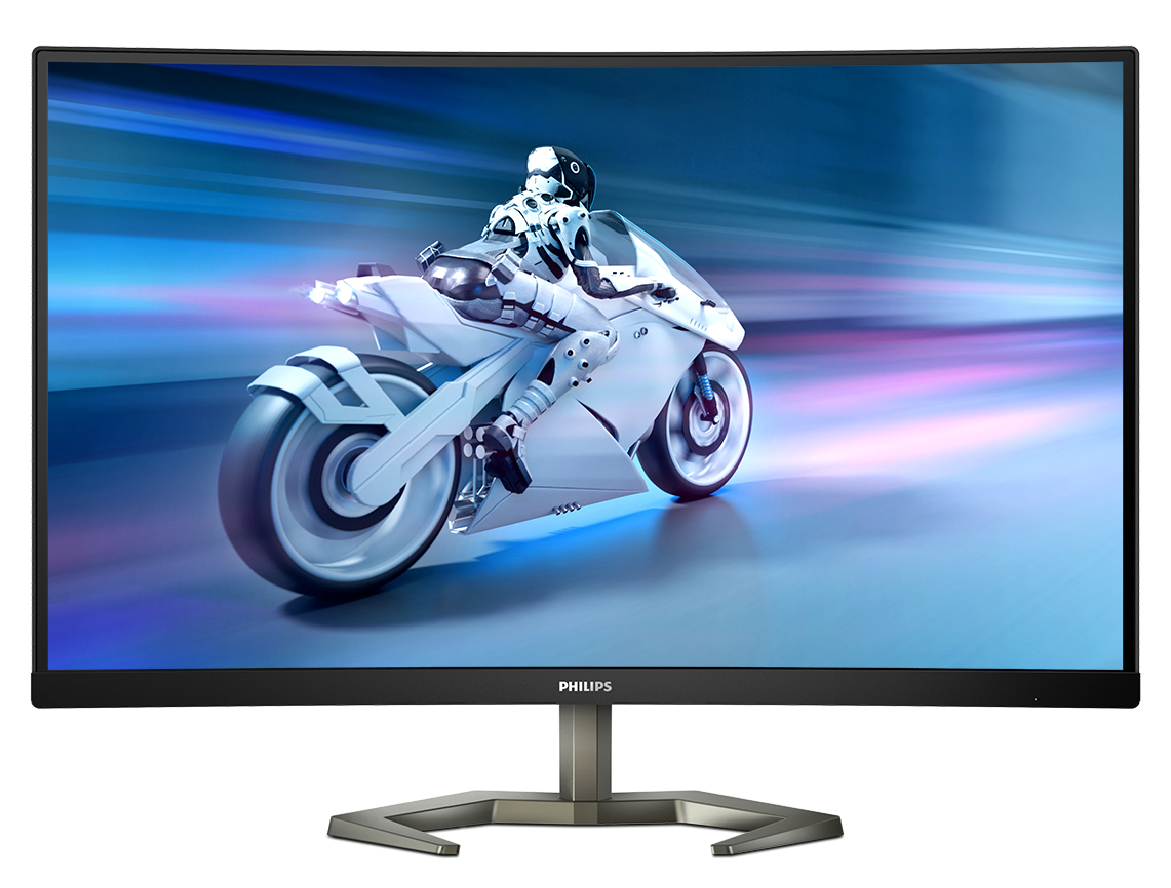
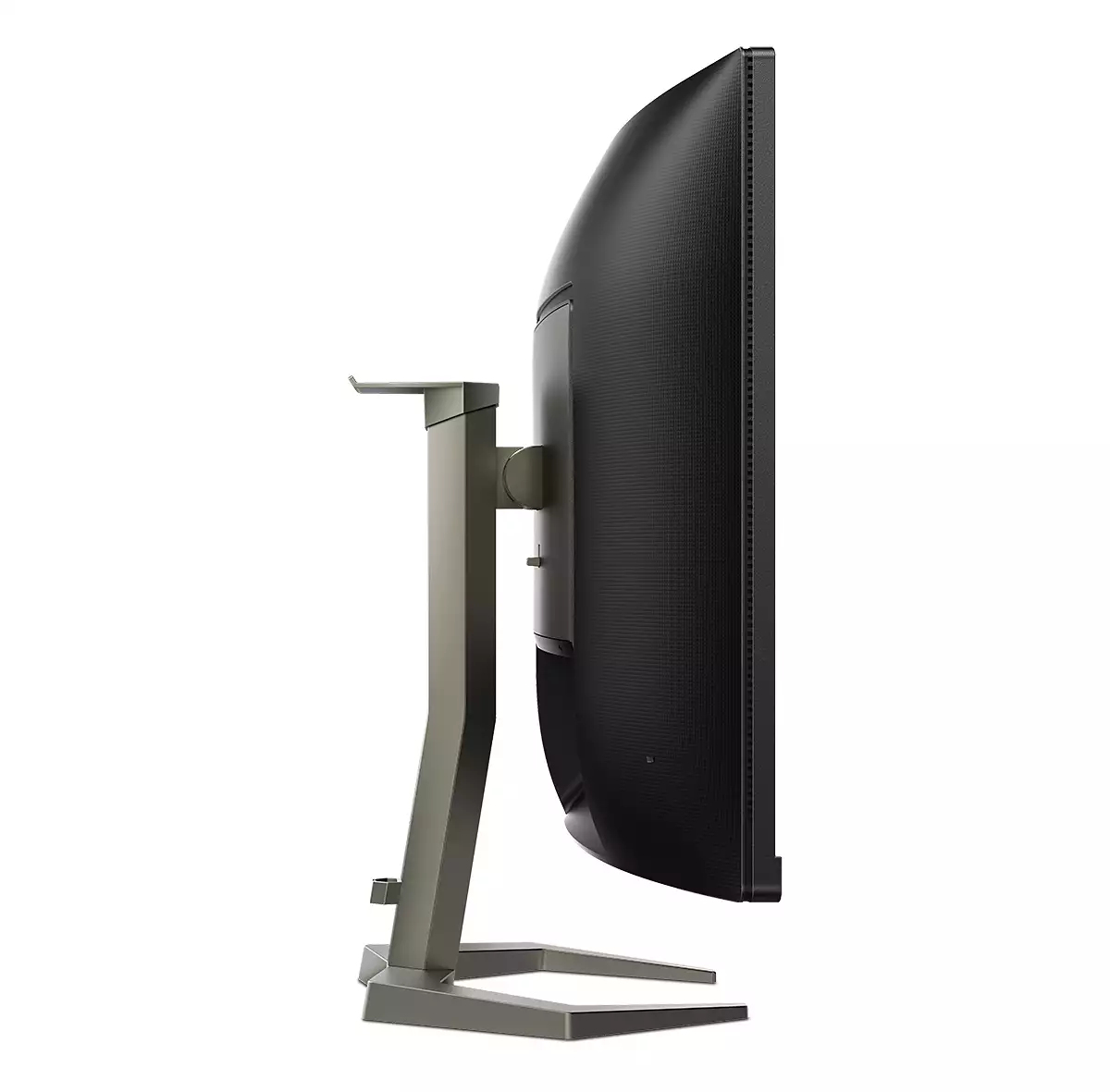
For £187.52 ex-VAT, the Philips Momentum 27M1C5500VL/00 looks like a pretty sensible buy **if you want a sharp 27-inch workhorse** rather than chasing cutting-edge gaming features. At this size and price point, Quad HD is the sweet spot: text stays crisp, spreadsheets and dashboards don’t feel cramped, and you get a noticeably nicer desktop than Full HD. Philips’ “Momentum” lineup also tends to aim at a balanced picture with decent contrast, which is a big deal for day-to-day office use (especially if you’re in and out of documents all day).
That said, I wouldn’t buy it blindly if your priority is **serious gaming or colour-critical design work**. These mid-range panels often make compromises—typically around viewing angles, uniformity, or how well colours stay consistent across a room—and you may end up wanting a more premium model if you’re grading, editing, or regularly presenting colour-accurate content. If you’re outfitting teams for general office productivity, procurement admins, analysts, and support roles—this is the kind of monitor that gives good value without overthinking it.
**Verdict:** worth it for office-focused fleets that need a larger, sharper display on a budget. Skip it (or sanity-check panel performance in person) if you’re expecting top-tier gaming feel or studio-grade colour.
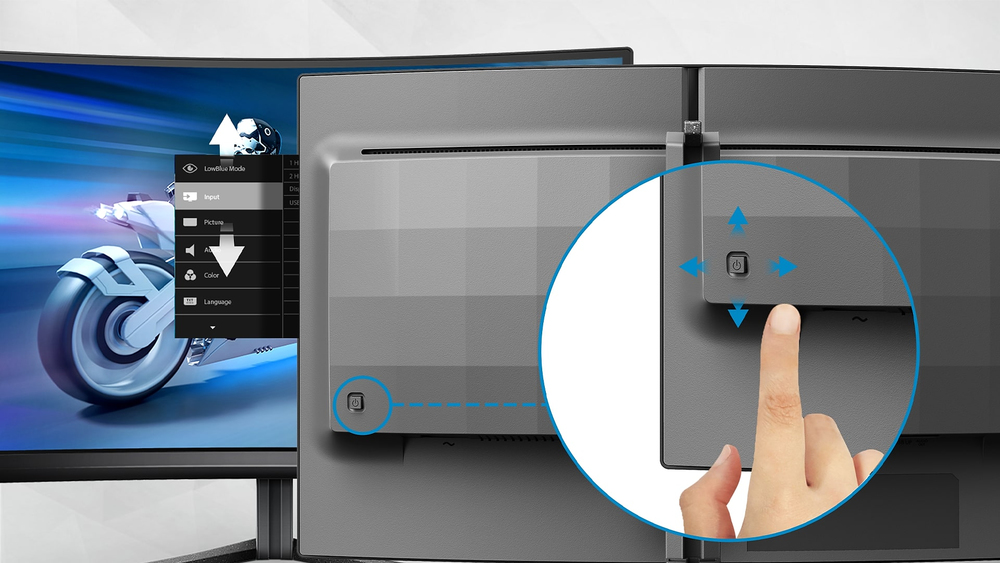
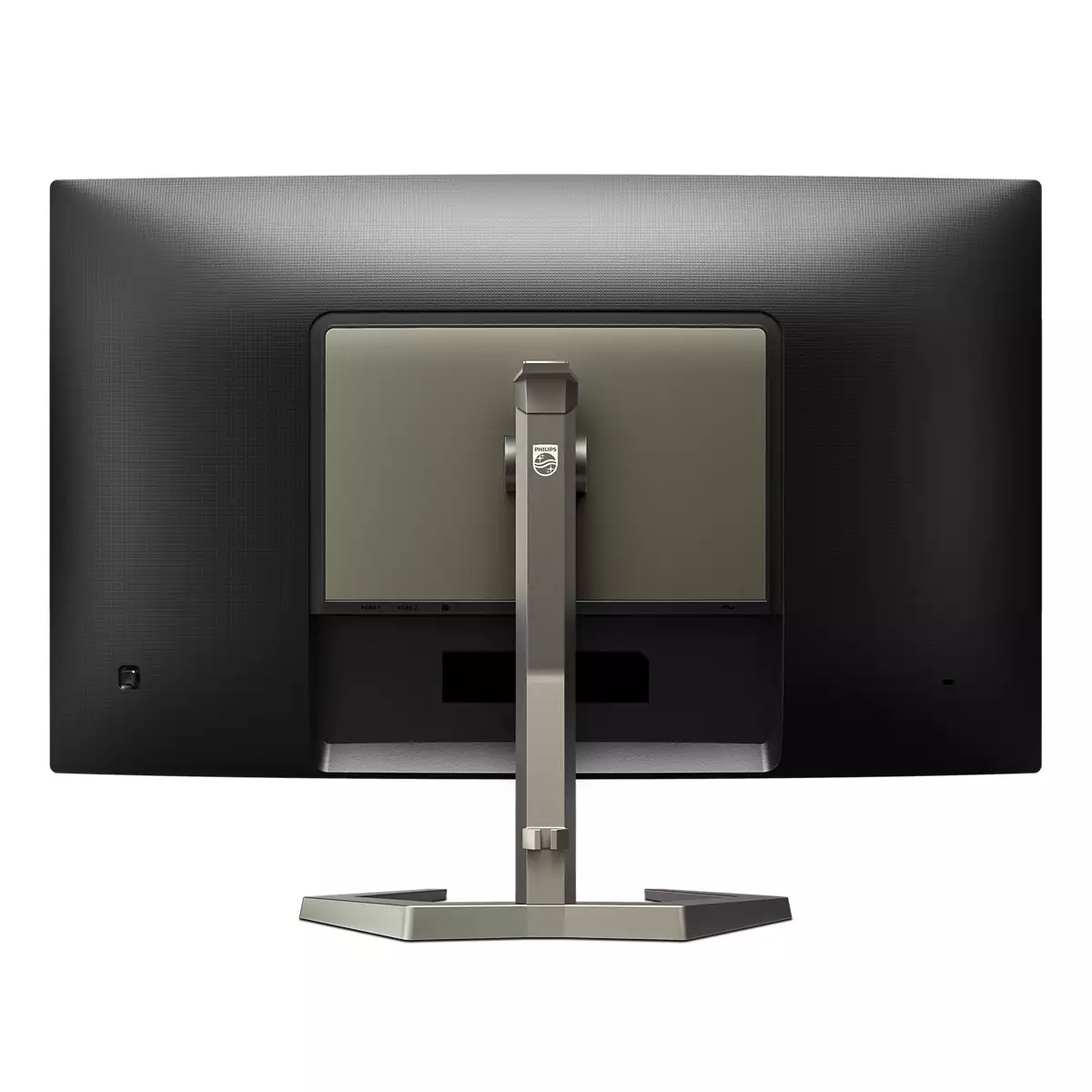
EasySelect menu toggle key for quick on-screen menu access
The discreetly placed EasySelect Menu Toggle Key allows you to make quick and easy adjustments to monitor settings in the On-Screen Display menu.

LowBlue mode and Flicker-free easy-on-the eyes viewing
Our LowBlue Mode and Flicker-free technology have been developed to reduce eye strain and fatigue often caused by long hours in front of a monitor.

SmartImage HDR gives optimal viewing from your HDR content
Select one of SmartImage HDR modes to best suit your needs. HDR Game: Optimize for playing video games. With brighter white and darker black, the gaming scene is vivid and revealing more details, e...

VA display delivers awesome images with wide viewing angles
Philips VA LED display uses an advanced multi-domain vertical alignment technology which gives you super-high static contrast ratios for extra vivid and bright images. While standard office applica...

Curved display design for more immersive experience
Desktop monitors offer a personal user experience, which suits a curve design very well. The curved screen provides a pleasant yet subtle immersion effect, which focuses on you at the center of you...

Crystalclear images with Quad HD 2560 x 1440 pixels
These Philips screens deliver Crystalclear, Quad HD 2560x1440 or 2560x1080 pixel images. Utilizing high performance panels with high density pixel count, enabled by high bandwidth sources, these ne...

Philips
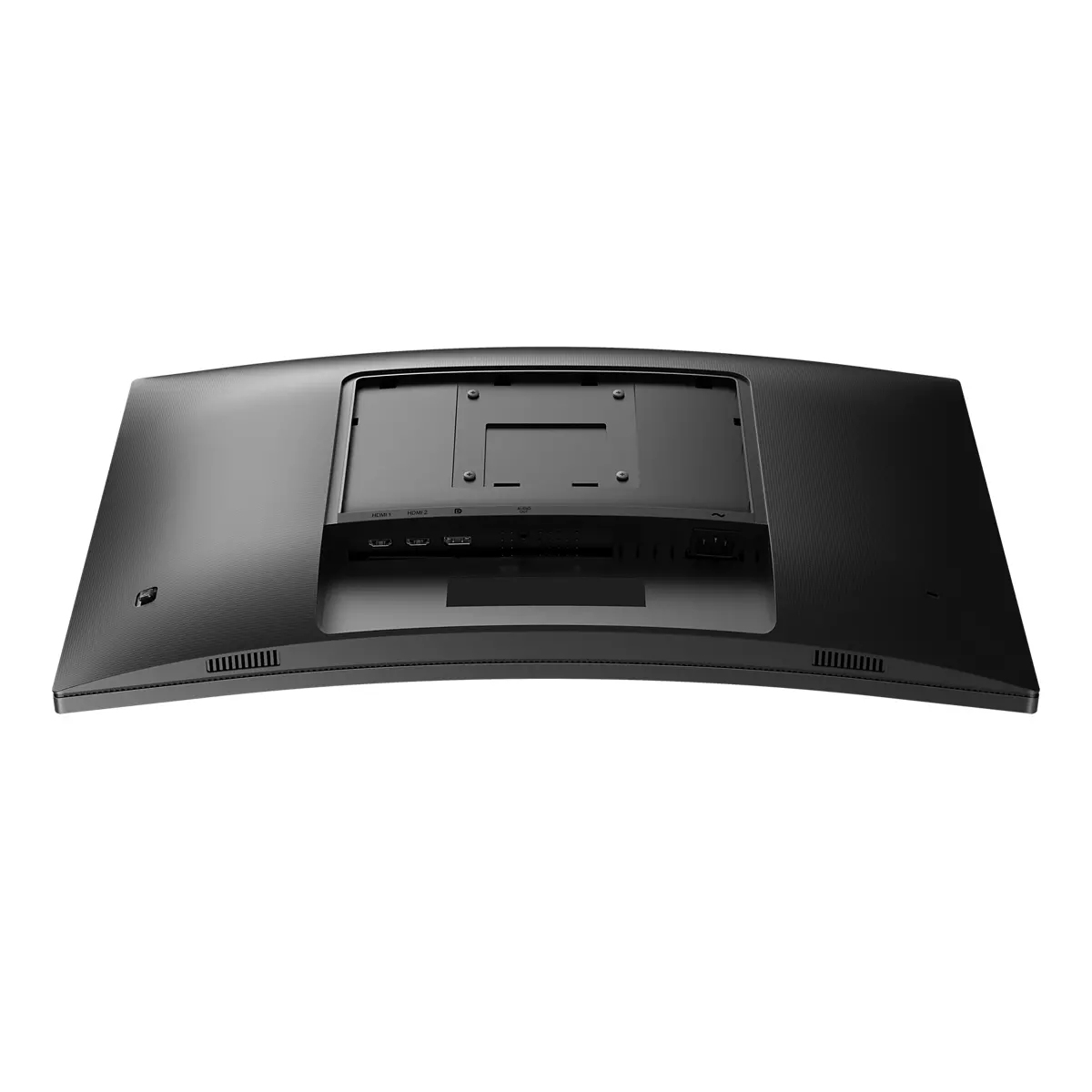
Philips Evnia 3000 27M2N3800A - LED monitor - gaming - 27" - 3840 x 2160 4K UHD (2160p) @ 320 Hz - Fast IPS - 450 cd/m� - 1000:1 - DisplayHDR 400 - 0.5 ms - 2xHDMI, DisplayPort - speakers - charcoal
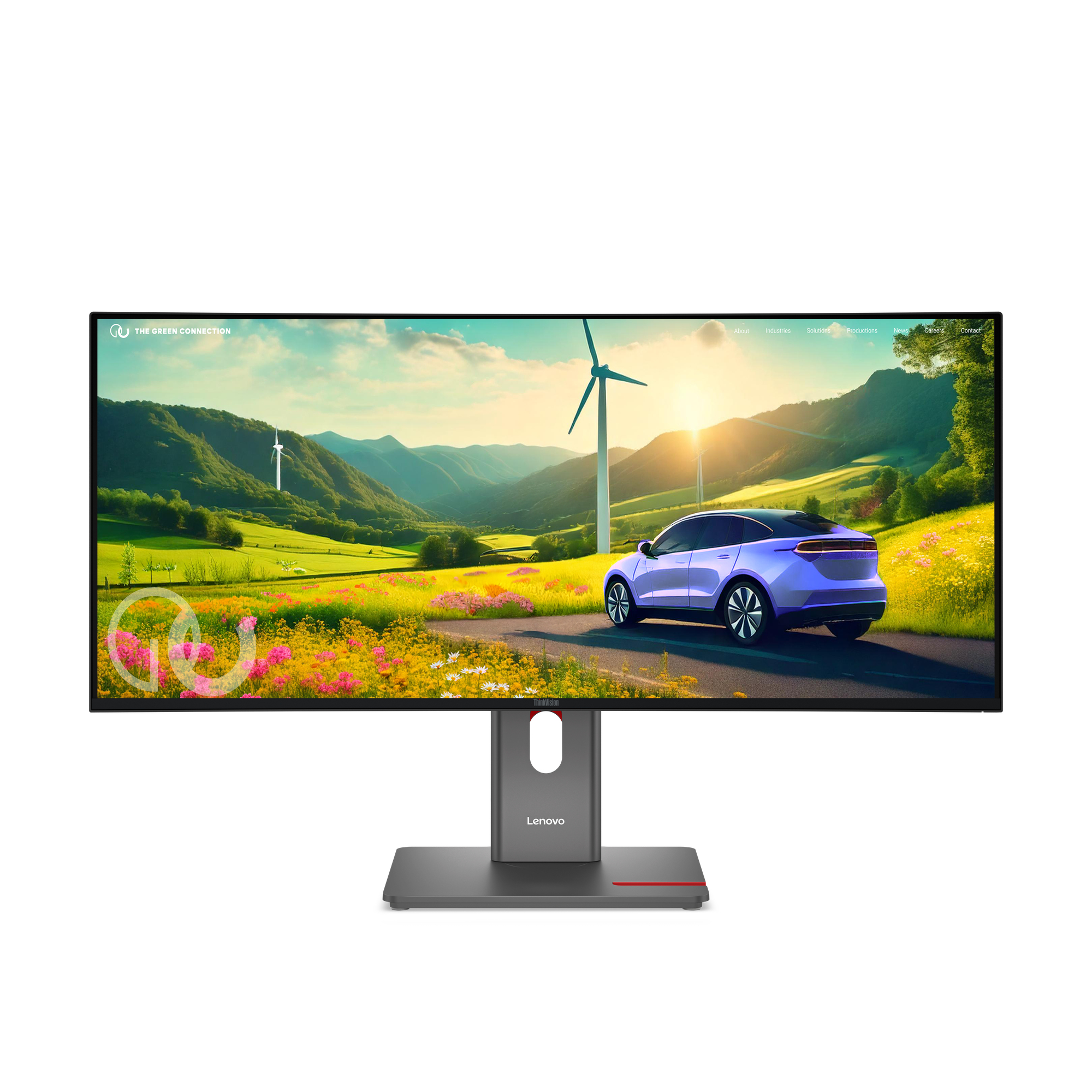
Lenovo
Lenovo ThinkVision P34WD-40 - LED monitor - curved - 34" - 3440 x 1440 @ 120 Hz - IPS - 350 cd/m� - 2000:1 - HDR10 - 4 ms - HDMI, DisplayPort, USB-C - eclipse black
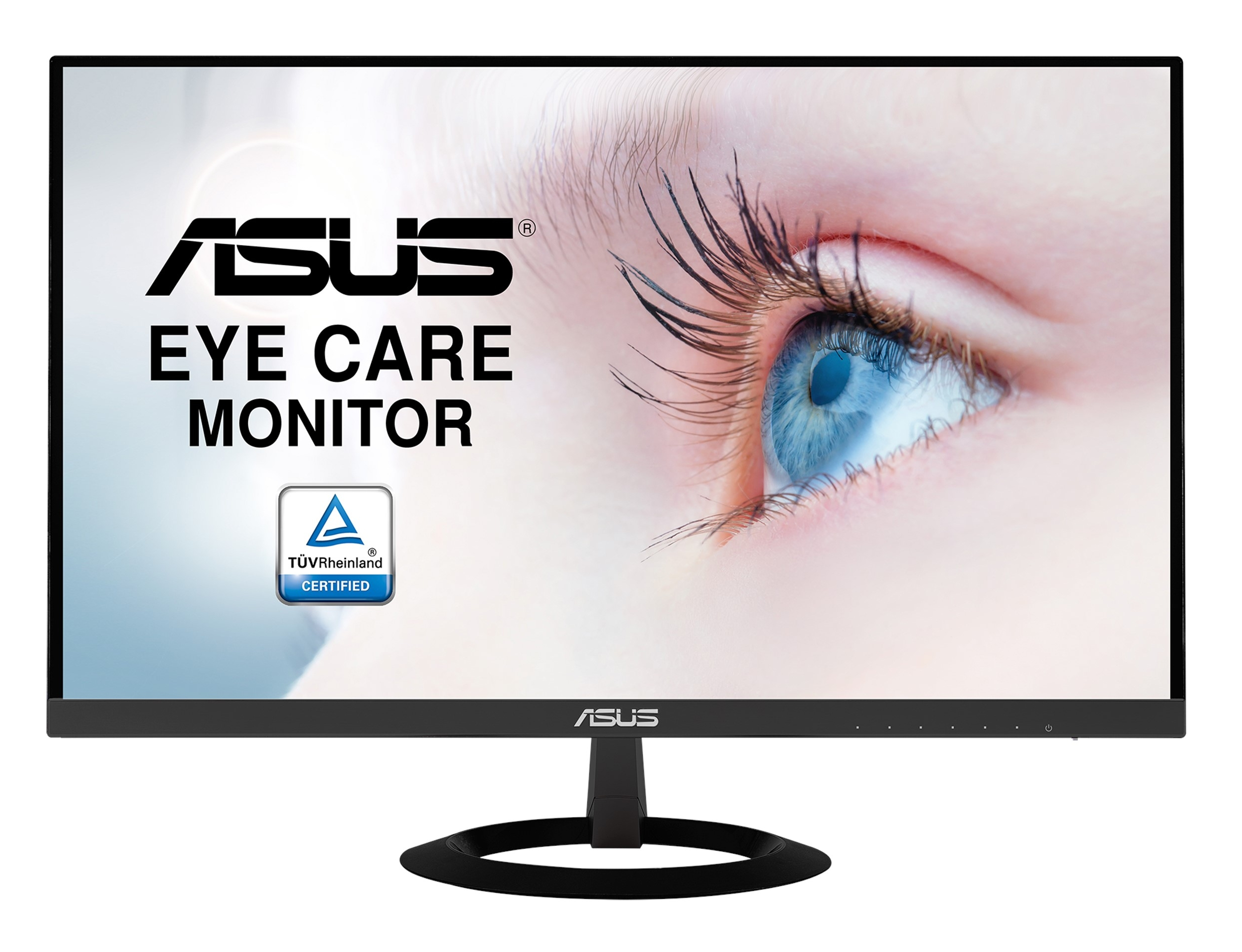
Asus
ASUS VZ279HE - LED monitor - 27" - 1920 x 1080 Full HD (1080p) @ 60 Hz - IPS - 250 cd/m� - 1000:1 - 5 ms - 2xHDMI, VGA - black
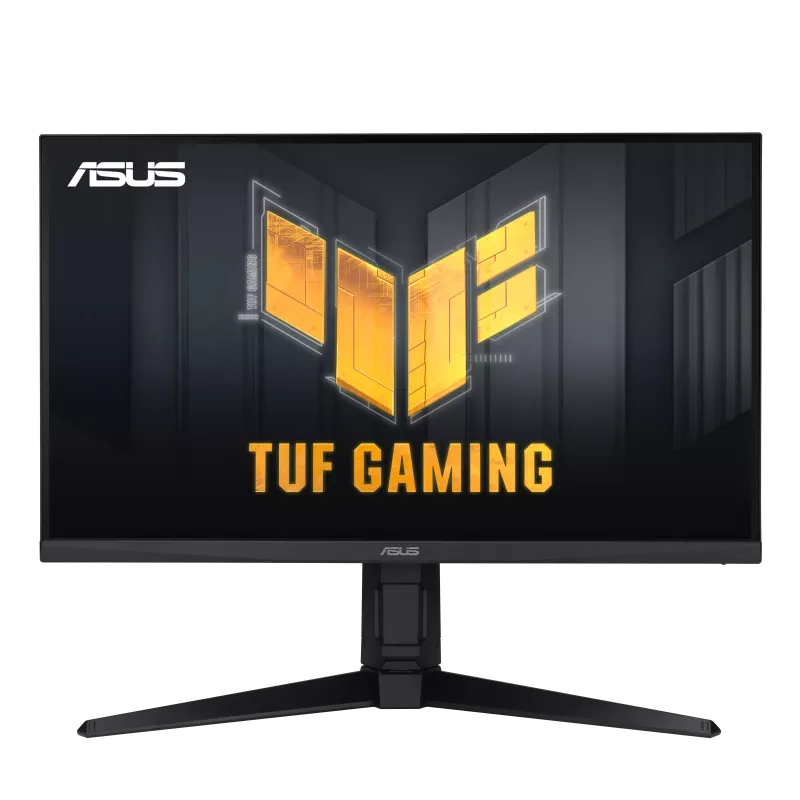
Asus
ASUS TUF Gaming VG279QL3A - LED monitor - gaming - 27" - 1920 x 1080 Full HD (1080p) @ 180 Hz - Fast IPS - 400 cd/m� - 1000:1 - DisplayHDR 400 - 1 ms - 2xHDMI, DisplayPort - speakers - black