- Web Development
How to Write Website Content That Converts Visitors to Leads
11 Mar, 2026


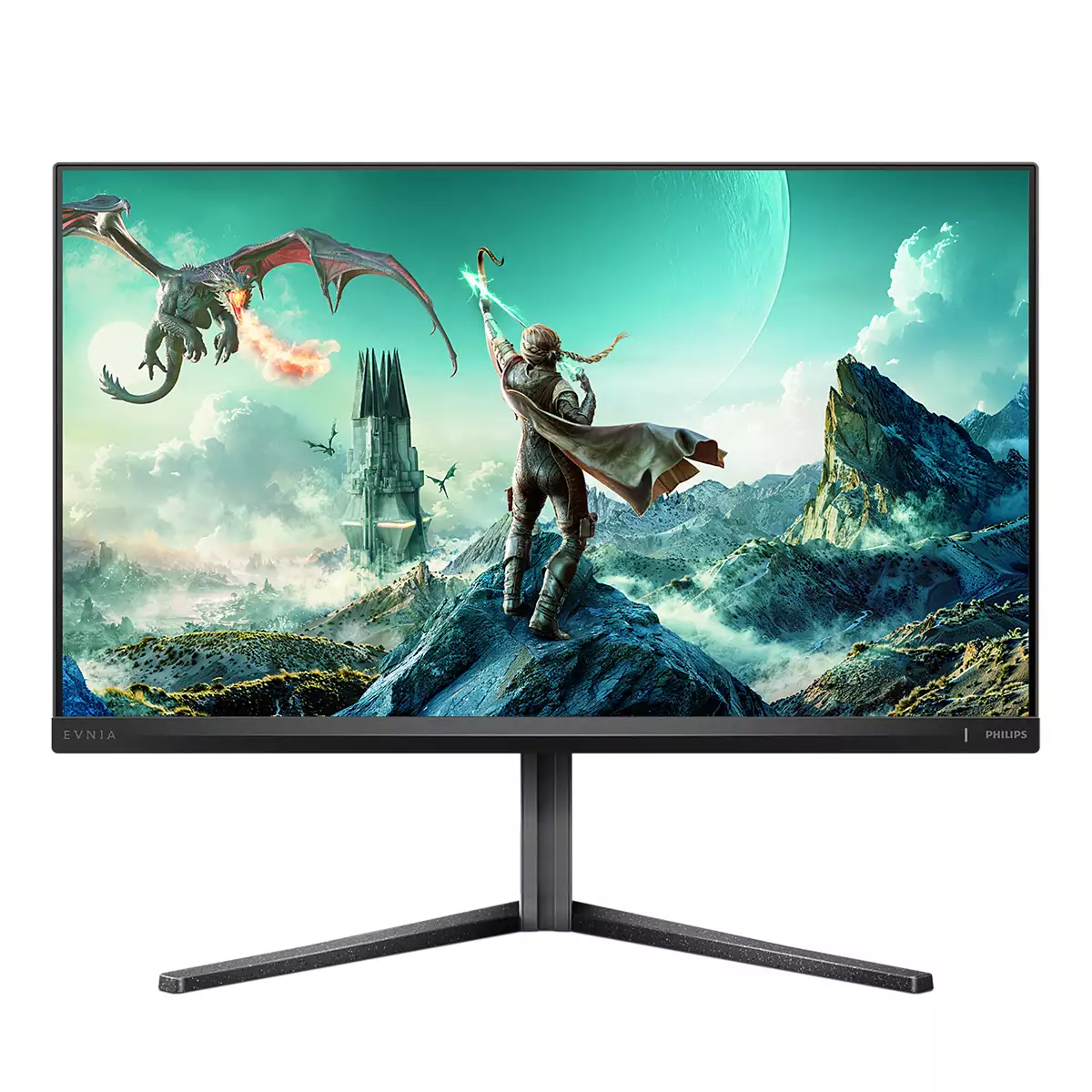
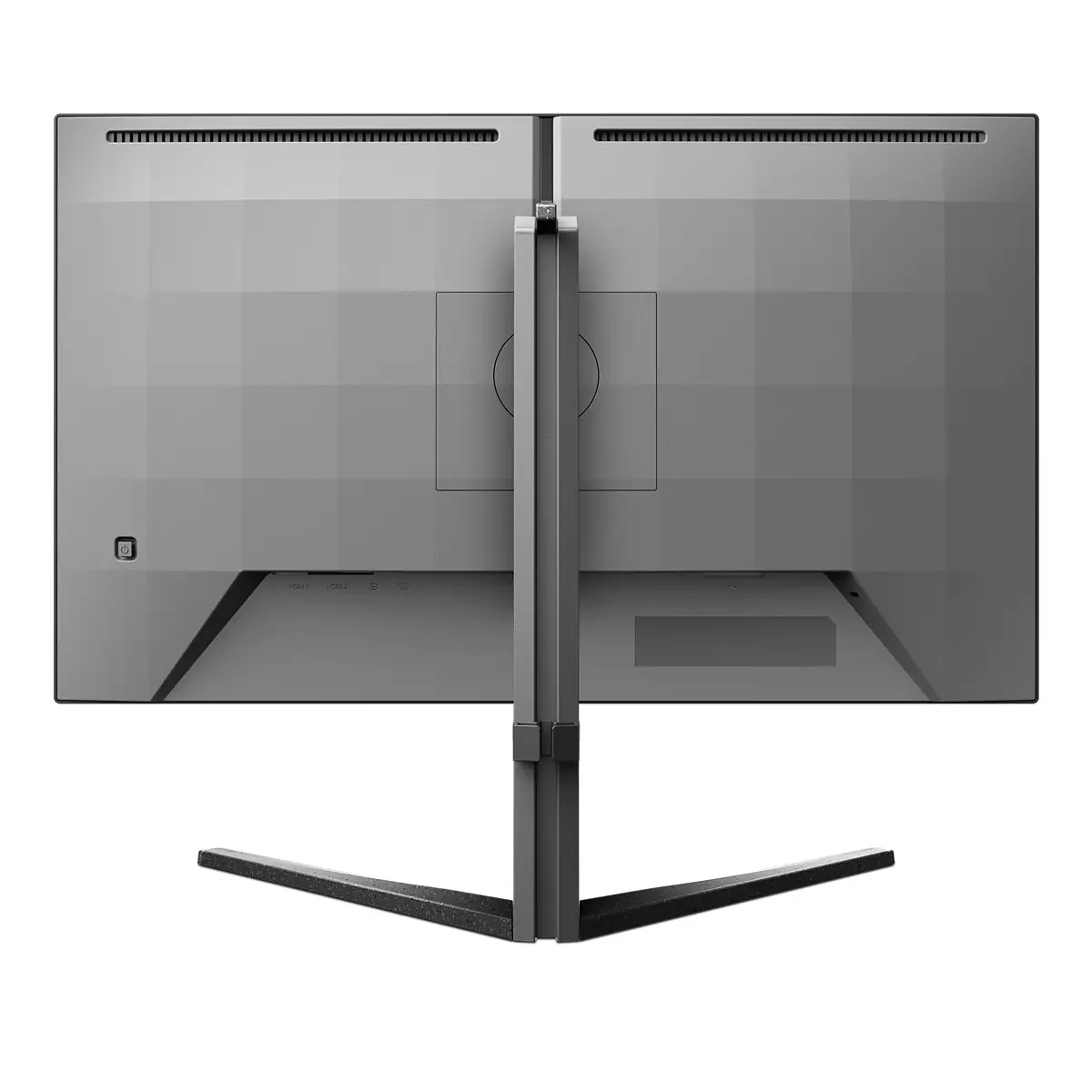
£327.61 inc. VAT
AI-generated summary
For £273 ex-VAT, the Philips Evnia 27M2N3800A is a solid “serious upgrade without going silly” kind of monitor: a 27-inch 4K screen that’s sharp for spreadsheets, dashboards, and general office work, with enough pixel density to make text look crisp at normal viewing distances. If you’re buying for knowledge workers who bounce between documents and web apps all day, or for anyone who wants one screen that can genuinely replace a dual-monitor setup, it’s an easy recommendation. The Evnia branding also suggests it’s tuned more toward visual quality than pure corporate blandness, so it should feel nicer day-to-day.
That said, I’d be cautious if you’re buying purely for competitive gaming or for heavy colour-critical creative work. At this price point, you’re unlikely to get the kind of “premium” gaming features and calibration consistency you’d expect from higher-end options, and Philips’ monitor range can vary in how smooth motion and viewing angles feel. If your team is sensitive to ghosting/latency or you’re doing professional design where colour accuracy must be tight, I’d check independent reviews and ask for any colour/gaming performance details before committing.
**Who should buy:** office/IT teams, analysts, and general business users who want crisp 4K clarity for the money. **Who should skip:** competitive gamers chasing the lowest motion blur, or studios needing tighter colour performance guarantees.

Stark ShadowBoost: for enhancing visibility in dark scenes
This feature enhances dark scenes without overexposing lightened areas. The Stark Shadowboost feature has three selectable levels that offer texturized images with better color saturation with high...

SmartImage game mode optimized for gamers
The new Philips gaming display has quick access OSD fine tuned for gamers, offering you multiple options. "FPS" mode (First person shooting) improves dark themes in games, allowing you to see hidde...

Smart Sniper: Improved control when you zoom in on targets
Smart Sniper gives you better control over your scope for precise aiming. It overlays an additional window at either the top or center of your screen, and enables you to select a zoom level up to 2...

Smart Crosshair: for better aim and more fun
Color of Crosshair is set by default. When Smart Crosshair is on, the color will change as complementary color to the background color. Smart Crosshair enhances the accuracy of aiming so you can sp...

MultiView enables simultaneous dual connection and view
With the ultra-high resolution Philips MultiView display you can now experience a world of connectivity. MultiView enables active dual connect and view so that you can work with multiple devices li...

Evnia Precision Center: Maximize Your Gaming Experience
Evnia Precision Center is an easy-to-use software designed to optimize and personalize your Evnia monitor. Whether you're a casual or competitive gamer, it offers a wide range of customization opti...
Lenovo
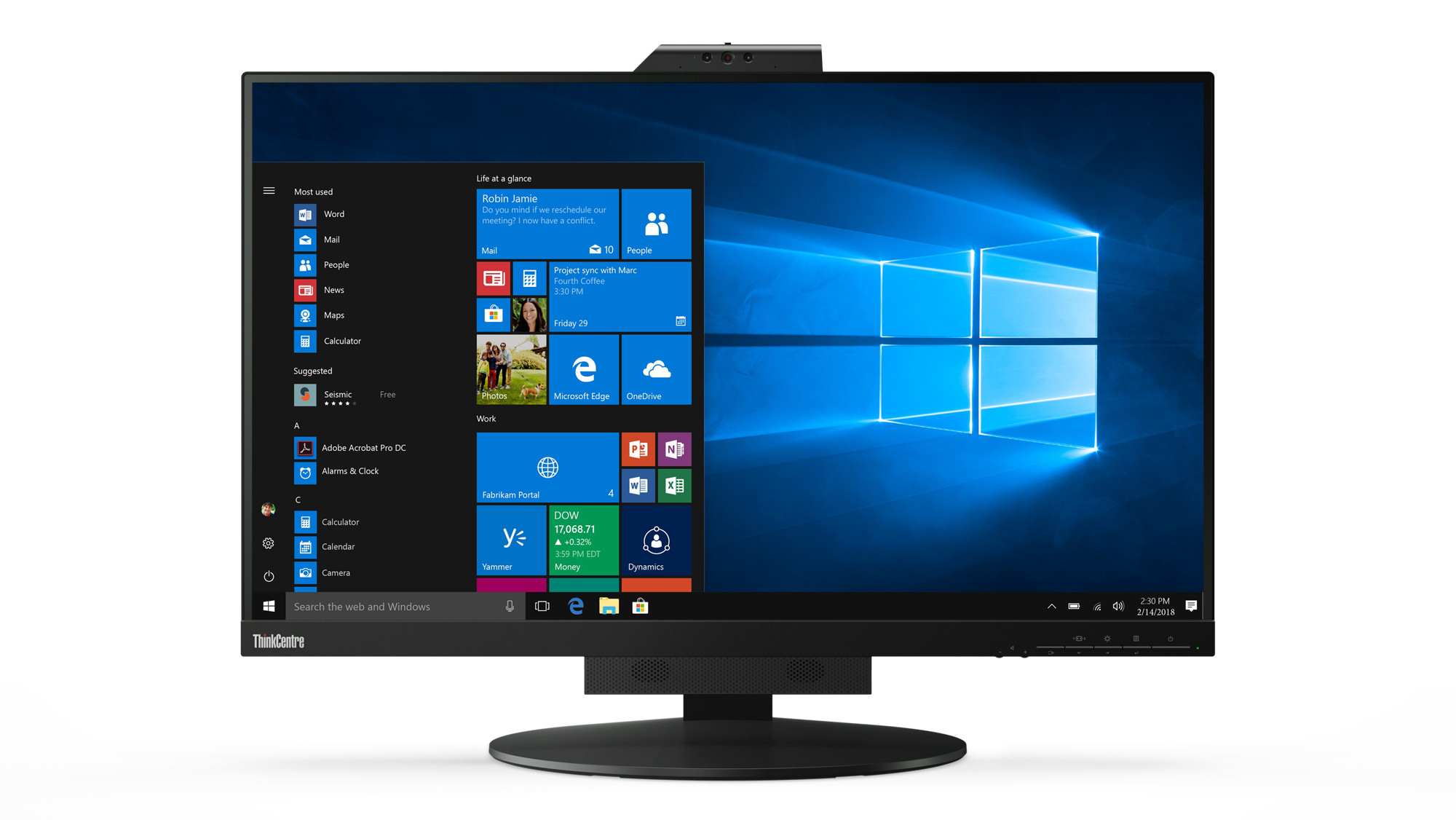
Lenovo ThinkCentre Tiny-in-One 27 - LED monitor - 27" - 2560 x 1440 @ 60 Hz - 350 cd/m� - 1000:1 - 4 ms - HDMI, DisplayPort - speakers - black
Lenovo
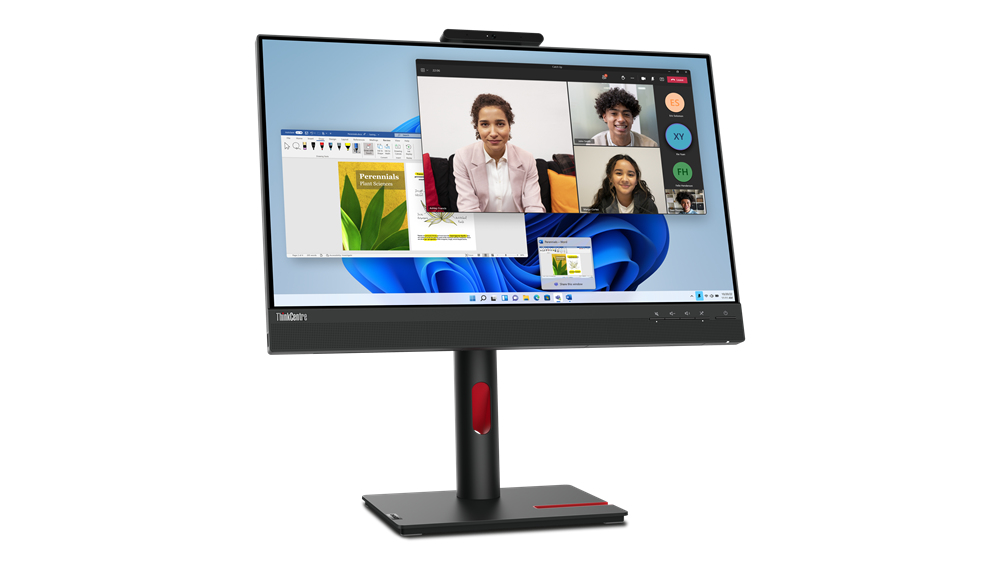
Lenovo ThinkCentre Tiny-in-One 24 Gen 5 - LED monitor - 24" (23.8" viewable) - touchscreen - 1920 x 1080 Full HD (1080p) @ 60 Hz - IPS - 250 cd/m� - 1000:1 - 4 ms - HDMI, DisplayPort - speakers - raven black

Philips
Philips B Line 346B1C - LED monitor - curved - 34" - 3440 x 1440 UWQHD @ 100 Hz - VA - 300 cd/m� - 3000:1 - 5 ms - HDMI, DisplayPort, USB-C - speakers - black texture
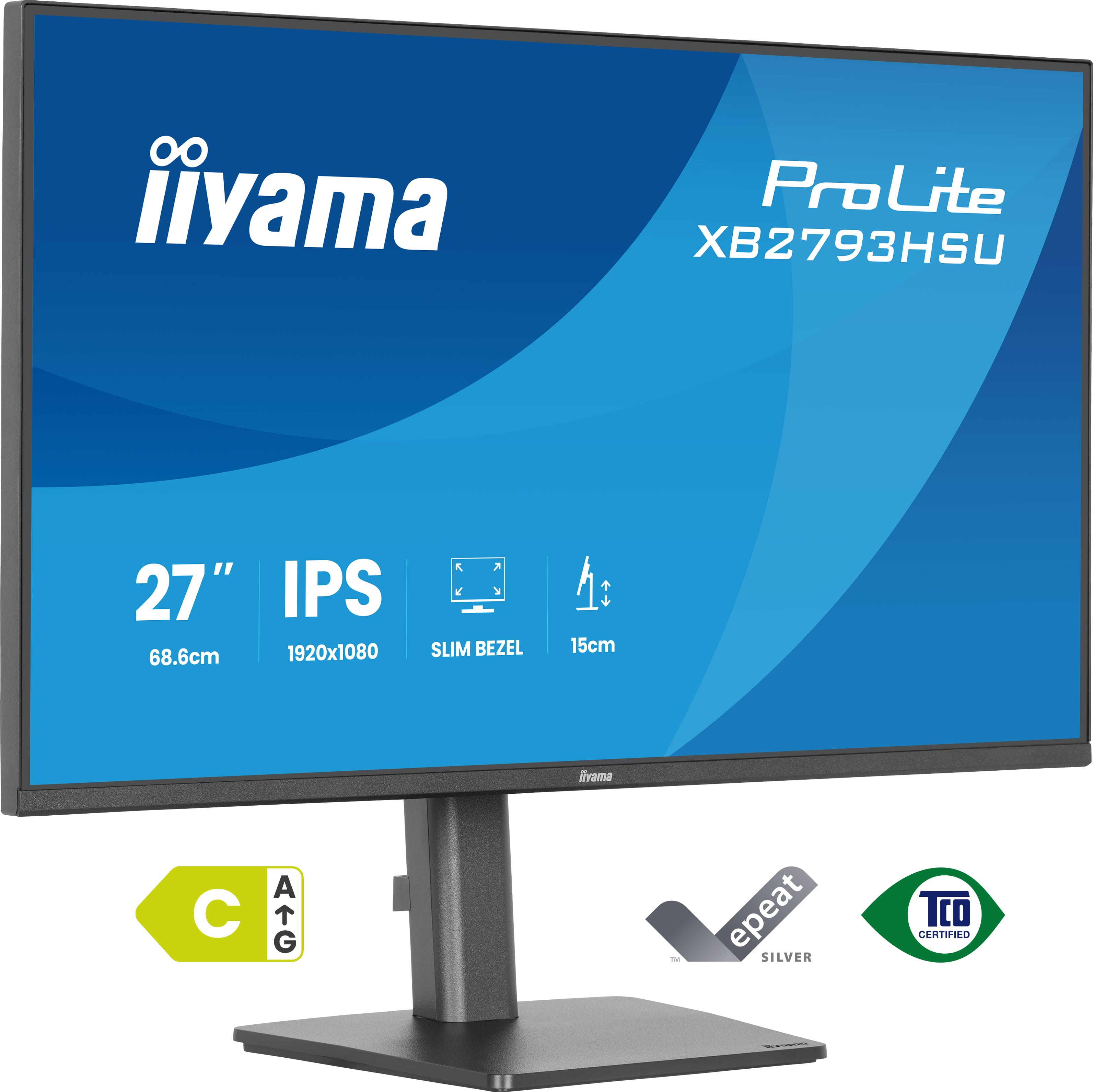
Iiyama
Iiyama XB2793HSU-B1 - LED monitor - 27" - 1920 x 1080 Full HD (1080p) @ 120 Hz - IPS - 350 cd/m� - 1500:1 - 1 ms - HDMI, DisplayPort - speakers - matte, black