- Azure Cloud
Azure Backup vs Third-Party Backup: Which Should You Use?
11 Mar, 2026



£434.59 inc. VAT
AI-generated summary
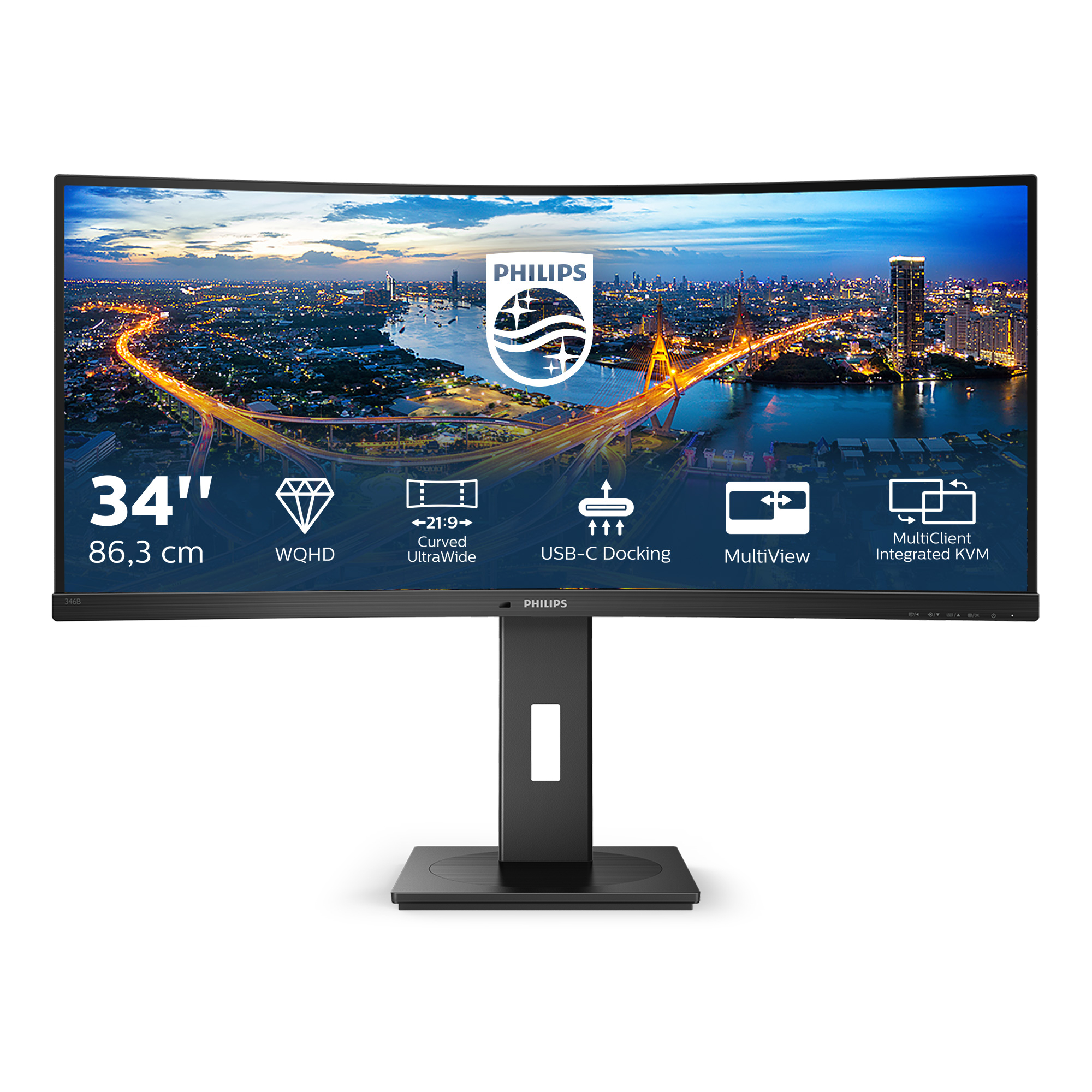
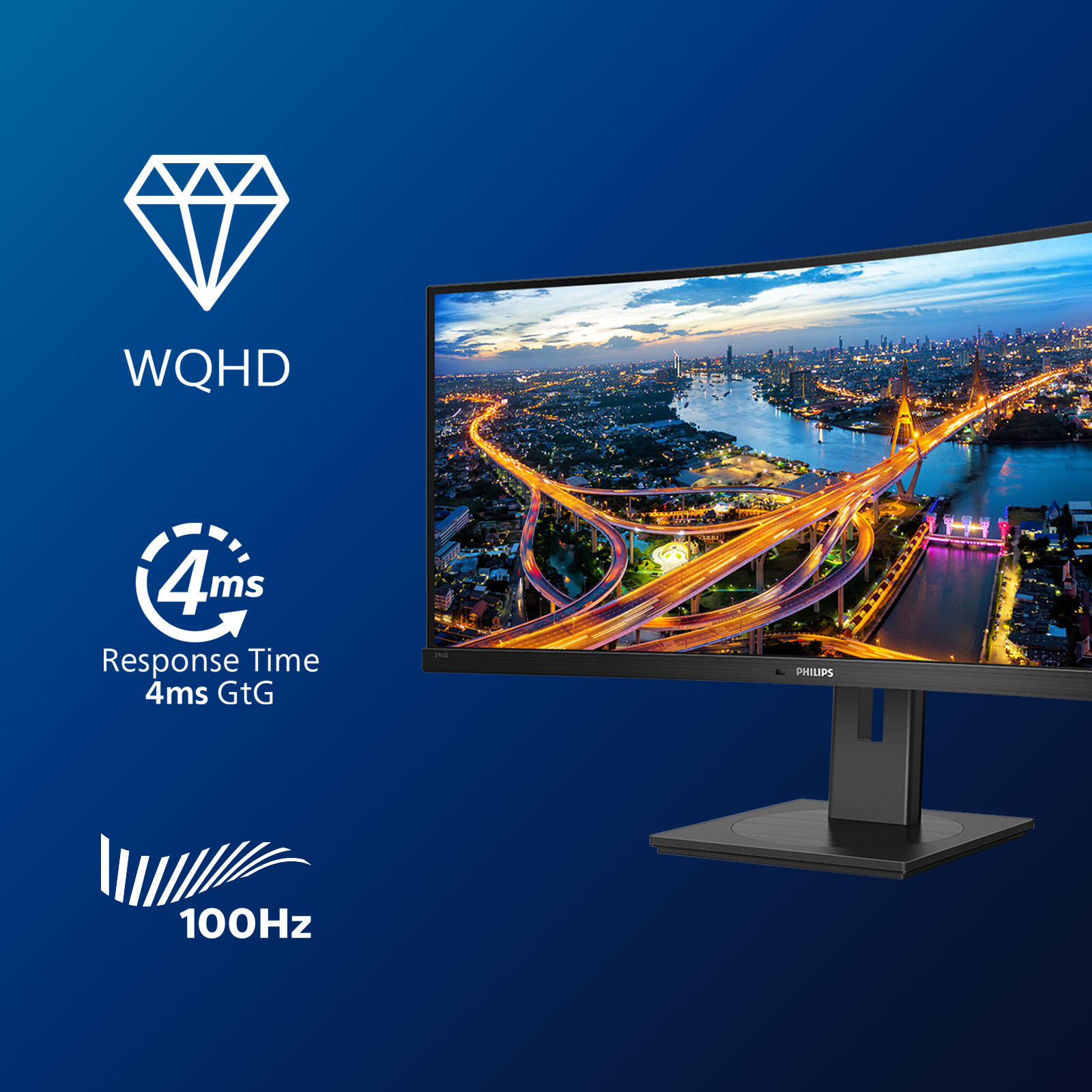
The Philips B Line 346B1C/00 is a solid “workhorse” ultrawide if you want more screen real estate without going down the gaming rabbit hole. The 34-inch 21:9 format is great for multitasking—spreadsheets, docs side-by-side, trading dashboards, admin work, all feel more natural because you’re not constantly tab-switching. For the price (£364 ex-VAT), it sits in a sensible value spot for a UK business: it’s the sort of monitor you buy once and actually keep for years rather than treating as a short-term upgrade.
That said, I wouldn’t buy it if you’re expecting the kind of wow-factor you get from higher-end panels aimed at creative colour work, or if you’re doing high-end design/print where calibration and colour consistency are non-negotiable. Also, ultrawide is an acquired taste—some teams jump on it immediately, others find the extra horizontal space feels awkward until everyone’s workflow is adjusted. If you’re rolling it out broadly for office staff or analyst roles, it’s a pretty safe bet; if your use is very colour-sensitive or you need a more conventional “fits-everything” setup, you may be better with a standard 27/32-inch option instead.

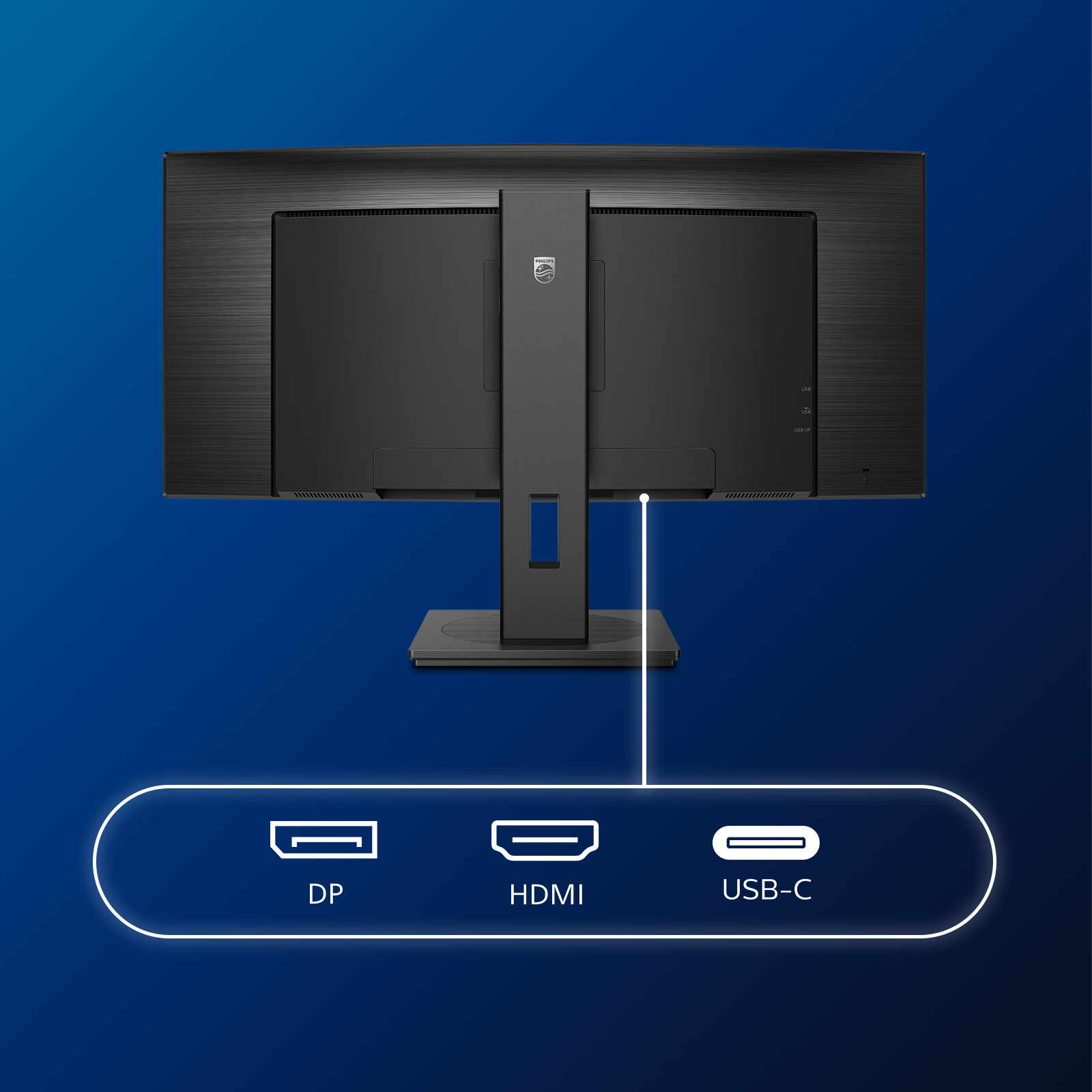
Built in USB-C docking station
This Philips display features a built-in USB type-C docking station with power delivery. Its slim, reversible USB-C connector allows for easy, one-cable docking. Simplify by connecting all your per...

TUV Eye Comfort certified to reduce eye fatigue
Philips display meet TUV Rheinland Eye Comfort standard to prevent eye strain caused by prolonged computer use. With TUV Eye Comfort certification, Philips displays ensure flicker-free, low blue mo...
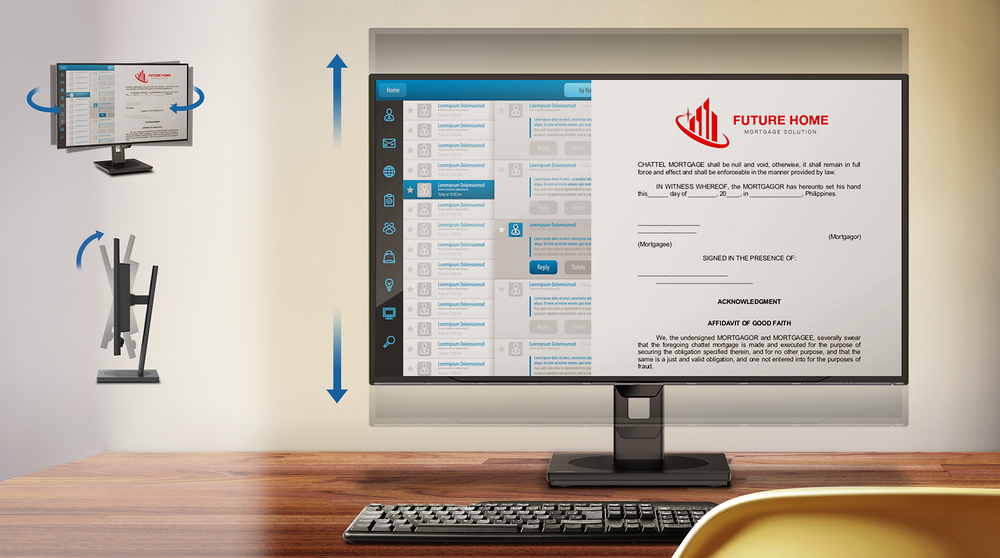
Tilt, swivel and height-adjust for an ideal viewing position
The Compact Ergo Base is a people-friendly Philips monitor base that tilts, swivels and height-adjusts so each user can position the monitor for maximum viewing comfort and efficiency.

PowerSensor saves up to 70% energy costs
PowerSensor is a built-in 'people sensor' that transmits and receives harmless infrared signals to determine if user is present and automatically reduces monitor brightness when user steps away fro...

LightSensor for the perfect brightness with minimal power
LightSensor uses a smart sensor to adjust the picture brightness depending on the light conditions in the room for the perfect picture with minimal power usage.

LowBlue Mode for easy on-the-eyes productivity
Studies have shown that just as ultra-violet rays can cause eye damage, shortwave length blue light rays from LED displays can cause eye damage and affect vision over time. Developed for wellbeing,...

Asus
ASUS ProArt PA24US - LED monitor - 24.1" (23.6" viewable) - 3840 x 2160 4K UHD (2160p) @ 60 Hz - IPS - 600 cd/m� - 1000:1 - DisplayHDR 600 - 5 ms - 2xHDMI, DisplayPort, USB-C - speakers
AOC
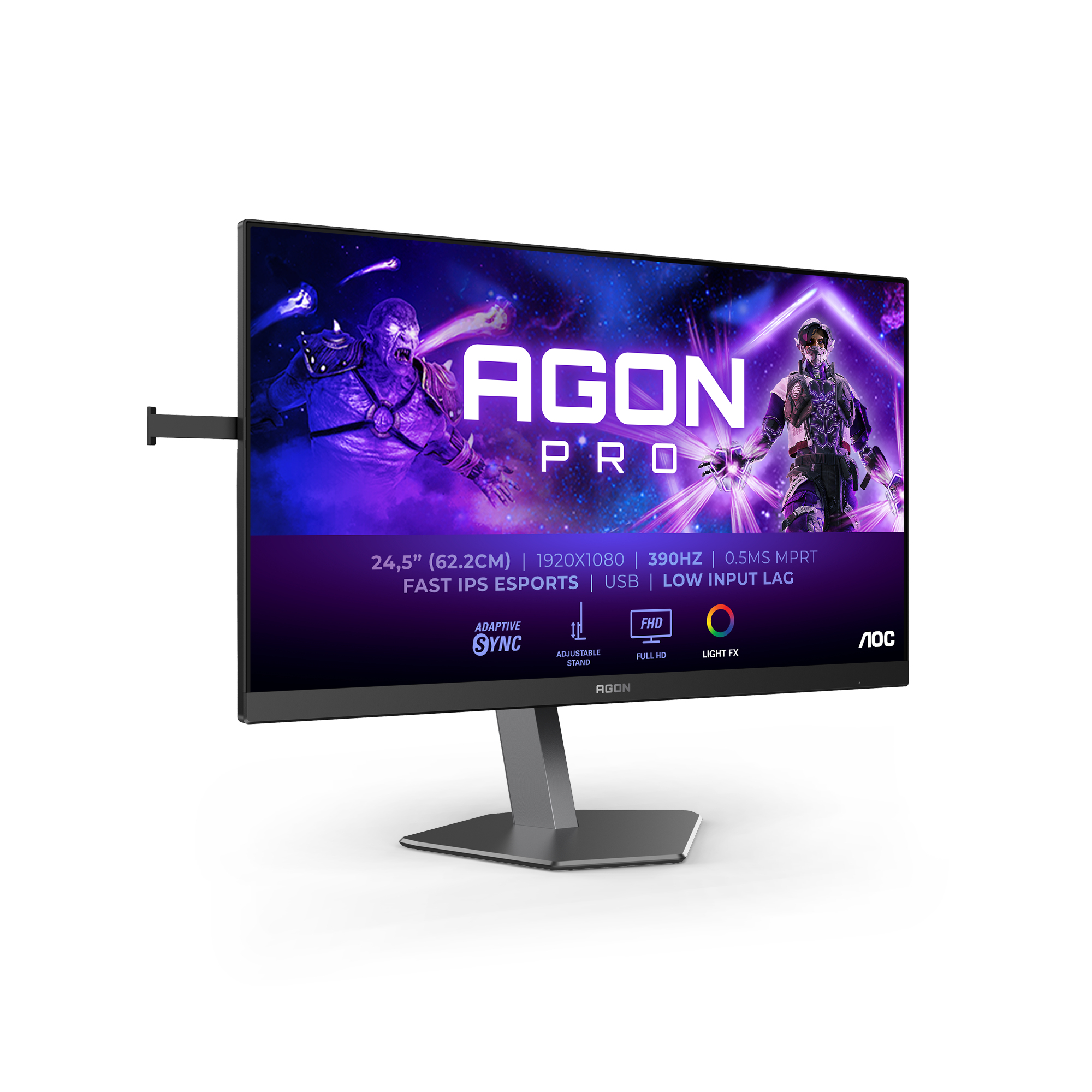
AOC AGON PRO AG256FS - AG6 Series - LED monitor - gaming - 25" (24.5" viewable) - 1920 x 1080 Full HD (1080p) @ 390 Hz - Fast IPS - 400 cd/m� - 1000:1 - DisplayHDR 400 - 0.3 ms - 2xHDMI, DisplayPort - black
Iiyama
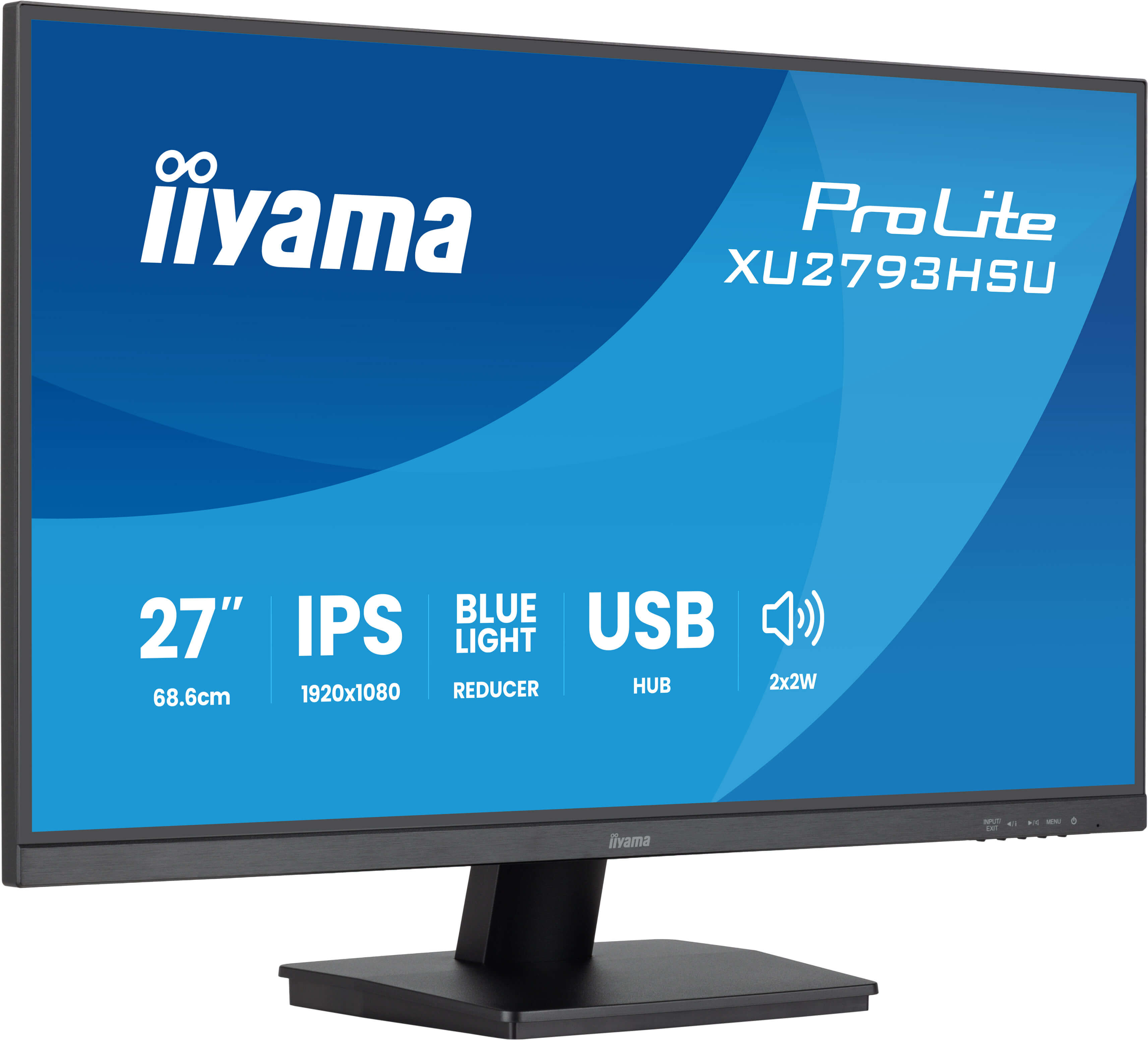
iiyama ProLite XU2793HSU-B7 - LED monitor - 27" - 1920 x 1080 Full HD (1080p) @ 75 Hz - IPS - 300 cd/m� - 1300:1 - 1 ms - HDMI, DisplayPort - speakers - black, matte
Iiyama
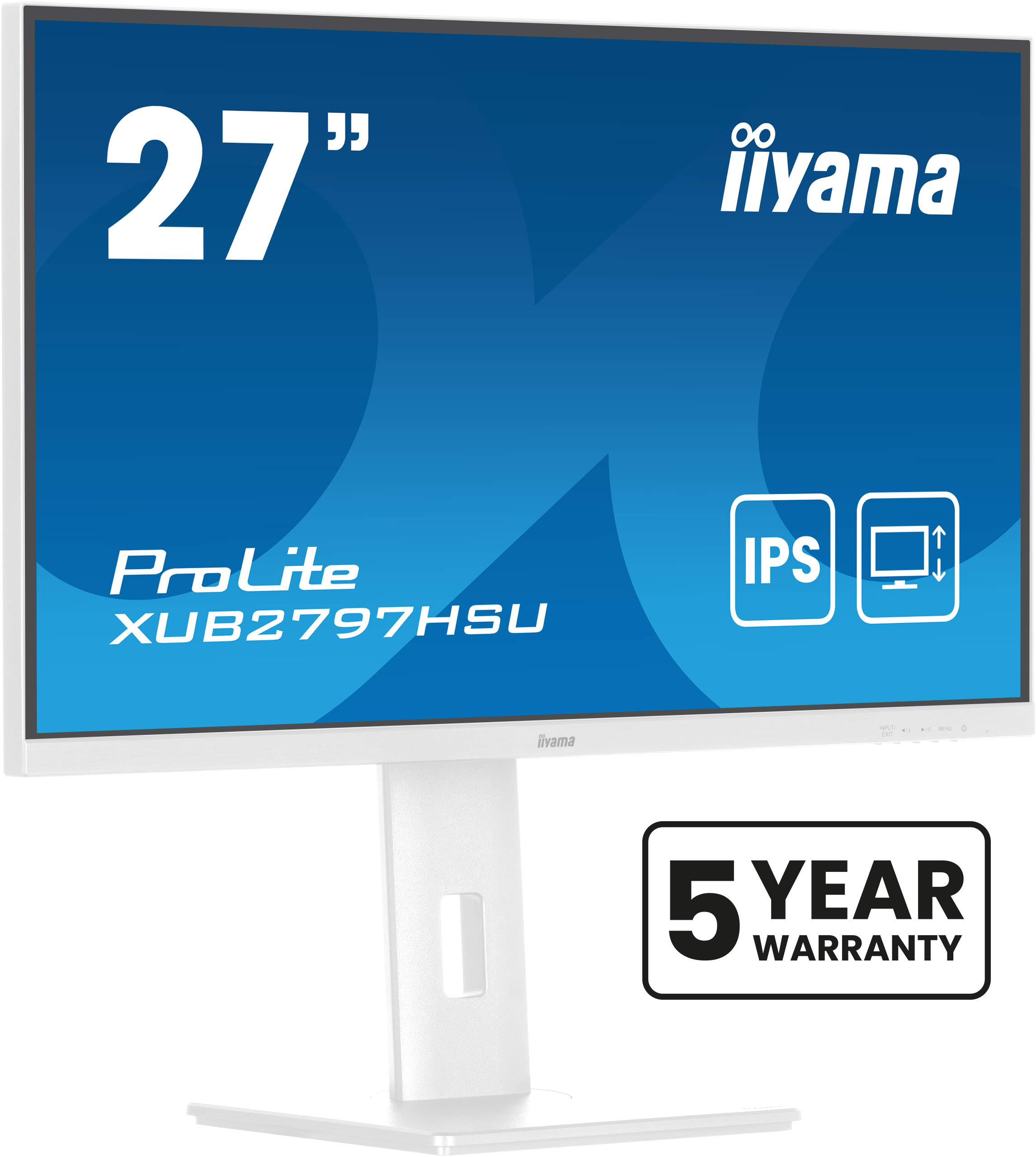
iiyama ProLite XUB2797HSU-W2 - LED monitor - 27" - 1920 x 1080 Full HD (1080p) @ 100 Hz - IPS - 300 cd/m� - 1000:1 - 1 ms - HDMI, DisplayPort - speakers - white, matte