- Database Reporting
Cloud Database Reporting
20 Mar, 2026


£351.08 inc. VAT
AI-generated summary
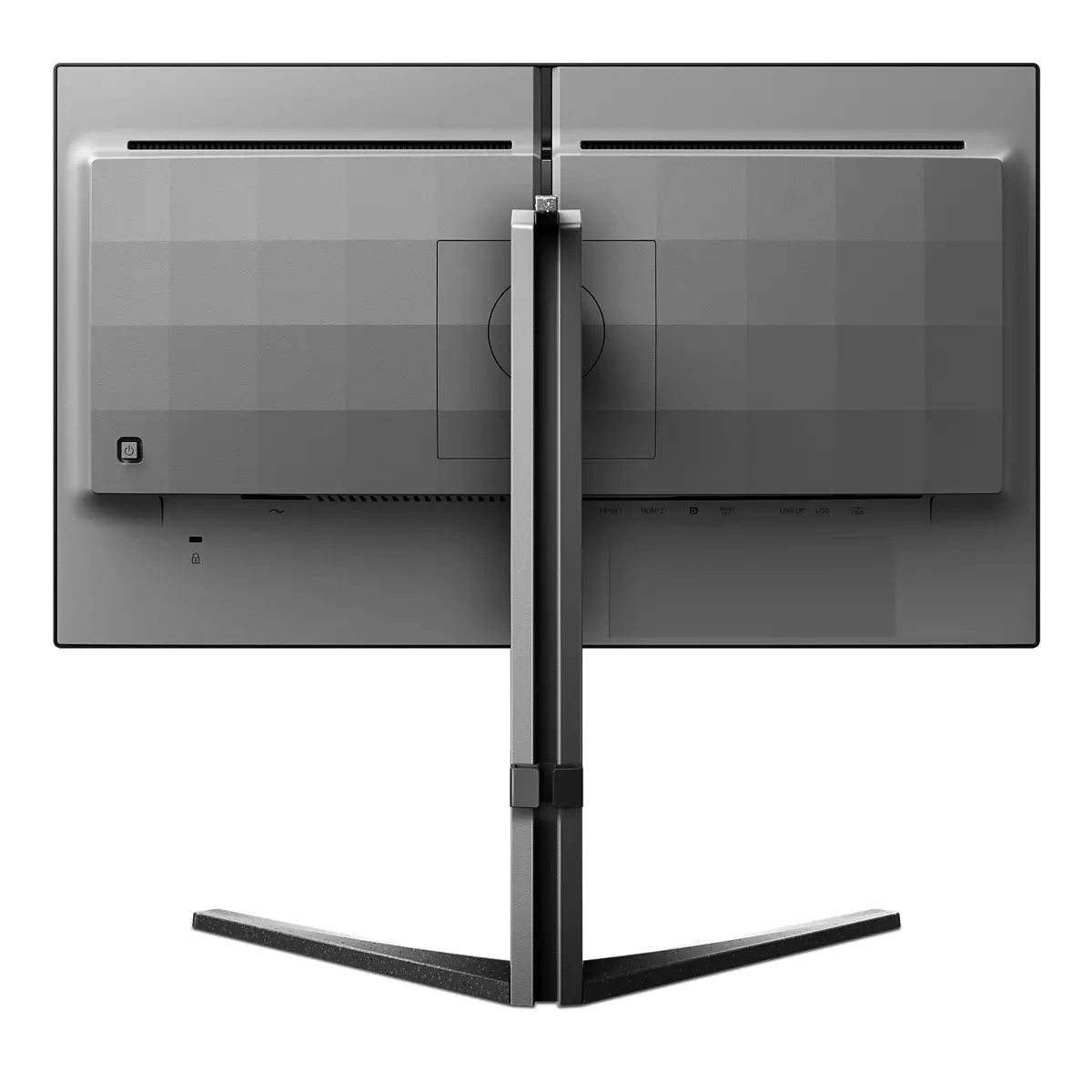
At £292.57 ex-VAT for a 24.5" Full HD panel, the Philips Evnia 5000 25M2N5200U/00 isn’t a “bad” monitor, but it’s a bit expensive for what you’re getting in pure image resolution terms. If your day-to-day is spreadsheets, office apps, and general Windows work, Full HD at this size can still look perfectly fine—but you’ll notice it’s not as crisp as you’d get from a higher-res 24" class monitor. For gaming, the model name suggests it’s aimed at smoother, responsive use, but at this price point I’d expect customers to at least consider stepping up to a higher resolution (or paying less if gaming is the only priority).
Where it does make sense is if you specifically want an Evnia-branded, “work + play” styled display that’s comfortable for long sessions and you value Philips’ tuning/colour consistency over chasing specs. If you’re equipping a small office with mixed usage, it can be a solid, sensible buy—especially if you’re matching existing Philips setups or want a clean look without going down the rabbit hole of ultra-premium options. I’d avoid it if you’re trying to maximise value for teams who do lots of document reading, design, CAD-lite, or anything where text sharpness matters, or if you can get a better-res monitor at a similar budget.
If you tell me what the monitors are for (office admin vs developer work vs gaming vs design) and whether you’re buying one or a bulk of seats, I can give a clearer “yes/no” on whether this price is fair for your use case.

Stark ShadowBoost: for enhancing visibility in dark scenes
This feature enhances dark scenes without overexposing lightened areas. The Stark Shadowboost feature has three selectable levels that offer texturized images with better color saturation with high...
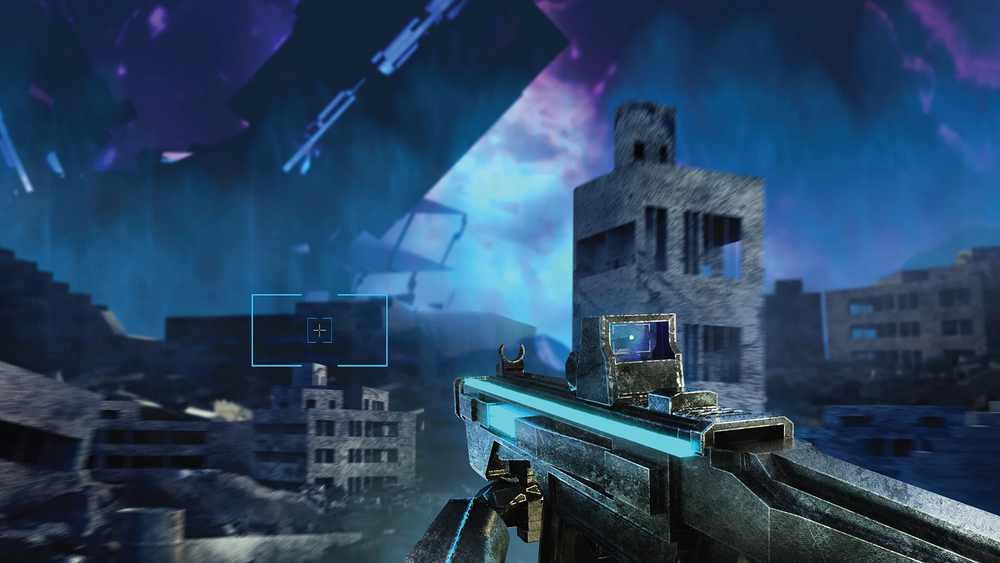
Smart Crosshair: for better aim and more fun
Color of Crosshair is set by default. When Smart Crosshair is on, the color will change as complementary color to the background color. Smart Crosshair enhances the accuracy of aiming so you can sp...

Evnia Precision Center: Maximize Your Gaming Experience
Evnia Precision Center is an easy-to-use software designed to optimize and personalize your Evnia monitor. Whether you're a casual or competitive gamer, it offers a wide range of customization opti...

LowBlue mode and Flicker-free easy-on-the eyes viewing
Our LowBlue Mode and Flicker-free technology have been developed to reduce eye strain and fatigue often caused by long hours in front of a monitor.

SmartImage game mode optimized for gamers
The new Philips gaming display has quick access OSD fine tuned for gamers, offering you multiple options. "FPS" mode (First person shooting) improves dark themes in games, allowing you to see hidde...
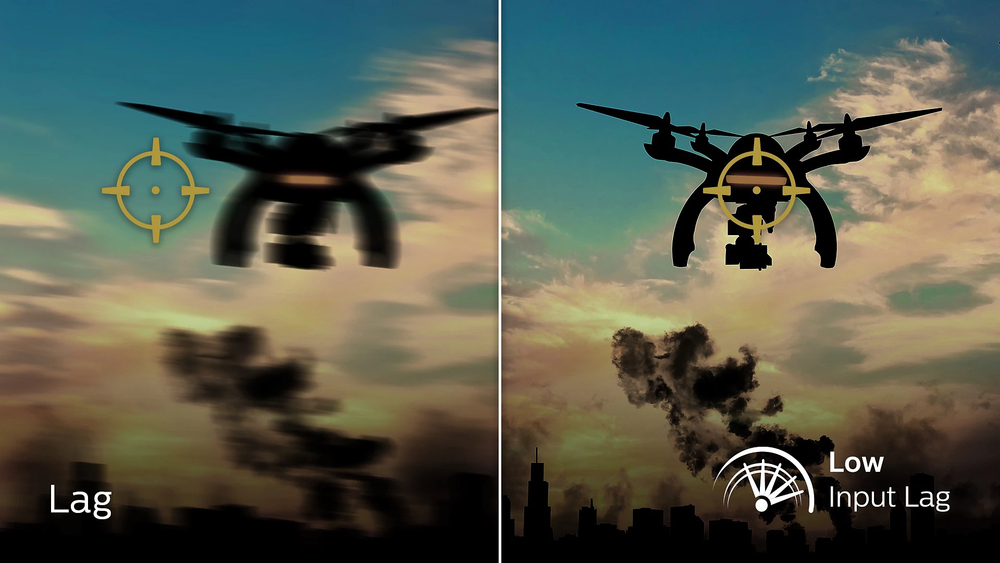
Low input lag reduces time delay between devices to monitor
Input lag is the amount of time that elapses between performing an action with connected devices and seeing the result on screen. Low input lag reduces the time delay between entering a command fro...
Lenovo
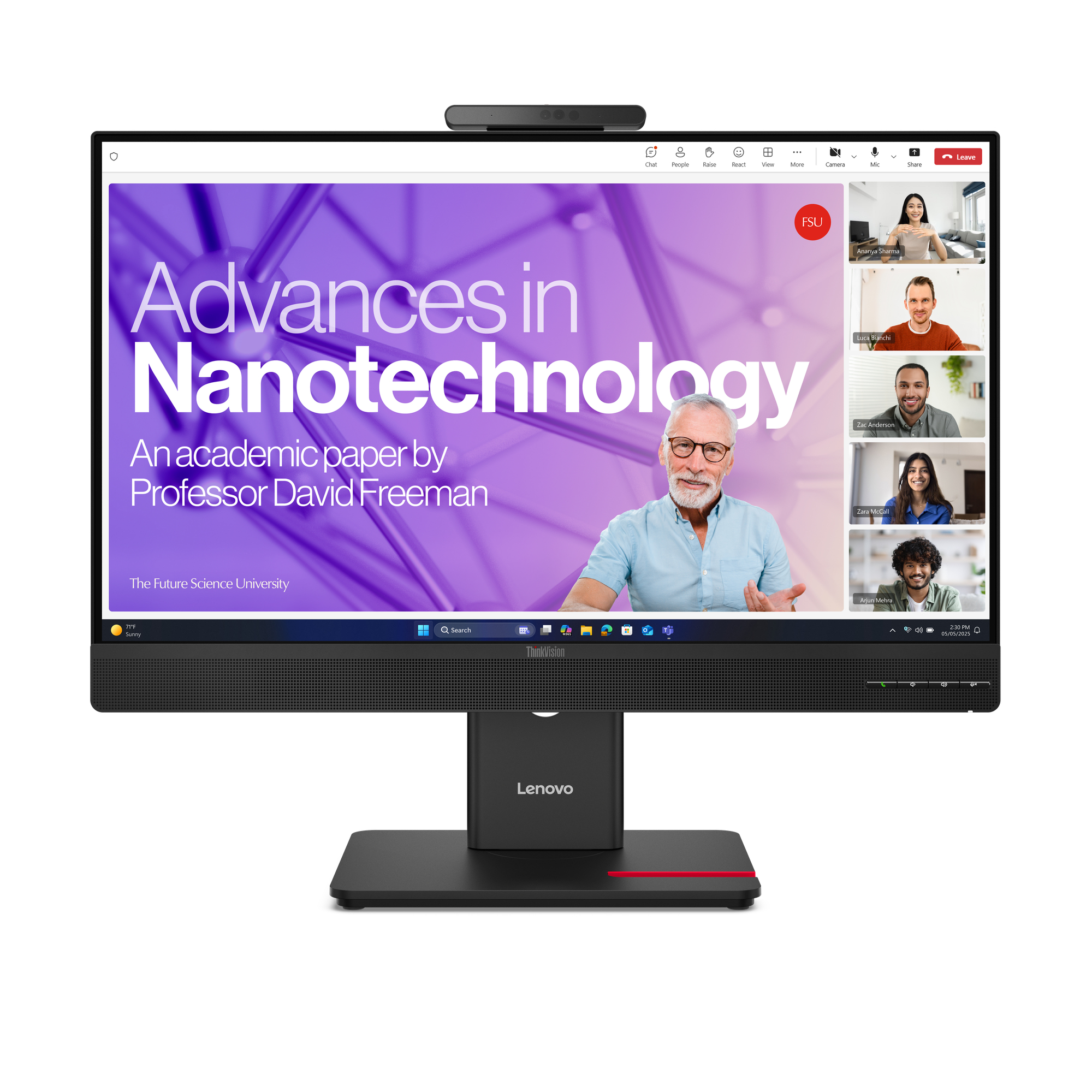
Lenovo ThinkVision T27qd-4v - LED monitor - 2560 x 1440 QHD @ 120 Hz - IPS - 350 cd/m� - 1500:1 - 4 ms - HDMI, 2xDisplayPort, 2xUSB-C - speakers - eclipse black
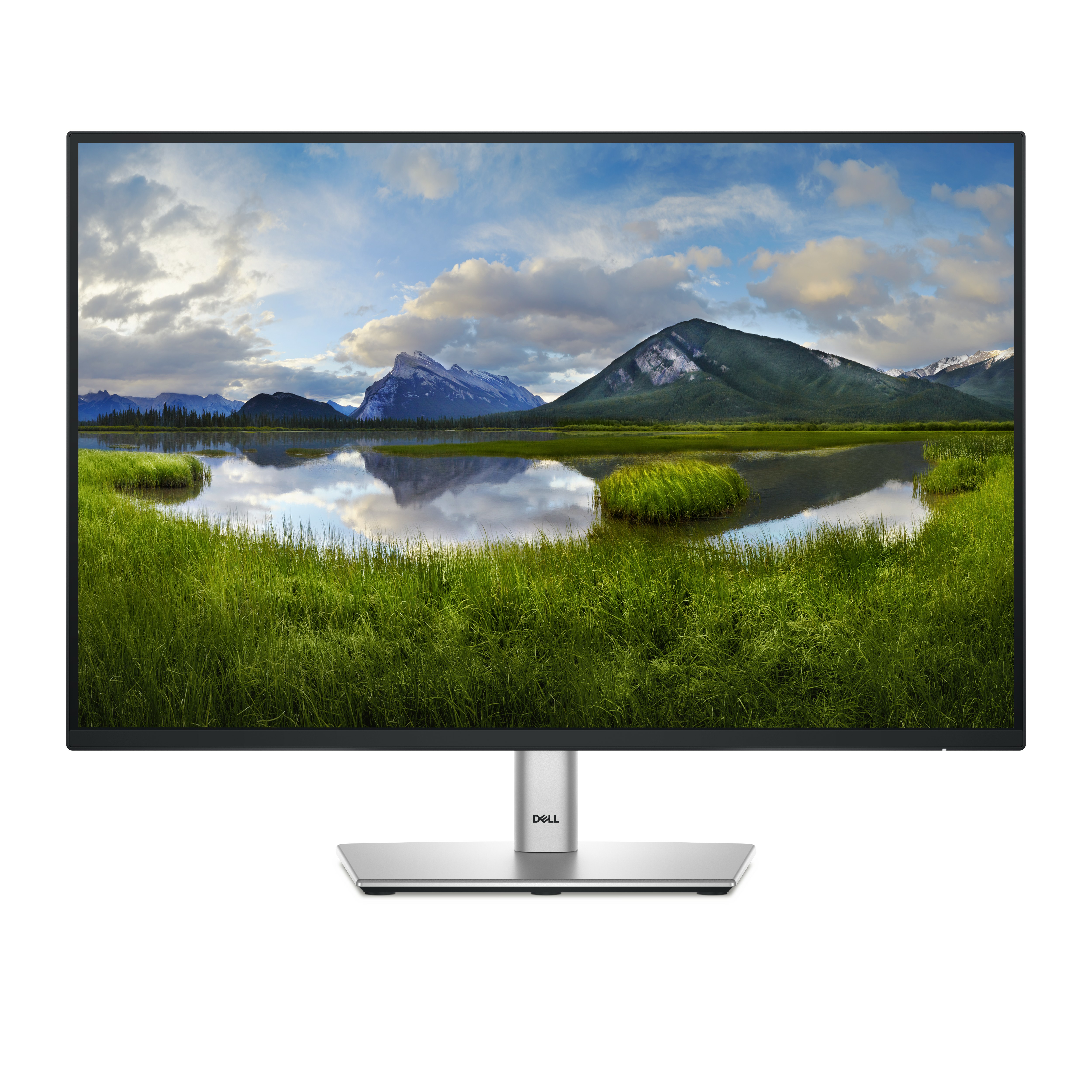
Dell
Dell P2425E - LED monitor - 24" - 1920 x 1200 WUXGA @ 100 Hz - IPS - 300 cd/m� - 1500:1 - 5 ms - HDMI, DisplayPort, USB-C - BTO - with 3 years Basic Hardware Service with Advanced Exchange after remote diagnosis

Philips
Philips Evnia 3000 24M1N3200ZS - LED monitor - gaming - 24" (23.8" viewable) - 1920 x 1080 Full HD (1080p) @ 165 Hz - IPS - 250 cd/m� - 1100:1 - 1 ms - 2xHDMI, 2xDisplayPort - black

AOC
AOC Pro-line Q27P4CV - P4 Series - LED monitor - 27" - 2560 x 1440 QHD @ 120 Hz - IPS - 350 cd/m� - 1500:1 - 4 ms - HDMI, DisplayPort, USB-C - speakers - black