- Internet & Connectivity
How to Set Up a 4G/5G Backup Internet Connection for Business
18 Mar, 2026

£165.88 inc. VAT
AI-generated summary
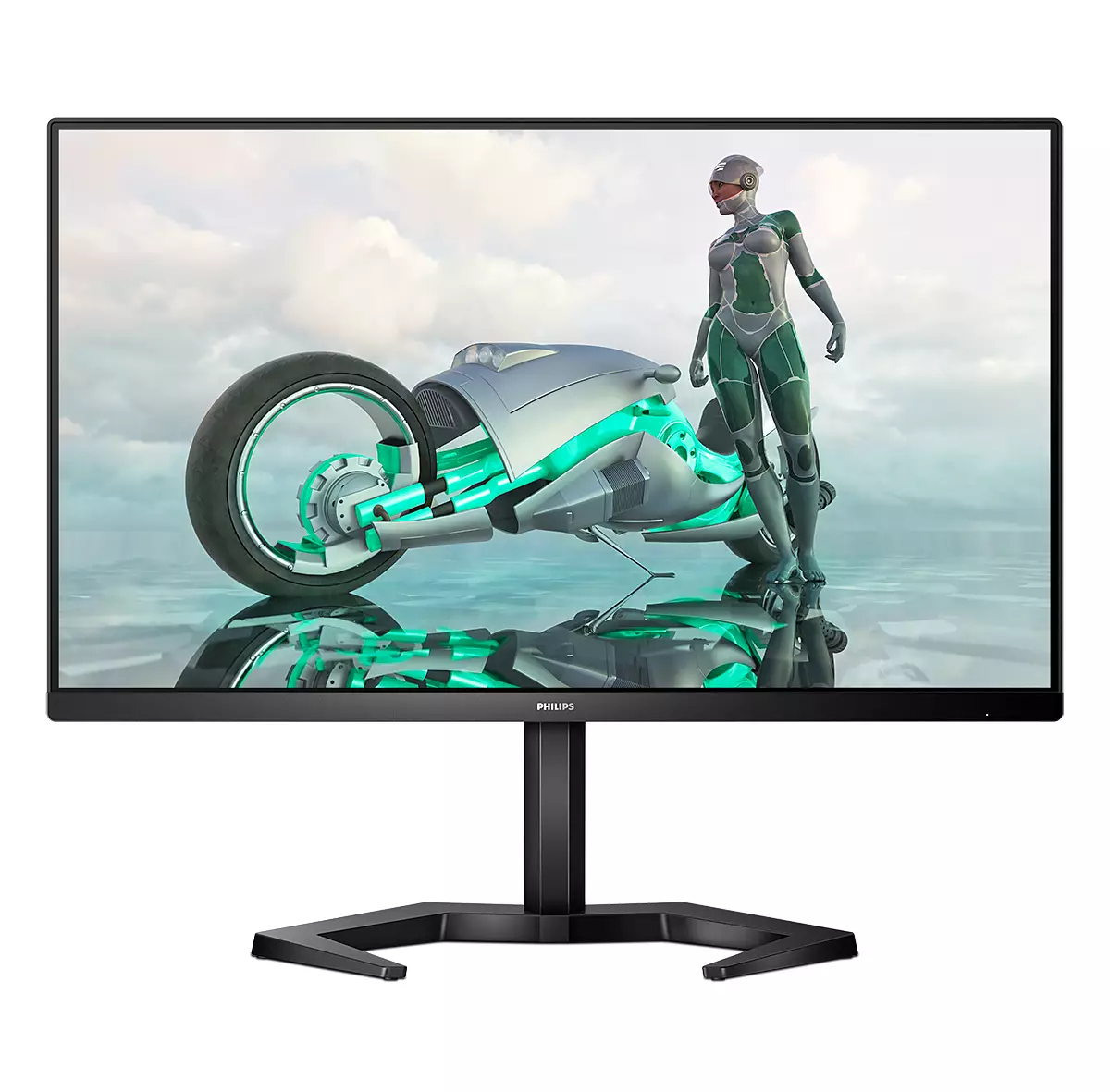
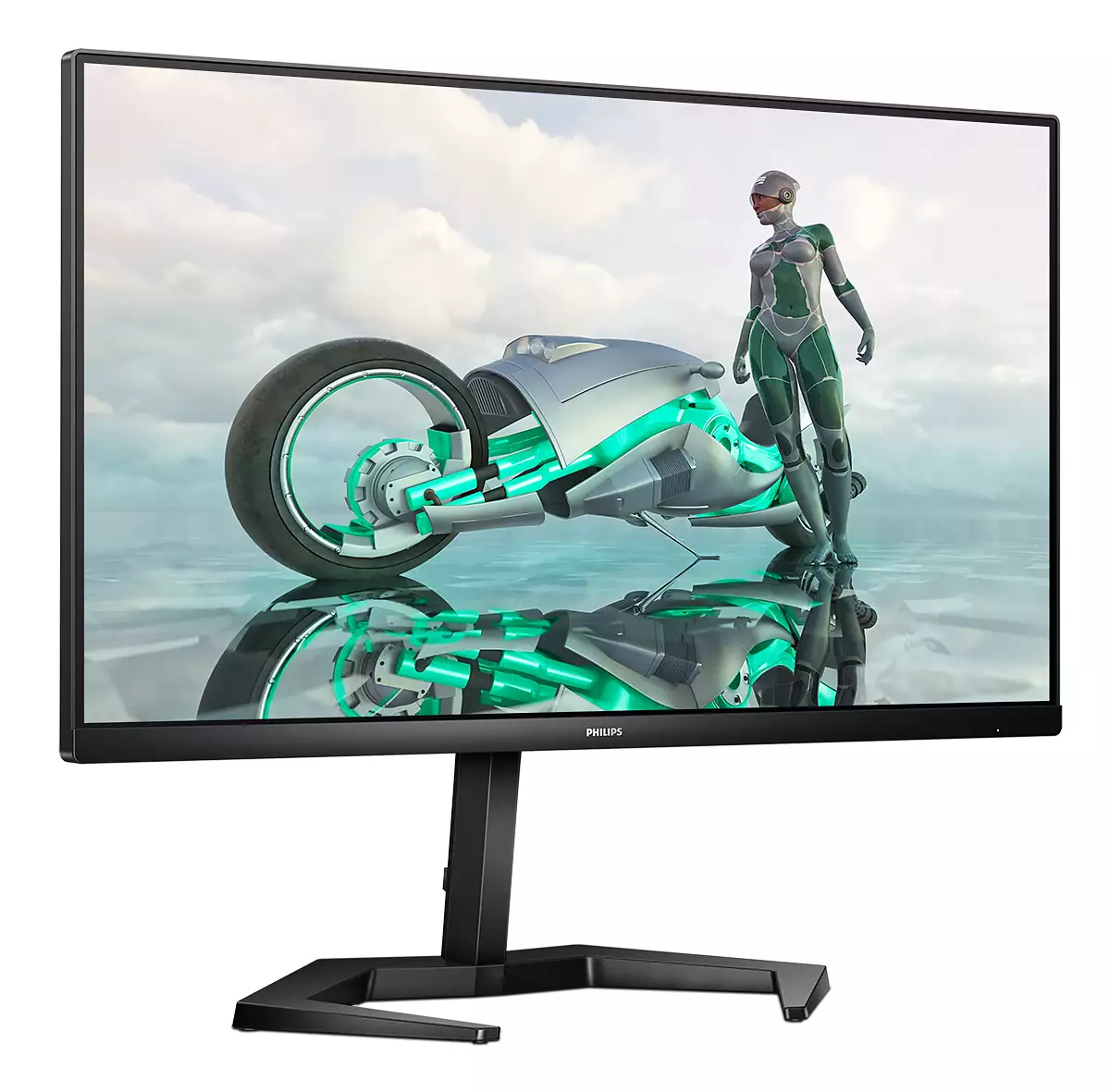
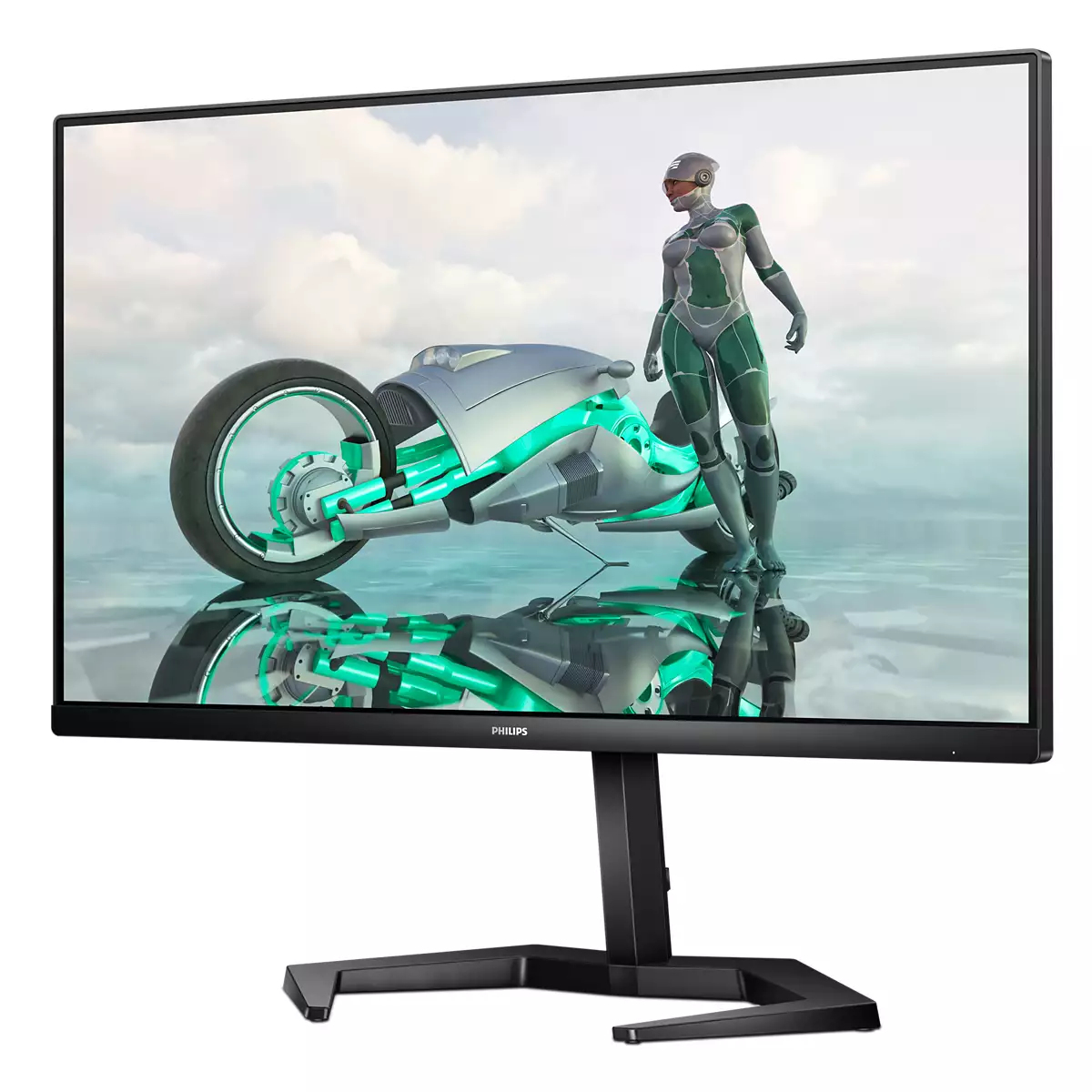
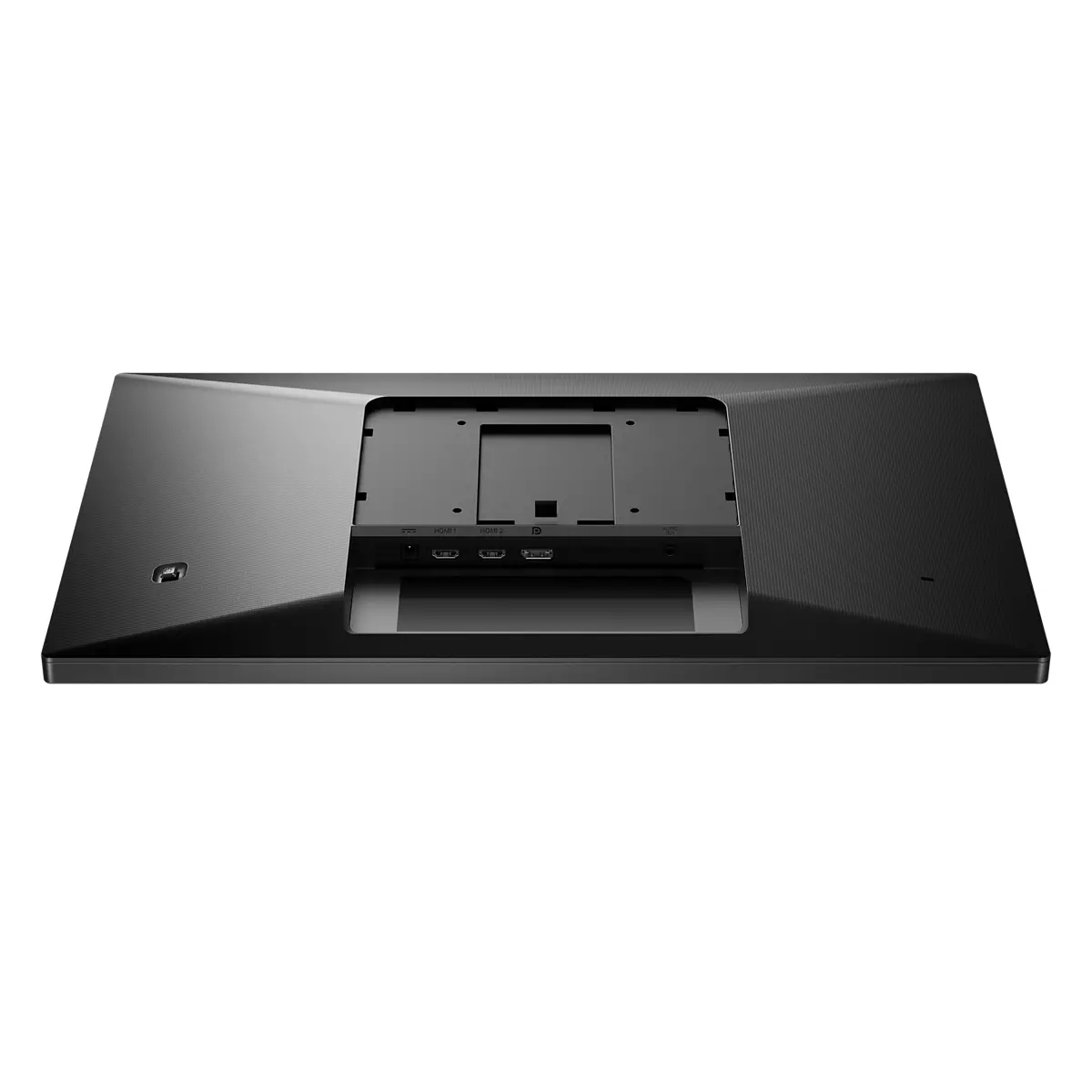
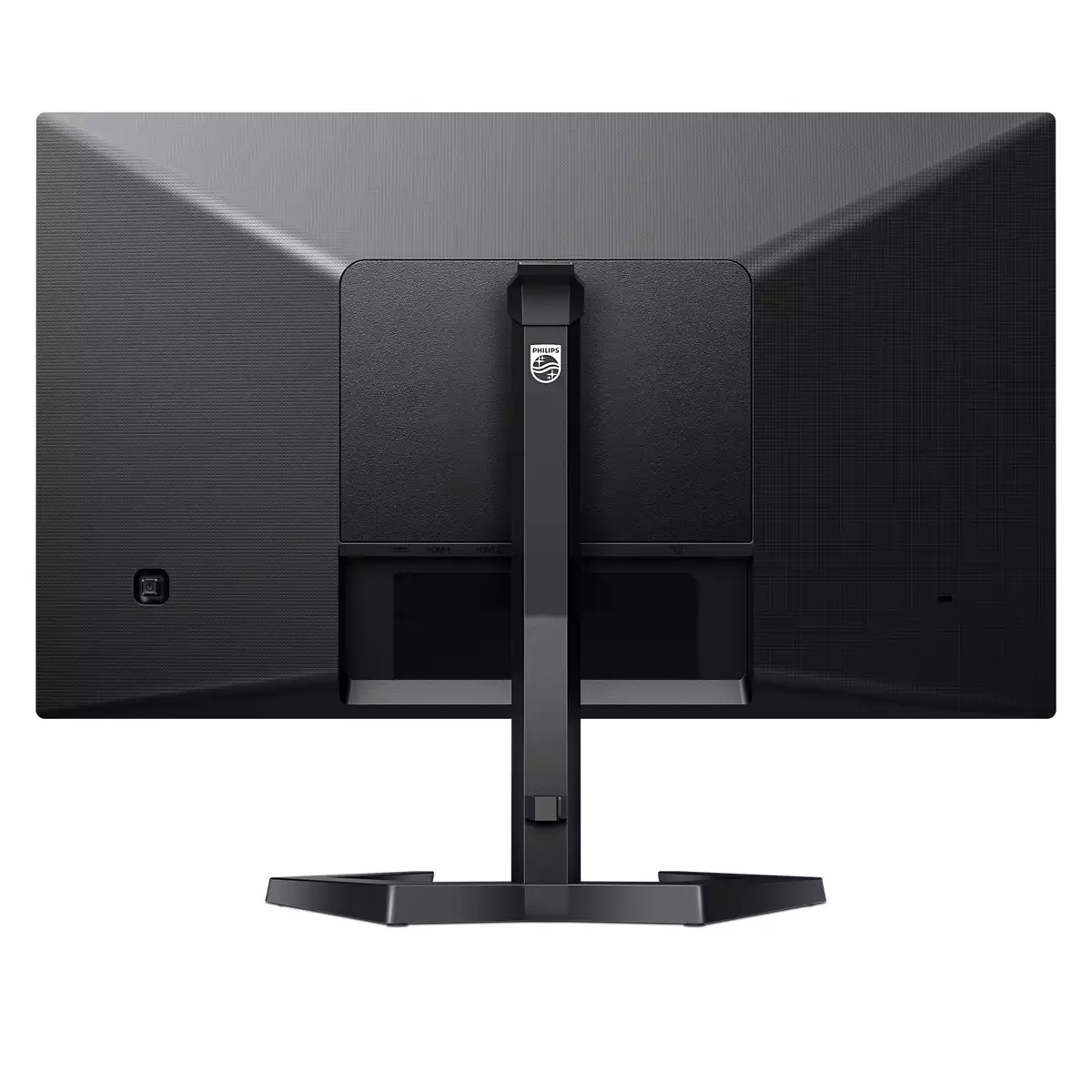
For £138 ex‑VAT, the Philips Evnia 24M1N3200ZS/00 looks like a sensible “works day one” office/gaming-lite choice—especially if you want a 24-inch Full HD panel without paying premium money. Philips’ Evnia line usually feels like it’s aimed at people who do a bit of everything (Excel all day, then some gaming or media at night) rather than chasing the absolute fastest refresh/latency at any cost. In day-to-day use, you’re likely to notice comfort and decent screen handling more than raw spec bragging rights: it’s the sort of monitor you’d put in a small office or give to a team member who just needs a sharp, reliable display and good day-long usability.
That said, I wouldn’t buy it if you’re very sensitive to motion blur or you’re competing in fast esports—at this price point, you’re generally not buying a top-tier “serious competitive” panel. Also, if your workspace is set up for colour-critical work, you should sanity-check the calibration/colour performance for your use case before committing. If you tell me what you’re using it for (office productivity, trading/graphics, light gaming, or heavy gaming), I can say more directly whether this is the right value or whether you’d be better off spending a bit more (or going down a different route).

SmartContrast for rich black details
SmartContrast is a Philips technology that analyzes the contents you are displaying, automatically adjusting colors and controlling backlight intensity to dynamically enhance contrast for the best ...
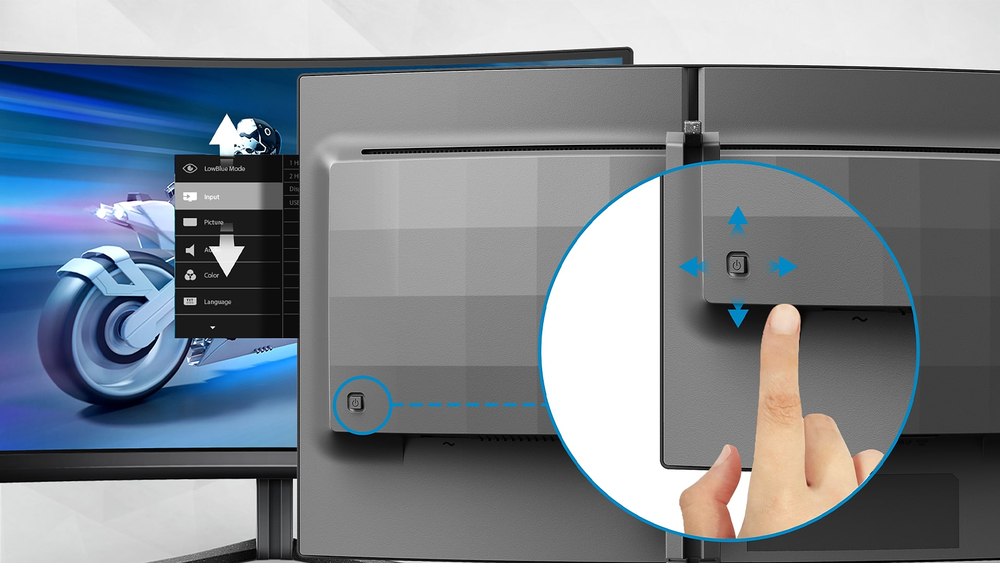
EasySelect menu toggle key for quick on-screen menu access
The discreetly placed EasySelect Menu Toggle Key allows you to make quick and easy adjustments to monitor settings in the On-Screen Display menu.

LowBlue mode and Flicker-free easy-on-the eyes viewing
Our LowBlue Mode and Flicker-free technology have been developed to reduce eye strain and fatigue often caused by long hours in front of a monitor.

16:9 Full HD display for crisp detailed images
Picture quality matters. Regular displays deliver quality, but you expect more. This display features enhanced Full HD 1920 x 1080 resolution. With Full HD for crisp detail paired with high brightn...

IPS LED wide view technology for image and color accuracy
IPS displays use an advanced technology which gives you extra wide viewing angles of 178/178 degree, making it possible to view the display from almost any angle. Unlike standard TN panels, IPS dis...

Ultra Wide-Color wider range of colors for a vivid picture
Ultra Wide-Color Technology delivers a wider spectrum of colors for a more brilliant picture. Ultra Wide-Color wider "color gamut" produces more natural-looking greens, vivid reds and deeper blues....
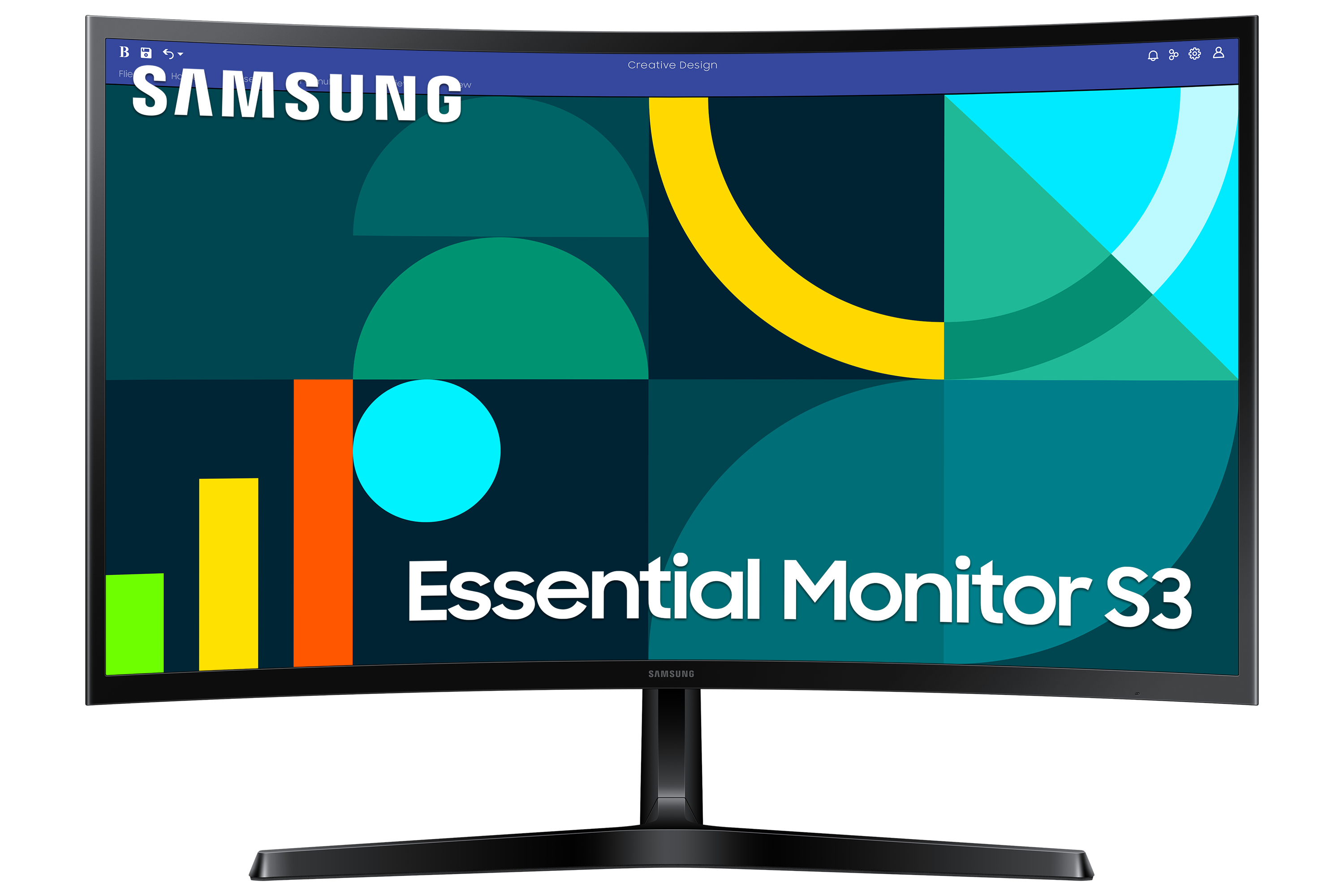
Samsung
Samsung Essential S3 S27D366GAU - S36GD Series - LED monitor - curved - 27" - 1920 x 1080 Full HD (1080p) @ 100 Hz - VA - 250 cd/m� - 3000:1 - 4 ms - HDMI, VGA - black
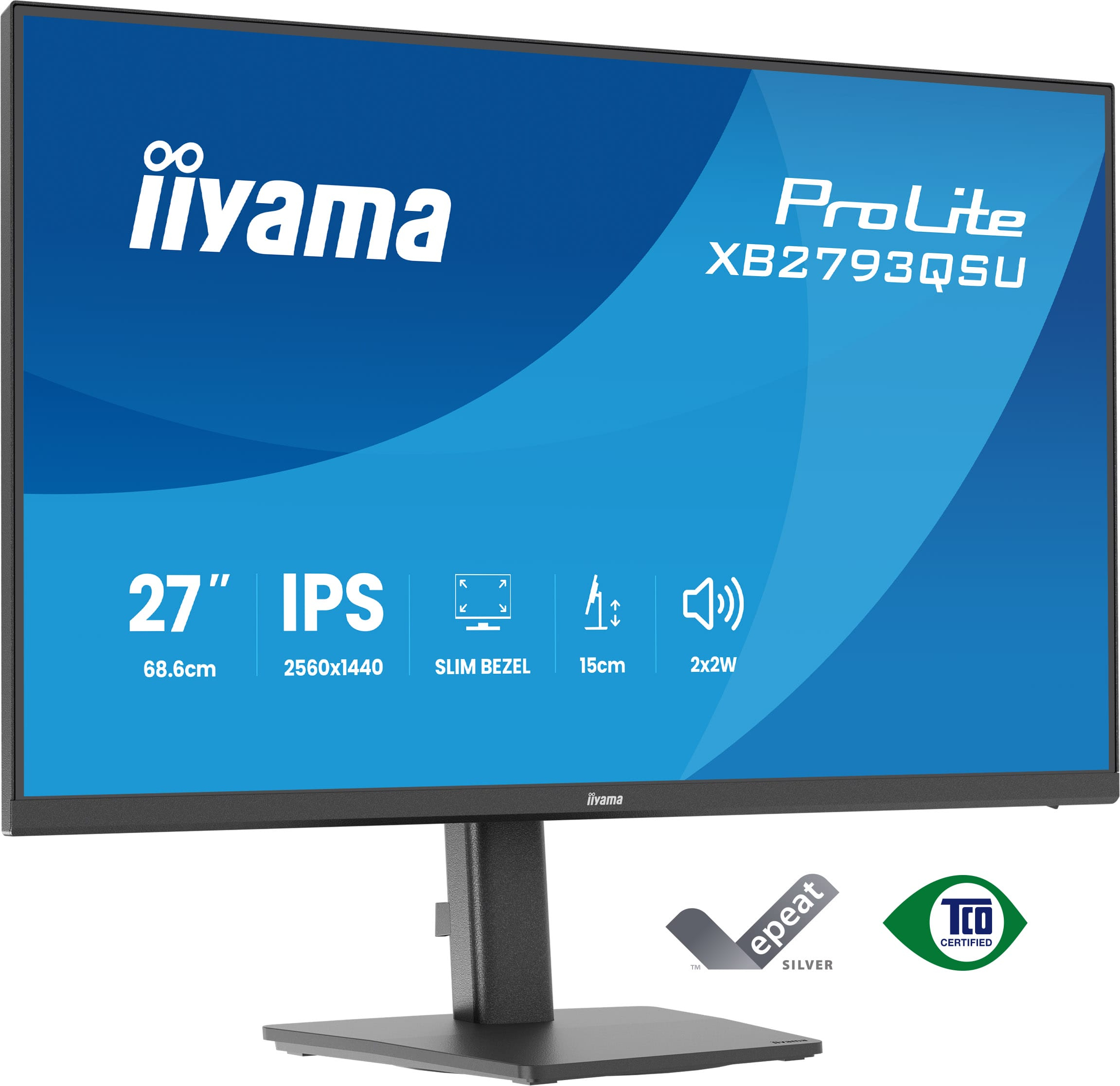
Iiyama
iiyama ProLite XB2793QSU-B1 - LED monitor - 27" - 2560 x 1440 QHD @ 75 Hz - IPS - 350 cd/m� - 1000:1 - 1 ms - HDMI, DisplayPort - speakers - black, matte
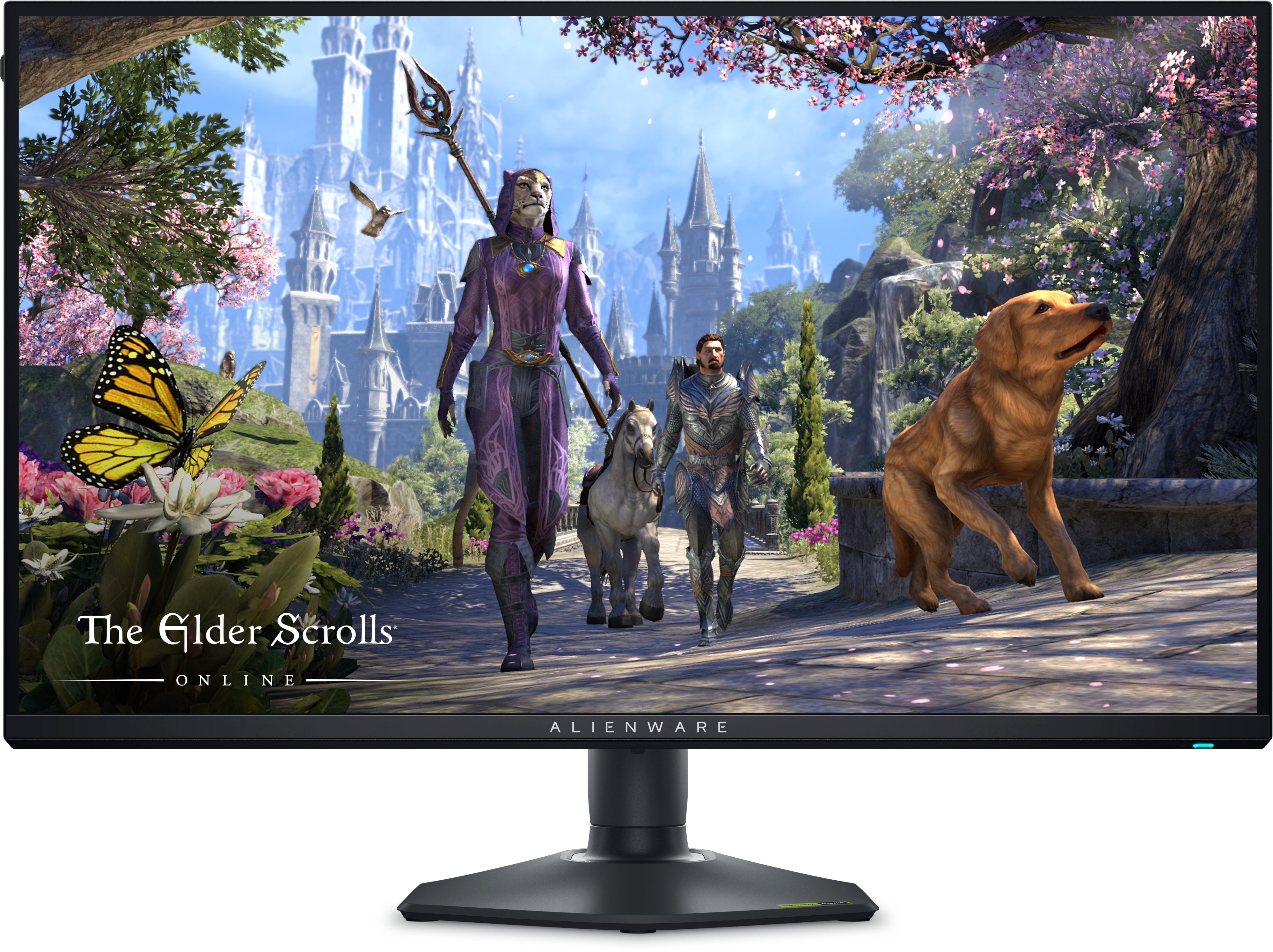
Dell
Alienware AW2725QF - LED monitor - gaming - 27" (26.95" viewable) - 3840 x 2160 / 1920 x 1080 4K / Full HD (1080p) @ 165 Hz - IPS - 600 cd/m� - 1000:1 - DisplayHDR 600 - 0.5 ms - 2xHDMI, DisplayPort - with 3 years Advanced Exchange Basic Warranty
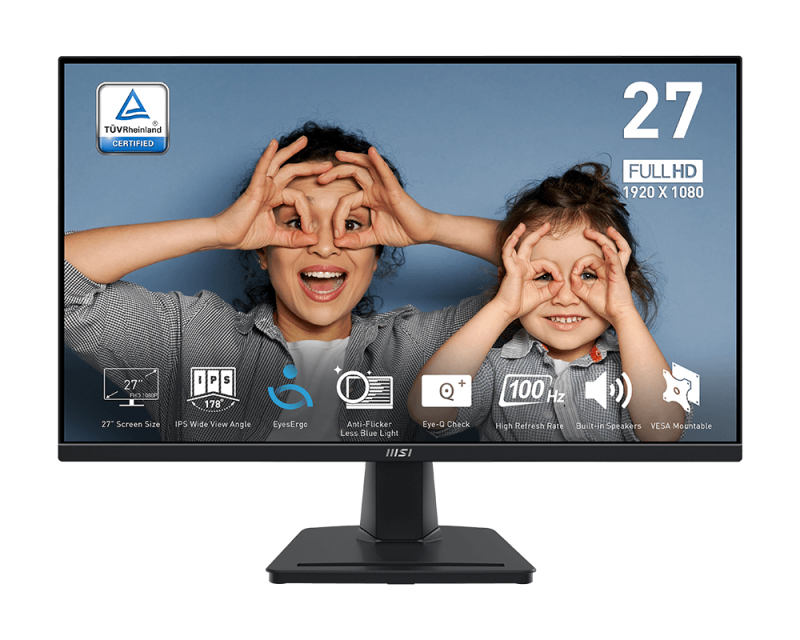
MSI
MSI PRO MP275 - LED monitor - 27" - 1920 x 1080 Full HD (1080p) @ 100 Hz - IPS - 300 cd/m� - 1000:1 - 1 ms - HDMI, VGA - speakers