- Internet & Connectivity
How to Monitor Your Business Network Performance
18 Mar, 2026

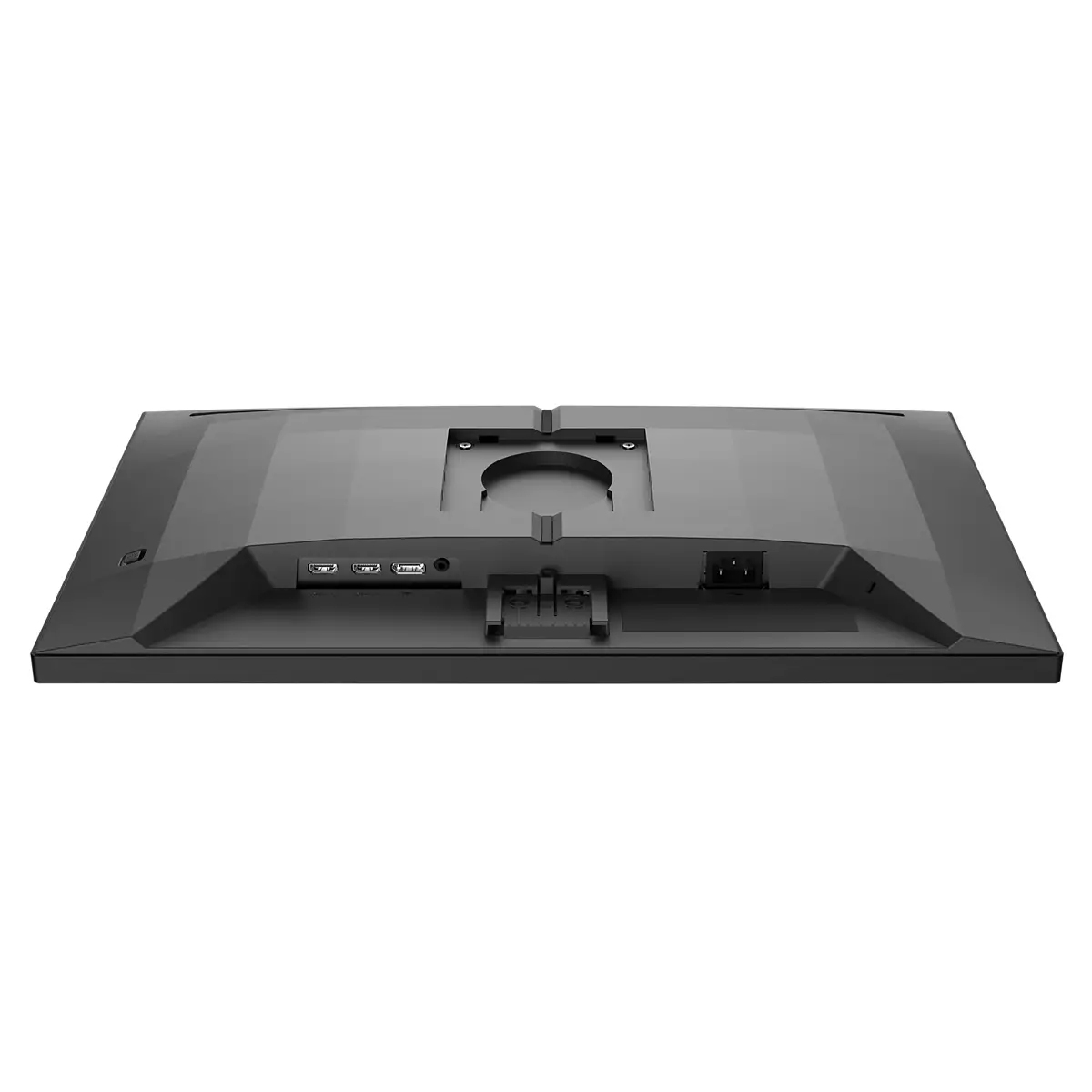
£153.98 inc. VAT
AI-generated summary
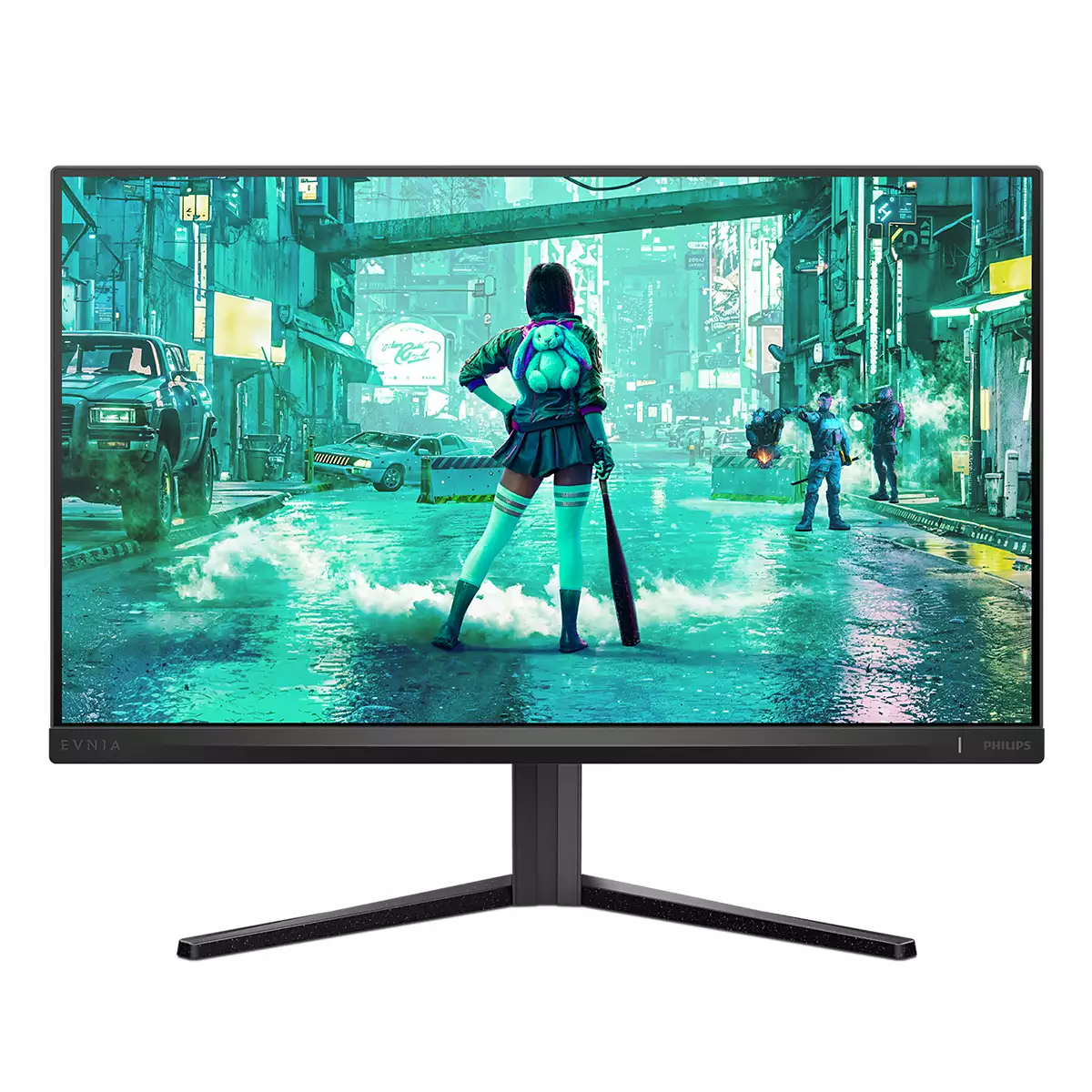
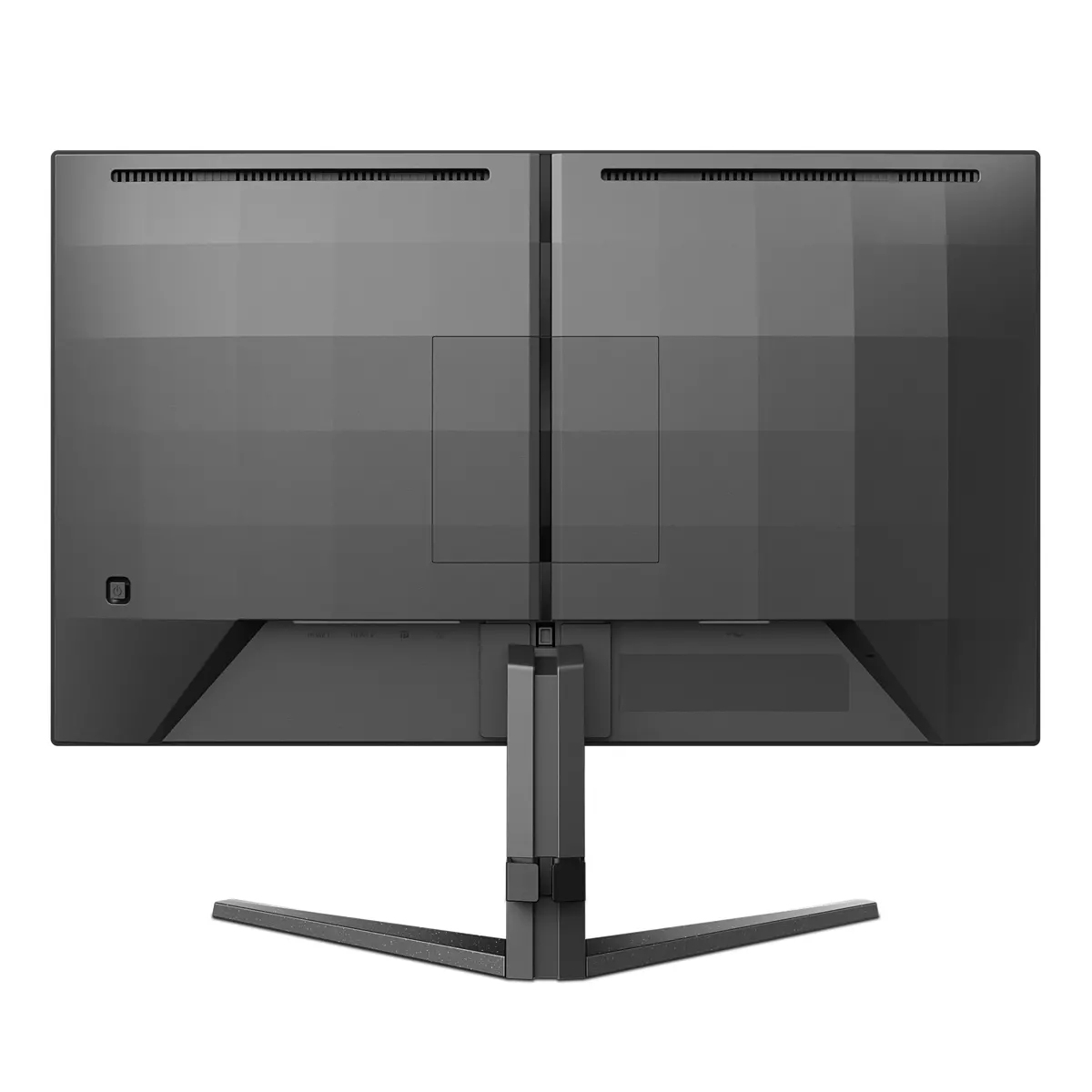
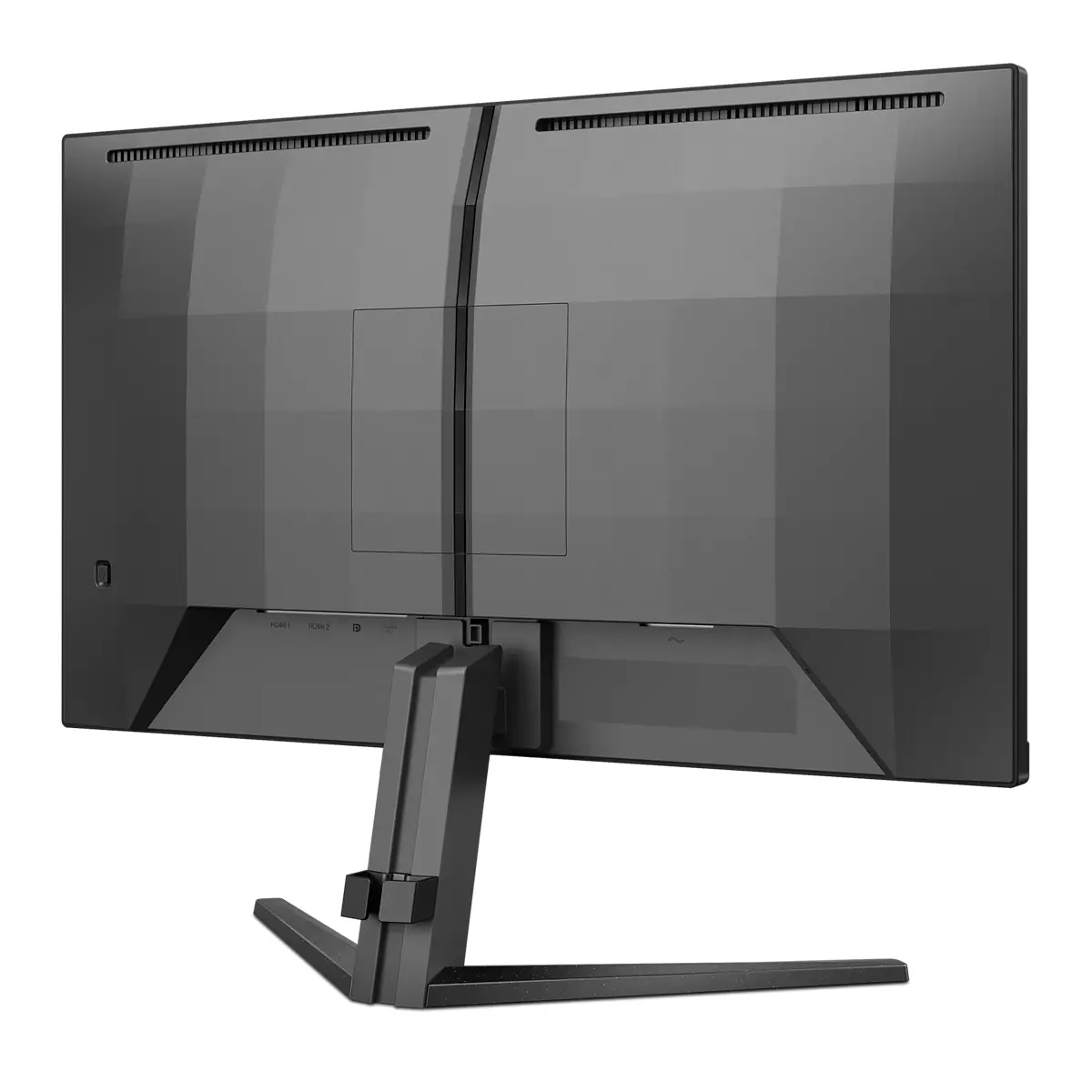
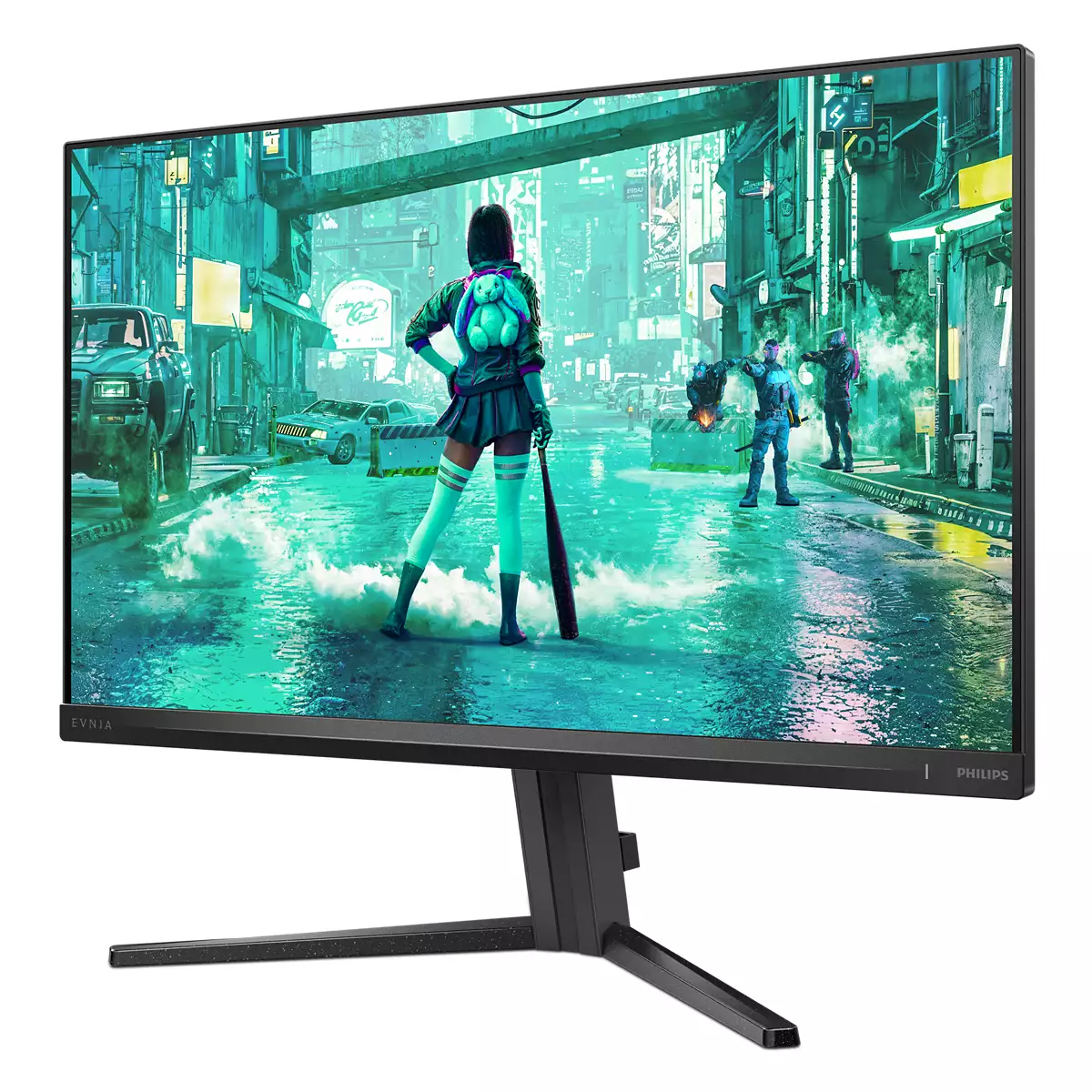
For £128.27 ex-VAT, the Philips Evnia 24M2N3200S is a sensible “get the job done” 24-inch monitor rather than a flashy gaming display. You’re looking at something aimed at everyday office work with a bit of value-friendly gaming/scrolling smoothness—good enough for typical business users who want a crisp, comfortable screen without paying premium prices. If your day-to-day is spreadsheets, email, spreadsheets again, and a few Teams calls, this is the kind of monitor that won’t make you think about it—which is exactly what you want in an office.
That said, I wouldn’t buy it as your primary “upgrade” if you’re picky about high-end gaming performance or colour accuracy out of the box. At this budget, you’re unlikely to get the sort of advanced panel perks and calibration flexibility that enthusiasts demand, and if you’re running lots of demanding design work, you may end up wanting better. Bottom line: it’s a solid value monitor for standard office deployments and light mixed use; it’s not the one to spec if your users are doing colour-critical creative work or chasing top-tier gaming responsiveness.

Built-in stereo speakers for multimedia
A pair of high quality stereo speakers built into a display device. It can be visible front firing, or invisible down firing, top firing, rear firing, etc depending on model and design.
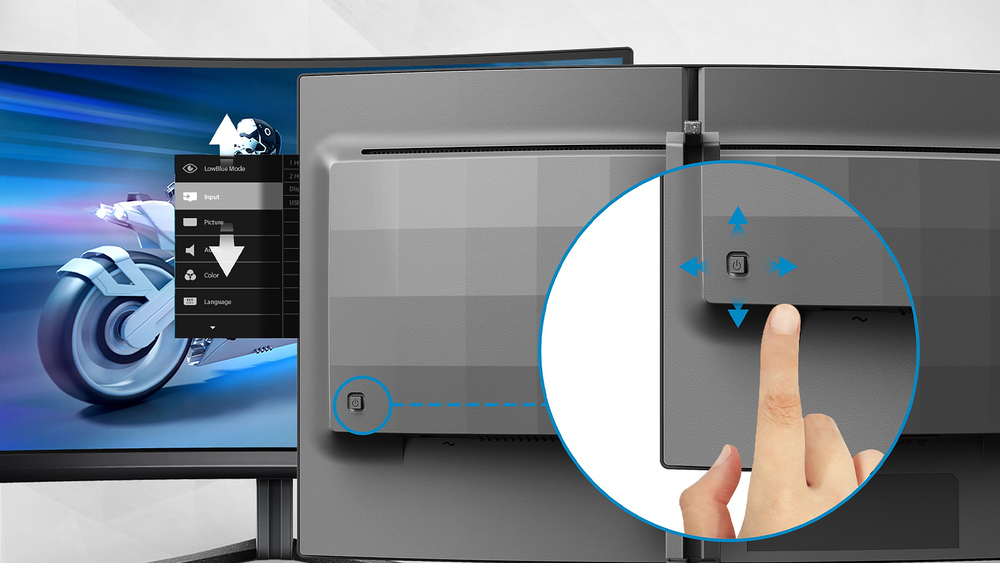
EasySelect menu toggle key for quick on-screen menu access
The discreetly placed EasySelect Menu Toggle Key allows you to make quick and easy adjustments to monitor settings in the On-Screen Display menu.

Smart Crosshair: for better aim and more fun
Color of Crosshair is set by default. When Smart Crosshair is on, the color will change as complementary color to the background color. Smart Crosshair enhances the accuracy of aiming so you can sp...

SmartImage game mode optimized for gamers
The new Philips gaming display has quick access OSD fine tuned for gamers, offering you multiple options. "FPS" mode (First person shooting) improves dark themes in games, allowing you to see hidde...

LowBlue mode and Flicker-free easy-on-the eyes viewing
Our LowBlue Mode and Flicker-free technology have been developed to reduce eye strain and fatigue often caused by long hours in front of a monitor.

Low input lag reduces time delay between devices to monitor
Input lag is the amount of time that elapses between performing an action with connected devices and seeing the result on screen. Low input lag reduces the time delay between entering a command fro...
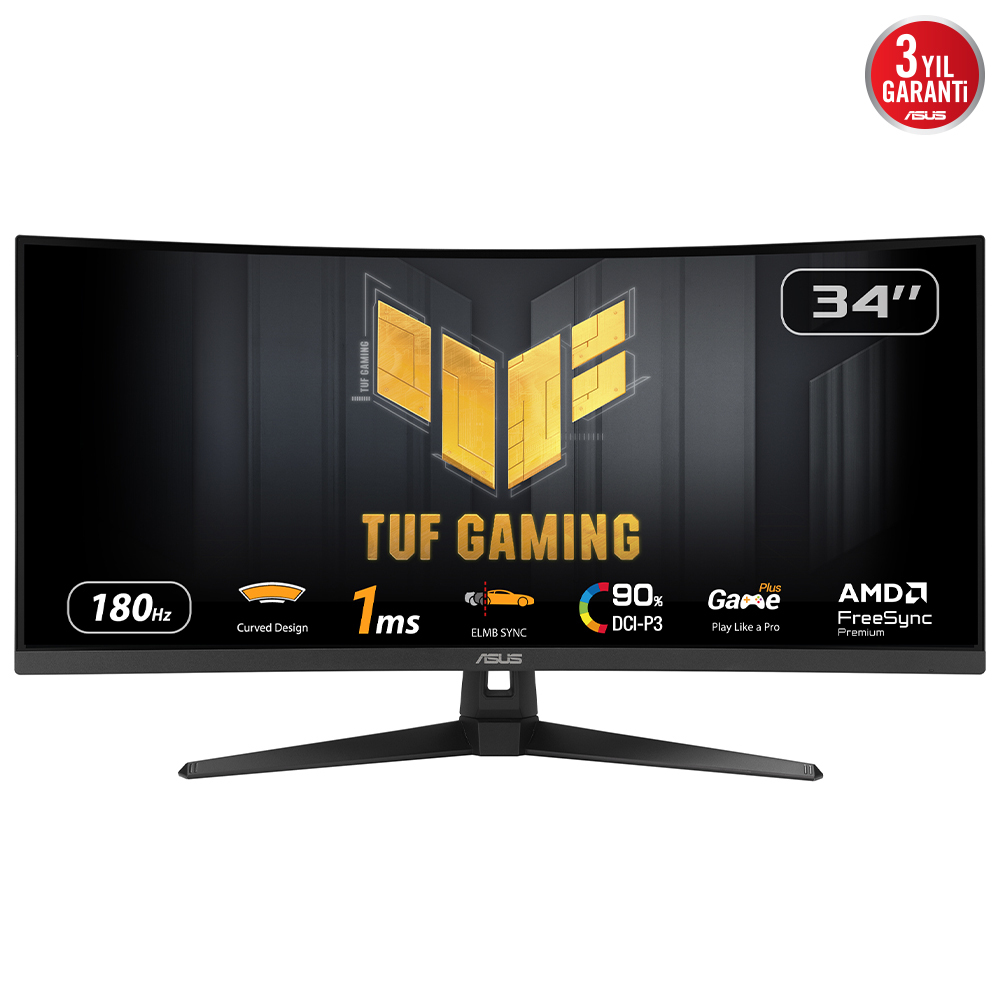
Asus
ASUS TUF Gaming VG34VQ3B - LED monitor - gaming - curved - 34" - 3440 x 1440 WQHD @ 180 Hz - VA - 400 cd/m� - 4000:1 - DisplayHDR 400 - 1 ms - 2xHDMI, 2xDisplayPort - speakers - black
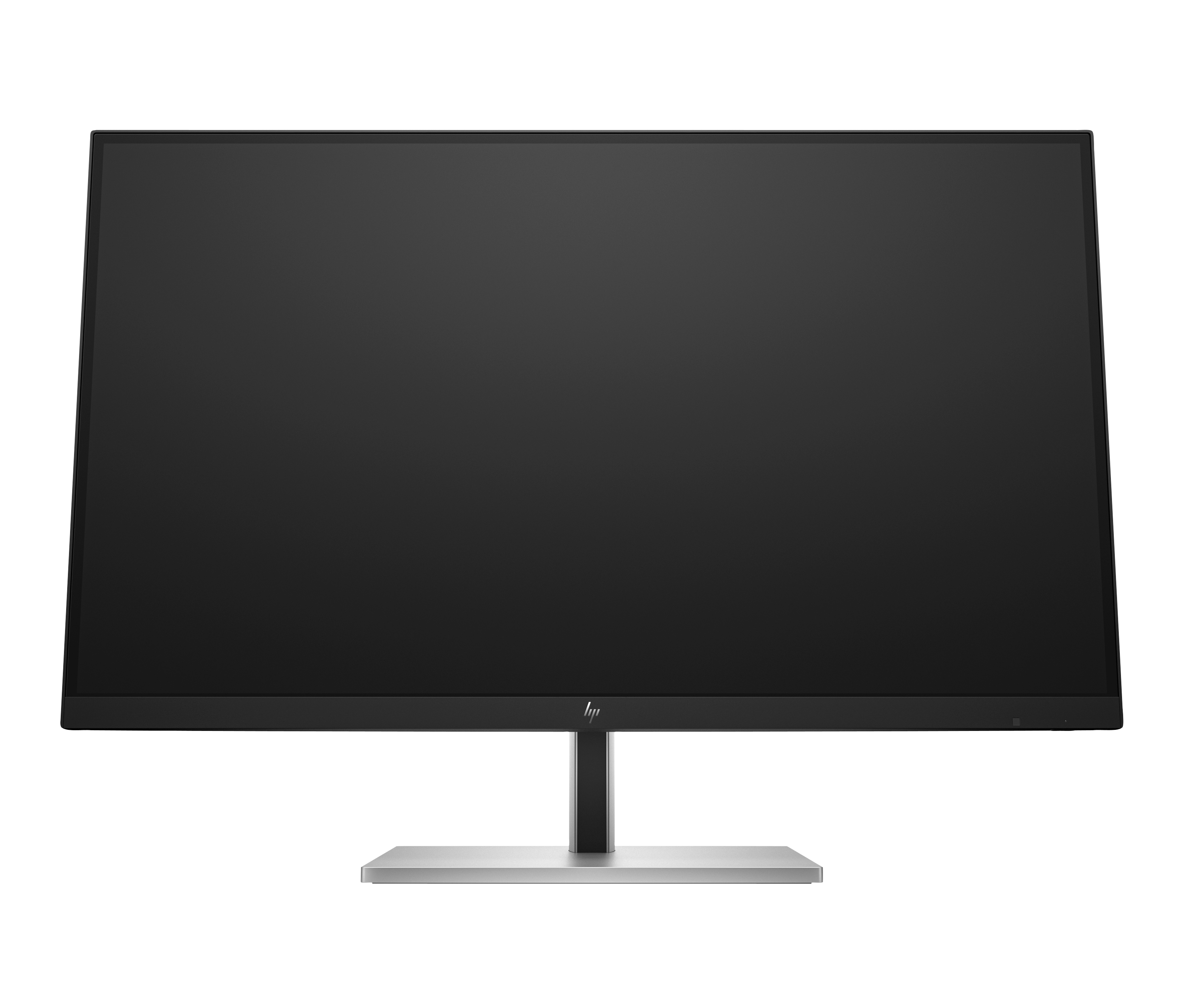
HP
HP E27k G5 - E-Series - LED monitor - 27" - 3840 x 2160 4K UHD (2160p) @ 60 Hz - IPS - 350 cd/m� - 1000:1 - 5 ms - HDMI, DisplayPort, USB-C - speakers - black head, black and silver (stand)

Philips
Philips Evnia 5000 25M2N5200U - LED monitor - gaming - 25" (24.5" viewable) - 1920 x 1080 Full HD (1080p) @ 390 Hz - IPS - 400 cd/m� - 1000:1 - DisplayHDR 400 - 0.3 ms - 2xHDMI, DisplayPort - dark slate
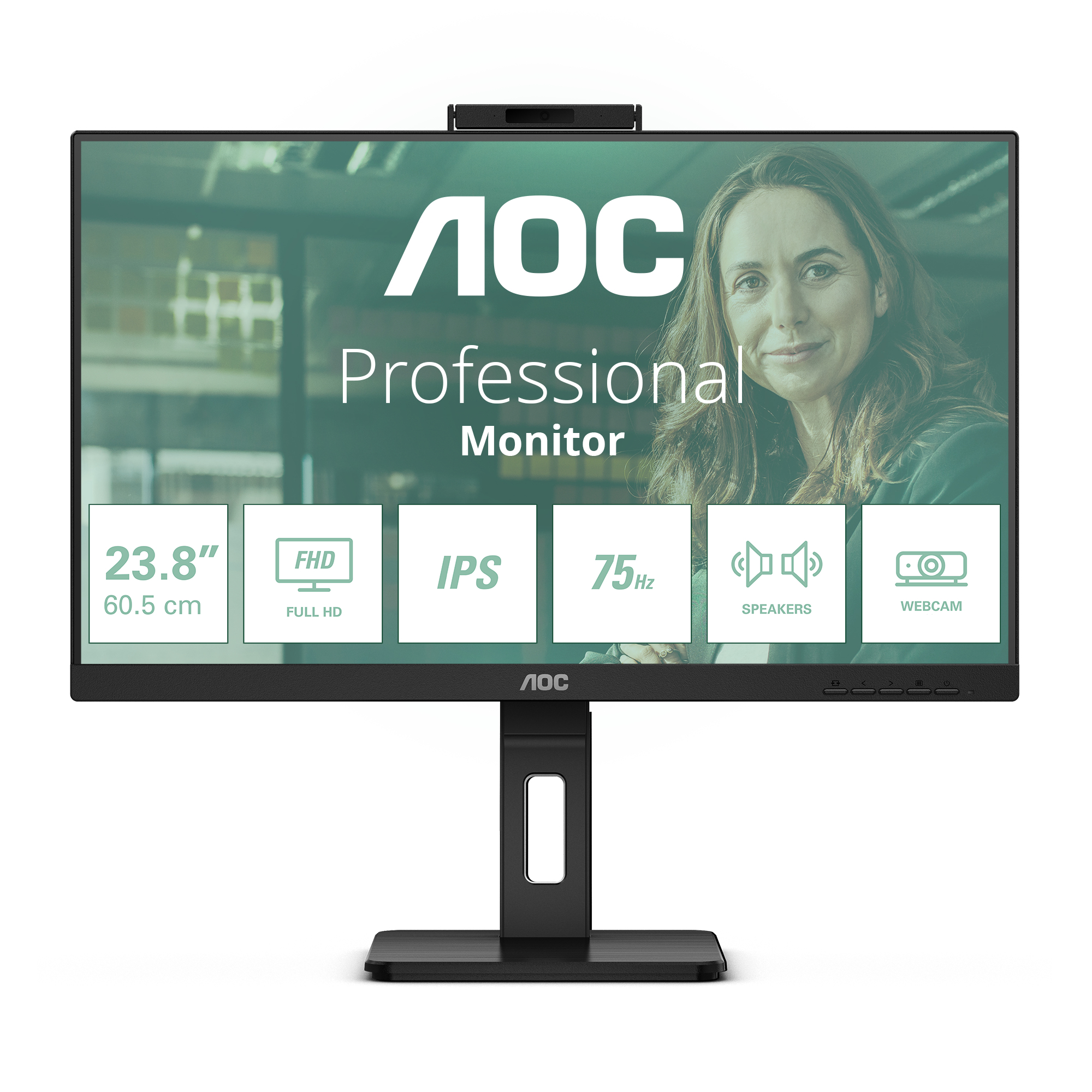
AOC
AOC Pro-line 24P3QW - P3 Series - LED monitor - 24" (23.8" viewable) - 1920 x 1080 Full HD (1080p) @ 75 Hz - IPS - 300 cd/m� - 1000:1 - 4 ms - 2xHDMI, DisplayPort - speakers - black