- Virtual CIO
How a Virtual CIO Can Save Your Business Money on IT
22 Feb, 2026
£342.42 inc. VAT
AI-generated summary
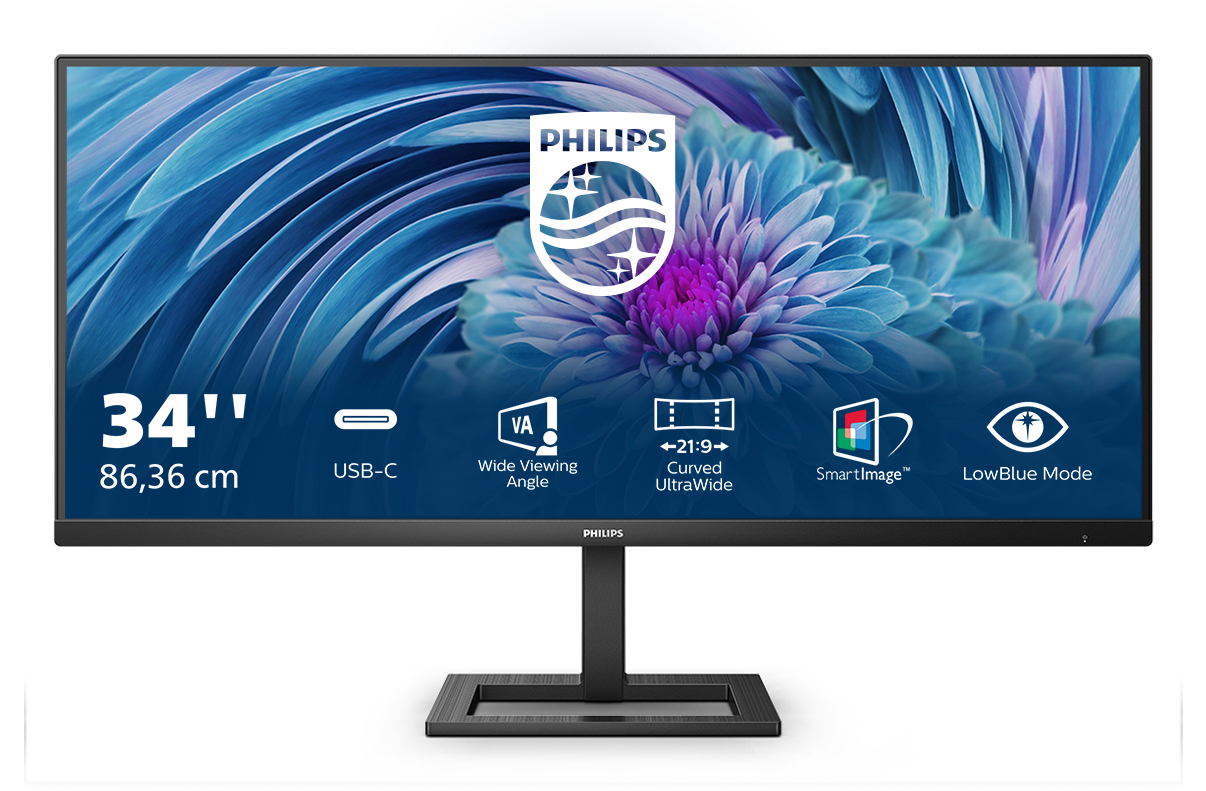
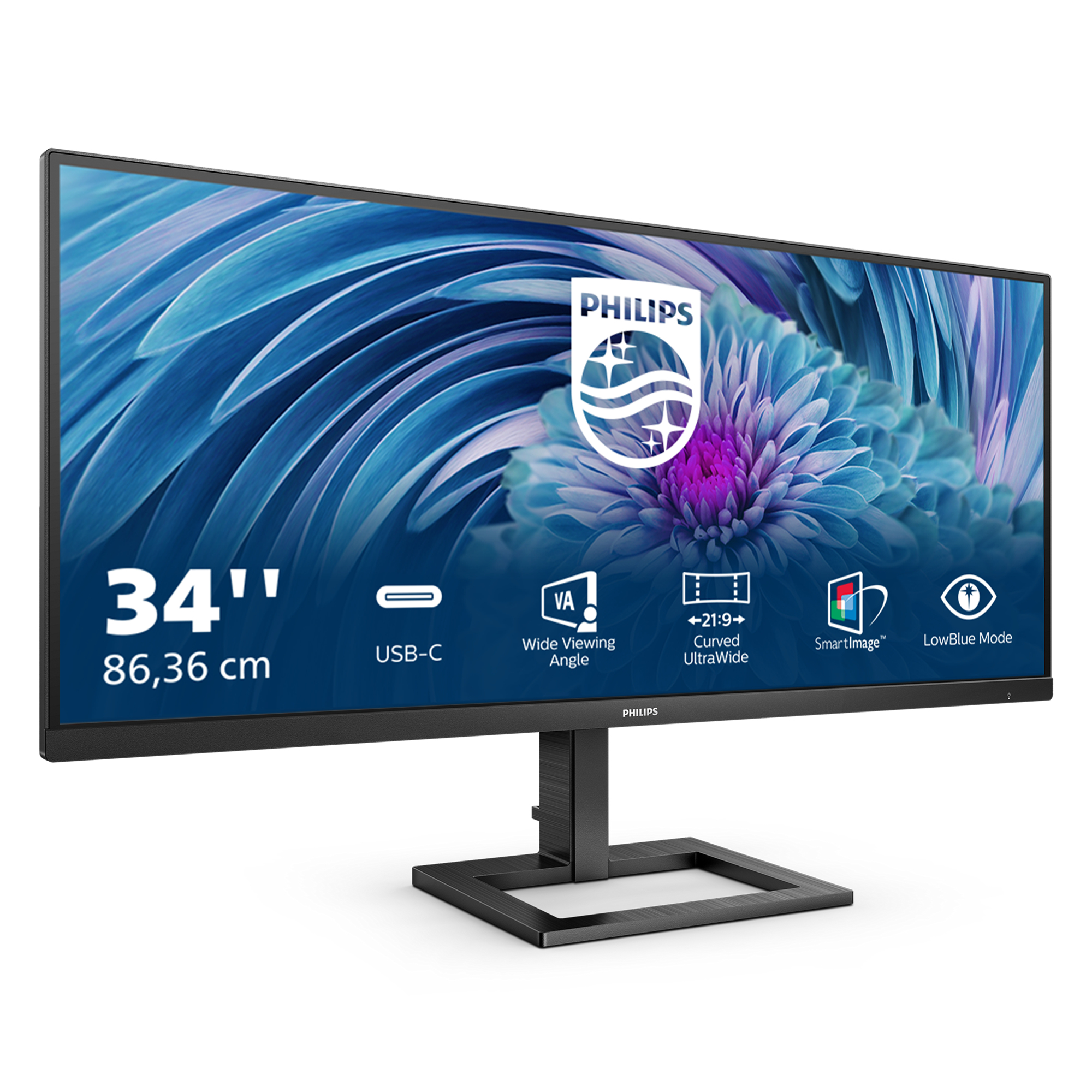
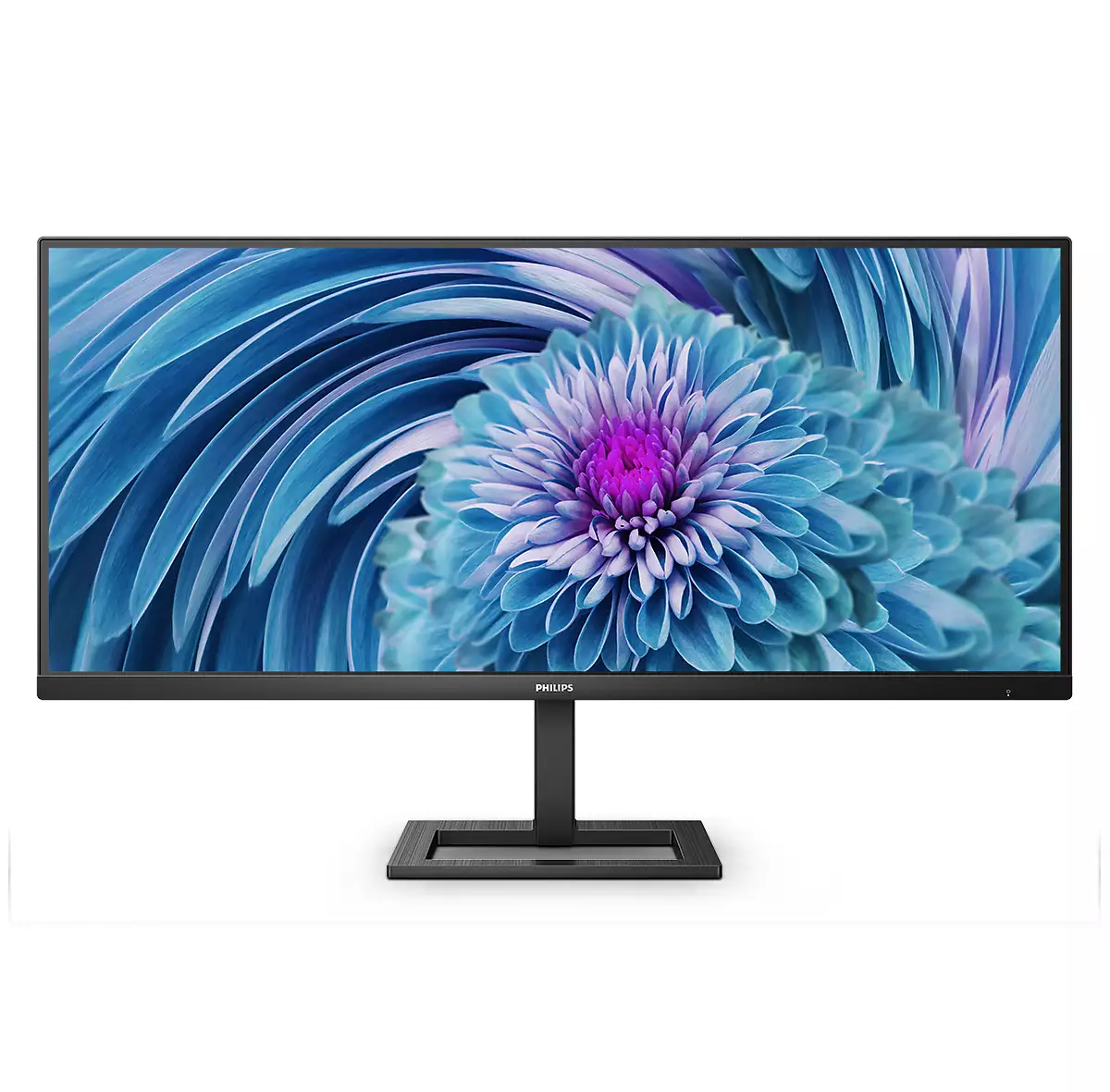
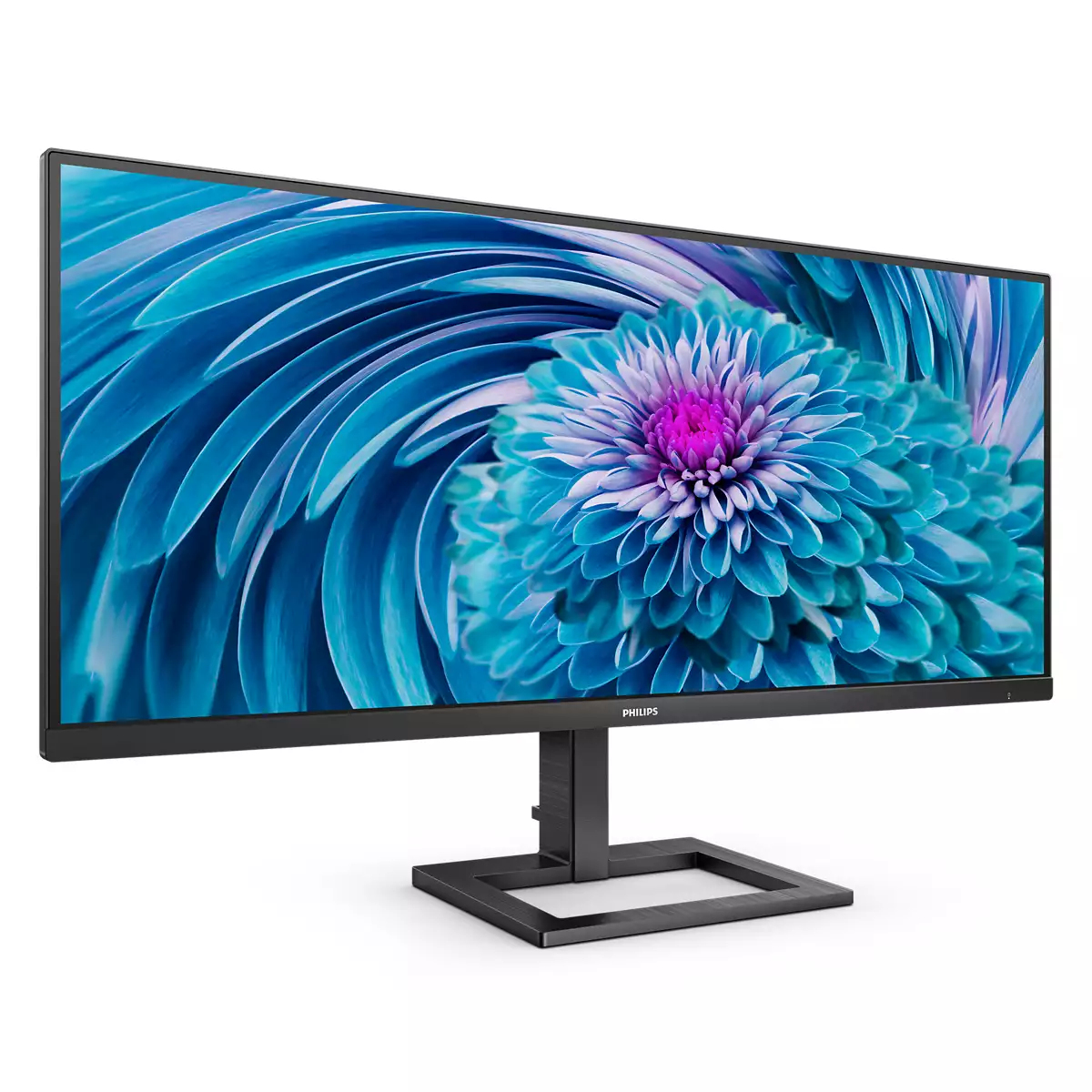
The Philips E Line 34” is the kind of ultrawide that makes sense if you want more workspace without stepping up into premium pricing. For £285 ex-VAT, it’s strong value: that extra screen width is genuinely useful for spreadsheets, dashboards, trading terminals, and anyone who lives in multiple windows. The 34-inch format also helps with day-to-day multitasking, so you spend less time alt-tabbing and more time actually working. If you’re a small team or a cost-conscious department buying deskside upgrades, this is exactly the “good enough, very practical” tier.
That said, I wouldn’t buy it if your priority is image quality finesse or long, colour-critical work. Budget ultrawides often trade away things like responsiveness and calibration quality, so creative professionals, QA teams, or anyone comparing output against tightly managed colour might feel short-changed. Also double-check your desk setup: 34” ultrawide is not subtle, and if you sit too far or too close you’ll either feel it’s lost in the room or you’ll be constantly moving your head. Overall: worth it for productivity-focused office users who want ultrawide real estate on a sensible budget—skip it for specialist, colour-sensitive or enthusiast-grade use.

MultiView enables simultaneous dual connection and view
With the ultra-high resolution Philips MultiView display you can now experience a world of connectivity. MultiView enables active dual connect and view so that you can work with multiple devices li...

LowBlue mode and Flicker-free easy-on-the eyes viewing
Our LowBlue Mode and Flicker-free technology have been developed to reduce eye strain and fatigue often caused by long hours in front of a monitor.

Built-in stereo speakers for multimedia
A pair of high-quality stereo speakers built into a display device. They may be visible front firing, or invisible down firing, top firing, rear firing etc. depending on model and design.

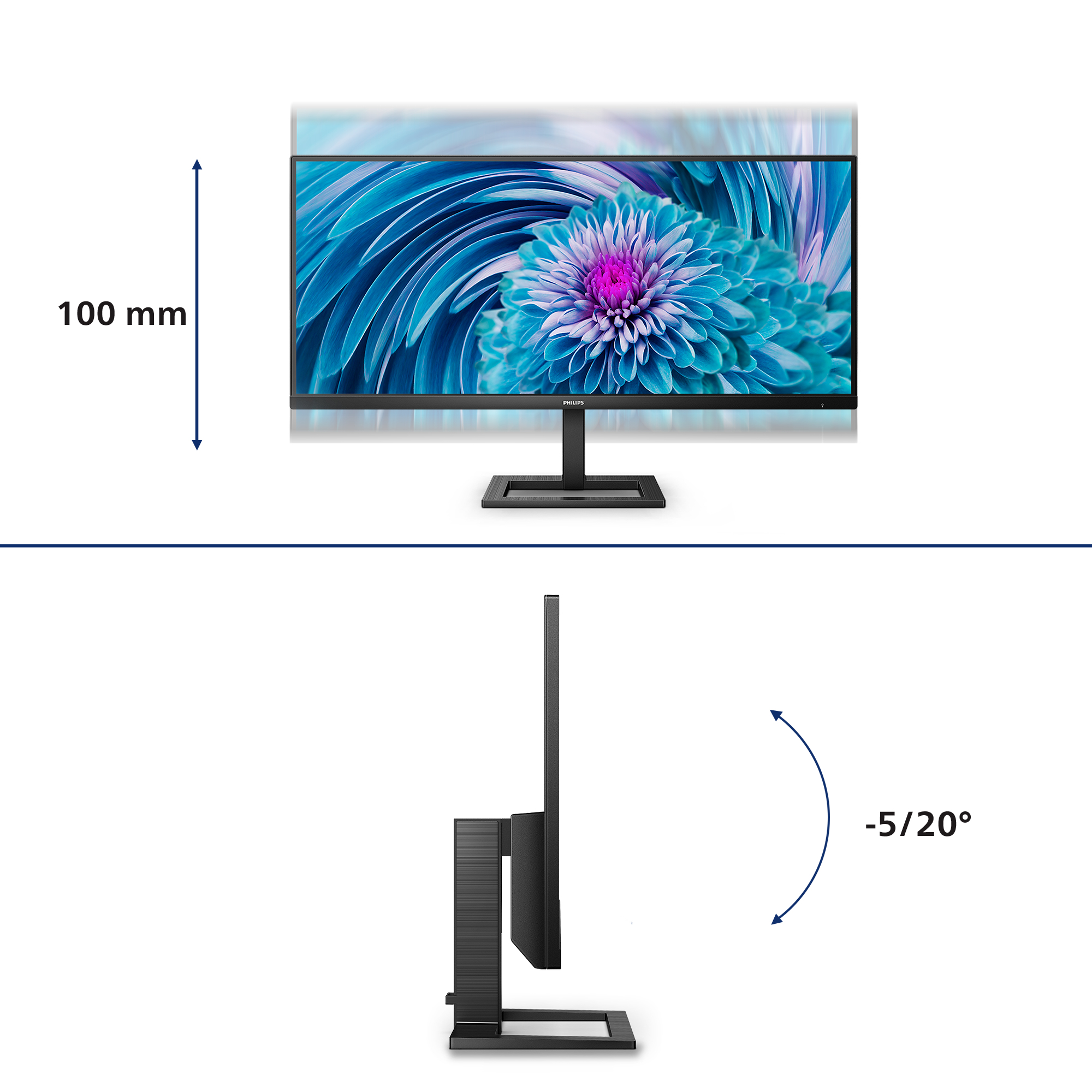
Cable management reduces cable clutter for neat workspace
Cable management is an intimate design that maintains tidy workspace by organizing cables and wires required for the operation of a display device.

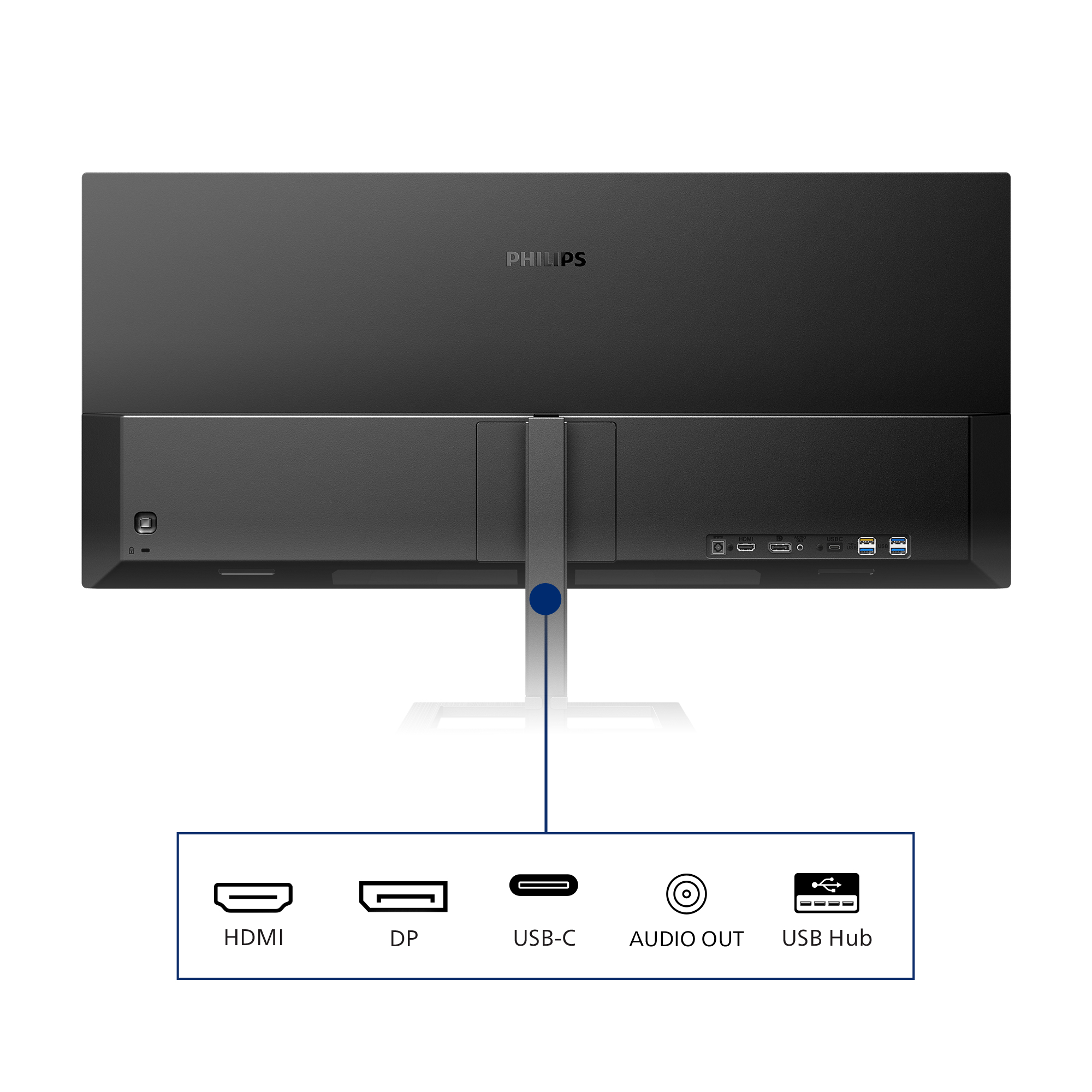
Connect your notebook with one USB-C cable
This Philips display features a USB type-C connector with power delivery. With intelligent and flexible power management, you can power charge your compatible device directly. Its slim, reversible ...

Effortlessly smooth gameplay with AMD FreeSync™ technology
Gaming shouldn't be a choice between choppy gameplay or broken frames. With the new Philips monitor it doesn't have to be. Get fluid, artifact-free performance at virtually any framerate with AMD F...
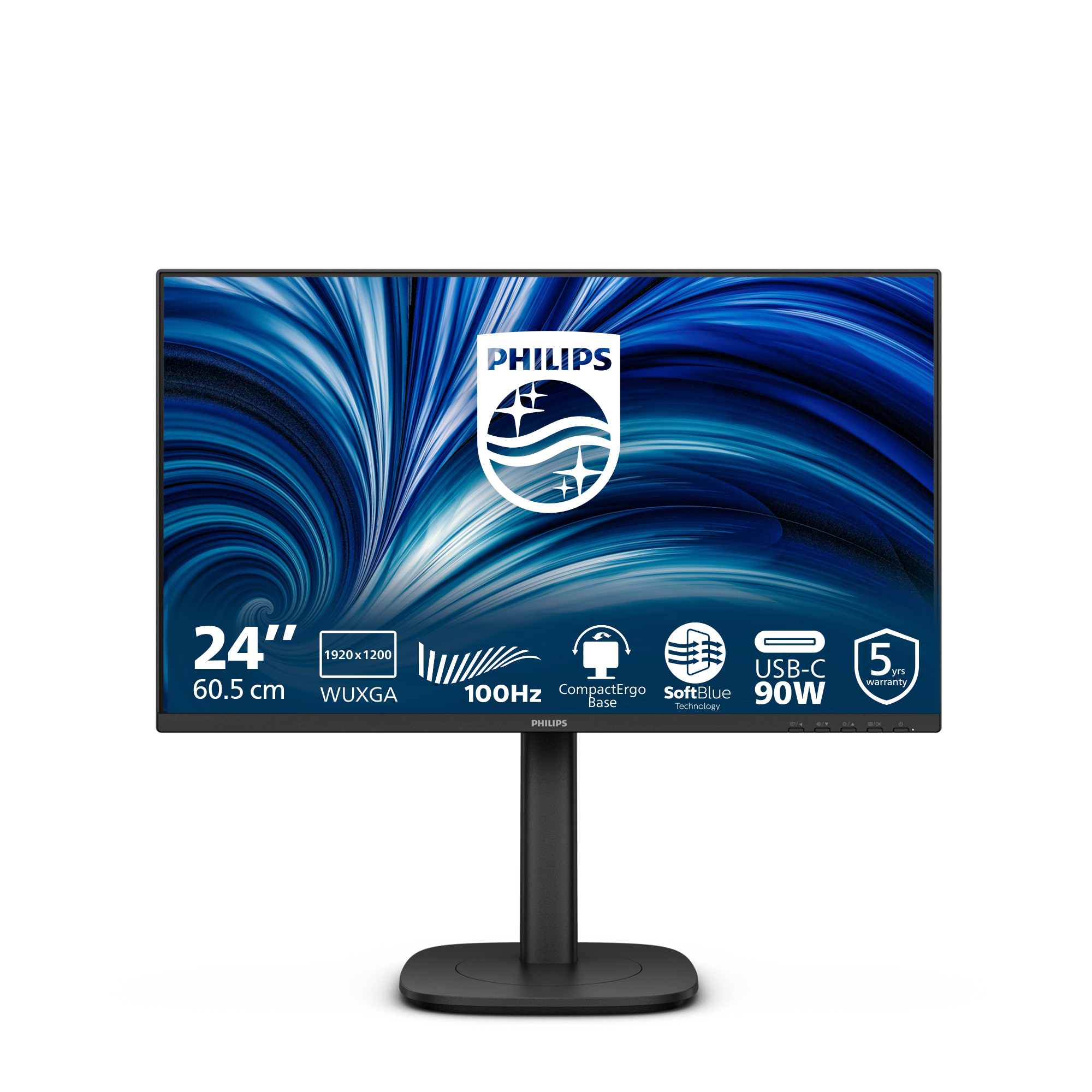
Philips
Philips 24B2U3301D - LED monitor - 24" - 1920 x 1200 WUXGA @ 100 Hz - IPS - 300 cd/m� - 1500:1 - 4 ms - HDMI, DisplayPort, USB-C - speakers - black
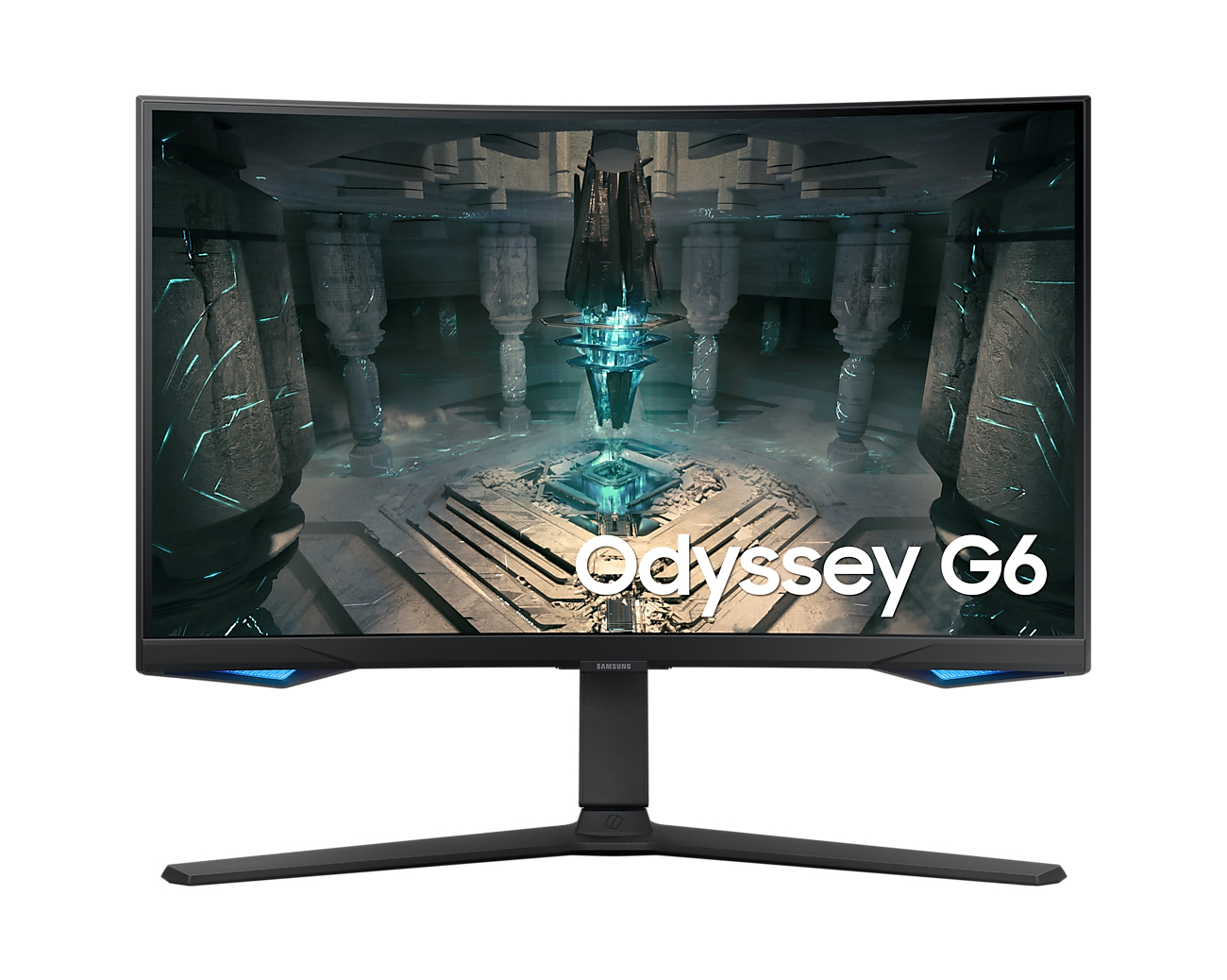
Samsung
Samsung Odyssey G6 S27BG650EU - G65B Series - LED monitor - Smart - gaming - curved - 27" - 2560 x 1440 QHD @ 240 Hz - VA - 350 cd/m� - 2500:1 - DisplayHDR 600 - 1 ms - 2xHDMI, DisplayPort - speakers - black
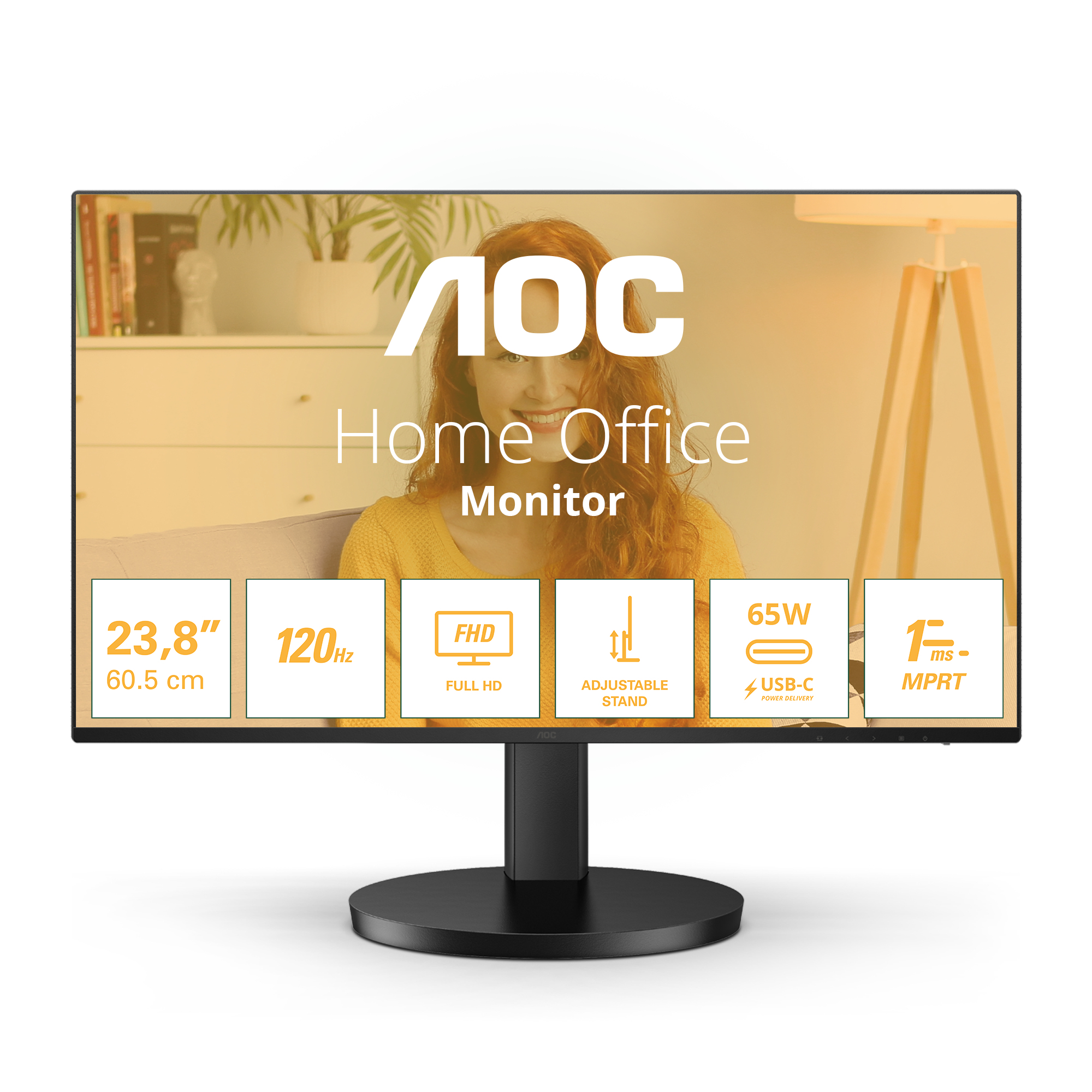
AOC
AOC Basic-line 24B3CF2 - LED monitor - 24" (23.8" viewable) - 1920 x 1080 Full HD (1080p) @ 100 Hz - IPS - 250 cd/m� - 1300:1 - 1 ms - HDMI, USB-C - speakers - black
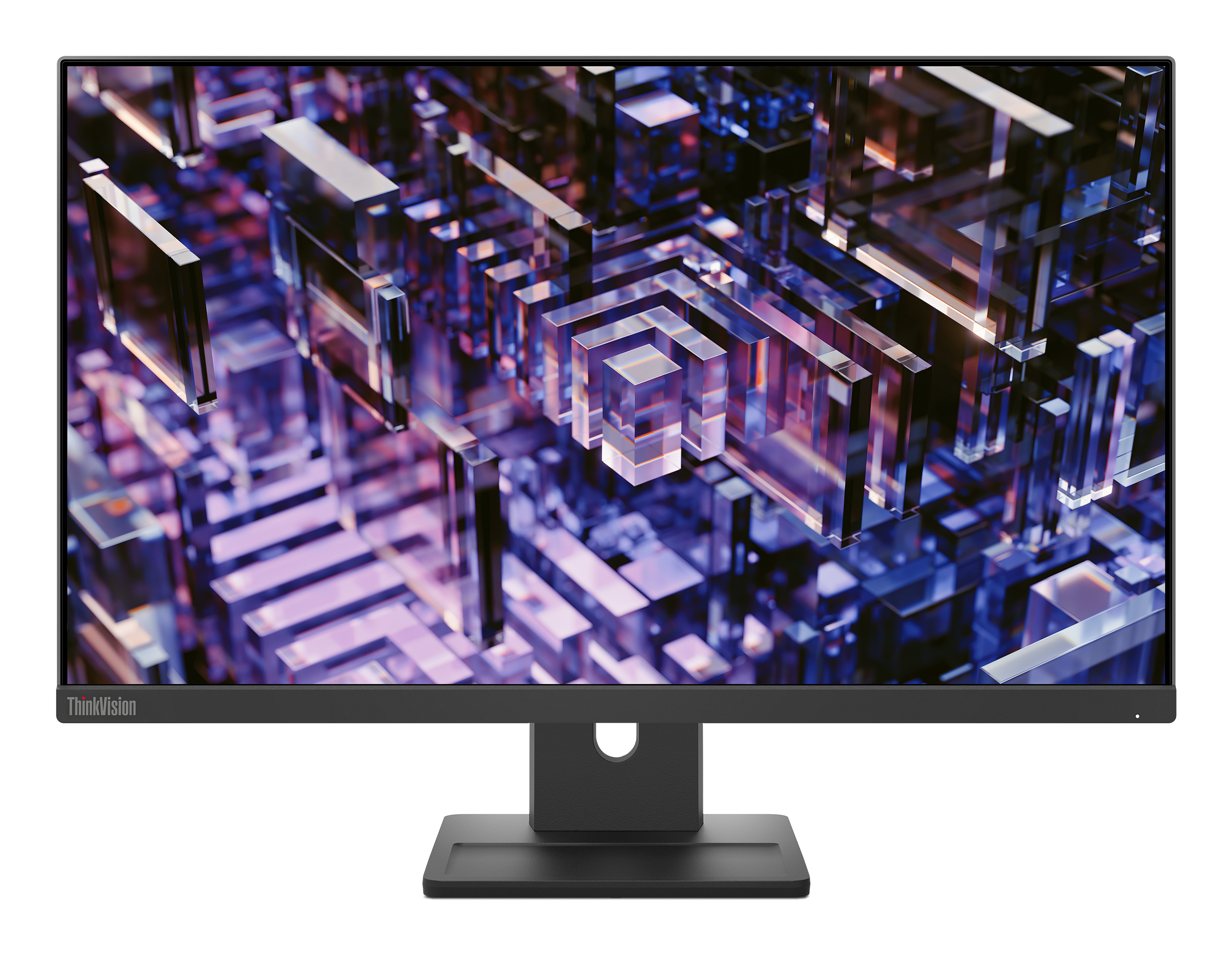
Lenovo
Lenovo ThinkVision E24q-30 - LED monitor - 24" (23.8" viewable) - 2560 x 1440 QHD @ 100 Hz - IPS - 300 cd/m� - 1300:1 - 4 ms - HDMI, DisplayPort - speakers - raven black