- Web Development
Why Every Small Business Needs a Professional Website in 2026
8 Feb, 2026
£156.07 inc. VAT
AI-generated summary
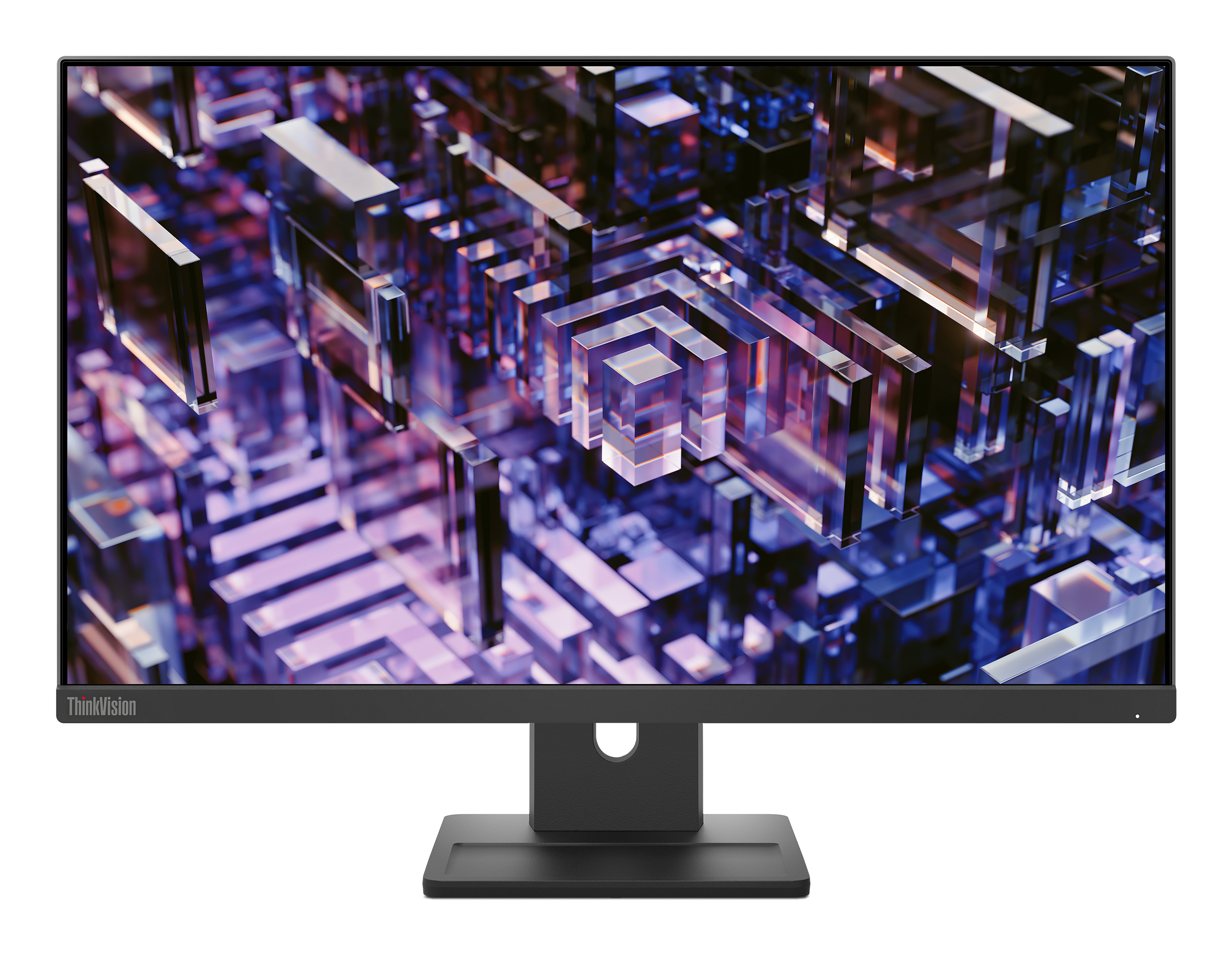
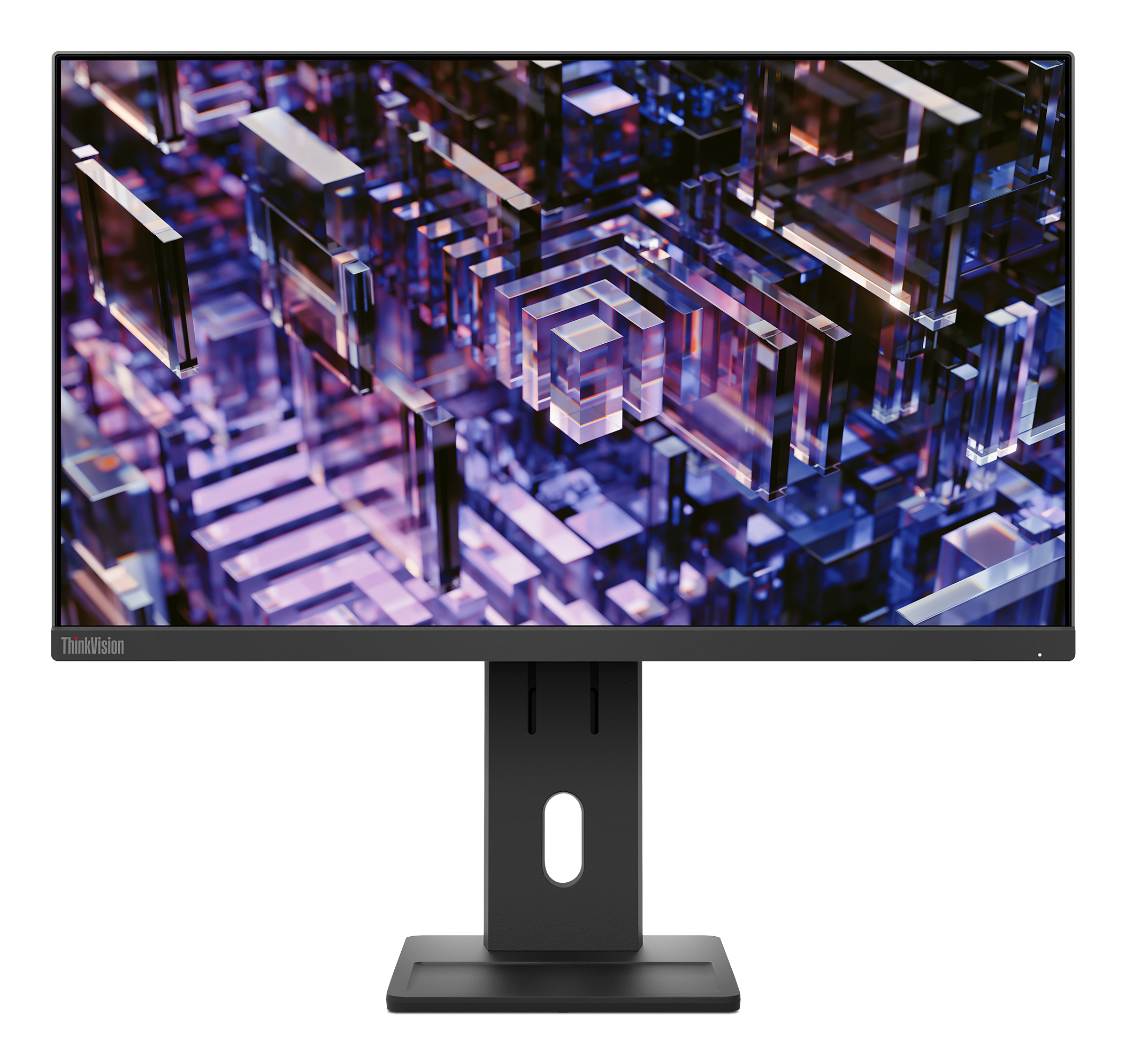
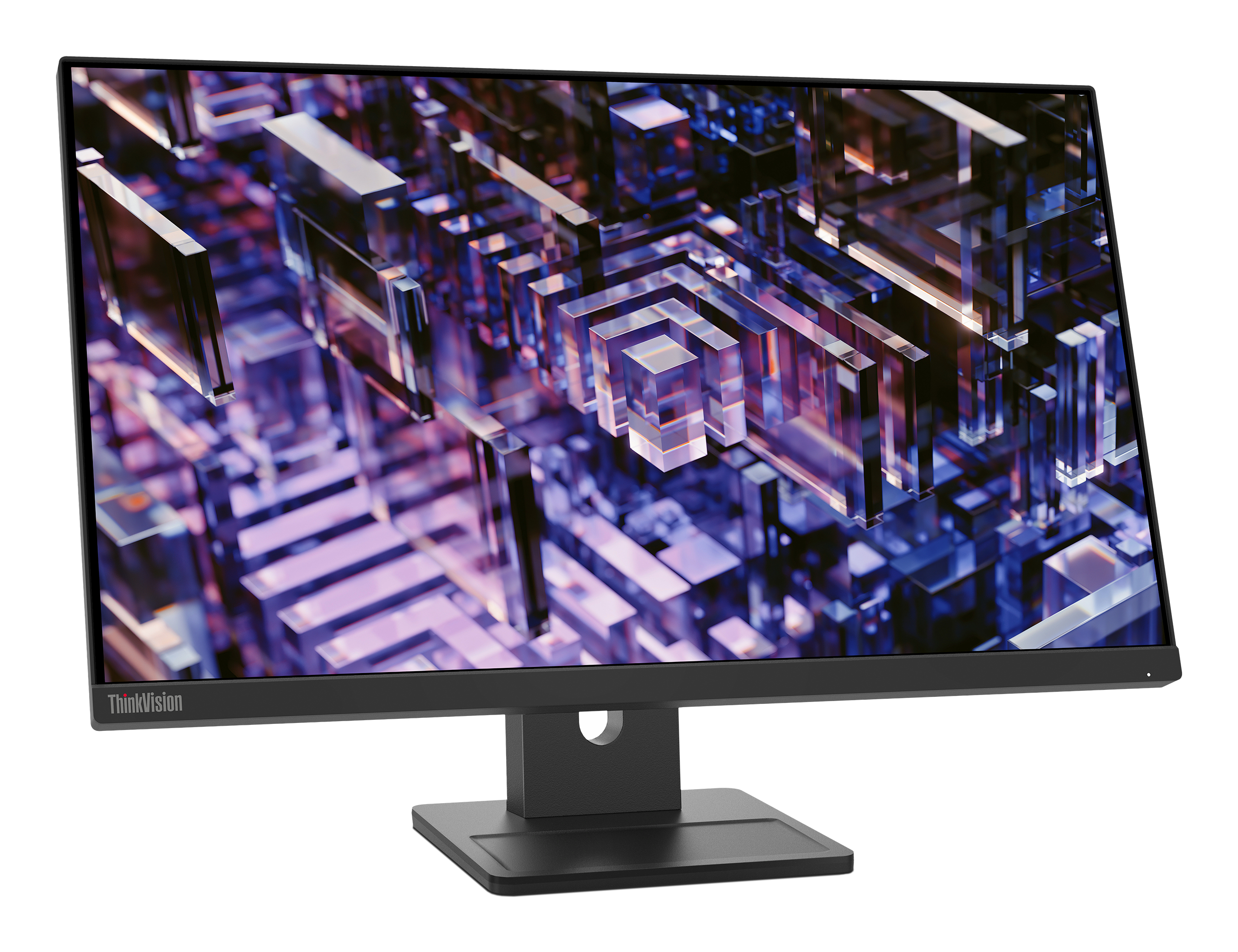
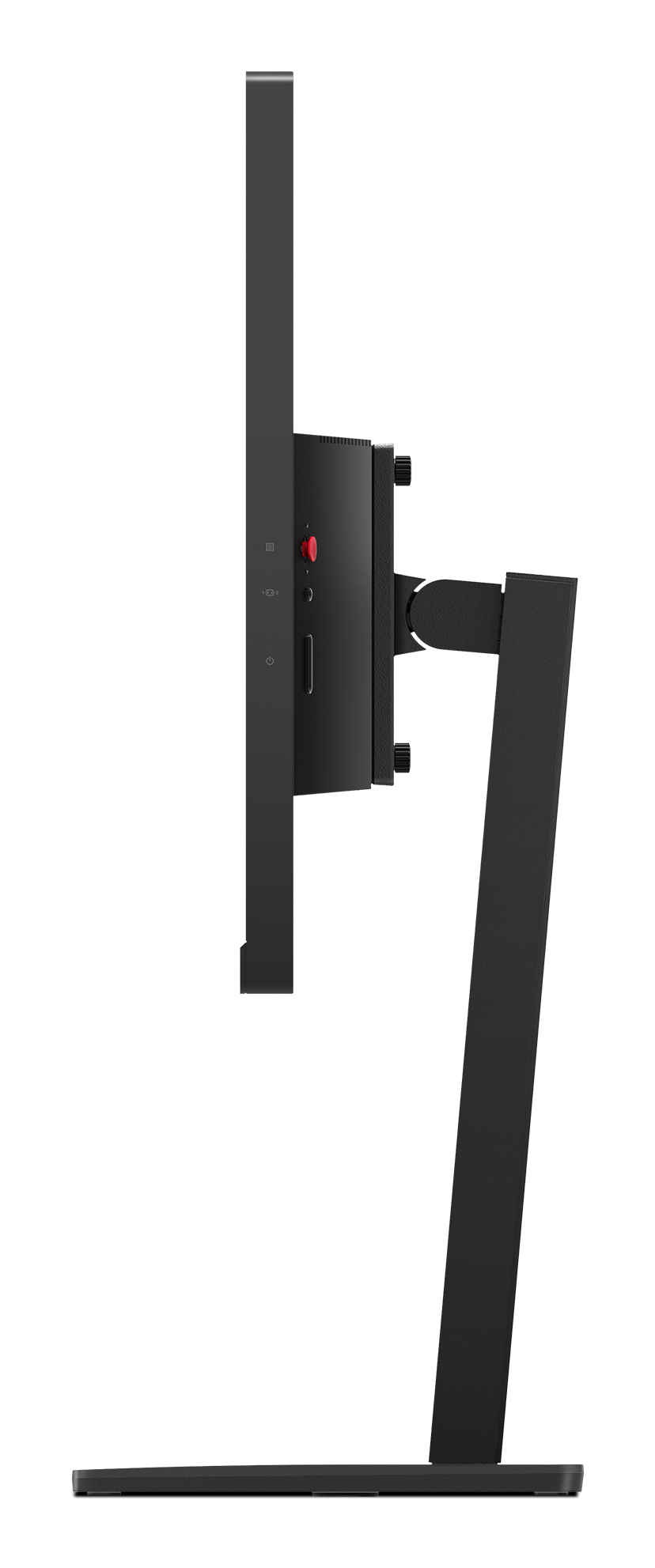
For £130 ex-VAT, the Lenovo ThinkVision E24q-30 is one of those “quietly decent” business monitors. You’re getting a 23.8-inch 2K panel that’s crisp enough for spreadsheets, documentation, and day-to-day office work without the eye strain you get from budget FHD screens. Lenovo’s tuning is usually pretty reasonable out of the box (not perfect colour-grade, but solid for typical office use), and the 16:9 size is a safe choice if you don’t want ultra-wide chaos.
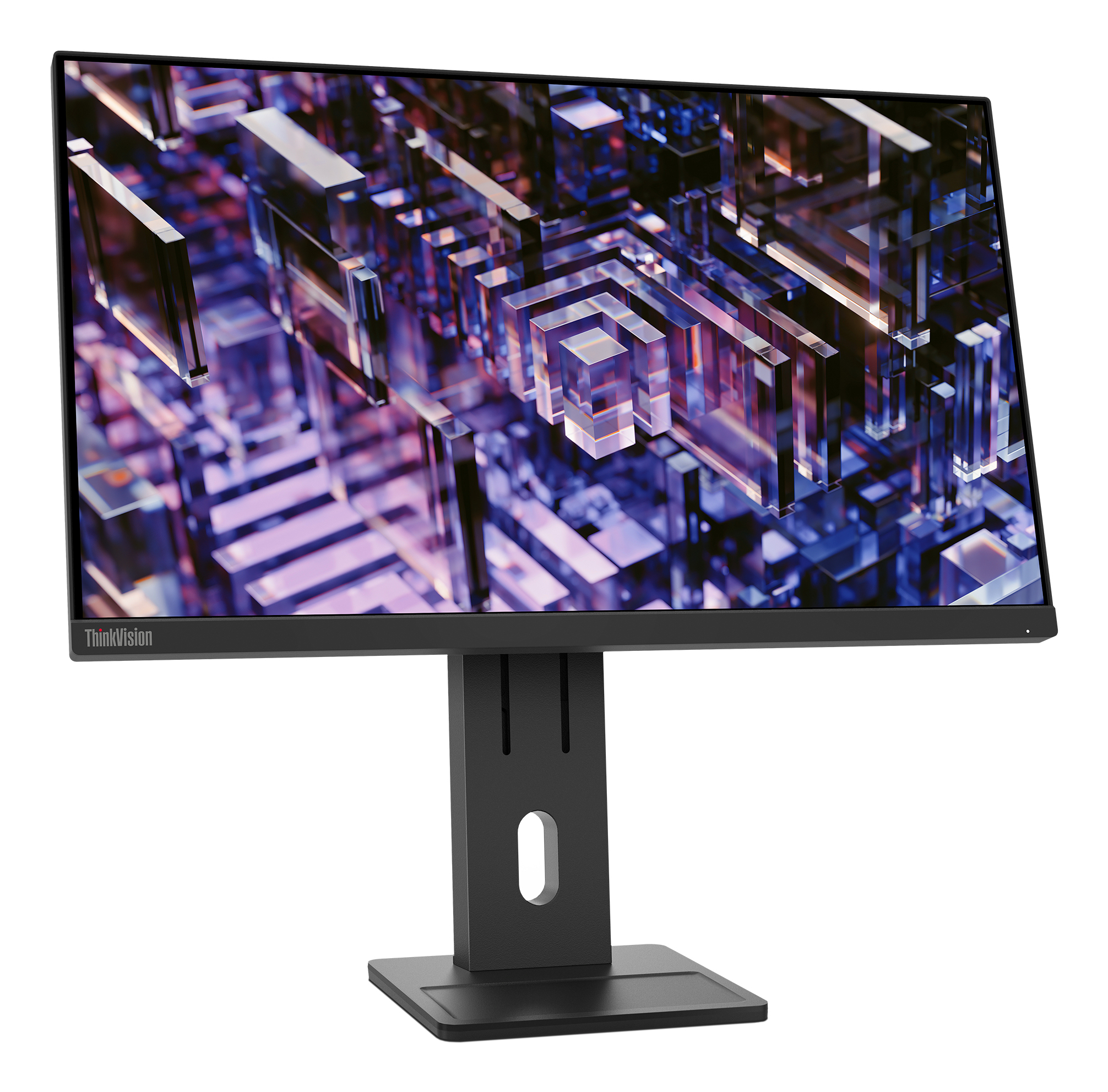
That said, I wouldn’t buy this if you’re expecting premium ergonomics or top-tier colour performance. At this price point, you should assume the stand adjustments are limited and the viewing angles/contrast won’t compete with higher-end ThinkVision models—fine for one person at a desk, less ideal if you regularly share your screen or sit off-axis. It’s a great pick for offices, call-centre/scheduling teams, and anyone needing a sharper-than-average 1440p display on a sensible budget; just don’t treat it like a “creative” monitor or a long-term workstation centrepiece.
If you want, tell me what you do (Excel heavy? coding? design work?) and whether you care about height/tilt adjustments—I can say if this is the right fit or if you’d be better spending a bit more.
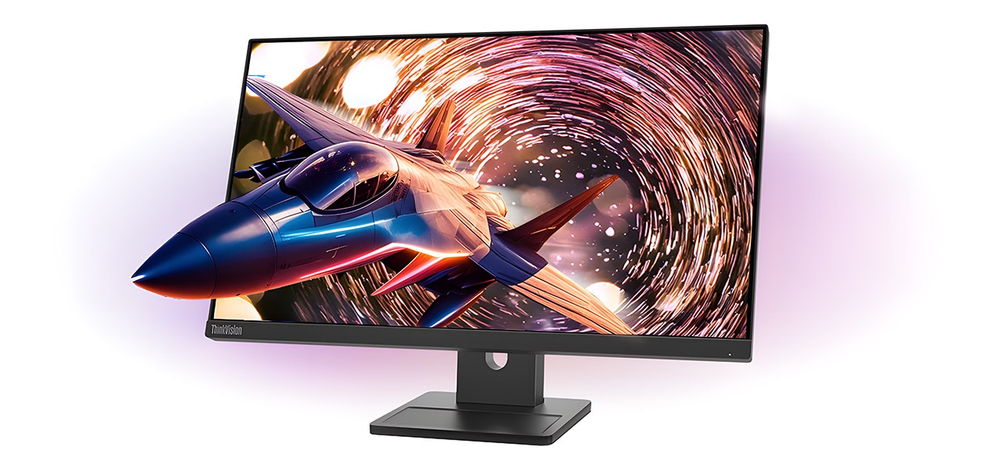
Uncompromised Features for Your Daily Work
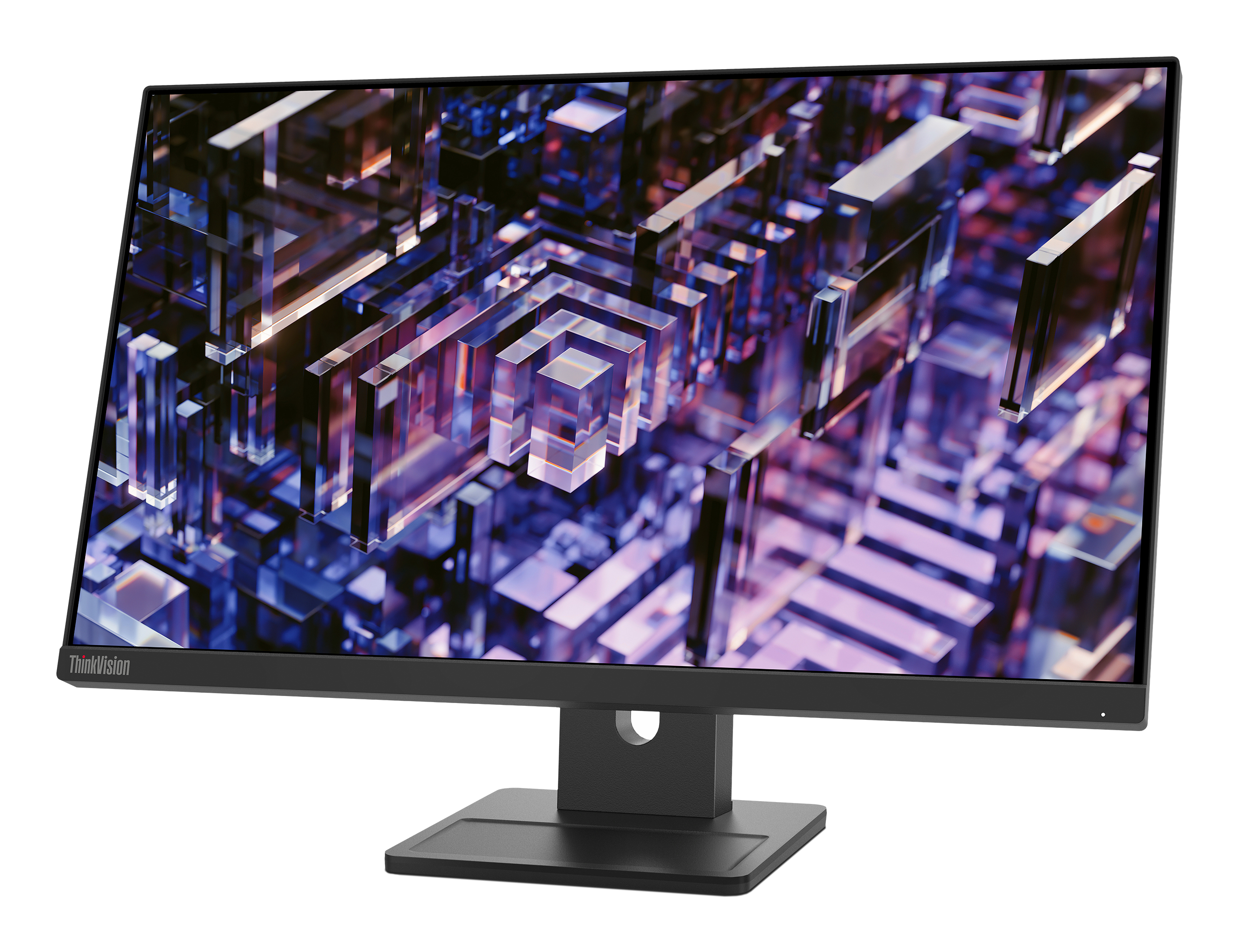
23.8” QHD (2560x1440) monitor provides 1.77 times greater resolution than FHD displays. 3-sided borderless display looks stylish and keeps your attention on task. Enjoy wide-viewing angles (H/V 178...
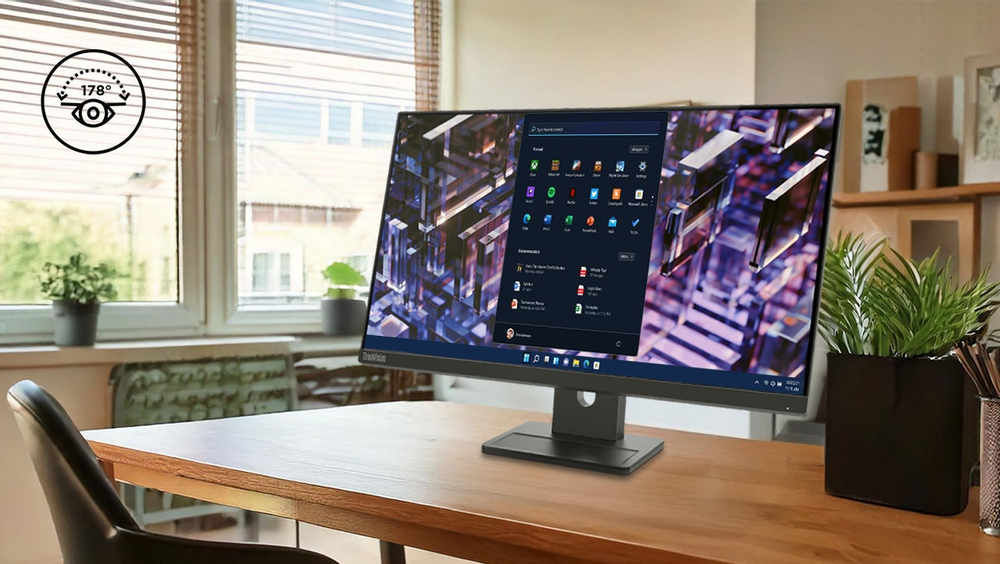
Better View from Any Angle
Wide viewing IPS screen brings best view from any angle.
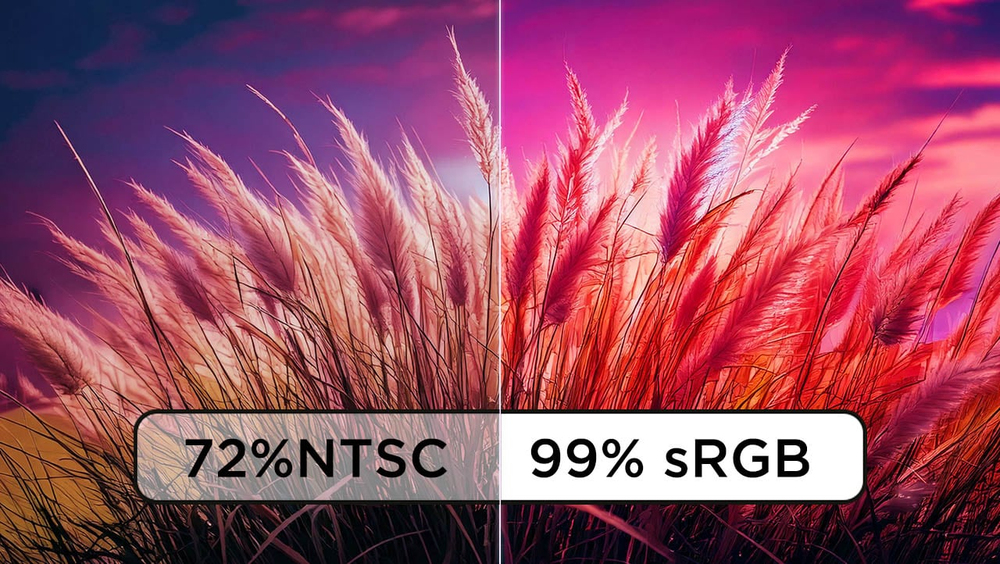
Clear Screen with Color Accuracy
23.8” 2560 x 1440 QHD clarity; 99% sRGB color
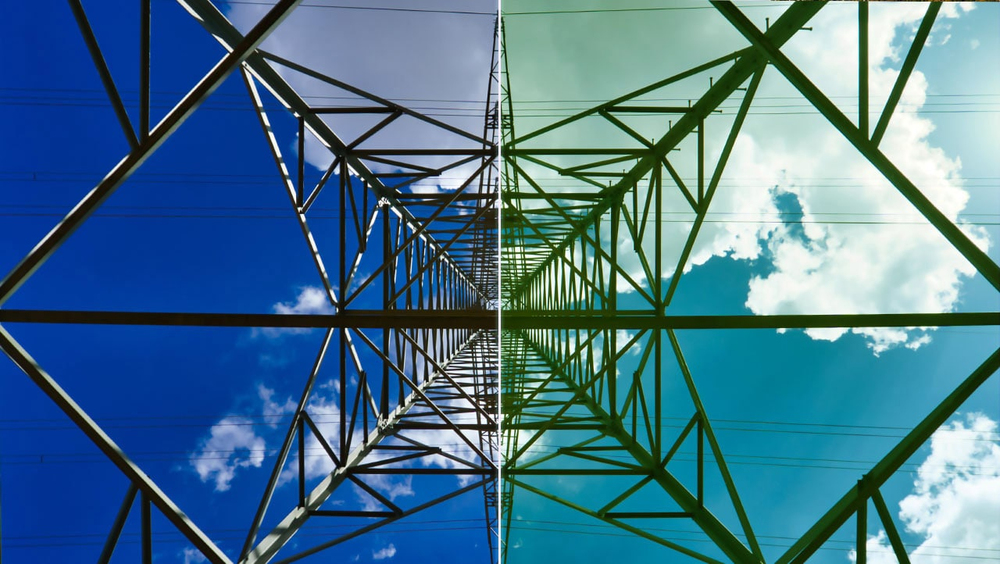
Comfortable & Eye-Caring
Natural Low Blue Light display without affecting color performanceLenovo Natural Low Blue Light Mode VS Conventional Blue Filter Mode
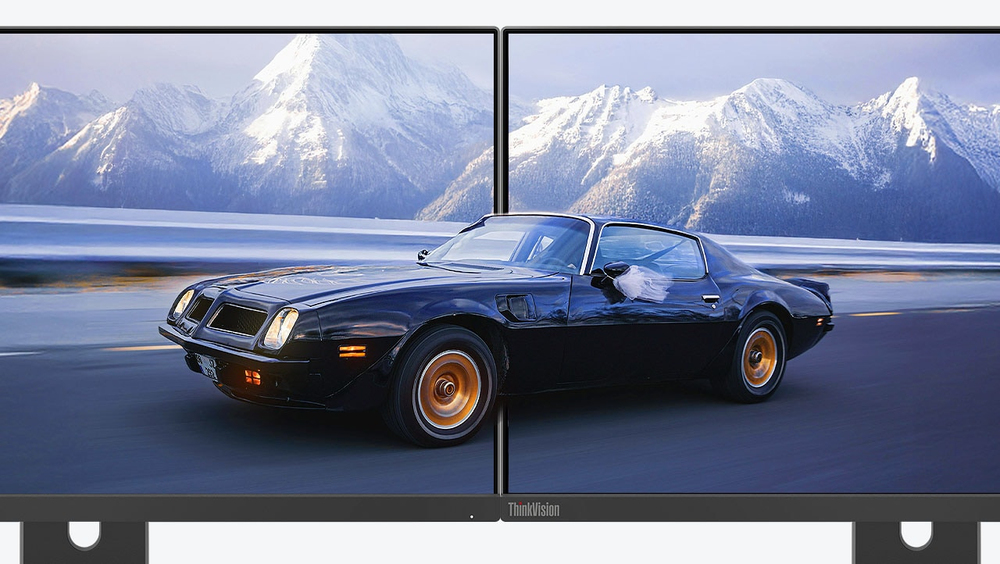
Minimized Border
3-side NearEdgeless screen maximizes your vision, good for multi-tasking
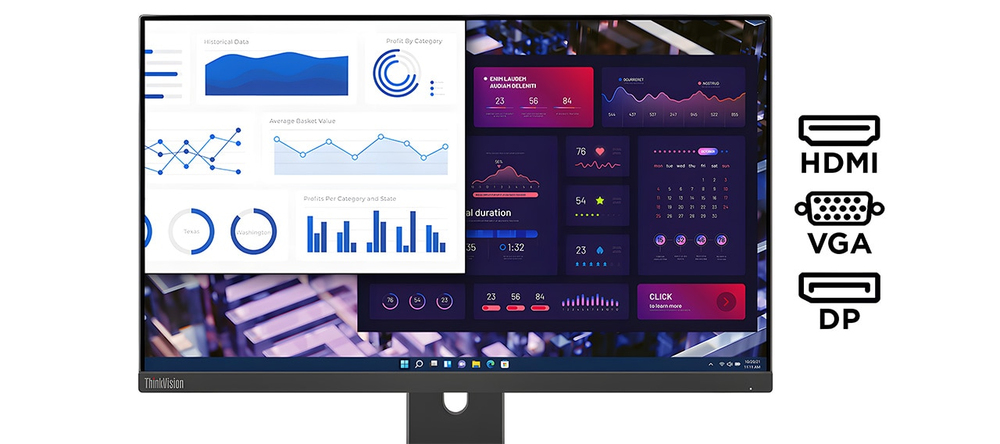
HDMI+DP+VGA
A range of connectivity options from VGA and HDMI 1.4 ports to DP 1.2 ports ensure you’re always ready to plug in and perform.
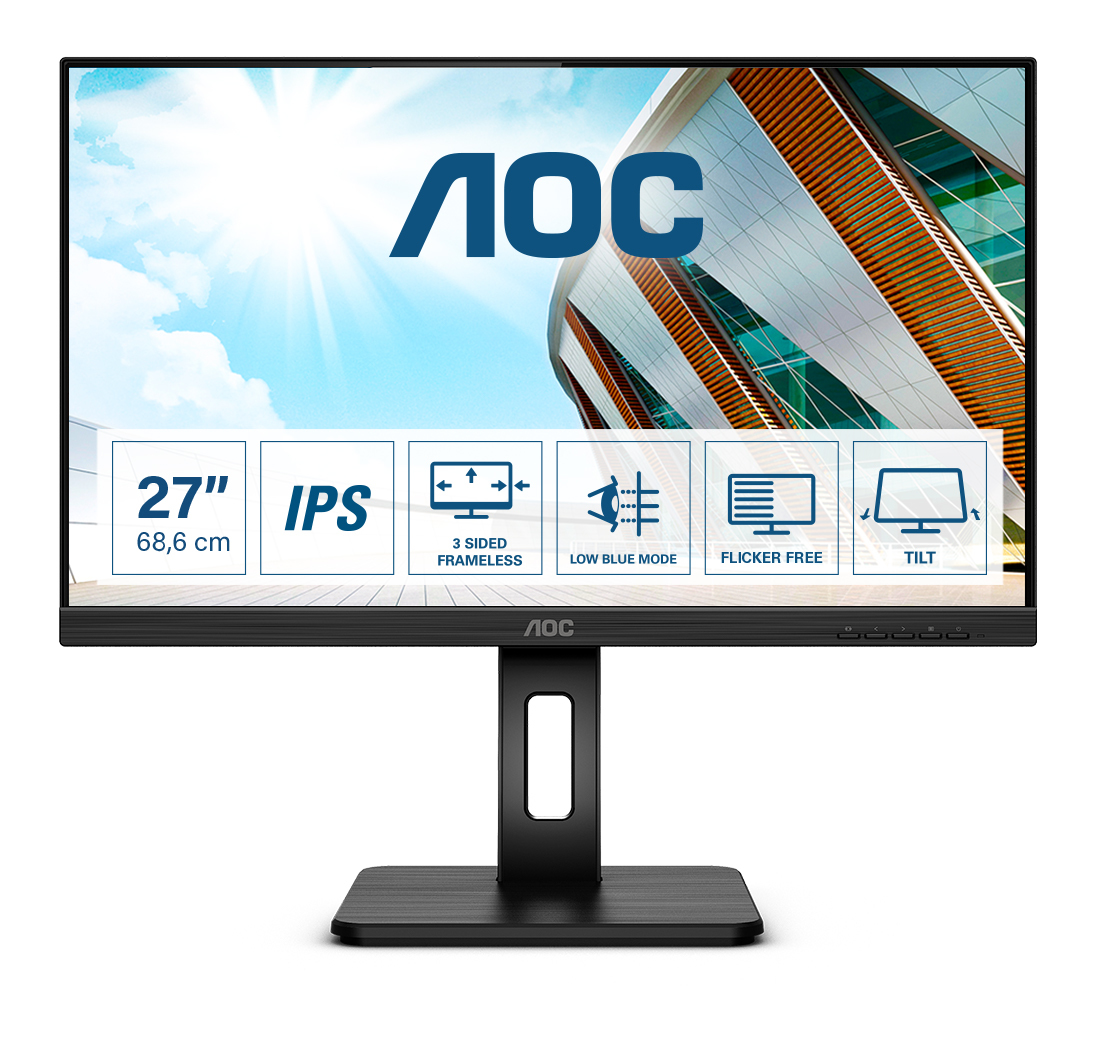
AOC
AOC 27P2Q - LED monitor - 27" - 1920 x 1080 Full HD (1080p) @ 75 Hz - IPS - 250 cd/m� - 1000:1 - 4 ms - HDMI, DVI, DisplayPort, VGA - speakers - black
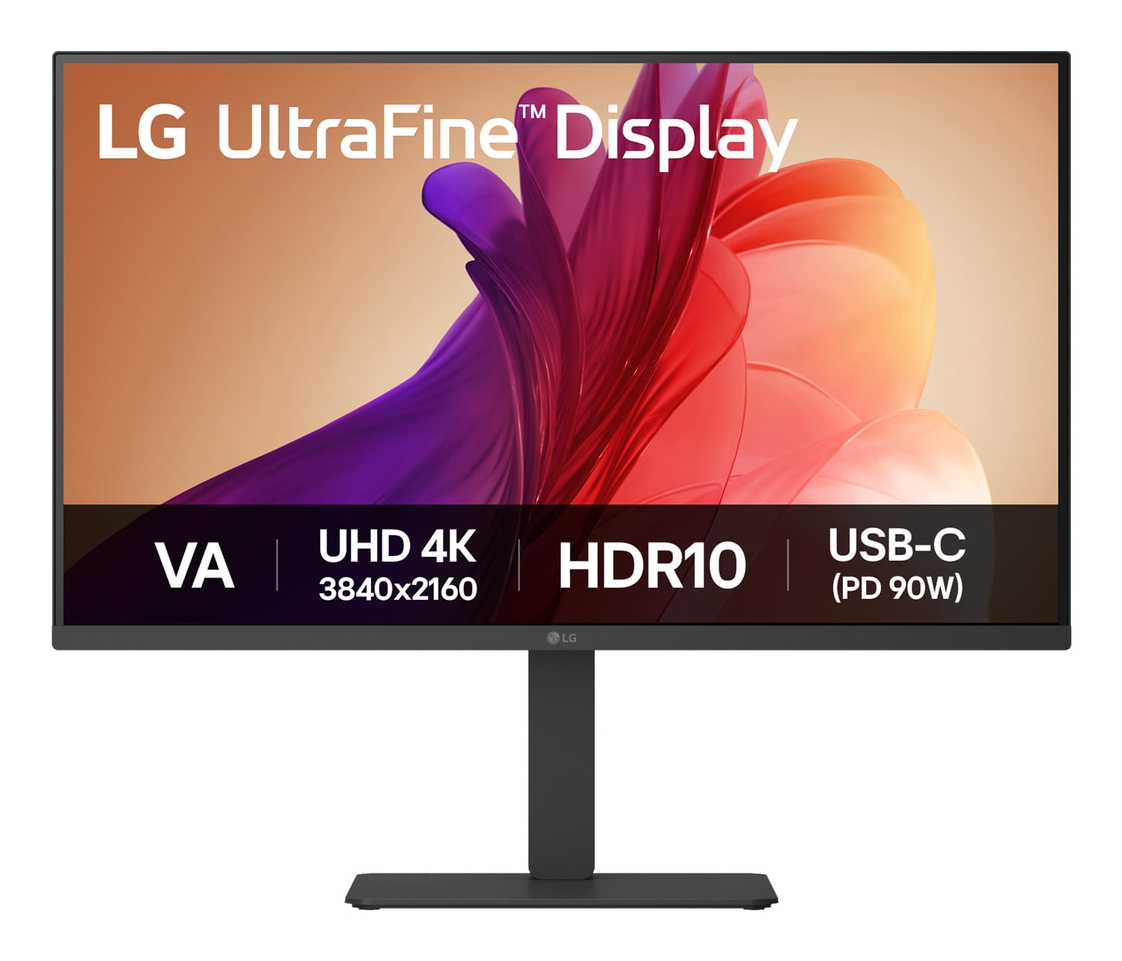
LG Electronics
LG UltraFine 32U720A-B - LED monitor - 32" (31.5" viewable) - 3840 x 2160 4K UHD (2160p) @ 60 Hz - VA - 250 cd/m� - 3000:1 - HDR10 - 5 ms - 2xHDMI, DisplayPort, USB-C - speakers
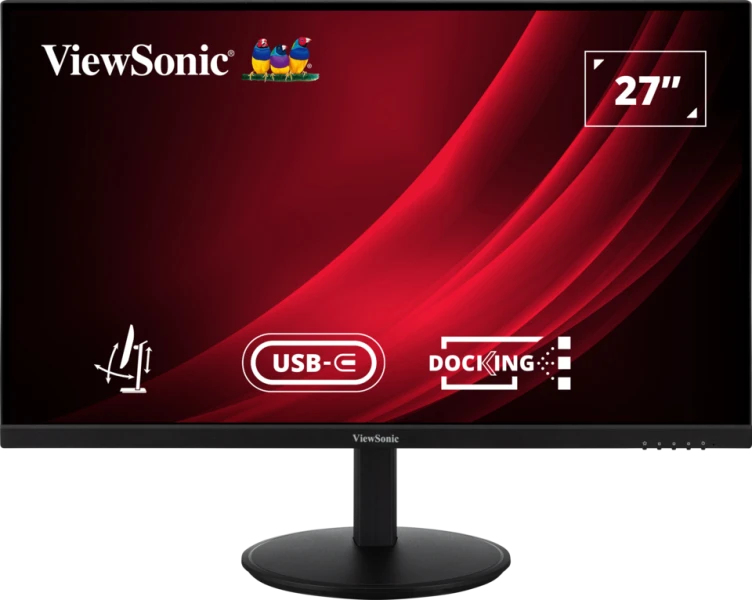
ViewSonic
ViewSonic VG2709U-2K - LED monitor - 27" - 2560 x 1440 QHD @ 100 Hz - IPS - 350 cd/m� - 1000:1 - HDR10 - 4 ms - HDMI, DisplayPort, USB-C - speakers
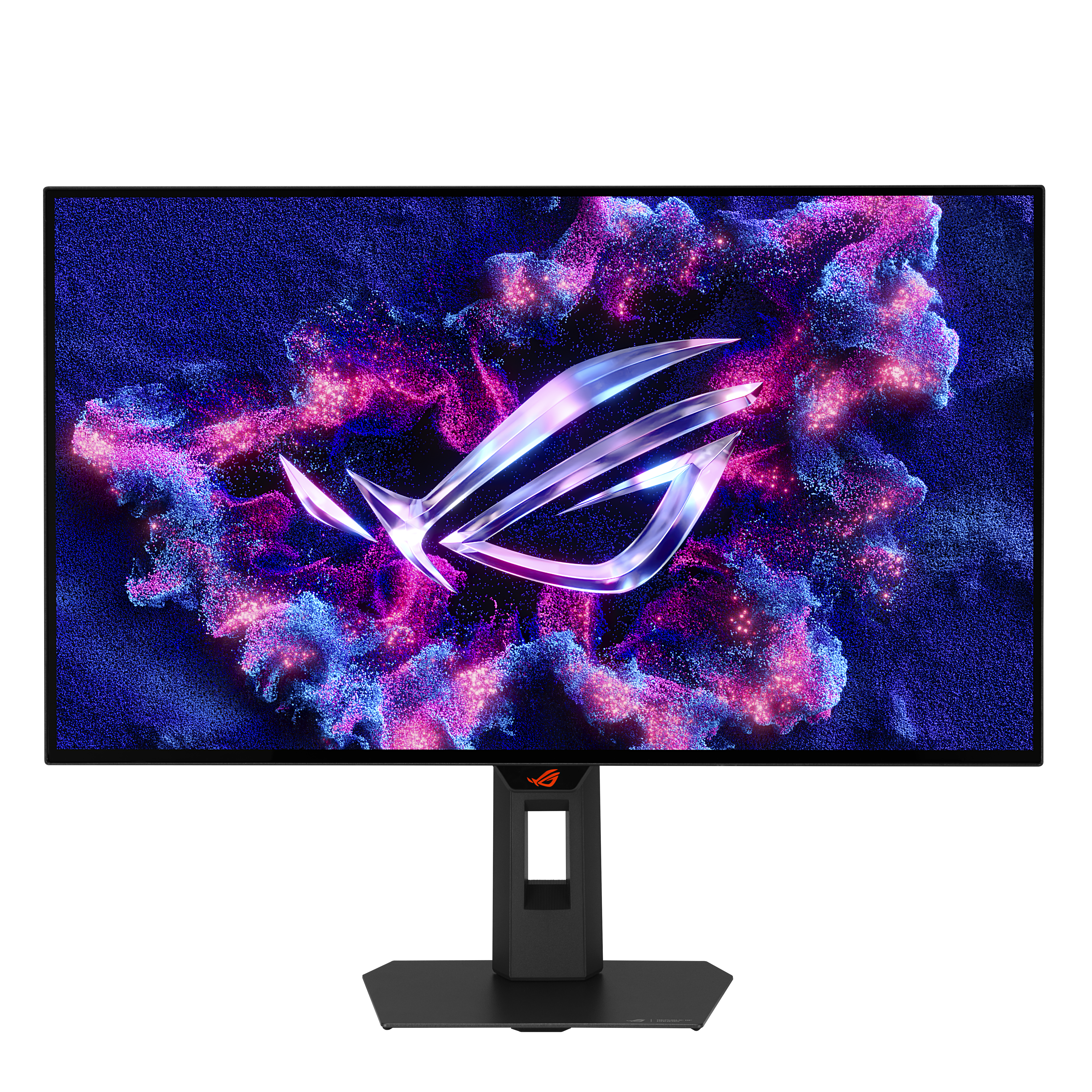
Asus
ASUS ROG Strix OLED XG27AQDMG Gen2 XG27