- Cloud Email
Microsoft Entra ID: What Businesses Need to Know
18 Mar, 2026
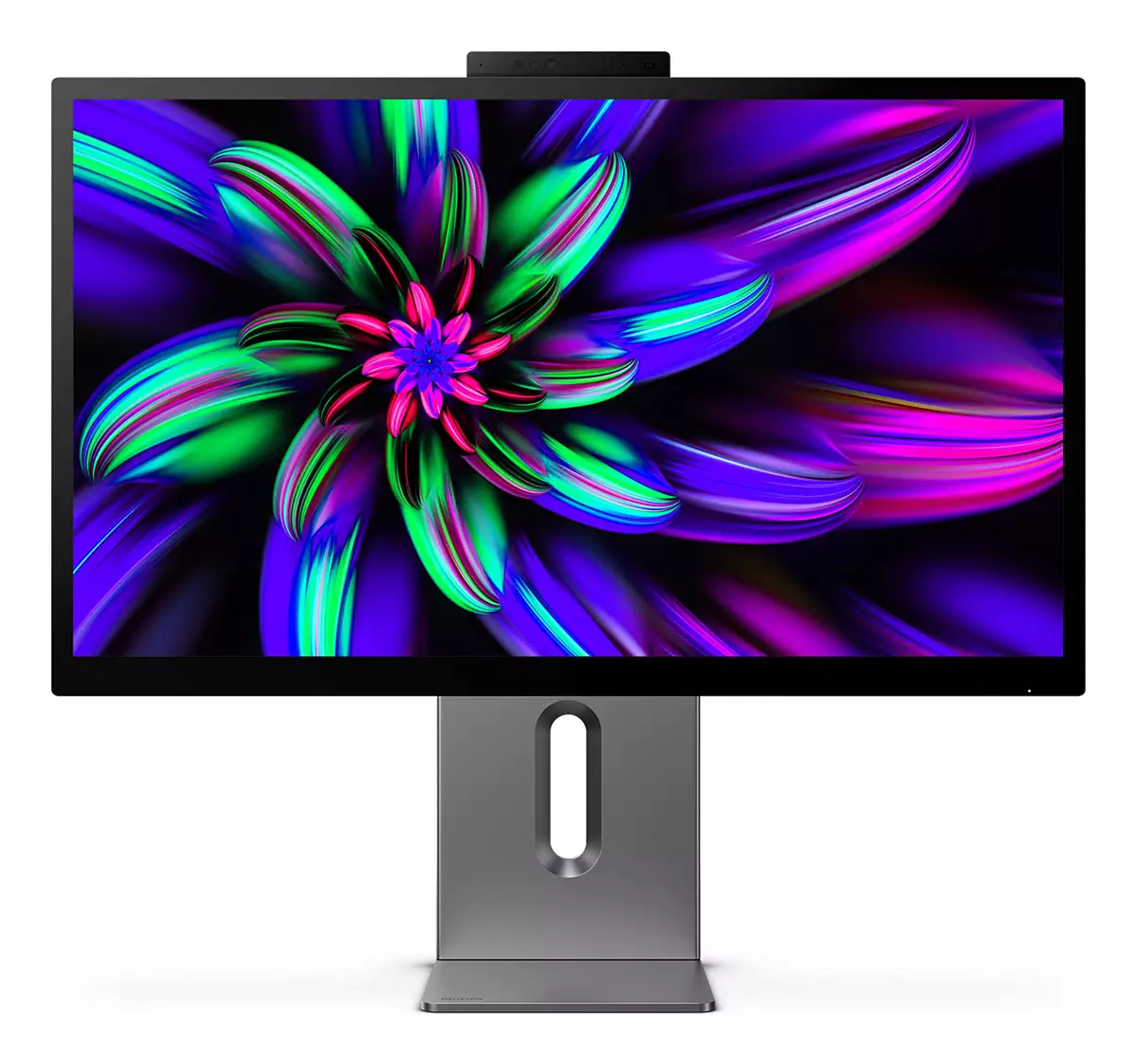

£1060.76 inc. VAT
AI-generated summary
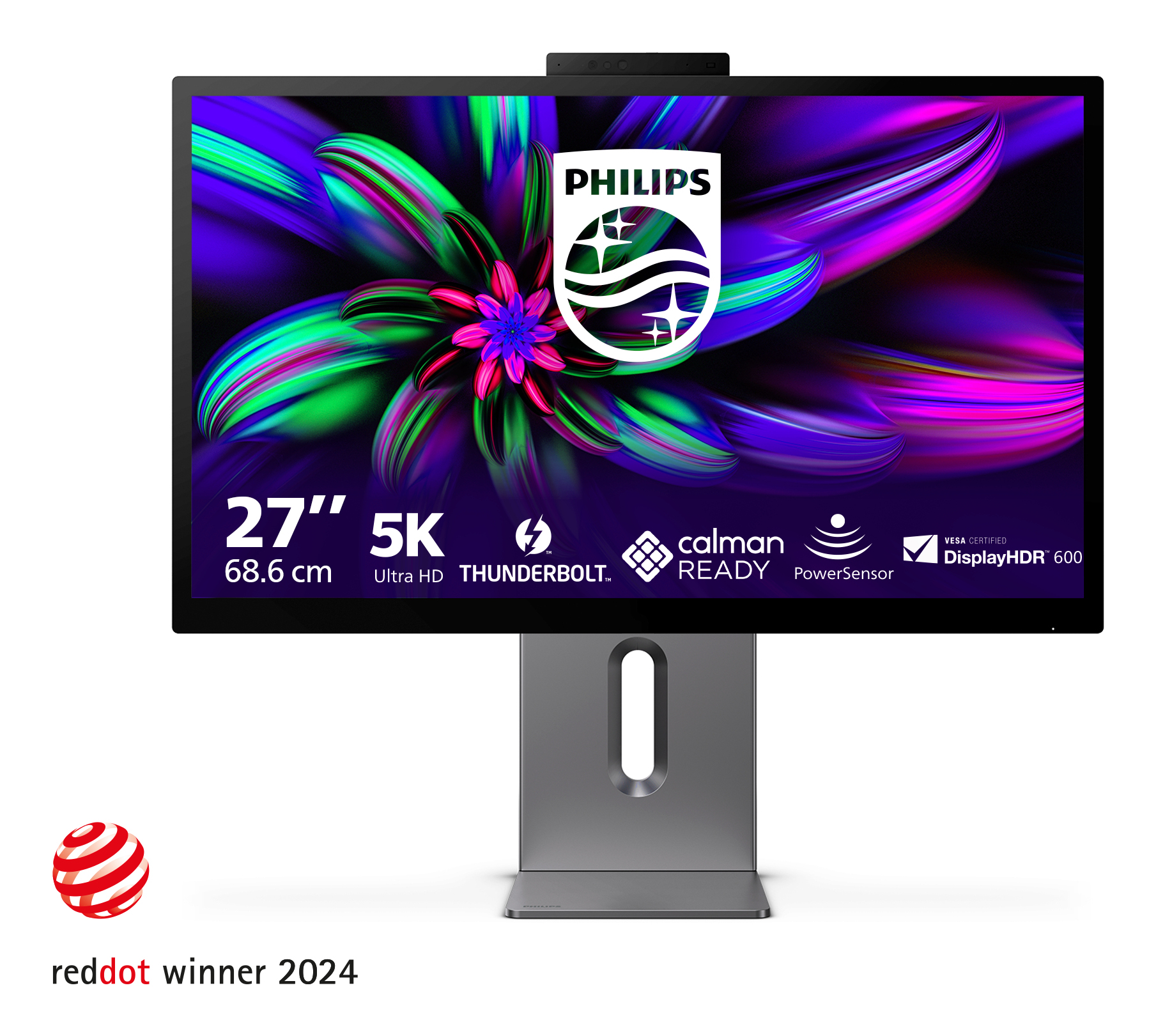
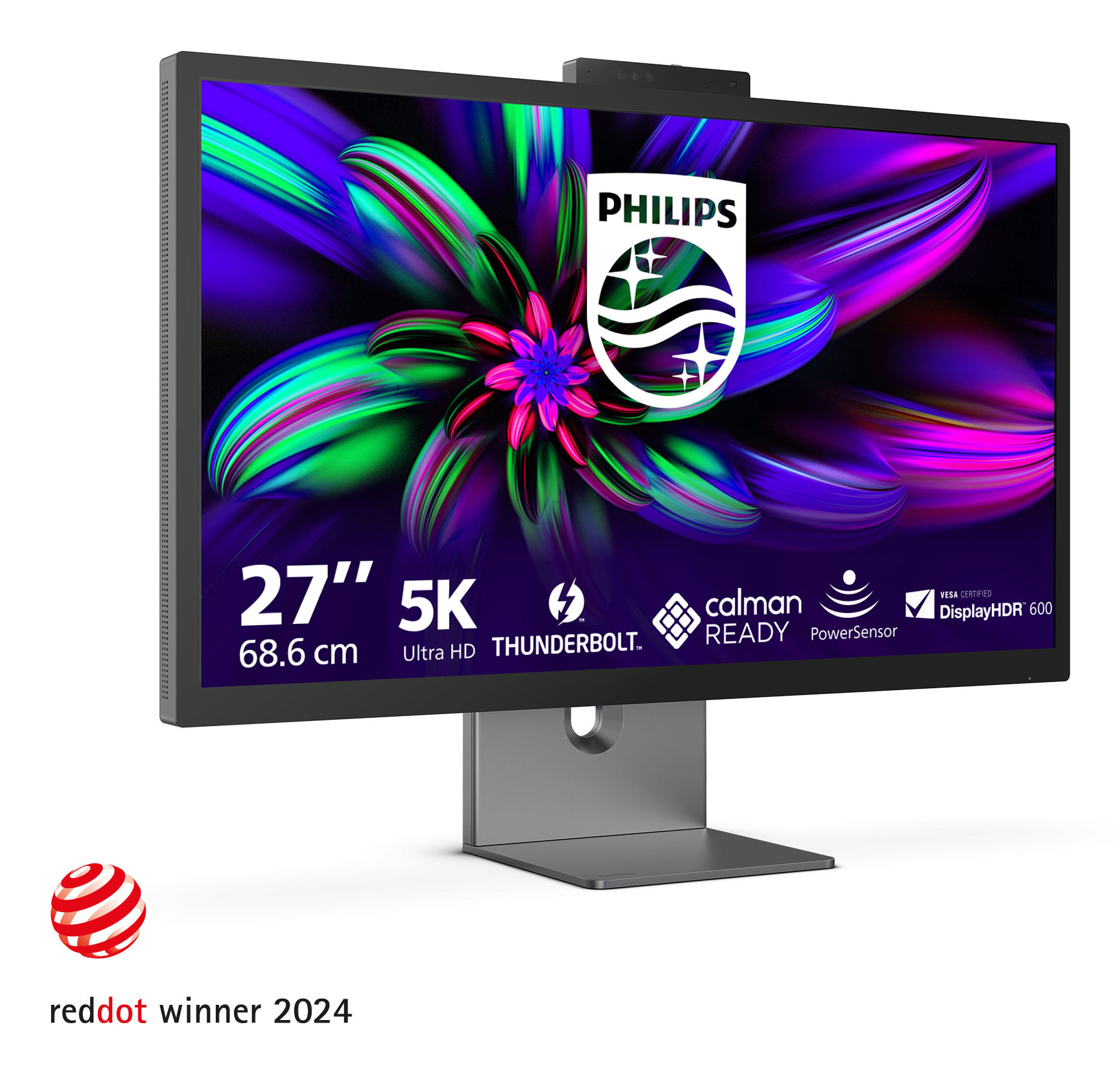
If you’re paying **£879.66 ex-VAT** for a **27-inch Philips 5K**, you’re really buying for one thing: **maximum screen real estate in a compact footprint**. This kind of monitor makes sense for people who live in spreadsheets, data-heavy dashboards, design work, or anything where “more pixels” genuinely reduces scrolling and window swapping. For UK office setups where you want a high-resolution display without jumping to a larger desk-filling 32", it’s a strong idea—assuming your teams also care about sharp text and crisp UI.
That said, at this price I’d be cautious if you’re buying for general office work or admin users. Most people won’t benefit much beyond “it’s clear,” and £879 can buy a more straightforward setup (or multiple screens) that improves productivity more reliably. Also, with Philips monitor pricing, the value depends heavily on **how good the colour/contrast and scaling experience are with your specific laptops/graphics cards**—5K is only a win if the display scaling is painless. If you can test it or confirm strong UK retail support/returns via your reseller route, great; if not, I’d only roll this out broadly to power users who will actually use the extra pixels daily.

Built-in stereo speakers for multimedia
A pair of high-quality stereo speakers built into a display device. They may be visible front firing, or invisible down firing, top firing, rear firing etc. depending on model and design.

SmartKVM: for easily switching between sources.
Unlike traditional built-in KVM monitor buttons, the smart KVM allows for switching between sources with the click of a button on your keyboard. When all devices are properly connected, users can e...

AI-enhanced Webcam Autoframing: for dynamic video calls
This AI-enhanced feature is perfect for multi-person video conferencing. When one or more people join the webcam view, the AI-powered feature will automatically adjust and zoom to fit all team memb...

Eyesafe-certified blue light protection and colour accuracy
The Philips display meets the eyesafe® CERTIFIED 2.0 standard to truly protect you from long exposure to blue light. The always-on blue light filter not only helps reduce digital eye strain, but al...

PowerSensor 2: for optimised energy efficiency
This monitor's PowerSensor 2 feature reduces energy consumption by detecting when users move closer and further away from the screen. After switching the OSD setting to "User", you then need to adj...

MultiView enables simultaneous dual connection and view
With the ultra-high resolution Philips MultiView display you can now experience a world of connectivity. MultiView enables active dual connect and view so that you can work with multiple devices li...
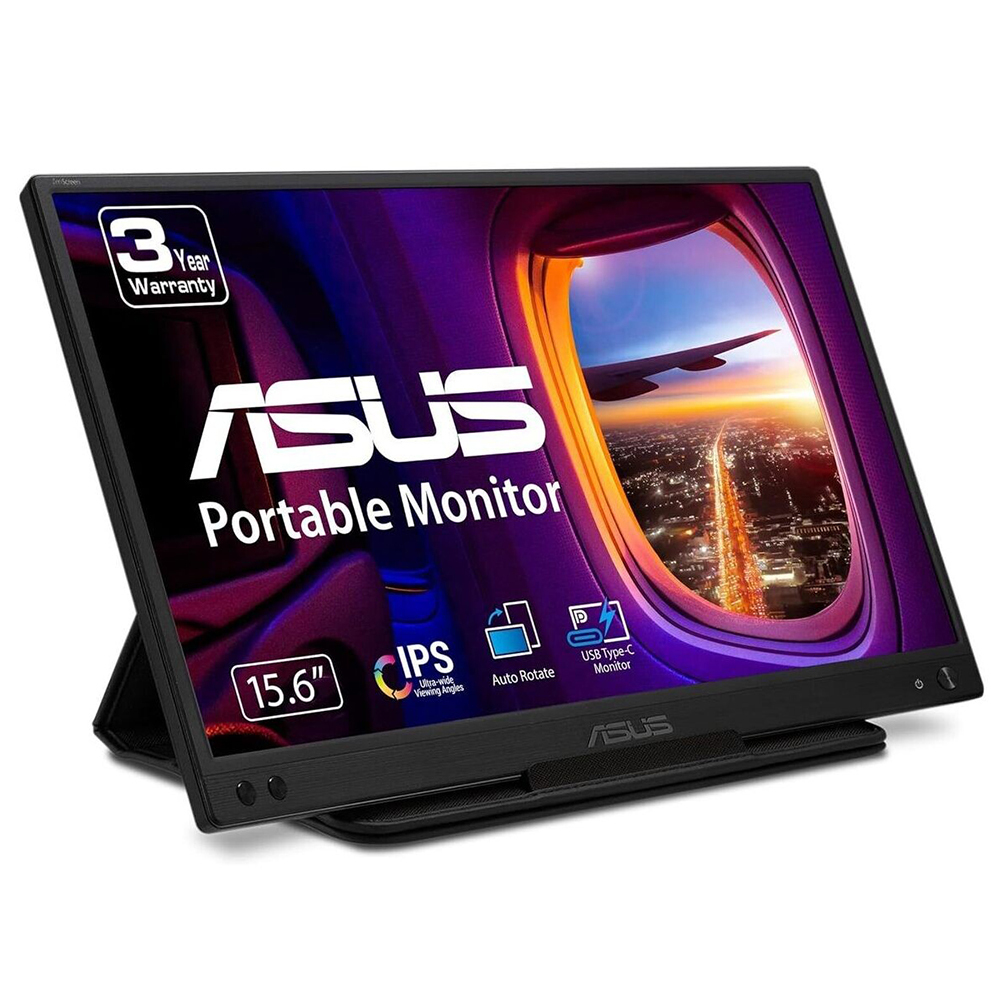
Asus
ASUS ZenScreen MB166C - LED monitor - 15.6" (16" viewable) - portable - 1920 x 1080 Full HD (1080p) @ 60 Hz - IPS - 250 cd/m� - 800:1 - 5 ms - USB-C
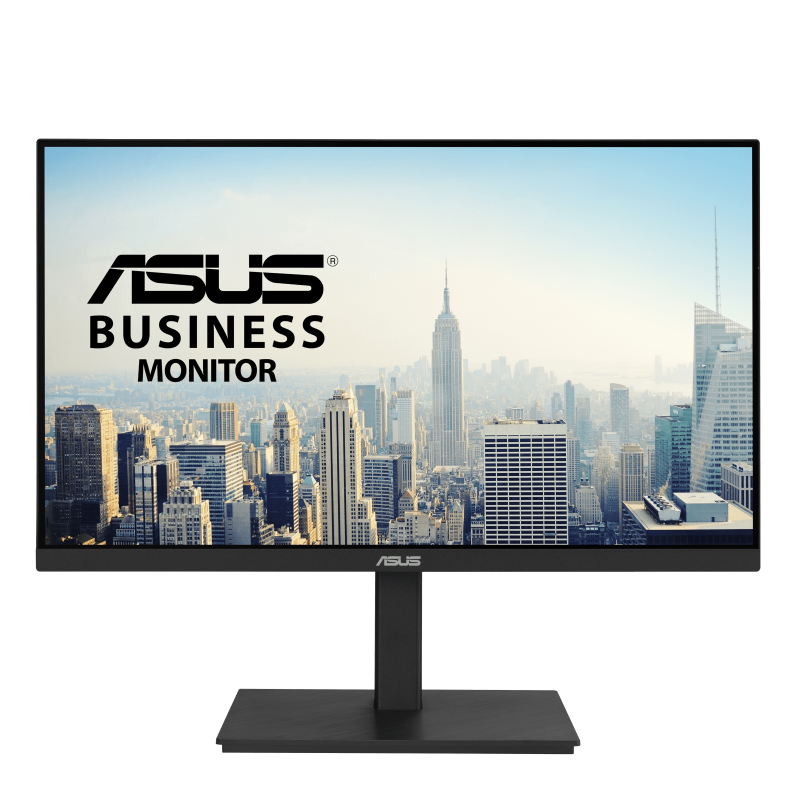
Asus
ASUS VA27ECPSN - LED monitor - 27" - 1920 x 1080 Full HD (1080p) @ 75 Hz - IPS - 300 cd/m� - 1000:1 - 5 ms - HDMI, DisplayPort, USB-C - speakers

Philips
Philips Evnia 5000 27M2C5201L - LED monitor - gaming - curved - 27" - 1920 x 1080 Full HD (1080p) @ 180 Hz - Fast VA - 3000:1 - HDR10 - 0.5 ms - 2xHDMI, DisplayPort - white
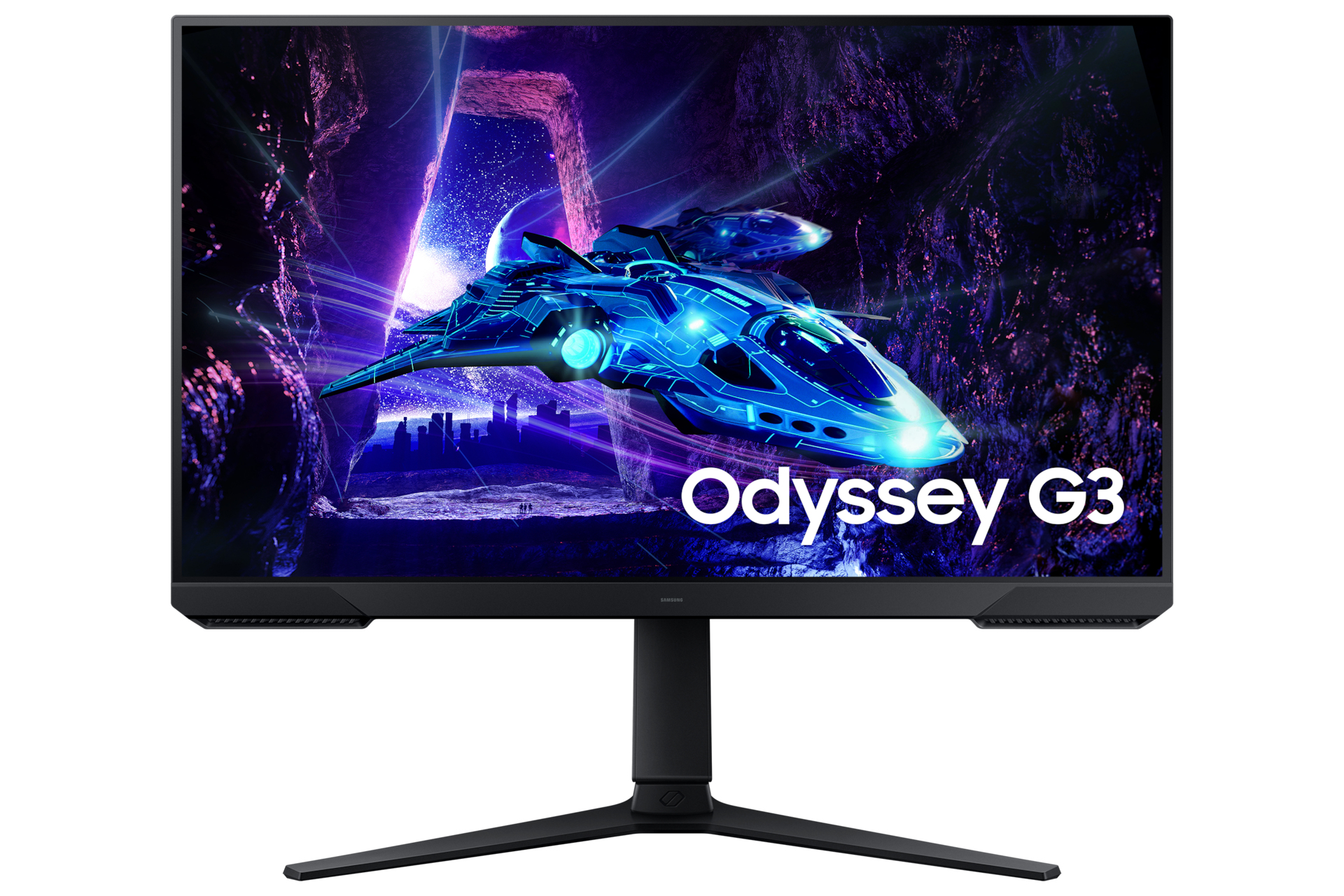
Samsung
Samsung Odyssey G3 S27DG302EU - G30D Series - LED monitor - gaming - 27" - 1920 x 1080 Full HD (1080p) @ 180 Hz - VA - 250 cd/m� - 3000:1 - HDR10 - 1 ms - HDMI, DisplayPort - black