- Azure Cloud
How to Use Azure Logic Apps for Business Automation
18 Mar, 2026


£159.91 inc. VAT
AI-generated summary
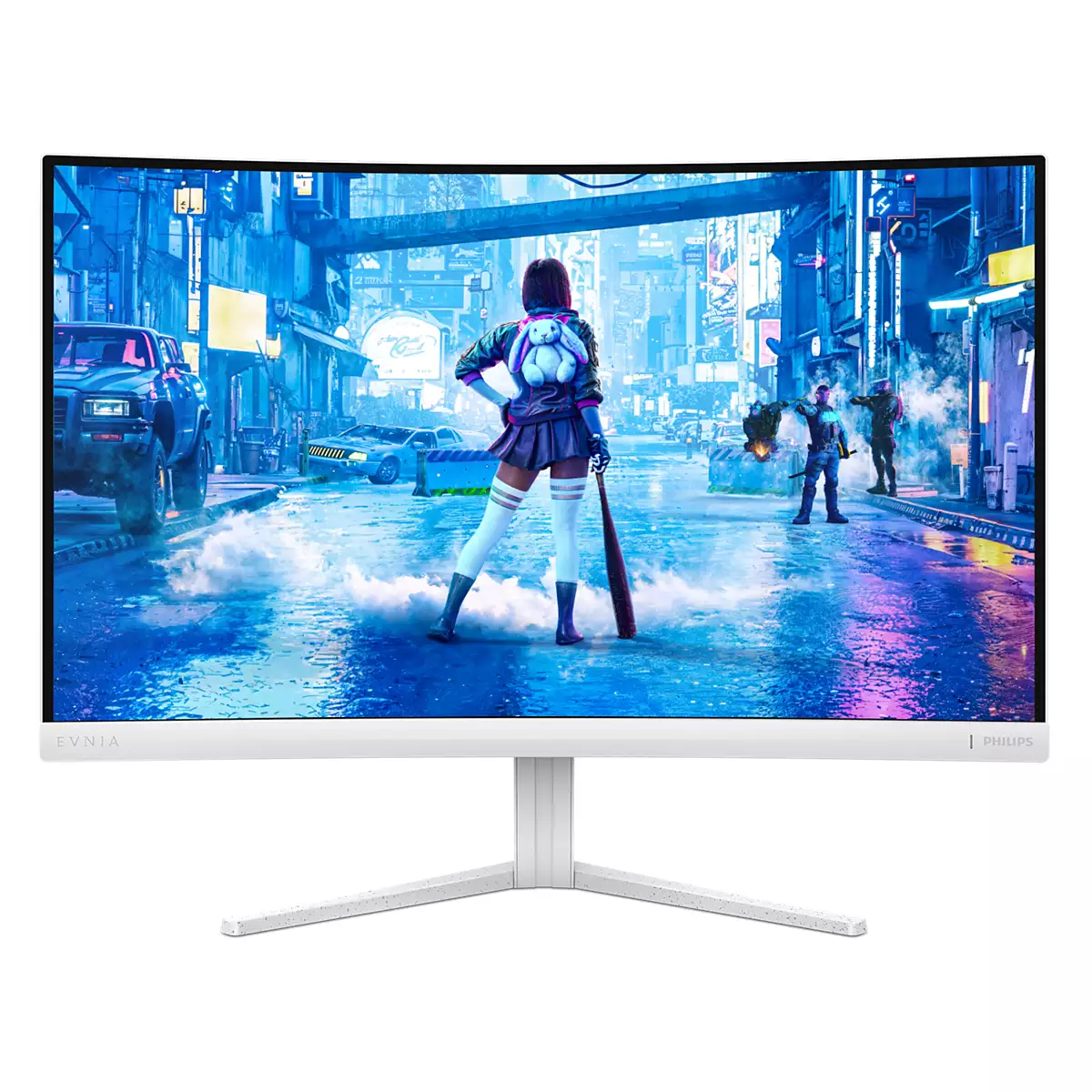
For £133.20 ex-VAT, the Philips Evnia 5000 27M2C5201L/00 is the sort of “get a decent 27-inch screen for the office” monitor that makes sense—assuming you’re not chasing top-end gaming performance or ultimate image quality. At this price point you’re typically buying reliable everyday usability: a sensible size, a straightforward Full HD setup that’s easy on the desk, and a brand that tends to be consistent with basic panel tuning. It’s a good fit for general admin, spreadsheets, and day-to-day work where comfort and plain functionality matter more than bragging rights.
I’d hesitate if your users expect sharp text at close distances or lots of fine detail—27-inch at Full HD can feel a bit soft compared to higher-resolution options, especially in a typical office where people sit relatively near. Also, if it’s for fast competitive gaming, this isn’t the monitor I’d shortlist first; you’d want to spend a bit more or look for a model with clearer “gaming-first” priorities. Overall: buy it for cost-conscious teams that want a solid, mainstream 27-inch display. Skip it for design-heavy roles, finance teams that live on razor-sharp text, or anyone with high expectations for gaming responsiveness.
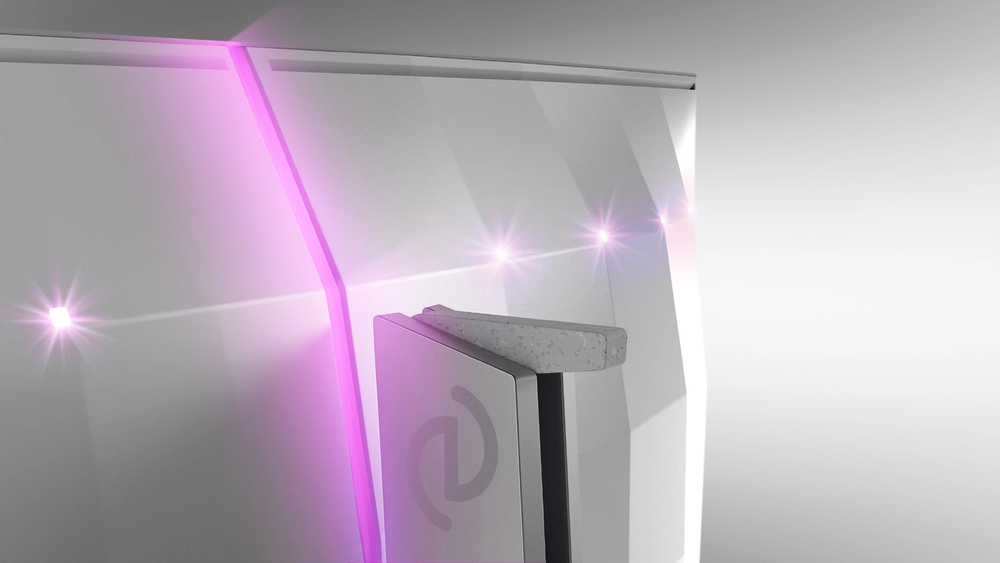
AI-enhanced Ambiglow: for intensified entertainment
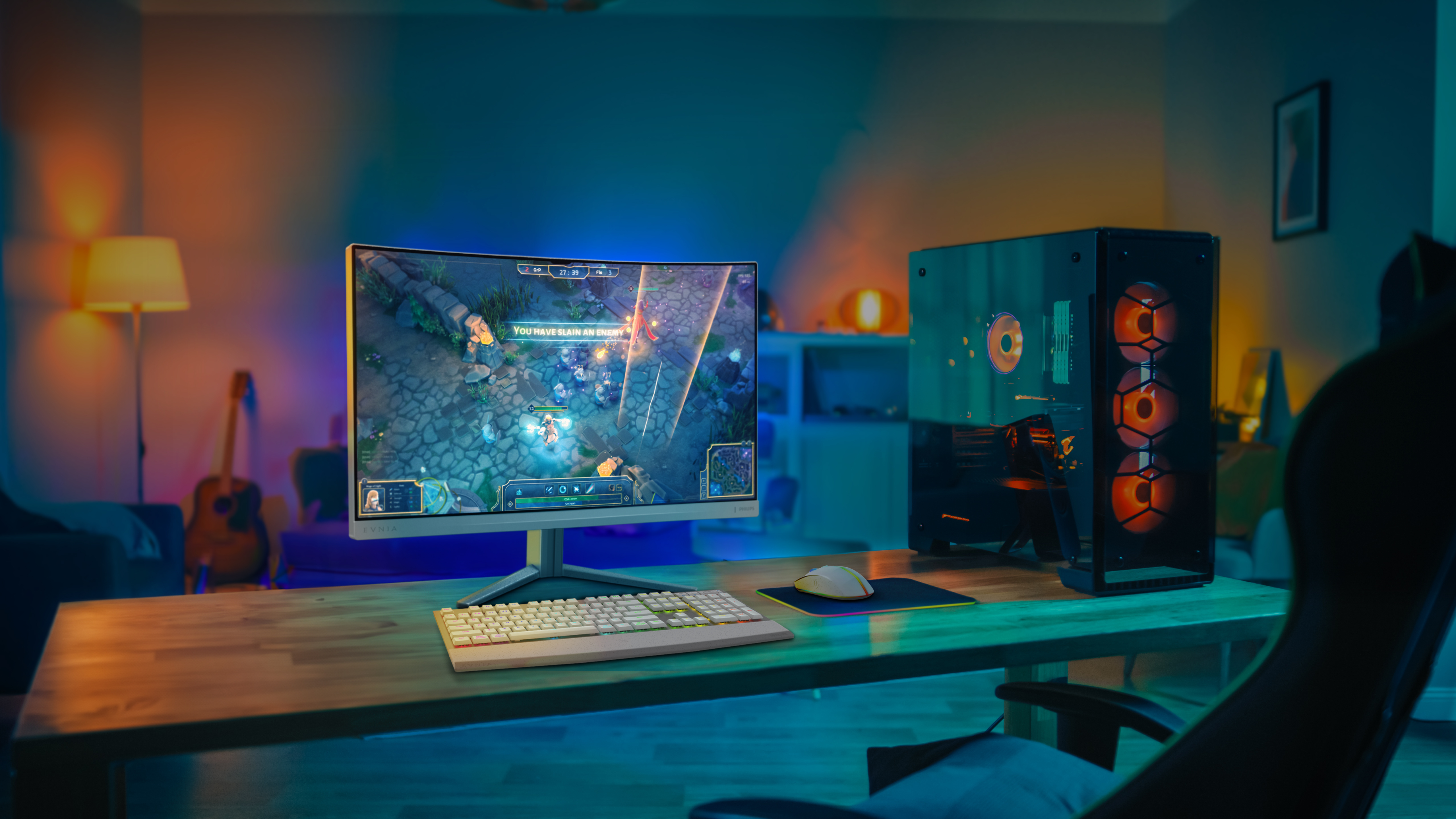
Our AI-enhanced processor analyses the incoming image content and continuously adapts the colour and brightness of the emitted light to match the image. This feature adds a new dimension to your vi...

SmartImage game mode optimised for gamers
The new Philips gaming display has quick-access OSD fine-tuned for gamers, offering you multiple options. "FPS" mode (First person shooting) improves dark themes in games, allowing you to see hidde...
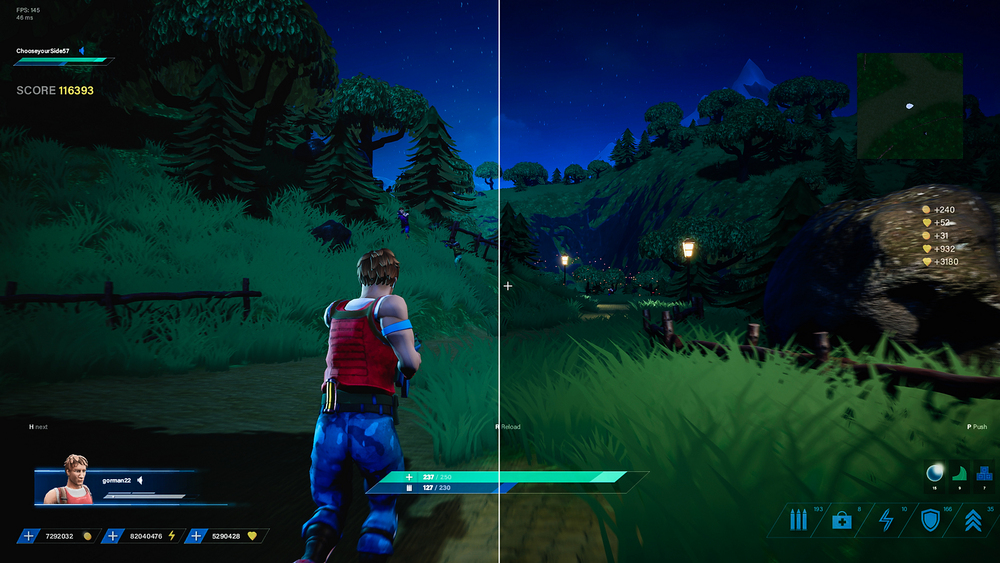
ShadowBoost: for bringing dark scenes to life.
This feature enhances dark scenes in a linear fashion. The ShadowBoost feature has three selectable levels that enhance overall brightness and ultimately provide beautiful picture quality with high...
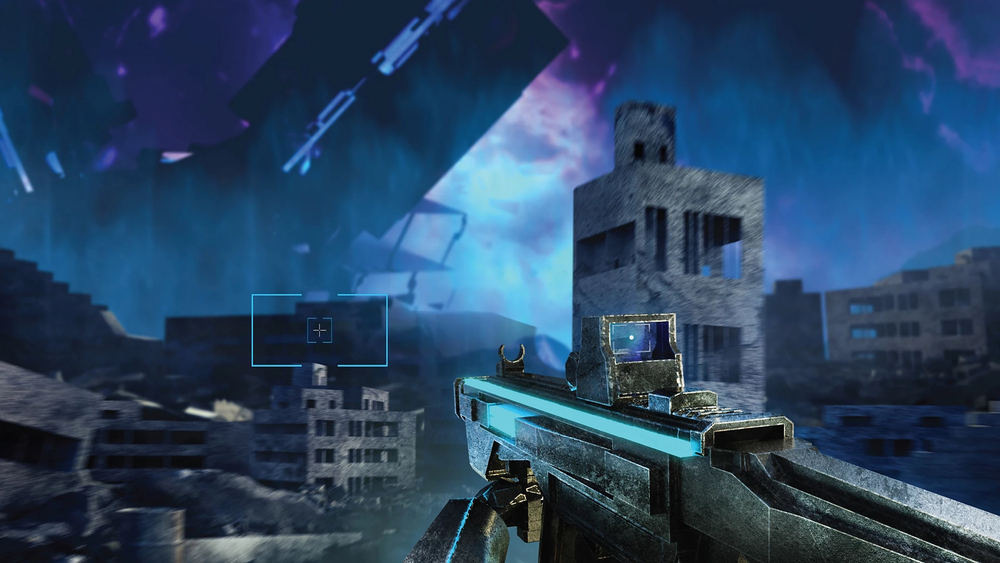
Smart Crosshair: for better aim and more fun
Colour of Crosshair is set by default. When Smart Crosshair is on, the colour will change as a complementary colour to the background colour. Smart Crosshair enhances the aiming accuracy so you can...

LowBlue mode and Flicker-free easy-on-the eyes viewing
Our LowBlue Mode and Flicker-free technology have been developed to reduce eye strain and fatigue often caused by long hours in front of a monitor.
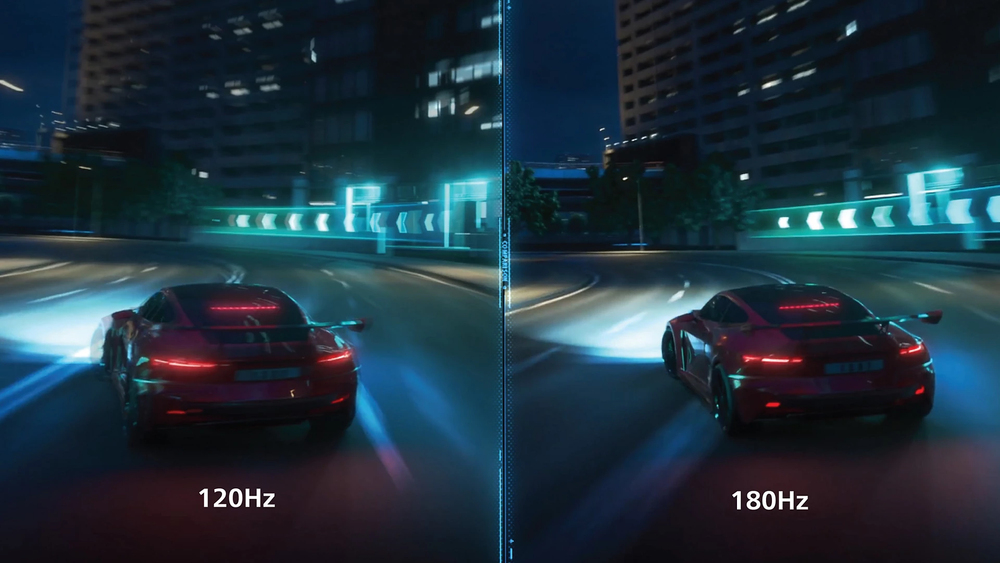
180 Hz refresh rates for ultra-smooth, brilliant images
You play intense, competitive gaming. You demand display with lag-free, ultra-smooth images. This display redraws the screen image up to 180 times per second, effectively faster than a standard dis...
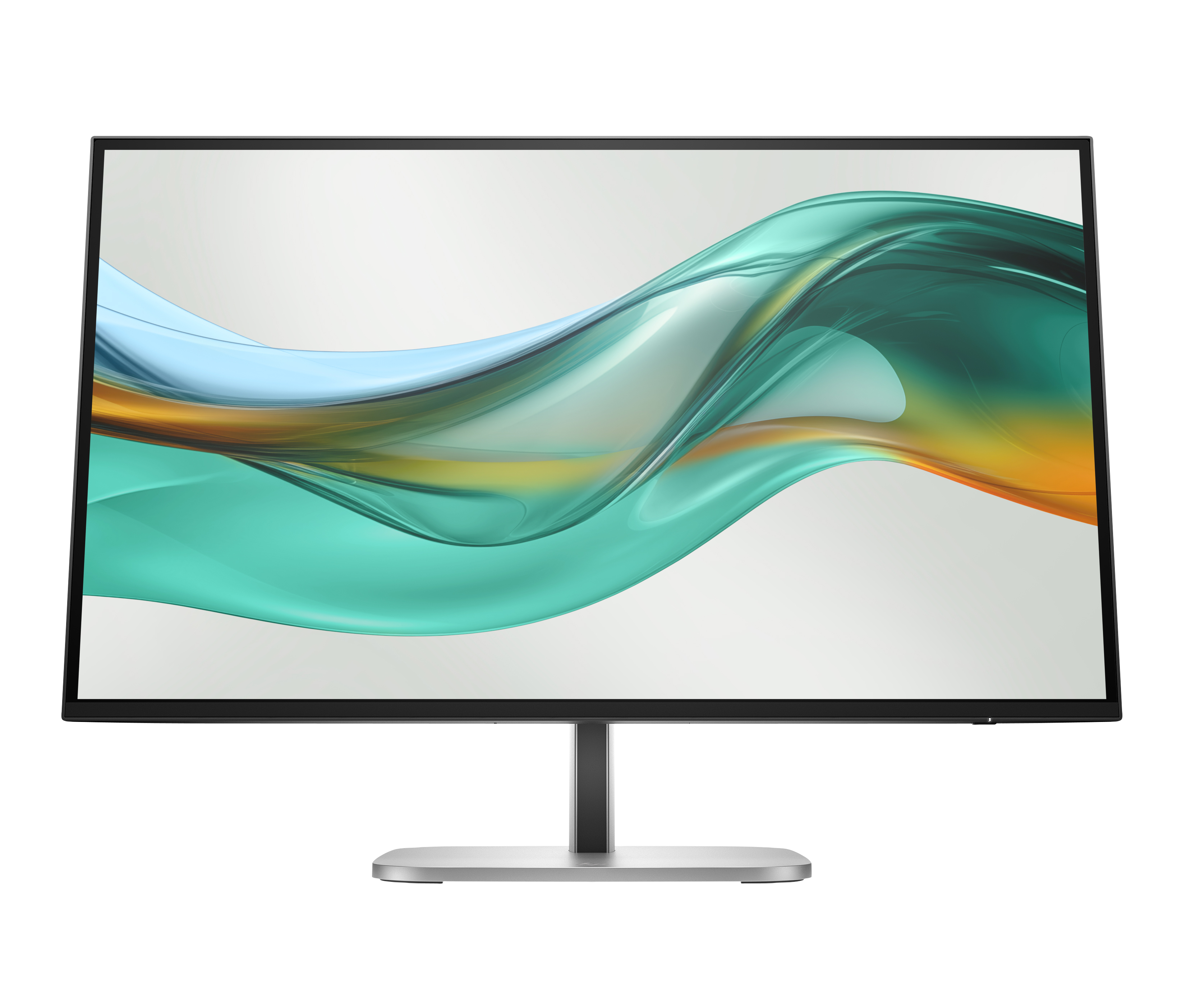
HP
HP 527pu - Series 5 Pro - LED monitor - 27" - 2560 x 1440 QHD - IPS - 350 cd/m� - 1500:1 - 5 ms - HDMI, DisplayPort, USB-C - jet black, natural silver and jet black (stand)
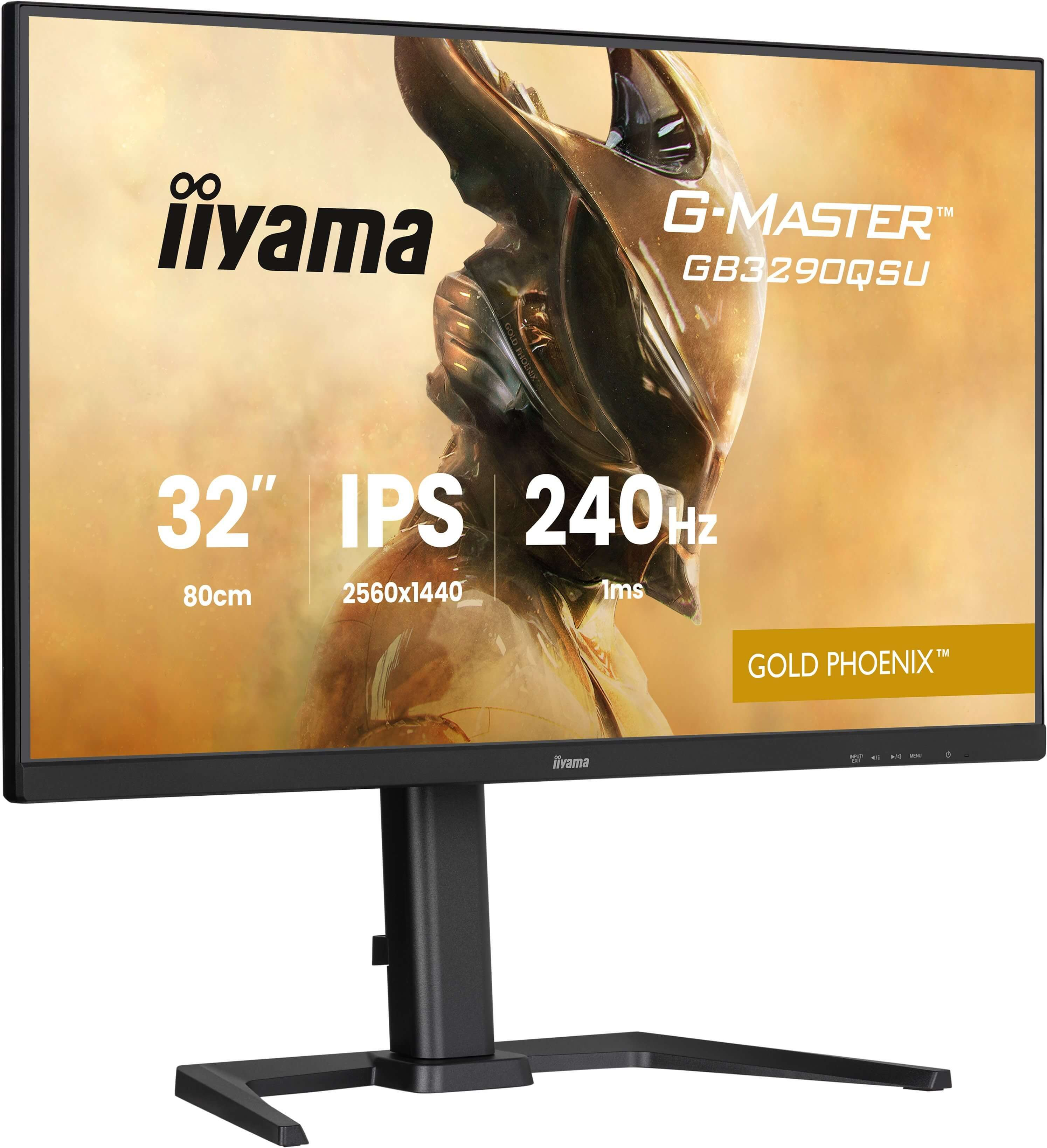
Iiyama
32" IPS Gaming G-Master Gold Phoenix Fre

AOC
AOC AGON PRO AG246FK6 - AG6 Series - LED monitor - gaming - 24" - 1920 x 1080 Full HD (1080p) @ 600 Hz - Ultra-Fast TN eSports - 500 cd/m� - 1000:1 - DisplayHDR 400 - 0.5 ms - 2xHDMI, DisplayPort - black
Dell
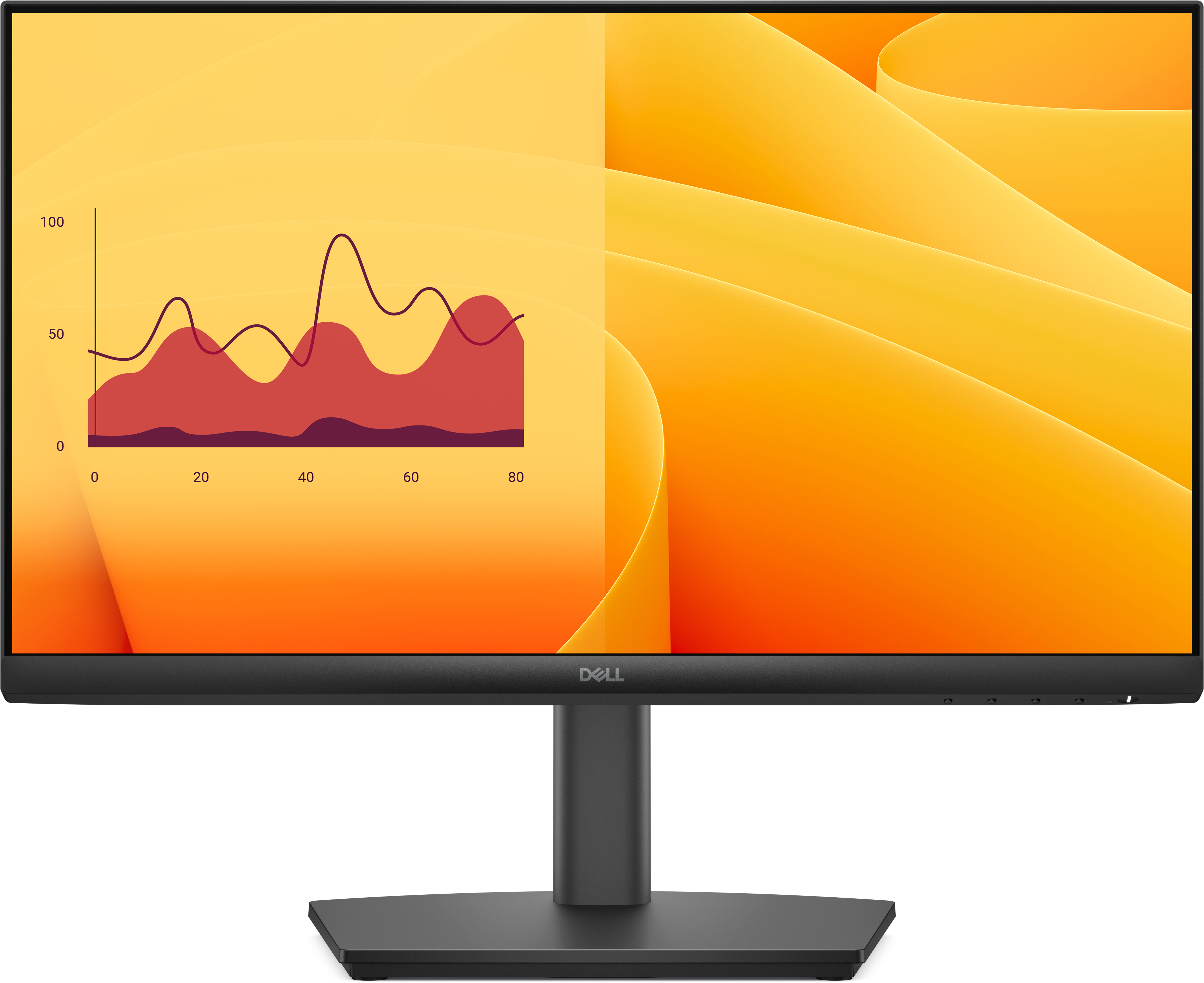
Dell Pro E2225HSM - LED monitor - 22" (21.5" viewable) - 1920 x 1080 Full HD (1080p) @ 100 Hz - VA - 250 cd/m� - 3000:1 - 5 ms - HDMI, VGA, DisplayPort - speakers - with 3 years Basic Hardware Service with Advanced Exchange