- IT Office Moves
How to Move Your CCTV System to a New Office
22 Jan, 2026
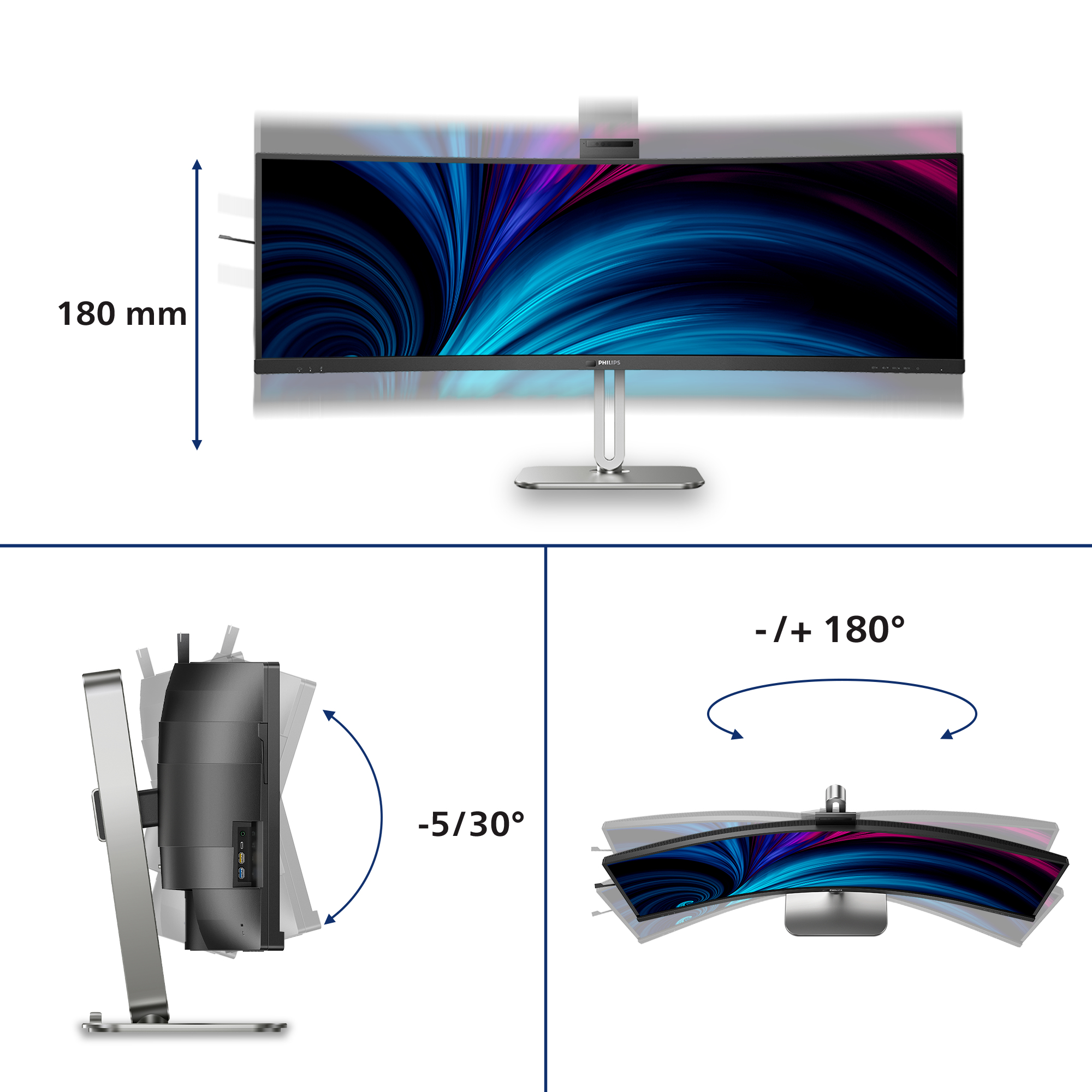
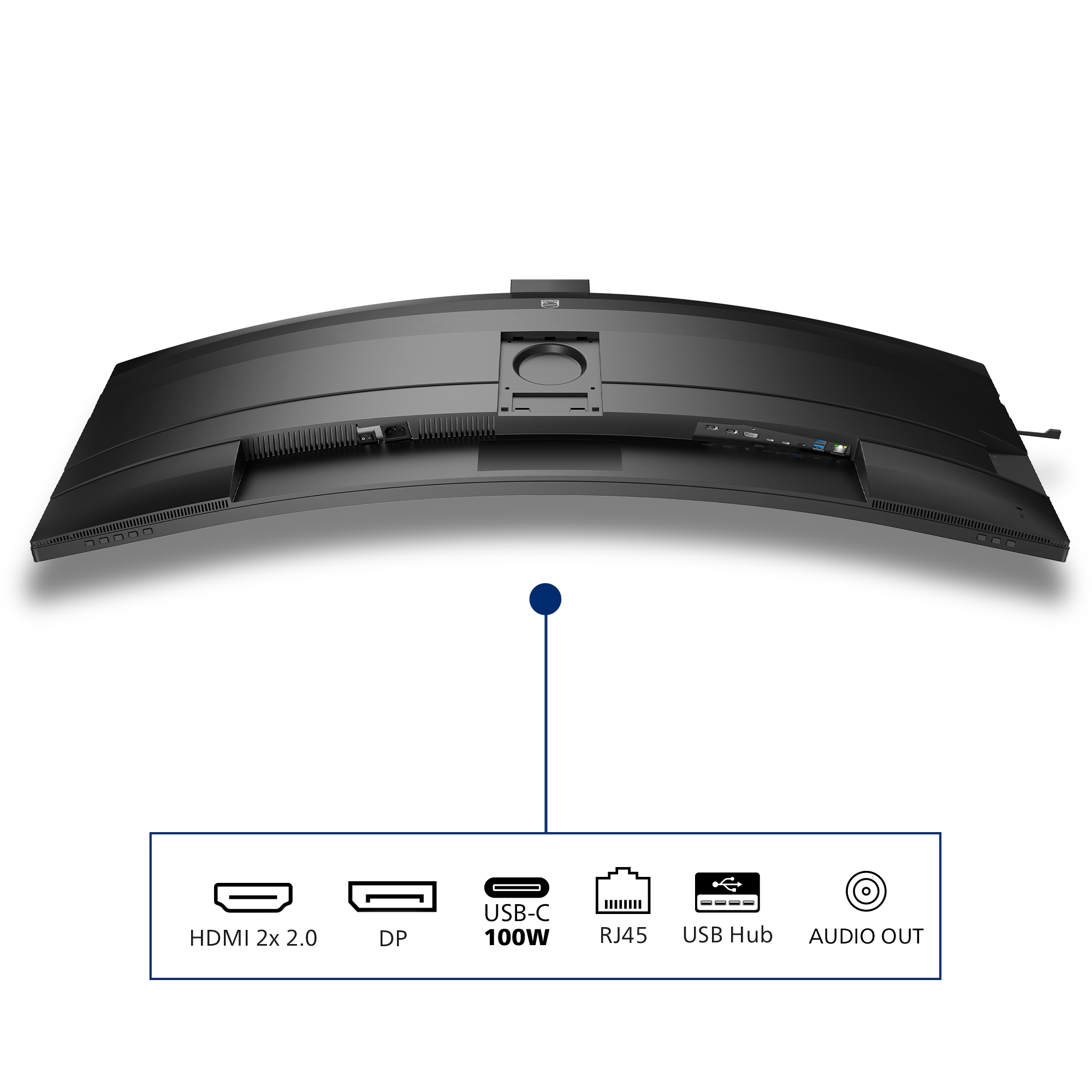
£1296.77 inc. VAT
AI-generated summary
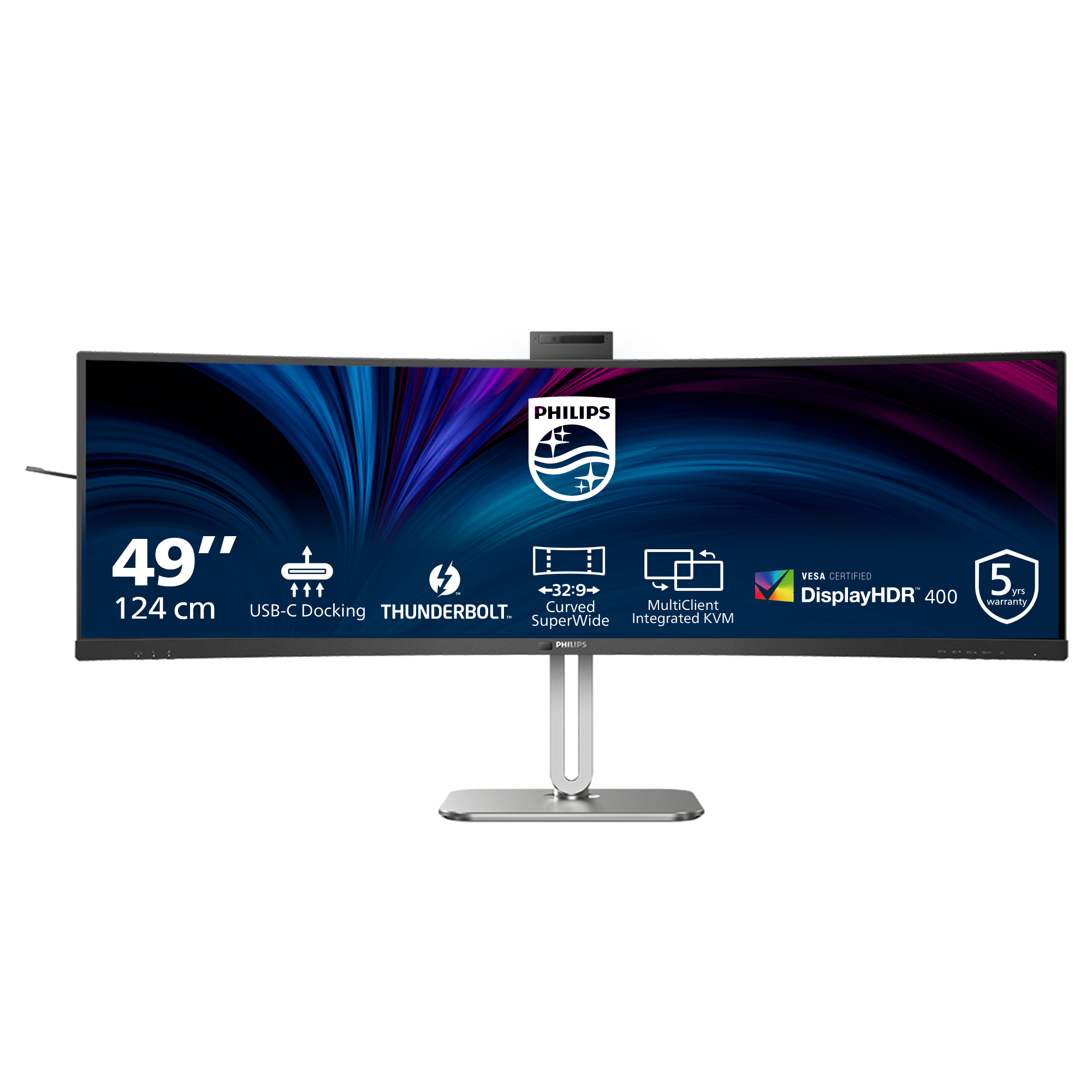
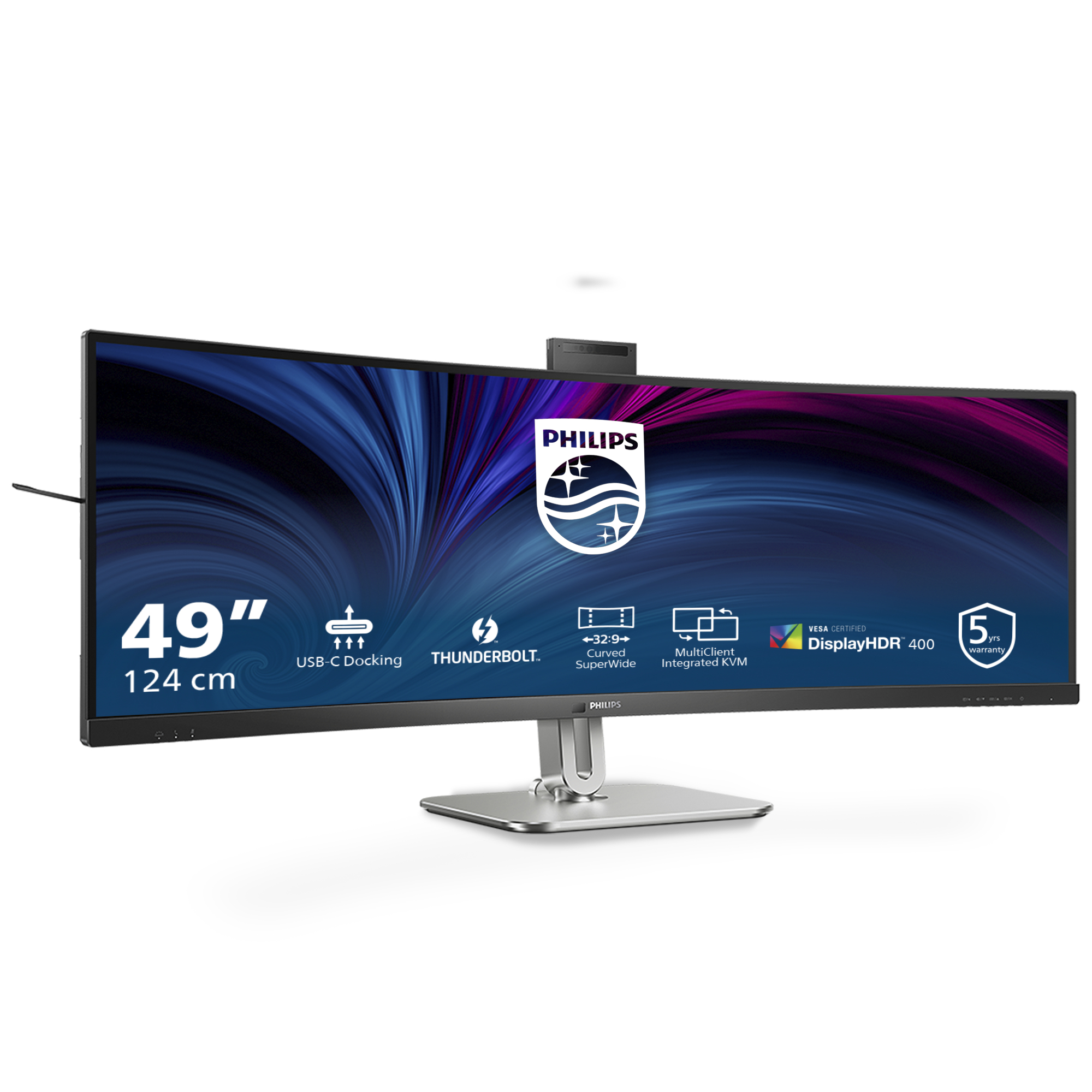
If you’re in a UK office and want a single-screen setup that feels like a whole second monitor, the Philips 49B2U6903CH/00 is one of the more sensible “super-ultrawide” buys—especially at around £1,080 ex-VAT. The real-world win is workspace: spreadsheets, dashboards, and side-by-side documents look genuinely more usable without constantly alt-tabbing. If you do finance ops, BI/reporting, CAD-lite, admin with lots of tabs, or anything where you live in multiple windows, you’ll notice the difference fast. For value, this kind of display makes sense when it replaces two monitors and keeps your desk tidy.
That said, it’s not a “buy it because it’s big” situation. Super-ultrawides aren’t ideal for everyone: if your workflows are mostly single-window (or you frequently switch between vastly different tasks with different zoom levels), a smaller 16:9/16:10 screen can feel sharper and simpler. Also, make sure your desk setup supports proper viewing distance—49-inch can be amazing or fatiguing depending on how far you sit and whether you’ve got good ergonomics. If you’re buying for gaming or fast motion work, be a bit cautious and test what matters to you (motion clarity and responsiveness) rather than assuming ultrawide automatically means “better.”
**Who should buy:** office users who want “one big monitor” for multitasking and want to reduce clutter/cabling versus a dual-monitor desk. **Who should skip:** people with a small desk, inconsistent ergonomics, or mostly single-app usage where a cheaper, higher-density display will feel more practical.

Thunderbolt™ 4 Connection: for lightning-fast connectivity
This Philips docking monitor is equipped with Thunderbolt 4 connection. Compared with conventional USB-C monitors, Thunderbolt 4 technology provides lightning-fast data transfer speeds, supports hi...
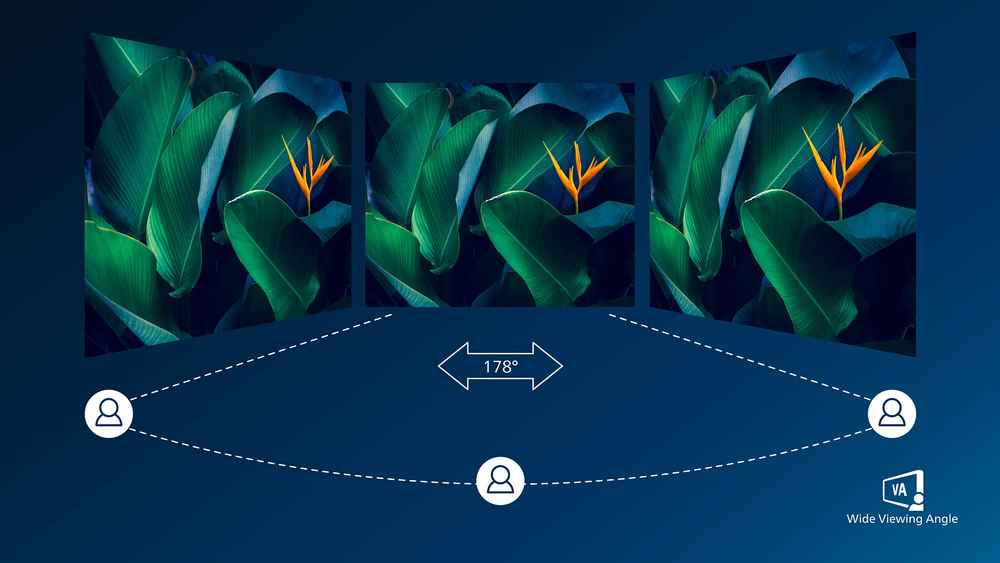
VA display delivers awesome images with wide viewing angles
Philips VA LED display uses an advanced multi-domain vertical alignment technology which gives you super-high static contrast ratios for extra vivid and bright images. While standard office applica...

DisplayHDR 400 for more lifelike and outstanding visuals
VESA-certified DisplayHDR 400 delivers a significant step-up from normal SDR displays. Unlike, other 'HDR compatible' screens, true DisplayHDR 400 produces astonishing brightness, contrast and colo...

Webcam Autoframing: for dynamic video calls
This feature is perfect for multi-person video conferencing. When one or more people join the webcam view, the frame will automatically adjust and zoom to fit all team members. Likewise, when parti...

SmartKVM: for easily switching between sources.
Unlike traditional built-in KVM monitor button, the smart KVM allows for switching between sources with the click of a button on your keyboard. When all devices are properly connected, users can ea...

Earphone Hook: for customizable storage
Earphone storage is unmatched with this feature. Carefully pull down the hook located on the side of the monitor: This feature makes for a tidy desktop and provides a handy cable management solutio...
ViewSonic
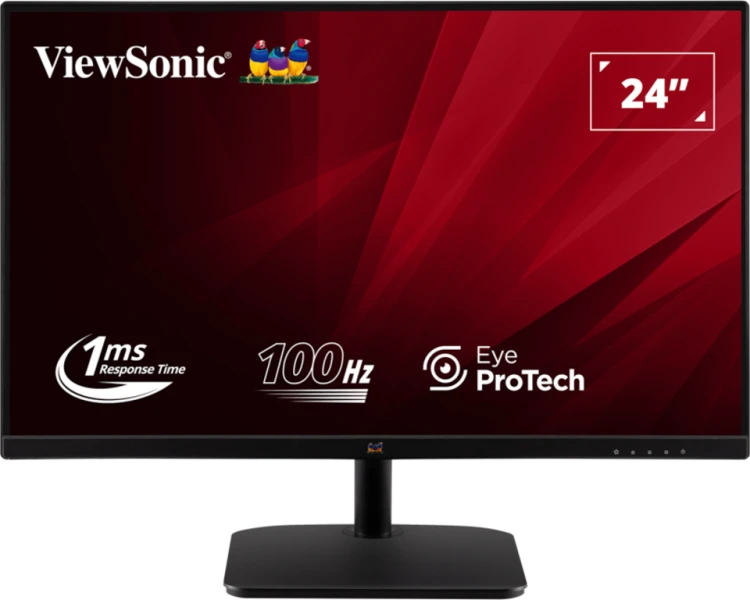
ViewSonic VA2432-MHD-3 - LED monitor - 24" (23.8" viewable) - 1920 x 1080 Full HD (1080p) @ 75 Hz - IPS - 250 cd/m� - 1300:1 - 1 ms - HDMI, VGA, DisplayPort - speakers
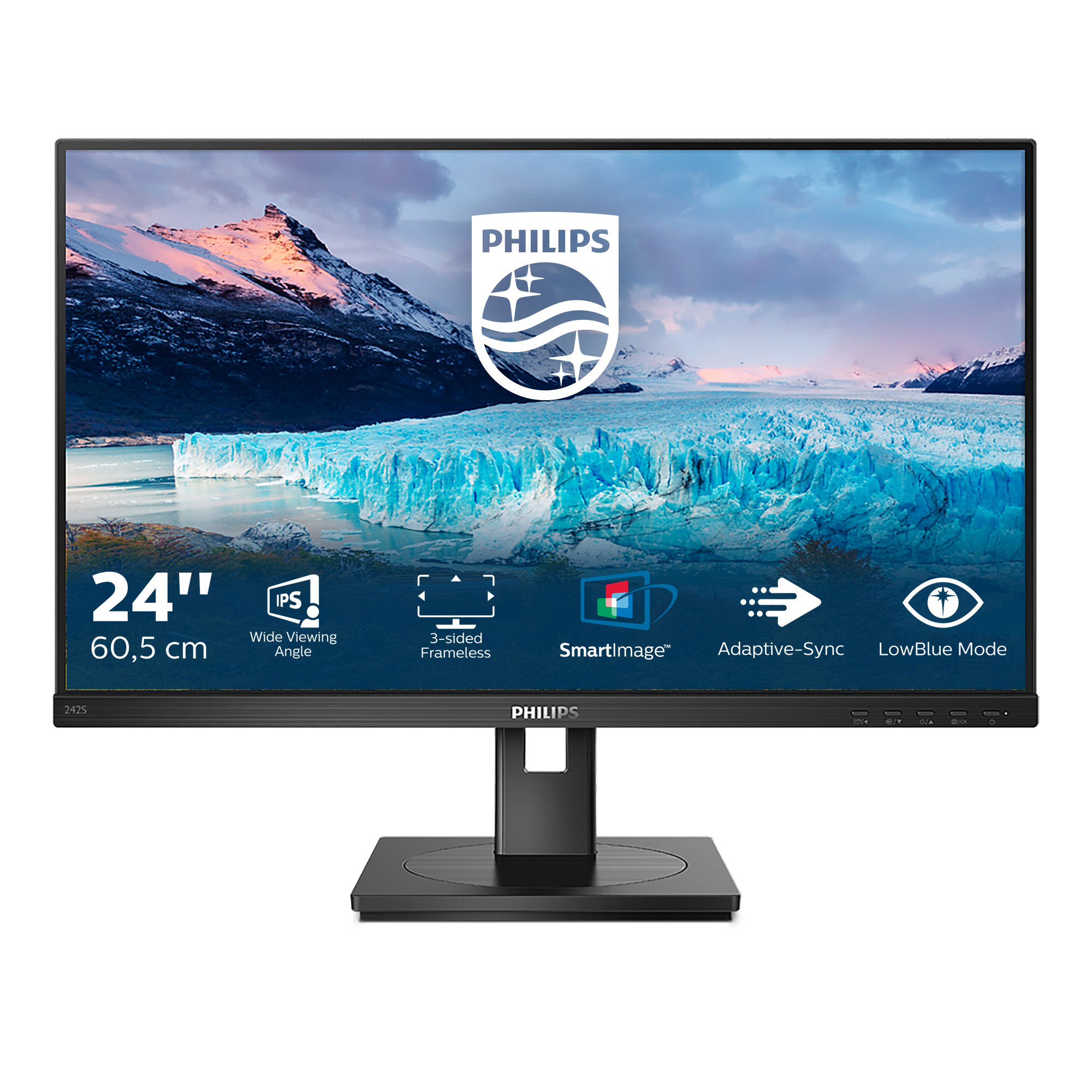
Philips
Philips S-line 242S1AE - LED monitor - 24" - 1920 x 1080 Full HD (1080p) @ 75 Hz - IPS - 300 cd/m� - 1000:1 - 4 ms - HDMI, DVI-D, VGA, DisplayPort - speakers - black texture
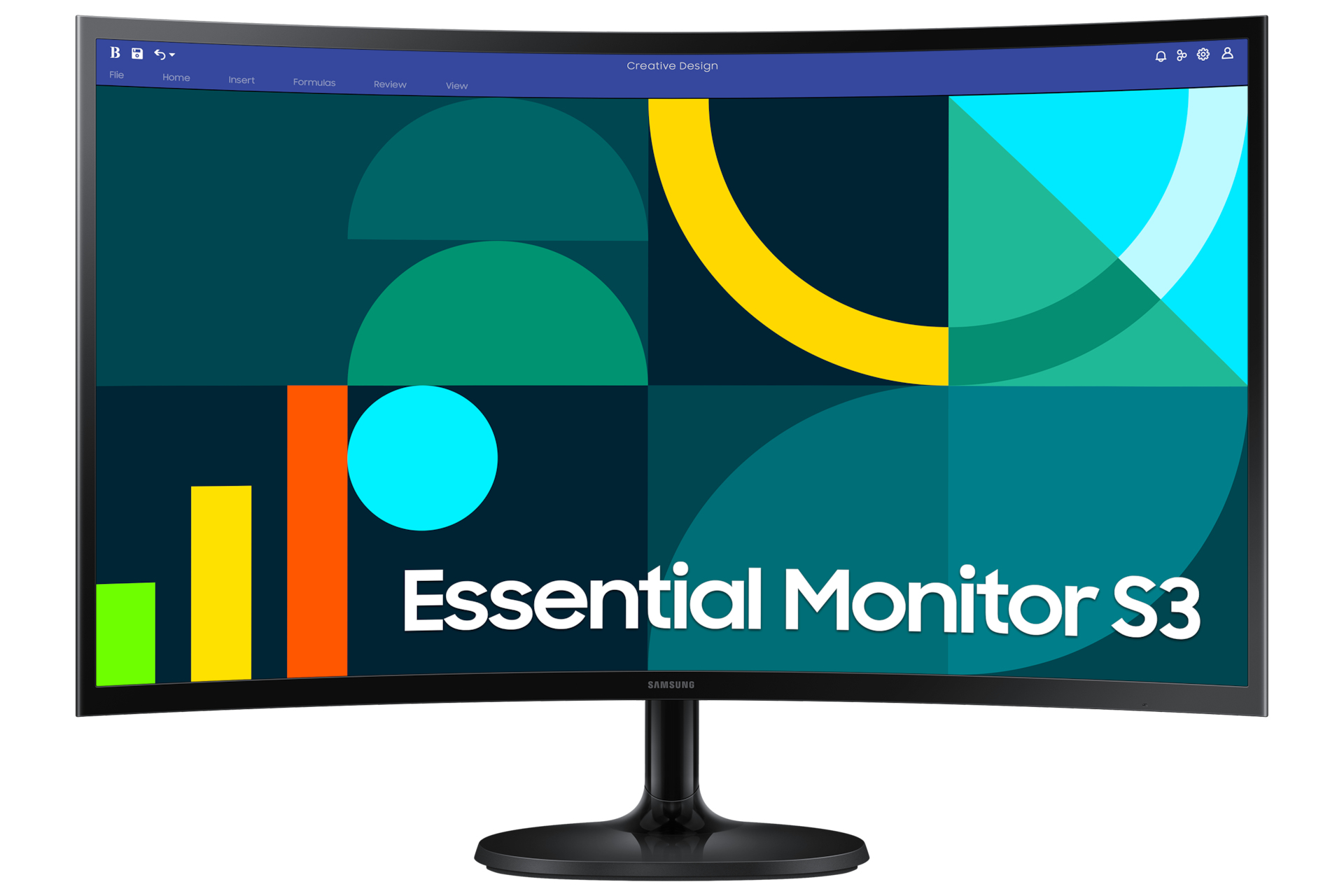
Samsung
Samsung S27D360GAU - S36GD Series - LED monitor - curved - 27" - 1920 x 1080 Full HD (1080p) @ 100 Hz - VA - 250 cd/m� - 3000:1 - 4 ms - HDMI, VGA - black

Asus
ASUS VP327Q Eye Care Monitor