- Cloud Email
Microsoft 365 vs Office 2021: Should You Subscribe or Buy?
14 Feb, 2026

£271.61 inc. VAT
AI-generated summary
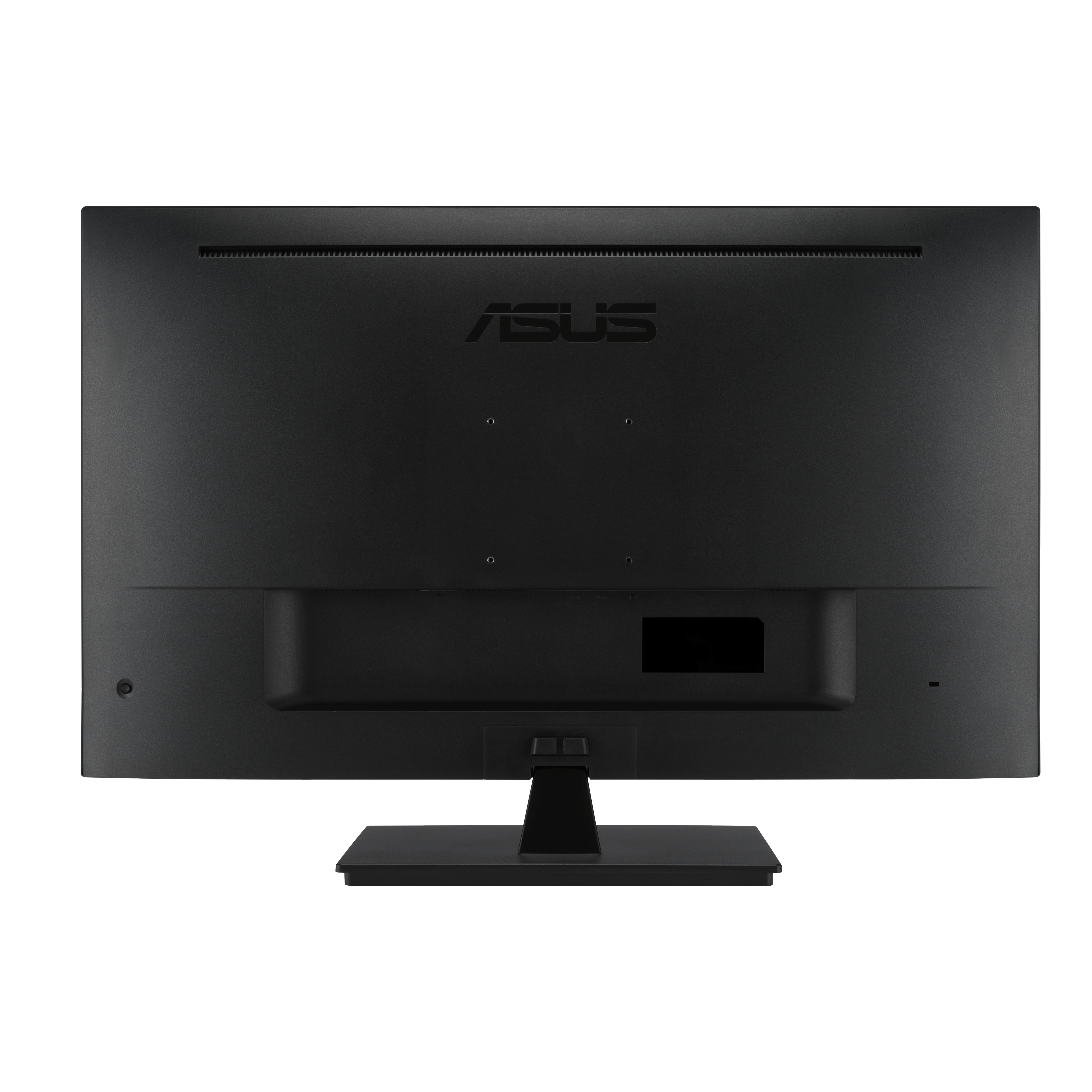
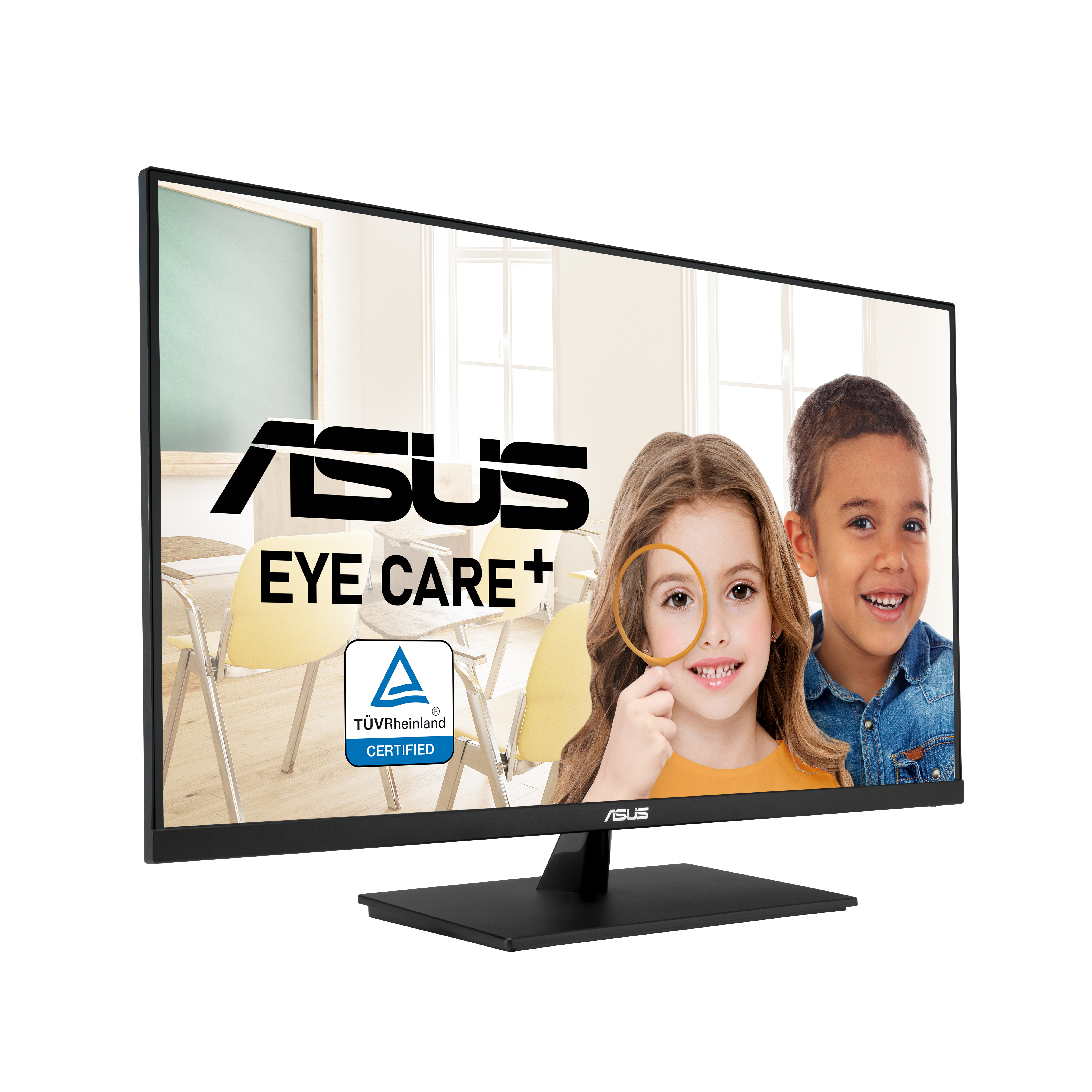
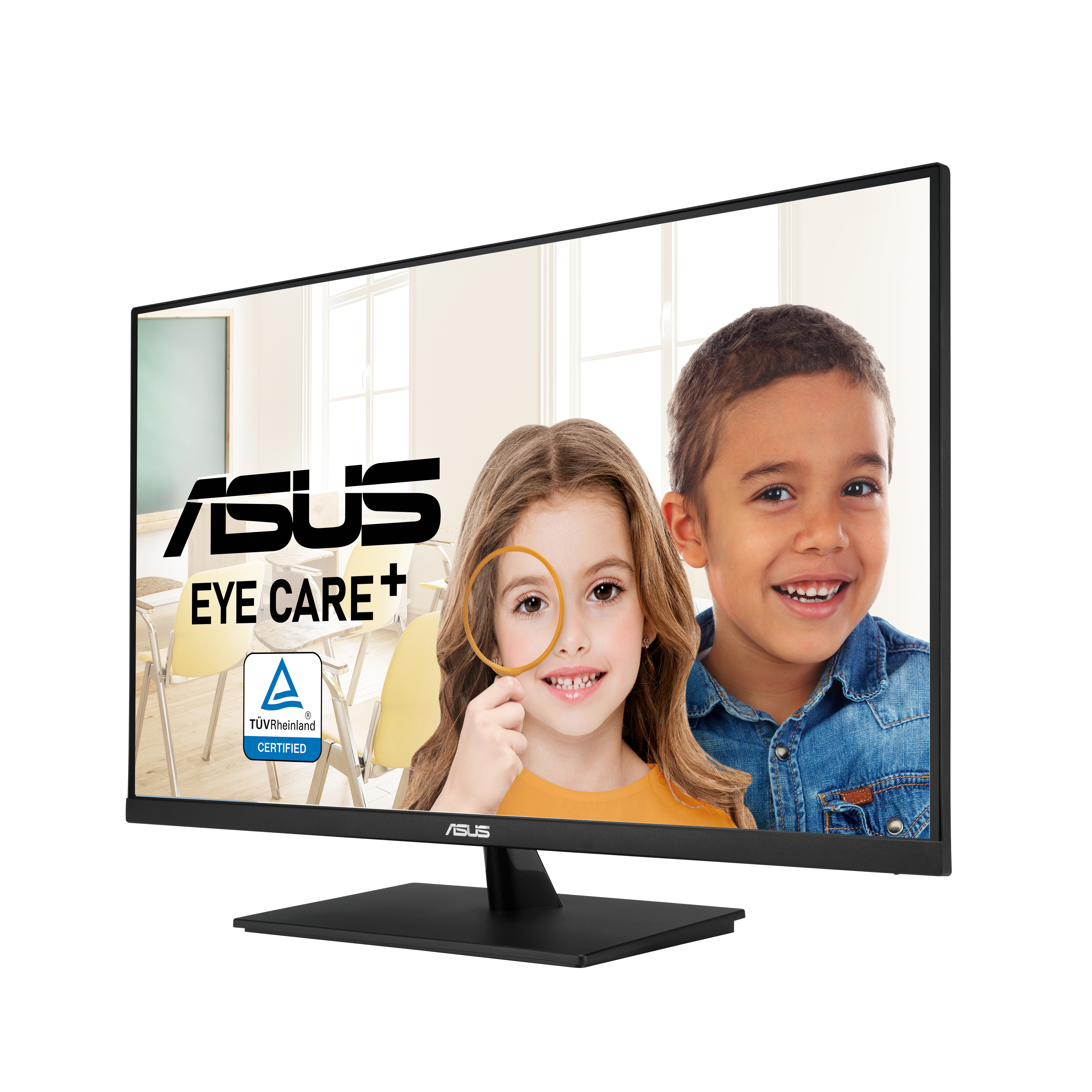
The ASUS VP327Q is a decent “get work done in 4K” option, especially if you’re tired of 27-inch 1440p looking a bit soft on text. At 31.5", the extra screen real estate is genuinely useful for spreadsheets, reporting dashboards, and side-by-side documents. For the money (£226.28 ex-VAT), you’re getting good value for a 4K panel—assuming you mainly care about clarity and productivity rather than high-end gaming performance. In an office, it’s the kind of monitor that makes your day-to-day layout feel less cramped.
That said, I wouldn’t buy it for anyone who expects premium colour accuracy out of the box or who’s sensitive to “cheap panel” quirks (viewing angles, uniformity, and contrast consistency). Also, 31.5" can be a lot on a typical desk—if your seating distance is short, you may find yourself leaning back or upscaling everything just to avoid tiny UI. If you’re building a mixed office setup and want a straightforward 4K upgrade without spending flagship money, it’s worth considering; if you need a more dependable “creative-grade” display or very responsive gaming behaviour, look elsewhere.
HP
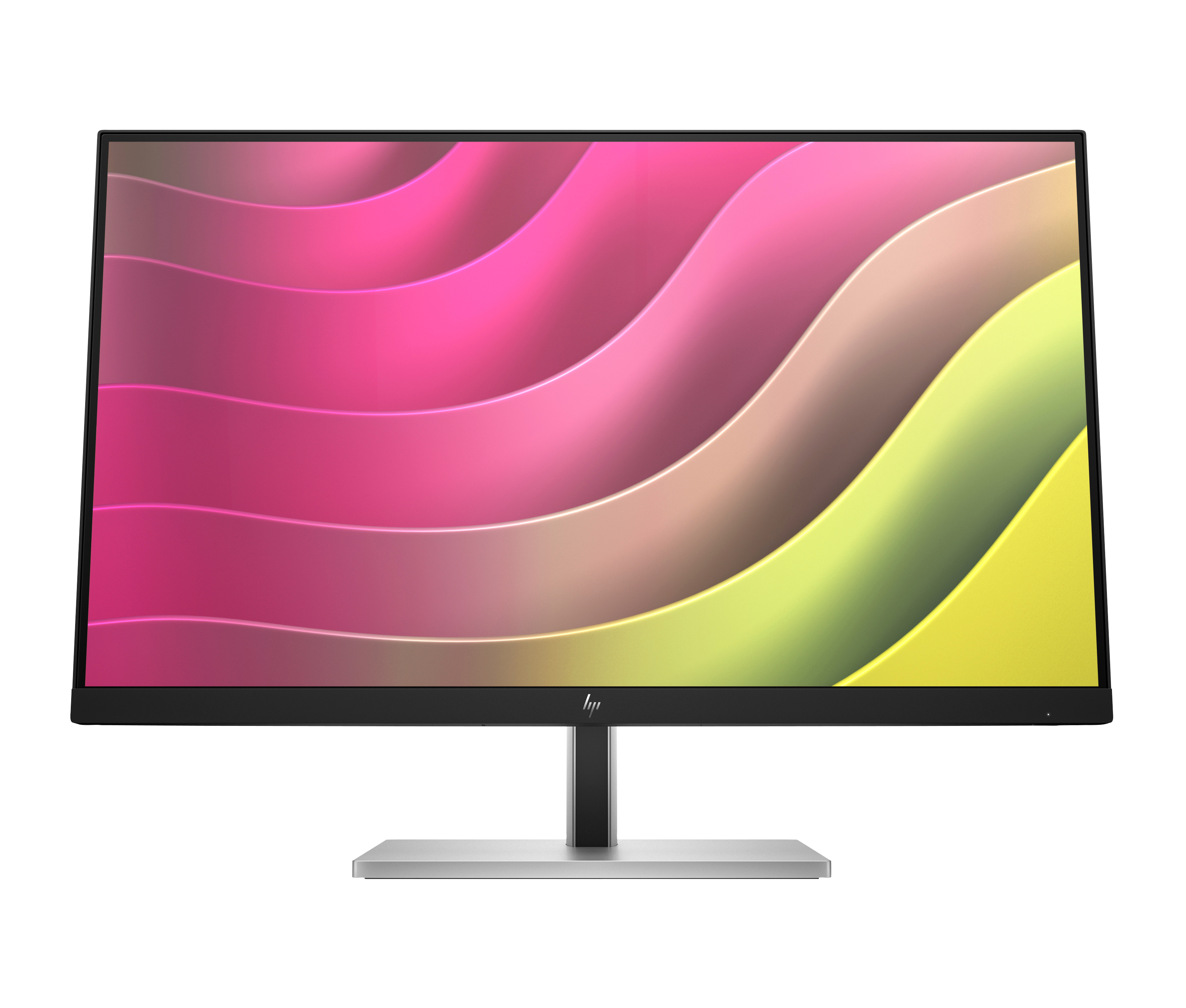
HP E24t G5 - E-Series - LED monitor - 23.8" - touchscreen - 1920 x 1080 Full HD (1080p) @ 75 Hz - IPS - 300 cd/m� - 1000:1 - 5 ms - HDMI, DisplayPort - black, black and silver (stand)
LG Electronics
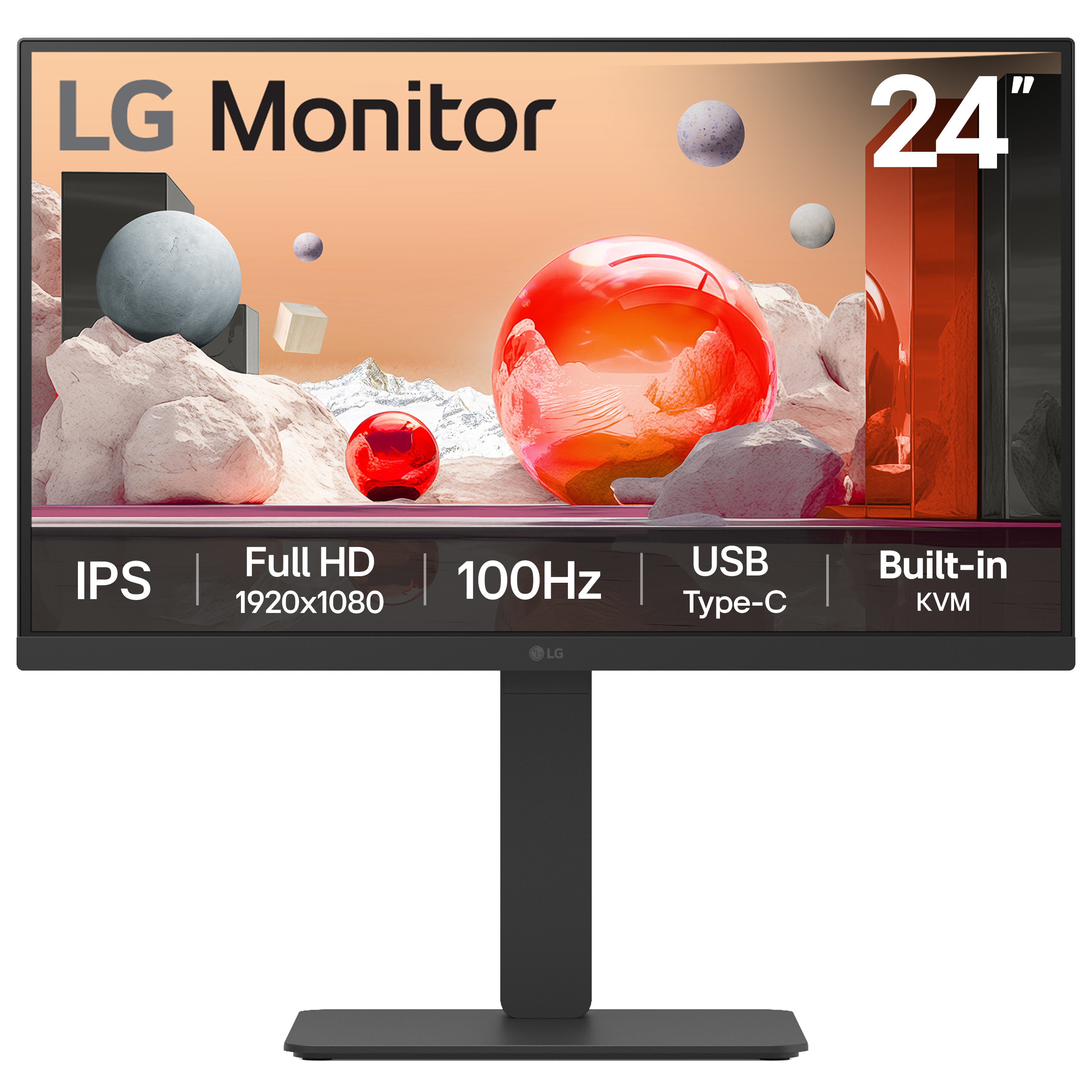
LG 24BA650-B - LED monitor - 24" (23.8" viewable) - 1920 x 1080 Full HD (1080p) @ 100 Hz - IPS - 250 cd/m� - 1300:1 - 5 ms - HDMI, DisplayPort, USB-C - speakers - black
HP
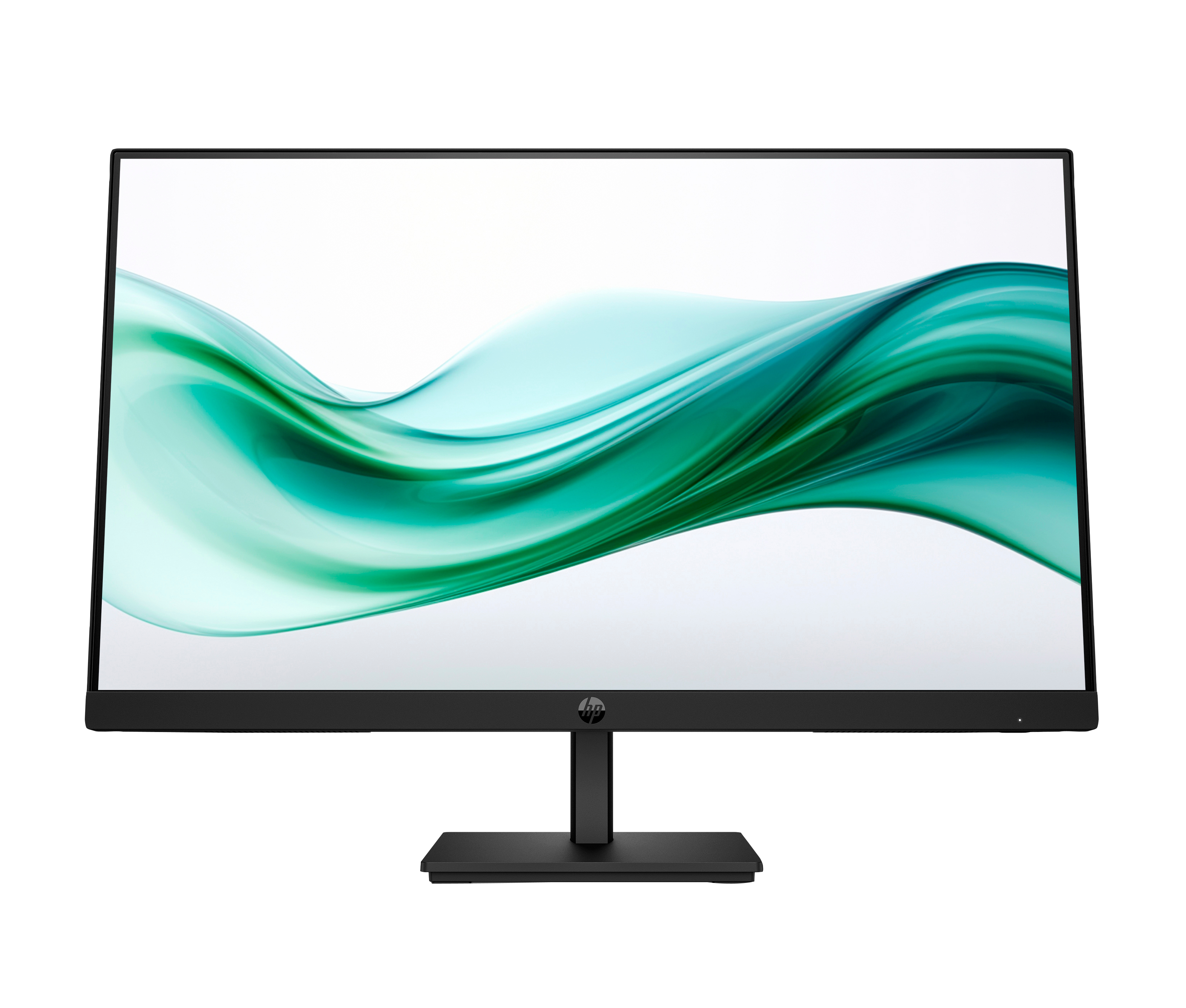
HP 324pv - Series 3 Pro - LED monitor - 24" (23.8" viewable) - 1920 x 1080 Full HD (1080p) @ 100 Hz - VA - 250 cd/m� - 3000:1 - 5 ms - HDMI, VGA - black
Iiyama
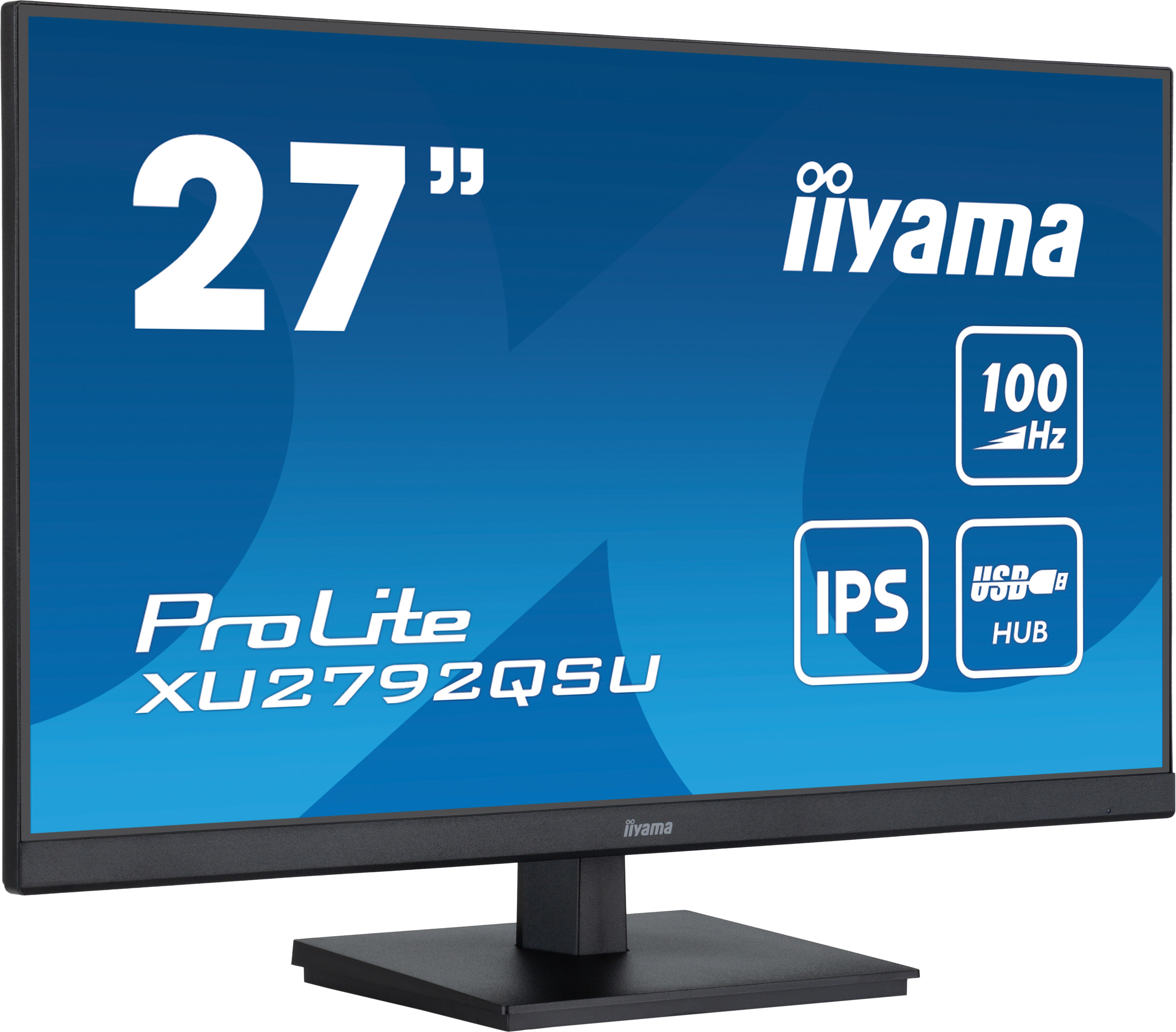
iiyama ProLite XU2792QSU-B6 - LED monitor - 27" - 2560 x 1440 WQHD @ 100 Hz - IPS - 250 cd/m� - 1300:1 - 0.4 ms - HDMI, DisplayPort - speakers - matte black