- IT Support
How IT Support Has Changed Since COVID: What SMEs Need to Know
25 Jul, 2025



£985.99 inc. VAT
AI-generated summary
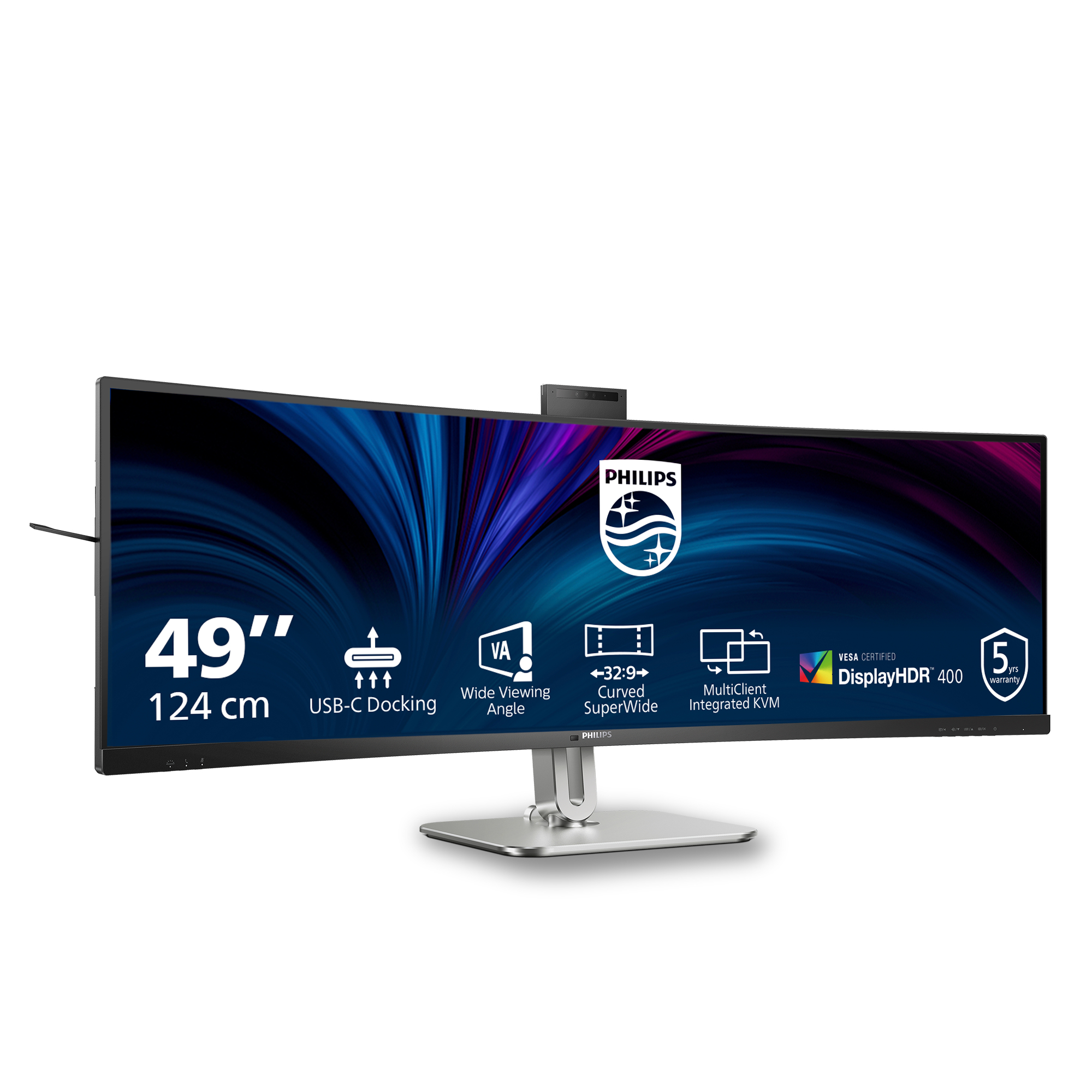
If you’re paying £821.66 ex-VAT for the Philips 5000 49B2U5900, you need a clear reason to go ultrawide. This sort of screen is brilliant for anyone who lives in spreadsheets, dashboards, trading apps, coding side-by-side, or anything where horizontal space beats stacking windows. In that scenario, it can feel like a “productivity upgrade” rather than just a bigger monitor. I’d especially recommend it to teams standardising on one desk experience—designers, analysts, and office power-users who want fewer window swaps and less need for a multi-monitor setup.
That said, I wouldn’t buy it on vibes. The big question is whether your workflows actually benefit from ultrawide and whether your hardware can drive it comfortably for your use (you’ll notice performance differences in day-to-day use). Also, Philips’ big-screen value tends to be strongest when you’re confident you’ll keep it for years—ultrawides are less flexible than a normal dual-monitor arrangement if you’re moving between tasks that need lots of “separate” screens. If you primarily do office email/CRM and occasional web work, there are far cheaper options that won’t feel like you wasted money.
In short: buy this if your job benefits from a wide workspace and you want a single-monitor setup; don’t if you just need “a nice screen” or your workload doesn’t consistently use the extra width.

Curved display design for more immersive experience
Desktop monitors offer a personal user experience, which suits a curve design very well. The curved screen provides a pleasant yet subtle immersion effect, which focuses on you at the center of you...

32:9 SuperWide screen designed to replace multiscreen setups
32:9 SuperWide 49" screen, with 5120 x 1440 resolution, is designed to replace multiscreen setups for massive wide view. It's like having two 27" 16:9 Quad HD displays side-by-side. SuperWide monit...

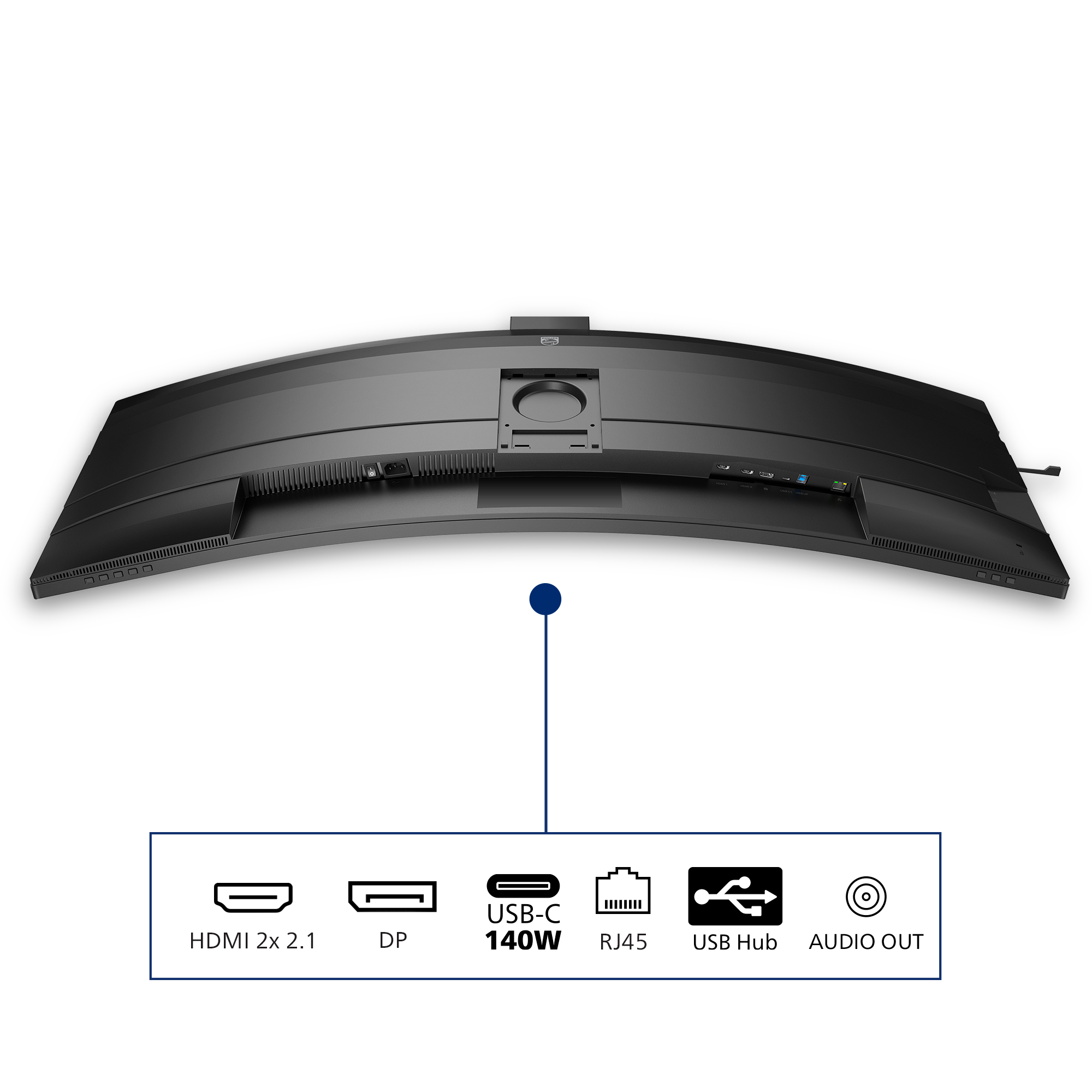
SmartKVM: for easily switching between sources.
Unlike traditional built-in KVM monitor button, the smart KVM allows for switching between sources with the click of a button on your keyboard. When all devices are properly connected, users can ea...

Eyesafe certified blue light protection and color accuracy
The Philips display meets the eyesafe® CERTIFIED 2.0 standard to truly protect you from the long exposure to blue light. The always-on blue light filter not only helps reduce digital eye strain, bu...

Busylight: for setting your work status
This feature allows for privacy and optimal collaboration when working in a busy office setting. To transmit to others that they are busy, users can simply press the Busylight hotkey located on the...

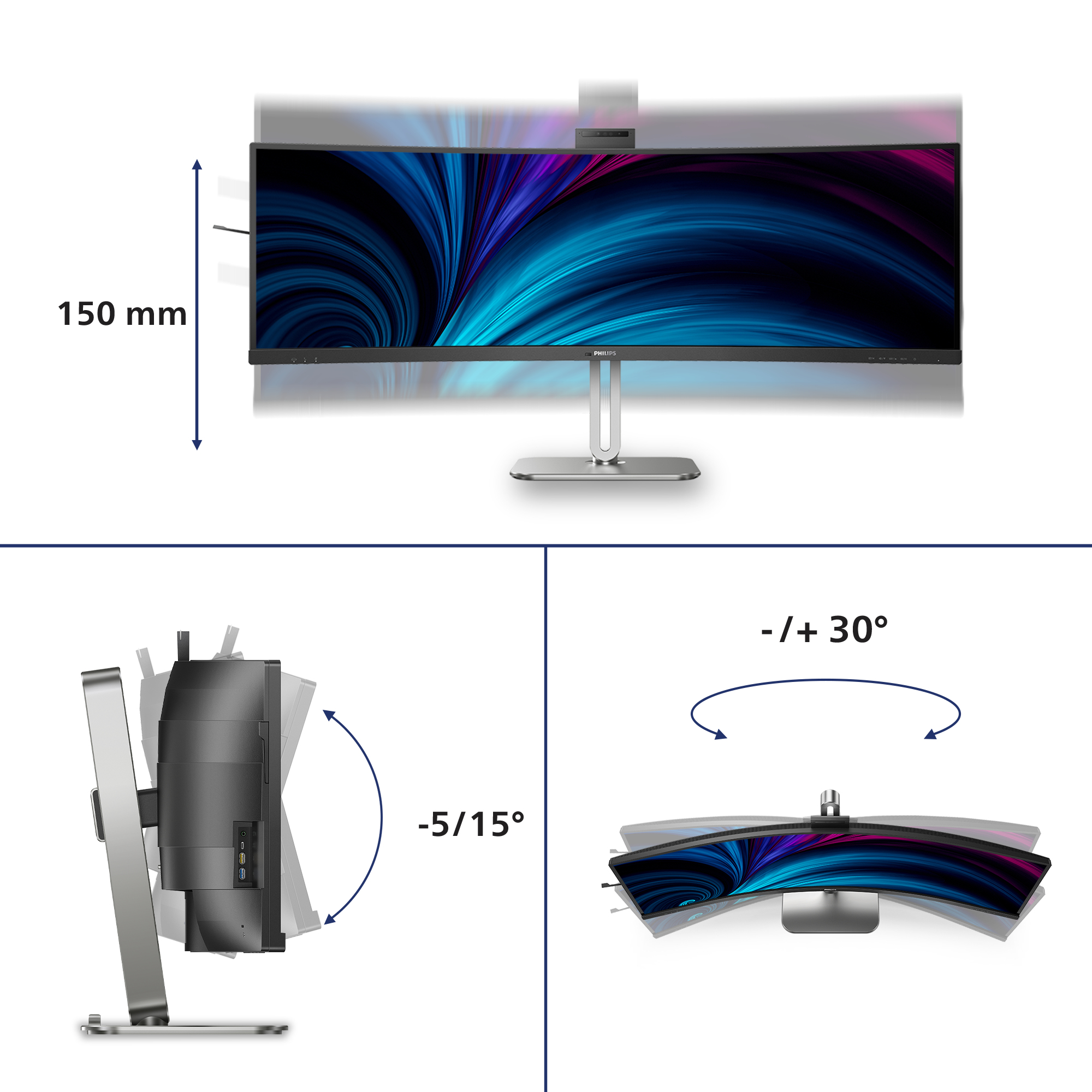
Adjustable webcam: for comfortable video conferencing.
Level up the comfort of video conferencing with this feature. By adjusting the webcam back by 30 degrees, users can now comfortably call and attend meetings from any position that best suits them.

LG Electronics
LG UltraWide 49WQ95C-W - LED monitor - curved - 49" - 5120 x 1440 UltraWide Dual QHD @ 144 Hz - Nano IPS - 400 cd/m� - 1000:1 - DisplayHDR 400 - 5 ms - 2xHDMI, DisplayPort, USB-C - speakers

Asus
ASUS ZenScreen MB16AHV - LED monitor - 15.6" (16" viewable) - portable - 1920 x 1080 Full HD (1080p) @ 60 Hz - IPS - 250 cd/m� - 800:1 - 5 ms - Mini HDMI, 2xUSB-C
LG Electronics
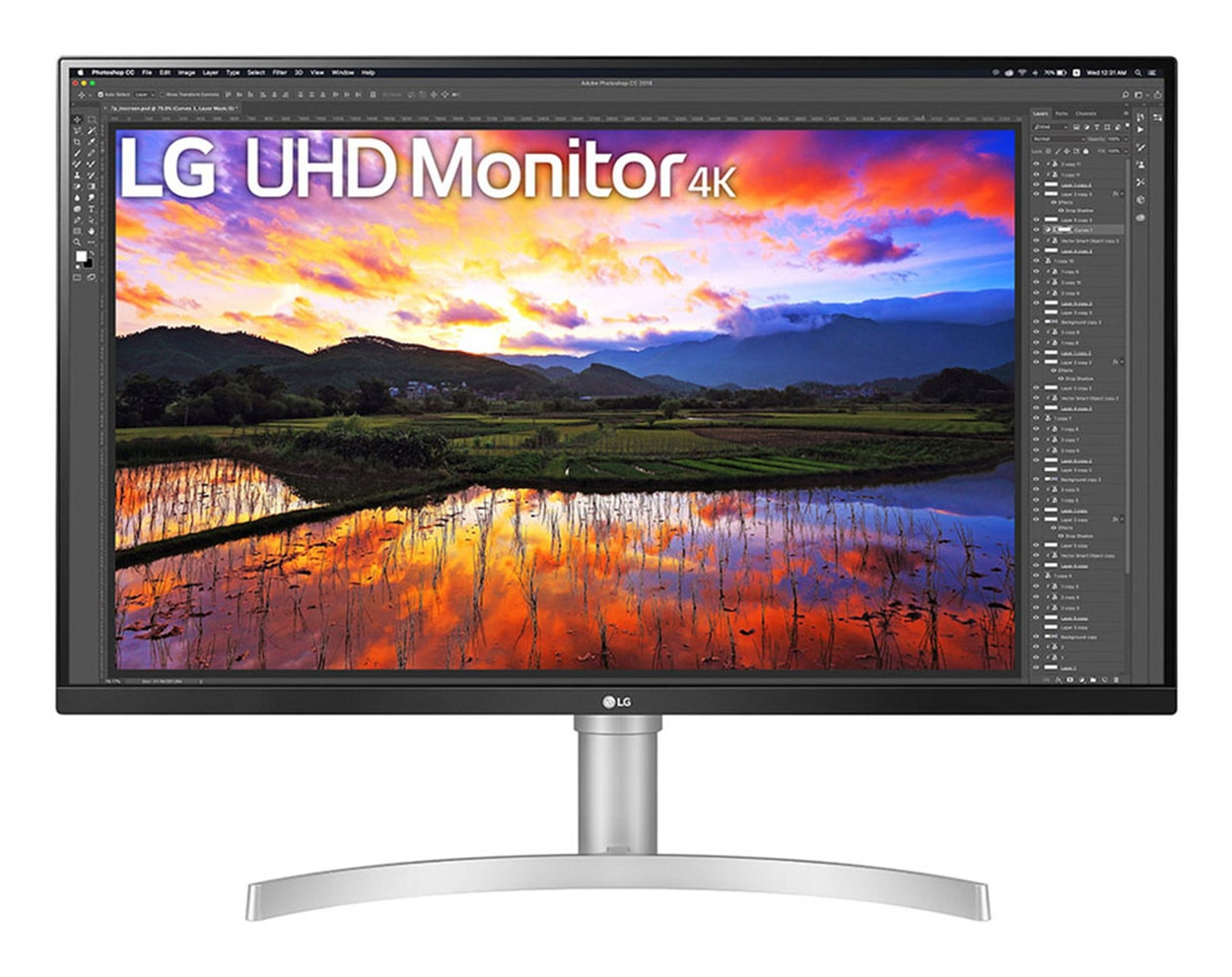
LG UltraFine 32UN650K-W - LED monitor - 32" (31.5" viewable) - 3840 x 2160 4K UHD (2160p) @ 60 Hz - IPS - 350 cd/m� - 1000:1 - HDR10 - 5 ms - 2xHDMI, DisplayPort - speakers
MSI
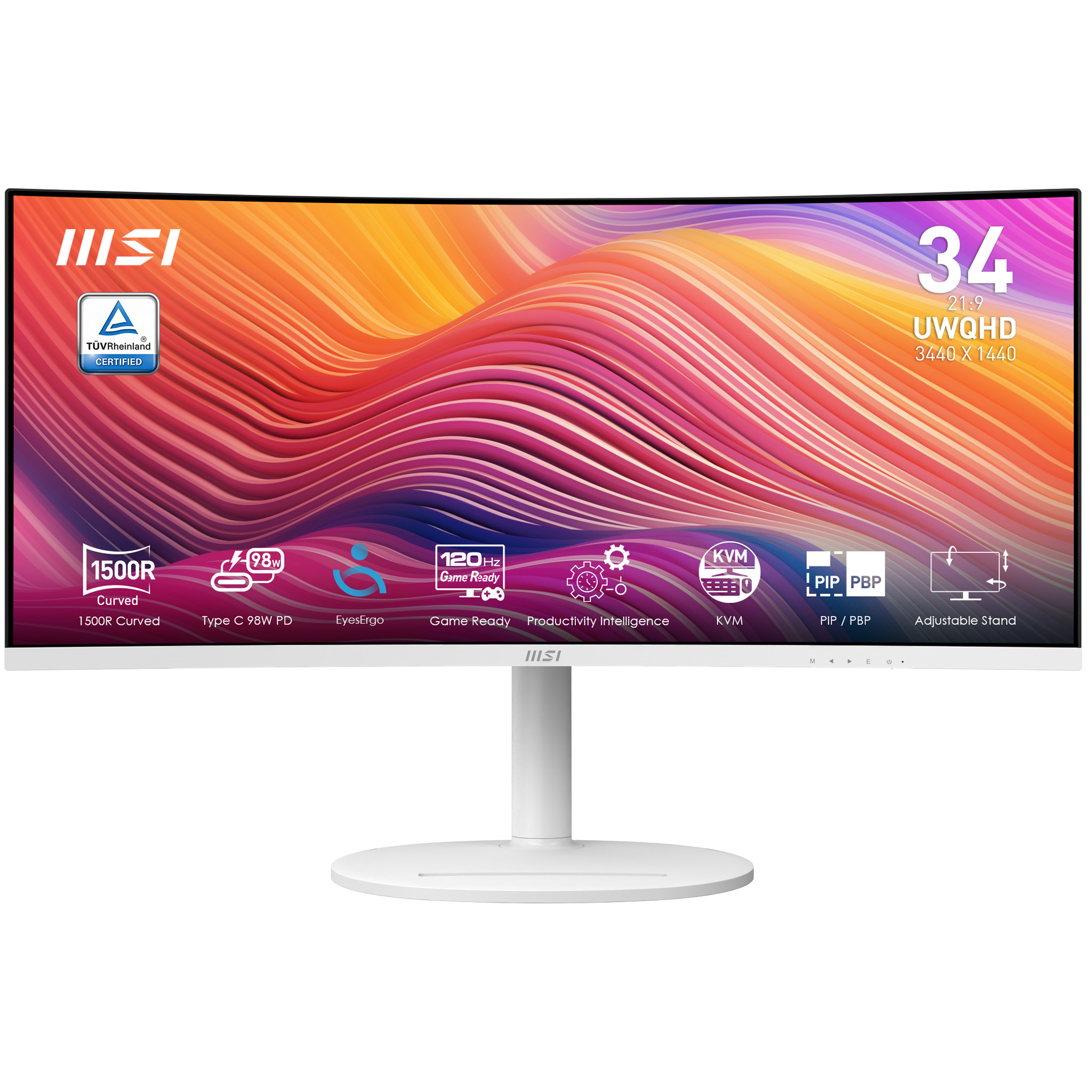
MSI Modern MD342CQPW - LED monitor - curved - 34" - 3440 x 1440 UWQHD @ 120 Hz - VA - 300 cd/m� - 3500:1 - 1 ms - 2xHDMI, DisplayPort, USB - speakers