- Cloud Backup
Immutable Backups: The Last Line of Defence Against Ransomware
22 Jul, 2025

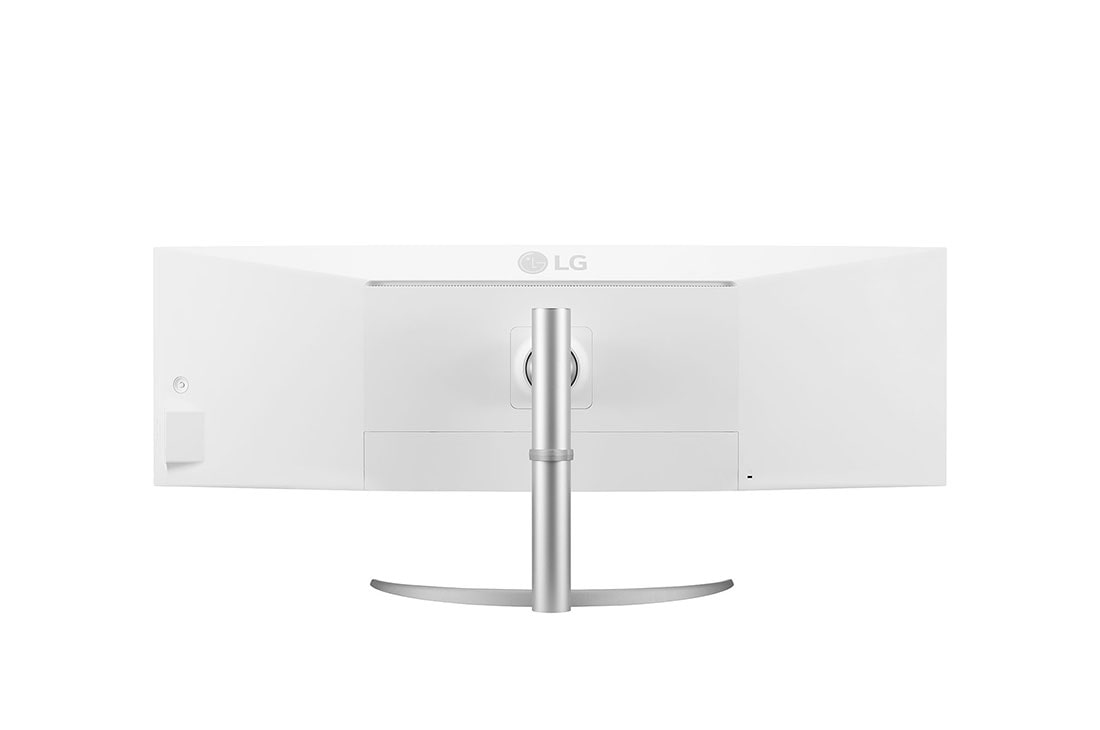
£1431.34 inc. VAT
AI-generated summary
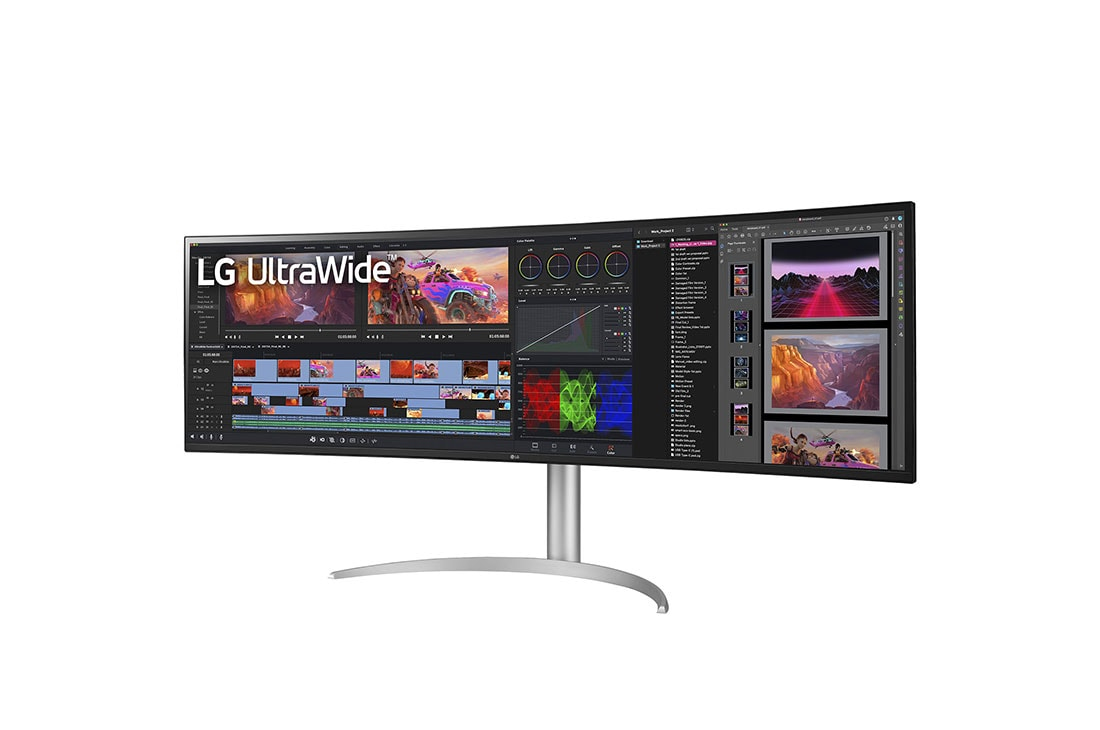
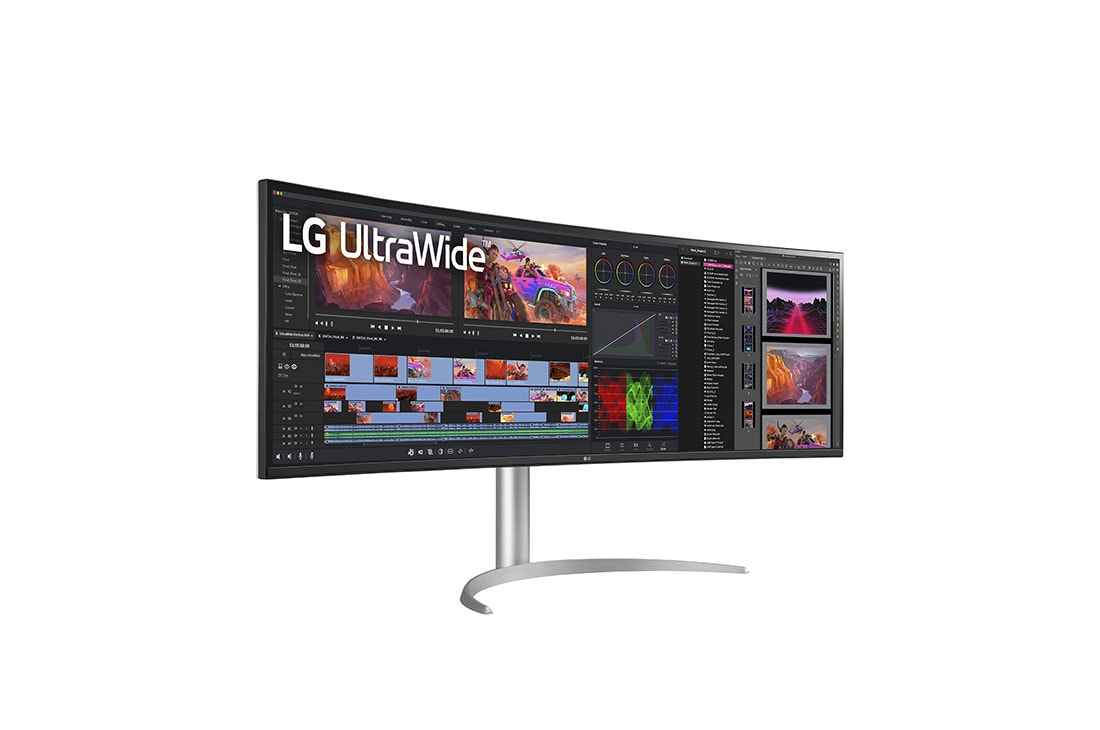
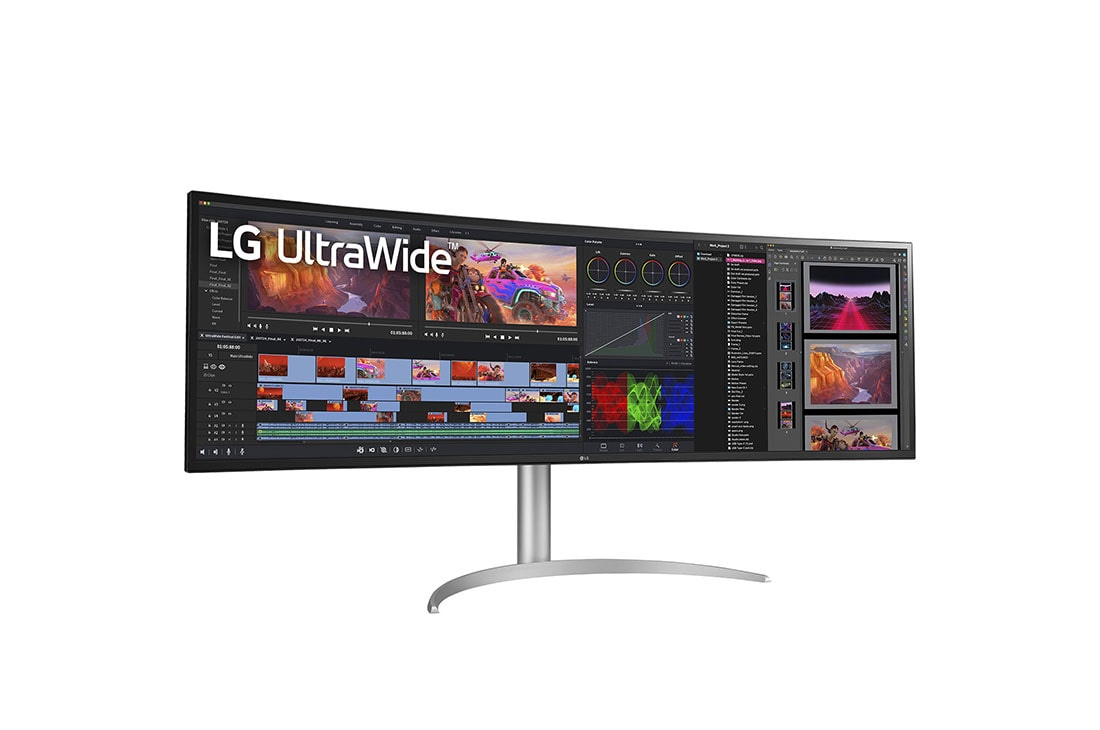
At £1,192 ex-VAT, the LG 49WQ95C-W is a very “serious desk” purchase. You’re paying for the whole ultra-wide experience: the extra screen real estate is genuinely useful for analysts, finance teams, CAD/design, and anyone living in spreadsheets plus dashboards at the same time. It also tends to feel more comfortable than juggling multiple displays because the eye/aiming stays in one place—especially if you’re doing side-by-side work all day. If your work pattern matches that (lots of horizontal layout, long documents, coding across panes), it can feel like a productivity upgrade rather than “just another monitor”.
That said, it’s not automatically a good deal for most people. If you mostly do office work, email, light reporting, or standard video calls, this is overkill and you’ll struggle to justify the spend versus a couple of smaller, more cost-effective panels. Also, ultra-wide widescreen setups need space, proper desk positioning, and the right scaling habits—otherwise the “wow” turns into wasted time. My honest take: buy it only if you’ll truly use the width daily and can accommodate it properly; if not, you’ll get better value by spending less and going multi-monitor in a way that matches your specific workflow.
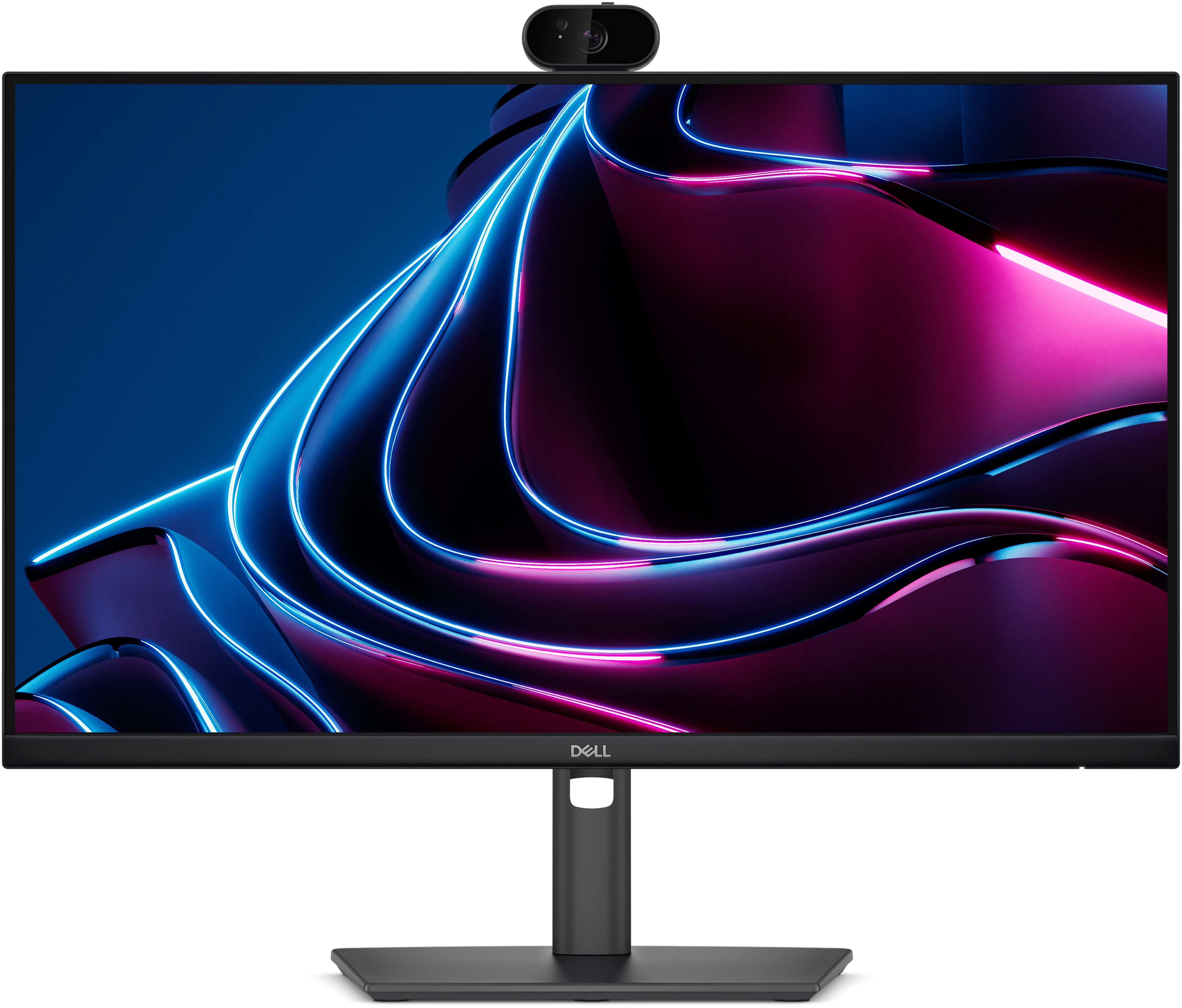
Dell
Dell Pro P 24 USB-C Hub Webcam Monitor - P2426HEV
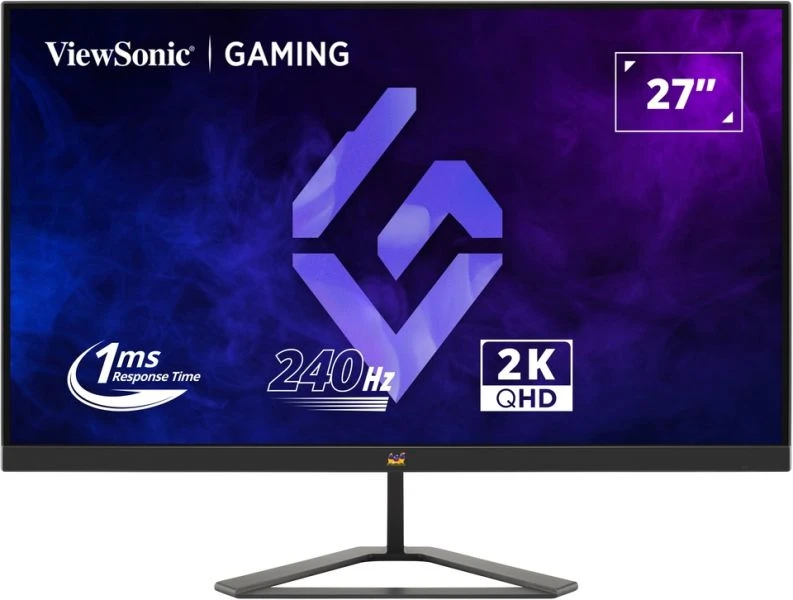
ViewSonic
ViewSonic VX2758A-2K-PRO-3 - LED monitor - gaming - 27" - 2560 x 1440 QHD @ 240 Hz - IPS - 300 cd/m� - 1000:1 - HDR10 - 1 ms - 2xHDMI, DisplayPort
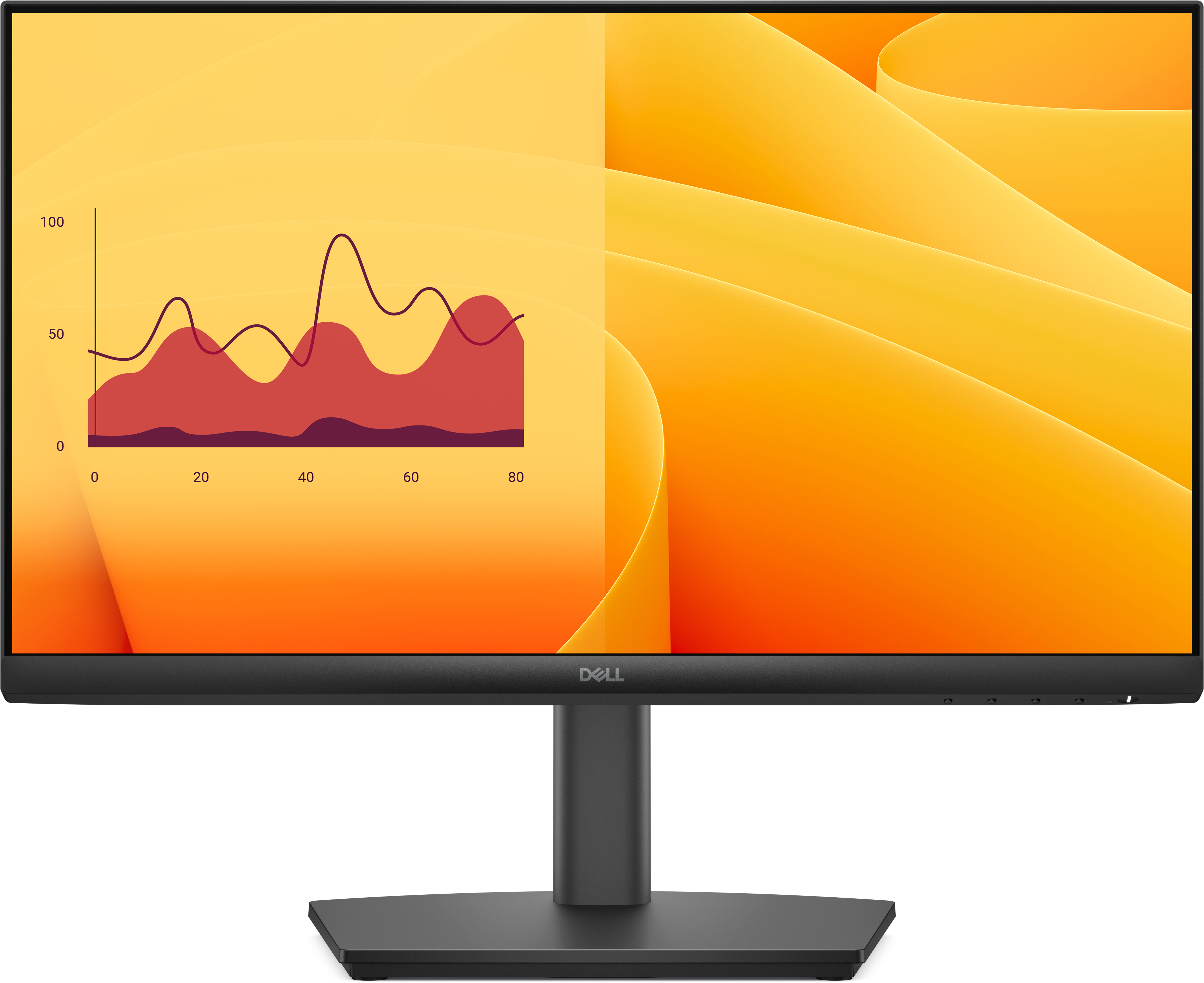
Dell
Dell Pro E2225HSM - LED monitor - 22" (21.5" viewable) - 1920 x 1080 Full HD (1080p) @ 100 Hz - VA - 250 cd/m� - 3000:1 - 5 ms - HDMI, VGA, DisplayPort - speakers - with 3 years Basic Hardware Service with Advanced Exchange
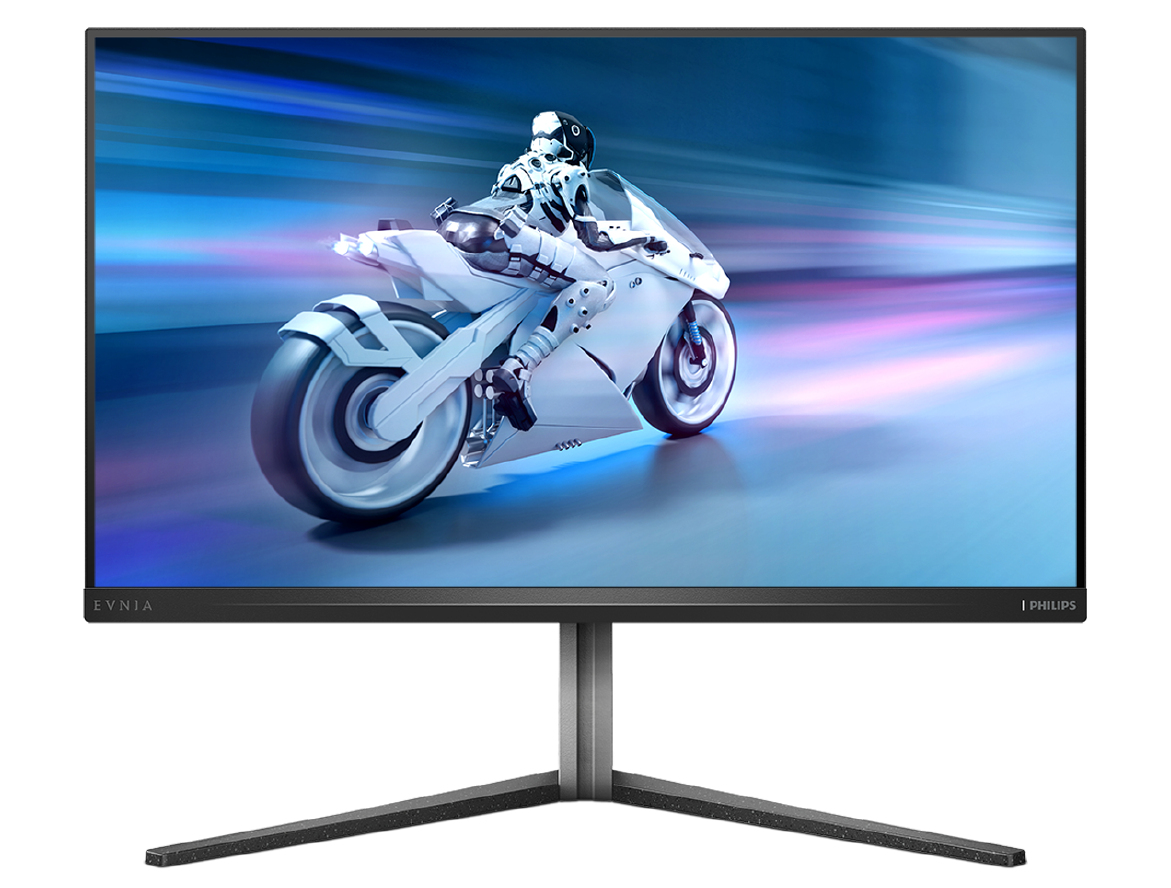
Philips
Philips Evnia 6000 32M2N6800M - LED monitor - gaming - 32" (31.5" viewable) - 3840 x 2160 4K UHD (2160p) @ 144 Hz - IPS - 1250 cd/m� - 1000:1 - DisplayHDR 1000 - 1 ms - 2xHDMI, DisplayPort - dark slate