- IT Office Moves
Moving to a Co-Working Space? Here's What IT You Need
11 Mar, 2026
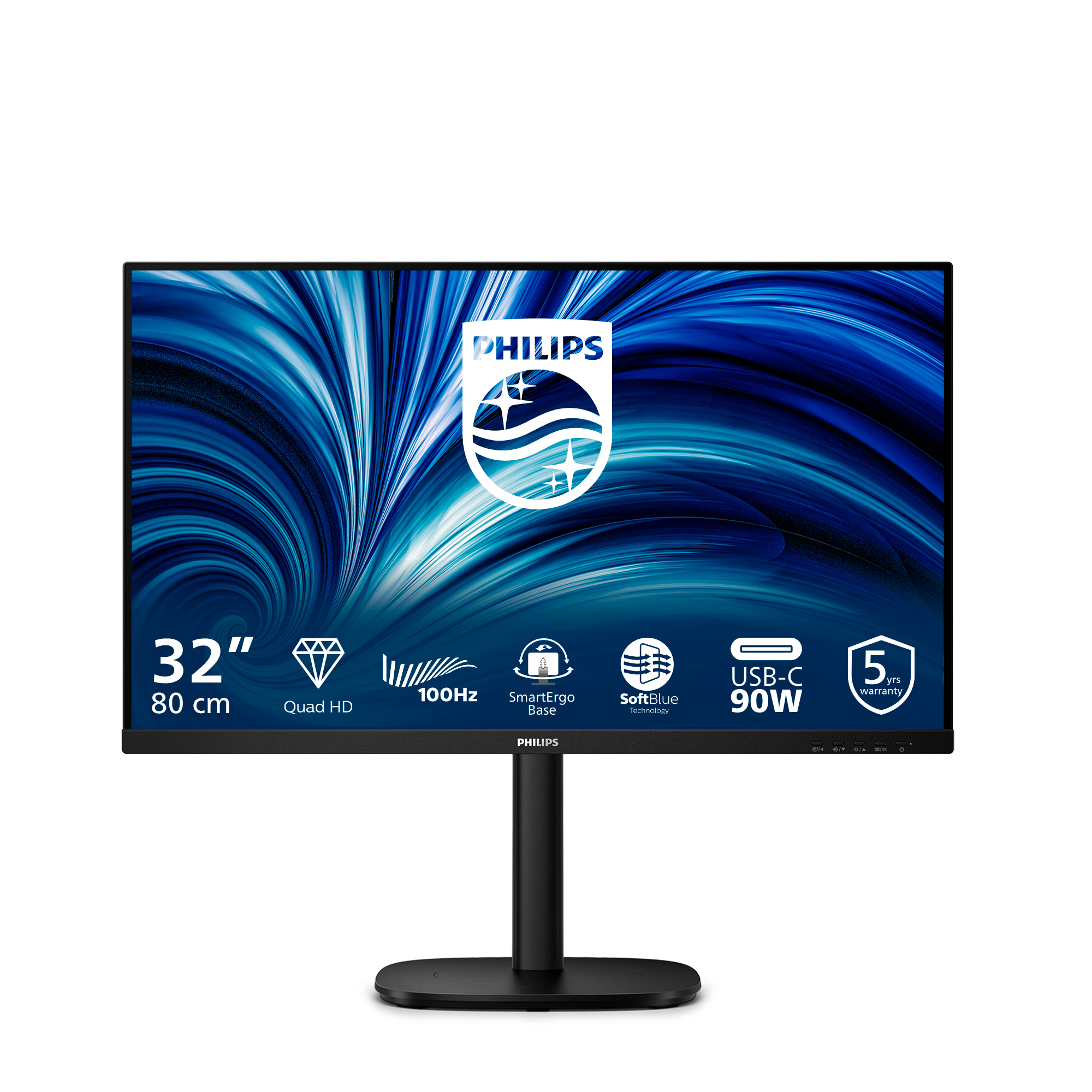
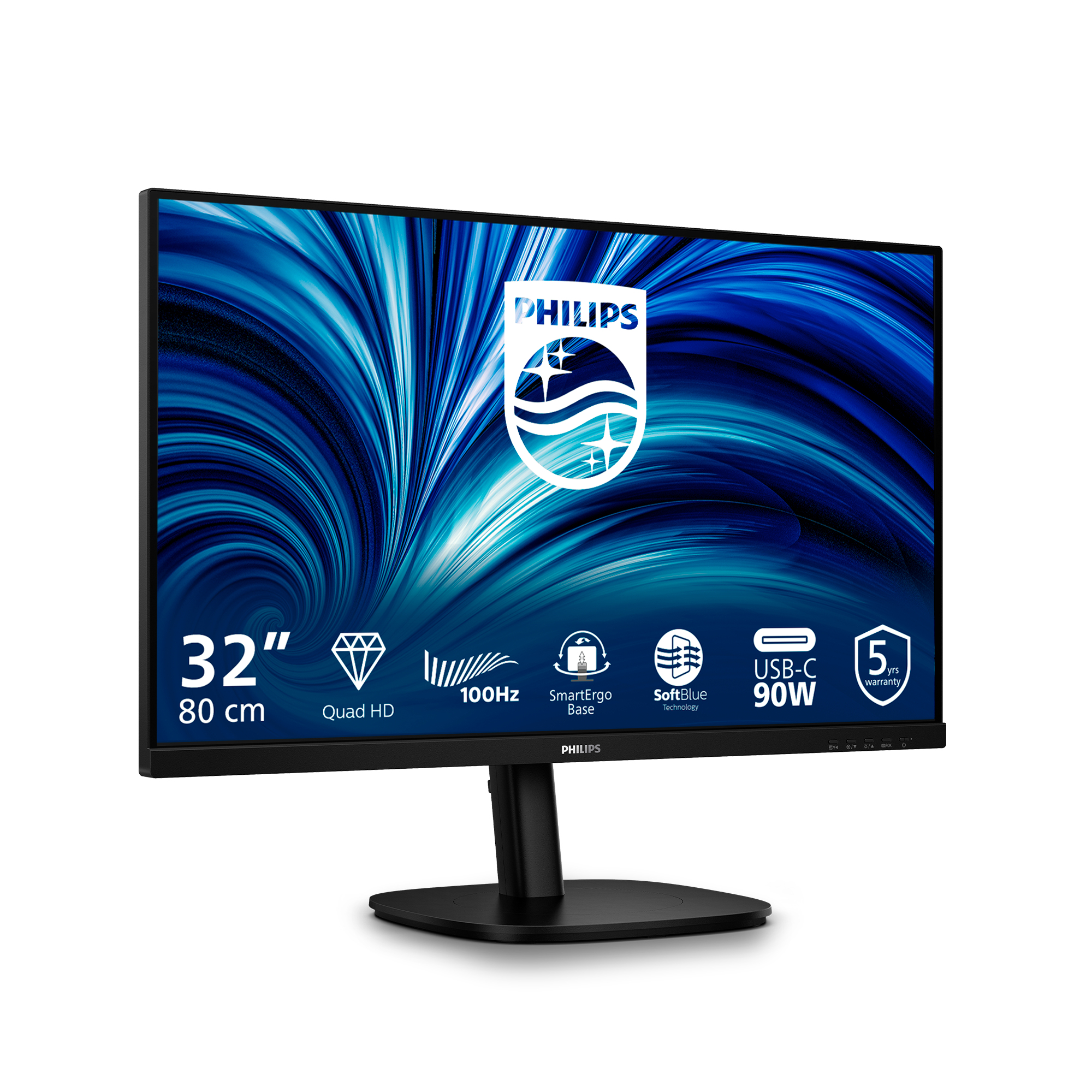
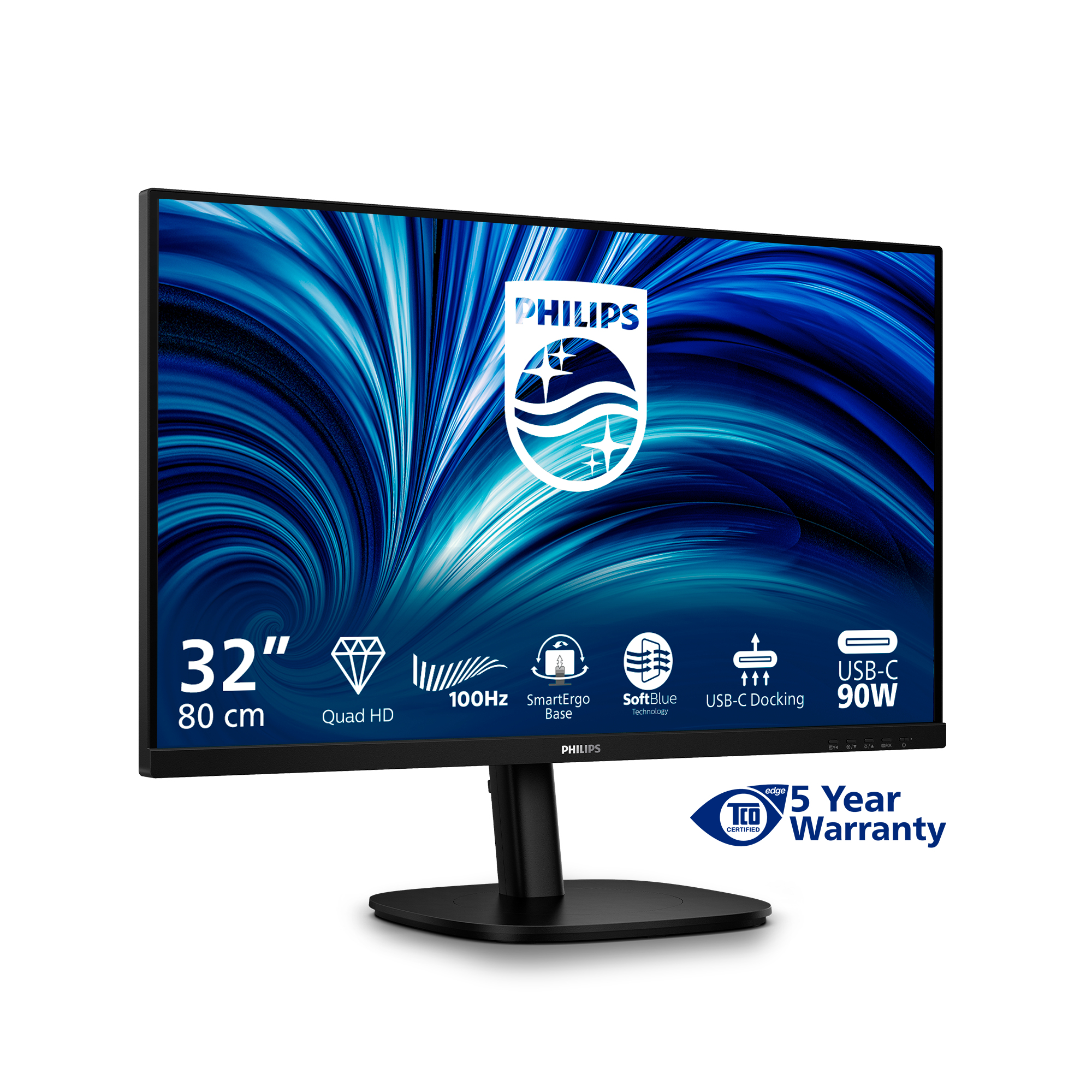

£297.66 inc. VAT
AI-generated summary
The Philips 32B2U3601 looks like a decent “office + everyday productivity” buy if you want a bigger screen without going ultra-premium. For ~£248 ex-VAT on a 31.5-inch class panel, you’re basically getting good value: lots of workspace for spreadsheets, docs, and side-by-side work, and the Quad HD resolution keeps things looking reasonably sharp rather than soft like lower-res 32-inch options. If you’re equipping a small team with monitors that don’t need to be colour-accurate for creative work, this is the kind of practical spec-to-price balance that makes sense.
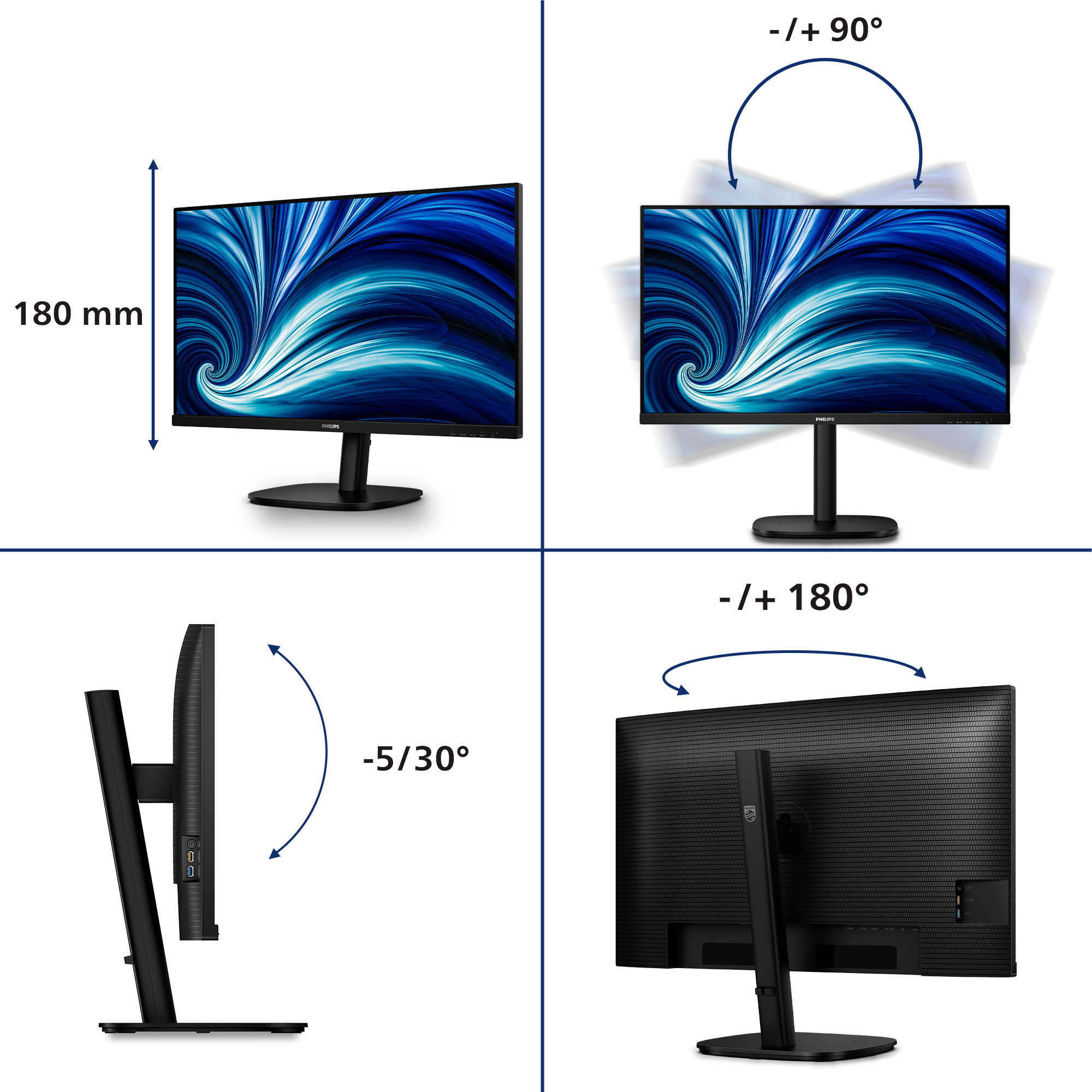
That said, I wouldn’t pick it for heavy design/grading work, and I’d also be cautious if your job is very motion-sensitive (some VA-style panels can be a bit less forgiving for fast scrolling/gaming). The big decision point is ergonomics and quality of the picture out of the box—if it doesn’t give you the height/tilt comfort you need for long days, you’ll end up relying on a stand (or your posture suffering). If you can, check in-store or confirm reviews about clarity, brightness uniformity, and any noticeable “panel character” before you roll it out widely. For general office use and value-led deployments, it’s a reasonable choice; for colour-critical or high-end viewing, it’s probably not the one.

Eyesafe certified blue light protection and color accuracy
The Philips display meets the eyesafe® CERTIFIED 2.0 standard to truly protect you from the long exposure to blue light. The always-on blue light filter not only helps reduce digital eye strain, bu...

Built-in stereo speakers for multimedia
A pair of high quality stereo speakers built into a display device. It can be visible front firing, or invisible down firing, top firing, rear firing, etc depending on model and design.

SoftBlue Technology: for comfortable viewing
SoftBlue technology offers increased visual comfort and protection against adverse health effects caused by prolonged exposure to blue light. With the low blue-light panel, the ratio of display emi...

Smart Link Sync: for uniform daisy-chained displays
Easily create a seamless multi-monitor workspace with Smart Link Sync, designed to automatically align display settings across daisy-chained monitors. Whether you're designing, presenting, or multi...

Less eye fatigue with Flicker-free technology
Due to the way brightness is controlled on LED-backlit screens, some users experience flicker on their screen which causes eye fatigue. Philips Flicker-free Technology applies a new solution to reg...

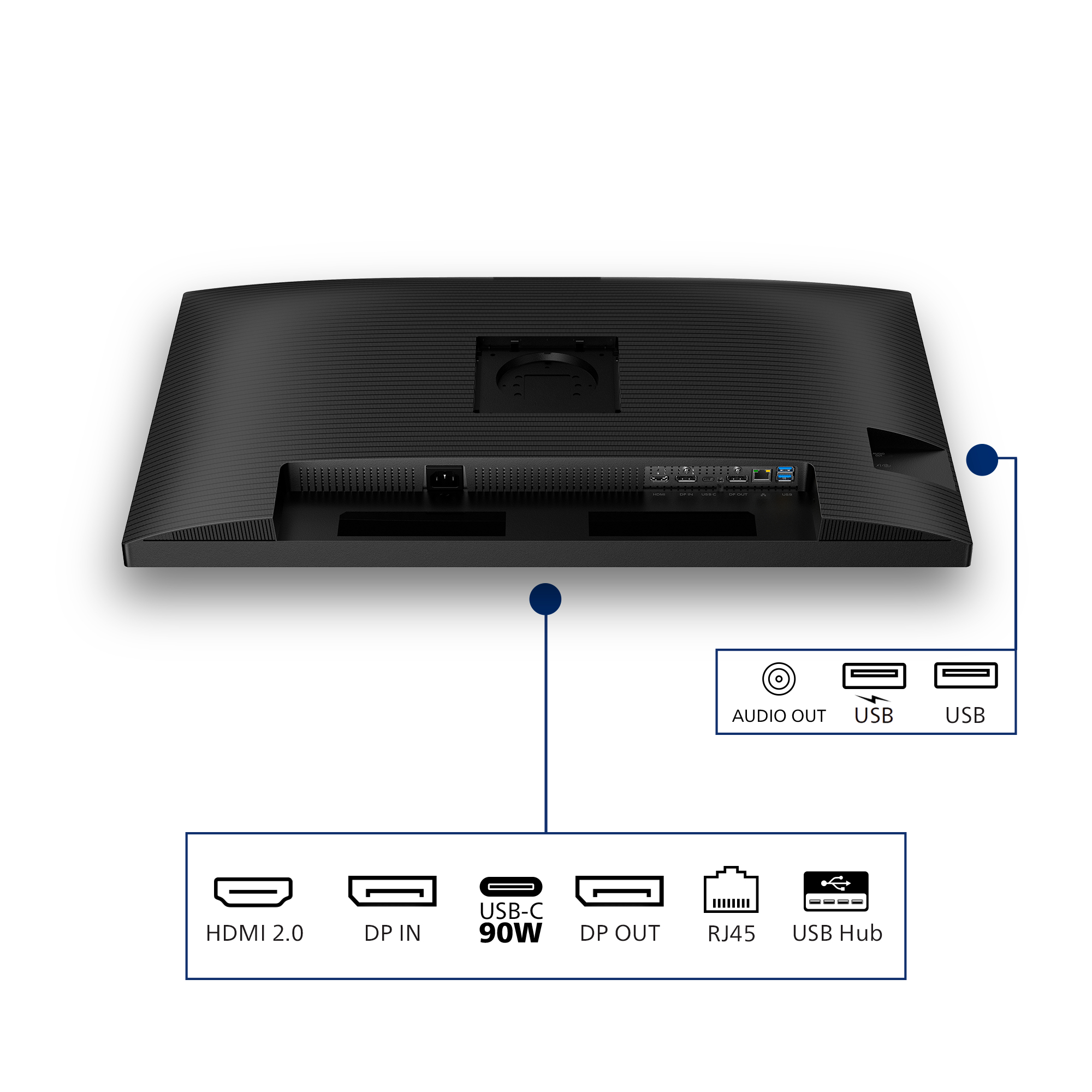
RJ-45 to USB-C gives easy network connection with security
Simplify all peripherals from monitor to PC using one-cable-docking USB Type-C connector, includes networking, high resolution video output from PC to monitor, and surfing on Internet without an ad...
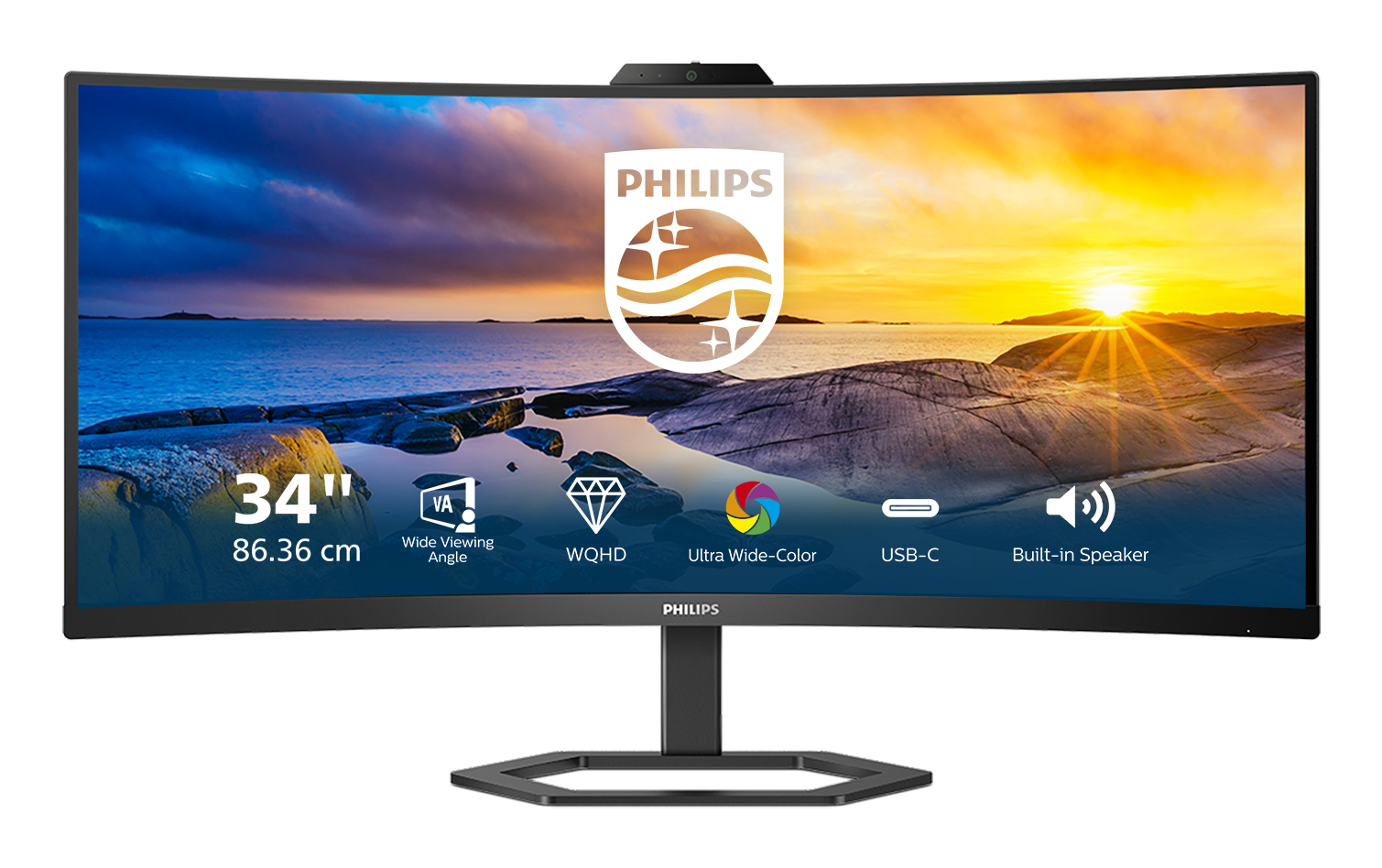
Philips
Philips 34E1C5600HE - 5000 Series - LED monitor - curved - 34" - 3440 x 1440 WQHD @ 100 Hz - VA - 300 cd/m� - 3000:1 - 4 ms - HDMI, DisplayPort, USB-C - speakers - textured black
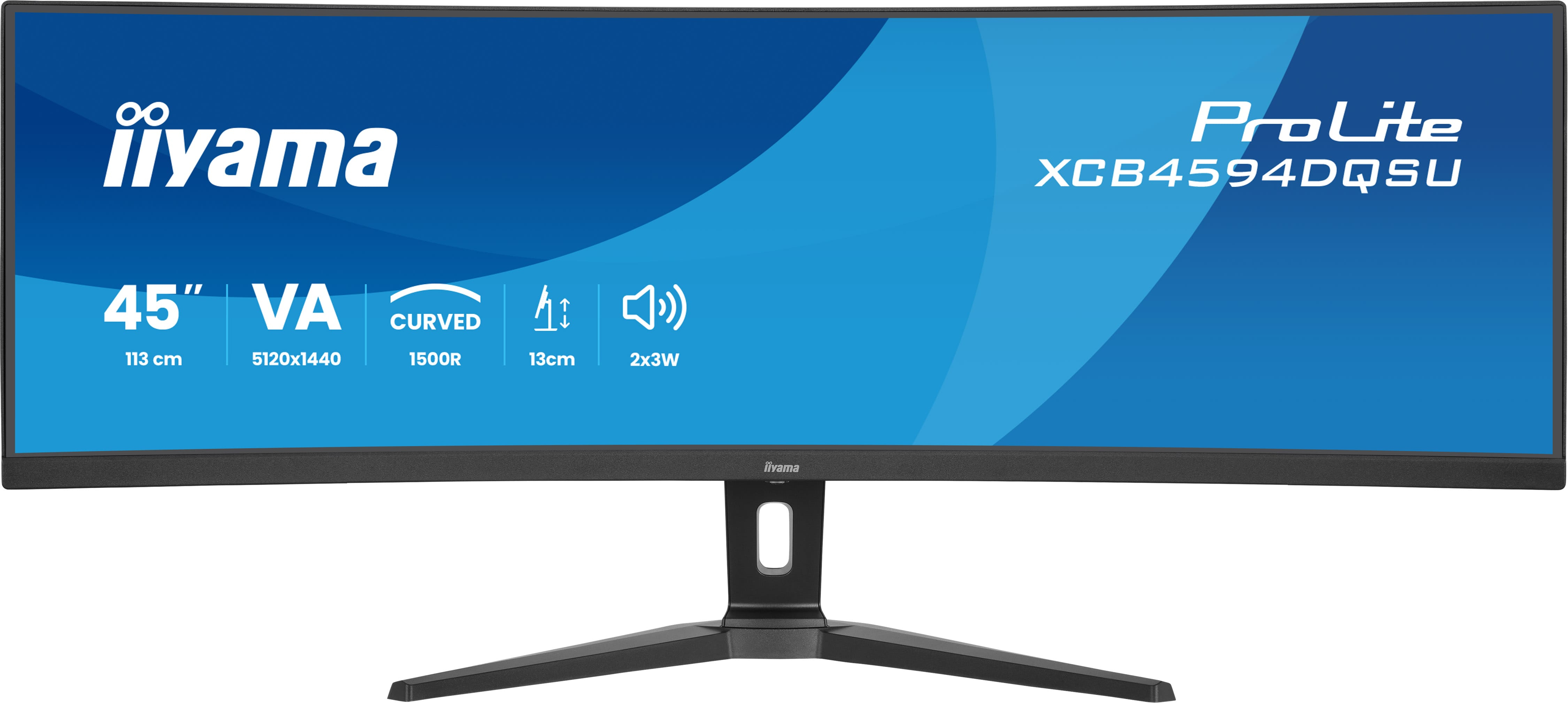
Iiyama
iiyama ProLite XCB4594DQSU-B1 - LED monitor - curved - 45" (44.5" viewable) - 5120 x 1440 Dual Quad HD @ 75 Hz - VA - 450 cd/m� - 3000:1 - 2 ms - 2xHDMI, 2xDisplayPort, USB-C - speakers - black, matte
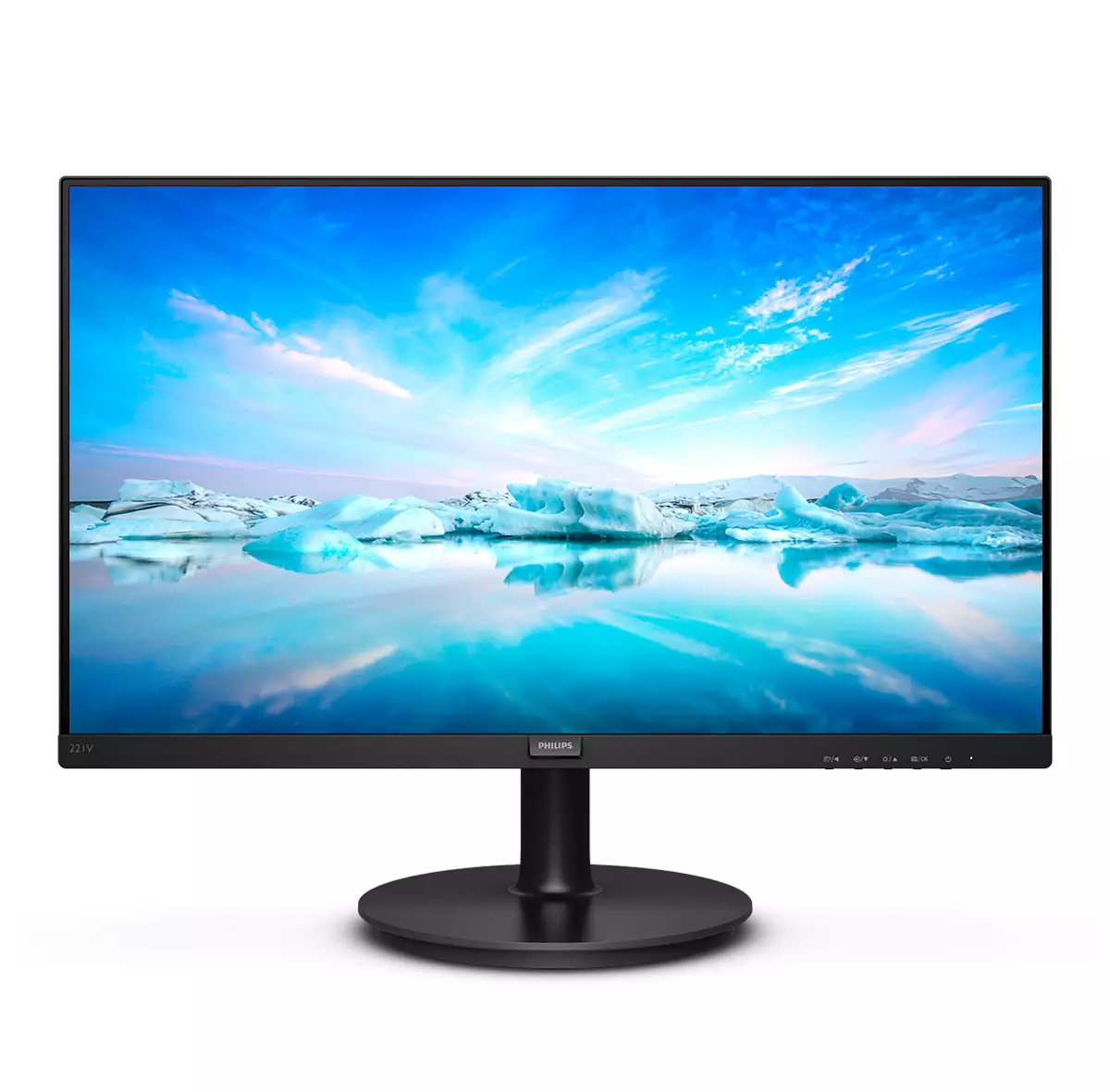
Philips
Philips V-line 221V8 - LED monitor - 22" (21.5" viewable) - 1920 x 1080 Full HD (1080p) @ 75 Hz - VA - 200 cd/m� - 4000:1 - 4 ms - HDMI, VGA - textured black
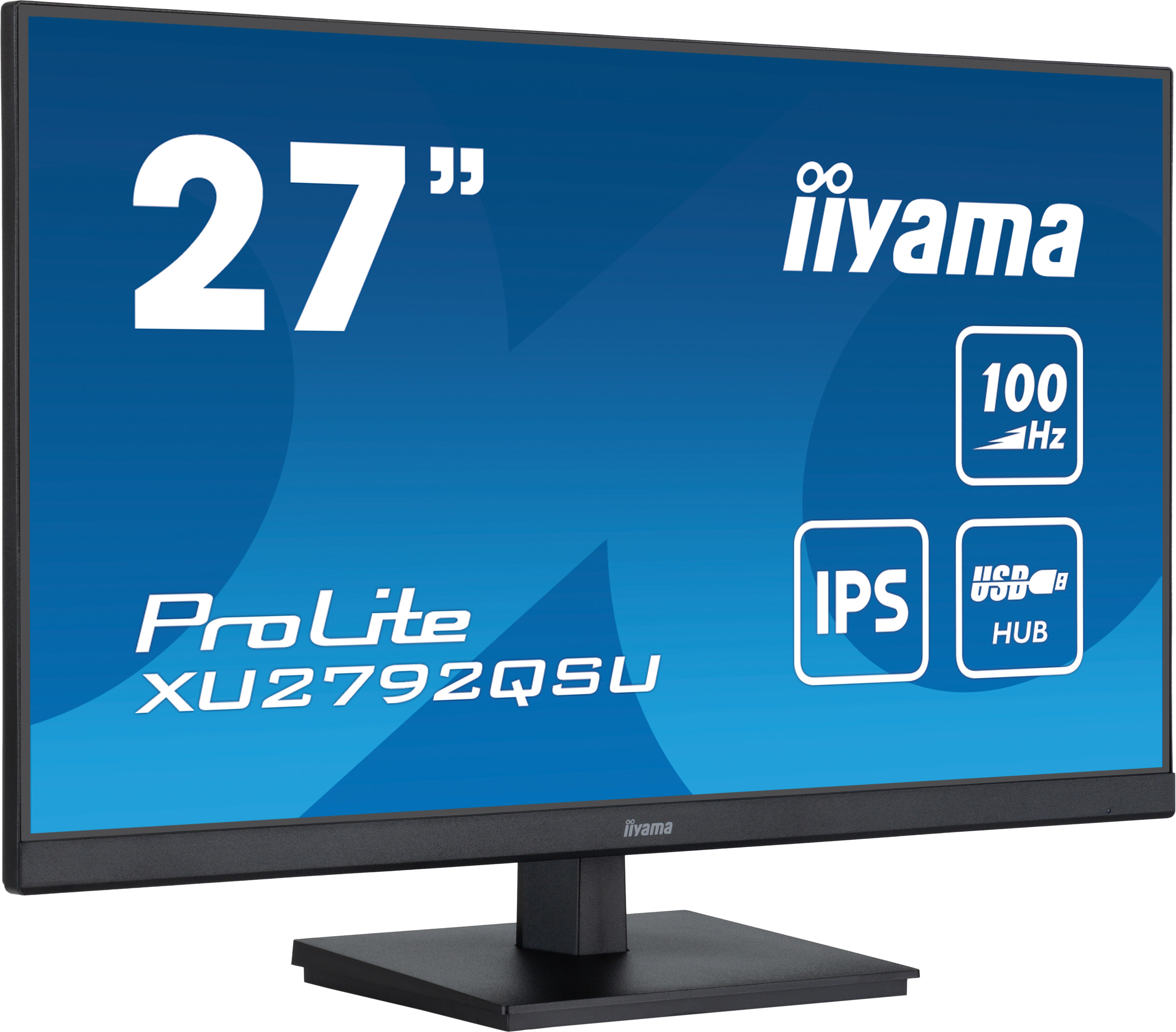
Iiyama
iiyama ProLite XU2792QSU-B6 - LED monitor - 27" - 2560 x 1440 WQHD @ 100 Hz - IPS - 250 cd/m� - 1300:1 - 0.4 ms - HDMI, DisplayPort - speakers - matte black