- Cyber Security
Supply Chain Security: Protecting from Third-Party Risks
21 Mar, 2026


£354.22 inc. VAT
AI-generated summary
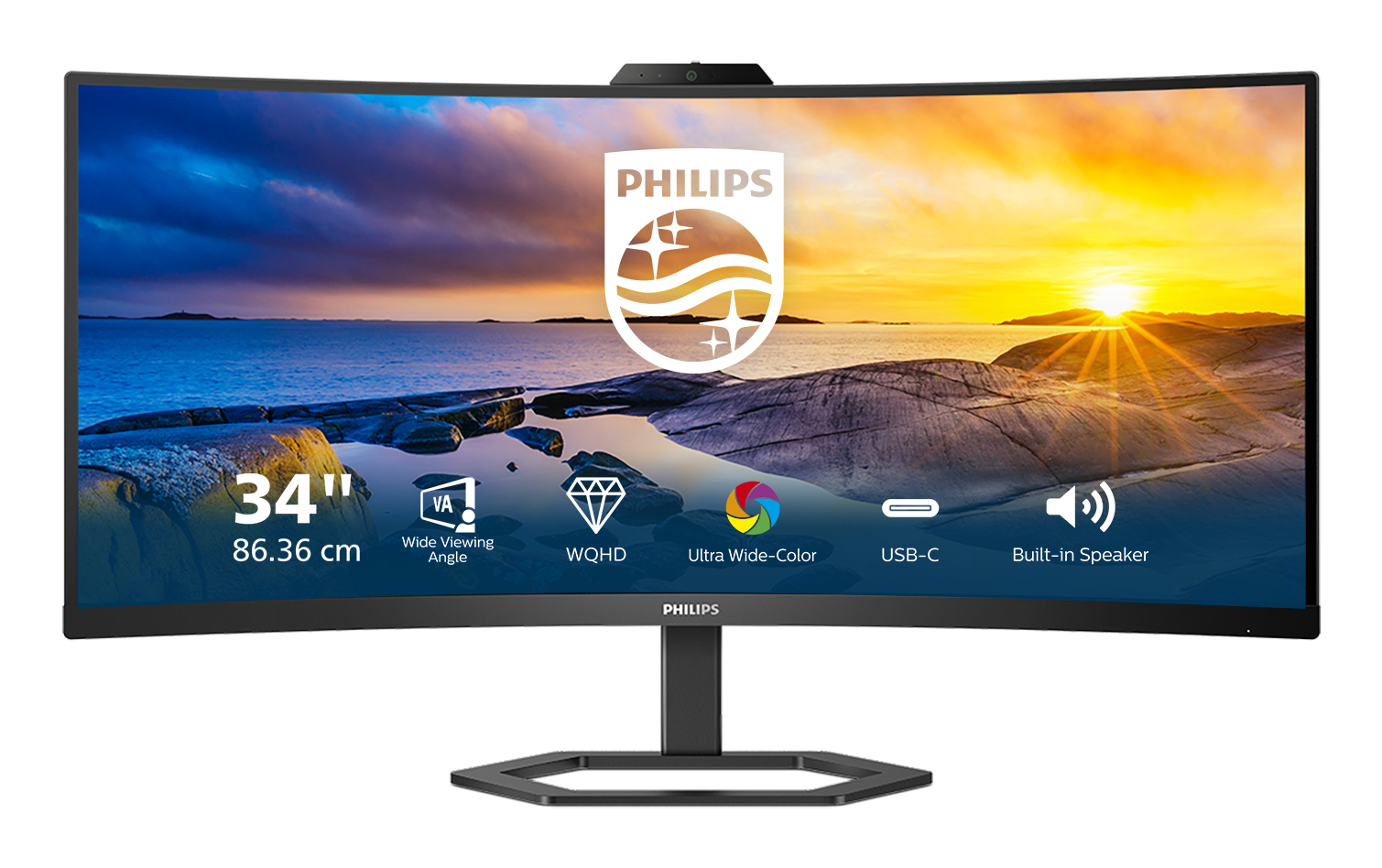
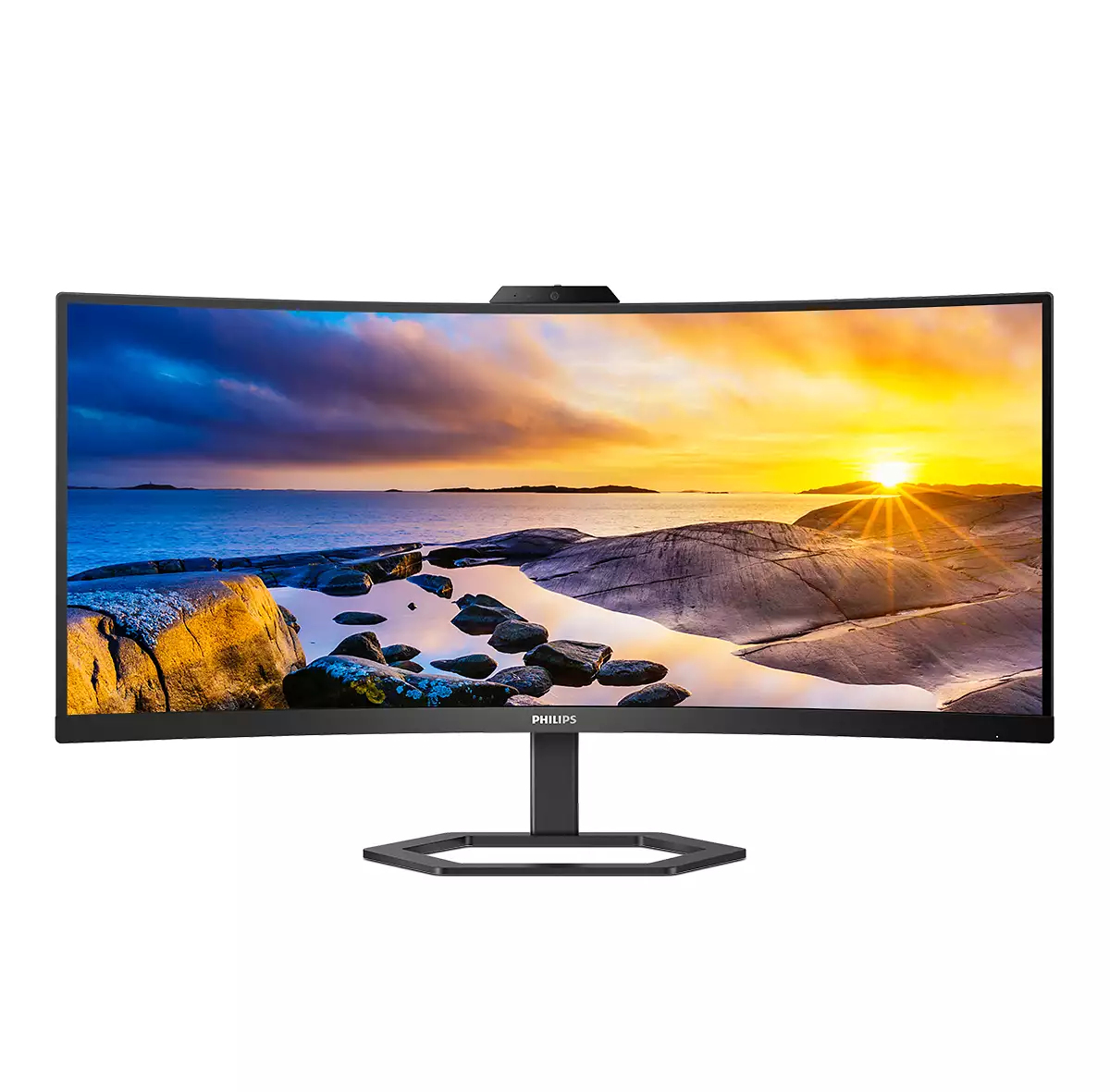
For £295 ex-VAT, the Philips 5000 series 34E1C5600HE/00 is an easy “yes” if you want an office-friendly ultra-wide that makes day-to-day work feel less cramped. The 34" format is great for multitasking—spreadsheets side-by-side with email/docs, or browsing research while writing—without needing a dual-monitor setup. In a typical UK office environment, it’s also the kind of upgrade that tends to get used immediately rather than “eventually,” because the extra horizontal space is obvious from day one.
That said, I wouldn’t buy it if your priority is super-premium gaming performance or colour-critical creative work. Ultra-wide monitors in this price band usually mean you’re trading down on things like motion handling, calibration depth, and viewing performance at angles compared with more expensive models. Also, before you commit, check your desk setup: 34" is a big physical footprint, and you’ll want it positioned properly so you’re not straining your neck or eyes. If you’re buying for general productivity and you’re cost-conscious, this is good value; if you’re chasing enthusiast-level display quality, there are better options—just not at this price.

Cable management reduces cable clutter for neat workspace
Cable management is an intimate design that maintains tidy workspace by organizing cables and wires required for the operation of a display device.
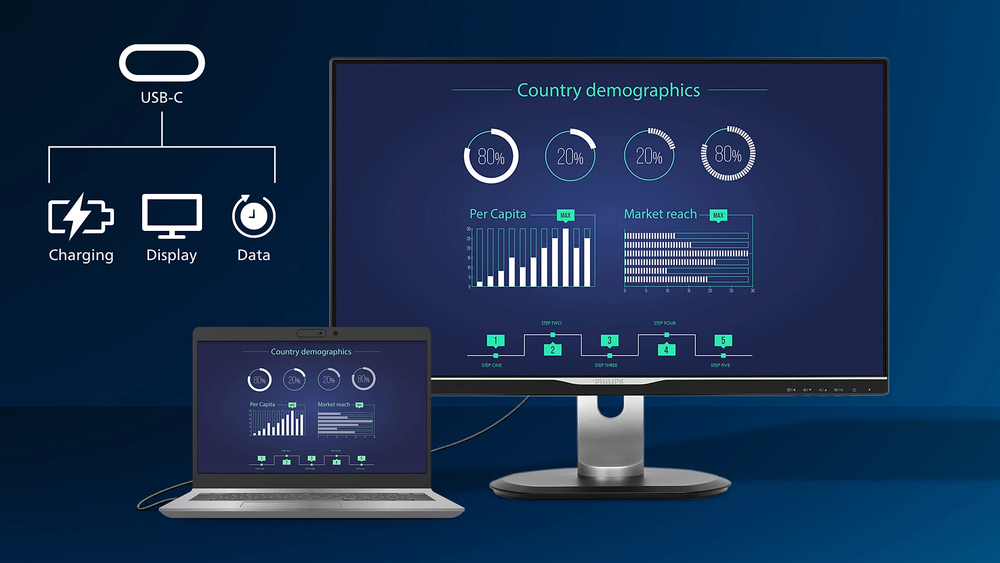
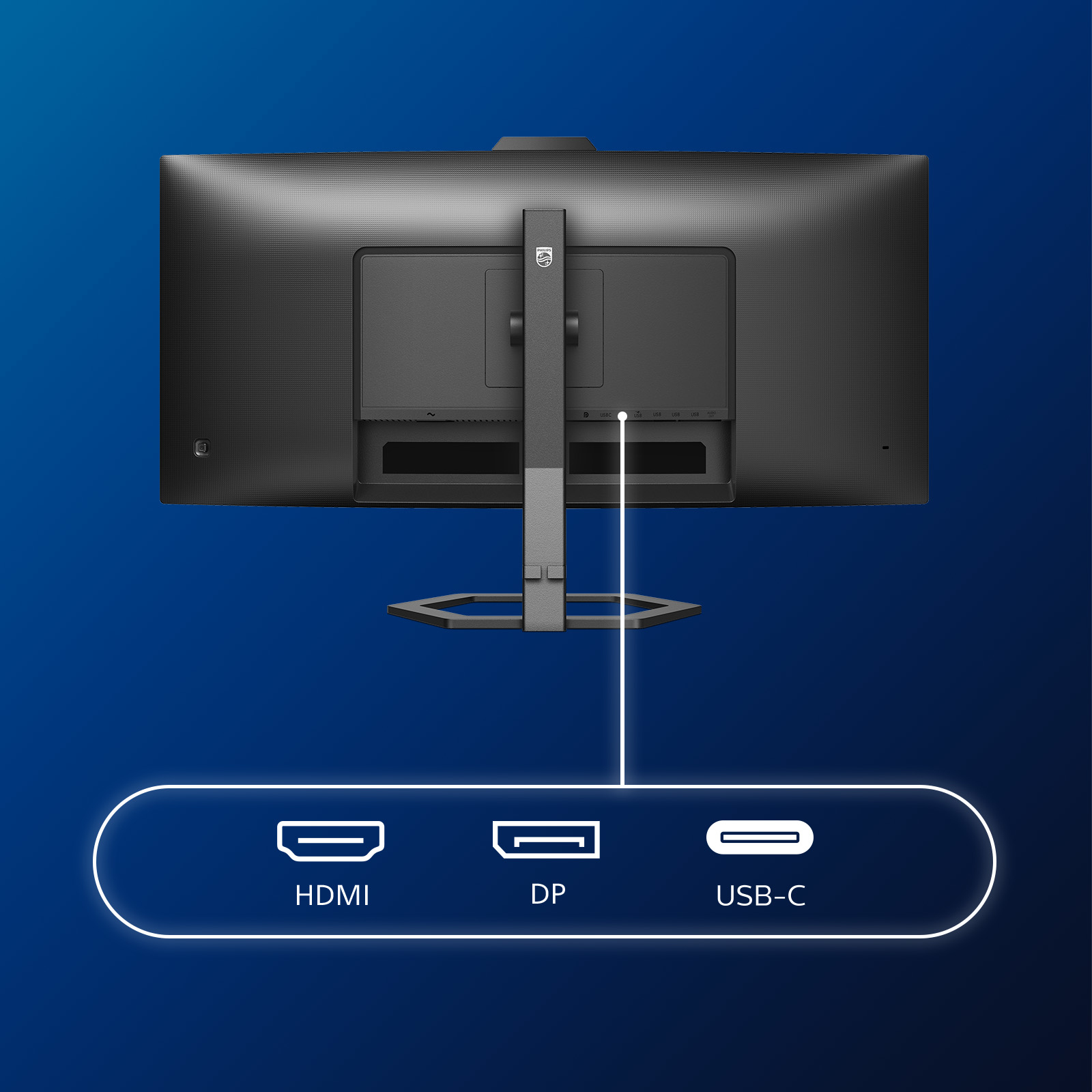
Connect your notebook with one USB-C cable
This Philips display features a USB type-C connector with power delivery. With intelligent and flexible power management, you can power charge your compatible device directly. Its slim, reversible ...

LowBlue mode and Flicker-free easy-on-the eyes viewing
Our LowBlue Mode and Flicker-free technology have been developed to reduce eye strain and fatigue often caused by long hours in front of a monitor.
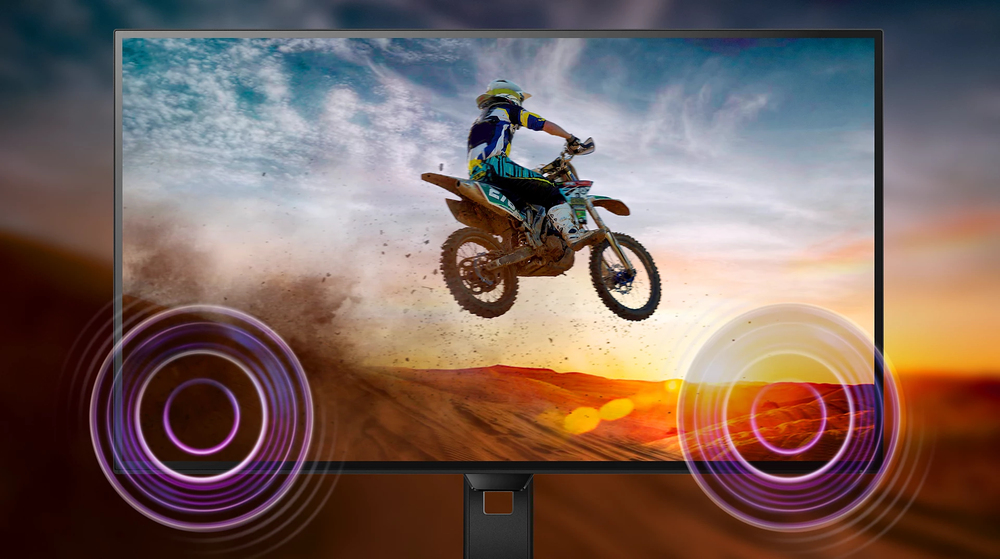
Built-in stereo speakers for multimedia
A pair of high-quality stereo speakers built into a display device. They may be visible front firing, or invisible down firing, top firing, rear firing etc. depending on model and design.
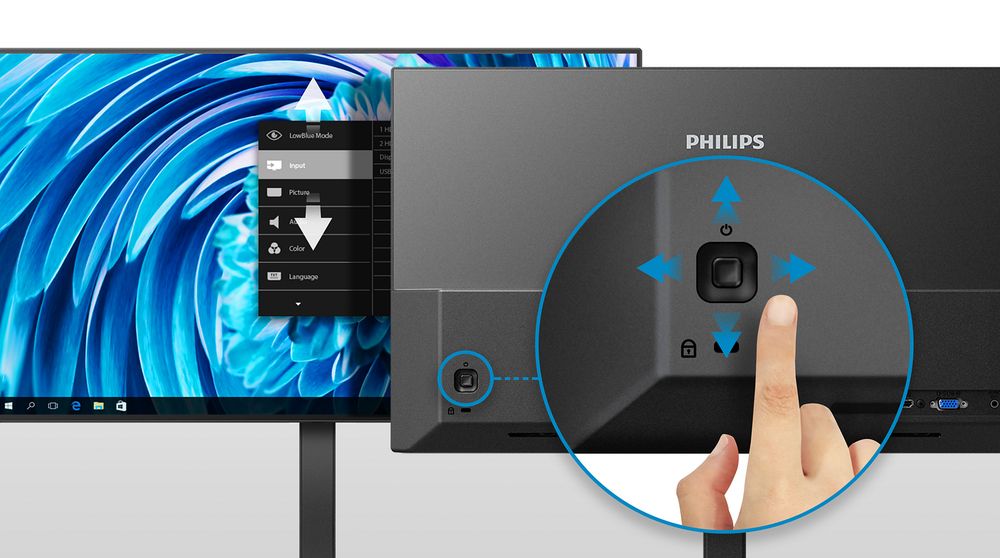
EasySelect menu toggle key for quick on-screen menu access
The discreetly placed EasySelect Menu Toggle Key allows you to make quick and easy adjustments to monitor settings in the On-Screen Display menu.
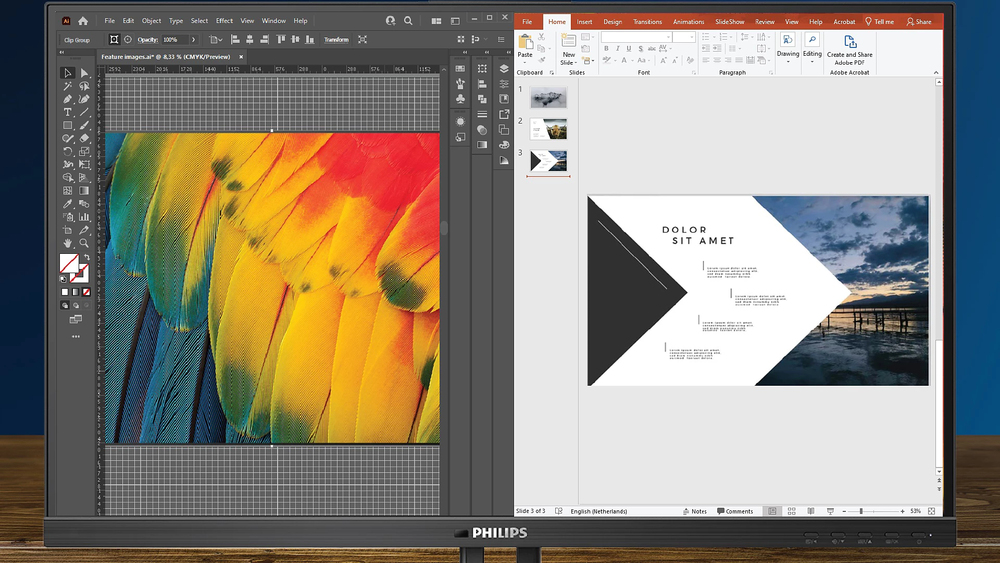
MultiView enables simultaneous dual connection and view
With the ultra-high resolution Philips MultiView display you can now experience a world of connectivity. MultiView enables active dual connect and view so that you can work with multiple devices li...
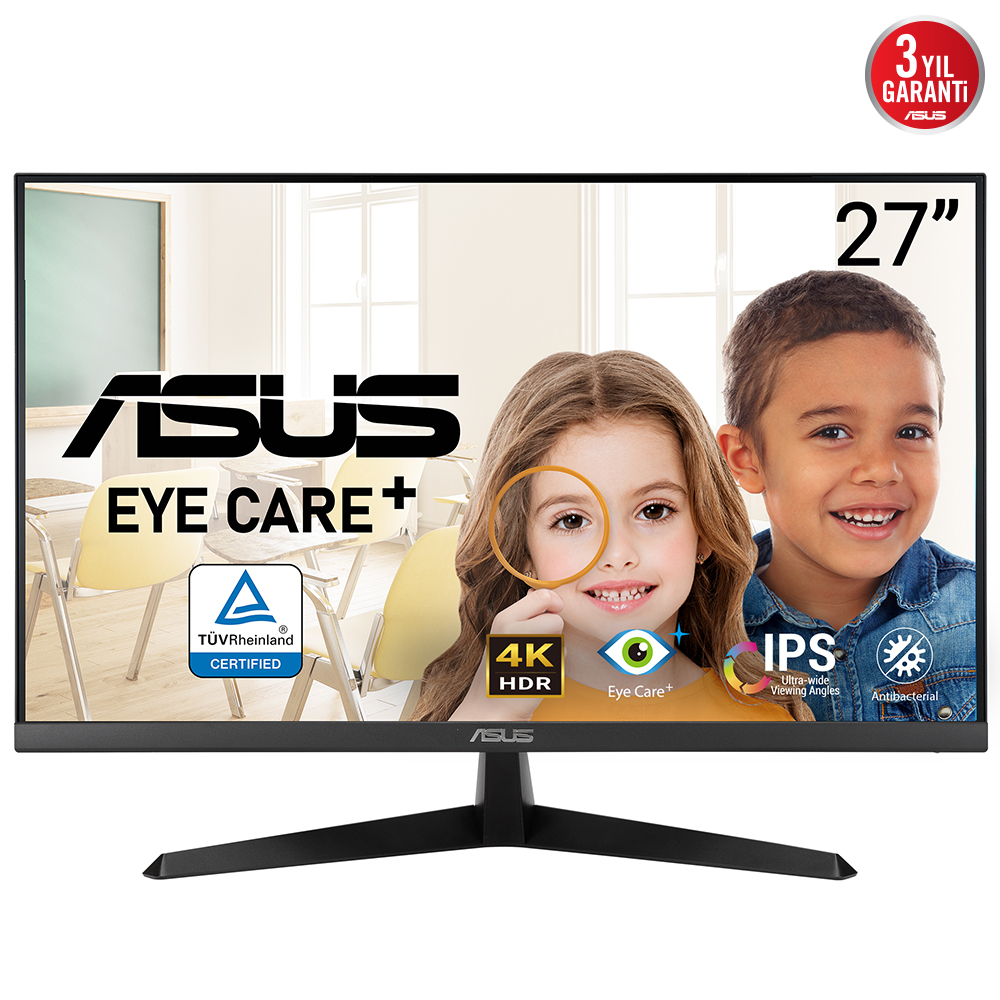
Asus
ASUS VY27UQ - LED monitor - 27" - 3840 x 2160 4K @ 60 Hz - IPS - 350 cd/m� - 1000:1 - HDR10 - 5 ms - HDMI, DisplayPort - speakers - black
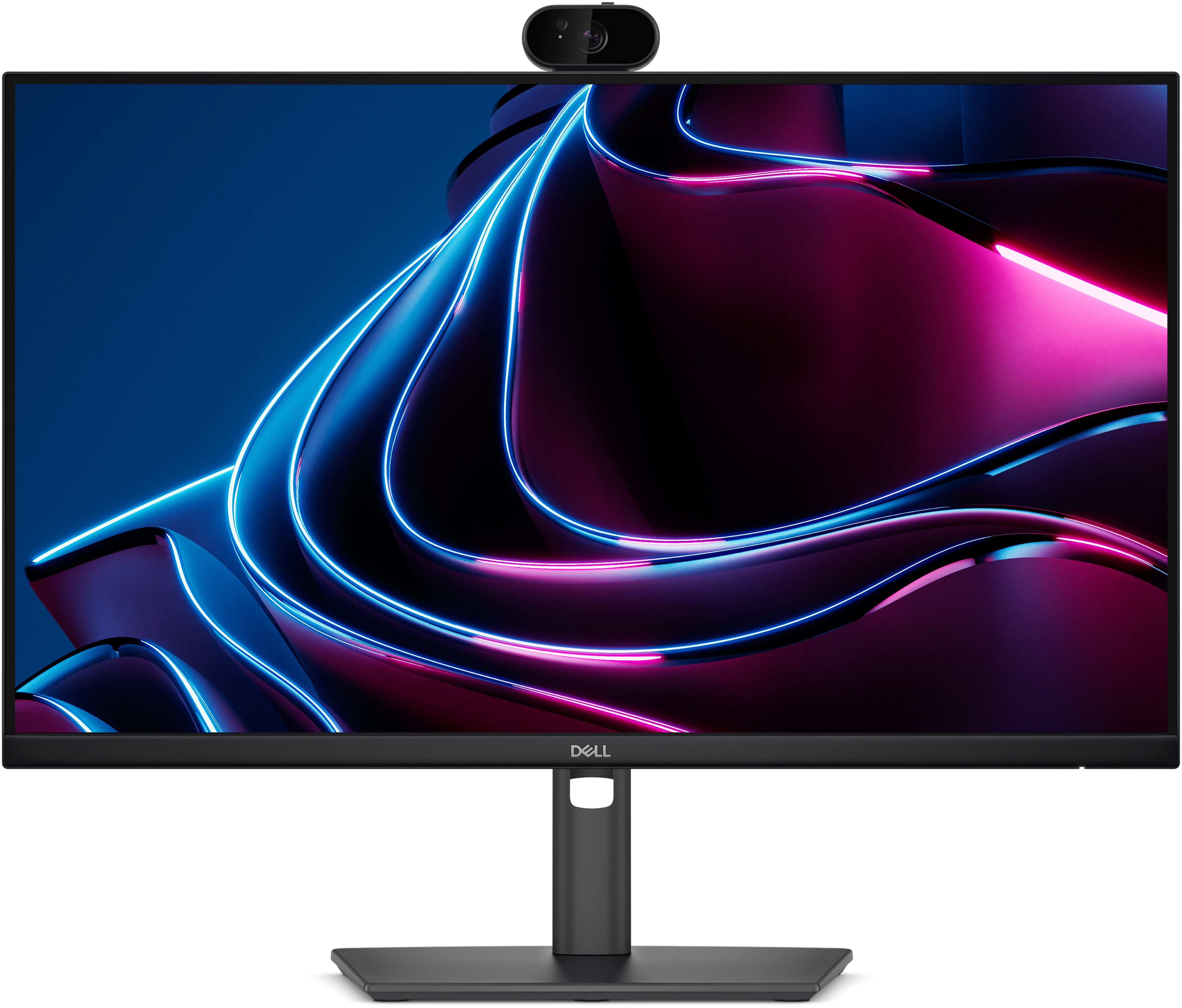
Dell
Dell Pro P 24 USB-C Hub Webcam Monitor - P2426HEV
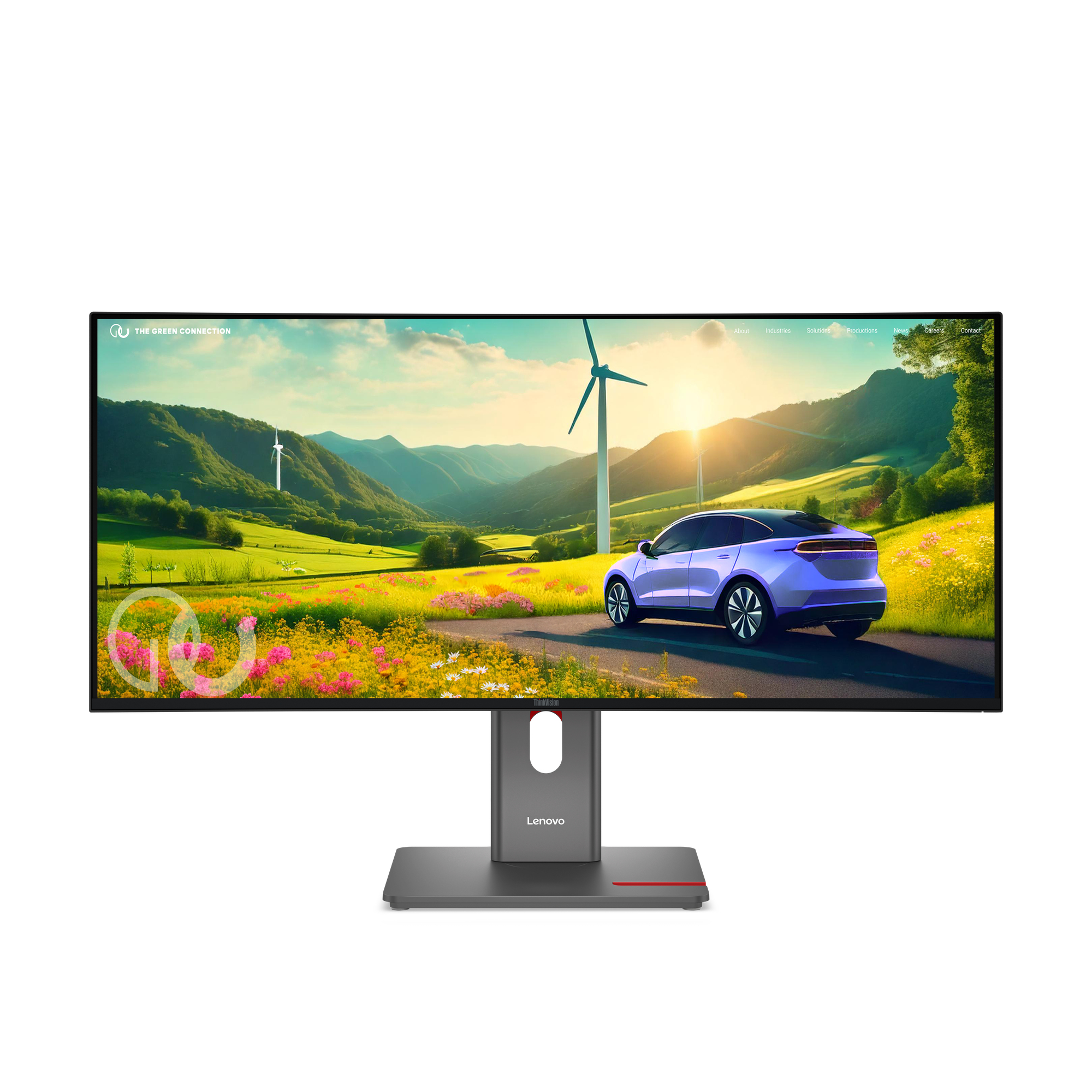
Lenovo
Lenovo ThinkVision P34WD-40 - LED monitor - curved - 34" - 3440 x 1440 @ 120 Hz - IPS - 350 cd/m� - 2000:1 - HDR10 - 4 ms - HDMI, DisplayPort, USB-C - eclipse black
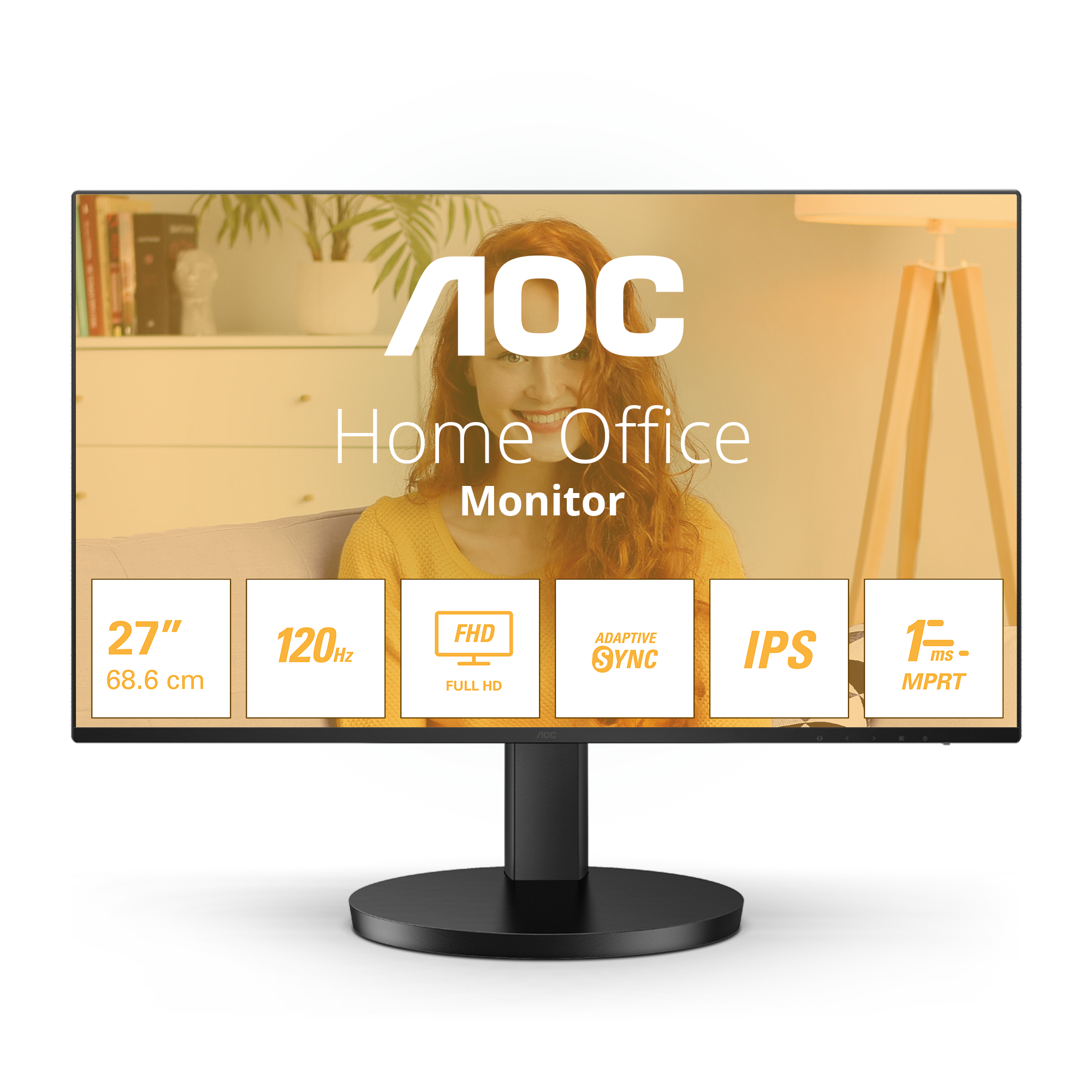
AOC
AOC Basic-line 27B3HA2 - B3 Series - LED monitor - 27" - 1920 x 1080 Full HD (1080p) @ 100 Hz - IPS - 250 cd/m� - 1300:1 - 1 ms - HDMI, VGA - speakers - black