- Cloud Backup
How to Back Up Your Business Email and Calendar
11 Mar, 2026

£271.57 inc. VAT
AI-generated summary
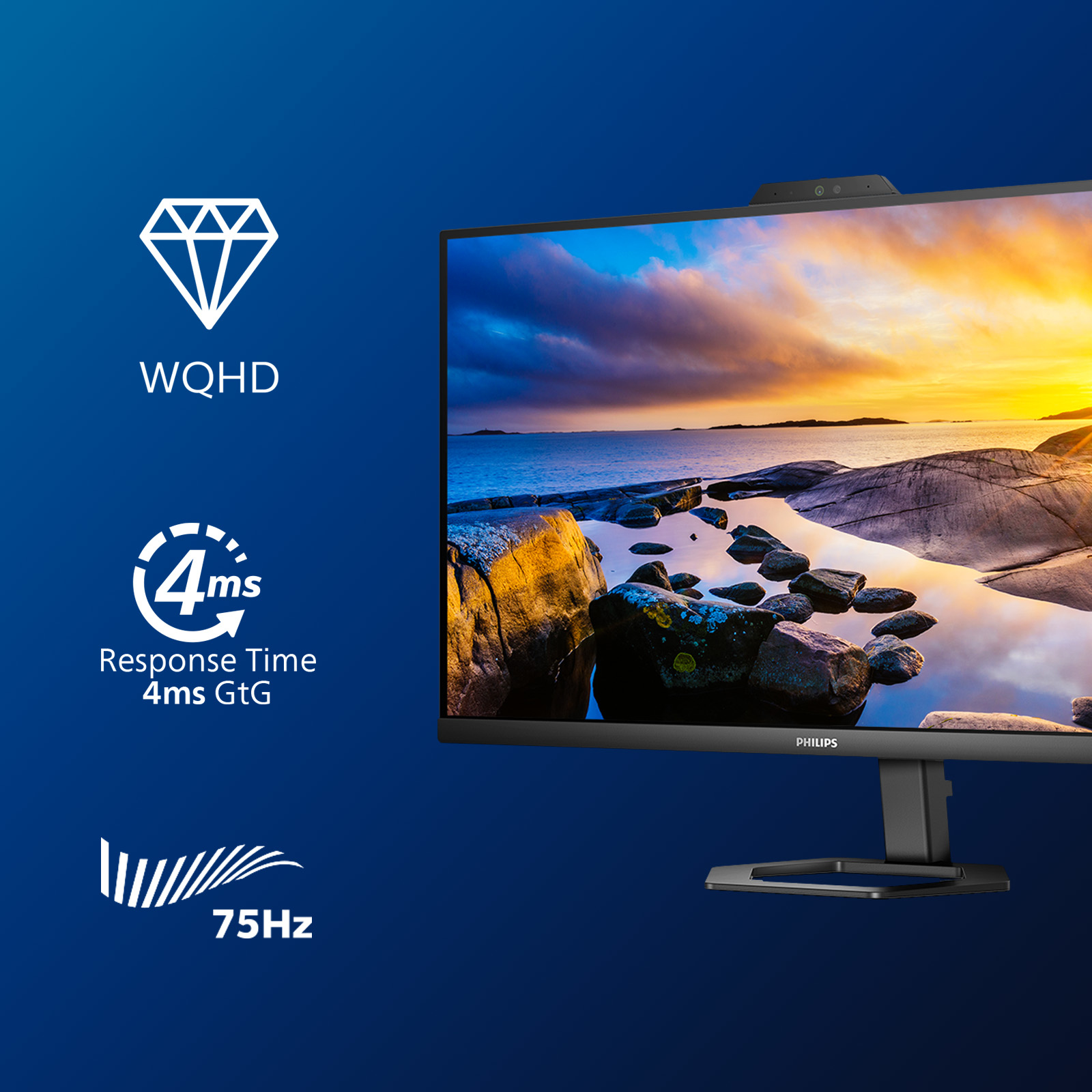
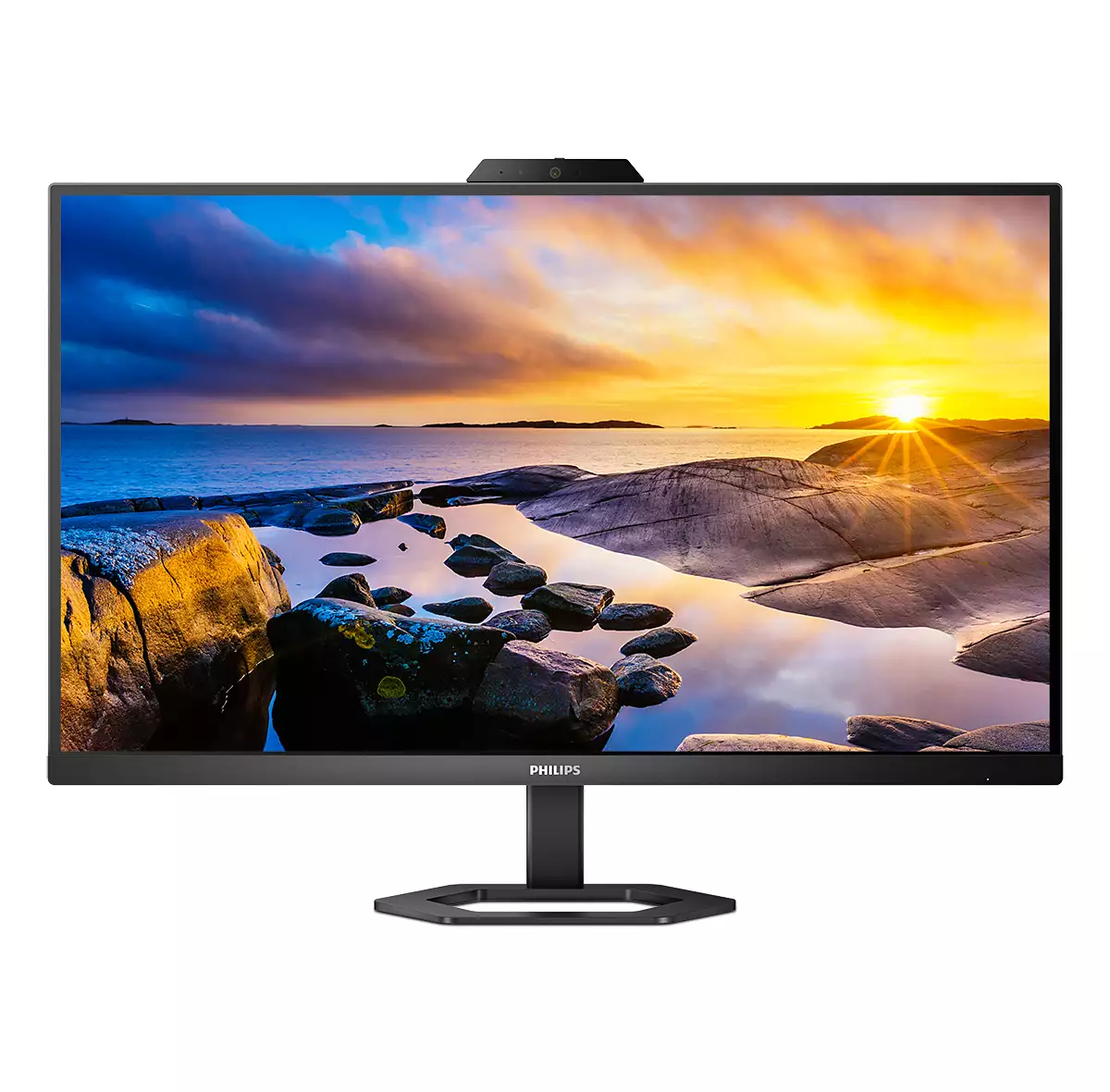
For £226 ex-VAT, the Philips 27E1N5600HE/00 is a pretty sensible “office + light productivity” pick. The 27-inch Quad HD size is a sweet spot for spreadsheet work, document comparison, and everyday multitasking—text tends to look comfortably sharp without demanding a high-end GPU like ultra-high-res panels can. If you sit at a desk most days, you’ll likely appreciate the straightforward, no-drama spec for the money: it’s not trying to be a gaming monitor first, but it’s a solid everyday upgrade from older 1080p screens.
That said, I wouldn’t buy it if your top priority is competitive gaming, colour-critical design, or lots of niche features. Budget Philips monitors can be hit-and-miss on things like motion handling, uniformity, and fine colour performance—totally fine for office use, but not what you want for serious creative work or fast-action gaming. If you’re after a workhorse that looks good in normal lighting and gives you more workspace per glance, it’s worth considering; if you’re picky about display performance details, it’s better to compare it directly against alternatives from Dell/HP/AOC in the same price band before you commit.

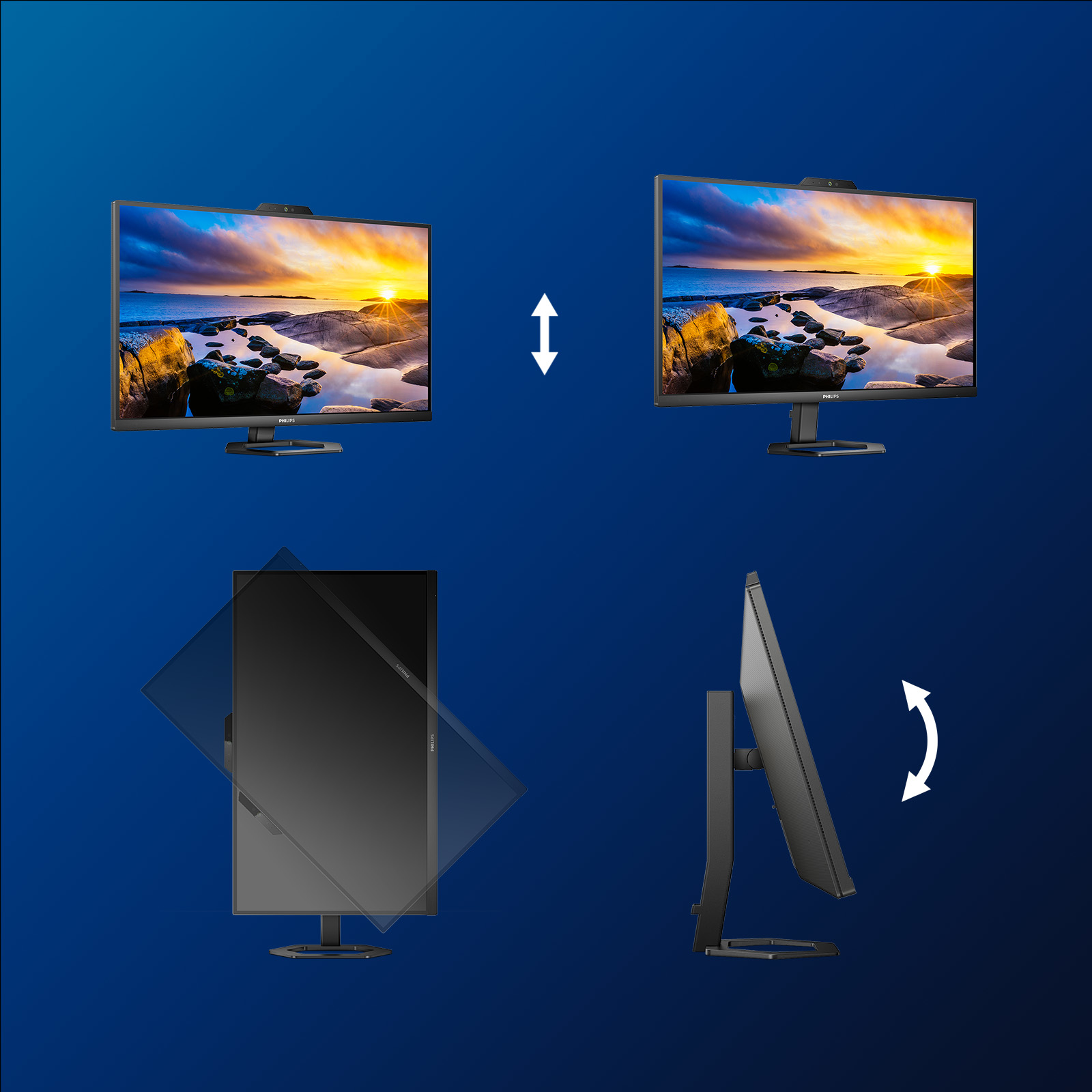
Tilt, pivot and height-adjust for an ideal viewing position
The Compact Ergo Base is a people-friendly Philips monitor base that tilts, pivot and height-adjusts so each user can position the monitor for maximum viewing comfort and efficiency.

Cable management reduces cable clutter for neat workspace
Cable management is an intimate design that maintains tidy workspace by organizing cables and wires required for the operation of a display device.
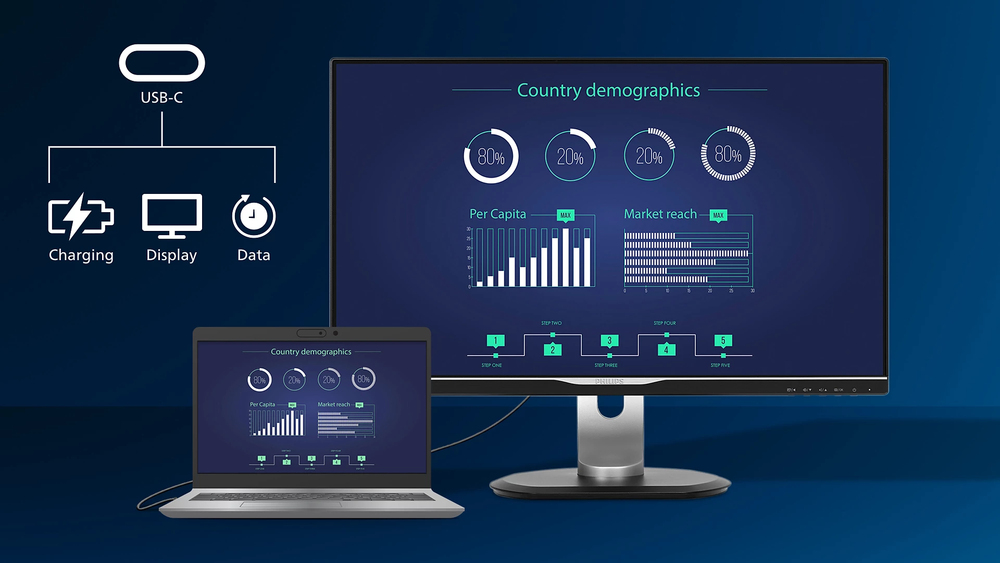
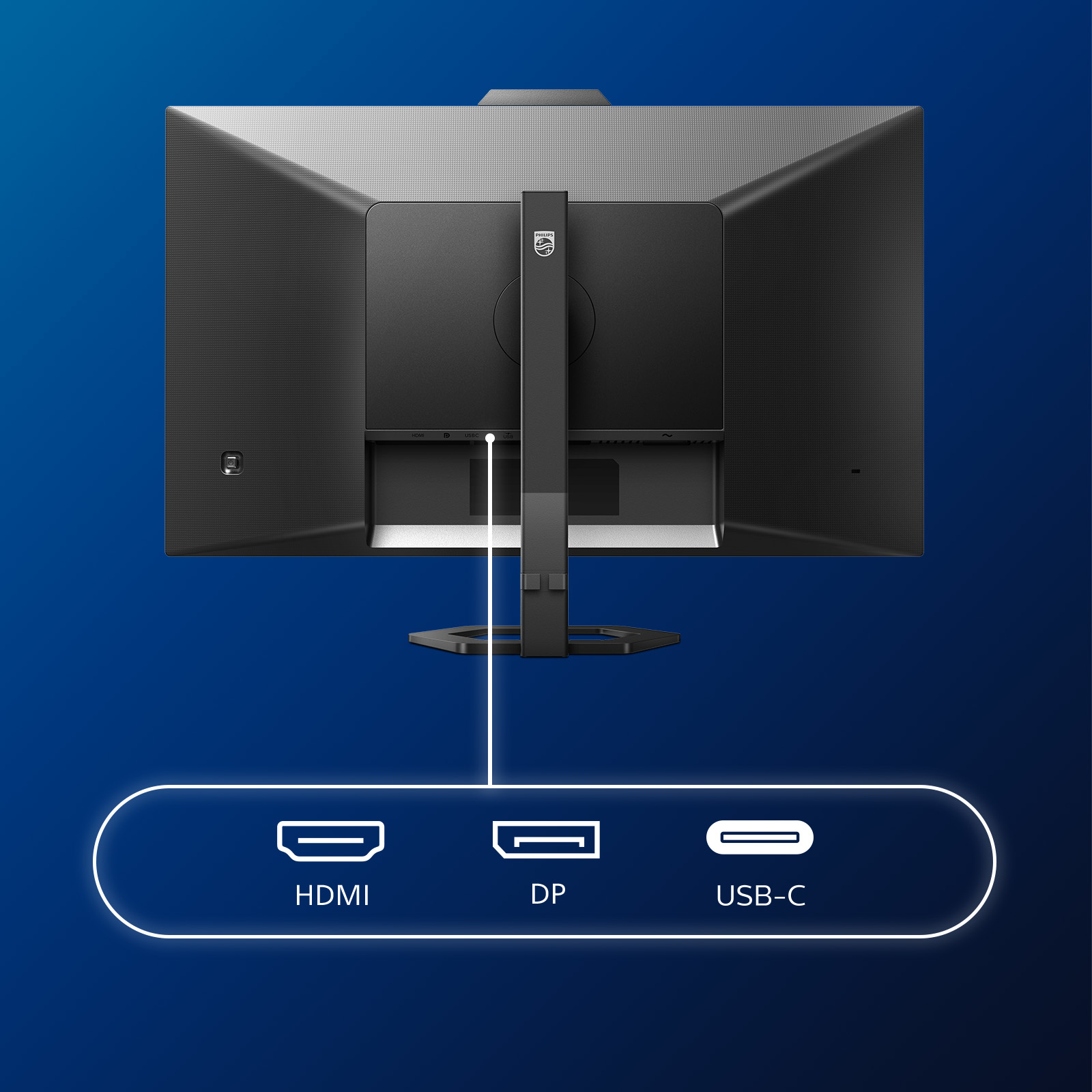
Connect your notebook with one USB-C cable
This Philips display features a USB type-C connector with power delivery. With intelligent and flexible power management, you can power charge your compatible device directly. Its slim, reversible ...

LowBlue mode and Flicker-free easy-on-the eyes viewing
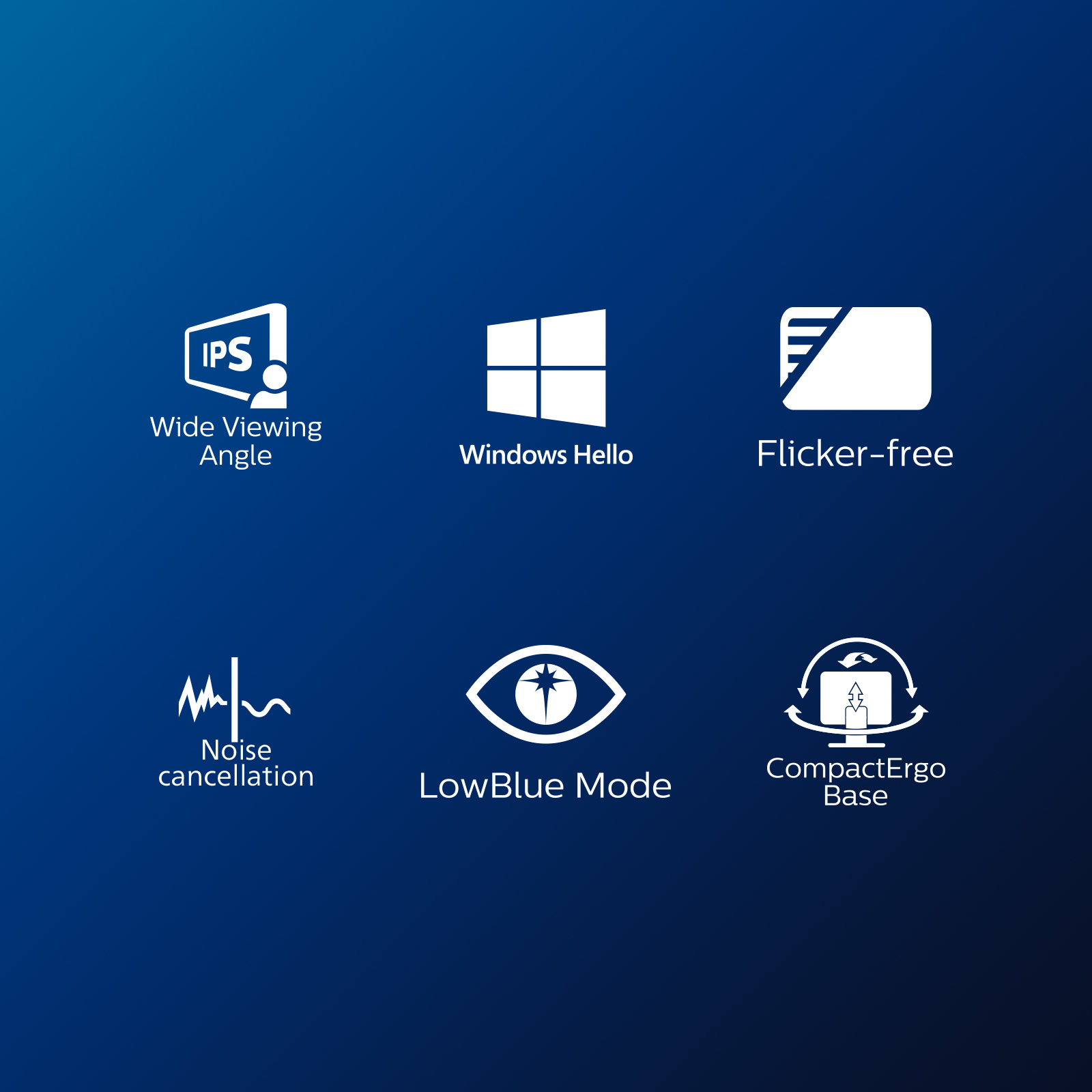
Our LowBlue Mode and Flicker-free technology have been developed to reduce eye strain and fatigue often caused by long hours in front of a monitor.
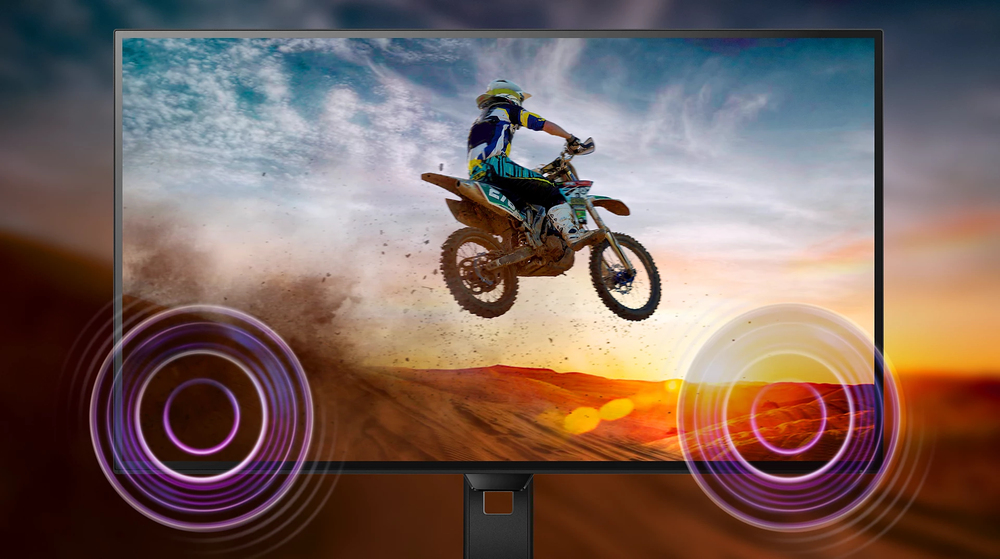
Built-in stereo speakers for multimedia
A pair of high-quality stereo speakers built into a display device. They may be visible front firing, or invisible down firing, top firing, rear firing etc. depending on model and design.
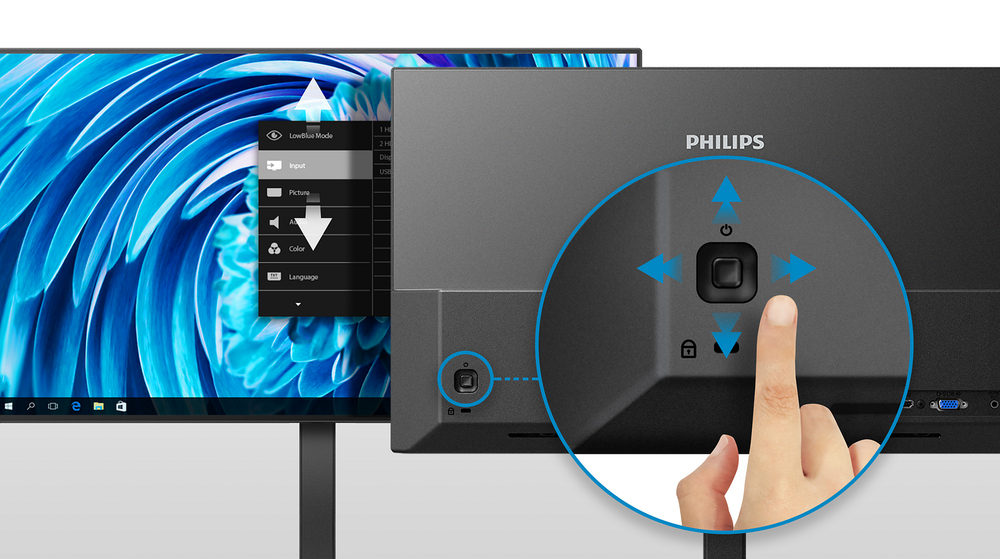
EasySelect menu toggle key for quick on-screen menu access
The discreetly placed EasySelect Menu Toggle Key allows you to make quick and easy adjustments to monitor settings in the On-Screen Display menu.

Philips
Philips 49B2U6900CH - 6000 Series - LED monitor - curved - USB - 49" (48.8" viewable) - 5120 x 1440 Dual Quad HD @ 75 Hz - VA - 450 cd/m� - 3000:1 - DisplayHDR 400 - 4 ms - 2xHDMI, DisplayPort, 2xUSB-C - speakers - textile black
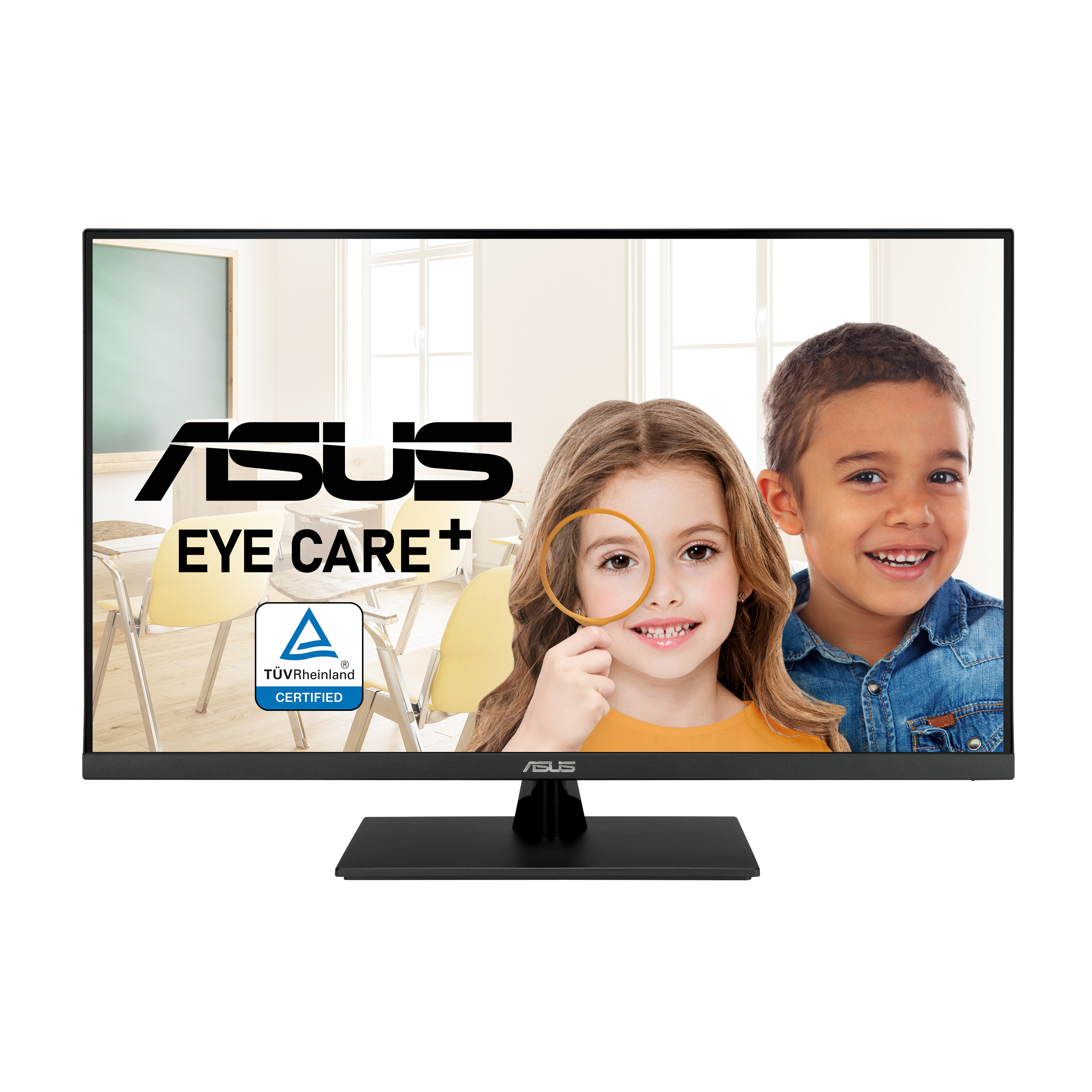
Asus
ASUS VP327Q Eye Care Monitor
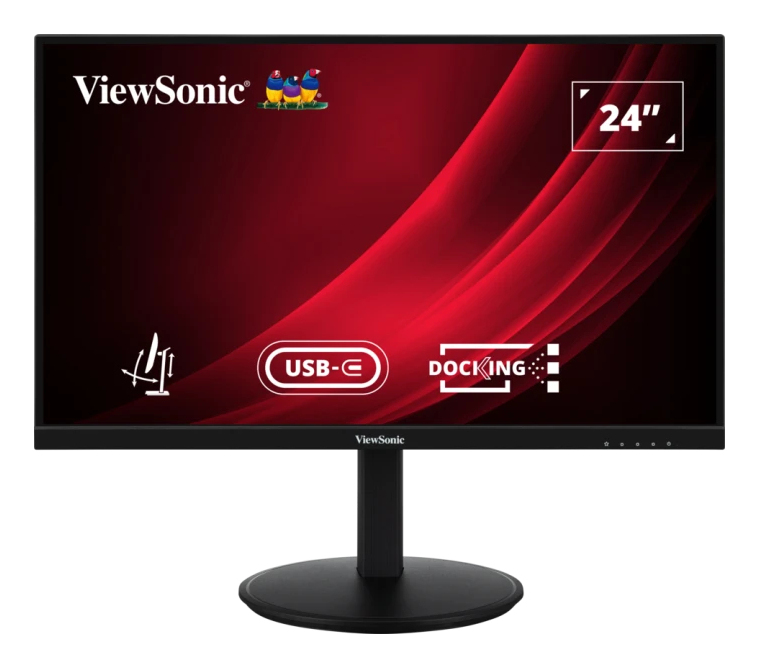
ViewSonic
ViewSonic VG2409U-2 - LED monitor - 24" - 1920 x 1080 Full HD (1080p) @ 100 Hz - IPS - 350 cd/m� - 1300:1 - HDR10 - 4 ms - HDMI, DisplayPort, USB-C - speakers
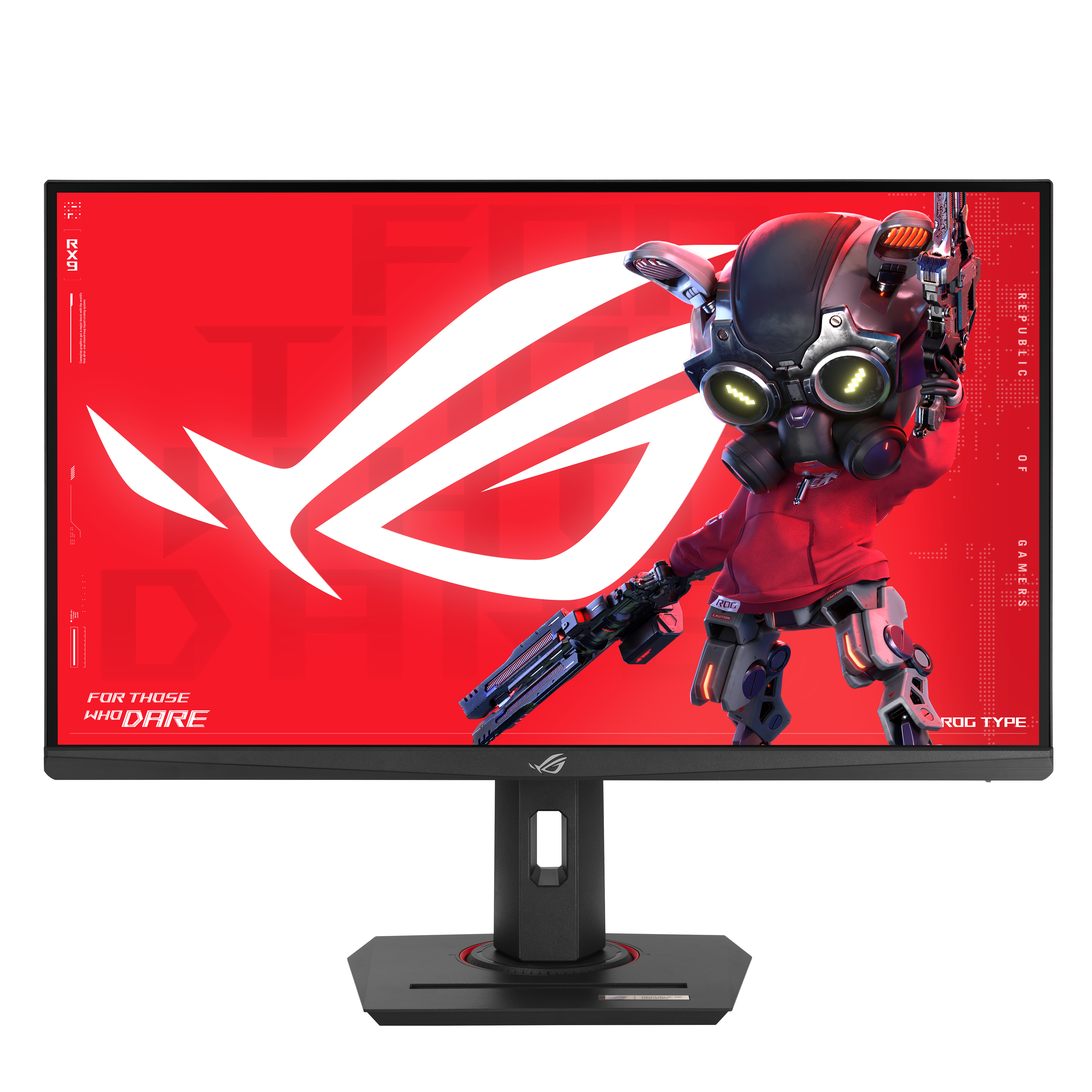
Asus
ASUS ROG Strix XG279CNS - LED monitor - gaming - 27" - 1920 x 1080 Full HD (1080p) @ 380 Hz - Fast IPS - 400 cd/m� - 1000:1 - DisplayHDR 400 - 0.3 ms - HDMI, DisplayPort, USB-C - grey