- Cloud Networking
How to Manage Bandwidth with Meraki Traffic Shaping
20 Aug, 2025
£401.45 inc. VAT
AI-generated summary
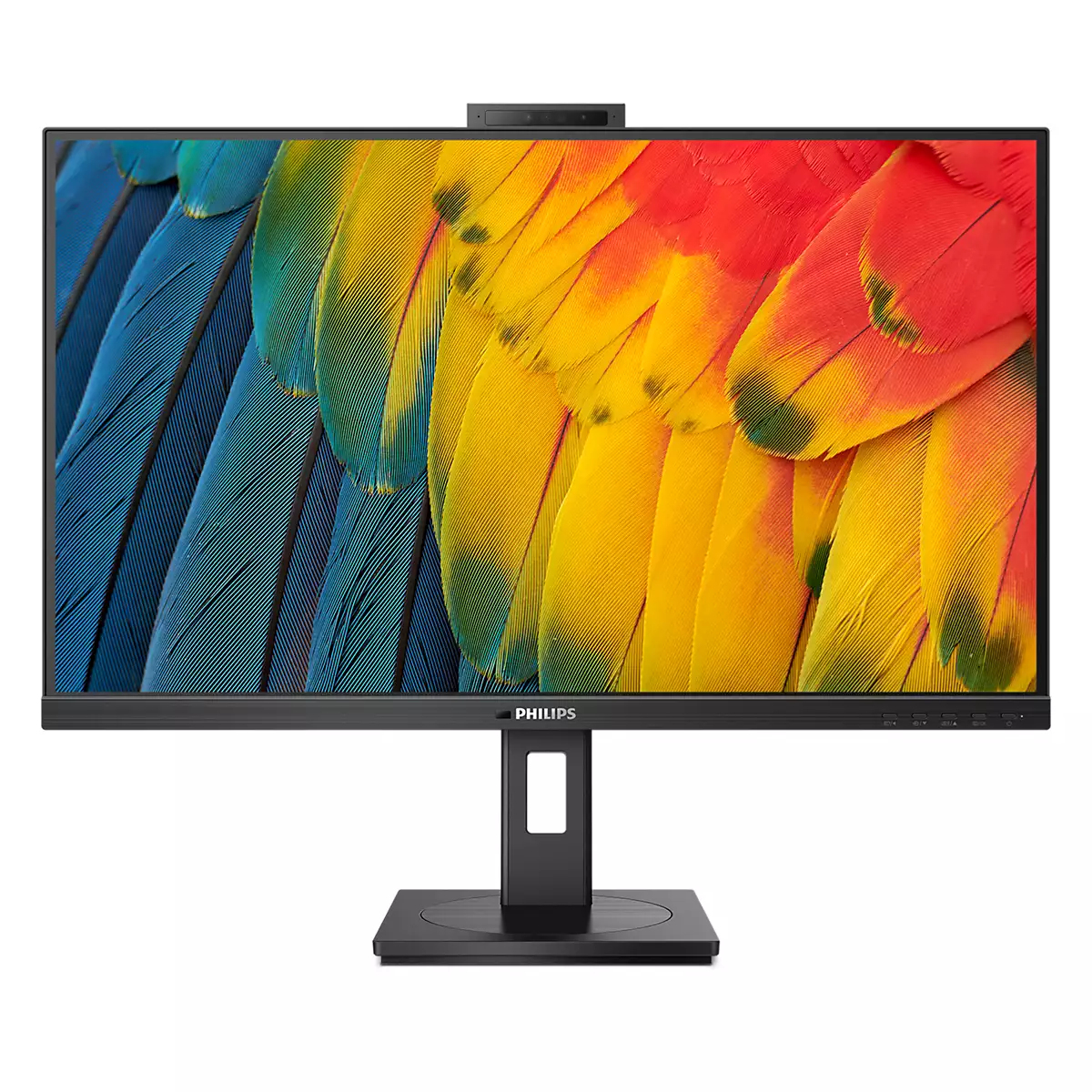
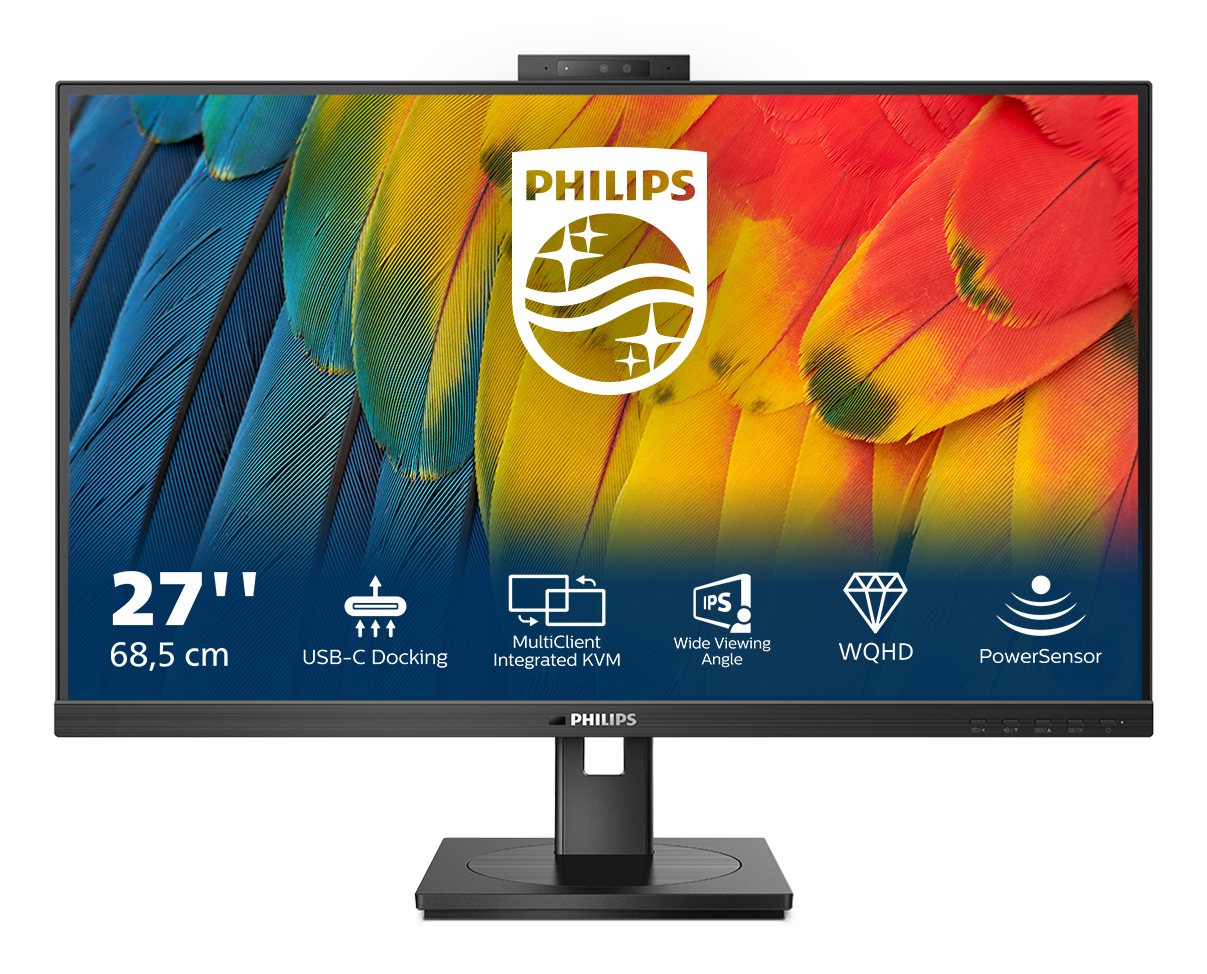
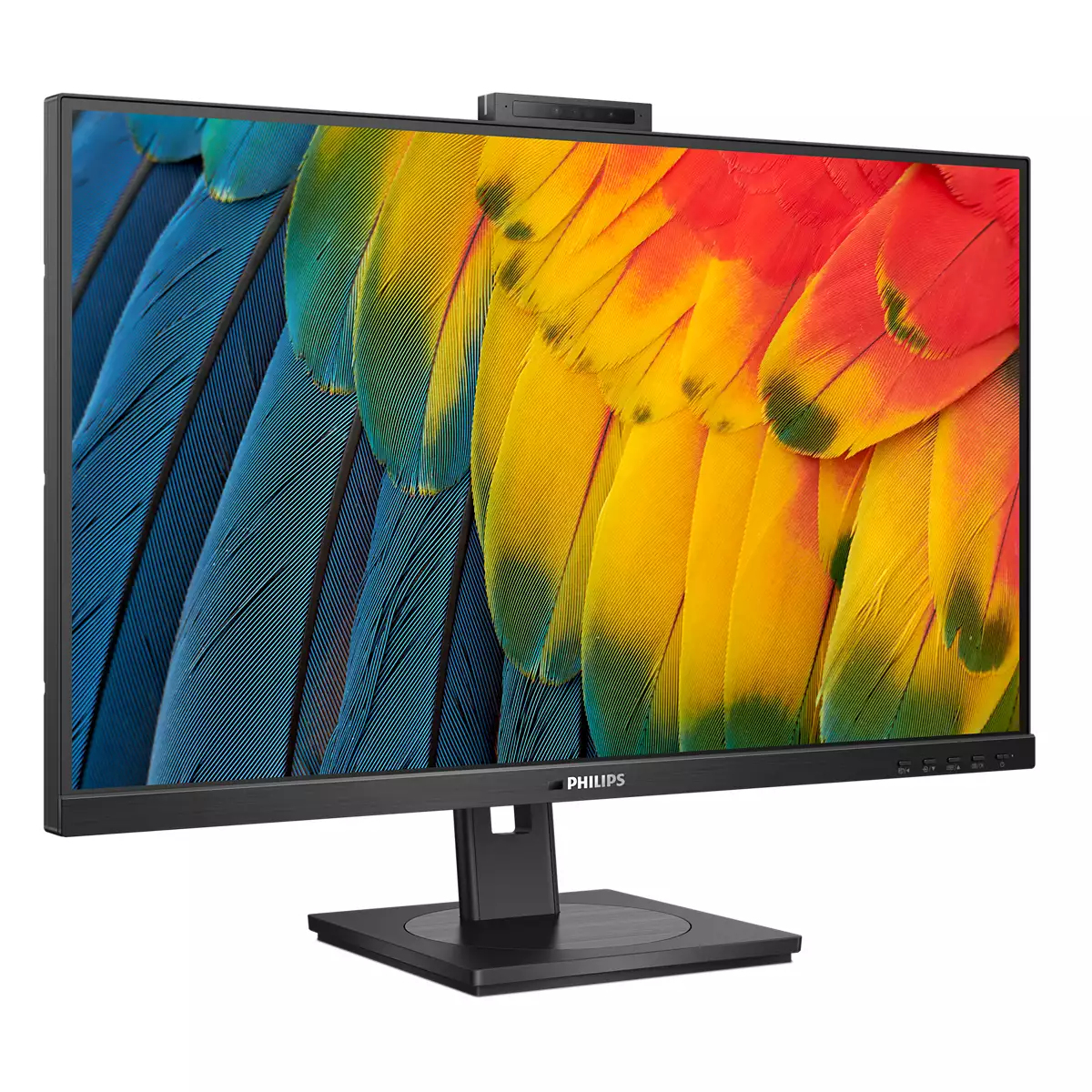
The Philips 5000 27B1U5601H is a decent-looking all-rounder, but at **£334.56 ex-VAT** you really want to be clear what you’re paying for: it’s not the kind of monitor that screams “best-in-class for speed,” and in a B2B setting the value tends to hinge on whether the panel is genuinely sharp for text and whether the colours hold up well for everyday business use. For standard office work, spreadsheeting, and general desktop use, a 27-inch Quad HD layout is a sweet spot—plenty of space without forcing everyone into tiny fonts. If your team lives in documents and multiple windows, this will feel comfortable and productive.
I’d recommend it for teams that want a **solid, office-friendly 27-inch** without going down the rabbit hole of premium gaming features or pro-colour pricing. It’s also a reasonable choice if you’re standardising desk setups and want something that won’t be a headache day-to-day. That said, if you’re buying for design-heavy work or anyone who cares about very consistent colour accuracy out of the box, you should compare it against rivals in the same bracket—because this price level is where you can often get better calibration, better ergonomics, or a panel that performs more impressively in real-world tests. If you tell me what your users do (office docs, finance, design, dev, trading, etc.), I can sanity-check whether this is the right buy or whether you’ll regret it in week three.

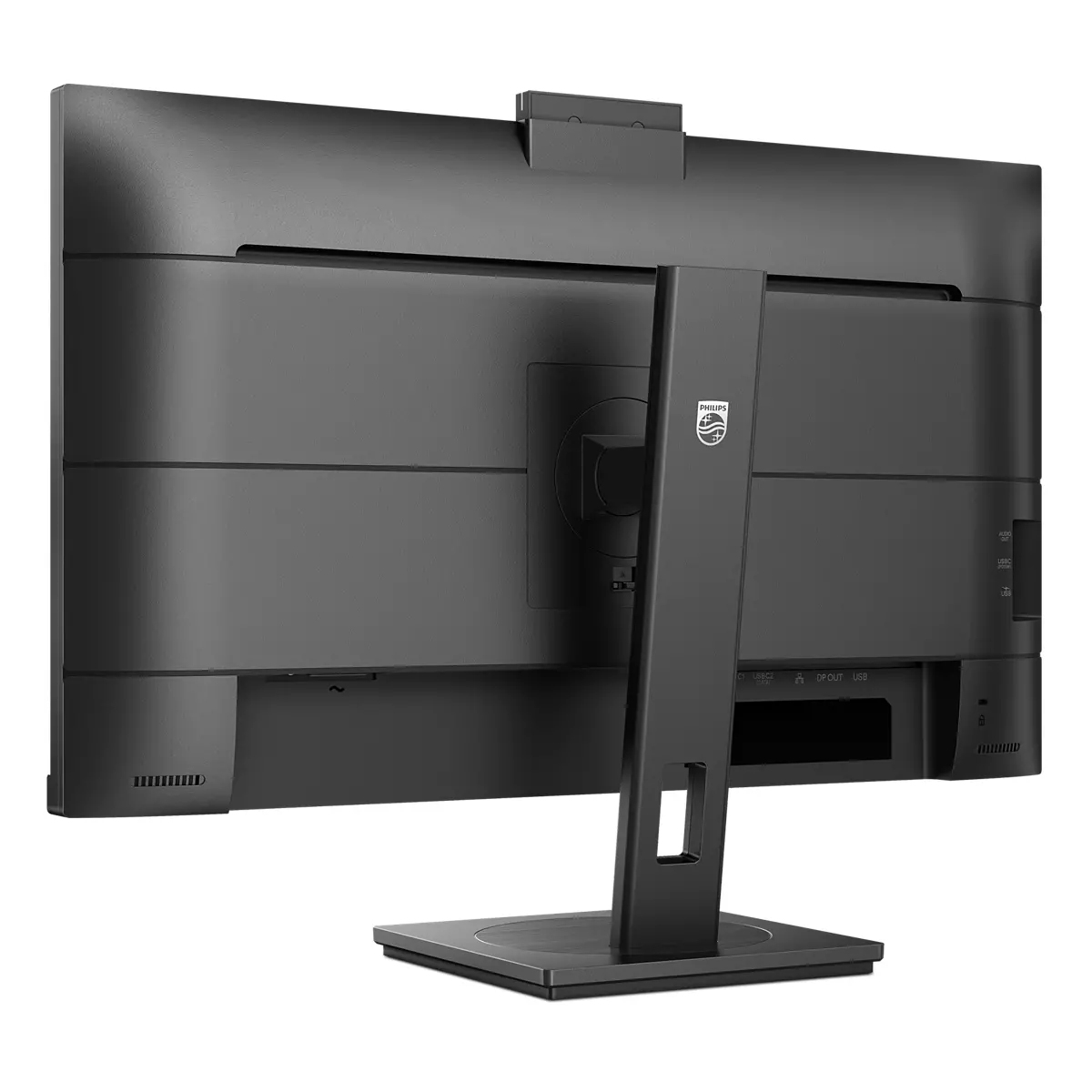
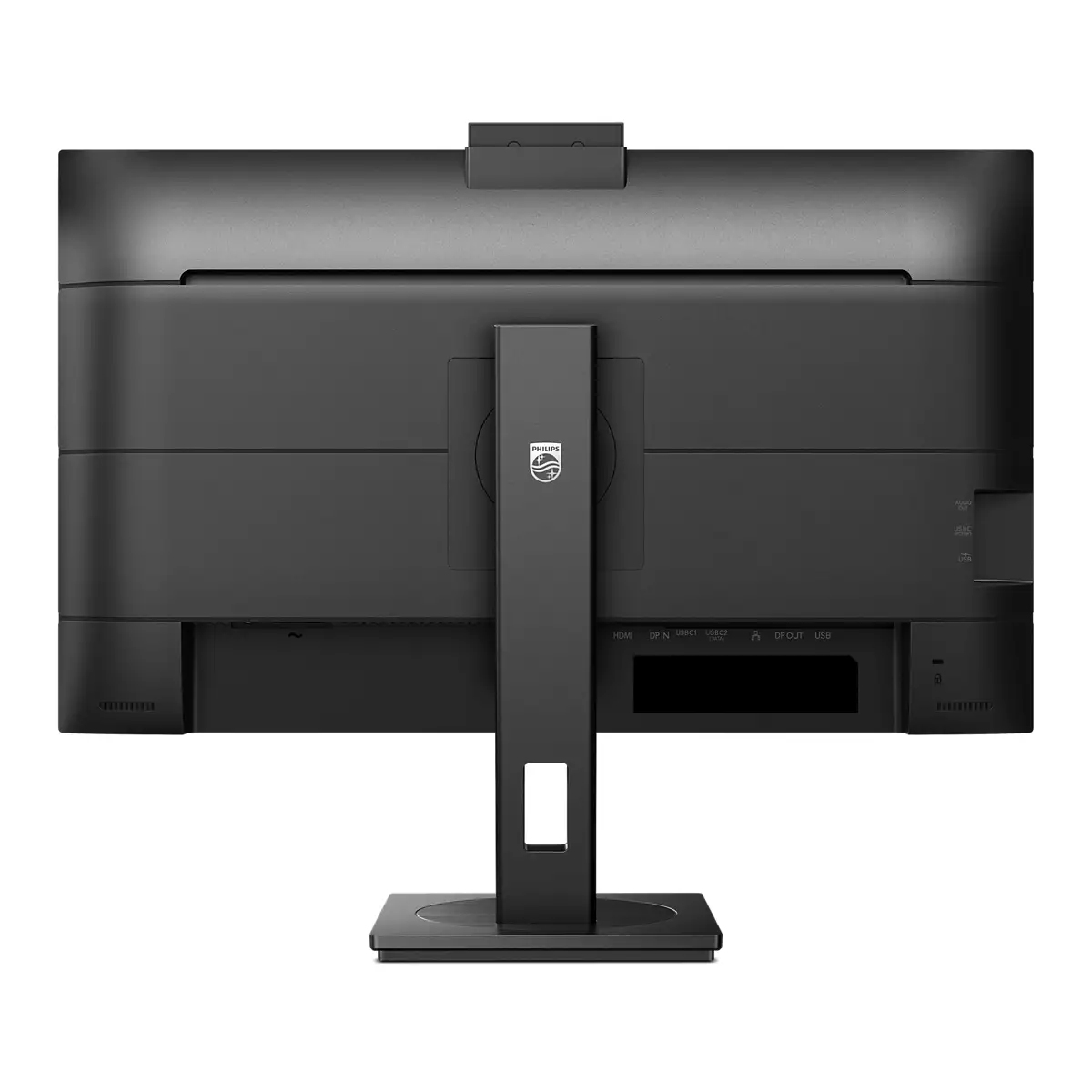
DisplayPort-out for connecting additional displays
With DisplayPort-out you can connect multiple high resolution displays with just one cable from your first display to the PC. The ability to daisy chain multiple displays enables you to create a cl...

Built-in KVM switch to easily switch between sources
With the MultiClient Integrated KVM switch, you can control two separate PCs with one monitor-keyboard-mouse setup. A convenient button allows you to quickly switch between sources. Handy with setu...

Collaboration-ready webcam with noise-cancelling mic.
This Philips monitor comes with a built-in 5 MP webcam, noise-cancelling microphone and speakers, making it perfect for working from home and collaborating remotely. It is equipped with advanced se...

MultiView enables simultaneous dual connection and view
With the ultra-high resolution Philips MultiView display you can now experience a world of connectivity. MultiView enables active dual connect and view so that you can work with multiple devices li...

TUV Eye Comfort certified to reduce eye fatigue
Philips display meet TUV Rheinland Eye Comfort standard to prevent eye strain caused by prolonged computer use. With TUV Eye Comfort certification, Philips displays ensure flicker-free, low blue mo...

PowerSensor saves up to 75% energy costs
PowerSensor is a built-in "people sensor" that transmits and receives harmless infra-red signals to determine if the user is present and automatically reduces monitor brightness when the user steps...
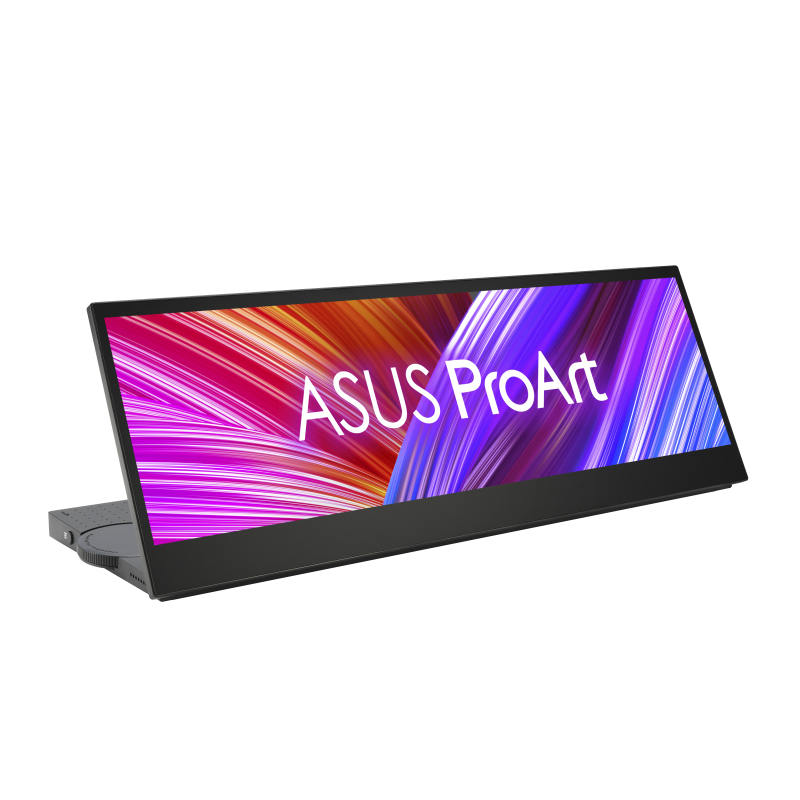
Asus
ASUS ProArt PA147CDV - LED monitor - 14" - touchscreen - 1920 x 550 Full HD @ 60 Hz - IPS - 400 cd/m� - 1200:1 - 5 ms - HDMI, 2xUSB-C - speakers
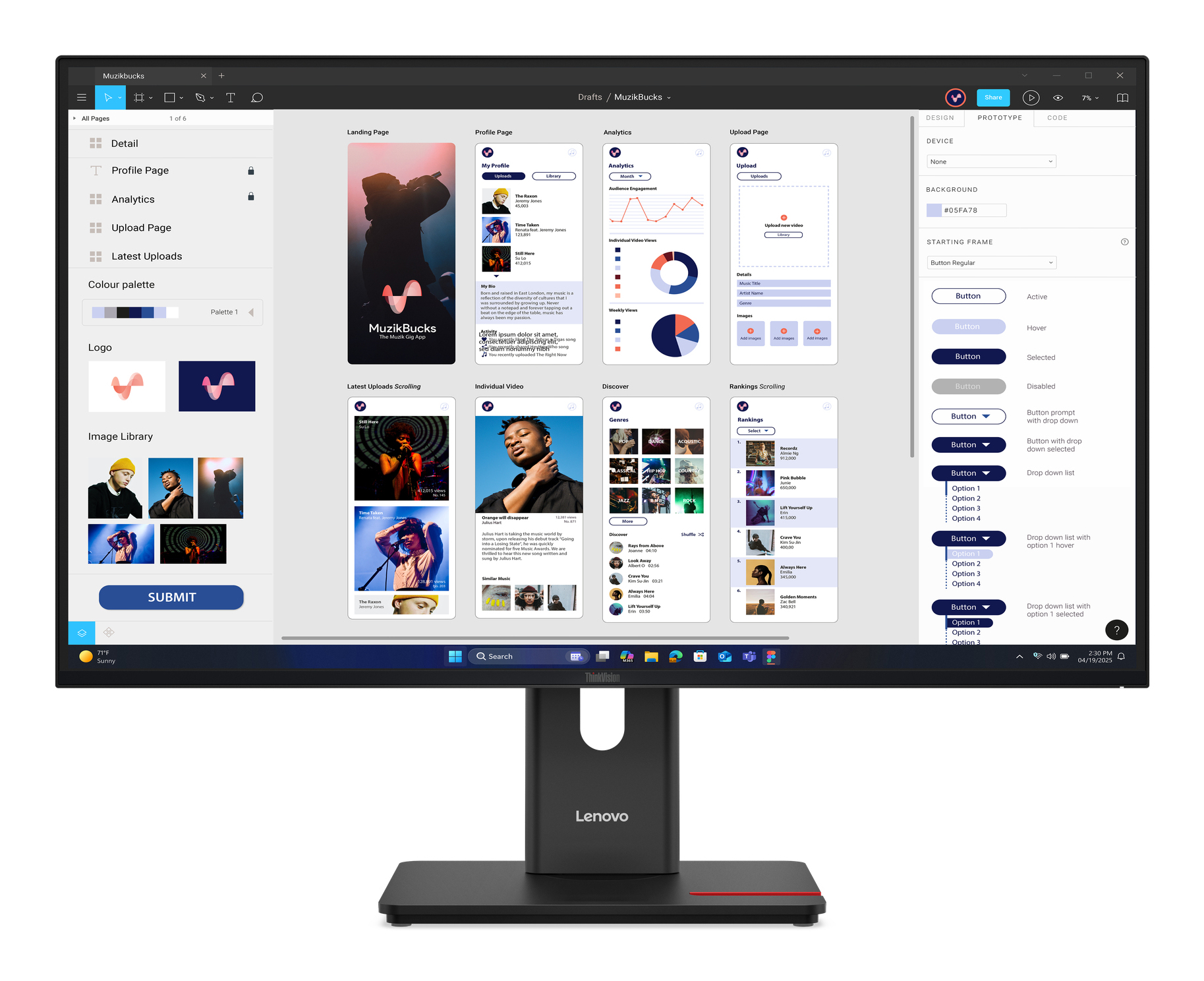
Lenovo
Lenovo ThinkVision T32UD-40 - LED monitor - 32" (31.5" viewable) - 3840 x 2160 4K @ 75 Hz - IPS - 350 cd/m� - 1500:1 - 4 ms - HDMI, DisplayPort, USB-C - eclipse black
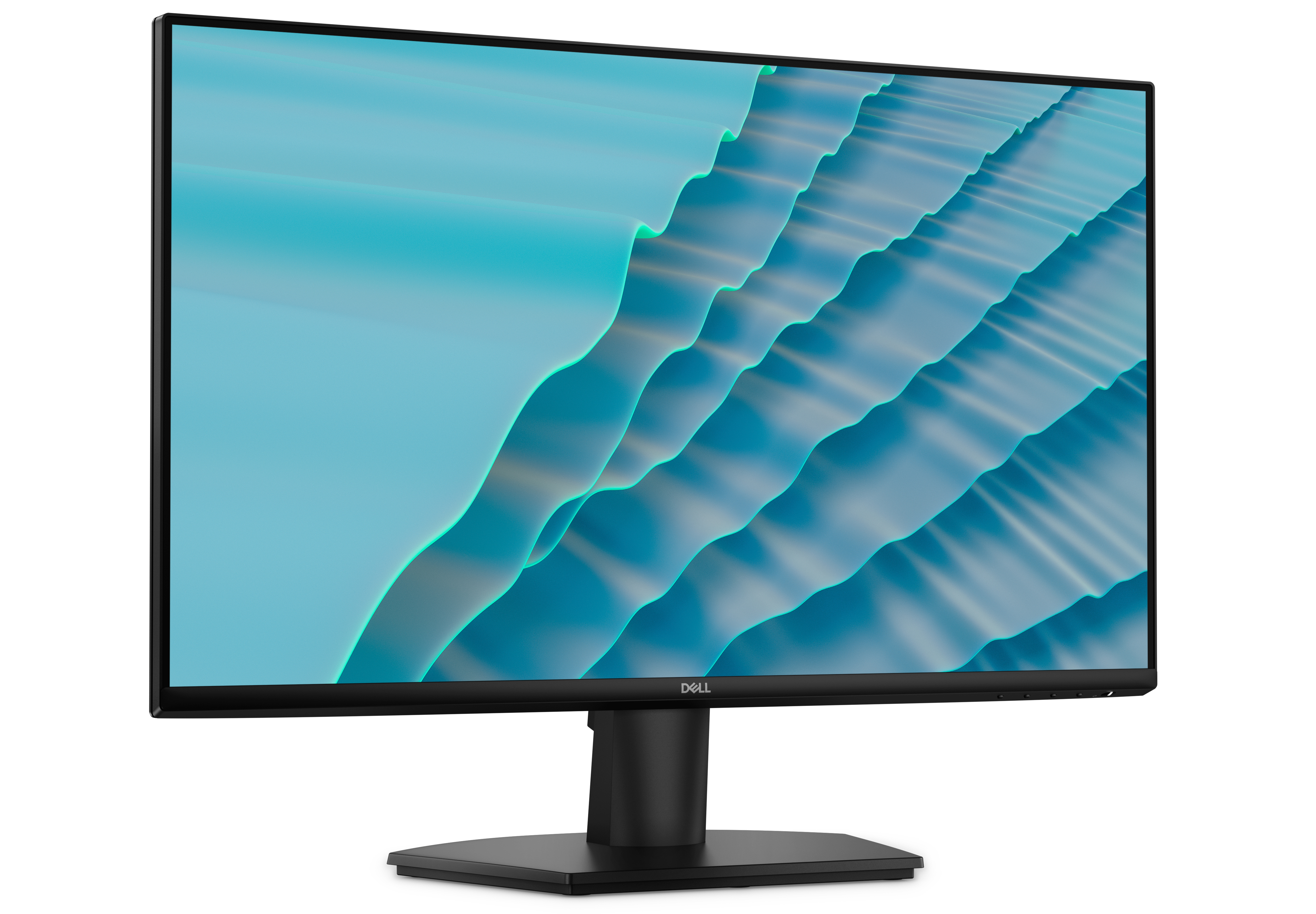
Dell
Dell SE2726H - LED monitor - 27" - 1920 x 1080 Full HD (1080p) @ 144 Hz - IPS - 300 cd/m� - 1000:1 - 1 ms - 2xHDMI - with 3 years Advanced Exchange Service
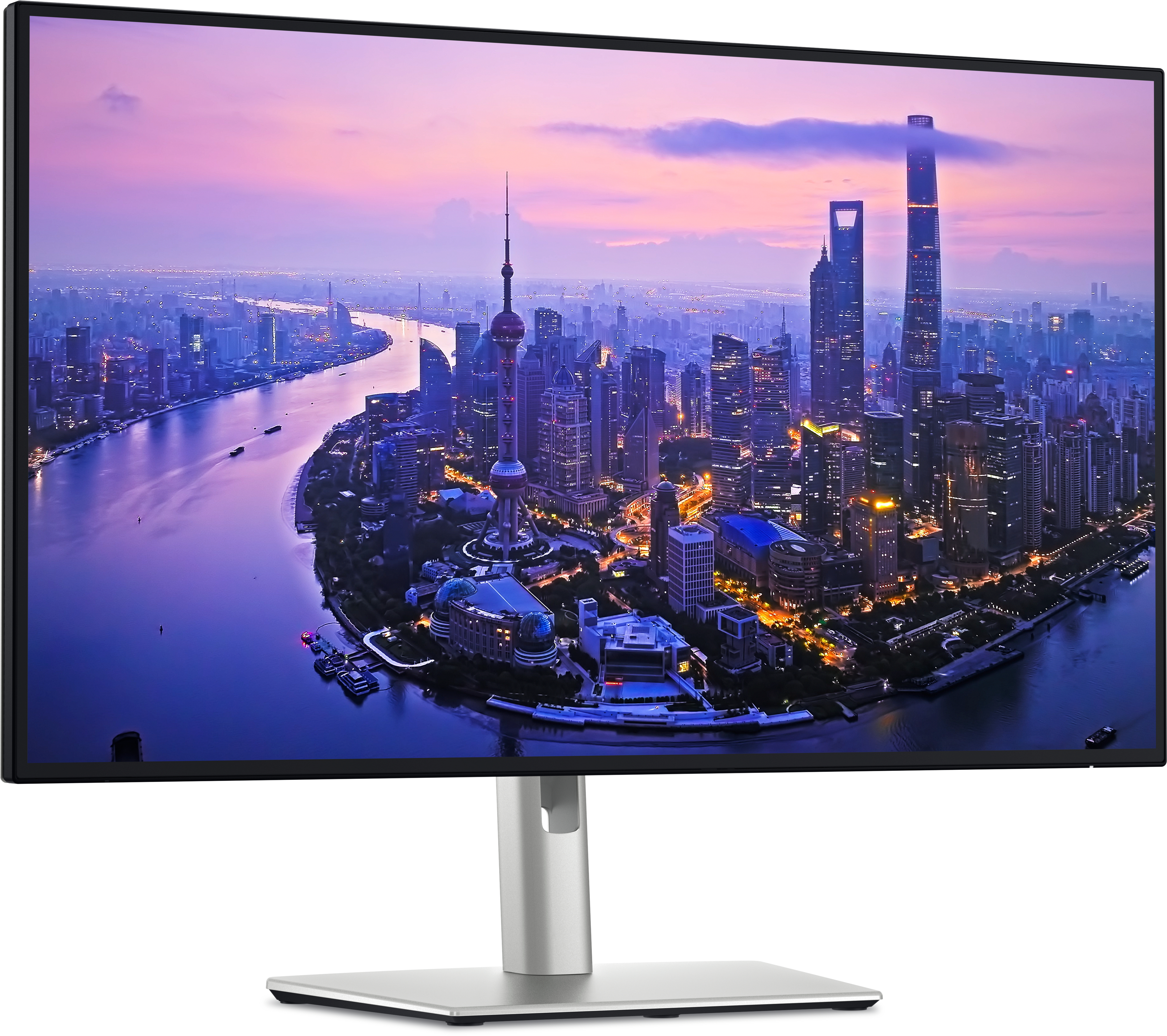
Dell
Dell UltraSharp U2725QE - LED monitor - 27" - 3840 x 2160 4K @ 120 Hz - IPS - 450 cd/m� - 3000:1 - DisplayHDR 600 - 5 ms - Thunderbolt 4, HDMI, DisplayPort - with 3 years Advanced Exchange Basic Warranty