- Cloud Email
How to Prevent Email Spoofing with SPF, DKIM, and DMARC
11 Mar, 2026
£654.97 inc. VAT
AI-generated summary
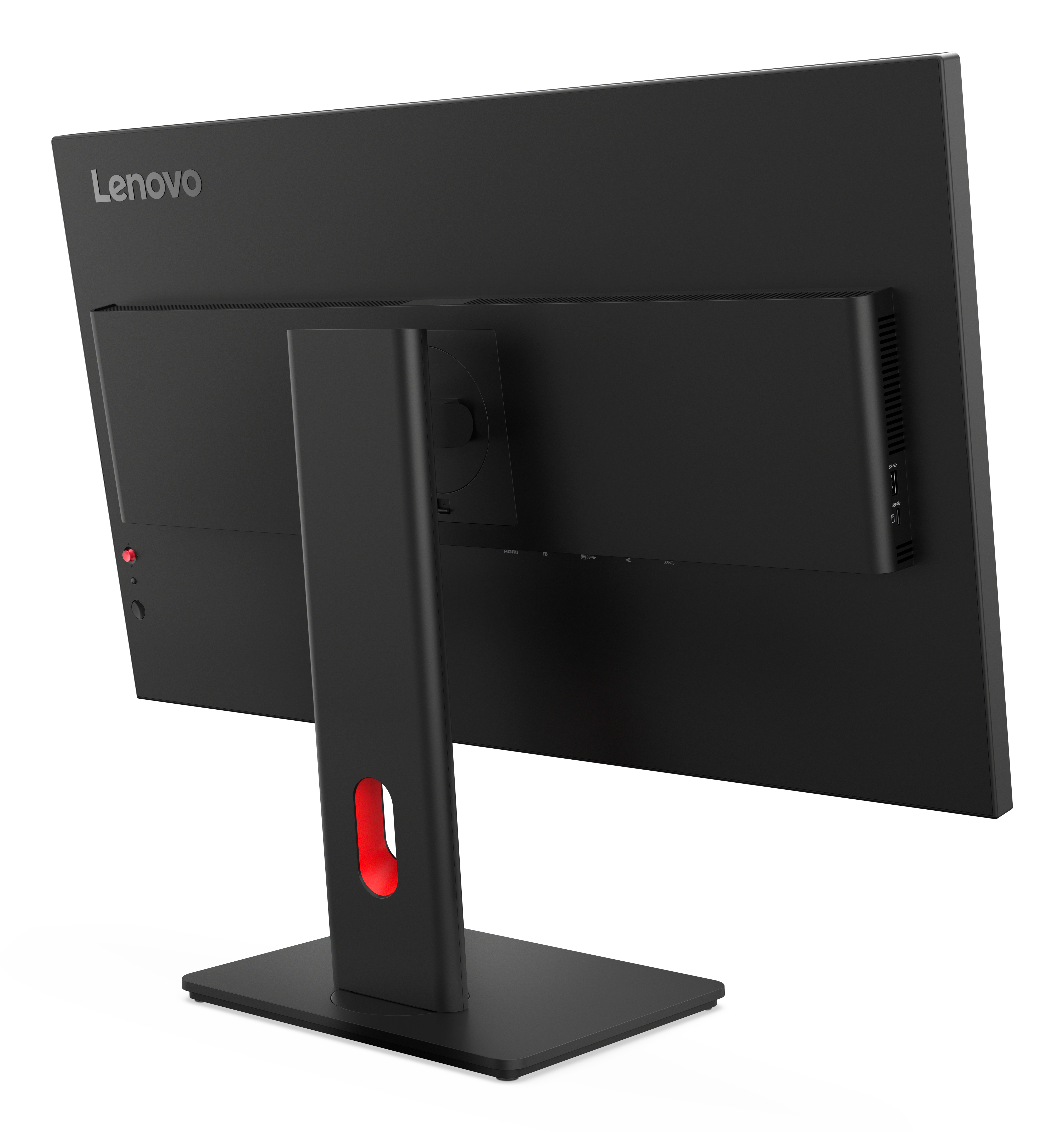
The Lenovo ThinkVision T32UD-40 at ~£546 ex‑VAT is a sensible “serious office” buy if you want a big, sharp productivity panel without going chasing the absolute premium tier. In day-to-day B2B use it’s the kind of monitor that just helps people work—good screen real estate for spreadsheets, documents, and side-by-side tasks, and generally friendly for office ergonomics compared with cheaper office models. If your team does a lot of knowledge work and you don’t want to fuss, this is the sort of workstation monitor that tends to earn its keep.
That said, I wouldn’t buy it blindly for power-users or anyone sensitive to perfect colour/graphics work. At this price, competitors sometimes offer more visibly “wow” image quality or better connectivity features depending on your exact setup, and you’ll want to check your docking/connection needs rather than assuming it will be plug-and-play. If the main goal is general productivity in a standard office environment, it’s a good value choice; if you’re doing design, heavy reporting with tight colour accuracy requirements, or you need very specific I/O (for your existing docking), I’d shortlist a couple of alternatives first to avoid paying for features you don’t actually use.
Crystal-Clear Visuals
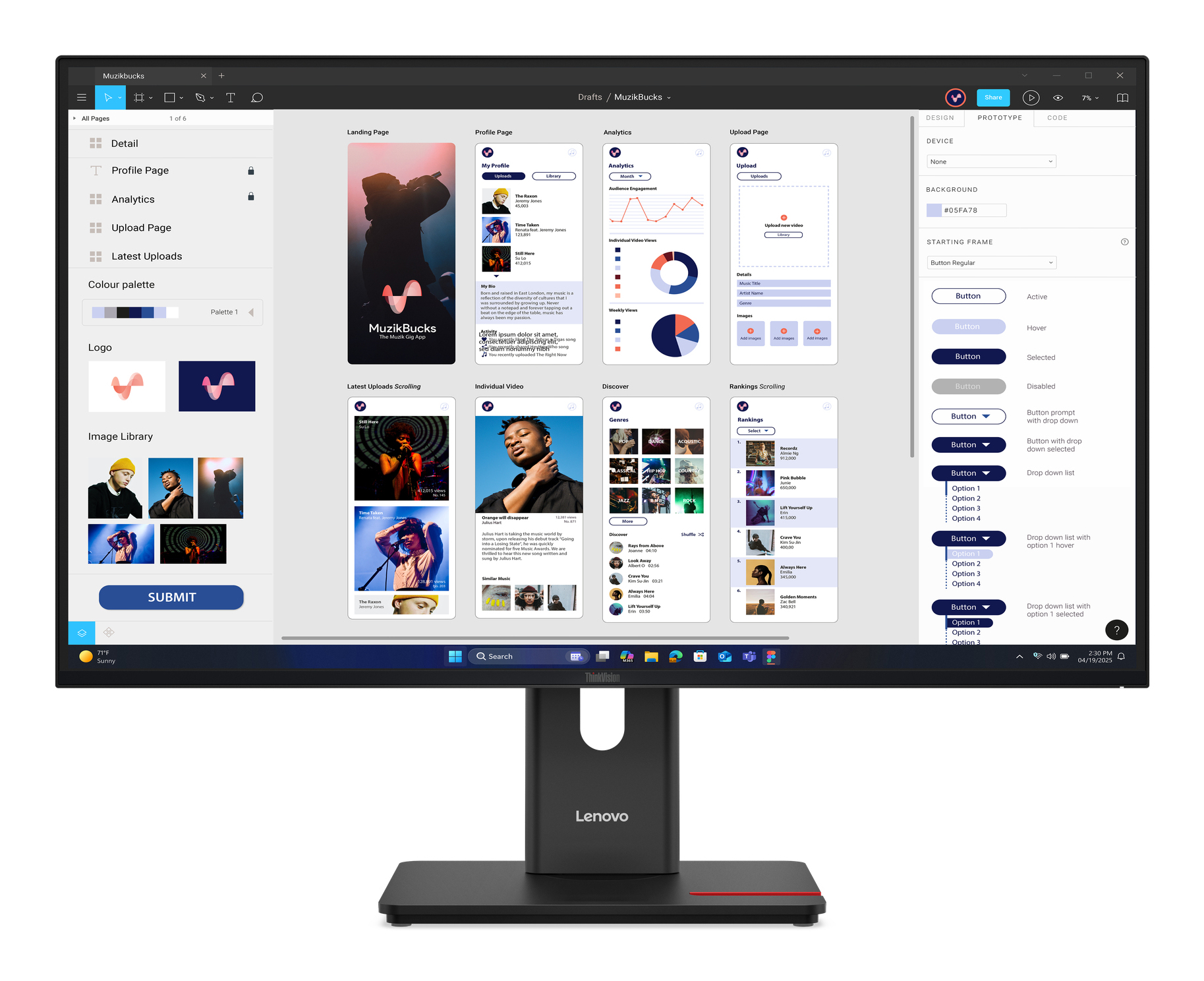
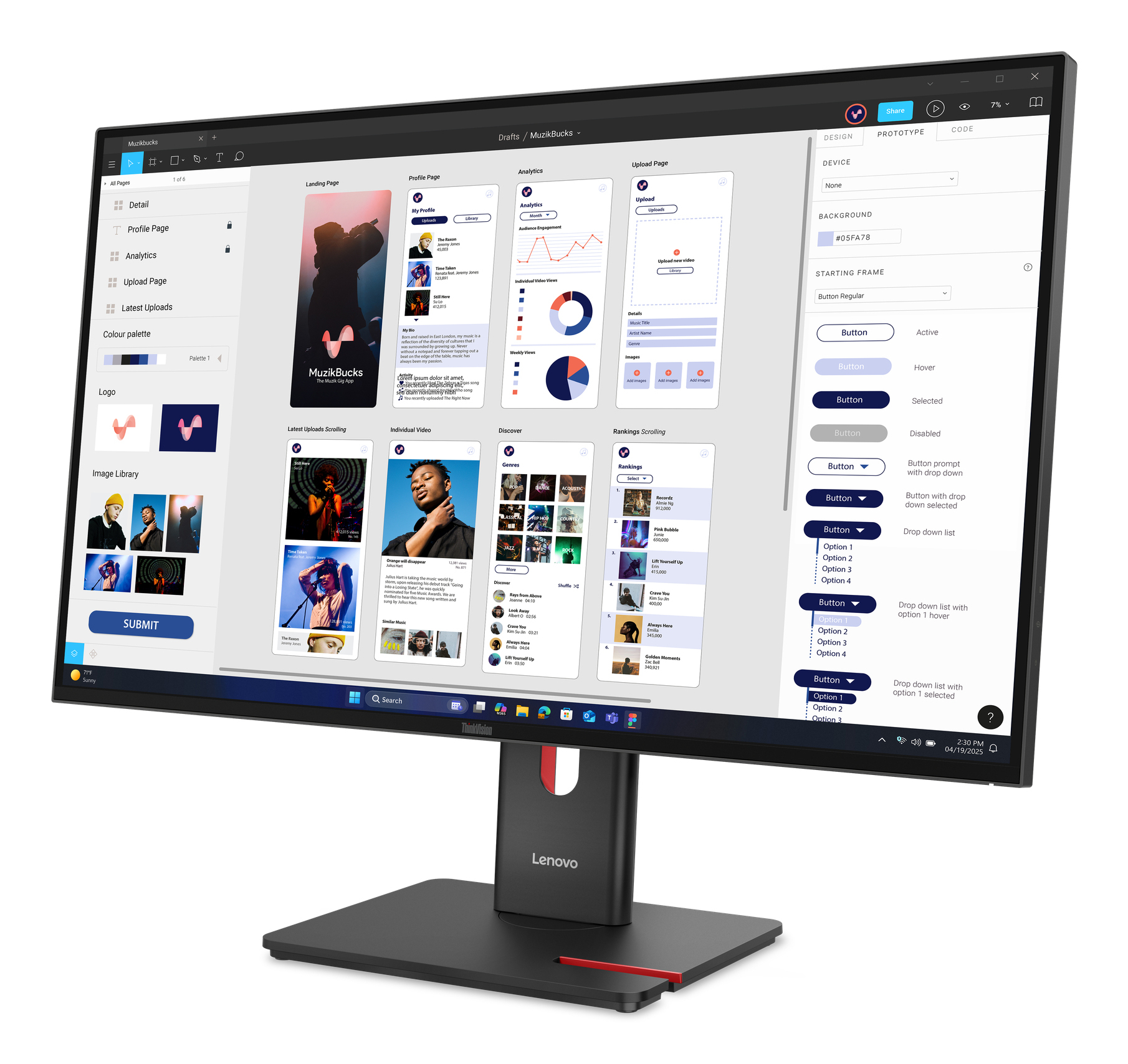
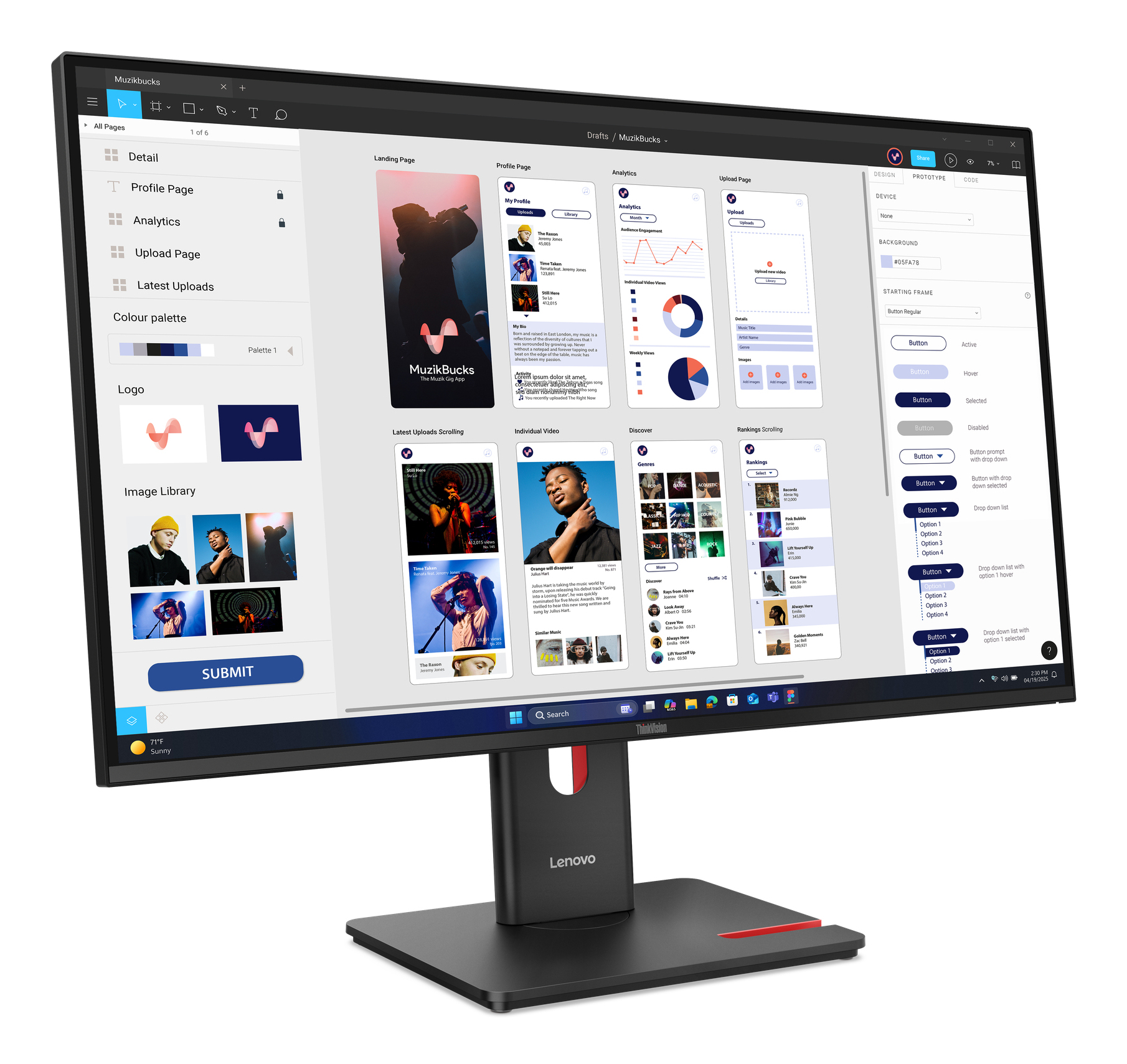
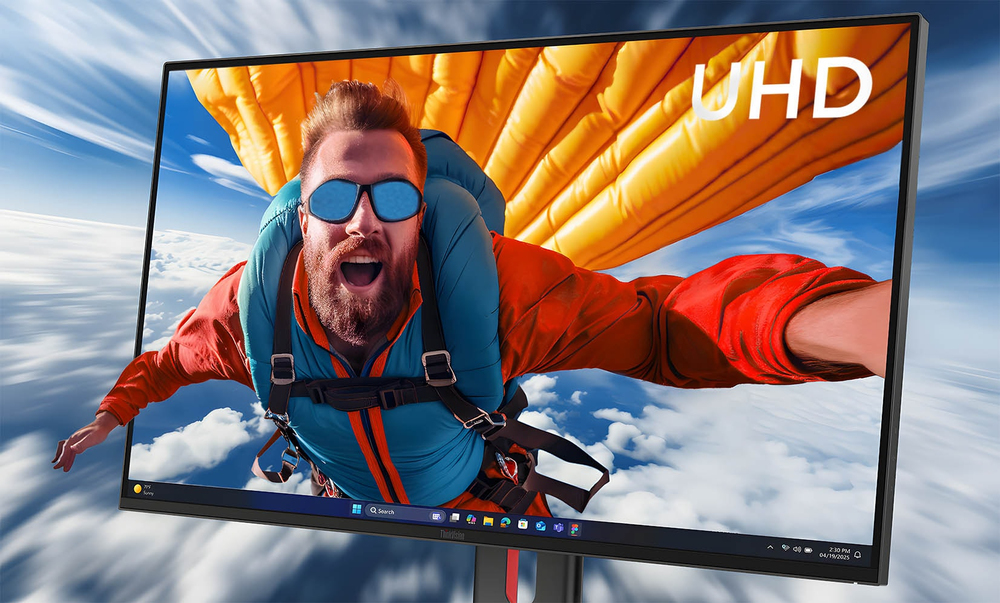
Experience ultra sharp visuals withuot any distortion on the IPS panel with its UHD resolution and 48-60 Hz refresh rate.
Punchy Colors and Immersive Images
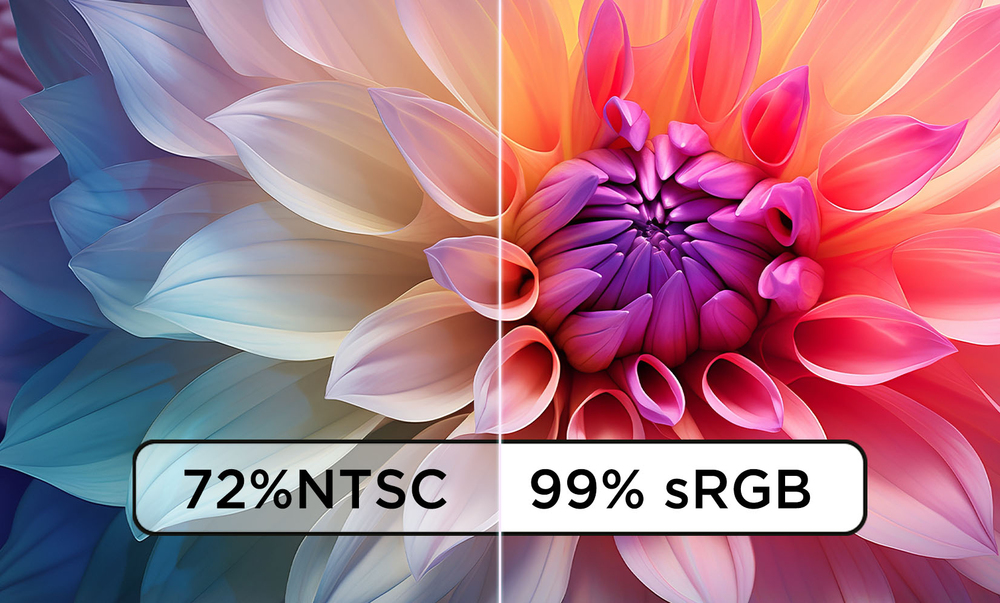
Relish color accurate and immersive work content with the monitor's 99% sRGB and 99% BT.709 color space coverage, and its 4-sided ultra thin bezel design.
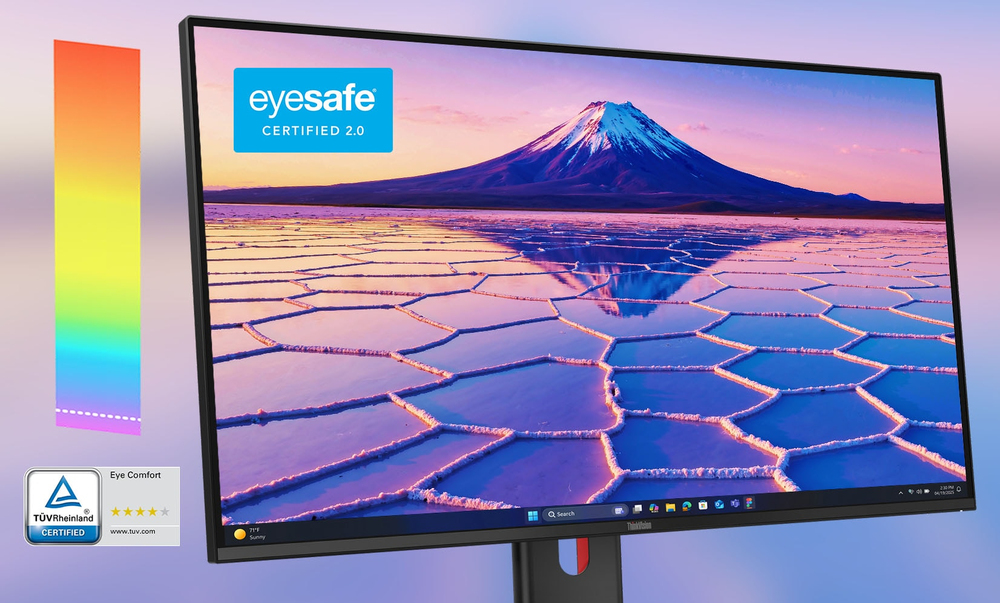
Enhenced Eye Protection
Make long working sessions free from eye-strain using the monitor’s Eyesafe® Certification 2.0 and Eye Comfort 4-Star Certification by TÜV Rheinland.
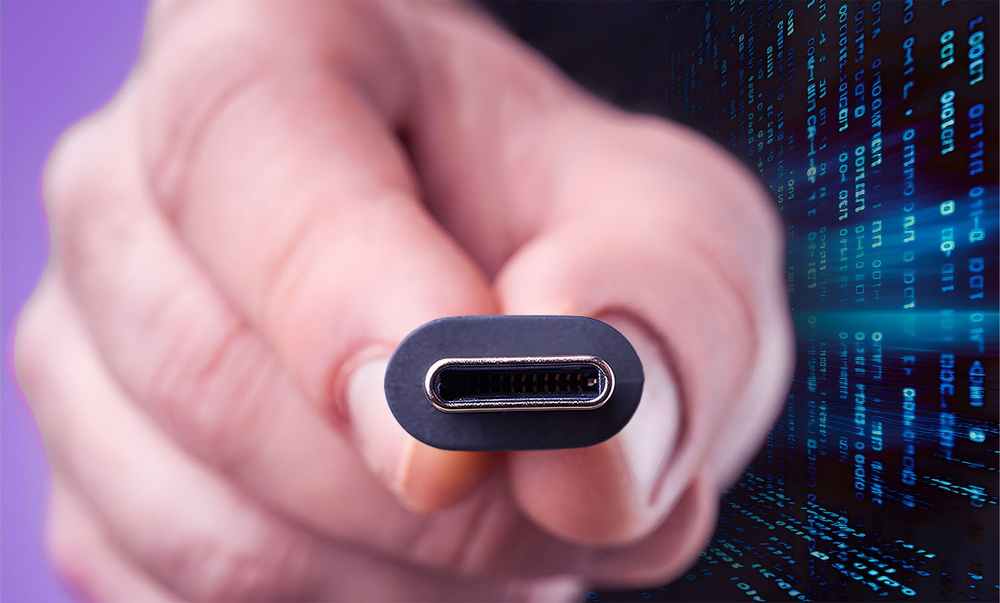
Smart Docking
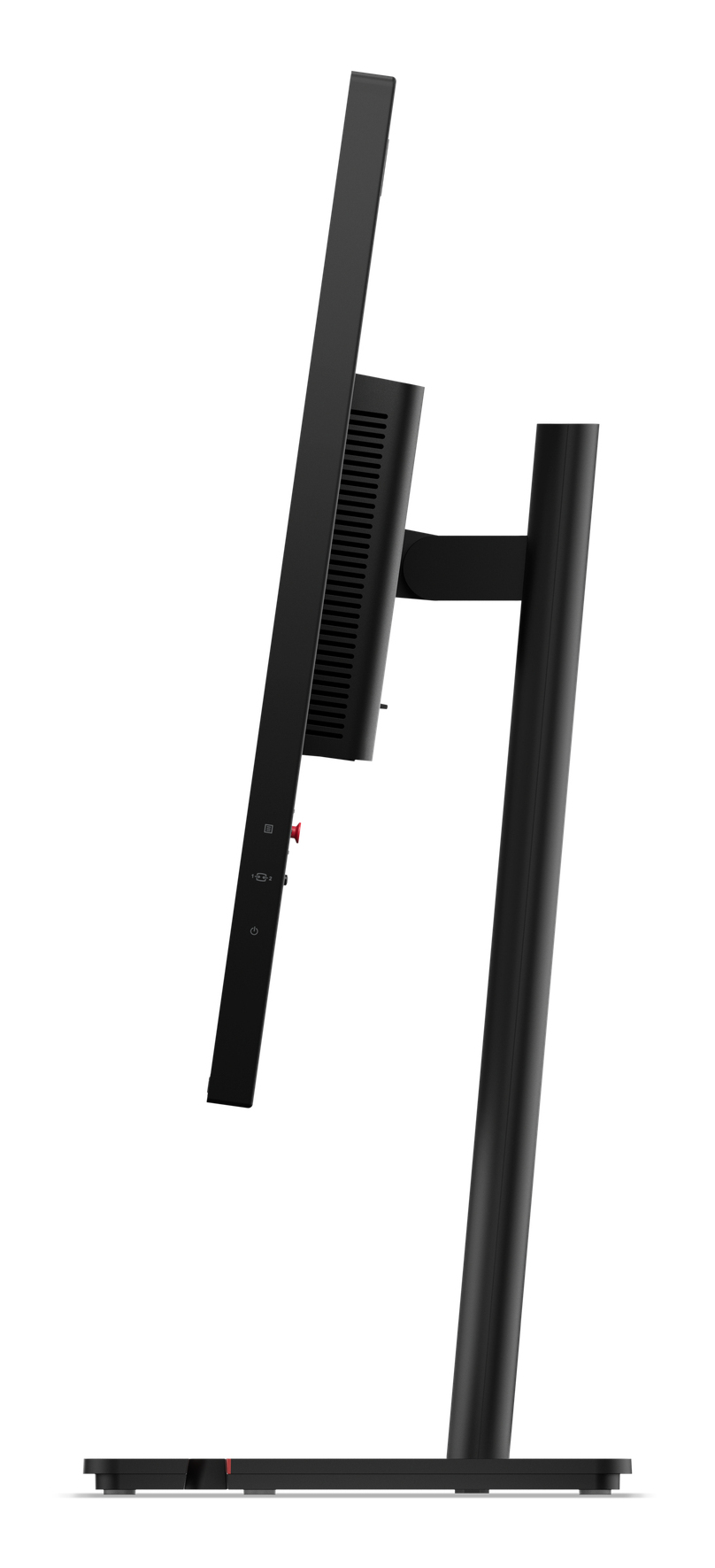
ThinkVision docking monitors offer a USB hub and one cable docking solution that delivers power (up to 100W*), data, and display simultaneously, making it convenient for your digital workspace.
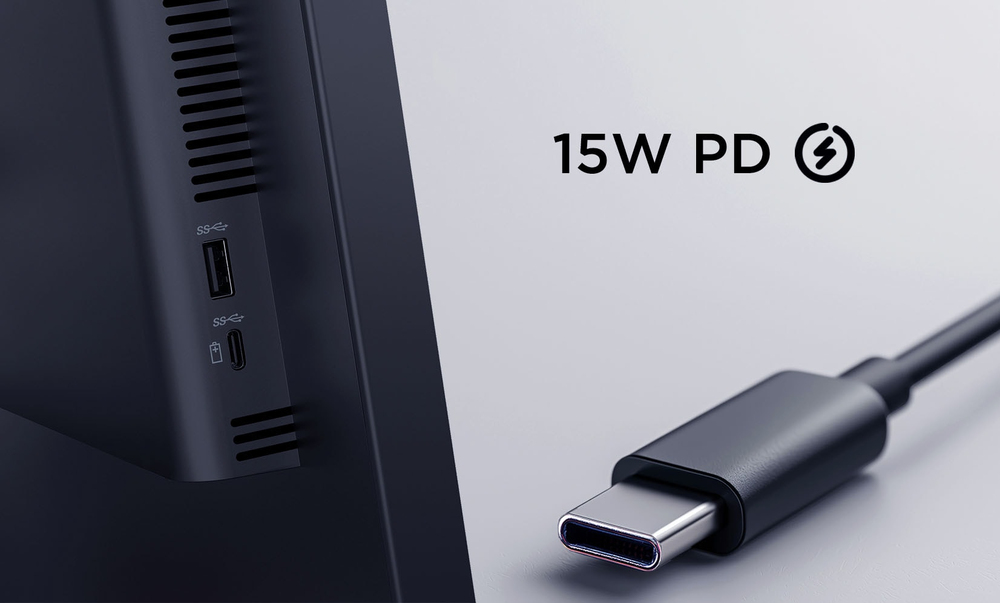
Versatile Connectivity
Leverage compatibility and connectivity with a wide range of devices with the ThinkVision USB hubs, unlocking greater productivity for your workflows and utilizing the USB-C downstream port for up ...
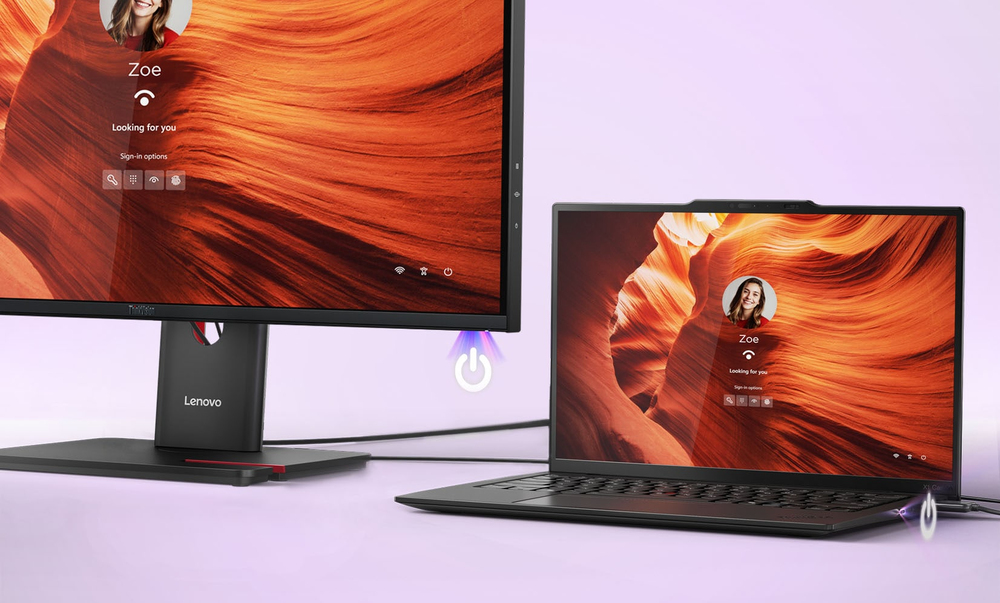
Convenient and Unified Controls
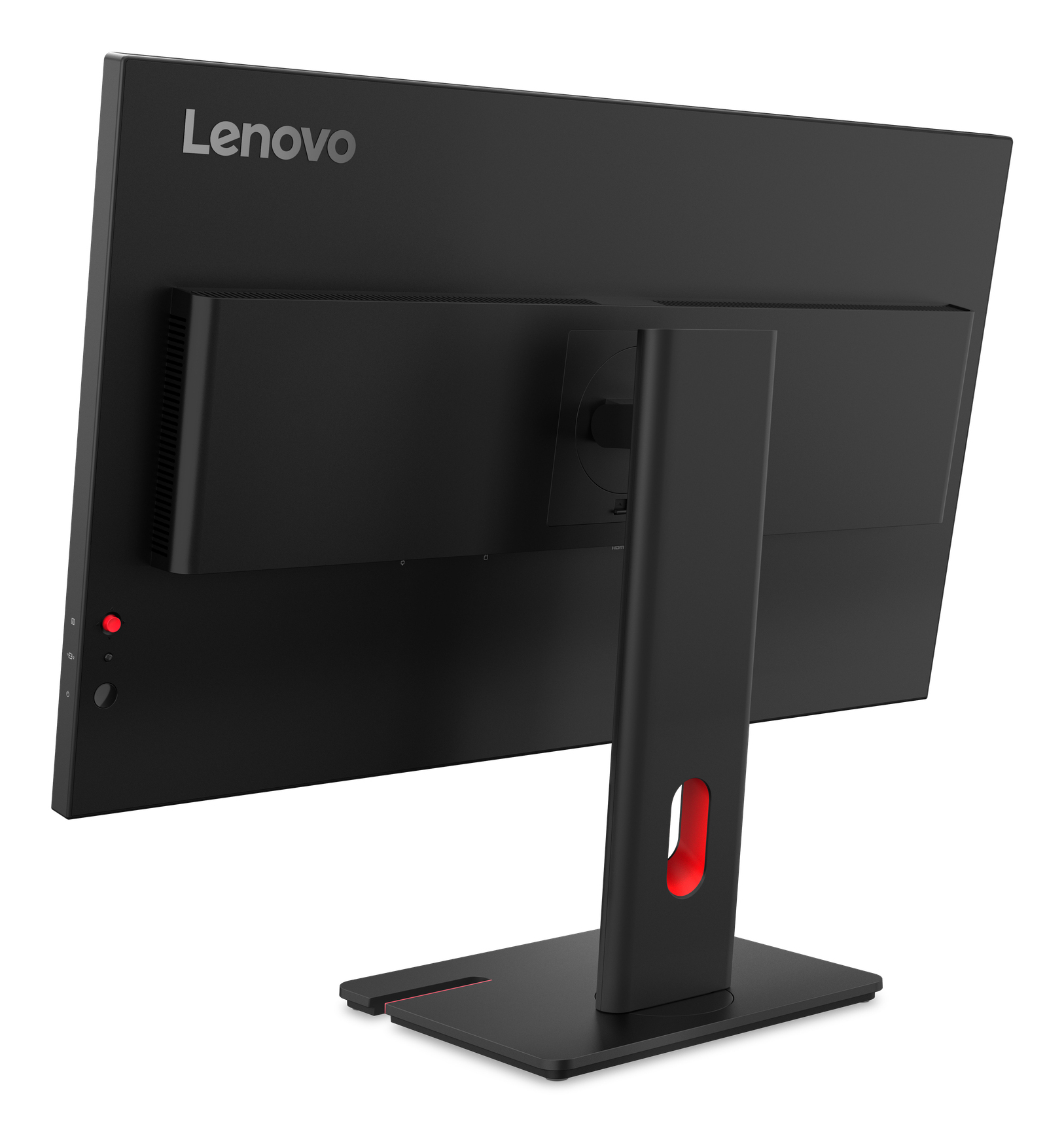
Turn on, shut down, or wake a docked Lenovo notebook directly from the monitor using the Mirrored Power Button and add convenience to your work setup.
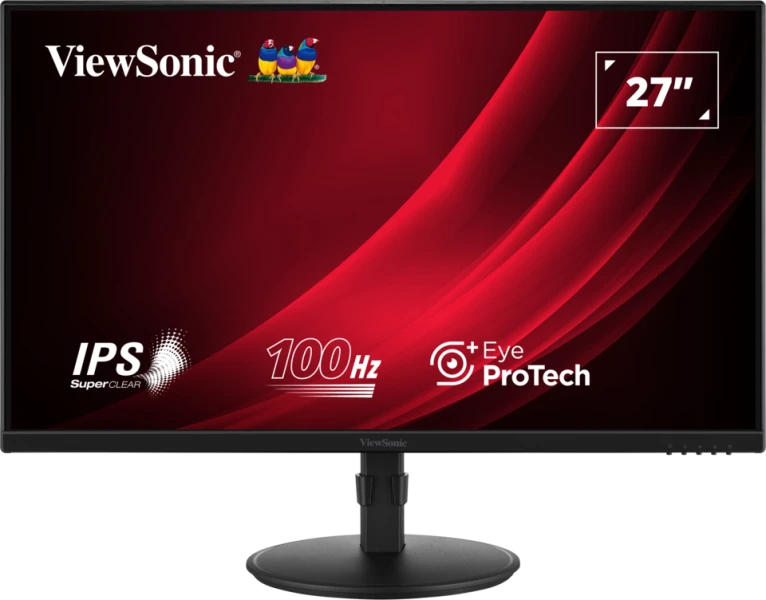
ViewSonic
ViewSonic VA2708-HDJ - LED monitor - 27" - 1920 x 1080 Full HD (1080p) @ 100 Hz - IPS - 250 cd/m� - 1300:1 - 5 ms - HDMI, VGA, DisplayPort
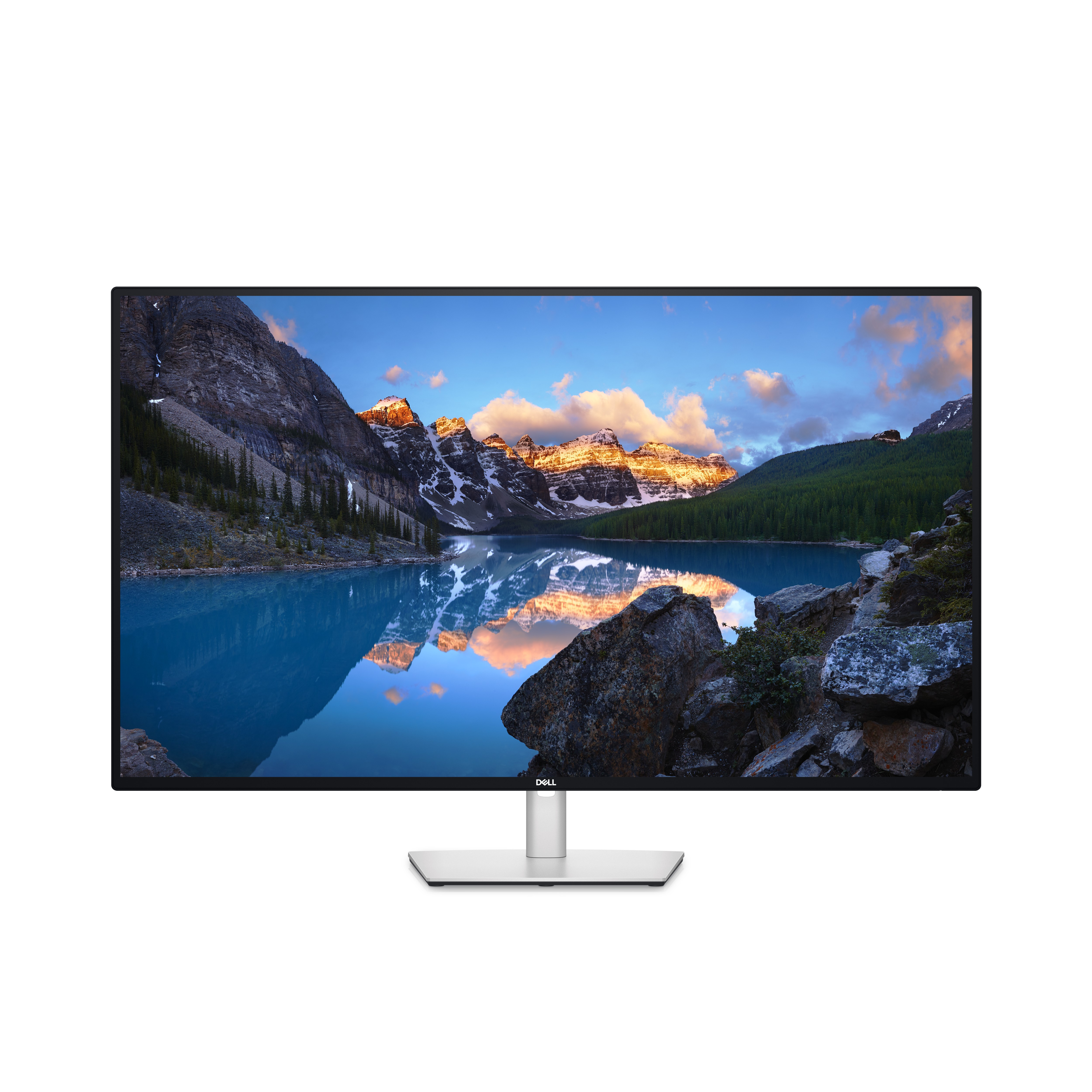
Dell
Dell UltraSharp U4323QE - LED monitor - 42.51" - 3840 x 2160 4K @ 60 Hz - IPS - 350 cd/m� - 1000:1 - 5 ms - 2xHDMI, 2xDisplayPort, USB-C - speakers - with 3-Year Advanced Exchange Service and Premium Panel Exchange
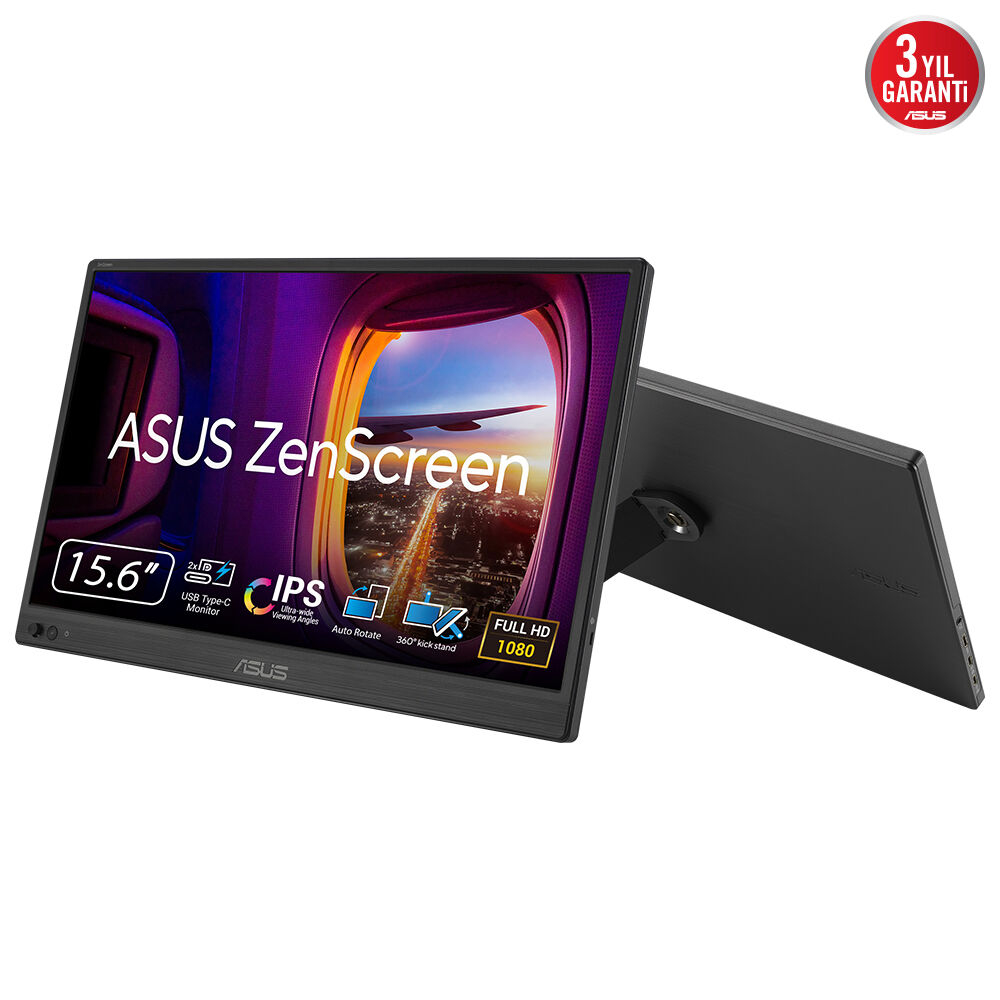
Asus
ASUS ZenScreen MB169CK - LED monitor - 16" (15.6" viewable) - portable - 1920 x 1080 Full HD (1080p) @ 60 Hz - IPS - 250 cd/m� - 1000:1 - 5 ms - Mini HDMI, 2xUSB-C - black
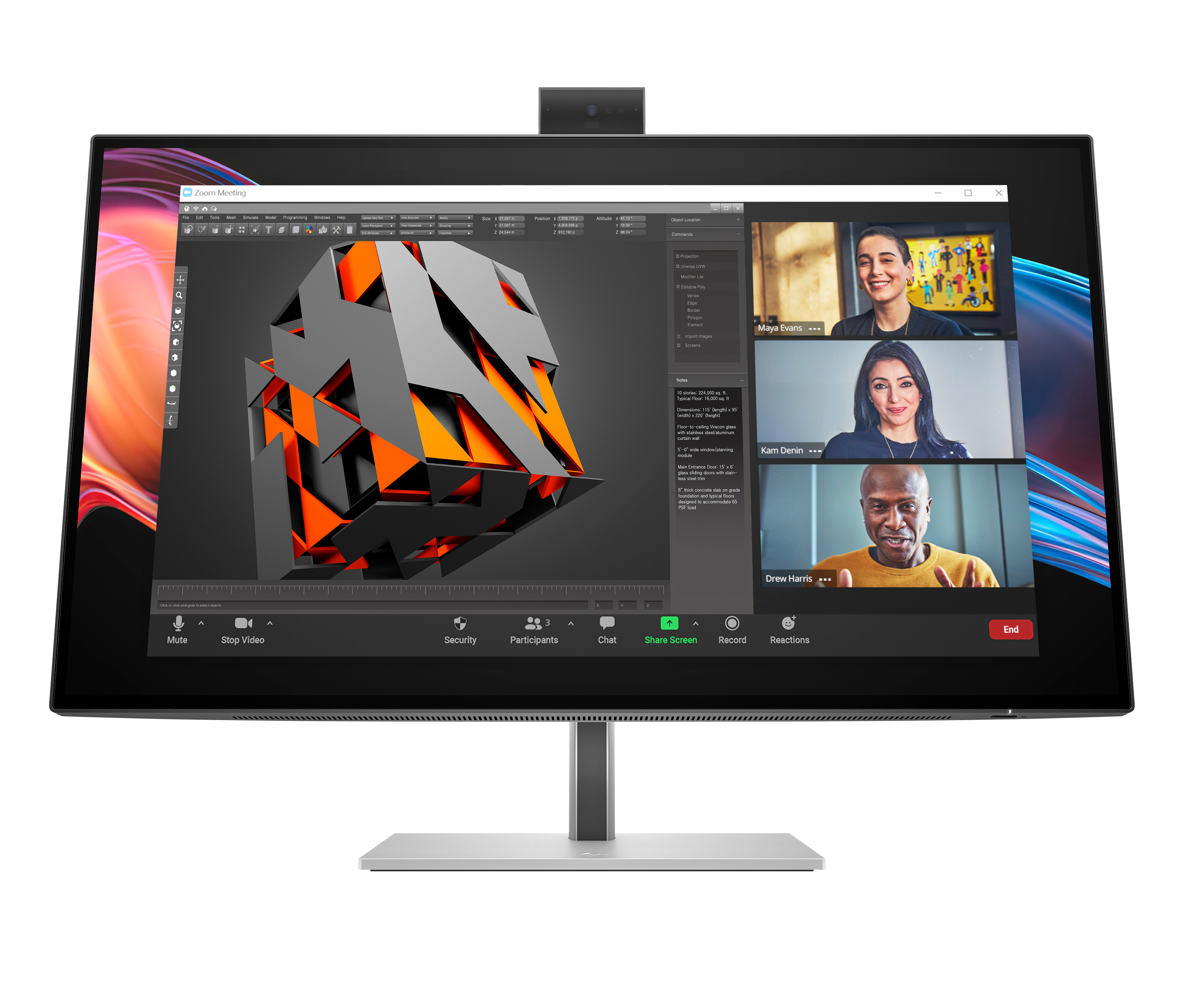
HP
HP 727pm - Series 7 Pro - LED monitor - 27" - 3840 x 2160 4K @ 60 Hz - IPS Black - 400 cd/m� - 2000:1 - DisplayHDR 400 - 5 ms - Thunderbolt 4, HDMI, DisplayPort - speakers - black, silver