- Google Ads & PPC
How to Write Google Ads Copy That Converts
5 May, 2026
£291.41 inc. VAT
AI-generated summary
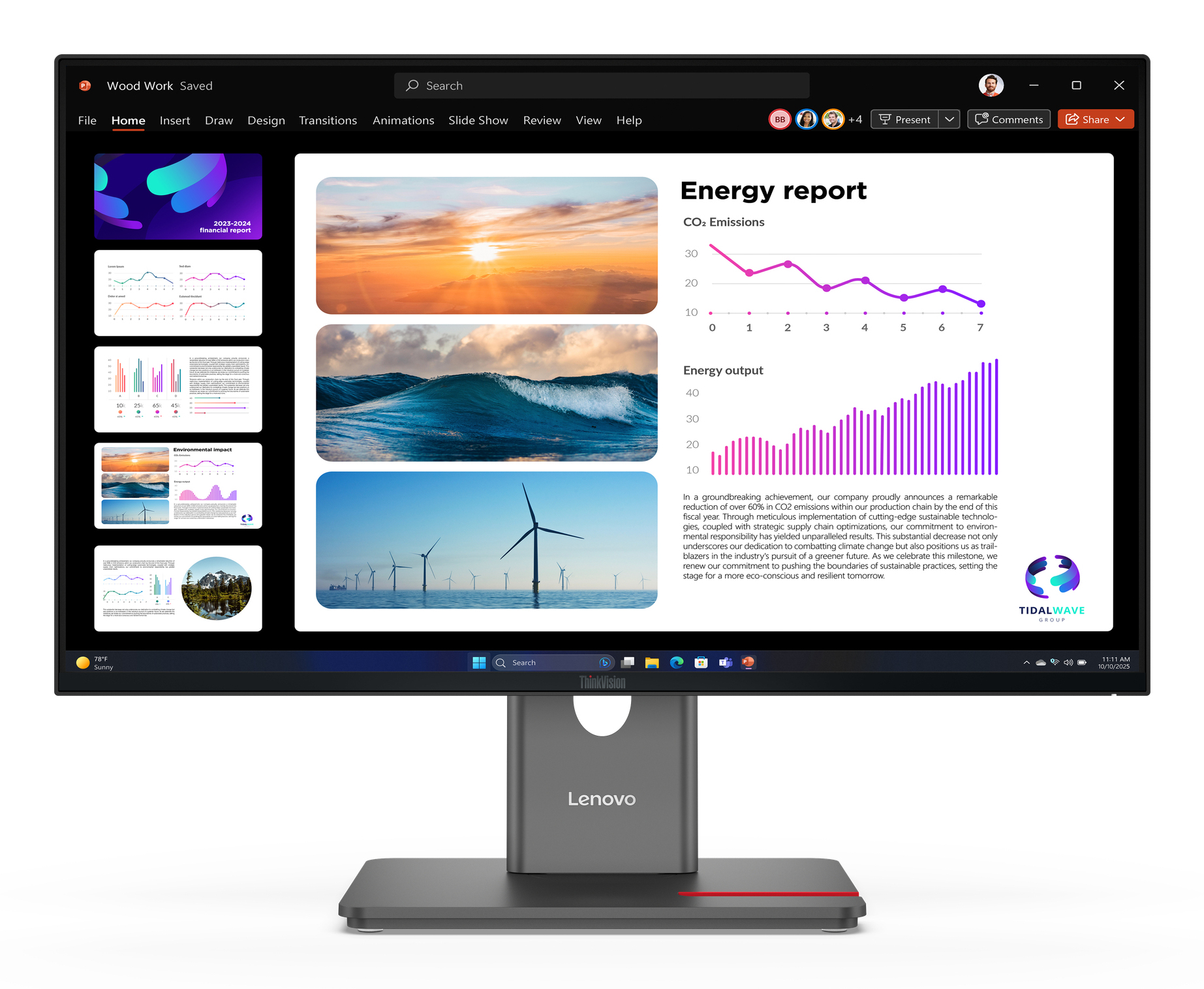
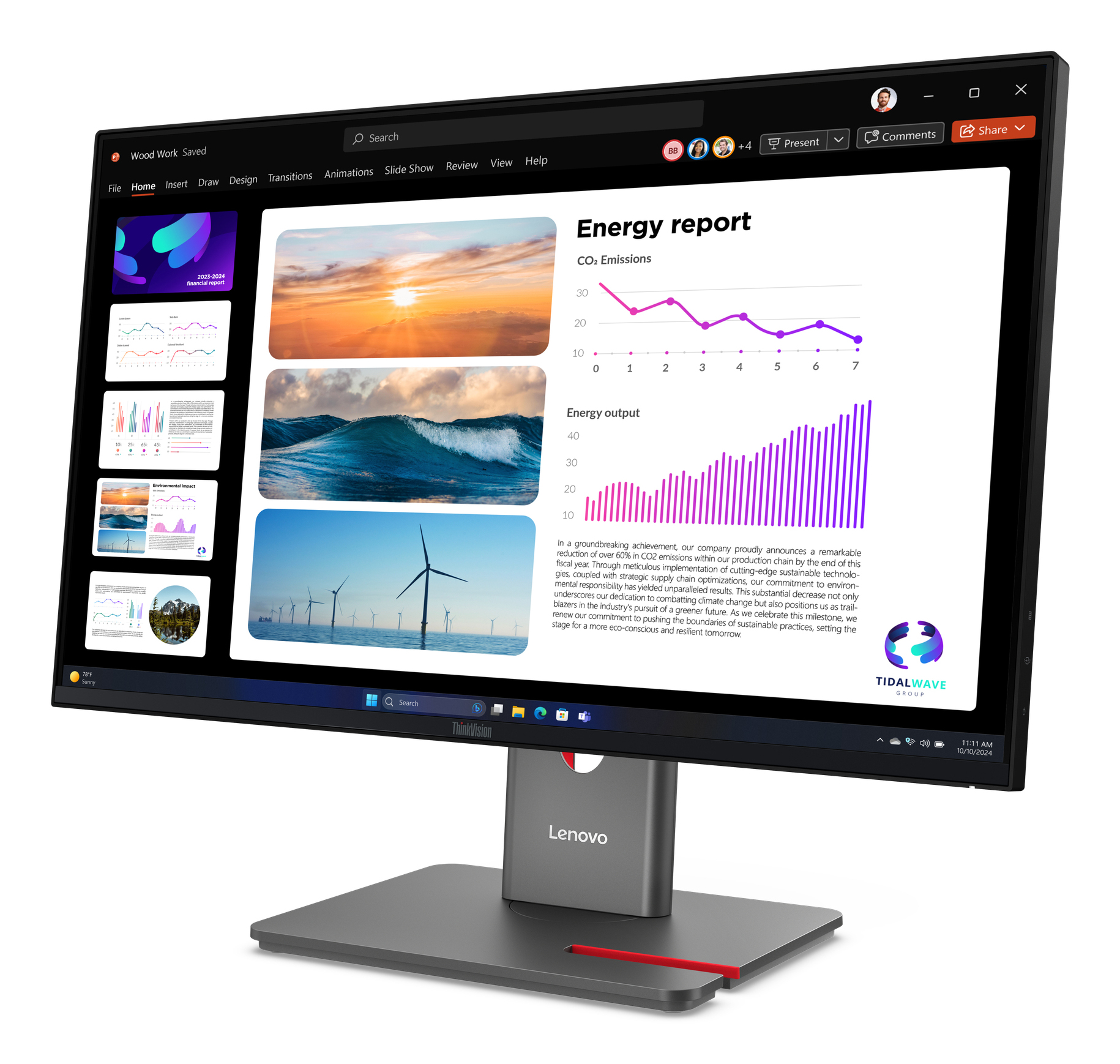
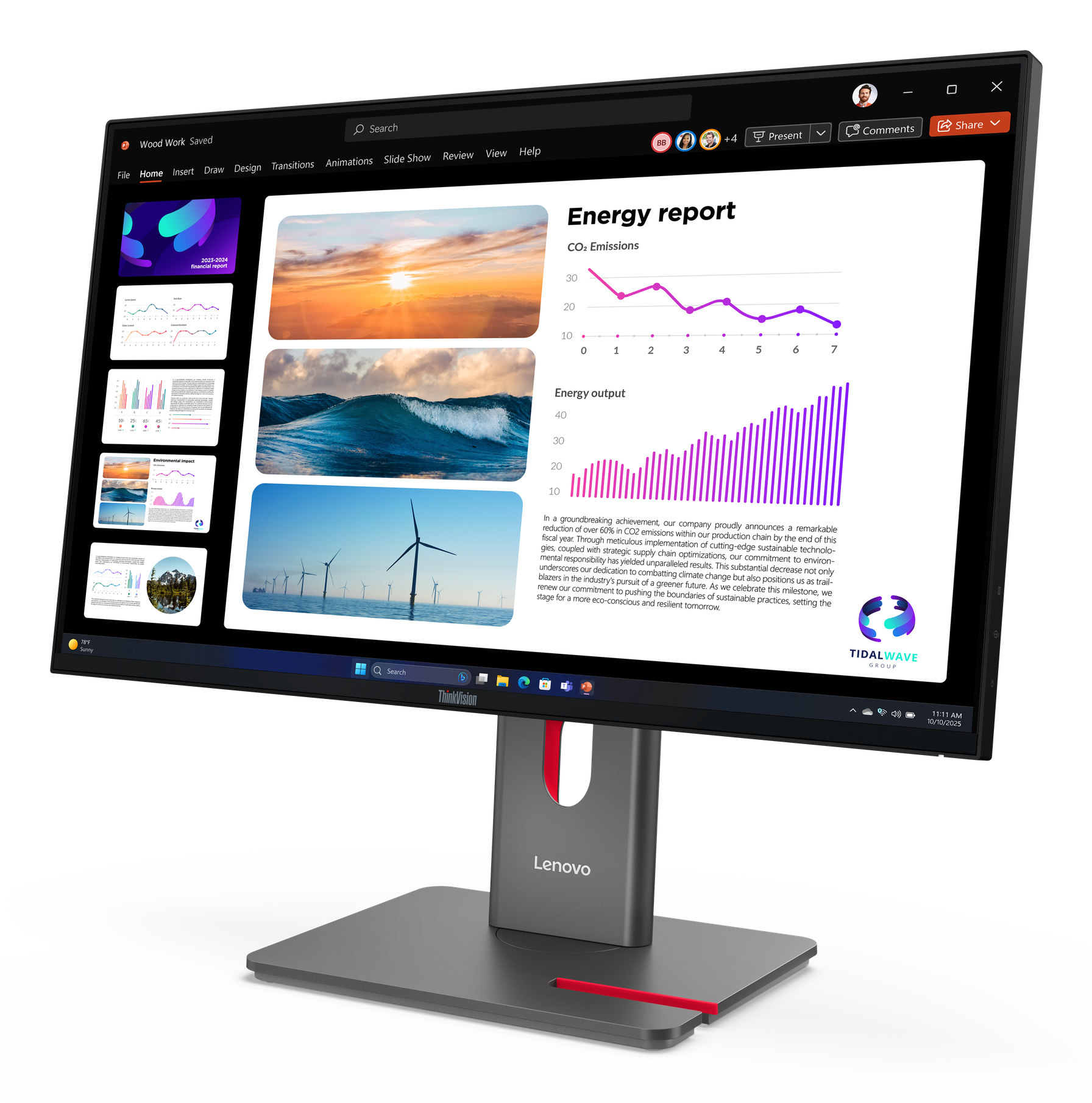
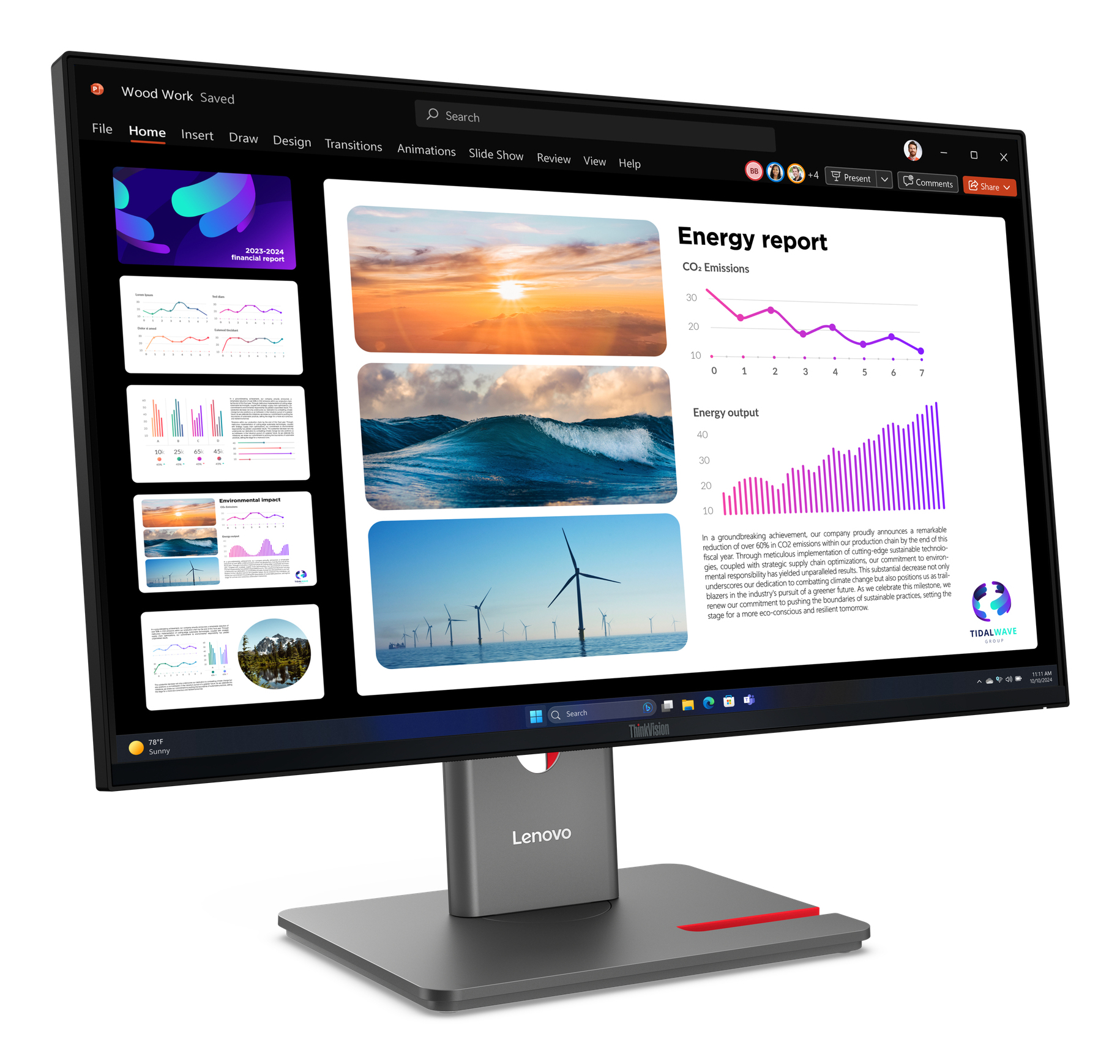
At £242.88 ex-VAT, the Lenovo ThinkVision P24Q-40 is a pretty sensible buy if you just need a dependable 24–ish inch office monitor for spreadsheets, admin work and everyday multitasking. ThinkVision models tend to be built for business use rather than “spec-sheet flex”, so you usually get sensible ergonomics and solid day-to-day usability without the random quirks that can show up on cheaper panels. For the price point, it’s good value for teams that don’t want to think about monitors every week.
That said, I wouldn’t recommend it to anyone expecting “premium creator” performance or deep colour work out of the box. If you’re doing serious design, colour-critical graphics, or you’re very sensitive to how screens handle contrast and brightness over long sessions, you may want to compare against higher-tier business displays (or at least check for the exact panel behaviour before committing). Also, it’s worth confirming your connectivity needs upfront—business buyers get burned more often by ports and docking realities than by image quality. Overall: buy it for general office productivity and value-focused setups; skip it if your work is colour-sensitive or you’re after a noticeably more premium viewing experience.
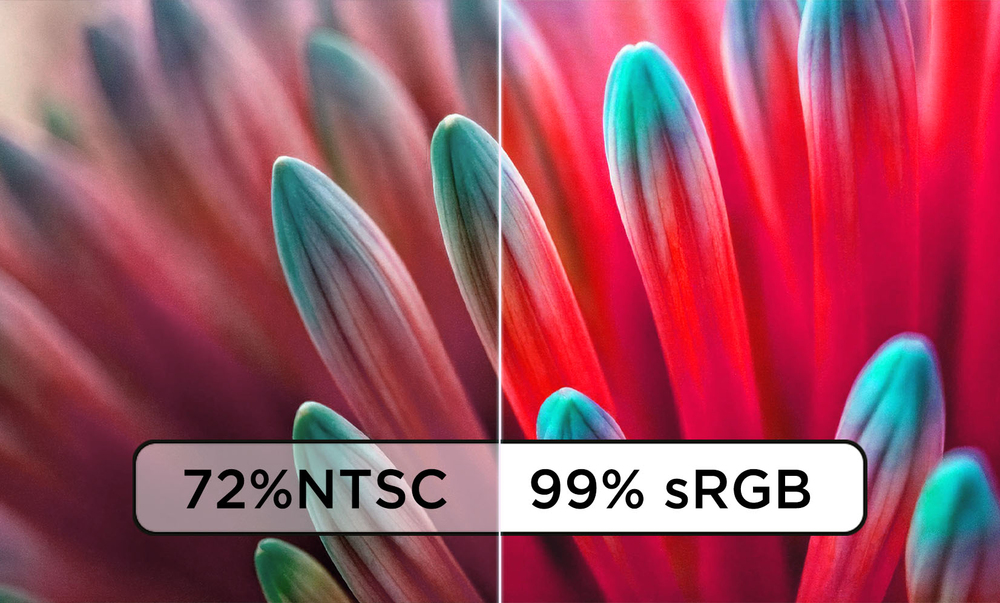
Life-Like Visual Fidelity
Enjoy imagery that looks ultra-sharp and color accurate from any angle using the IPS panel’s QHD resolution and factory calibrated 99% sRGB color space coverage.
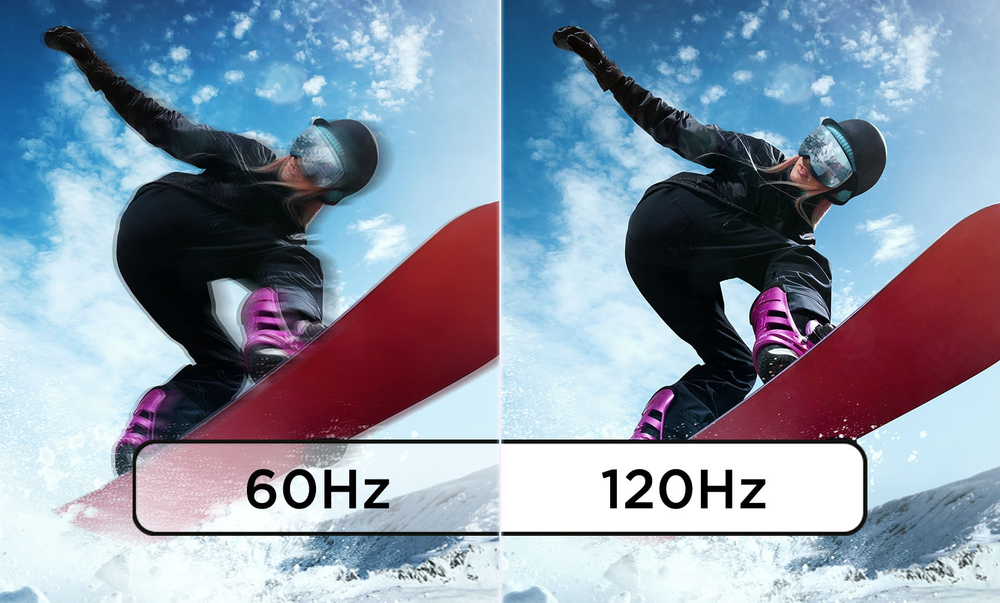
Dynamically Variable Refresh Rate
Benefit from both additional energy savings and smoother looking visuals with the 48-120Hz variable refresh rate*
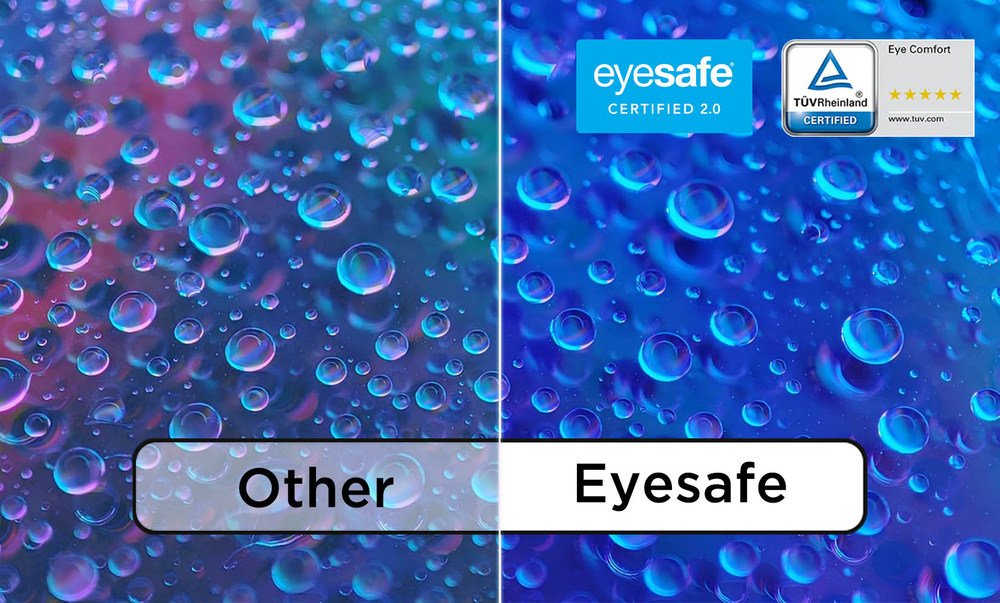
Exceptional Eye Comfort
Eliminate unwanted eye-strain and fatigue while working on the panel with its Eye Comfort 5-star certification and Eyesafe Certification 2.0 by TÜV Rheinland.
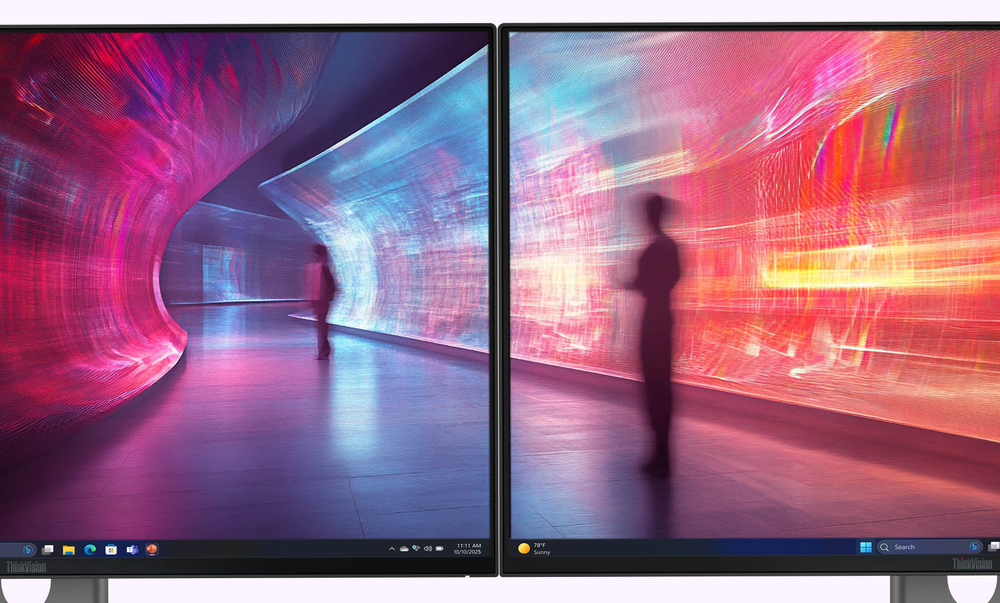
Screen Space Expansion
Use the DP out port to increase your screen space by daisy chaining up to 2 monitors that combine to become one large screen with their 4-sided ultra-thin bezels.
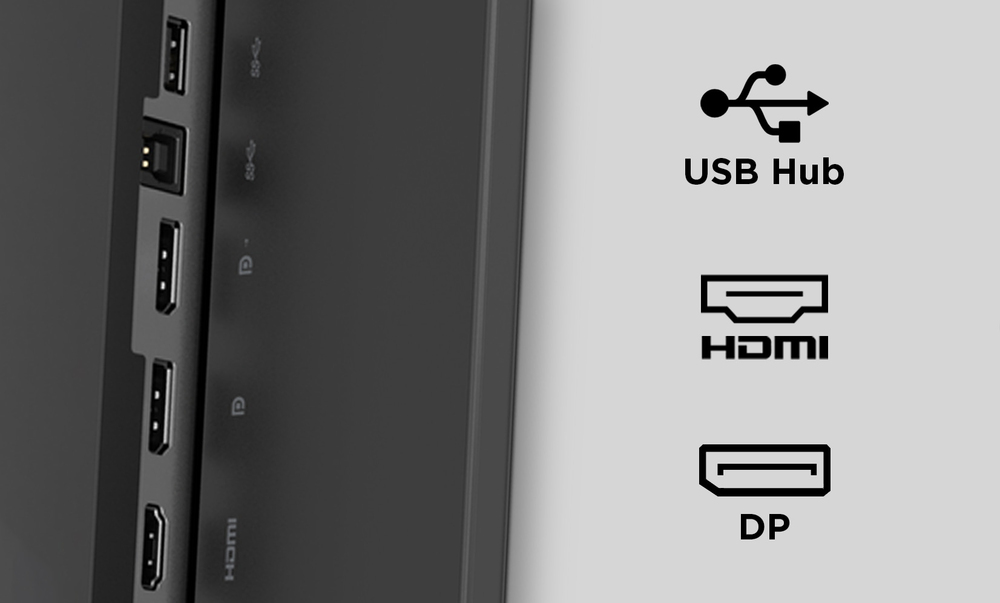
Ample Connectivity
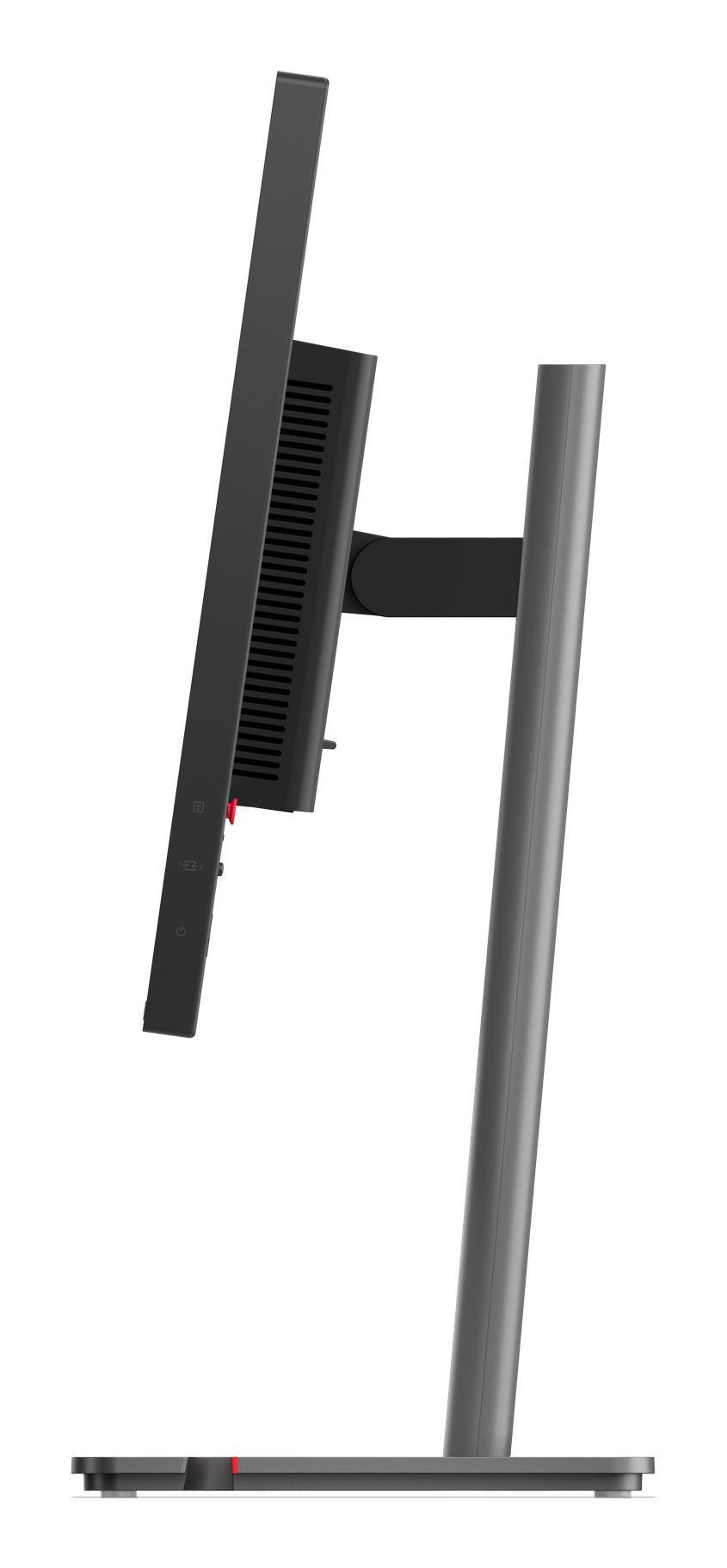
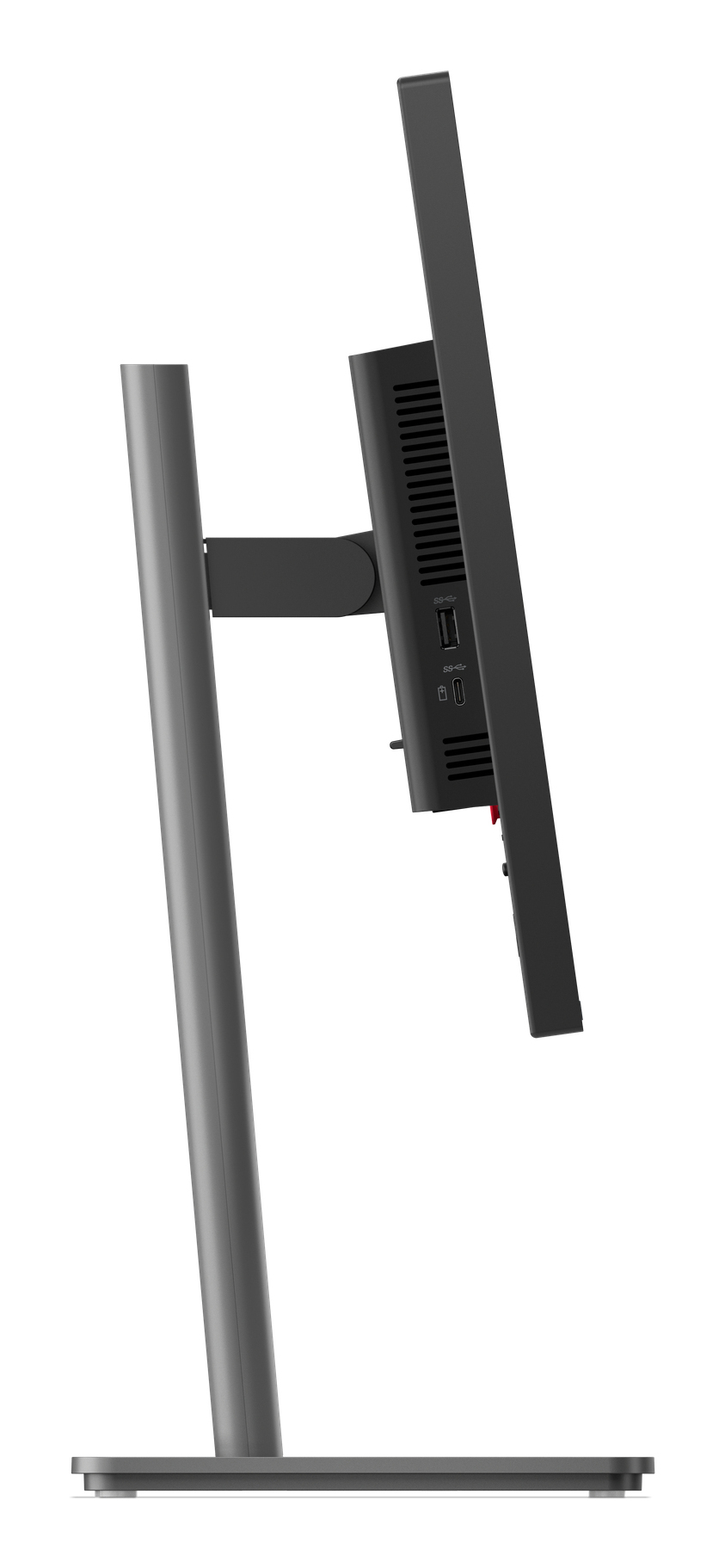
Easily connect all compatible and preferred devices to the monitor's built-in USB hub, HDMI and DP ports to level-up your productivity for all workflows.
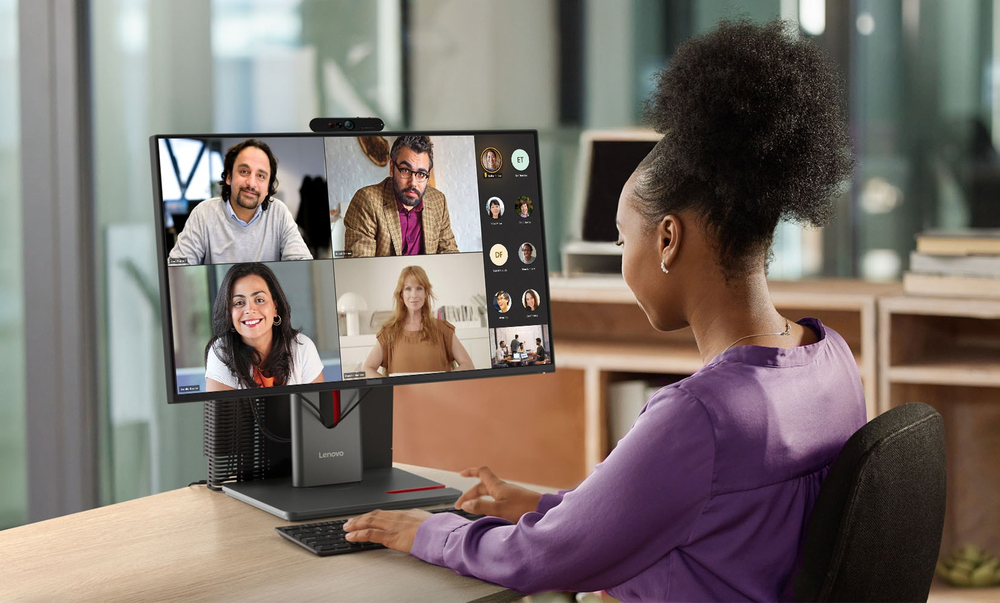
Support for Modular Add-Ons
Improve your audio and camera quality by connecting to the ThinkVision Modular MC60 Webcam and MS30 Soundbar via the top-mounted USB-A port. Work peacefully on your neat and organized desk with the...
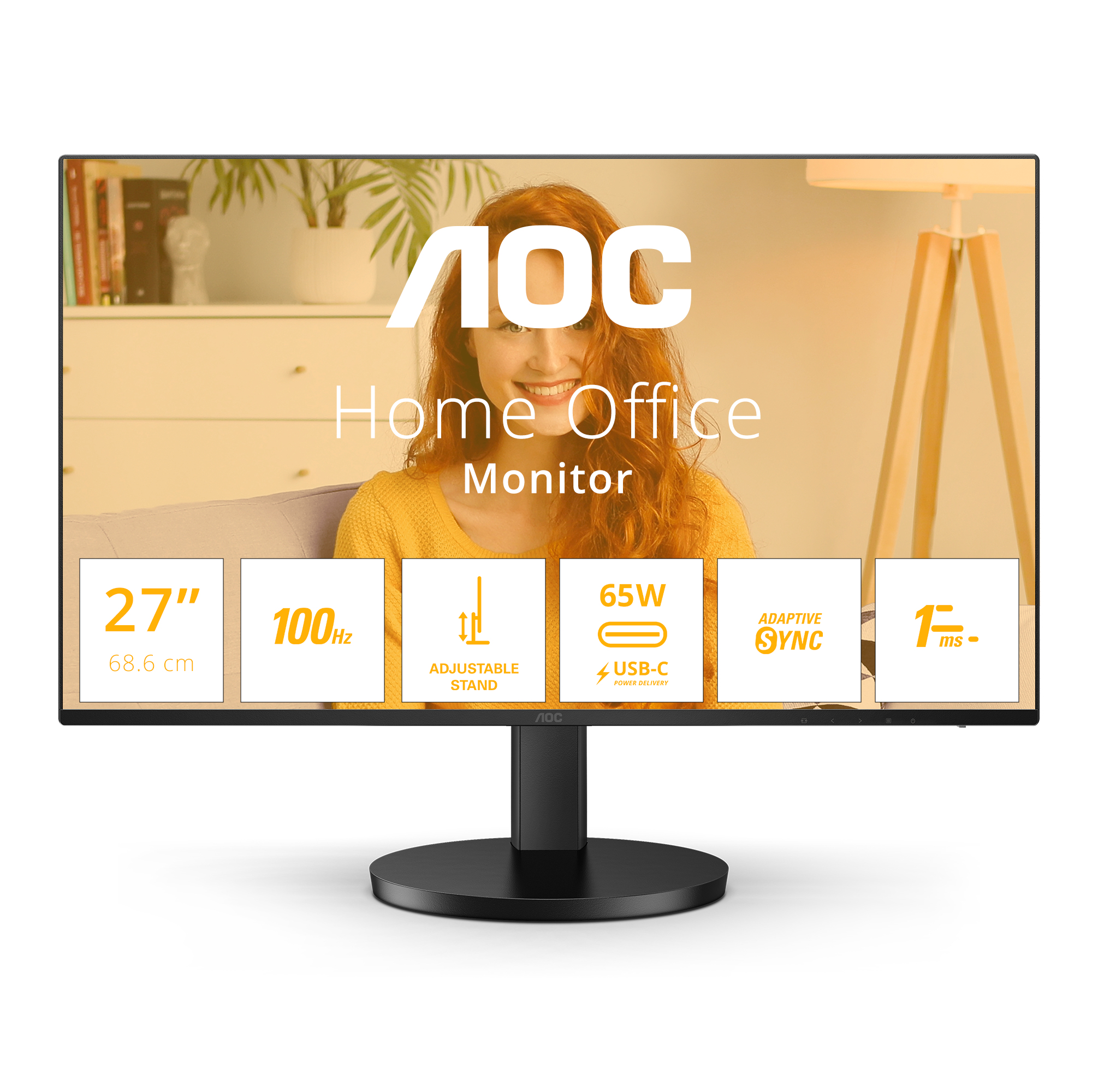
AOC
AOC Q27B3CF2 - B3 Series - LED monitor - 27" - 2560 x 1440 QHD @ 100 Hz - IPS - 1500:1 - 1 ms - HDMI, USB-C - speakers - black
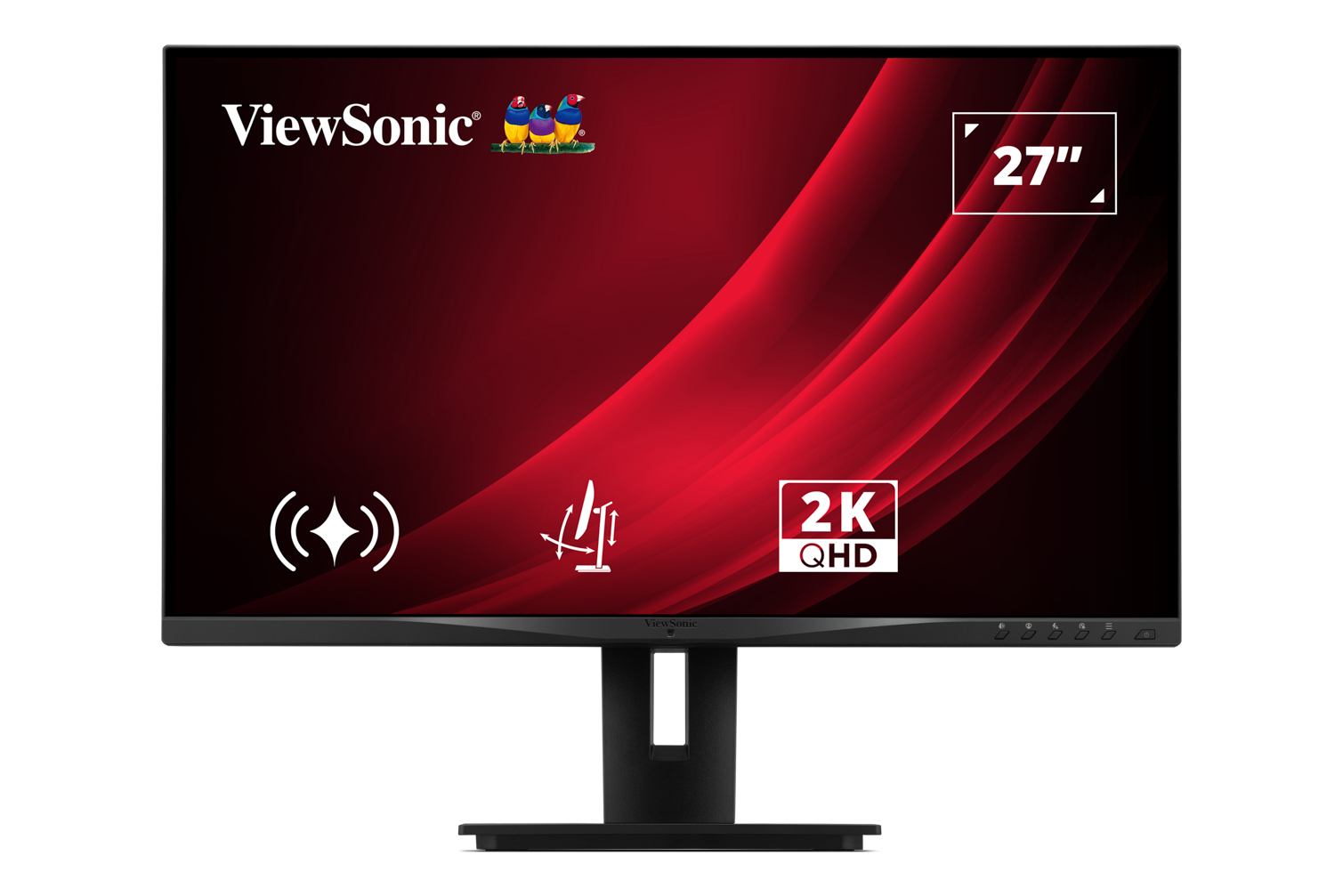
ViewSonic
ViewSonic VG2748A-2K - LED monitor - 27" - 2560 x 1440 QHD @ 100 Hz - IPS - 350 cd/m� - 1300:1 - 5 ms - HDMI, VGA, DisplayPort - speakers

Asus
ASUS ProArt PA328QV - LED monitor - 31.5" - 2560 x 1440 WQHD @ 75 Hz - IPS - 400 cd/m� - 1000:1 - HDR10 - 5 ms - 2xHDMI, DisplayPort - speakers
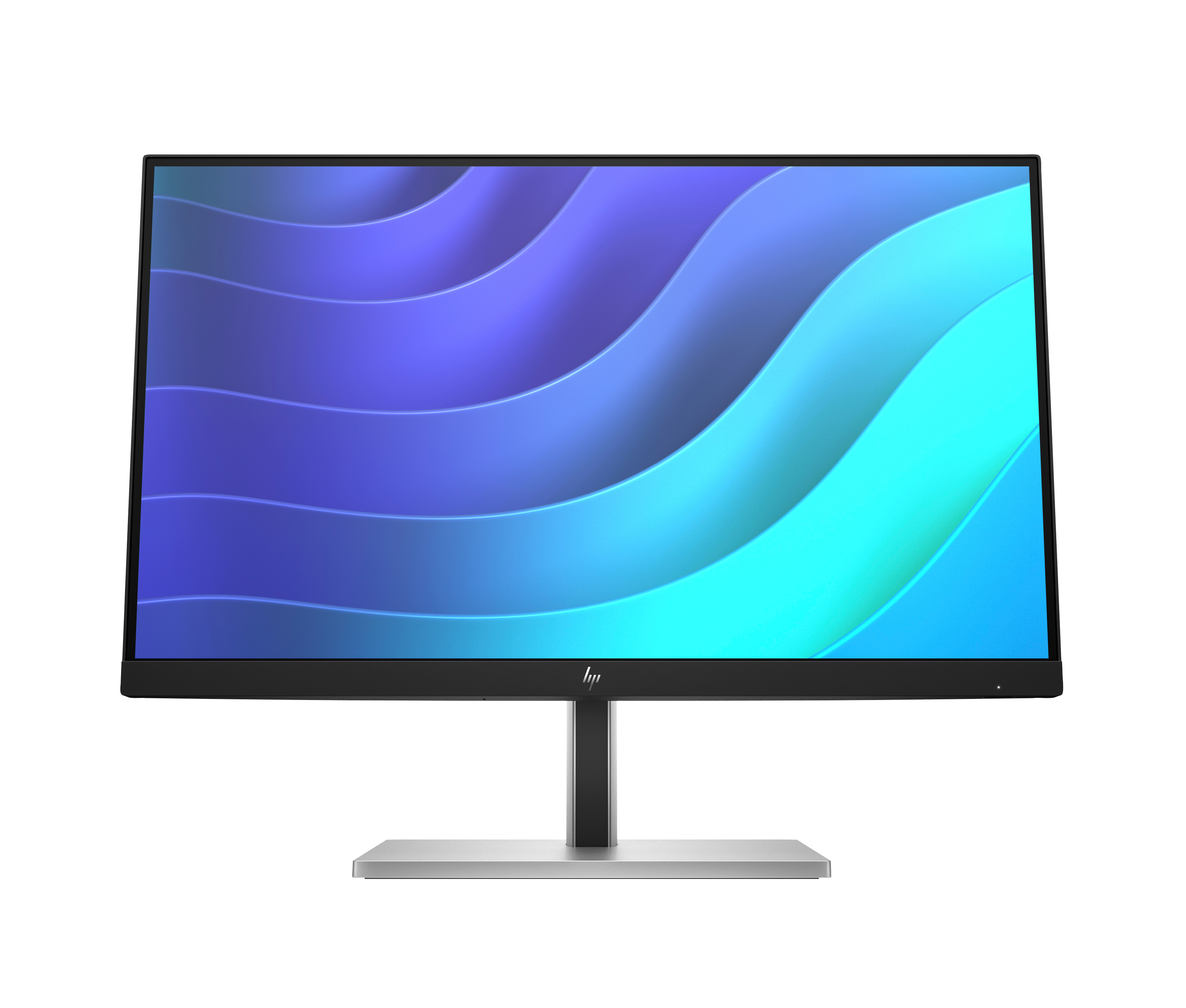
HP
HP E22 G5 - E-Series - LED monitor - 21.5" - 1920 x 1080 Full HD (1080p) @ 75 Hz - IPS - 250 cd/m� - 1000:1 - 5 ms - HDMI, DisplayPort, USB - black, black and silver (stand)