- Cloud Backup
Ransomware Recovery: How to Restore Your Business After an Attack
11 Mar, 2026
£224.92 inc. VAT
AI-generated summary
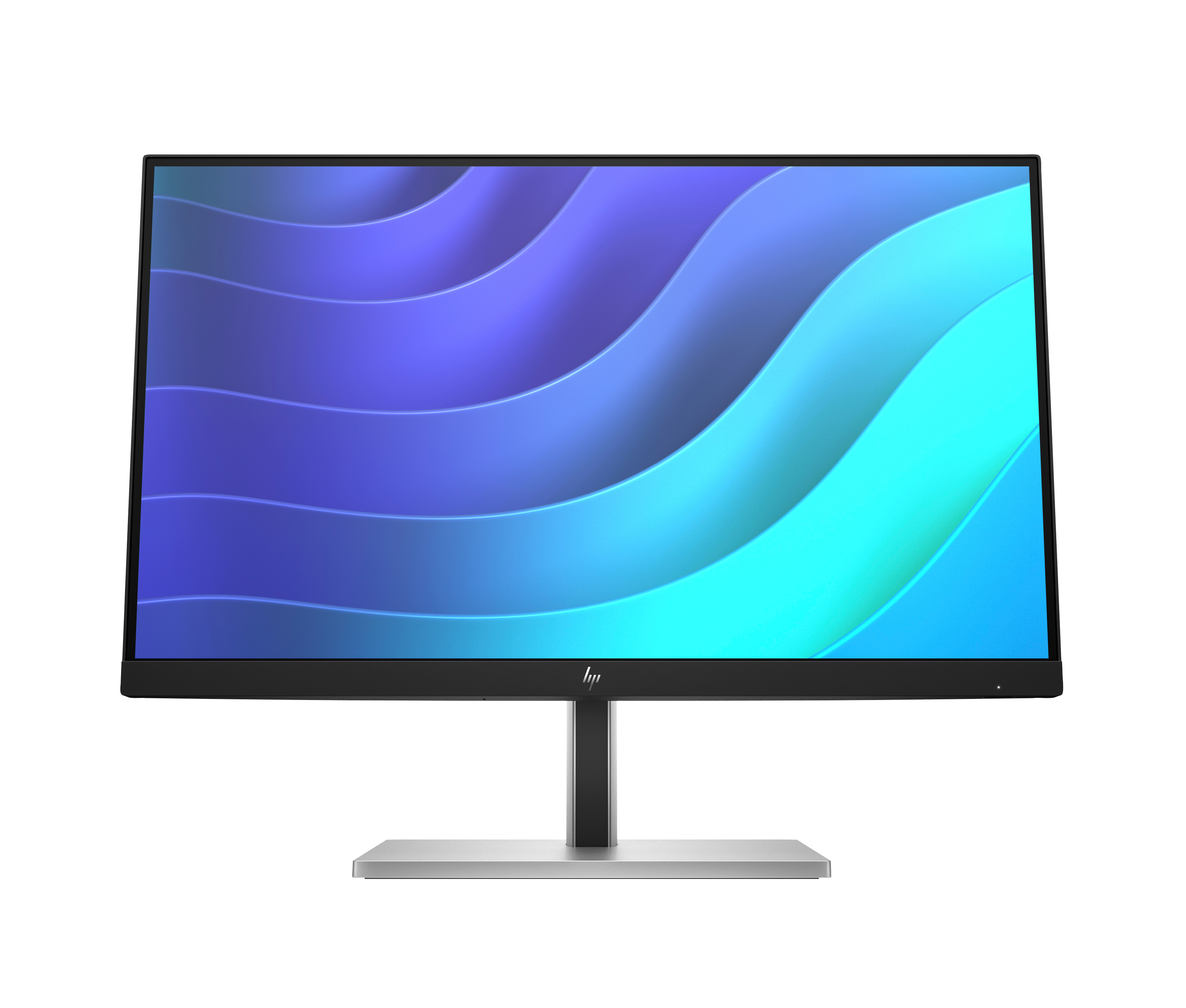
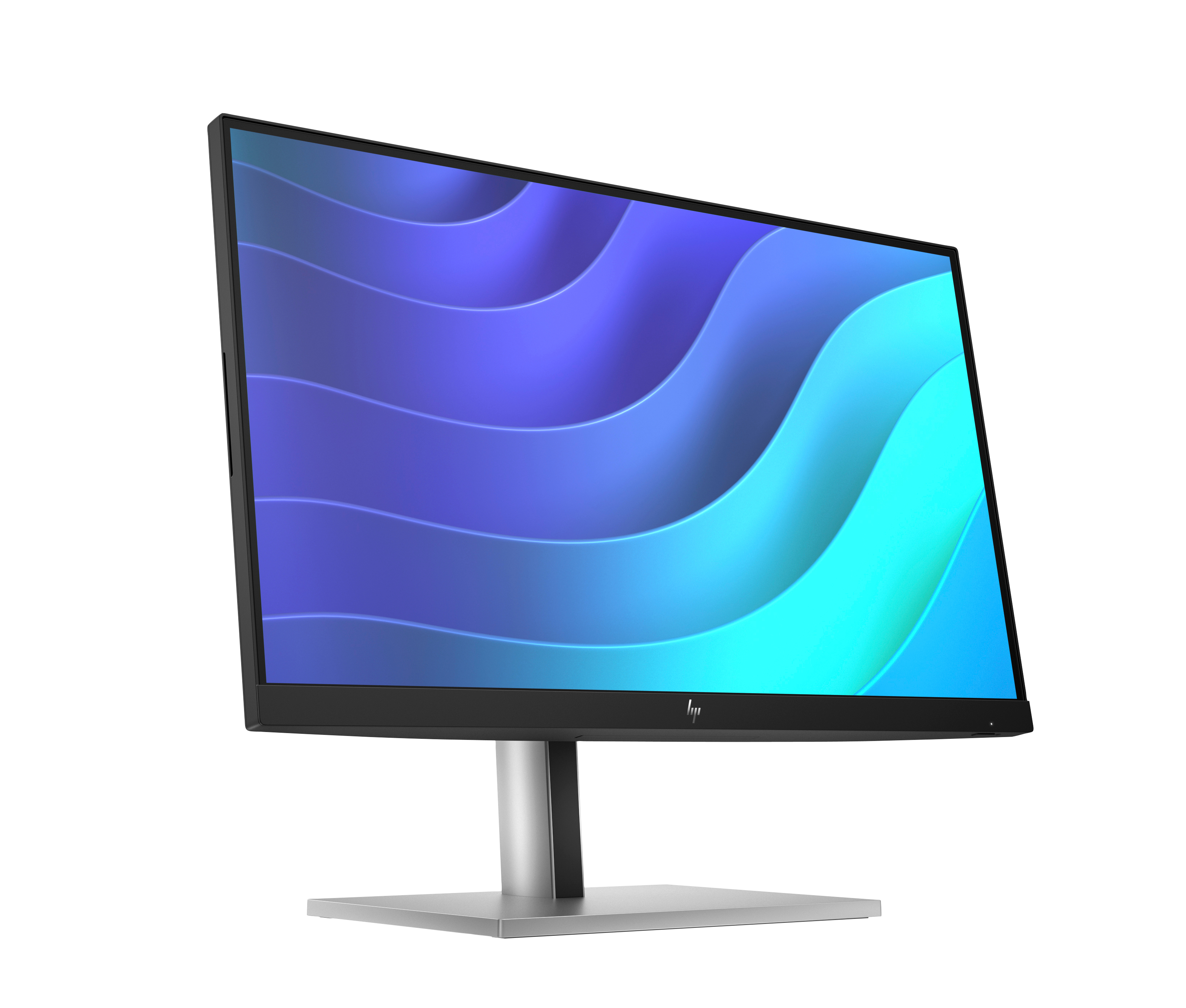
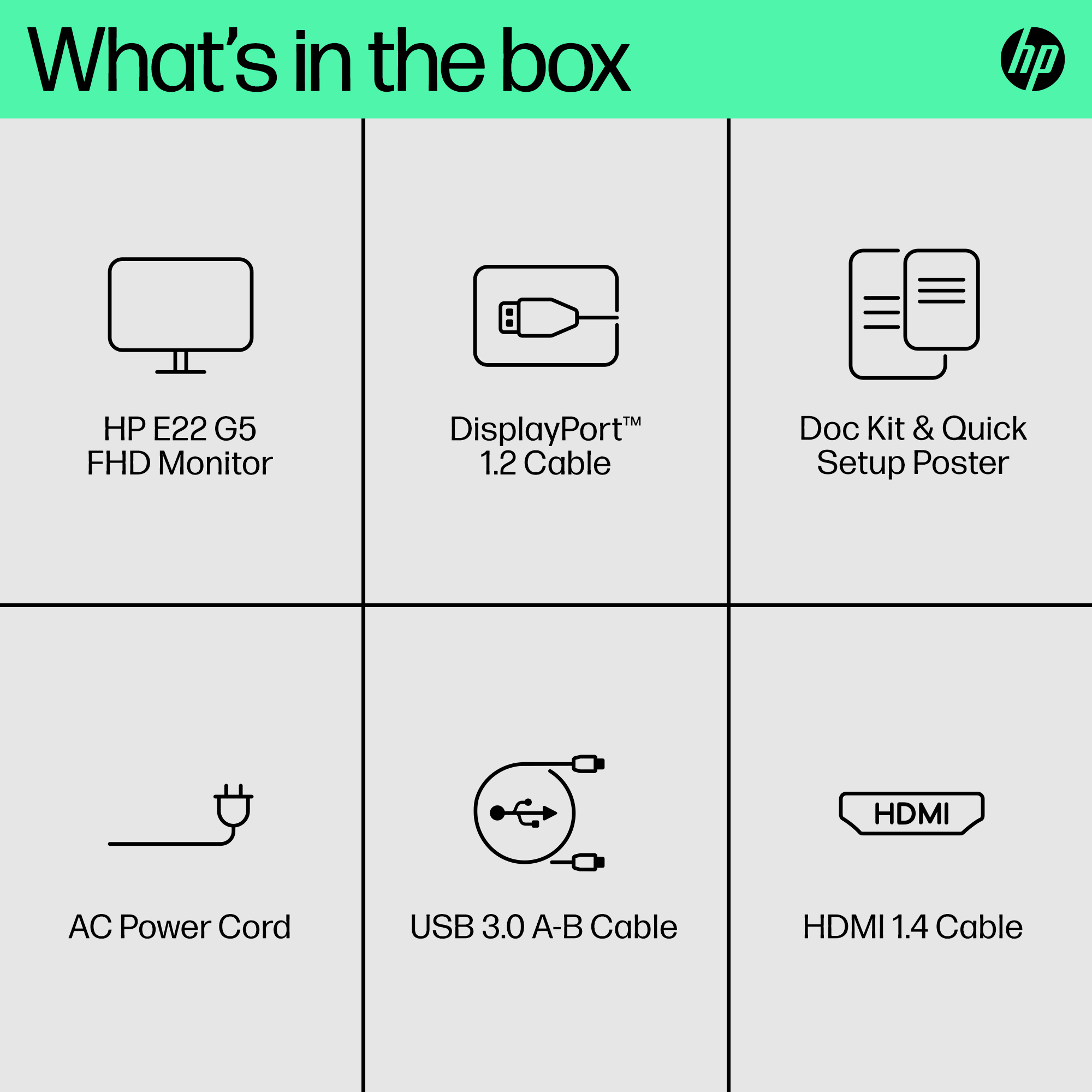
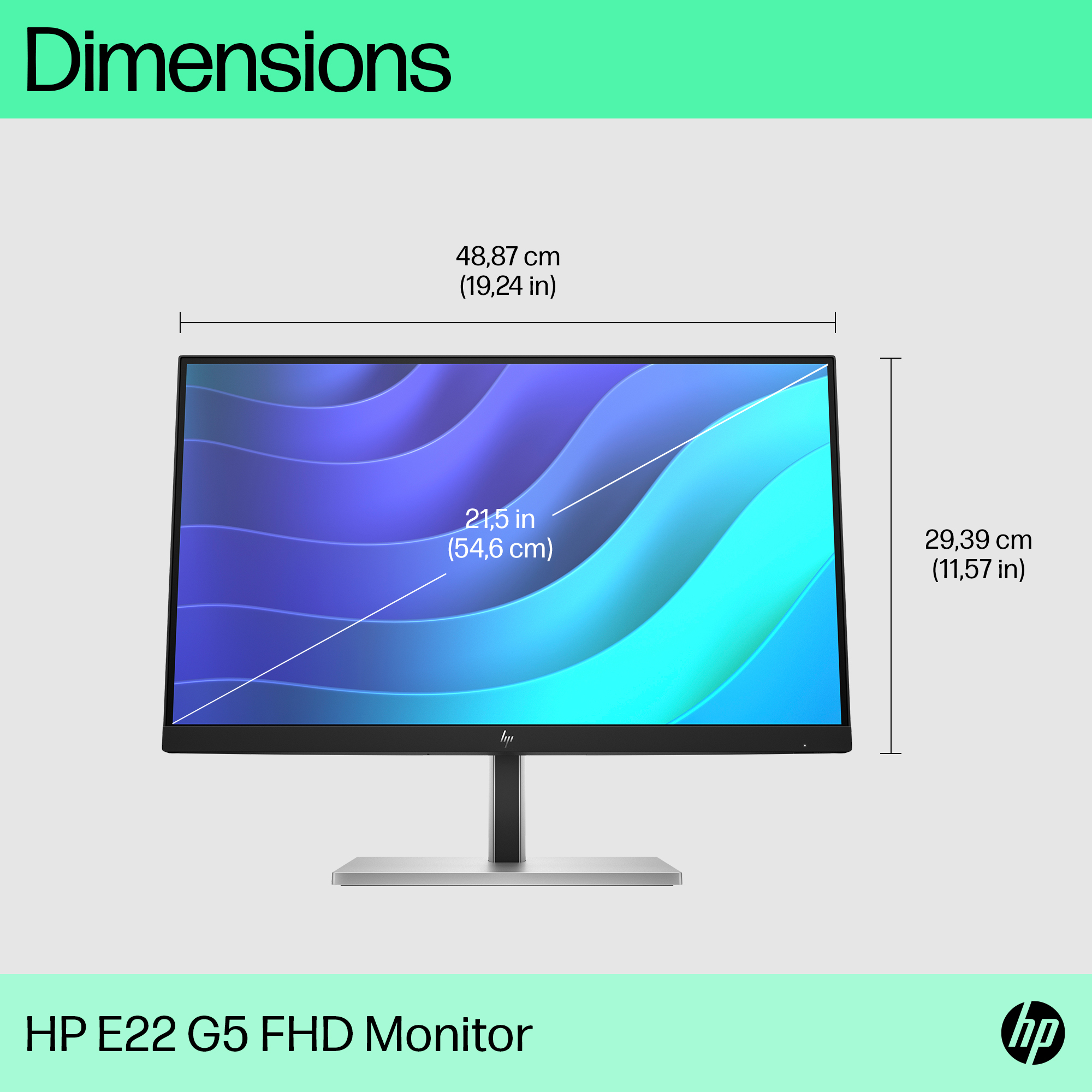
For £187 ex-VAT, this HP E22 G5 is the kind of “just works” monitor you buy when you want reliable day-to-day productivity without paying for extras you won’t use. It’s a sensible pick for office admins, finance teams, call-centre staff on knowledge-work, and anyone running typical office apps where clarity and stable image matter more than fancy features. If your priority is to get multiple seats sorted—document work, spreadsheets, email—this will do the job without drama.
That said, it’s not the best choice if you’re picky about colours, off-angle viewing, or you spend long stretches doing design work or heavy media consumption. You’ll also feel the limitations more if you’re expecting an “upgrade” from a better panel; at this price point, trade-offs are baked in. Compared with other monitors around the same money from the usual rivals, it tends to be a dependable option, but the value really depends on whether you’re buying for office use only or for more visually demanding tasks.
Overall: good value for straightforward business desktop setups, especially if you care more about consistency and cost than visual performance. I’d steer you away if your users are doing graphic/design, careful colour work, or frequent presentations from awkward viewing angles—those cases often justify spending a bit more on the panel quality.
Ergonomic Setup Guide
Achieve all-day comfort when you apply the best practices from the Ergonomic Setup Guide.[3]
Enhanced Viewing Comfort with HP Eye Ease
Always-on, built-in, low-blue light filter that reduces blue light without the yellow color shift now enhanced with a 75Hz refresh rate.[1]
IPS Panel
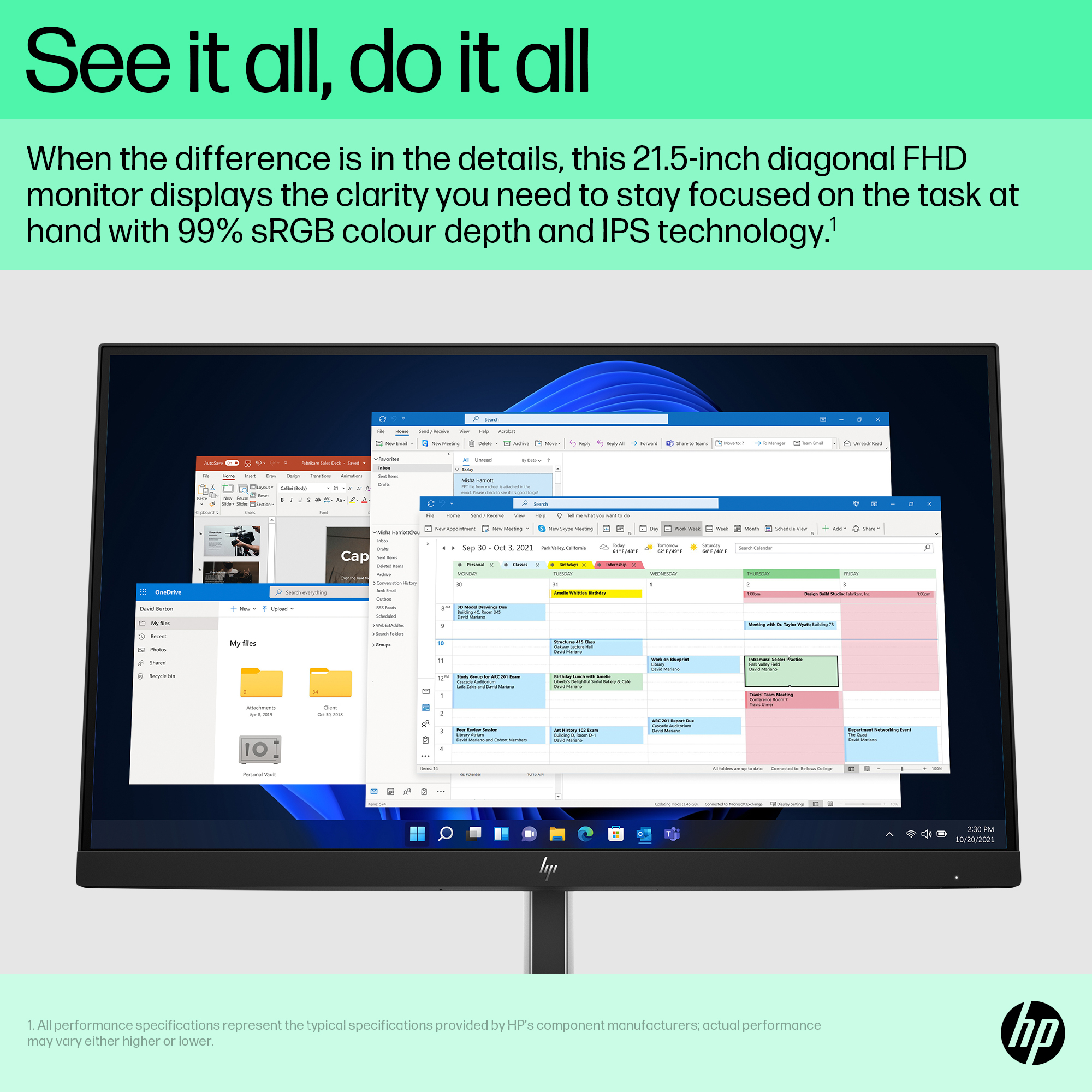
No matter where you stand, IPS technology ensures image accuracy and consistency across wide, 178-degrees horizontal and vertical viewing angles.
99% sRGB Color Space
Enjoy what you see on screen with 99% sRGB color space. This display provides ideal color reproduction for vibrant images and videos.[1]
Endless Adjustability
Work effortlessly with 4-way ergonomics that help keep your neck, shoulders, and back comfortable throughout the day. Customize pivot, tilt, 150 mm height adjust, and swivel settings to fit you, yo...
More Ports. More Flexibility.
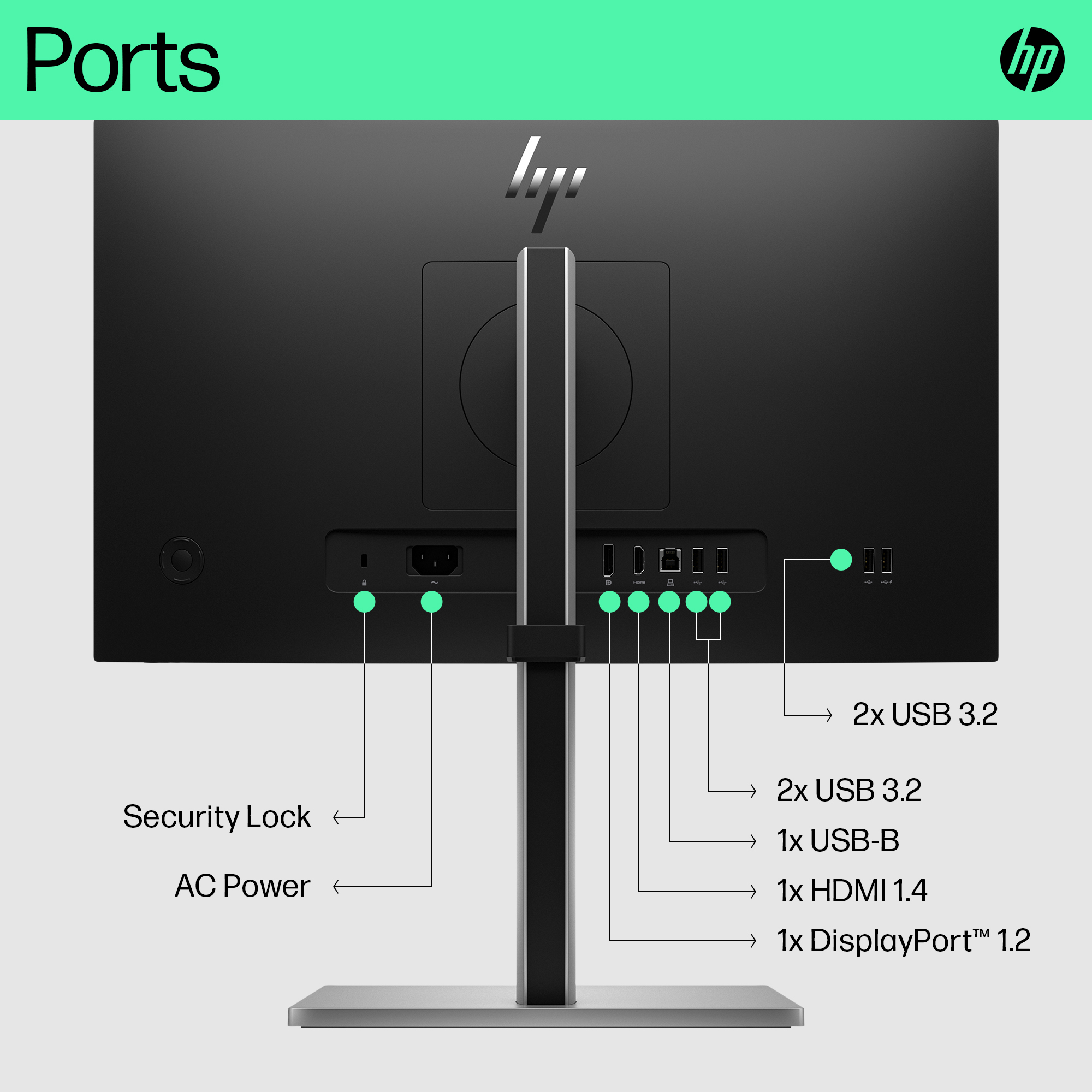
More ports means more capabilities. With an HDMI, DisplayPort™, USB-B, and 4 USB-A 3.2 ports, you can connect multiple devices like a headset and webcam.[7]
Iiyama
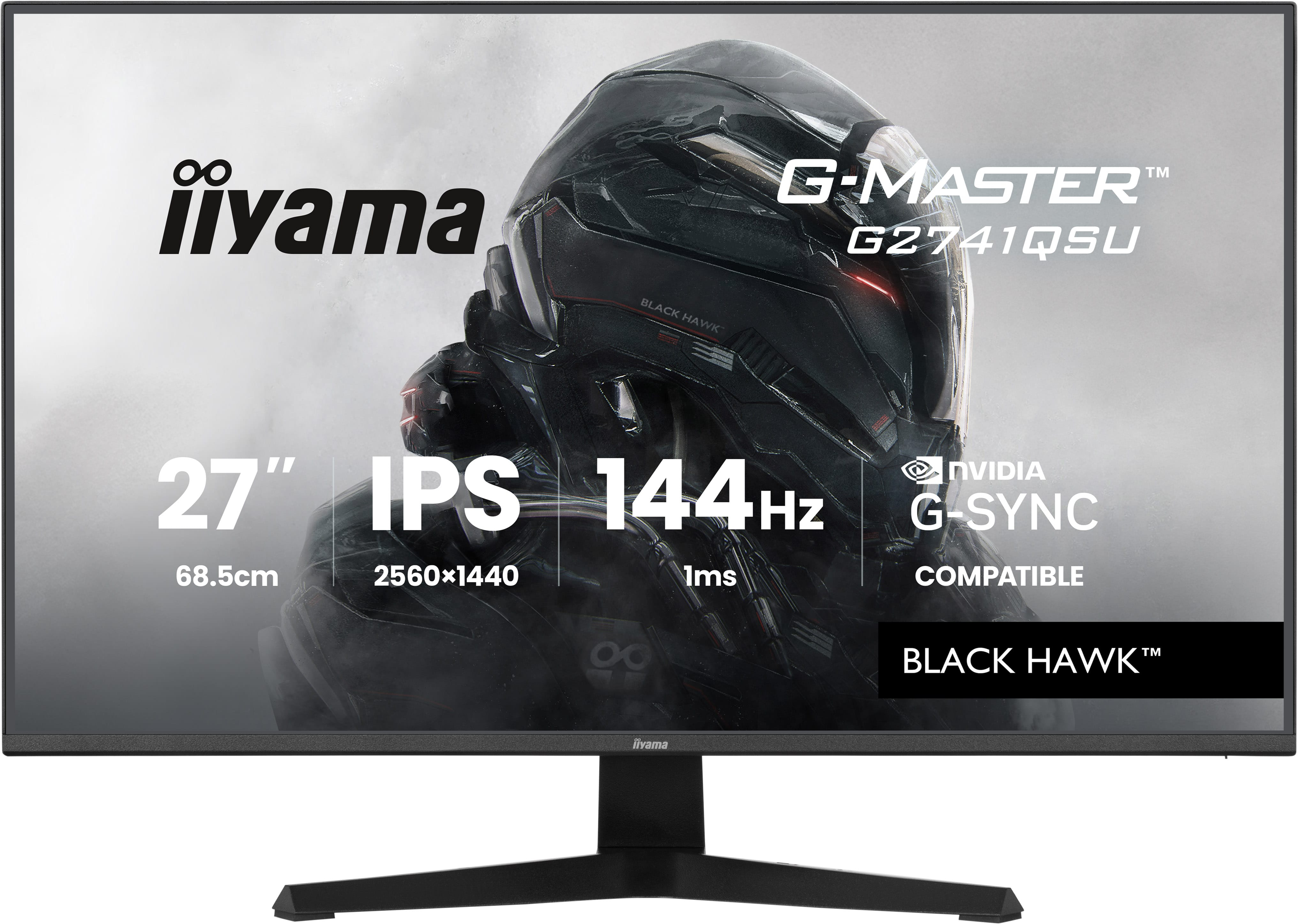
iiyama G-MASTER Black Hawk G2741QSU-B1 - LED monitor - gaming - 27" - 2560 x 1440 QHD @ 144 Hz - IPS - 350 cd/m� - 1500:1 - 1 ms - HDMI, DisplayPort - speakers - black, matte
LG Electronics
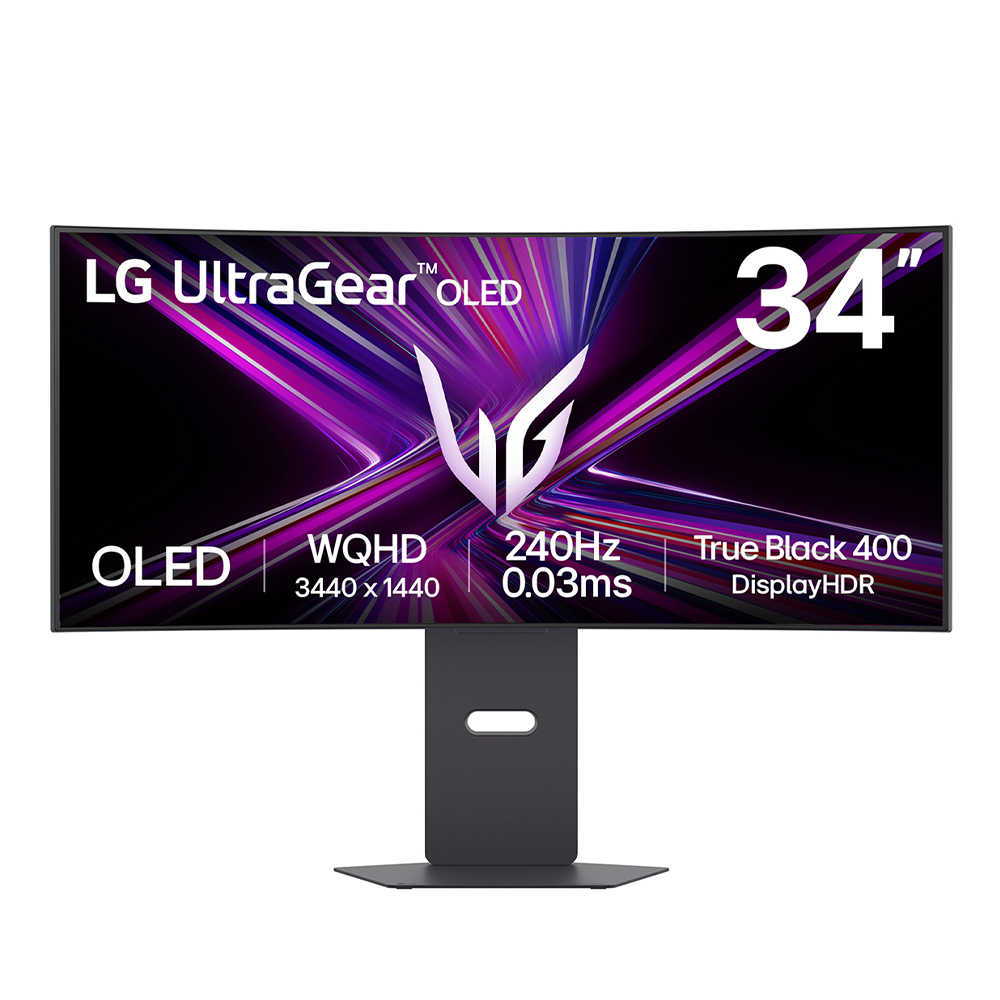
LG UltraGear 34GX900A-B - OLED monitor - gaming - curved - 34" (33.9" viewable) - 3440 x 1440 UWQHD @ 240 Hz - 1300 cd/m� - 1500000:1 - DisplayHDR 400 True Black - 0.03 ms - 2xHDMI, DisplayPort, USB-C - speakers - black

AOC
AOC Gaming 25G4KUR - G4 Series - LED monitor - gaming - 25" (24.5" viewable) - 1920 x 1080 Full HD @ 400 Hz - Fast IPS - 400 cd/m� - 1000:1 - DisplayHDR 400 - 0.3 ms - 2xHDMI, DisplayPort - black, red
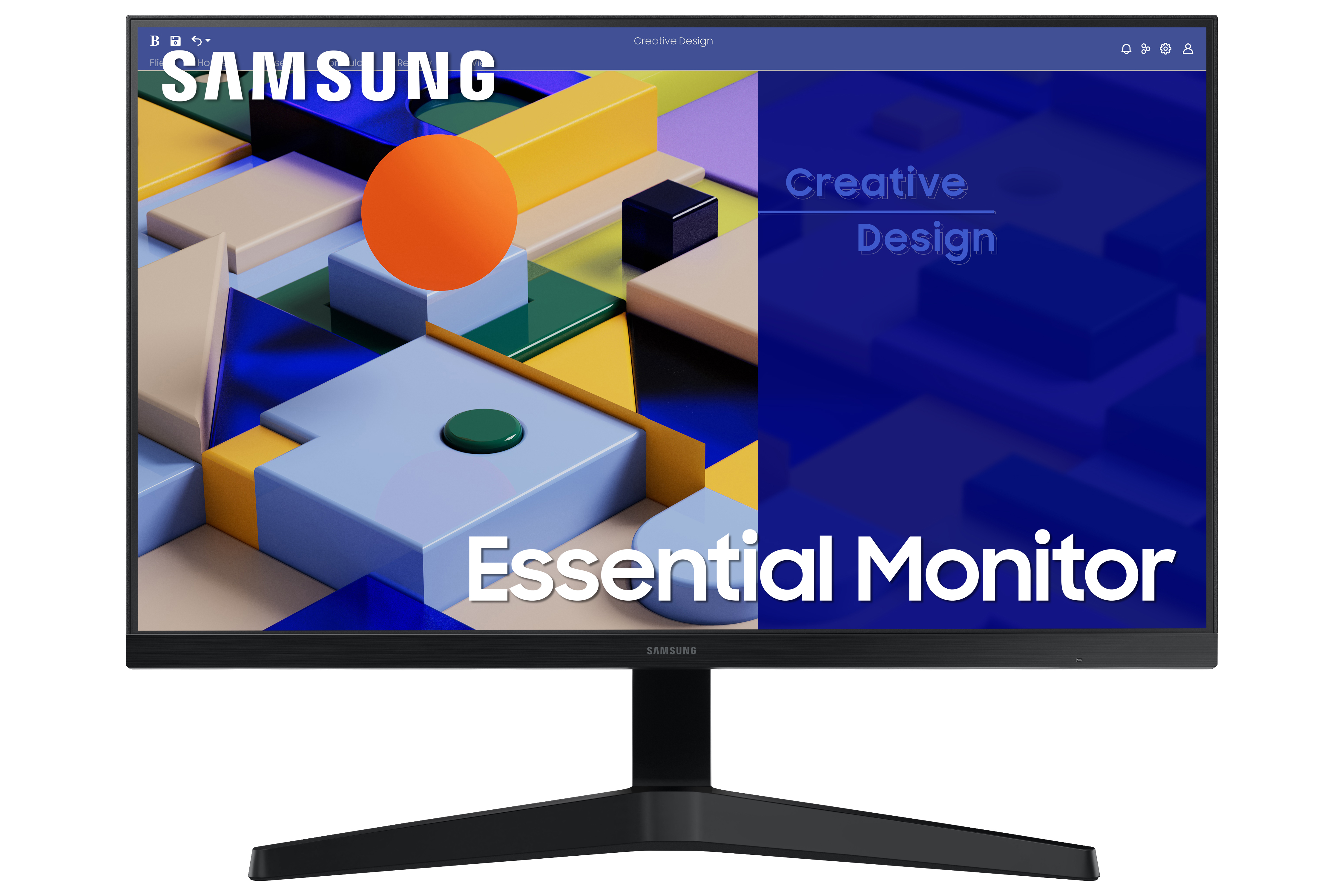
Samsung
Samsung S24C310EAU - LED monitor - 1920 x 1080 Full HD (1080p) - IPS