- Cloud Networking
How to Manage Multiple Meraki Networks from One Dashboard
8 Mar, 2026

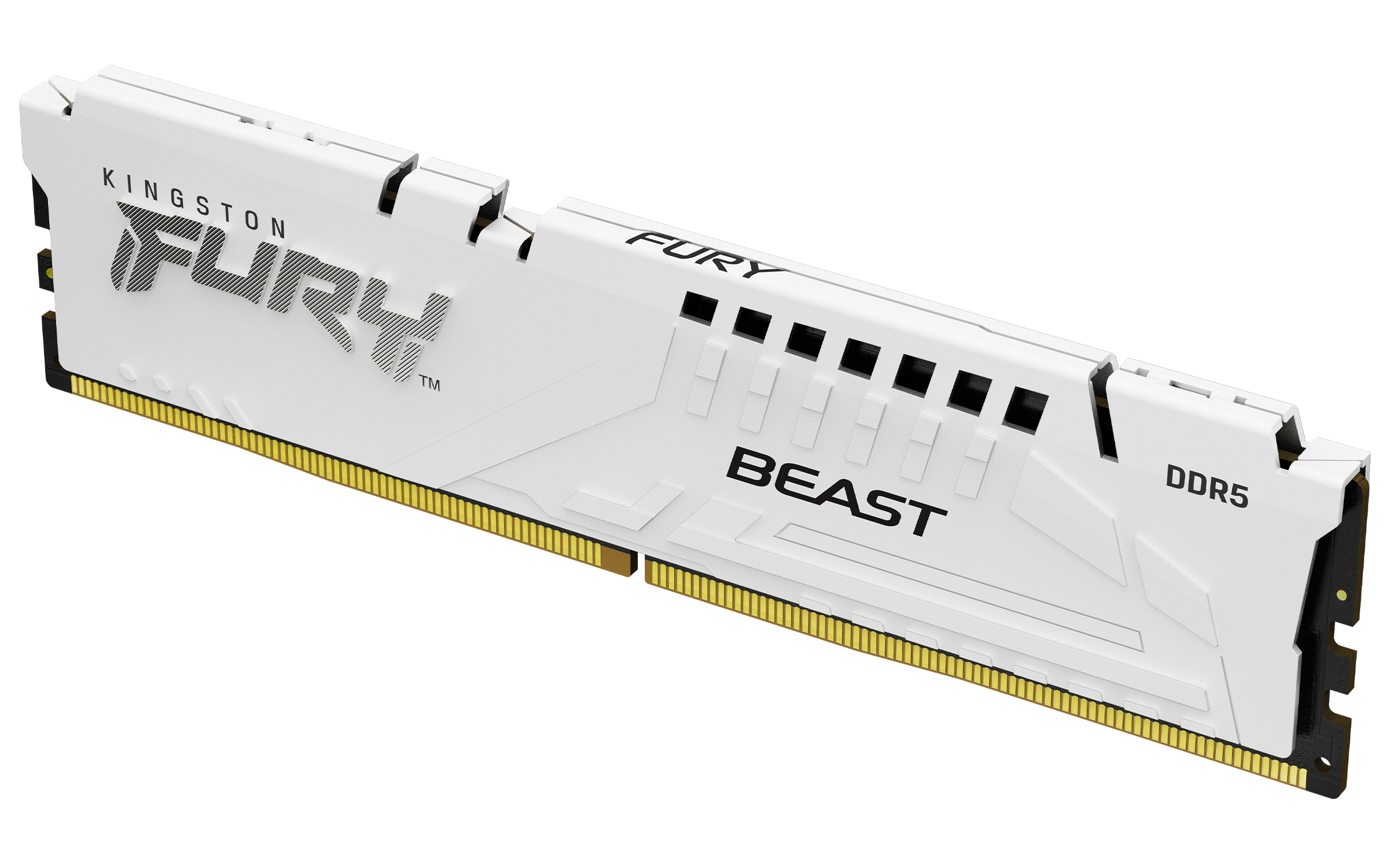
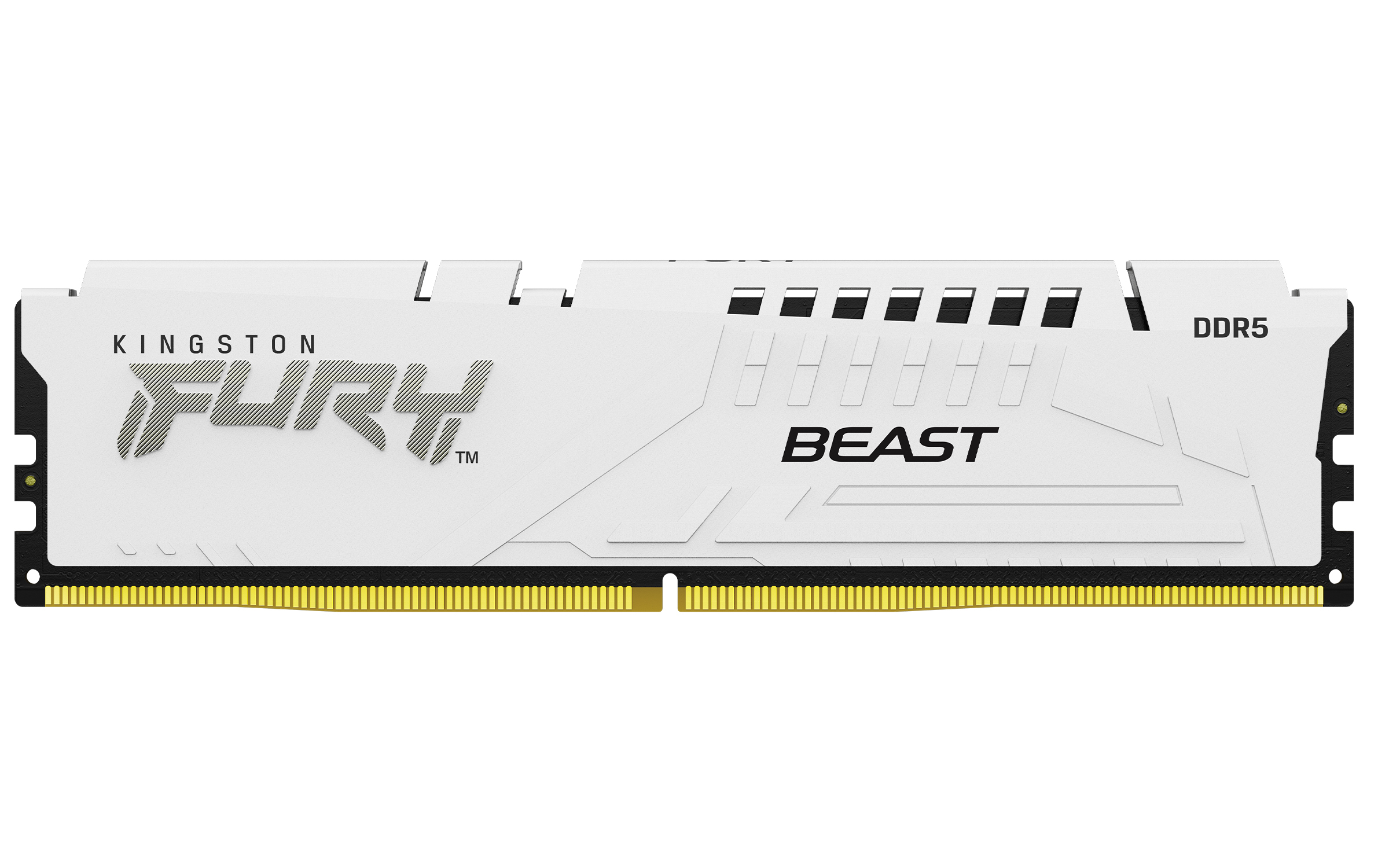

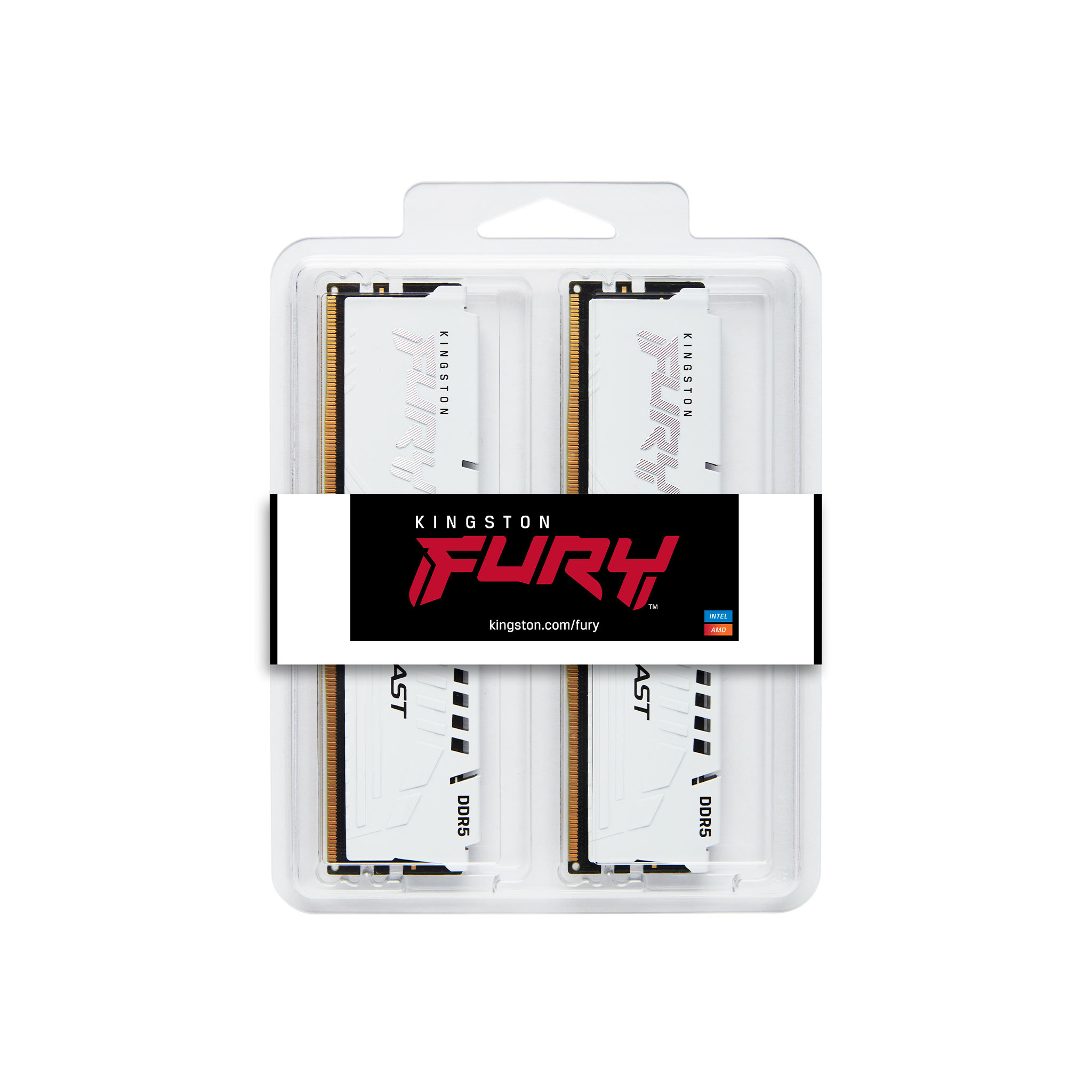

£574.55 inc. VAT
AI-generated summary
Kingston’s FURY Beast DDR5 32GB (kit of 2) is a sensible “just make it run” option if you’ve got a compatible DDR5 platform and you want solid speed without paying the premium for the flashiest RGB kits. The CL34 latency class is pretty decent for everyday high-performance gaming and general workstation use, and Kingston is generally good at doing the basics right—these modules tend to be stable in real builds and are widely supported. At £423.97 ex‑VAT, though, it’s not exactly impulse-buy territory for a reseller customer: plenty of alternatives can get you similar day-to-day performance depending on what exact platform and BIOS timings you’re using.
Who should buy: IT teams building identical desktops/labs, SMBs standardising on trustworthy RAM, and anyone who values reliability over chasing marginal benchmark gains. Who should *not* buy: customers expecting “best value no matter what”—because at this price, you’d want to sanity-check against other DDR5 kits with comparable speed/latency from major vendors, especially if your workloads don’t benefit from tighter timings. If you tell me the CPU/motherboard model they’re pairing it with, I can give a more grounded “worth it vs overpay” take for that specific setup.
Kingston
Kingston FURY Beast - DDR5 - module - 16 GB - DIMM 288-pin - 6800 MHz / PC5-54400 - CL34 - 1.4 V - unbuffered - on-die ECC - white
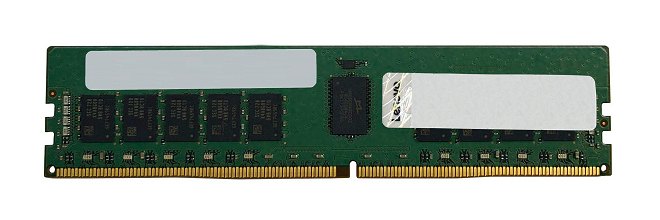
Lenovo
Lenovo TruDDR5 - DDR5 - module - 32 GB - DIMM 288-pin - 5600 MT/s - unbuffered - ECC - for ThinkSystem SR250 V3 7DCL, 7DCM, ST250 V3 7DCE, ST50 V3 7DF3
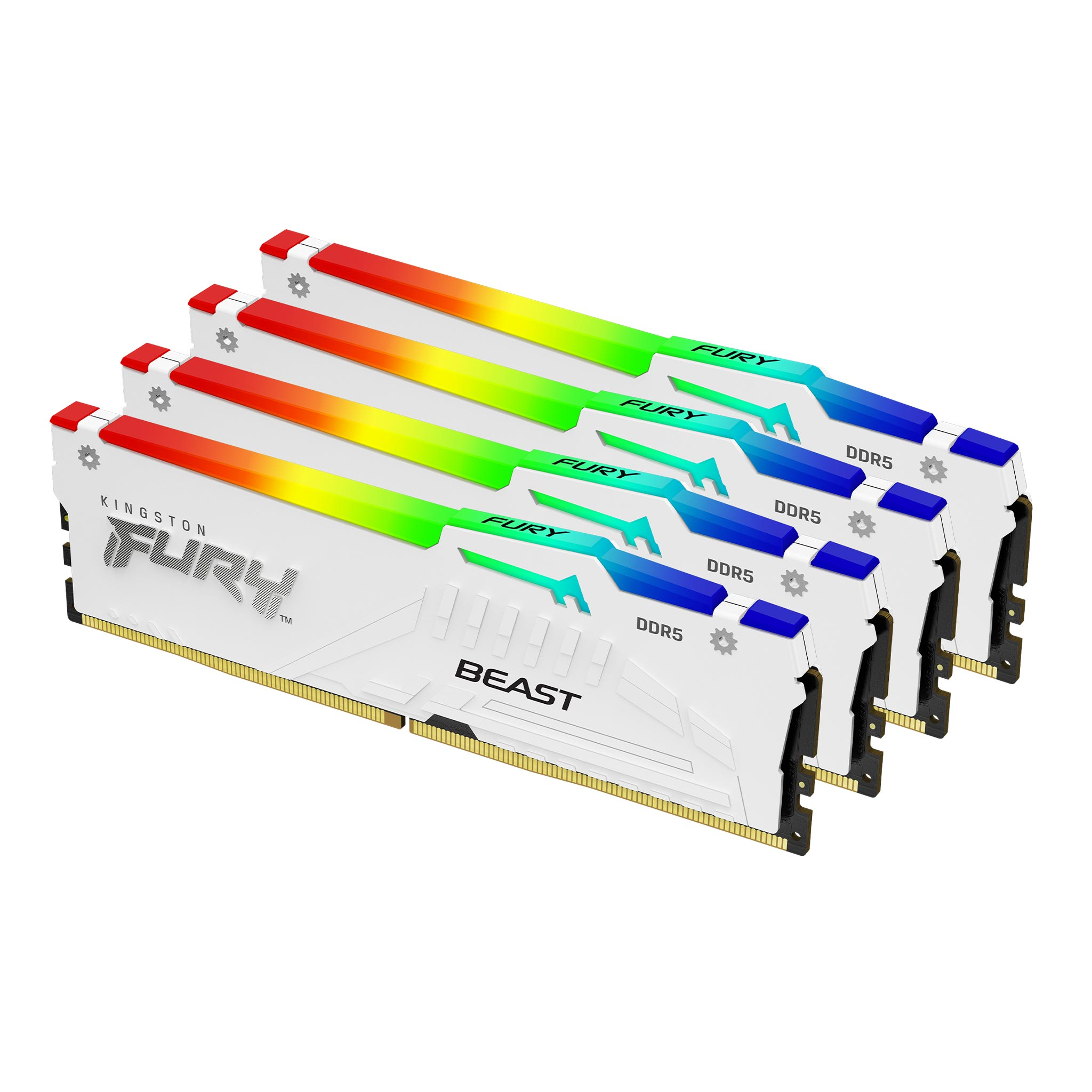
Kingston
Kingston FURY Beast RGB - DDR5 - kit - 64 GB - DIMM 288-pin - 6000 MT/s / PC5-48000 - CL40 - 1.35 V - unbuffered - on-die ECC - white
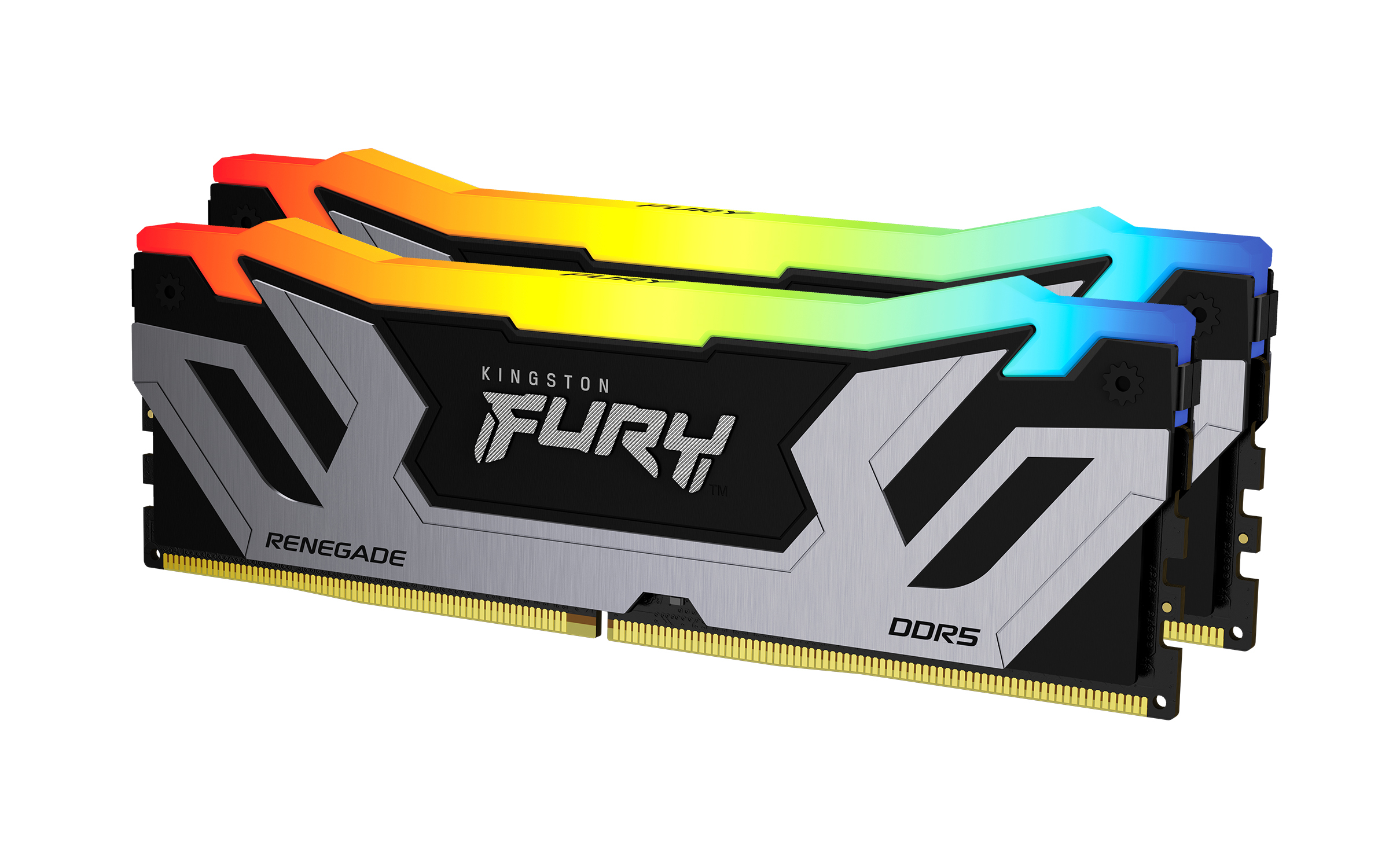
Kingston
Kingston FURY Renegade RGB - DDR5 - kit - 48 GB: 2 x 24 GB - DIMM 288-pin - 4200 MT/s / PC5-67200 - CL40 - 1.45 V - unbuffered - on-die ECC - black & silver