- Cloud Email
How to Migrate Your Business Email to Microsoft 365
25 Feb, 2026
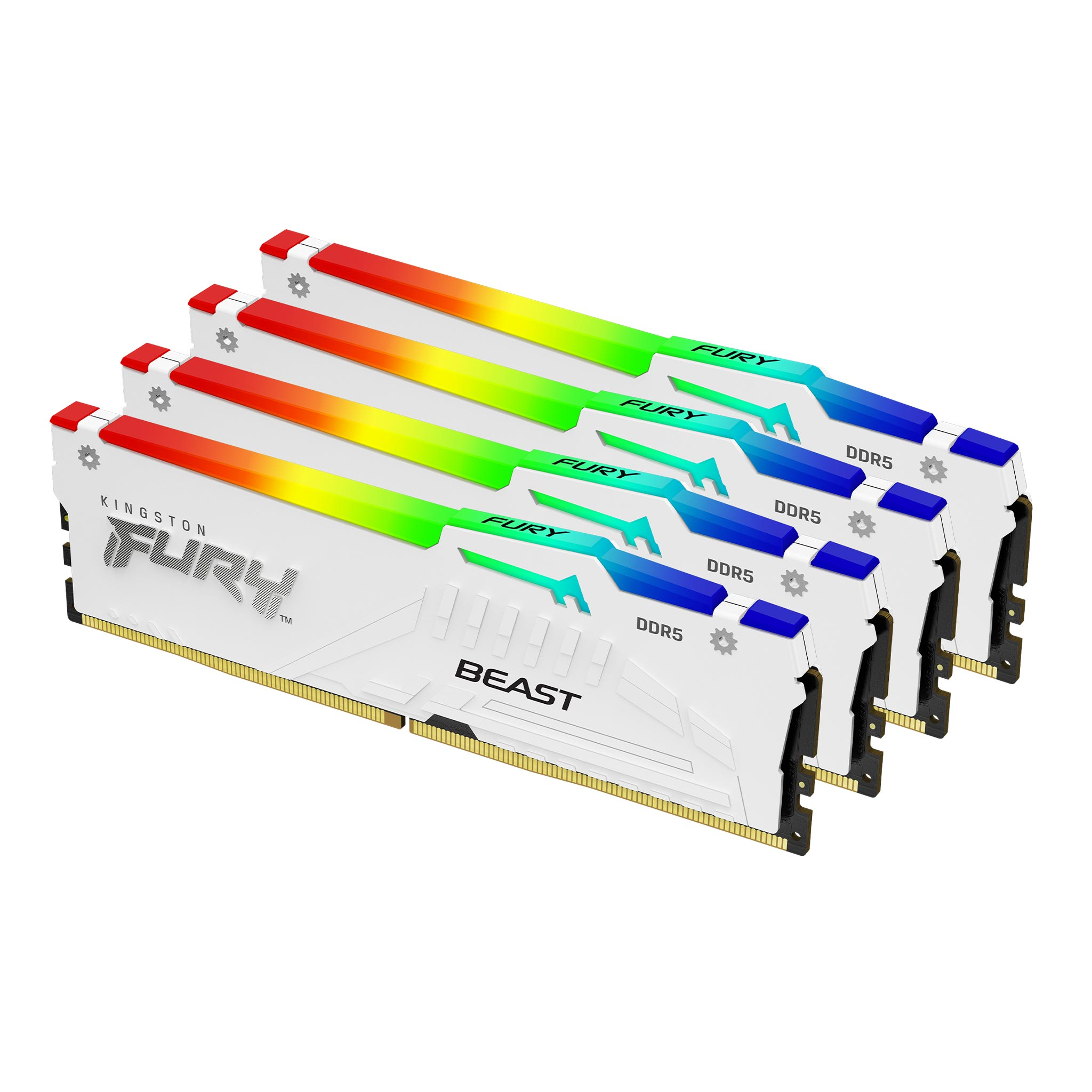
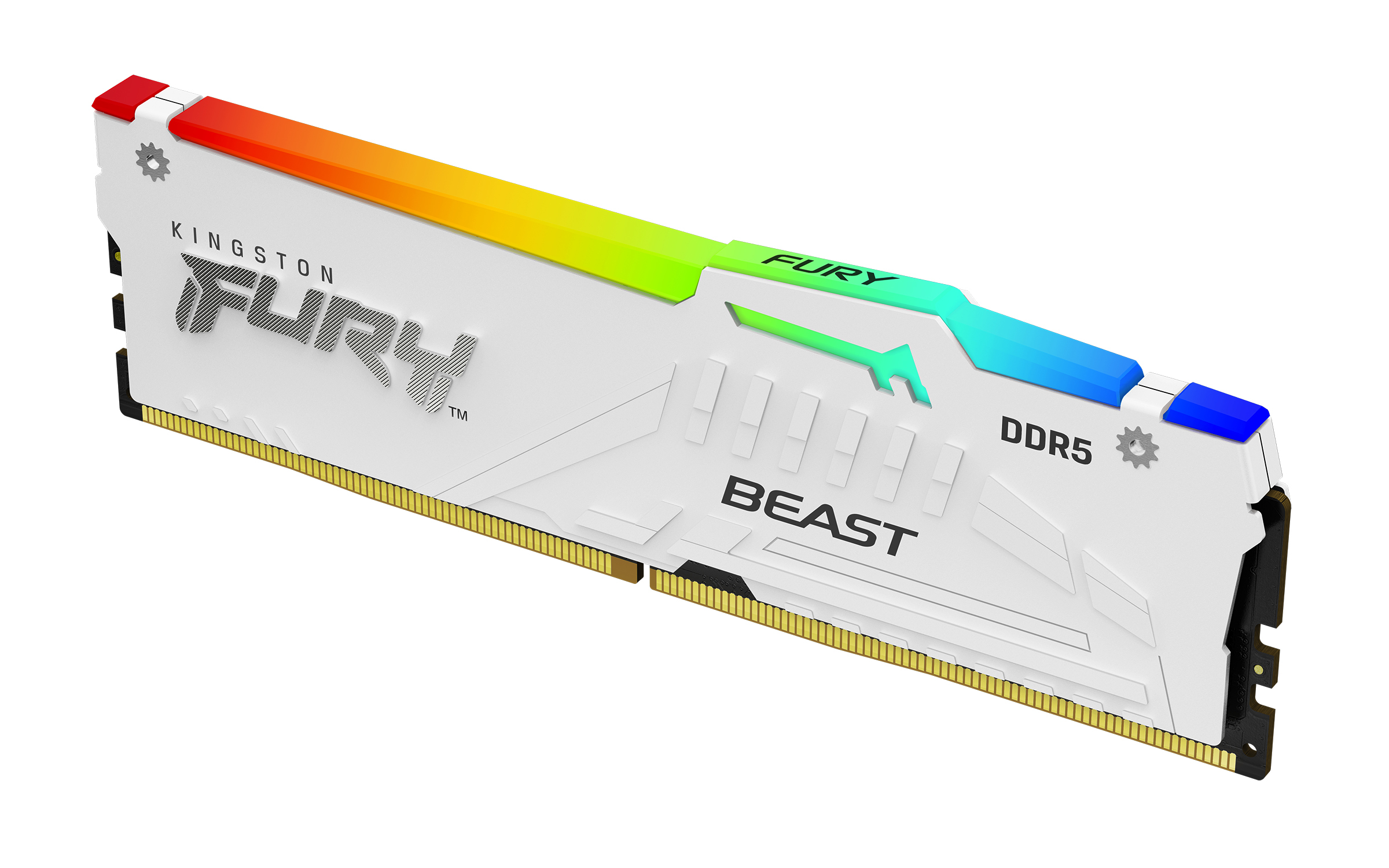


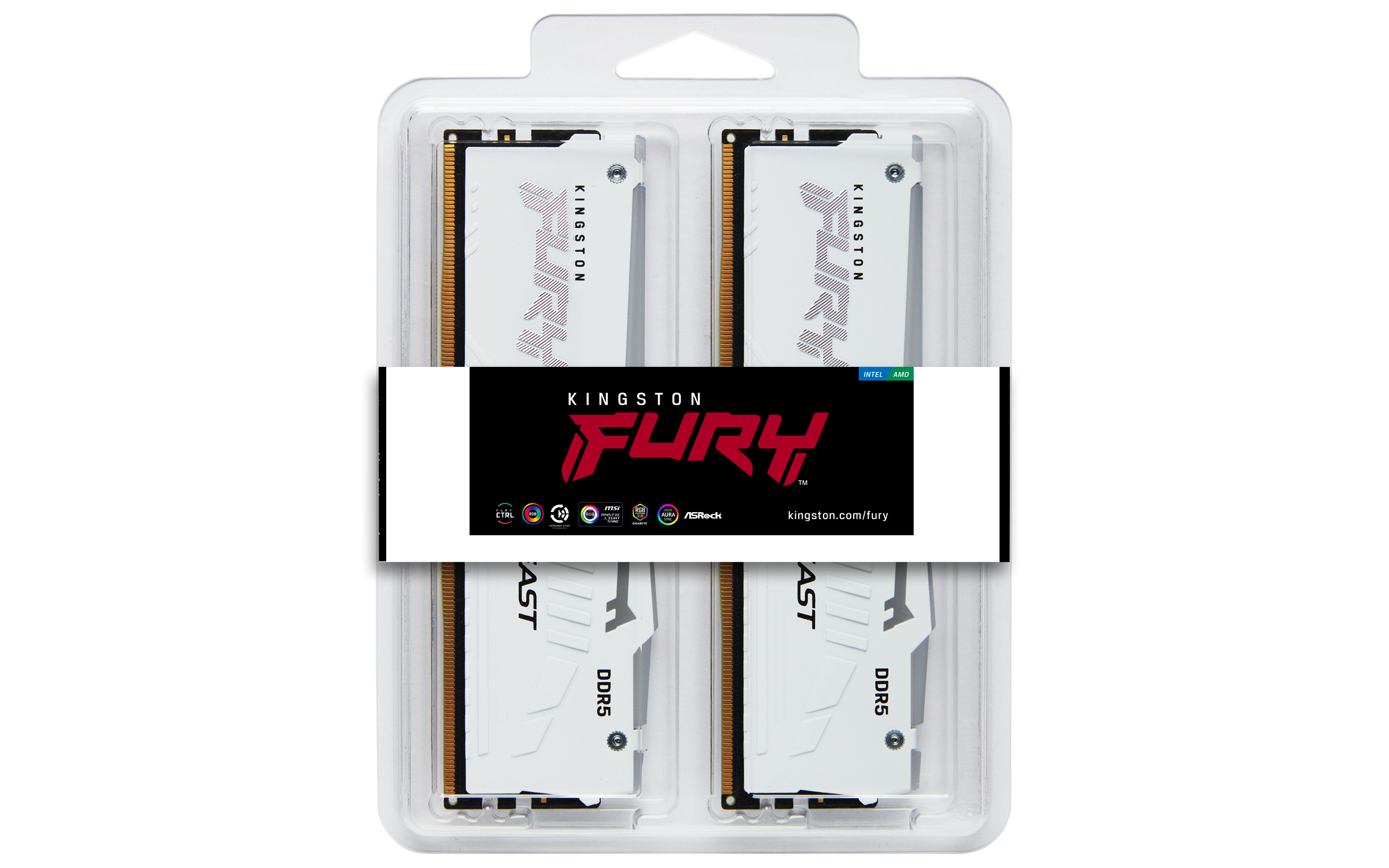
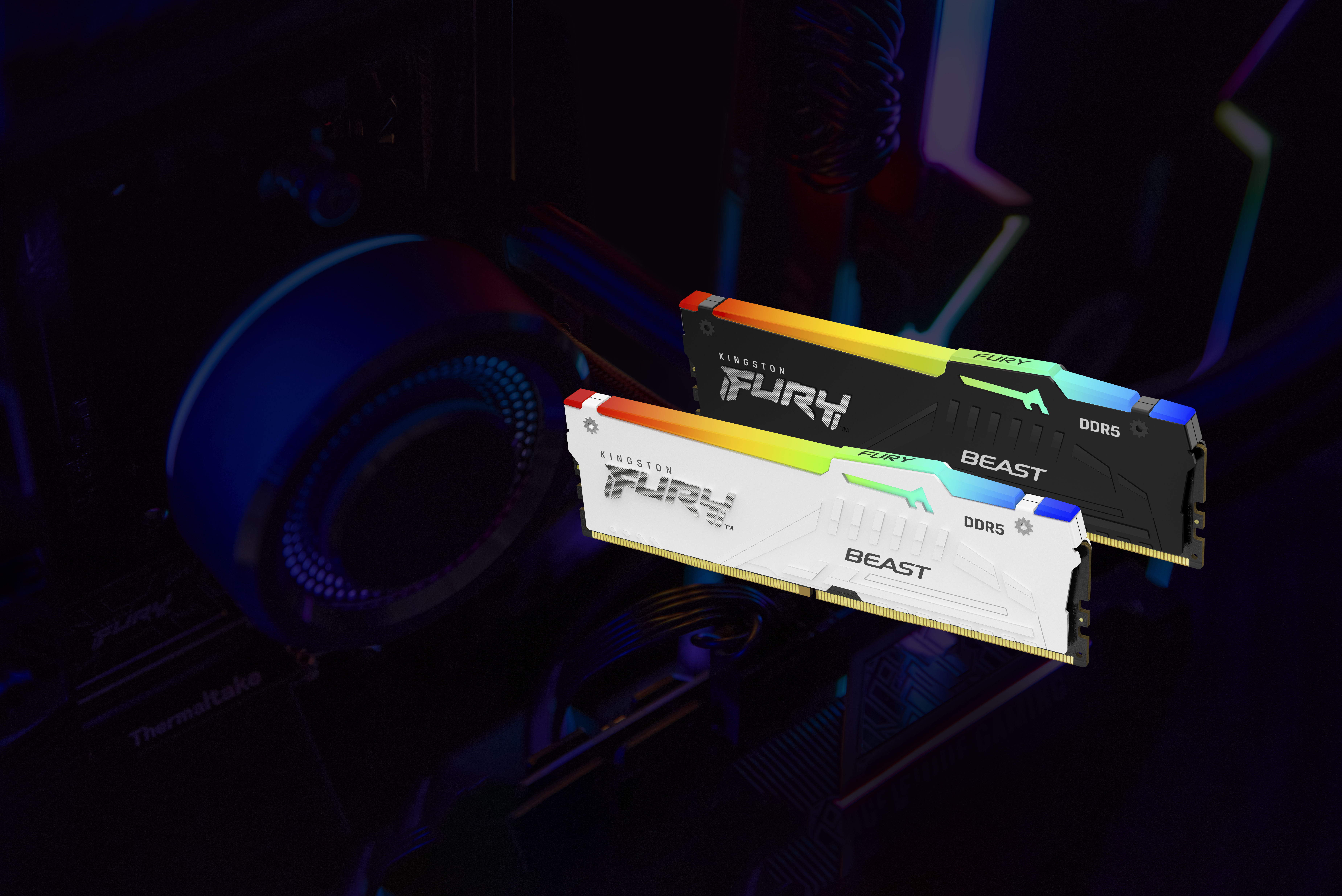
£1116.60 inc. VAT
AI-generated summary
For £820.90 ex‑VAT for a 64GB DDR5 kit (the “kit of 4” angle matters), this is only really a good deal if you specifically want Kingston’s Fury Beast look and you’re committed to DDR5 at fairly high speeds. In day-to-day server/workstation use, most teams won’t feel a meaningful difference between “decent DDR5” and “premium RGB, high-bin RGB kit” once you’re in the realm of normal productivity and light-to-moderate workloads. The RGB is also a bit of a red flag for business buyers: it’s mostly about aesthetics, and it’s not something you’ll leverage in most deployments.
That said, if you’ve got a workstation build where stability with XMP profiles is the priority and you’re already speccing Fury Beast-style parts for the whole platform, Kingston is generally a safe bet. Who should buy: media/engineering teams doing memory-hungry tasks, small studios, or IT departments standardising on Kingston for predictable compatibility. Who should *not*: businesses trying to minimise spend, VDI estates, or budget-sensitive homelab/SMB builds—because for the same money you can usually get the “same capacity, less flash” and put the savings into faster storage, more sensible CPU selection, or just broader platform resilience. If you tell me your CPU/platform model and workload, I can sanity-check whether those speed/XMP claims are likely to be worth the premium.
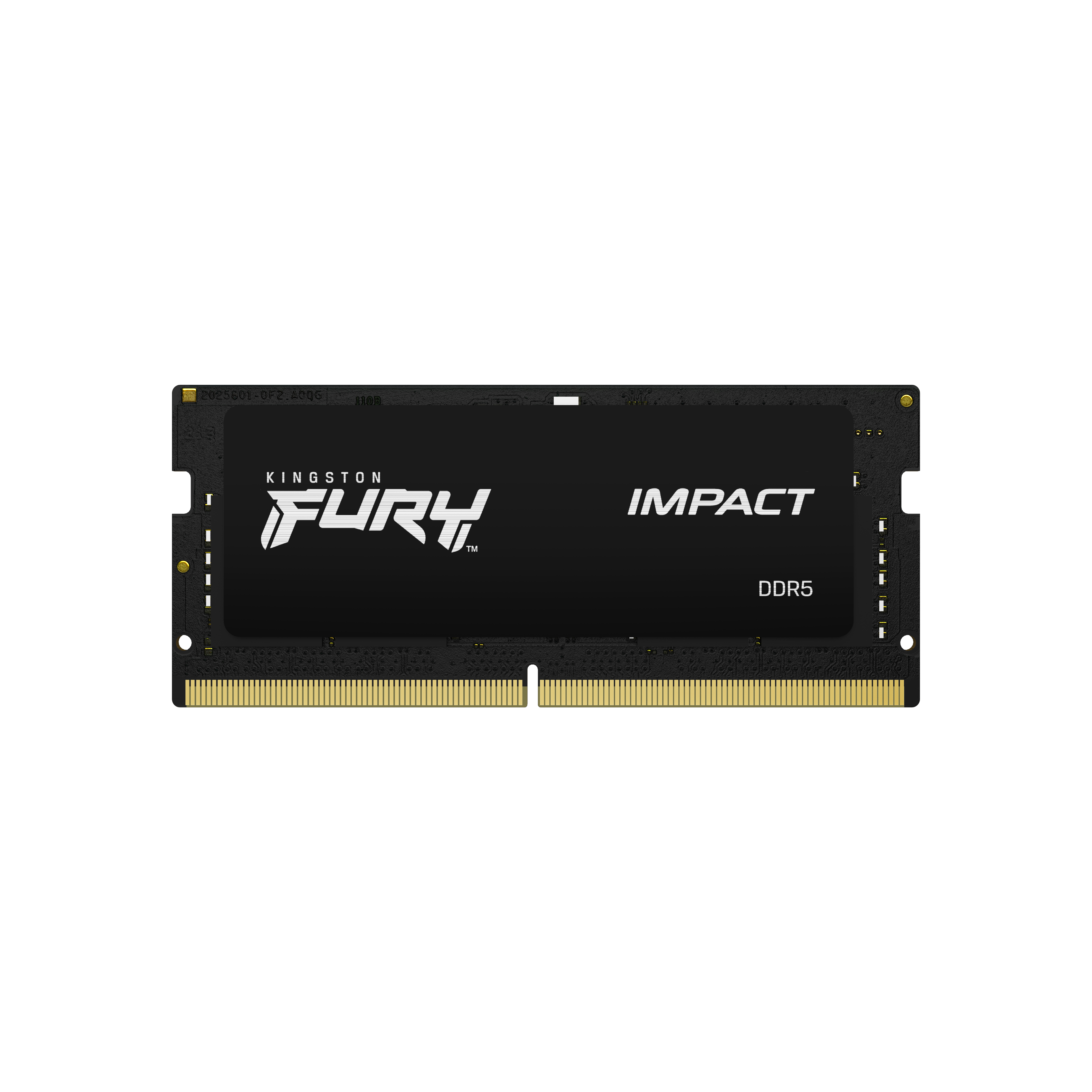
Kingston
Kingston FURY Impact - DDR5 - module - 16 GB - SO-DIMM 262-pin - 5600 MT/s / PC5-44800 - CL40 - 1.1 V - unbuffered - on-die ECC
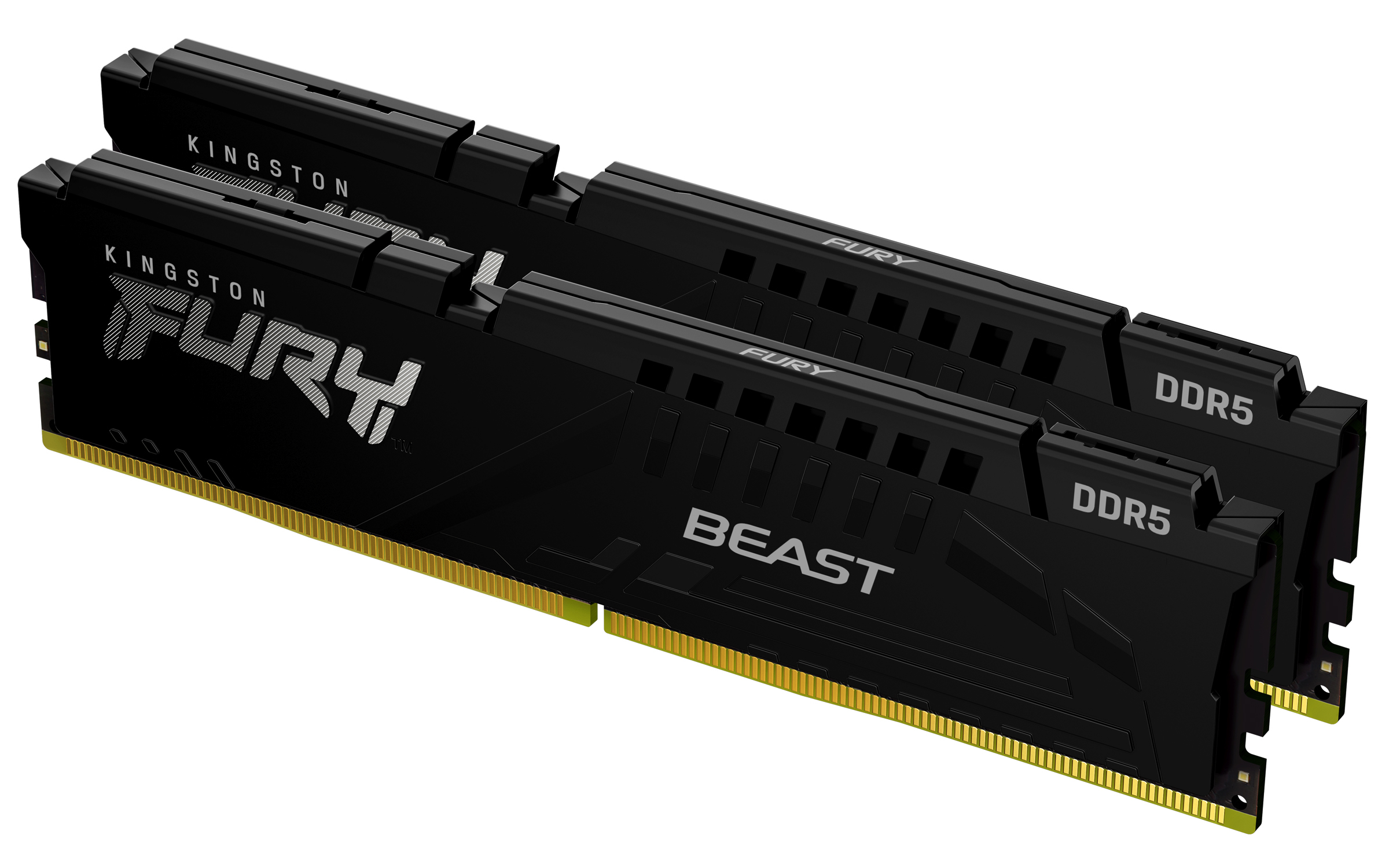
Kingston
Kingston FURY Beast - DDR5 - kit - 16 GB: 2 x 8 GB - DIMM 288-pin - 5600 MHz / PC5-44800 - CL40 - 1.25 V - unbuffered - on-die ECC
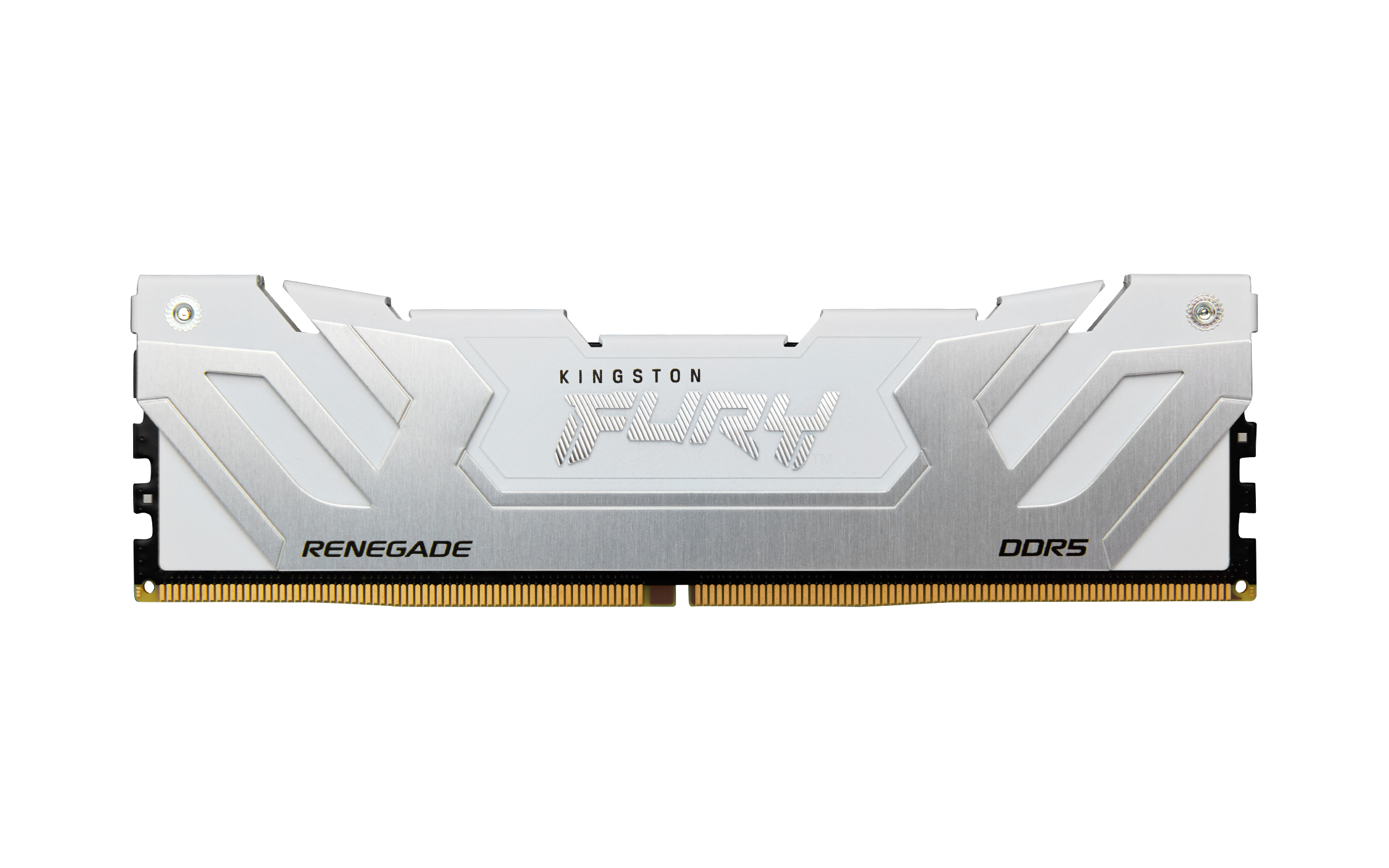
Kingston
Kingston FURY Renegade - DDR5 - module - 24 GB - DIMM 288-pin - 8800 MT/s / PC5-70400 - CL42 - 1.4 V - clocked unbuffered - on-die ECC - white & silver
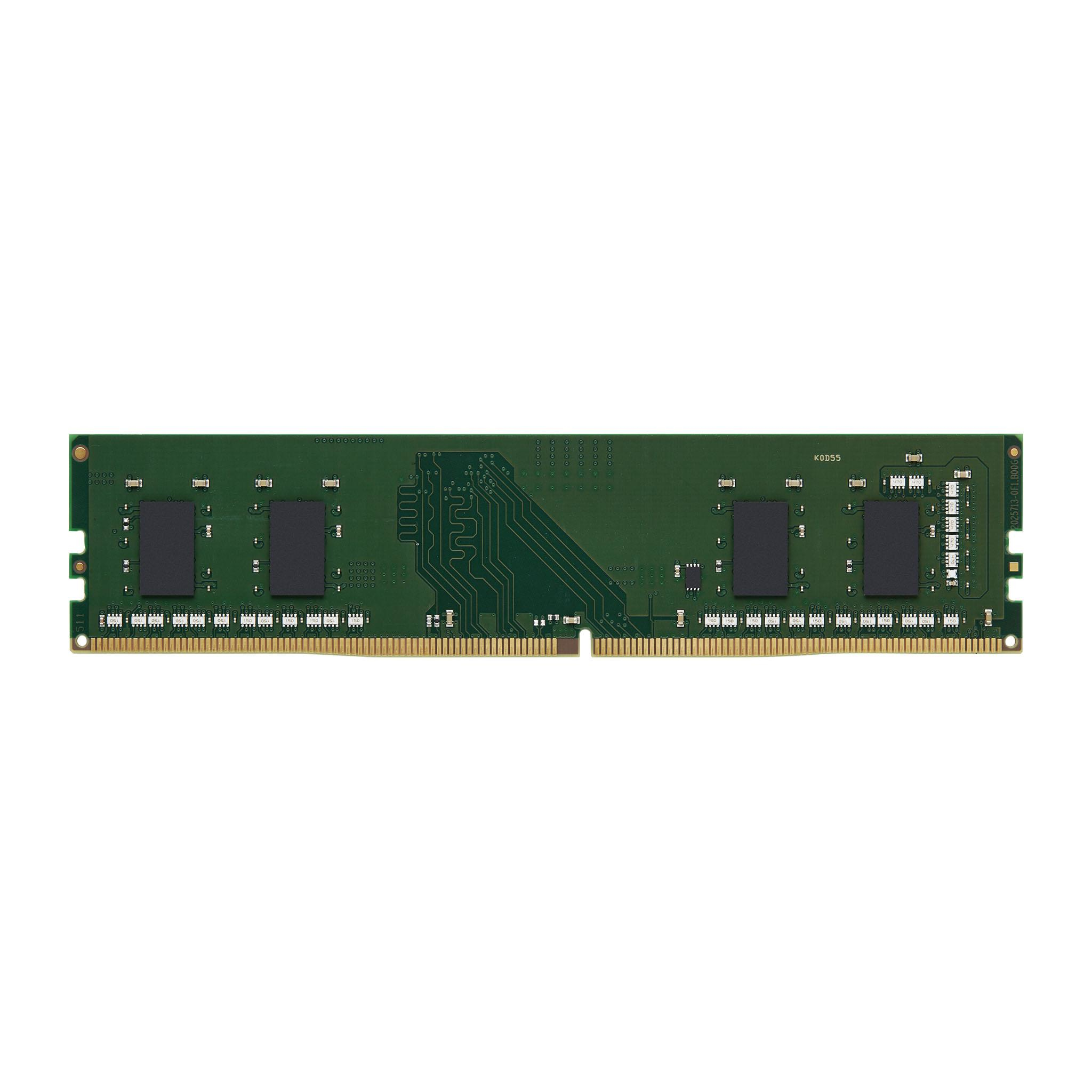
Kingston
Kingston - DDR4 - module - 32 GB - DIMM 288-pin - 3200 MT/s - CL22 - 1.2 V - unbuffered - non-ECC