- IT Office Moves
How to Minimise Downtime During an Office Relocation
18 Feb, 2026
£185.24 inc. VAT
AI-generated summary
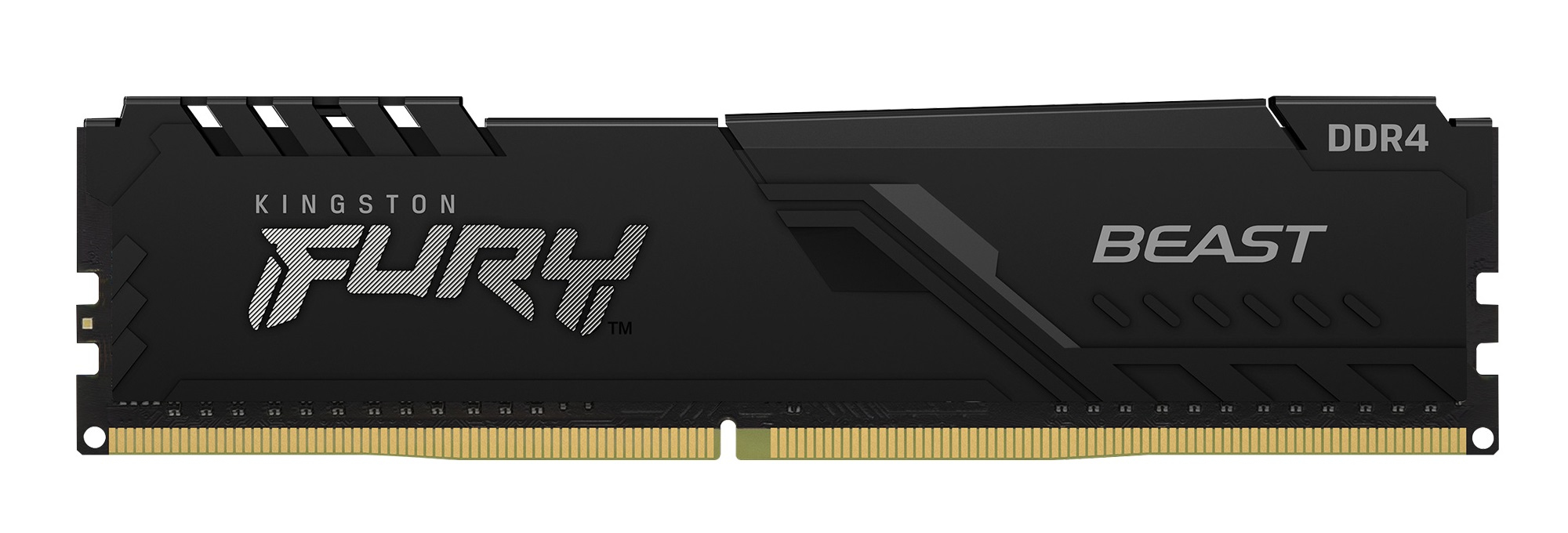
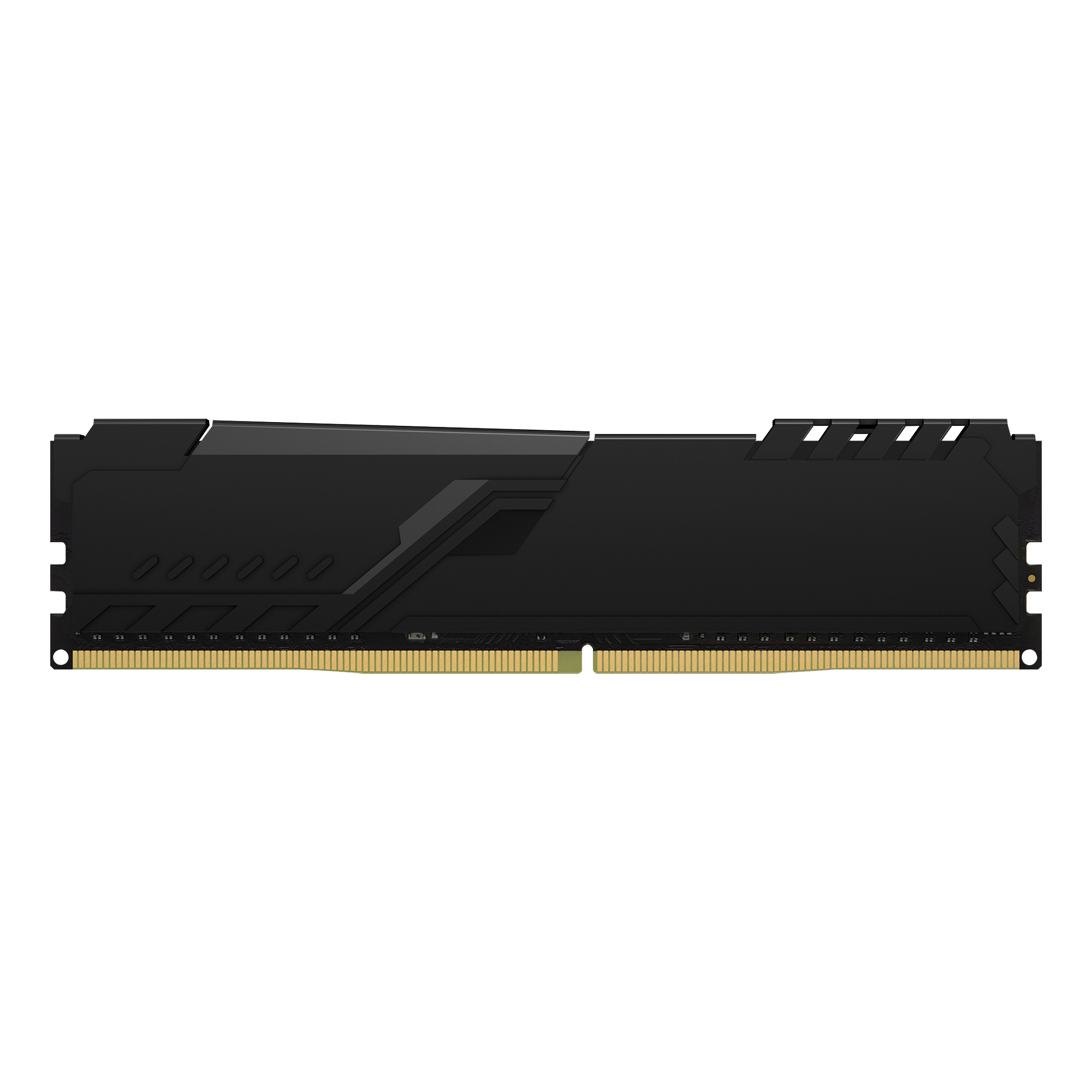
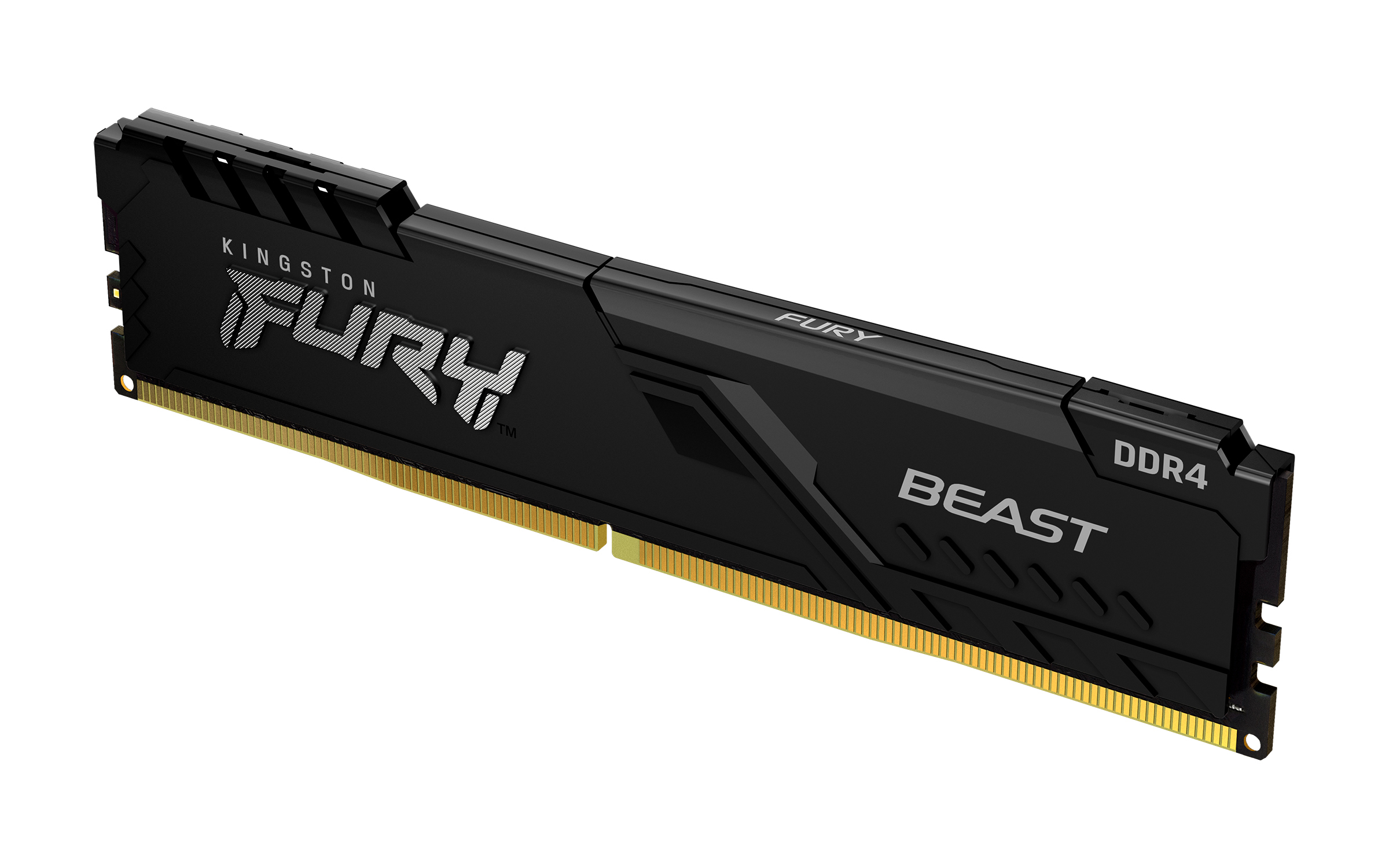
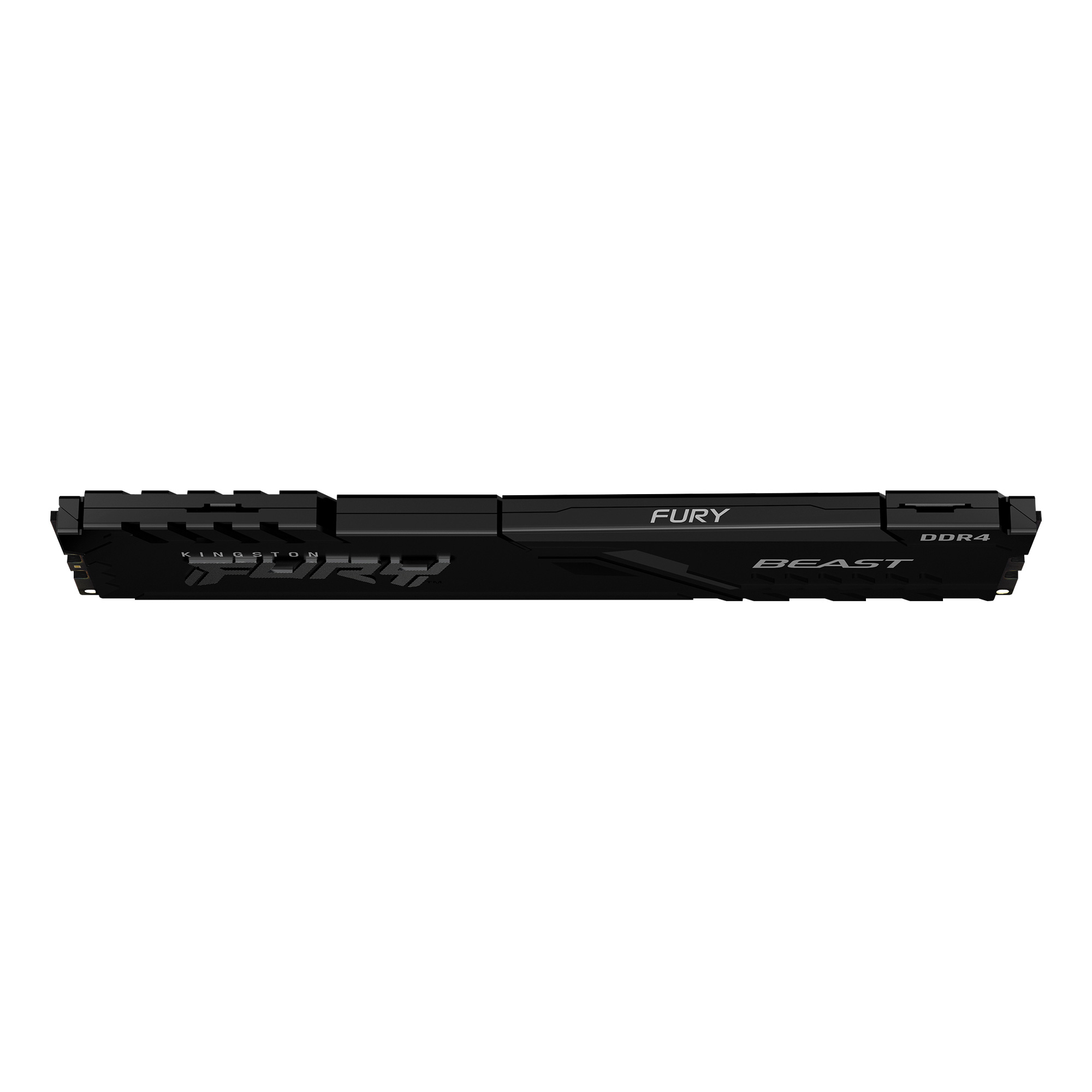
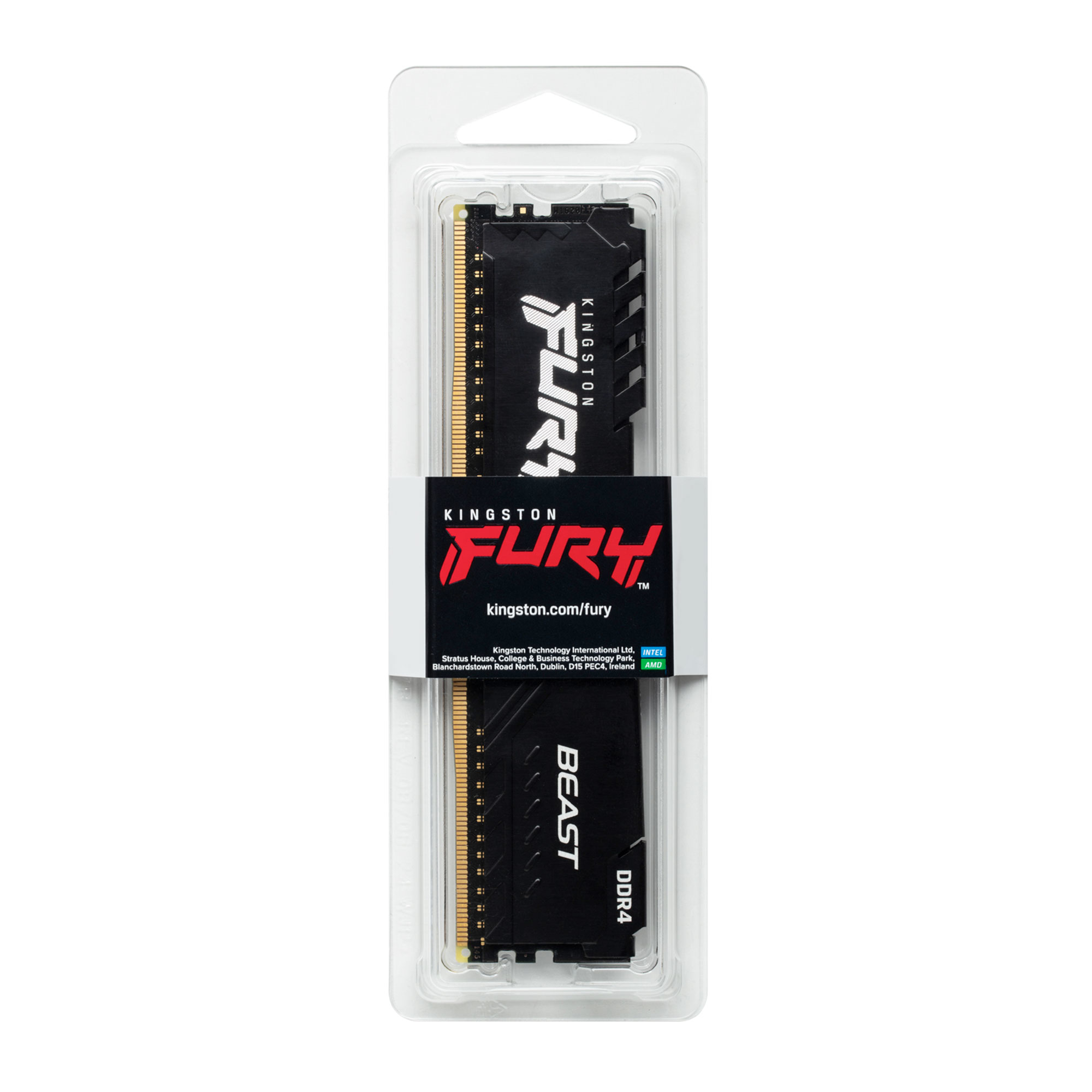
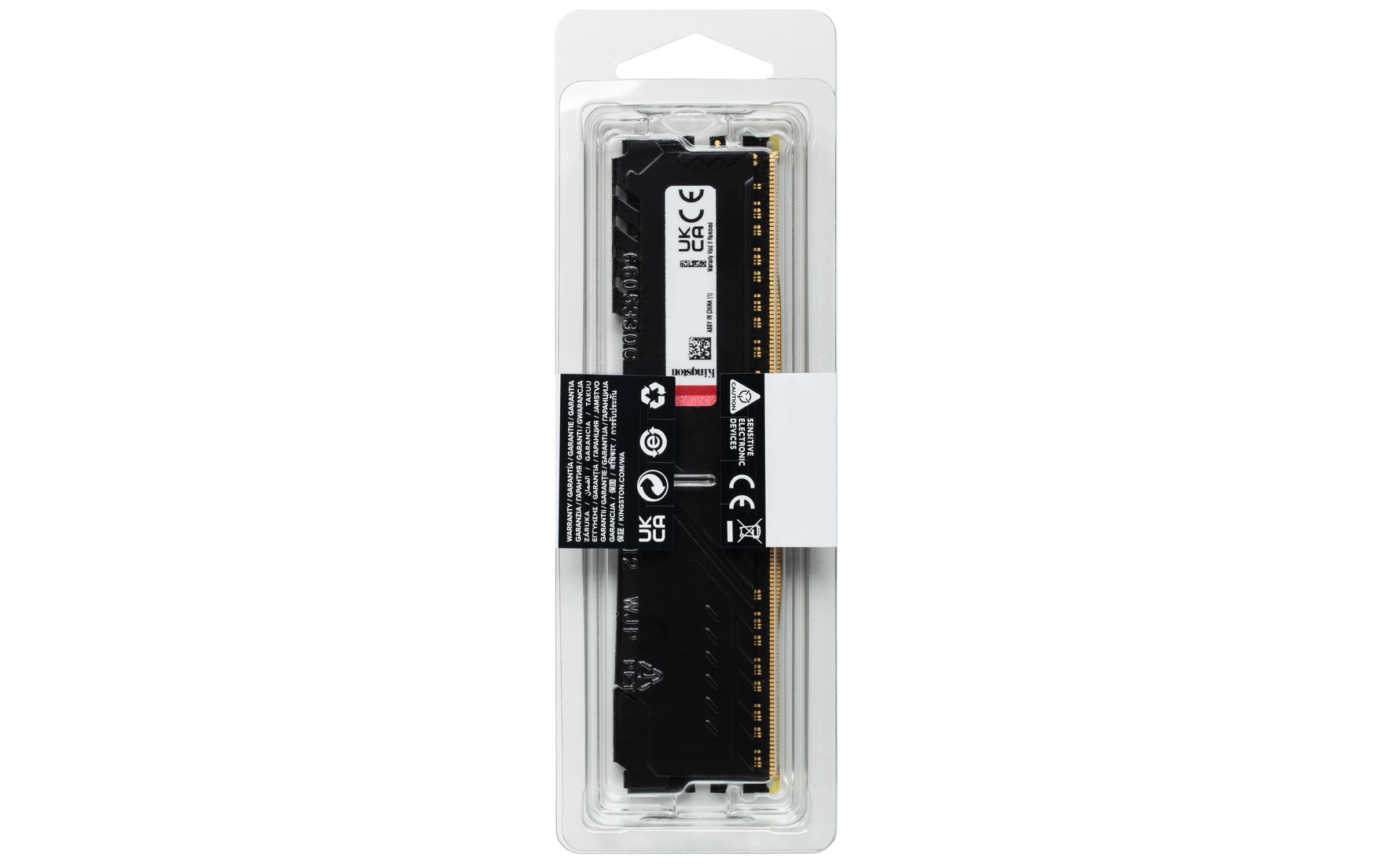
Kingston’s FURY Beast 16GB DDR4 is a fairly sensible pick if you’re upgrading a machine that already runs DDR4 and you just want it to feel snappy without paying “brand tax.” At ~£154.33 ex-VAT, it’s not the cheapest memory on the shelf, but it’s the kind of module that tends to behave predictably in real-world business builds—install it, set XMP if your BIOS is decent, and you’re done. Kingston is usually a safe choice for stability and support, which matters more than chasing peak benchmark numbers in day-to-day office workloads.
That said, I wouldn’t buy it if you’re building something new today unless you *know* you’re staying on DDR4 for a reason. DDR4 is a dead-end compared to newer platforms, so you might regret the “upgrade tax” later. Also, if your target is heavy memory throughput (some CAD, large datasets, or virtualization-heavy setups), you’ll often be better served by getting more capacity or going for a better kit rather than paying for “Beast” branding on a modest 16GB. Overall: good buy for light-to-medium business PCs on DDR4, less compelling if you’re future-proofing or expecting memory to be your main bottleneck.

Kingston
Kingston - DDR4 - module - 8 GB - DIMM 288-pin - 2666 MT/s / PC4-21300 - CL19 - 1.2 V - registered - ECC
HP
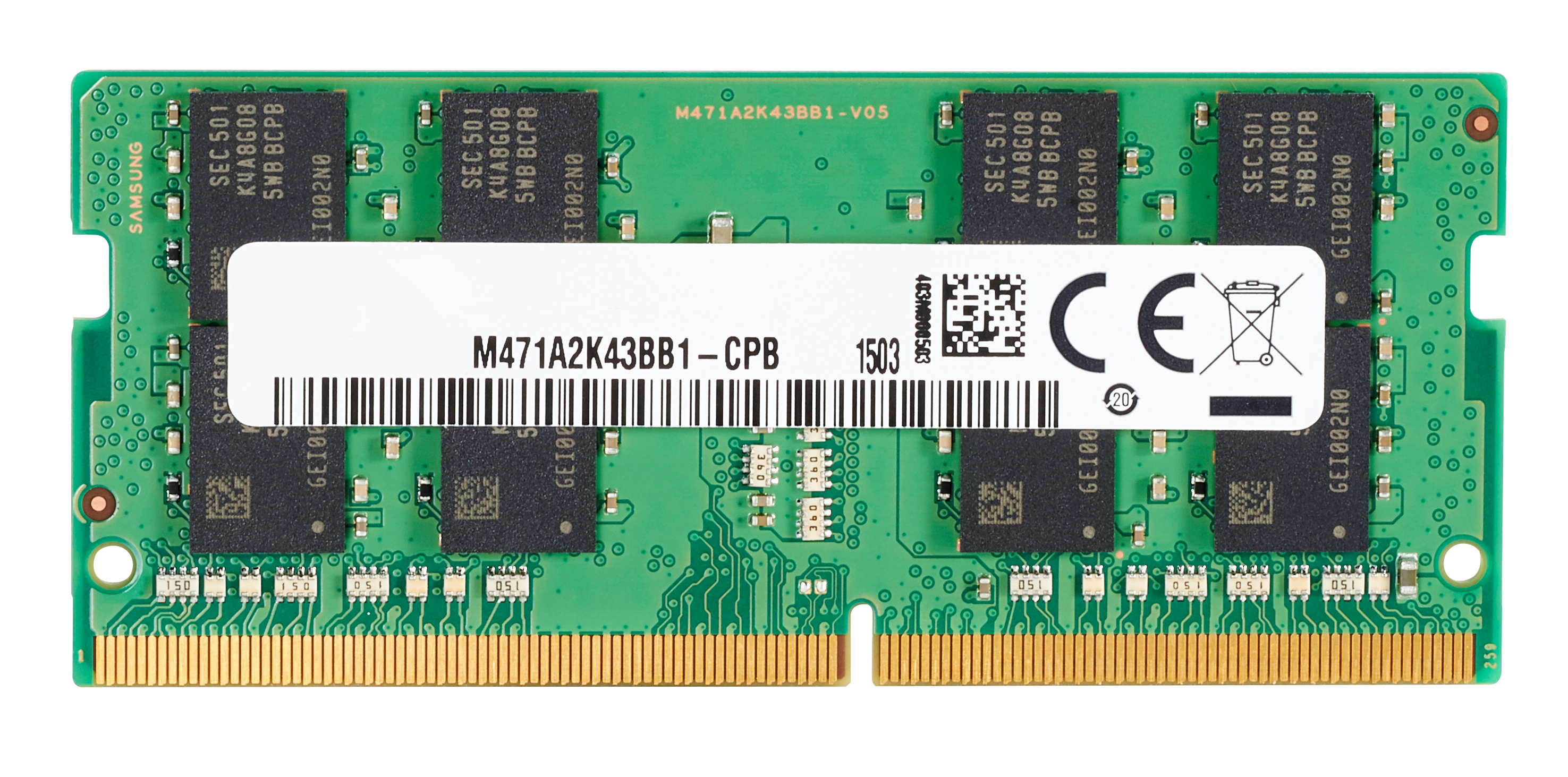
HP - DDR4 - module - 16 GB - SO-DIMM 260-pin - 3200 MHz / PC4-25600 - 1.2 V - unbuffered - non-ECC - for Elite Slice G2 (SODIMM), EliteDesk 705 G5 (SODIMM), EliteOne 800 G5, 800 G6, 800 G8, ProDesk 400 G5 (SODIMM), 400 G6 (SODIMM), 600 G5 (SODIMM), 600 G6 (SODIMM), ProOne 400 G6, 440 G6, 600 G6
Kingston
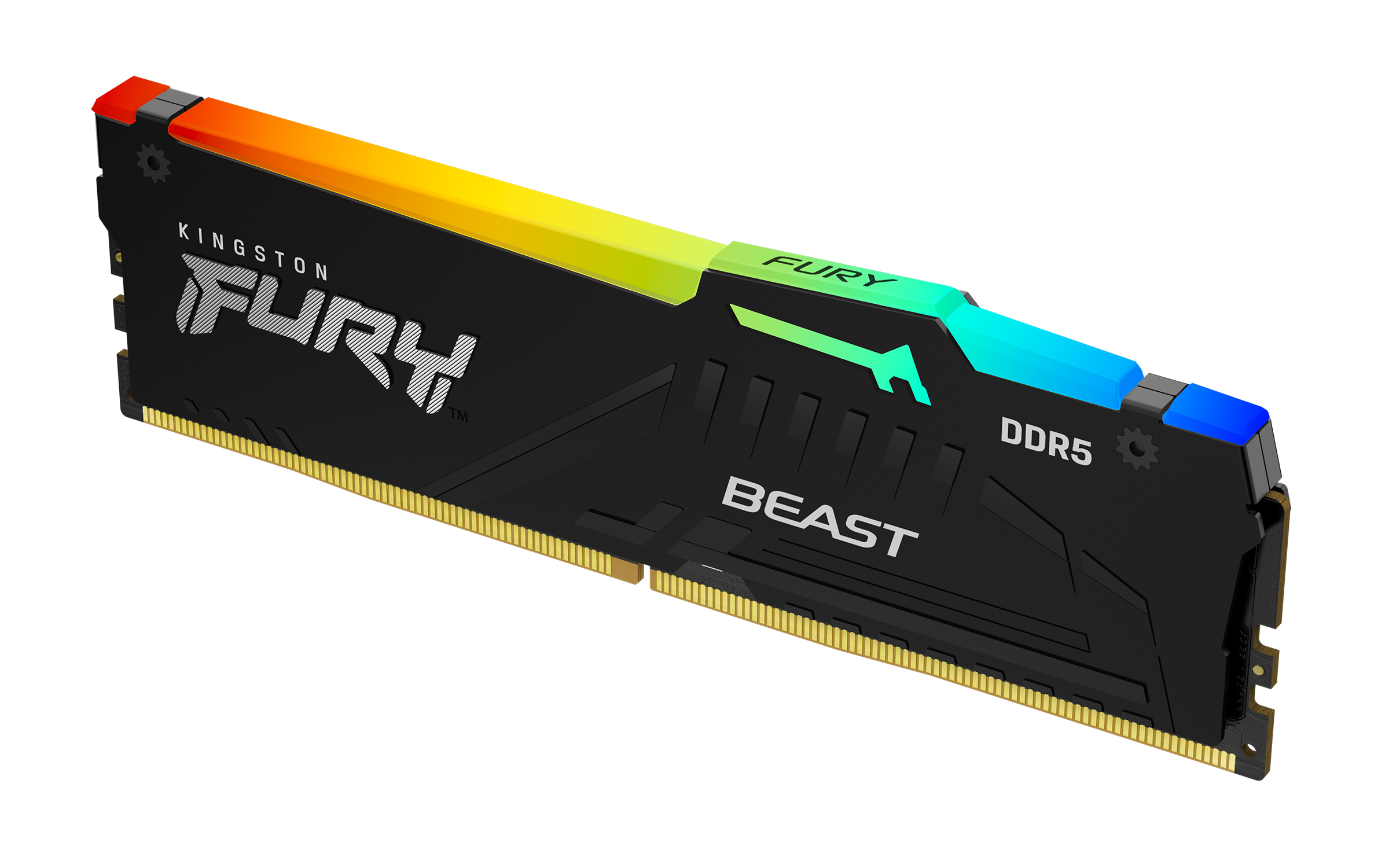
Kingston FURY Beast RGB - DDR5 - module - 32 GB - DIMM 288-pin - 6000 MT/s / PC5-48000 - CL36 - 1.35 V - unbuffered - on-die ECC - black
Qnap
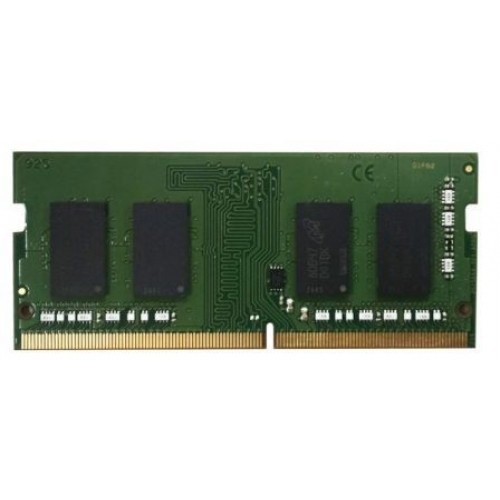
QNAP - A0 version - DDR4 - module - 4 GB - SO-DIMM 260-pin - 2666 MT/s / PC4-21300 - 1.2 V - unbuffered - non-ECC - for QNAP QGD-1600