- AI
Small Business AI Trends 2025
20 Mar, 2026
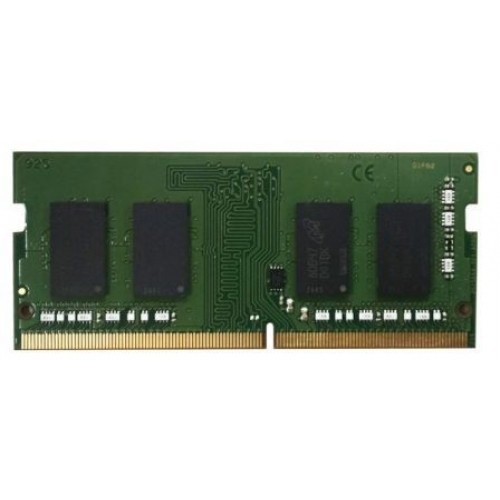
£122.96 inc. VAT
AI-generated summary
The QNAP RAM-4GDR4A0-SO-2666 is one of those “works well if you’re in the right box” upgrades. If you’ve got a compatible QNAP NAS that’s struggling with lots of Docker/VM use, heavy indexing, or simply feels sluggish under concurrent users, adding 4GB can be a noticeable quality-of-life bump—especially for memory-hungry services where the system starts swapping. At **£102.06 ex-VAT**, it’s not a bargain-basement price, but it’s not wild either for the kind of targeted, NAS-specific module you actually want (rather than a random DDR4 SO-DIMM that might be “compatible” on paper but not in practice).
That said, I wouldn’t buy it just to “have more RAM” if your NAS only lightly serves files or runs basic apps. In those cases, the cost can be hard to justify versus optimising workload or upgrading storage/CPU-heavy components (depending on your model). Also, check whether your NAS supports that memory speed and capacity gracefully—some units are picky about stick matching, so it’s often better to expand in sensible increments rather than half-fixing with a single module. If you’re adding the first/extra stick for a specific supported slot, it’s a safe, pragmatic choice; if you’re doing a generic upgrade without confirming compatibility, I’d pause.
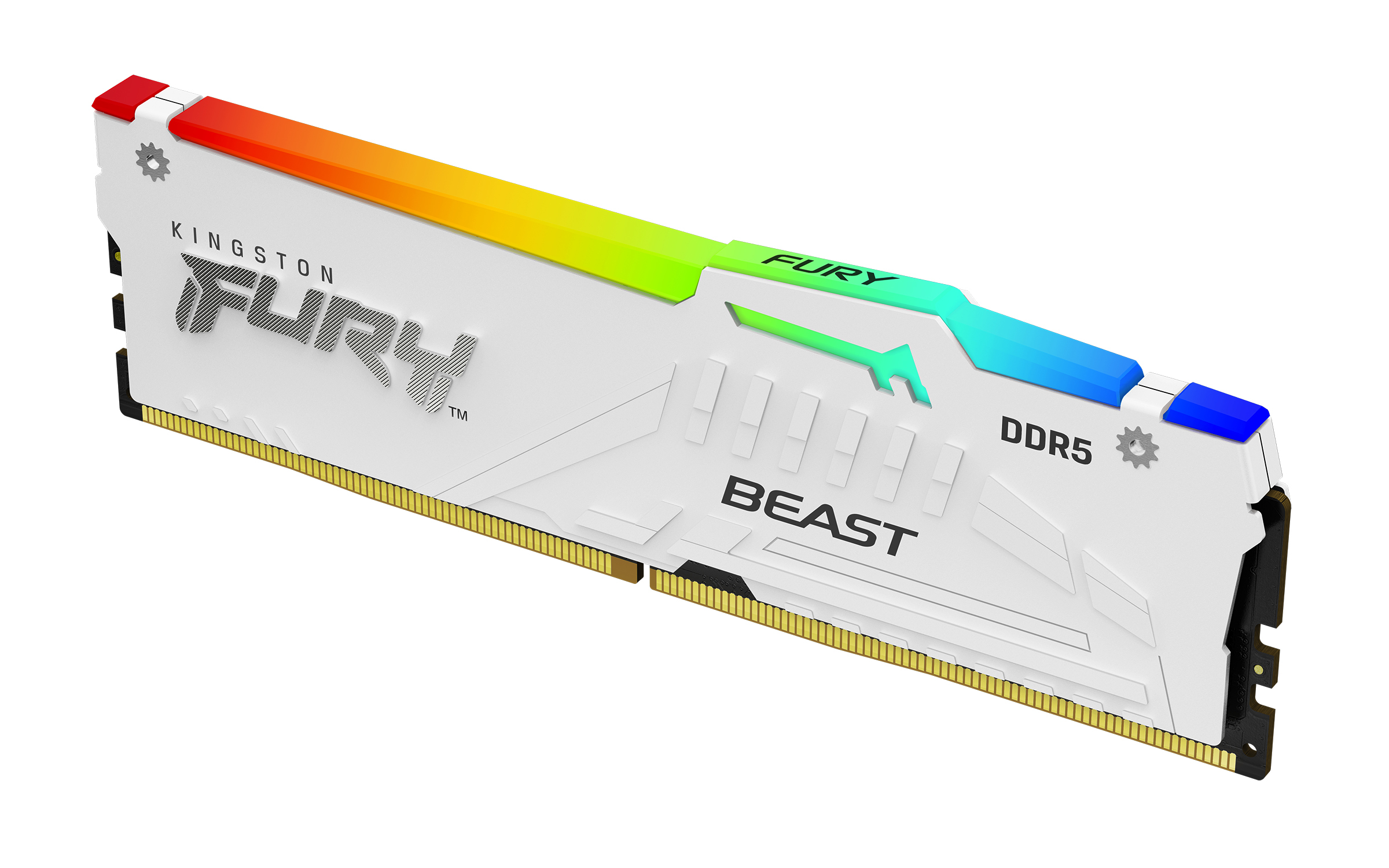
Kingston
Kingston FURY Beast RGB - DDR5 - module - 16 GB - DIMM 288-pin - 5200 MT/s / PC5-41600 - CL40 - 1.25 V - unbuffered - on-die ECC - white
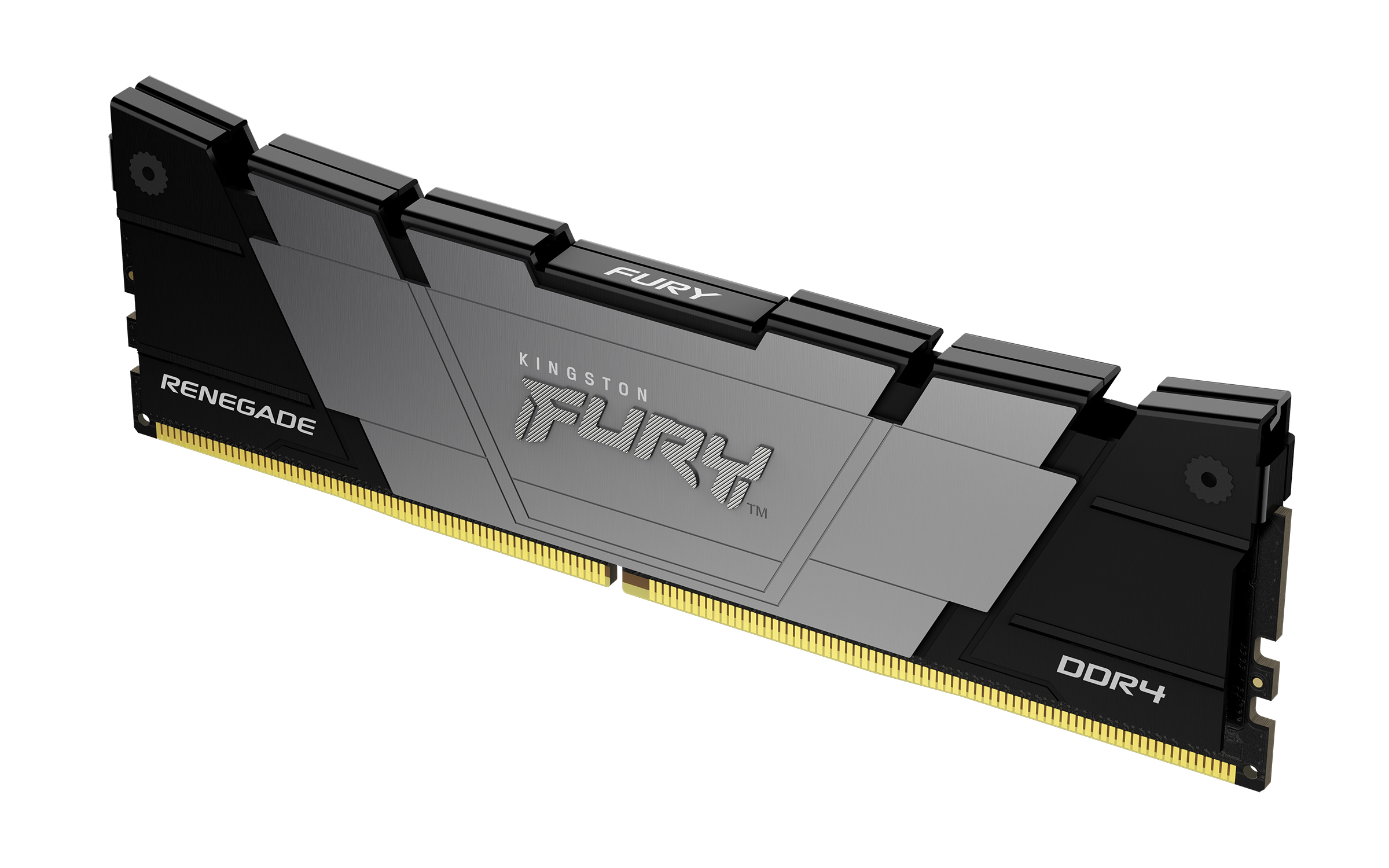
Kingston
Kingston FURY Renegade - DDR4 - module - 32 GB - DIMM 288-pin - 3200 MT/s / PC4-25600 - CL16 - 1.2 V - unbuffered - non-ECC - black

Kingston
Kingston FURY Beast - DDR5 - kit - 32 GB: 2 x 16 GB - DIMM 288-pin - 6400 MHz / PC5-51200 - CL32 - 1.4 V - unbuffered - on-die ECC - white
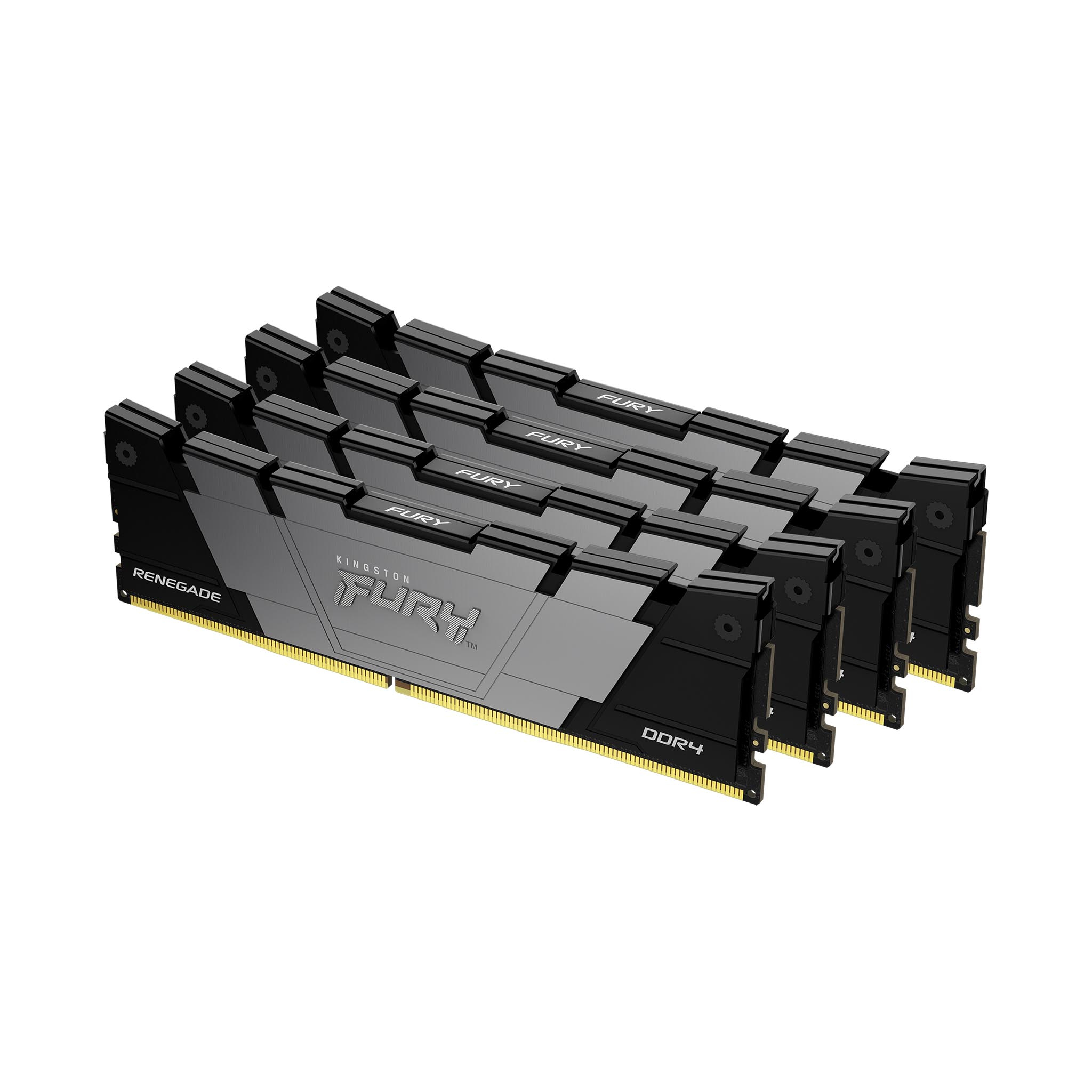
Kingston
Kingston FURY Renegade - DDR4 - kit - 128 GB: 4 x 32 GB - DIMM 288-pin - 3600 MT/s / PC4-28800 - CL18 - 1.2 V - unbuffered - non-ECC - black