- Database Reporting
Custom Database Reporting: A Complete Guide
20 Mar, 2026
£185.09 inc. VAT
AI-generated summary
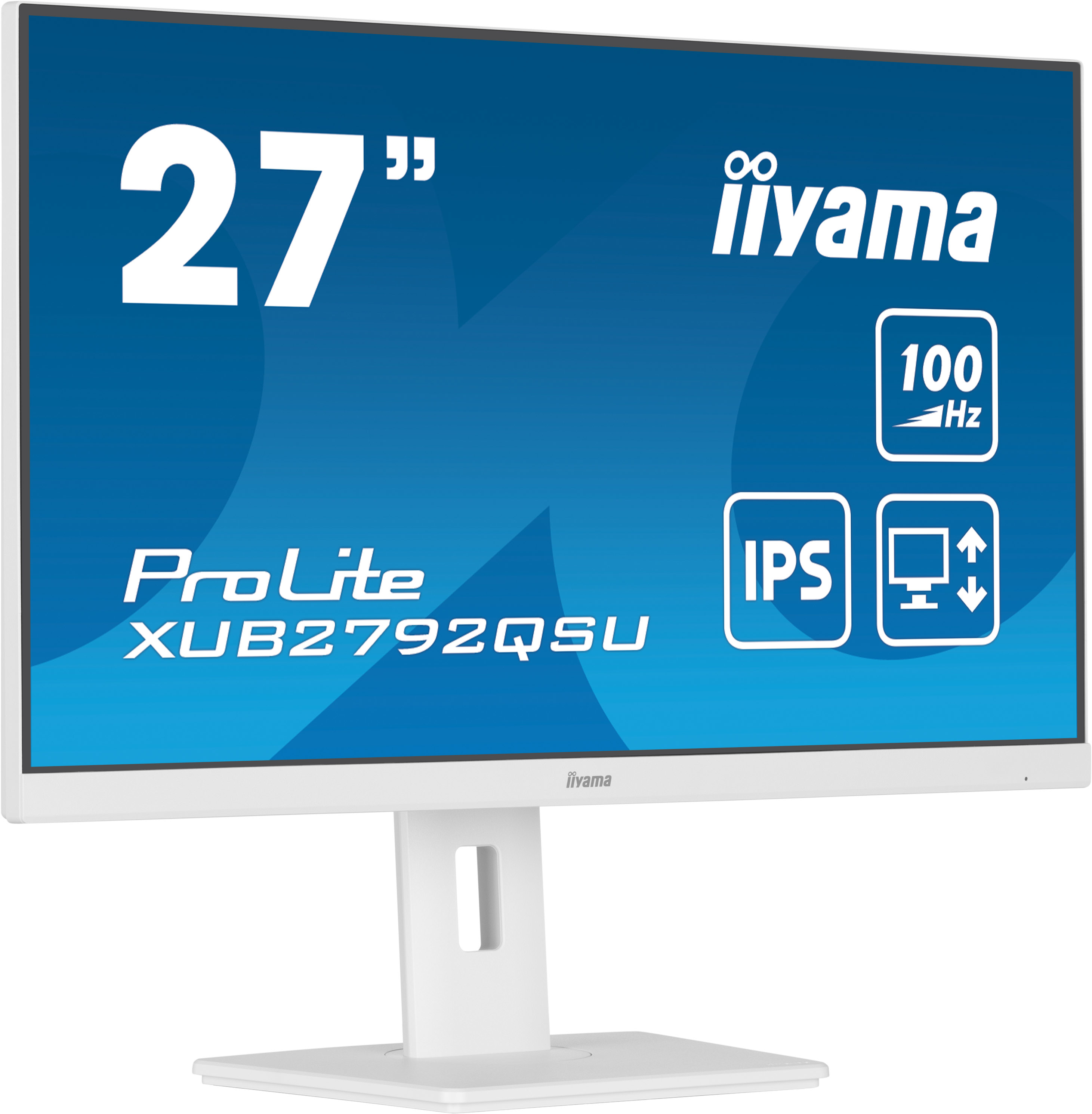
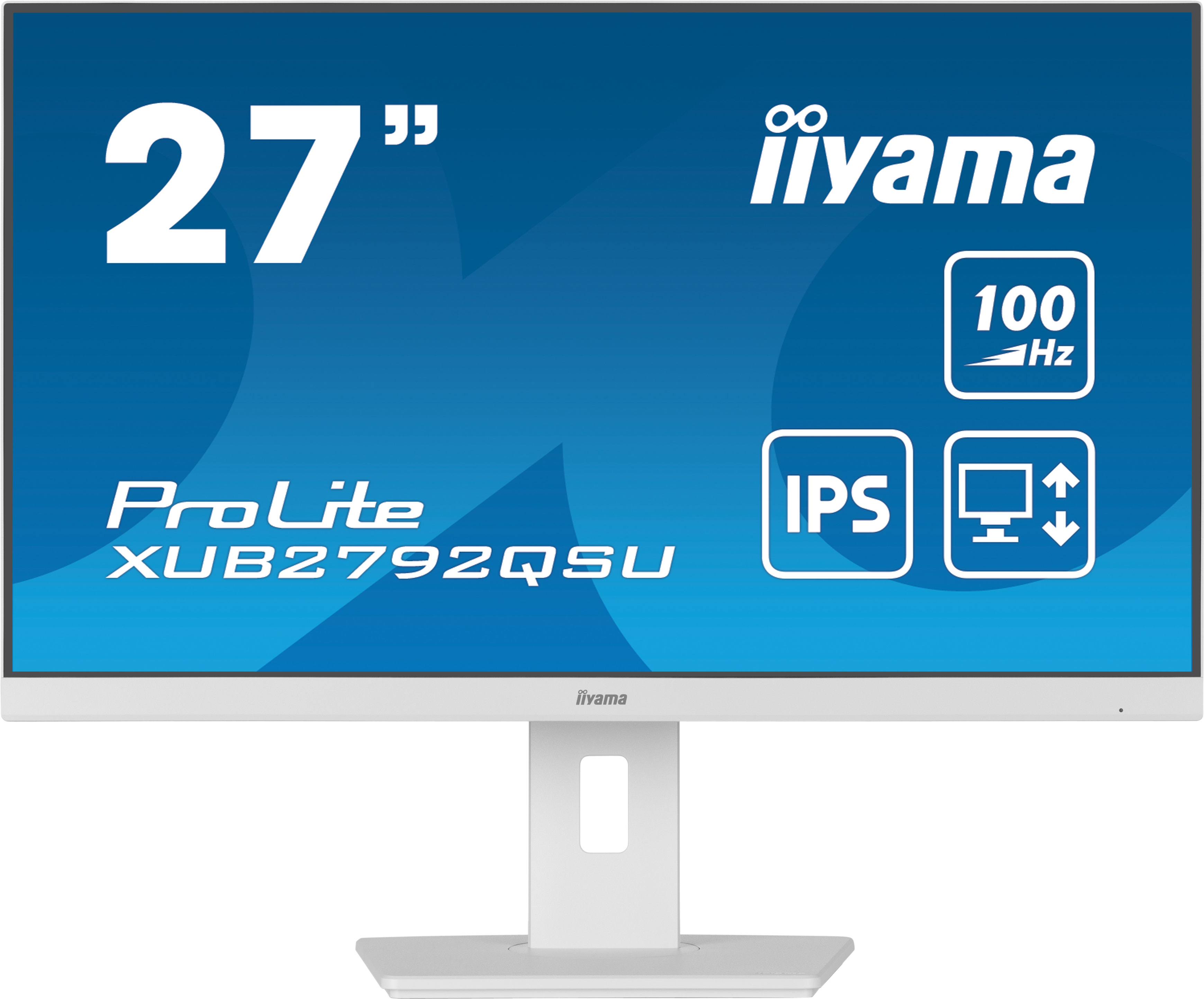
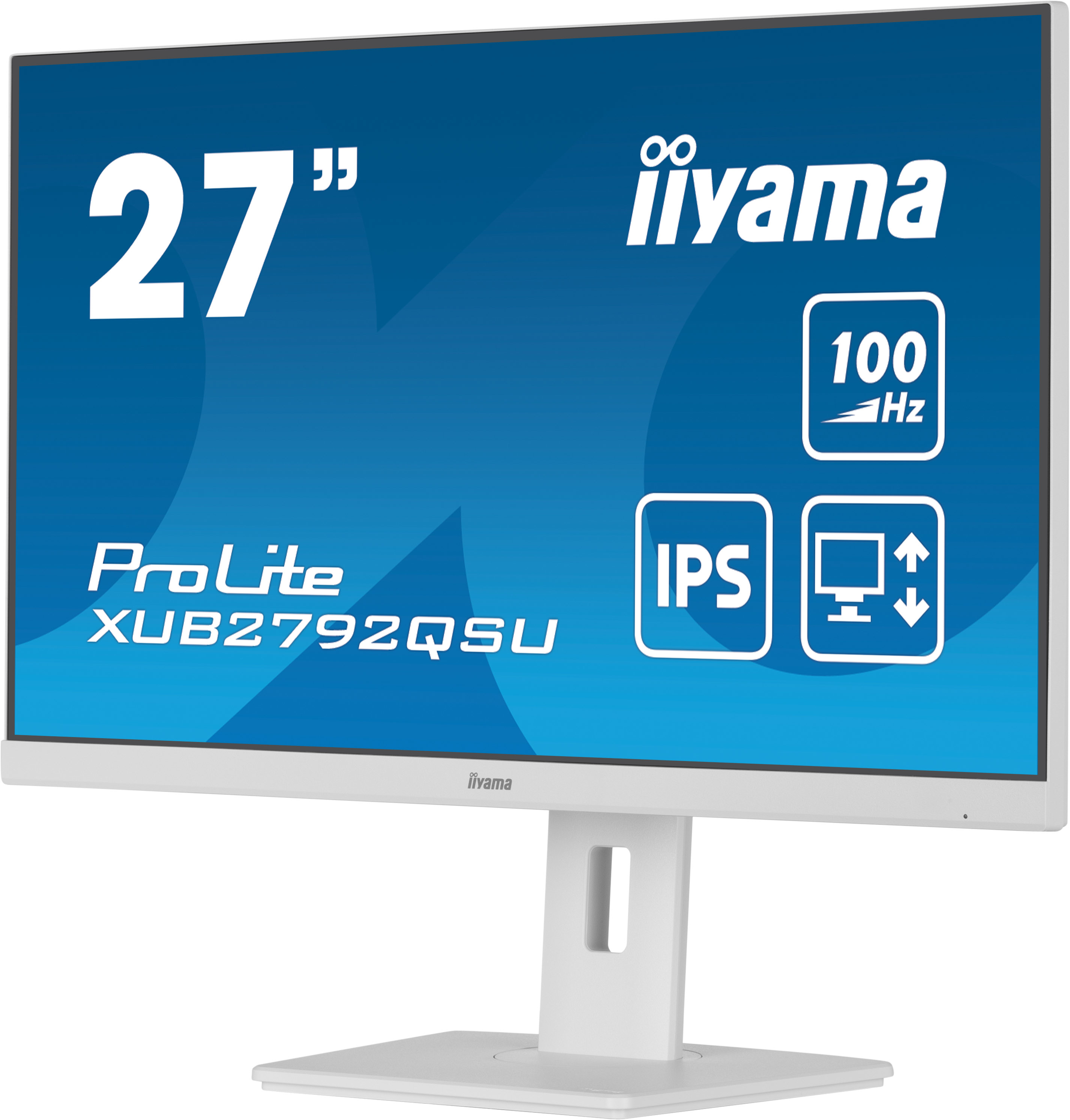
The iiyama ProLite XUB2792QSU-W6 at £157.70 ex-VAT is the kind of monitor I’d usually recommend for an office setup where you want a clean Quad HD picture without paying “premium brand” money. iiyama’s ProLite line tends to be solid on the basics—clear text for day-to-day work, good ergonomics for long sessions (so you’re less likely to end up hunched at a fixed stand), and generally consistent performance for typical office and desk-based roles. If you’re on spreadsheets, admin, light design, or just want a sharper step up from 1080p, this is a sensible value pick.
I wouldn’t buy it if your work is heavy colour-critical design, you’re chasing the smoothest possible motion for esports-level gaming, or you absolutely need the very best contrast/black levels—budget-friendly monitors often won’t satisfy people who are particularly picky about that. But for most B2B users who want reliable productivity, decent image quality, and strong cost control, this feels like good money for a 27" workplace upgrade. If you’re doing a lot of mixed lighting (glare), it’s worth checking the review notes on brightness/reflectivity for your specific office, but on price alone it’s hard to argue against.
QHD
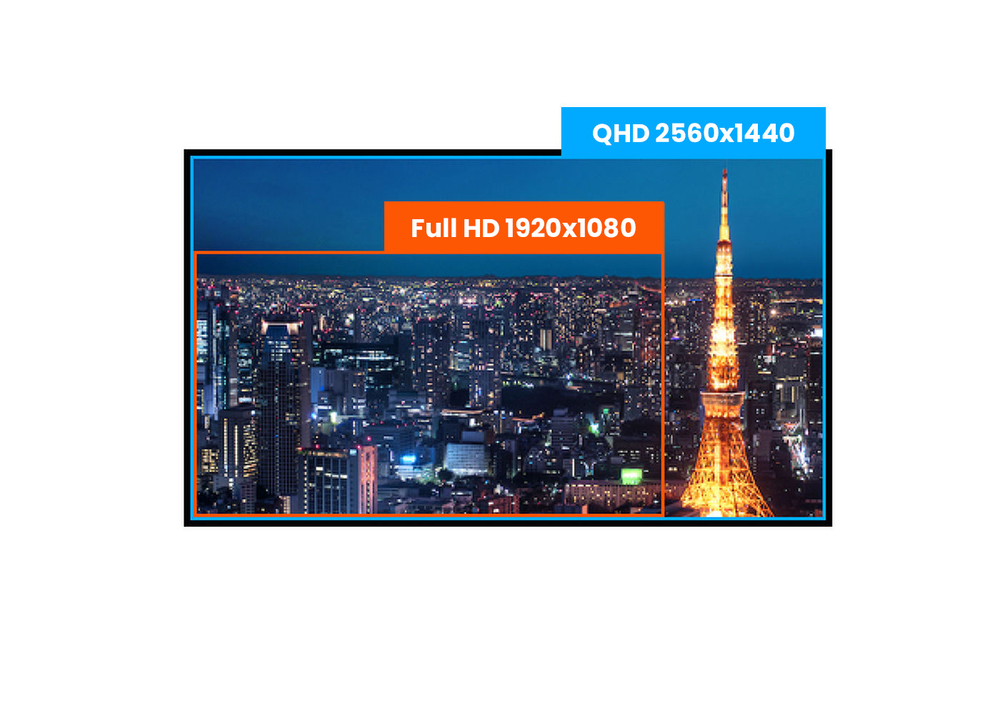
With true QHD 2560 x 1440p resolution your monitor is ready to display high definition images. This means you can accommodate more information on your screen, i.e. over 76% more in comparison to a ...
IPS Technology
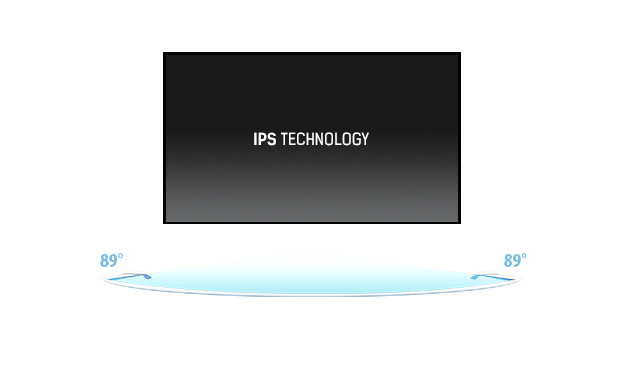
IPS displays are best known for wide viewing angles and natural, highly accurate colours. They are especially suited for colour-critical applications.
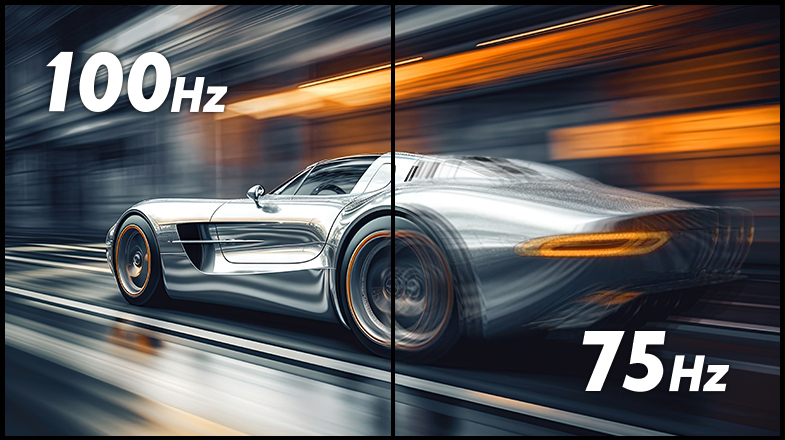
100Hz
A 100Hz refresh rate translates into increased smoothness of the image. This means that flickering is reduced and therefore eye fatigue is also less noticeable. The increased frequency also means s...
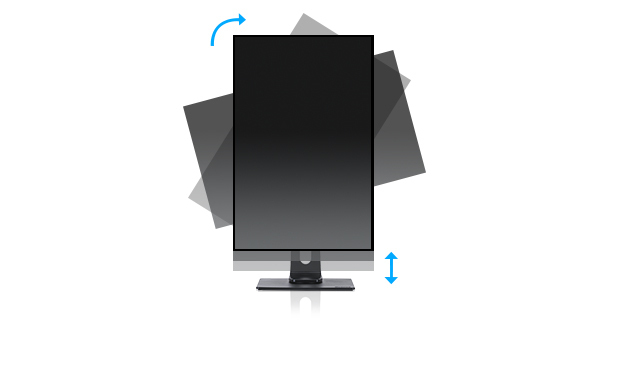
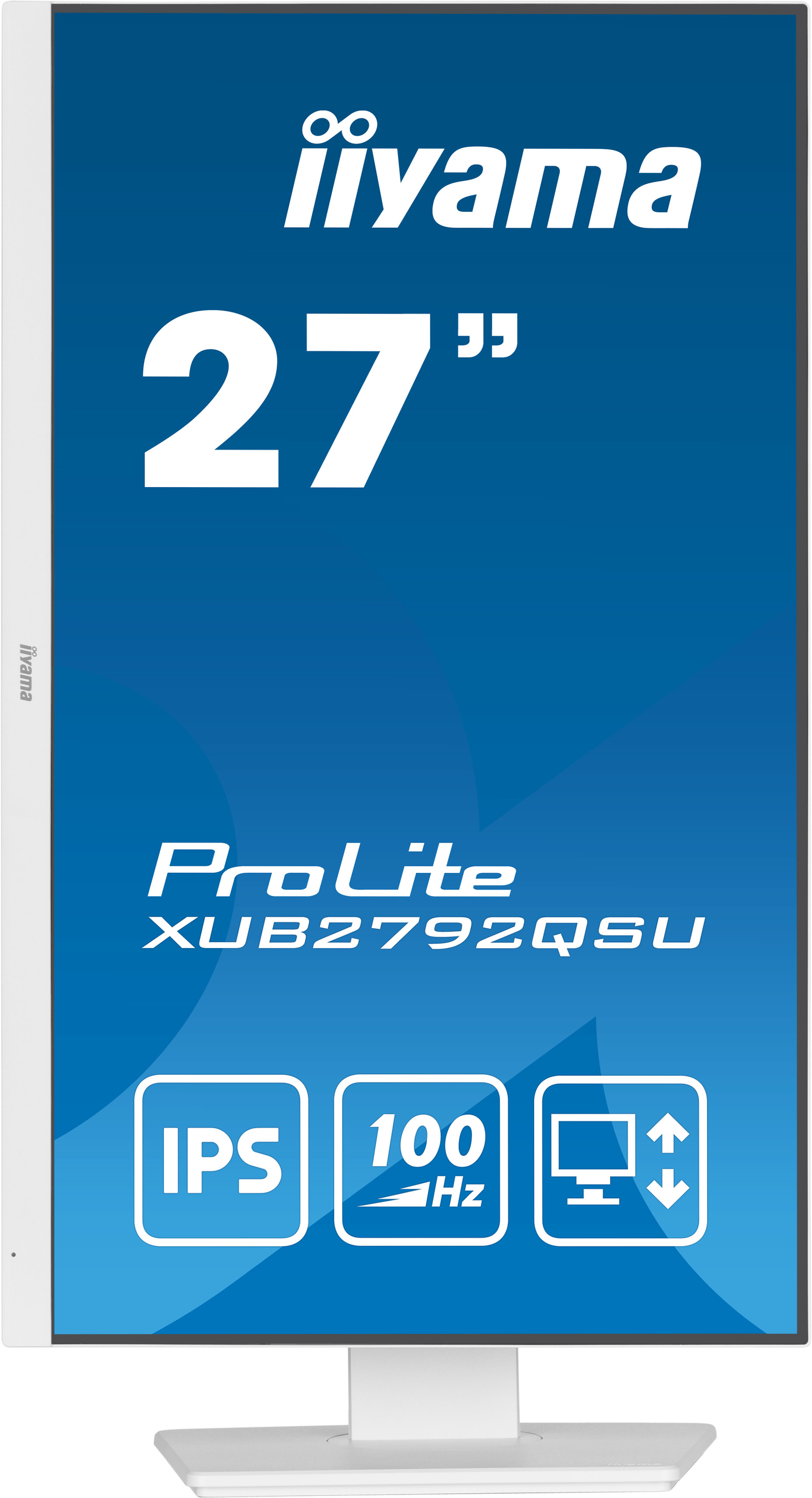
HAS (150mm) + PIVOT
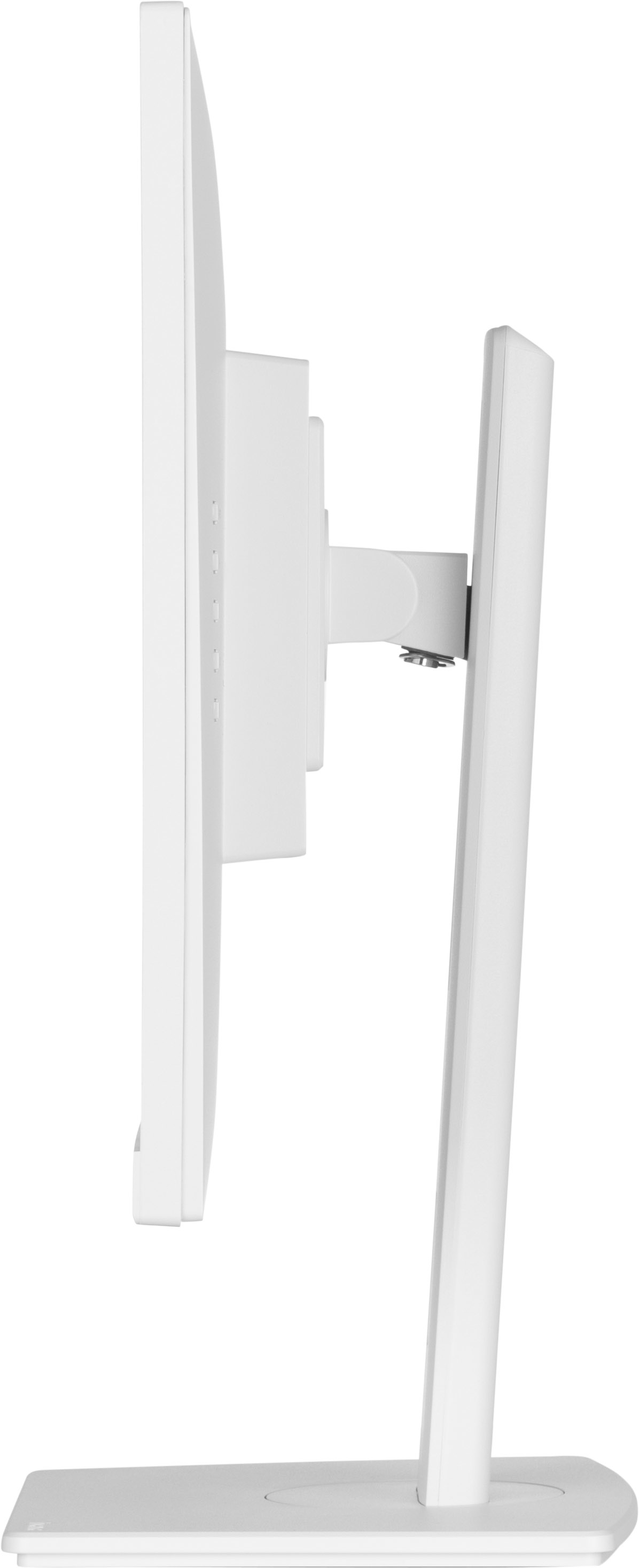
With a height adjustable stand you will create an ergonomic work posture and position that meets all health and safety requirements. This will not only prevent any health issues but will also incre...

Flicker-free + Blue light
The ultimate solution for the comfort and health of your eyes. Flicker-free monitors with the blue light reducer function substantially reduce the strain and fatigue caused by flickering and blue l...
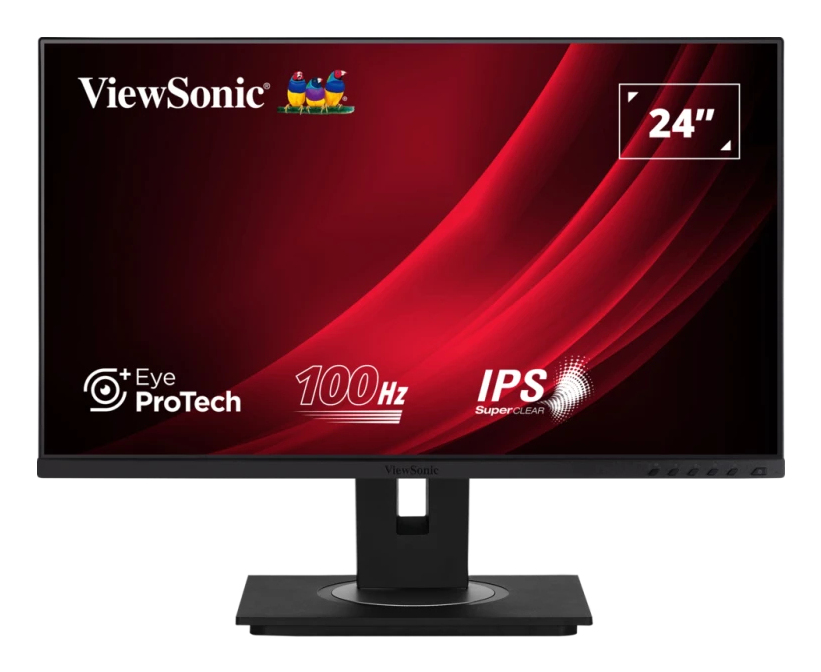
ViewSonic
ViewSonic VG2448a-2 - LED monitor - 24" - 1920 x 1080 Full HD (1080p) @ 60 Hz - IPS - 250 cd/m� - 1000:1 - 5 ms - HDMI, VGA, DisplayPort - speakers
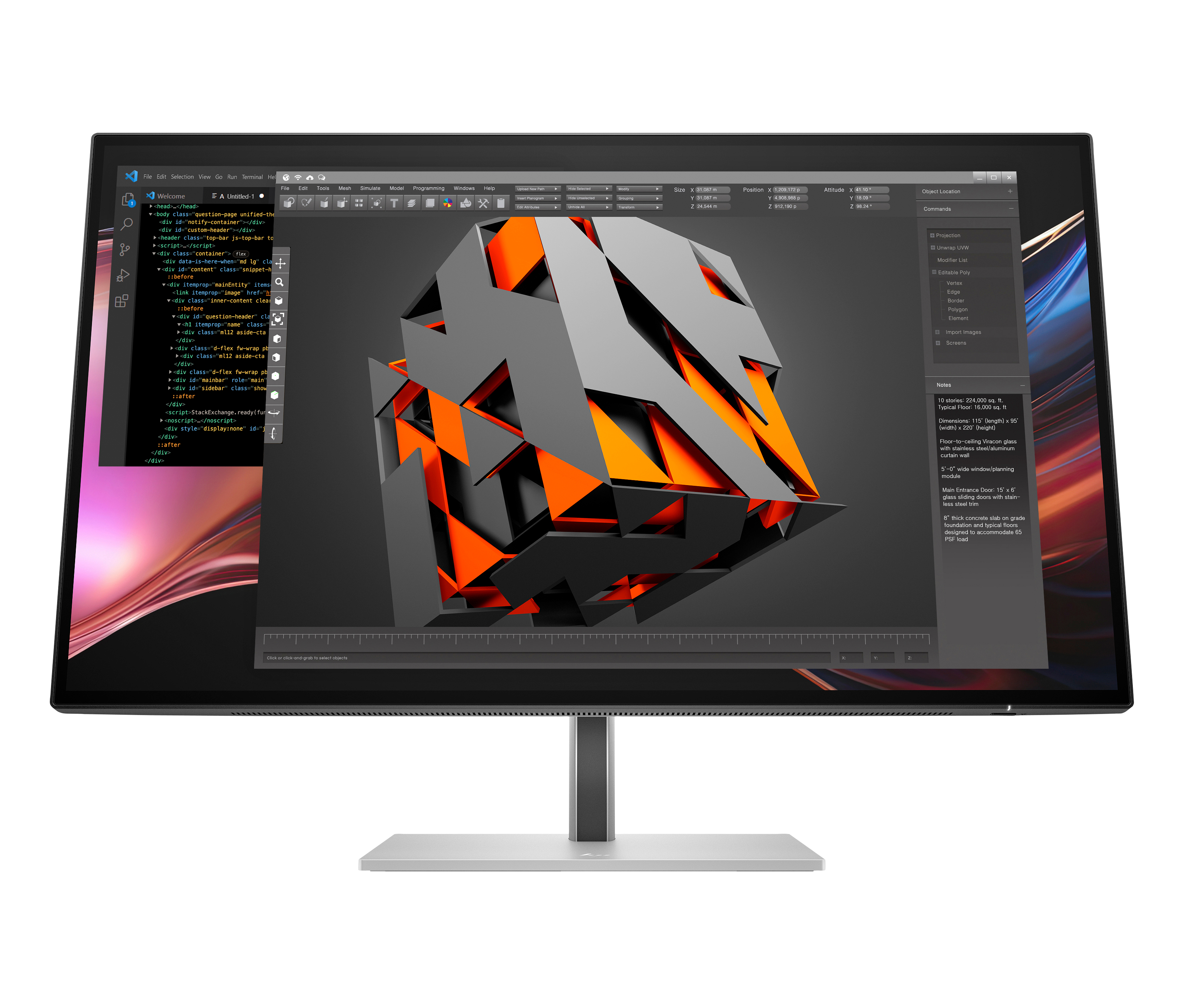
HP
HP 727pu - Series 7 Pro - LED monitor - 27" - 2560 x 1440 QHD @ 120 Hz - IPS Black - 400 cd/m� - 2000:1 - DisplayHDR 400 - 5 ms - Thunderbolt 4, HDMI, DisplayPort - black, silver
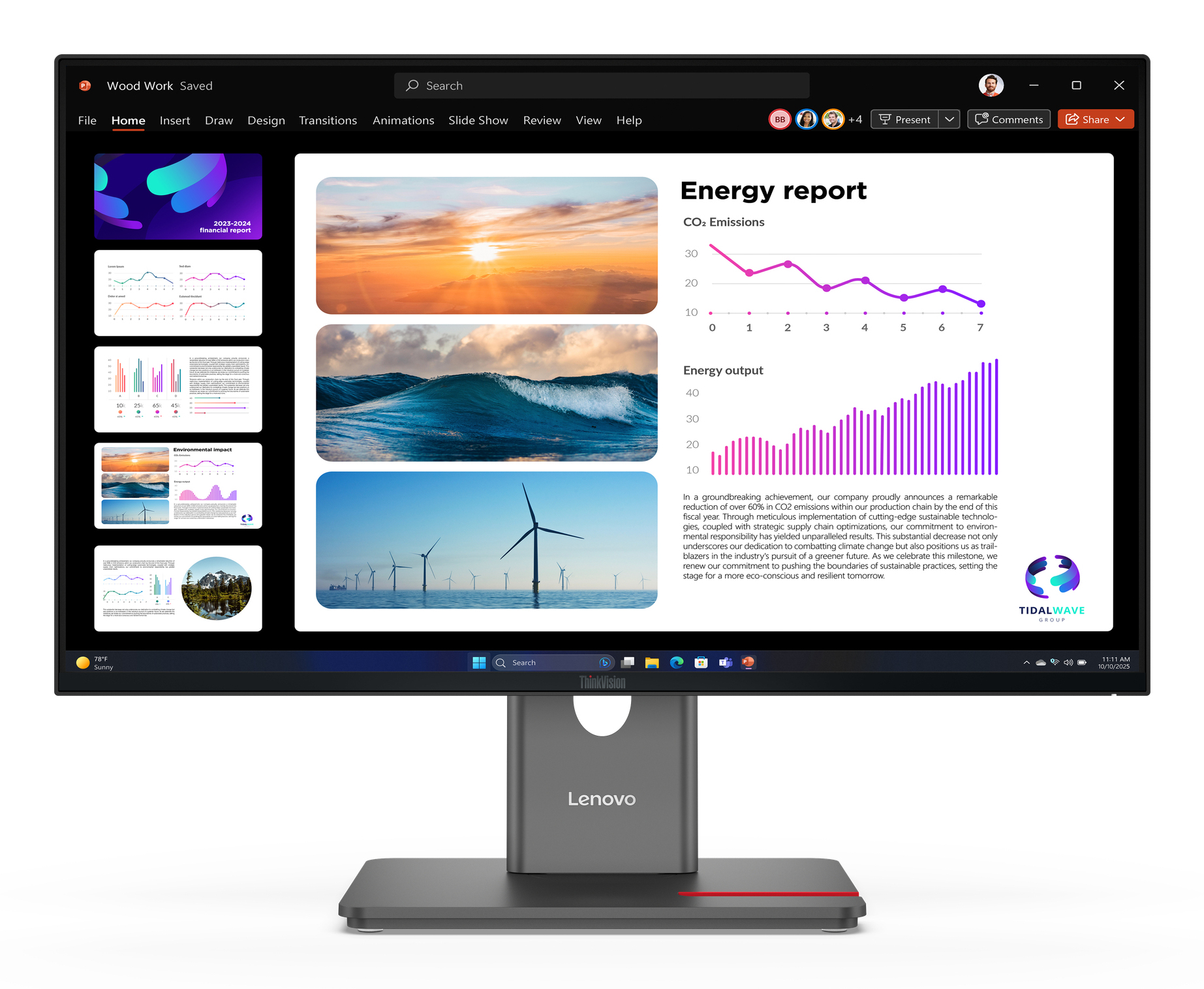
Lenovo
Lenovo ThinkVision P24Q-40 - LED monitor - 24" (23.8" viewable) - 2560 x 1440 QHD @ 120 Hz - IPS - 300 cd/m� - 1500:1 - HDR10 - 4 ms - HDMI, DisplayPort - raven black
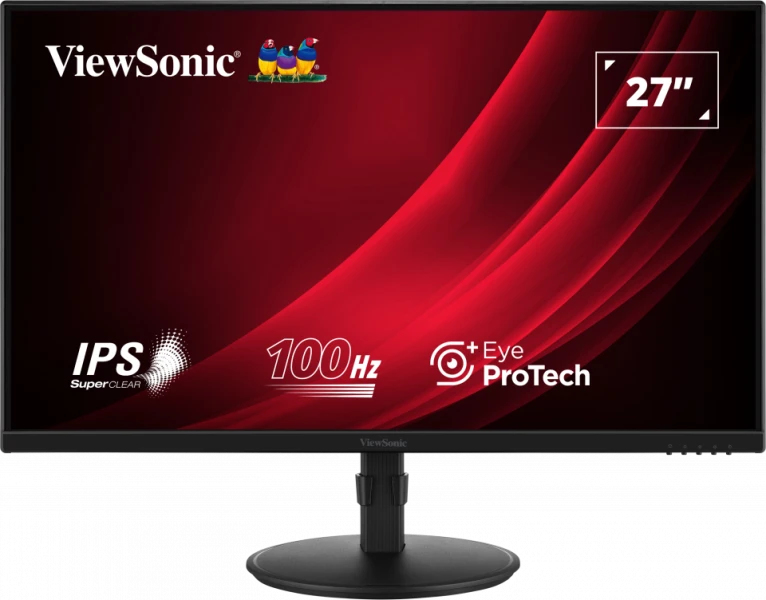
ViewSonic
ViewSonic VG2708A-MHD - LED monitor - 27" - 1920 x 1080 Full HD (1080p) @ 100 Hz - IPS - 250 cd/m� - 1300:1 - 5 ms - HDMI, VGA, DisplayPort - speakers