- Cyber Security
The Business Guide to Penetration Testing
30 Jan, 2026
£151.43 inc. VAT
AI-generated summary
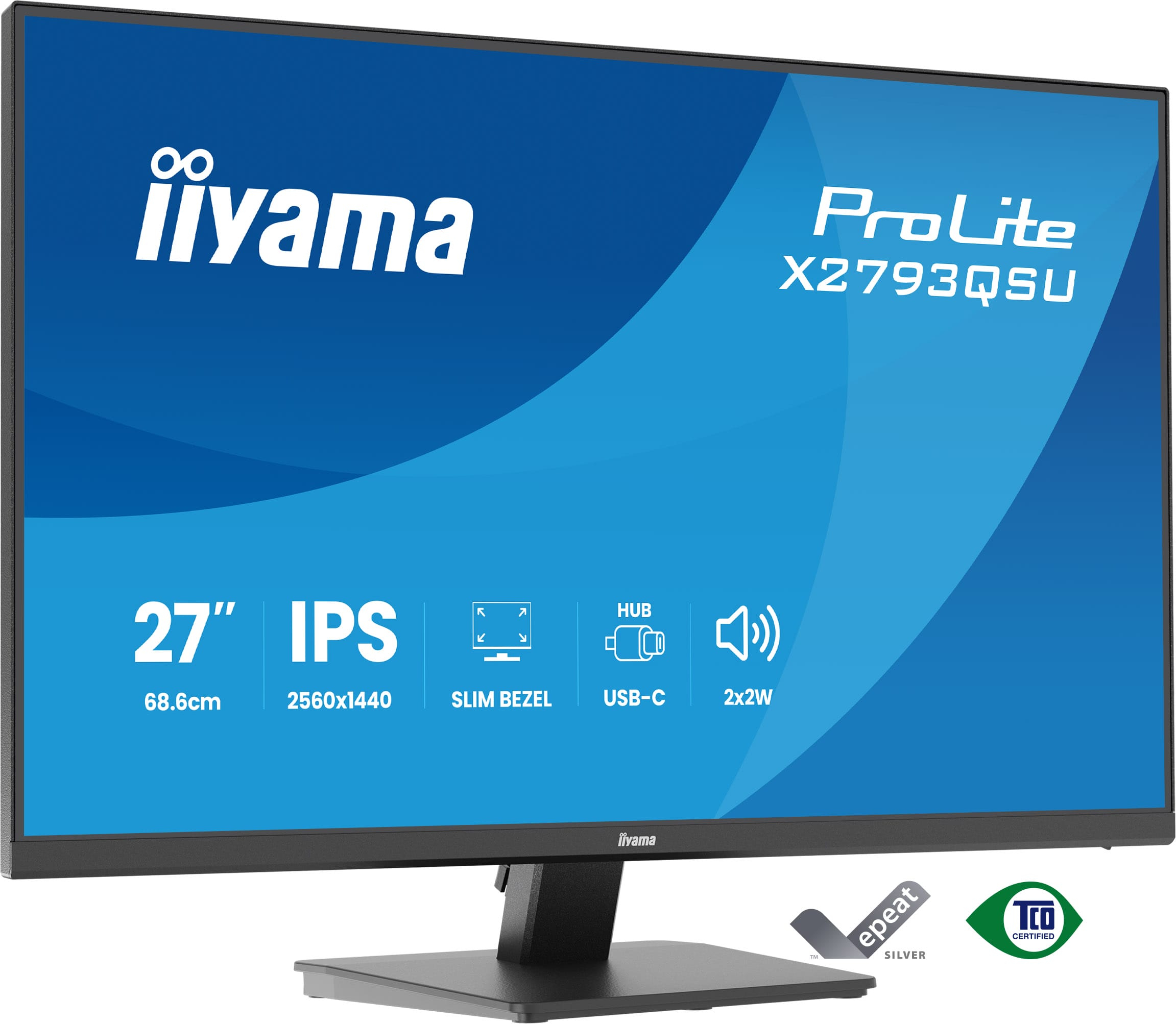
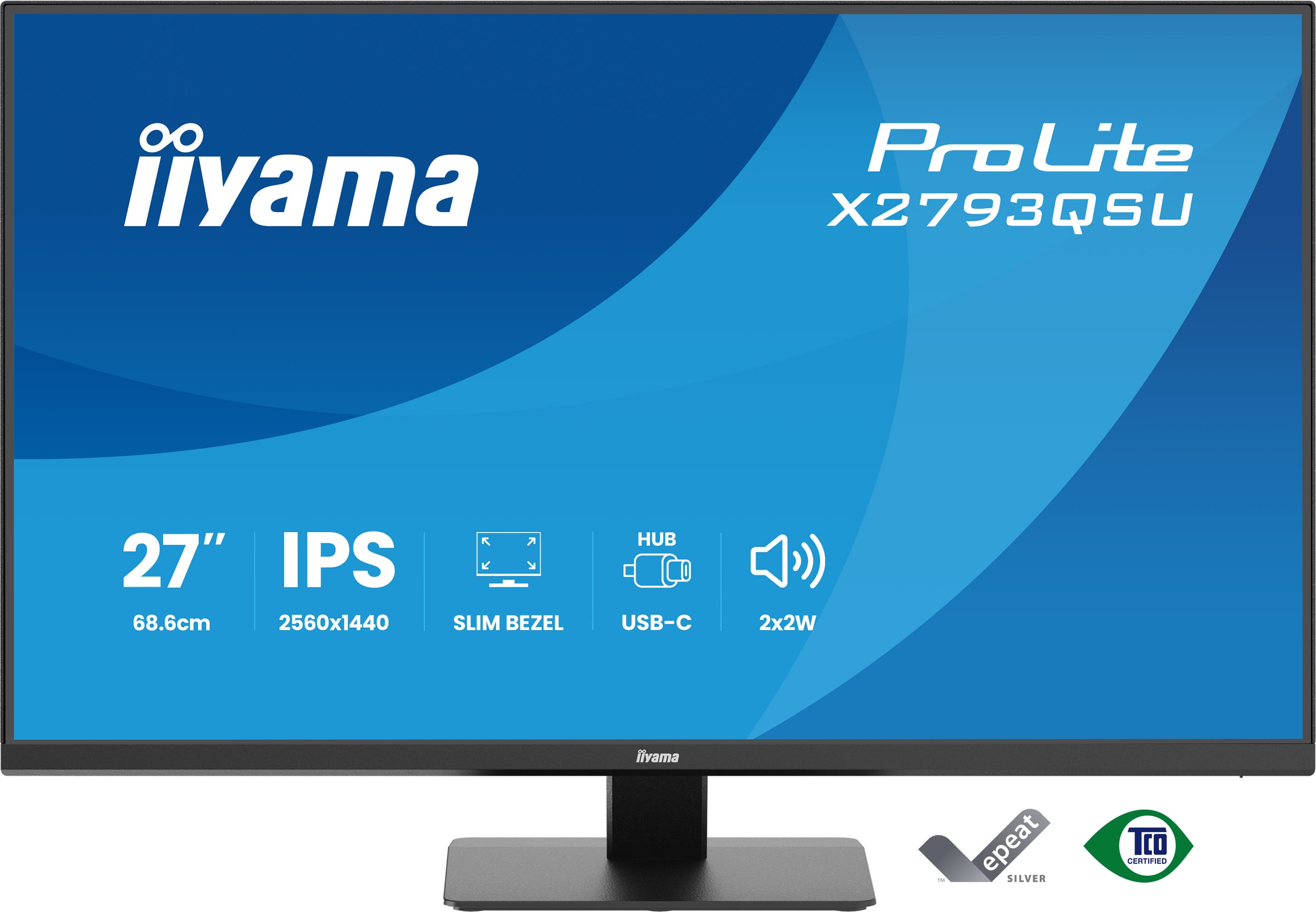
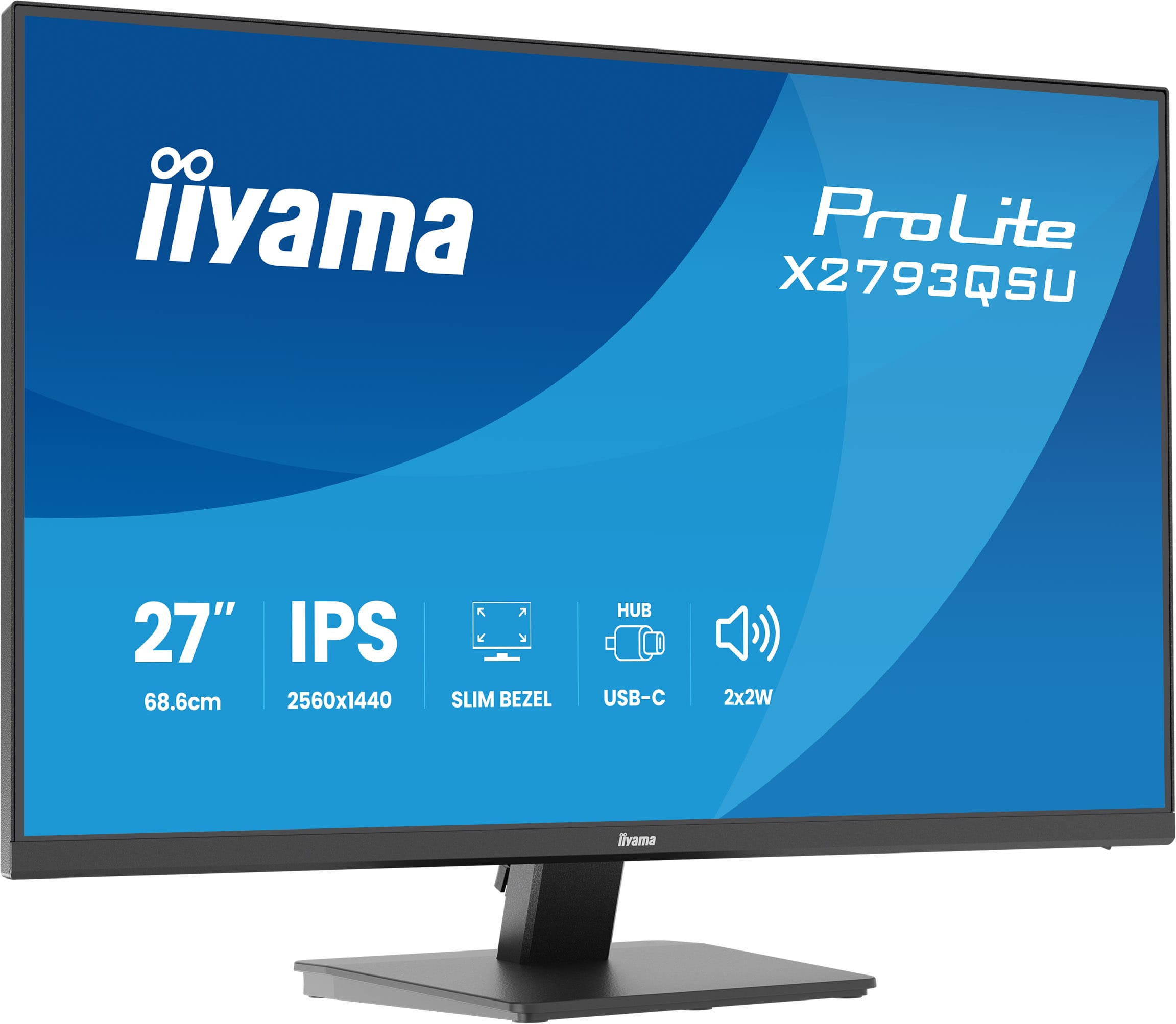
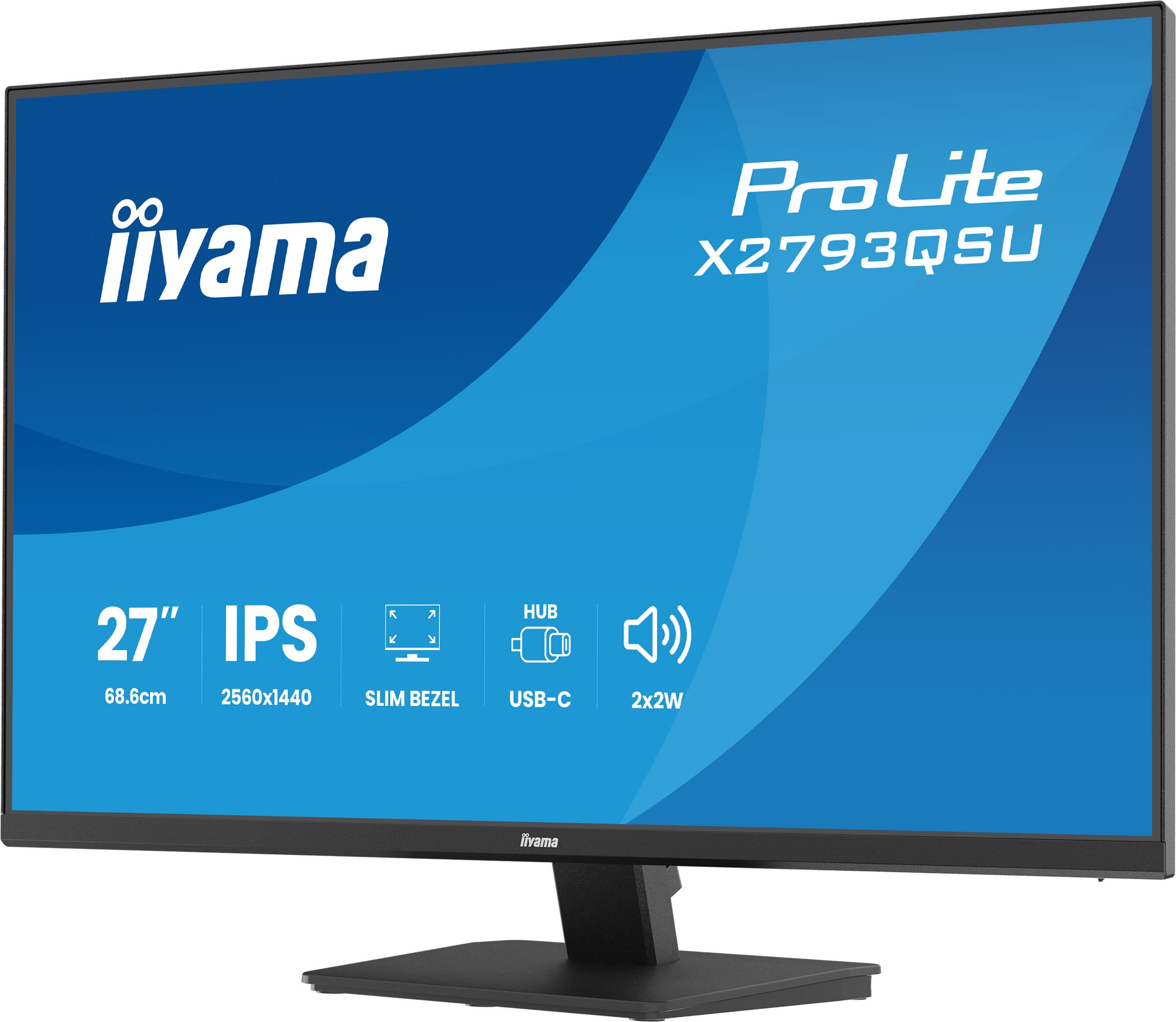
The iiyama ProLite X2793QSU-B1 at ~£129 ex-VAT is the sort of monitor that makes sense if you want a bigger, sharper desktop without paying “premium” prices. At 27" it’s a sweet spot for office work—spreadsheets, admin, dashboards, and general multitasking—where going beyond 1080p really helps with readability. iiyama also tends to be solid on day-to-day reliability for B2B use, and you’re buying into a brand that’s usually more pragmatic than flashy.
That said, it’s not the best choice if your team needs colour-critical work or high-end gaming performance—this price point usually means compromises in contrast, response consistency, and calibration polish. If your priority is office productivity on a tight budget, it’s a strong “fit and forget” option. If you’re buying for design, marketing approvals, or anyone who’s picky about colour accuracy, I’d look for a model that’s demonstrably better in that area (even if it costs a bit more).
Expand your view with QHD
QHD 2560x1440 resolution offers up to 77% more screen space than Full HD, giving you plenty of room to multitask efficiently, view more content at once, and work with greater precision, without con...
Multi-screen setup for a panoramic workspace
Connect multiple ultra-slim bezel monitors to create a panoramic workspace, keep your apps in view, streamline multitasking, and boost productivity.
Versatile connectivity for all your devices
Connect multiple devices and accessories in one simple step with HDMI, DisplayPort and the USB hub, streamlining your workspace for maximum efficiency and ensuring a tidy, uninterrupted workflow.
Built-in audio without extra clutter
Enjoy clear, pleasant sound for calls, videos, and music while keeping your desk free of extra speakers, thanks to the integrated audio.
Reduced eye strain & fatigue
Work, study or play longer without eye fatigue, thanks to flicker-free technology and reduced blue light emissions. These features help minimize eye strain and improve visual comfort, allowing you ...
Iiyama
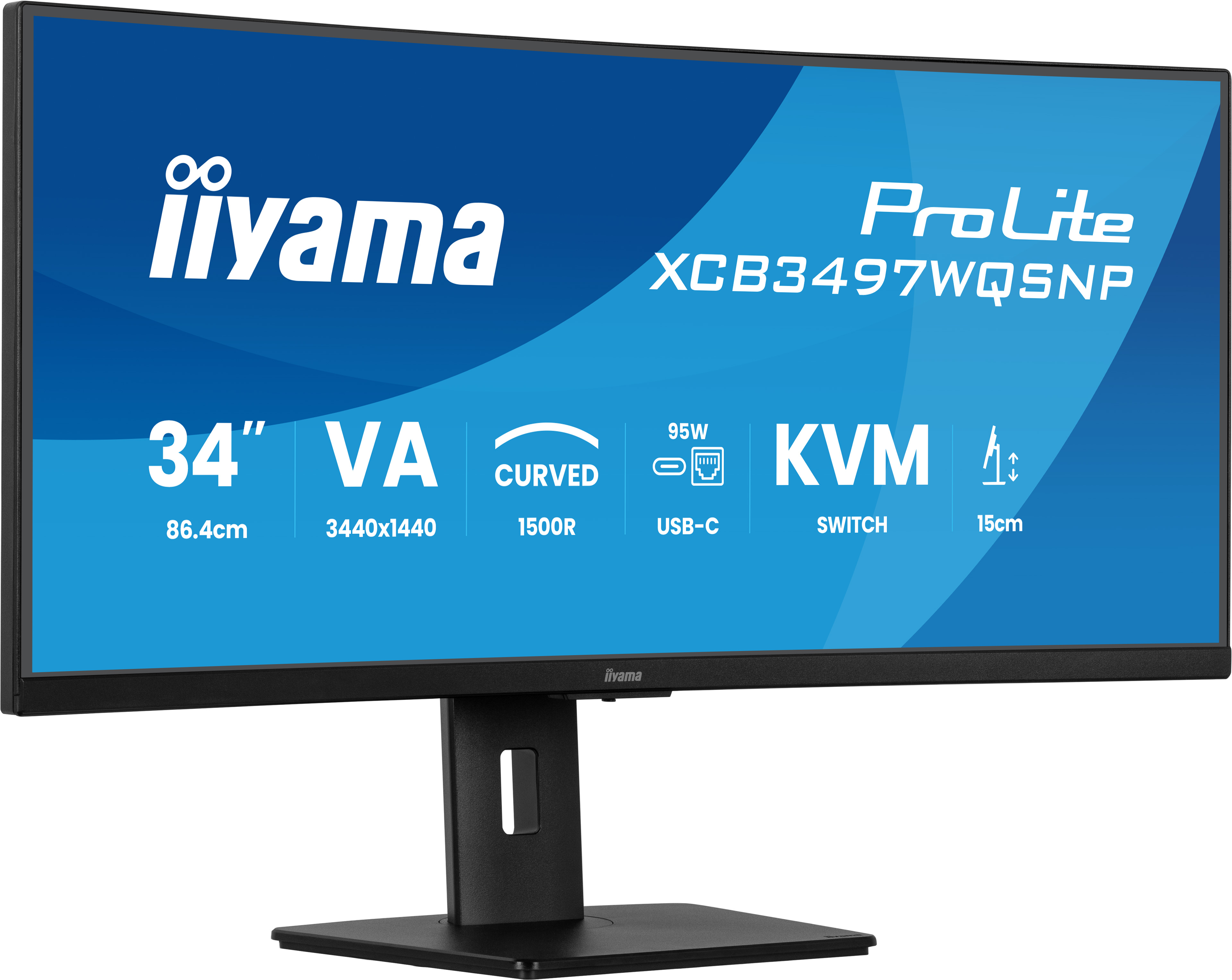
iiyama ProLite XCB3497WQSNP-B1 - LED monitor - curved - 34" - 3440 x 1440 UWQHD @ 120 Hz - VA - 350 cd/m� - 3000:1 - 0.4 ms - HDMI, DisplayPort, USB-C - speakers - matte black
Dell
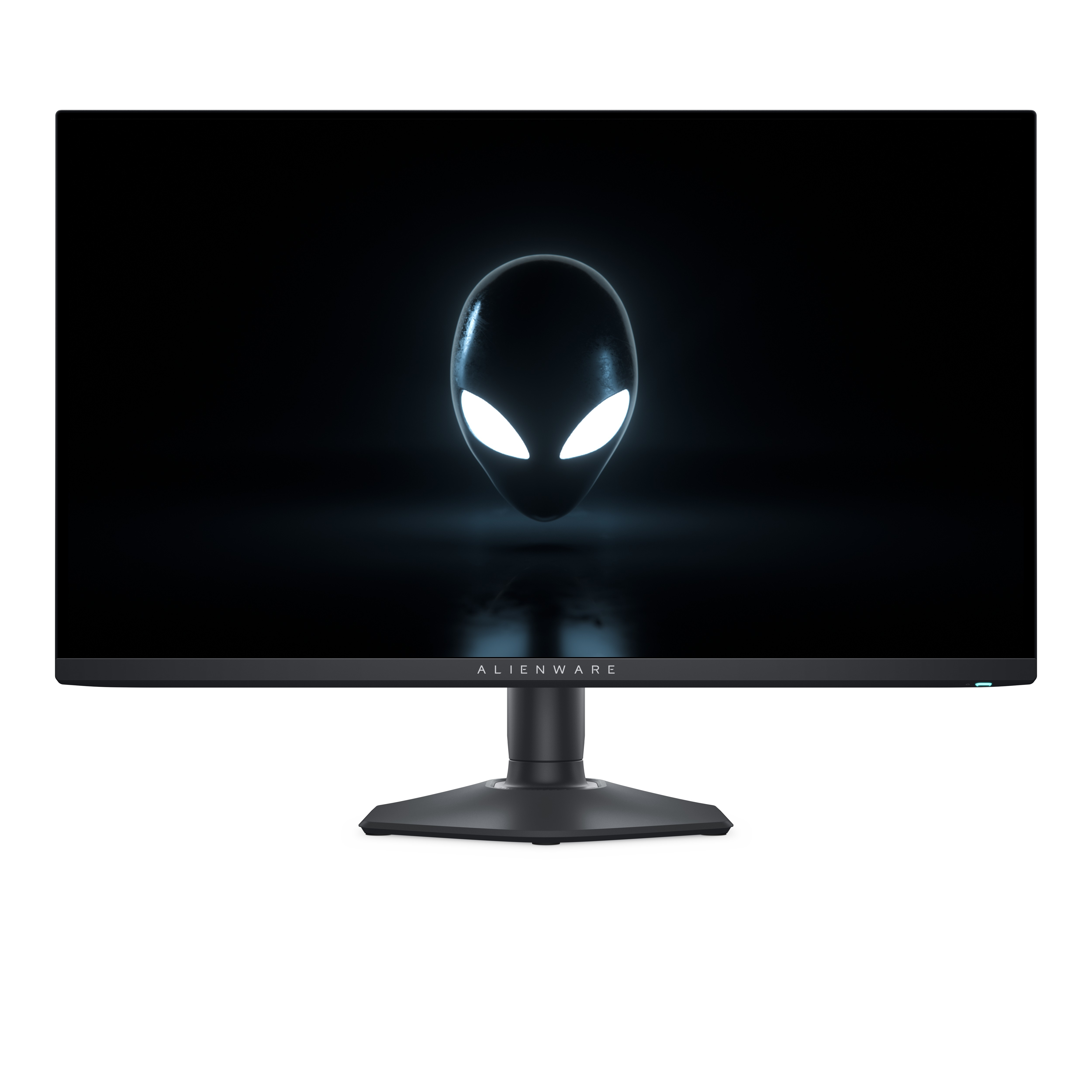
Alienware AW2725DF - OLED monitor - gaming - 27" (26.7" viewable) - 2560 x 1440 QHD @ 360 Hz - 1000 cd/m� - 1500000:1 - DisplayHDR 400 True Black - 0.03 ms - HDMI, 2xDisplayPort - Dark Side of the Moon - with 3 years Advanced Exchange Basic Warranty
Dell
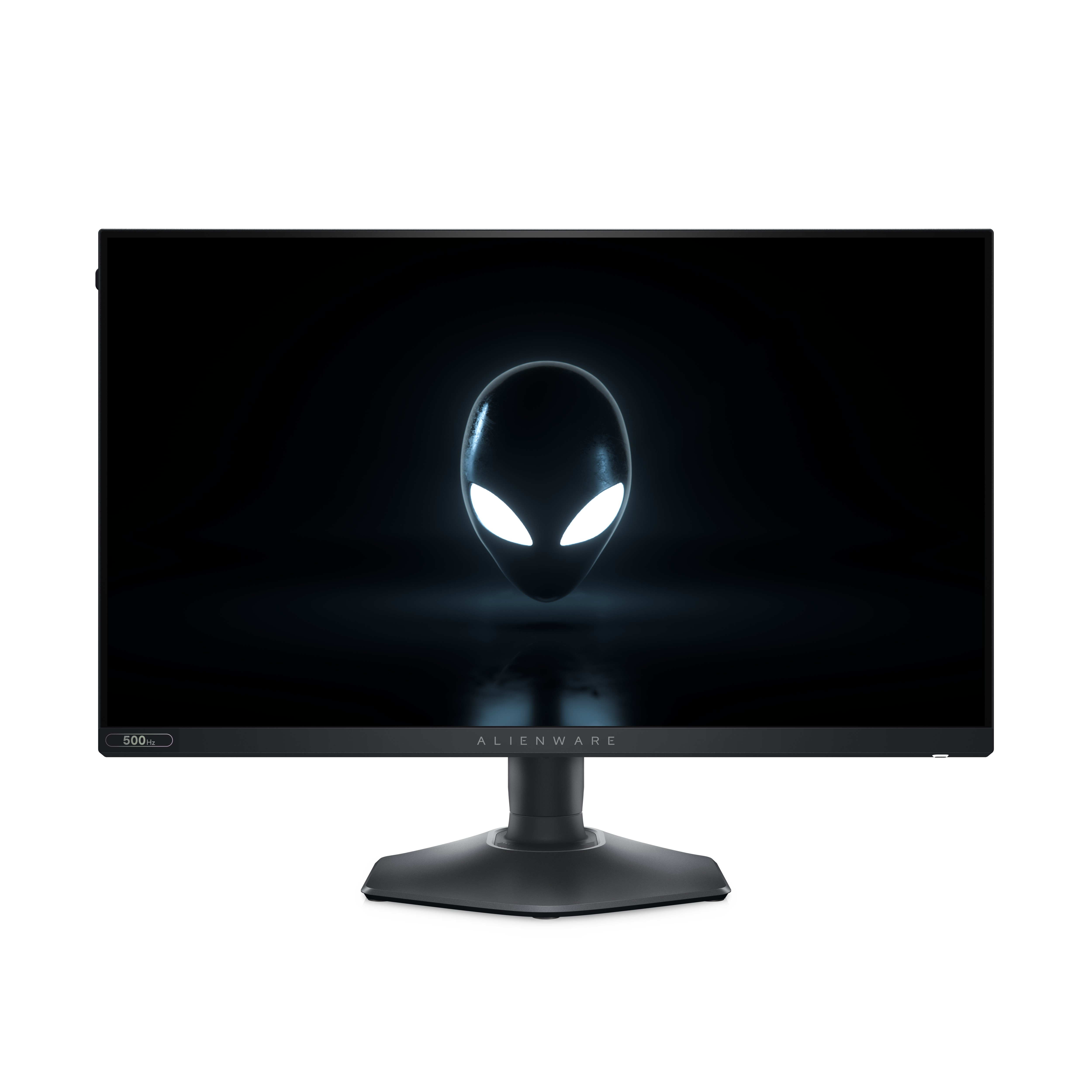
Alienware AW2524HF - LED monitor - gaming - 25" (24.5" viewable) - 1920 x 1080 Full HD (1080p) @ 480 Hz - Fast IPS - 400 cd/m� - 1000:1 - HDR10 - 0.5 ms - HDMI, 2xDisplayPort - Dark Side of the Moon - BTO - with 3 years Advanced Exchange Basic Warranty
Iiyama
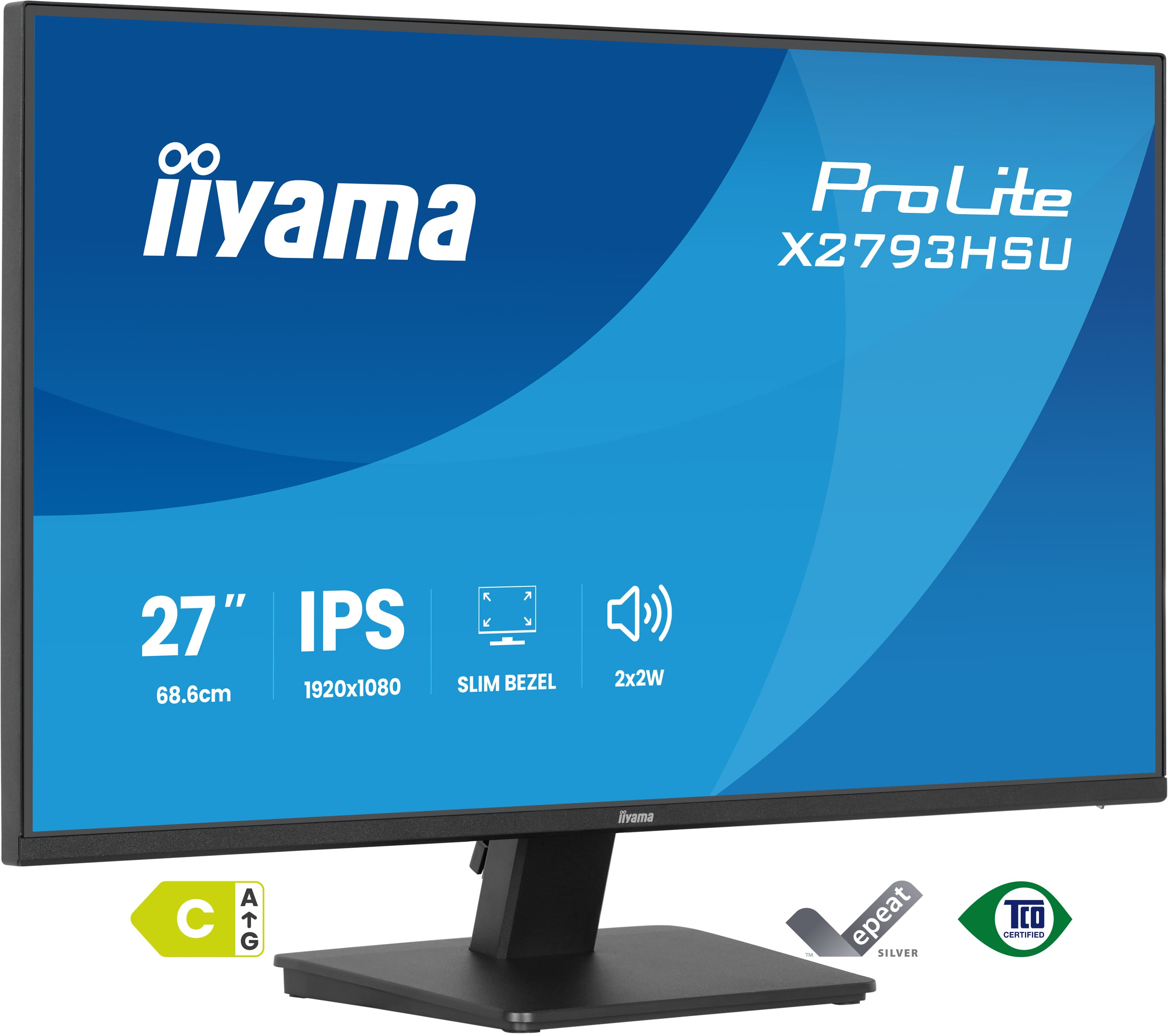
Iiyama X2793HSU-B1 - LED monitor - 27" - 1920 x 1080 Full HD (1080p) @ 120 Hz - IPS - 350 cd/m� - 1500:1 - 1 ms - HDMI, DisplayPort - speakers - matte, black