- IT Support
Why 24/7 IT Support Matters Even If You Work 9-to-5
4 Aug, 2025
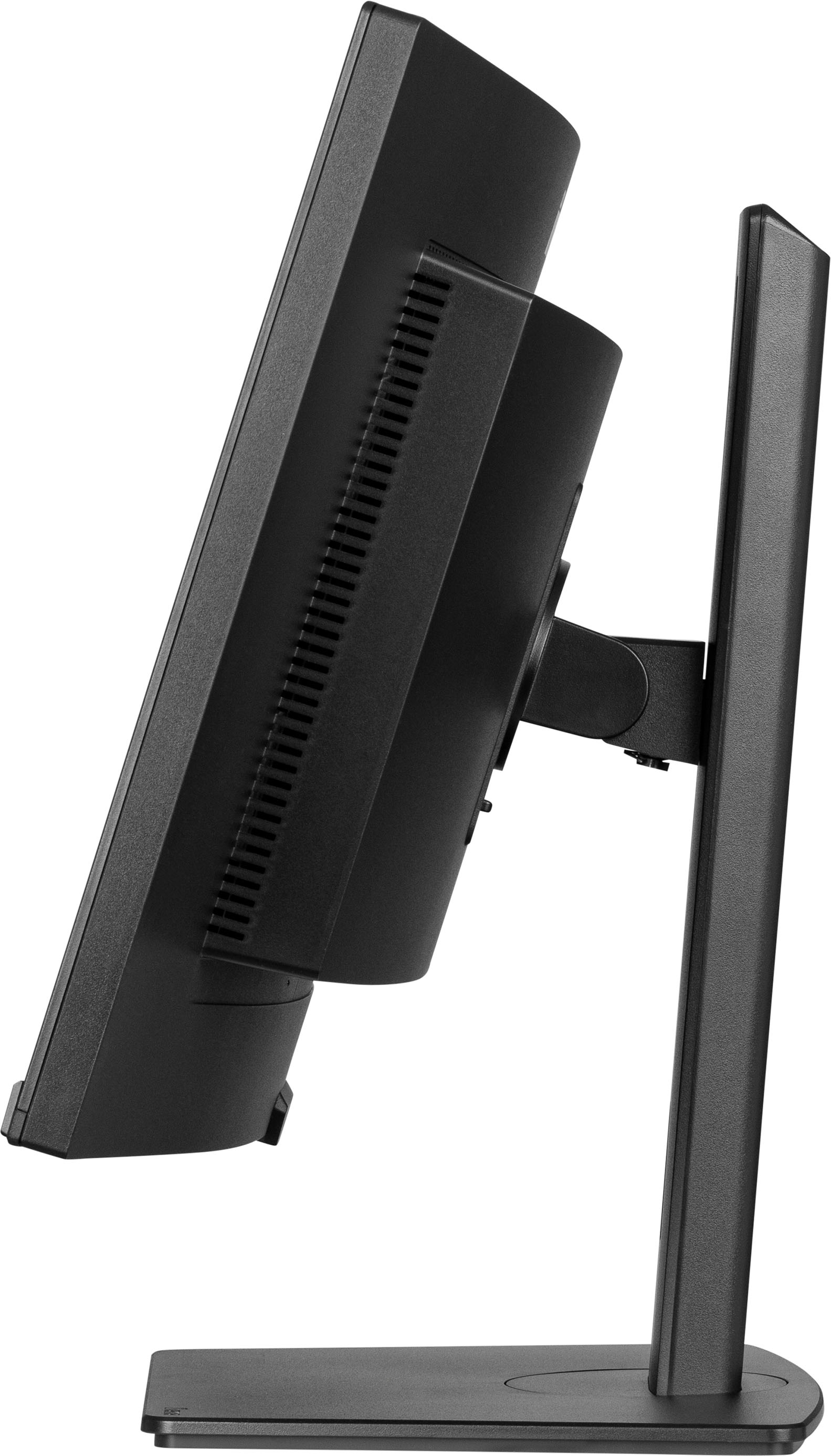
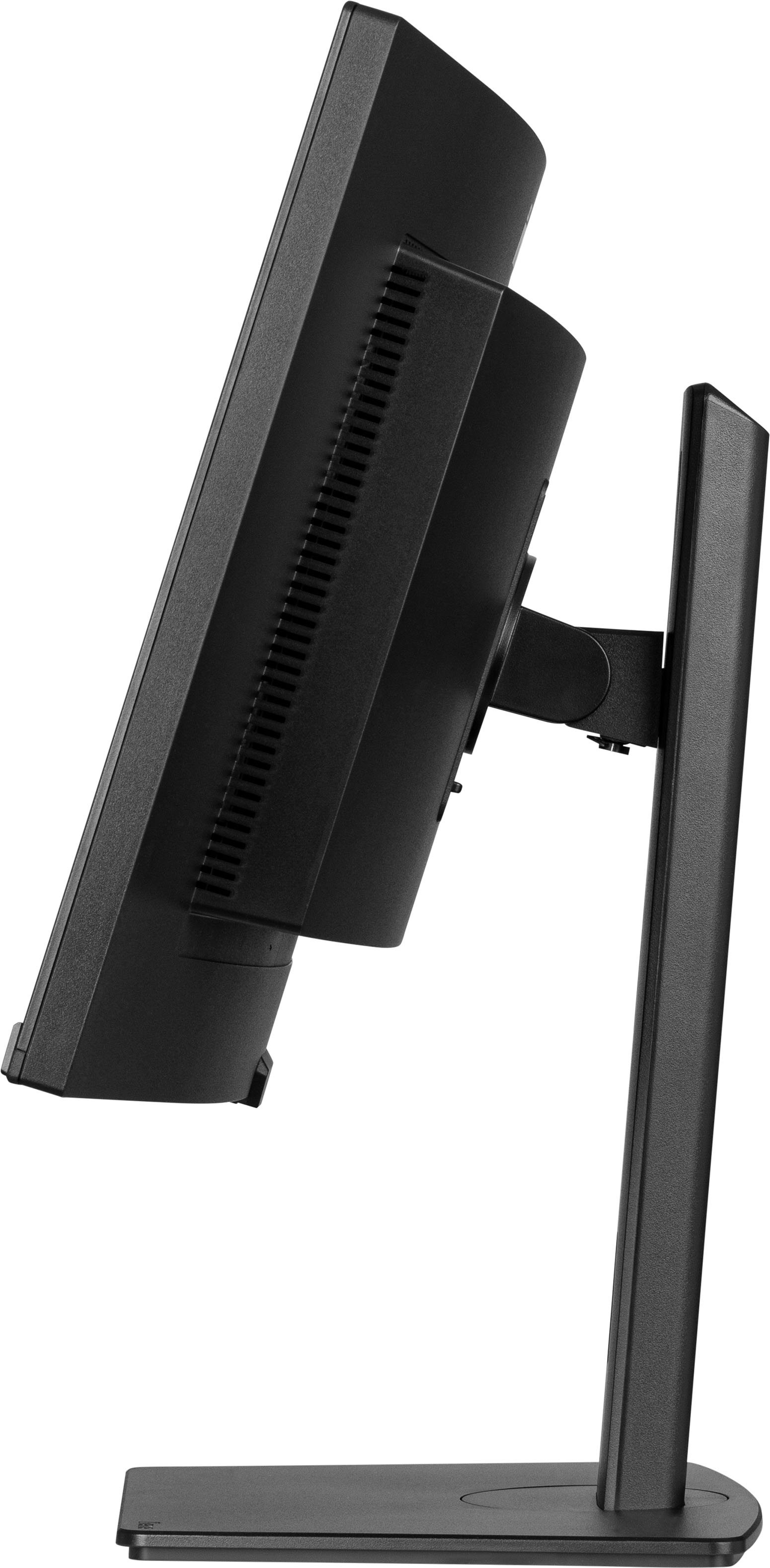
£347.60 inc. VAT
AI-generated summary
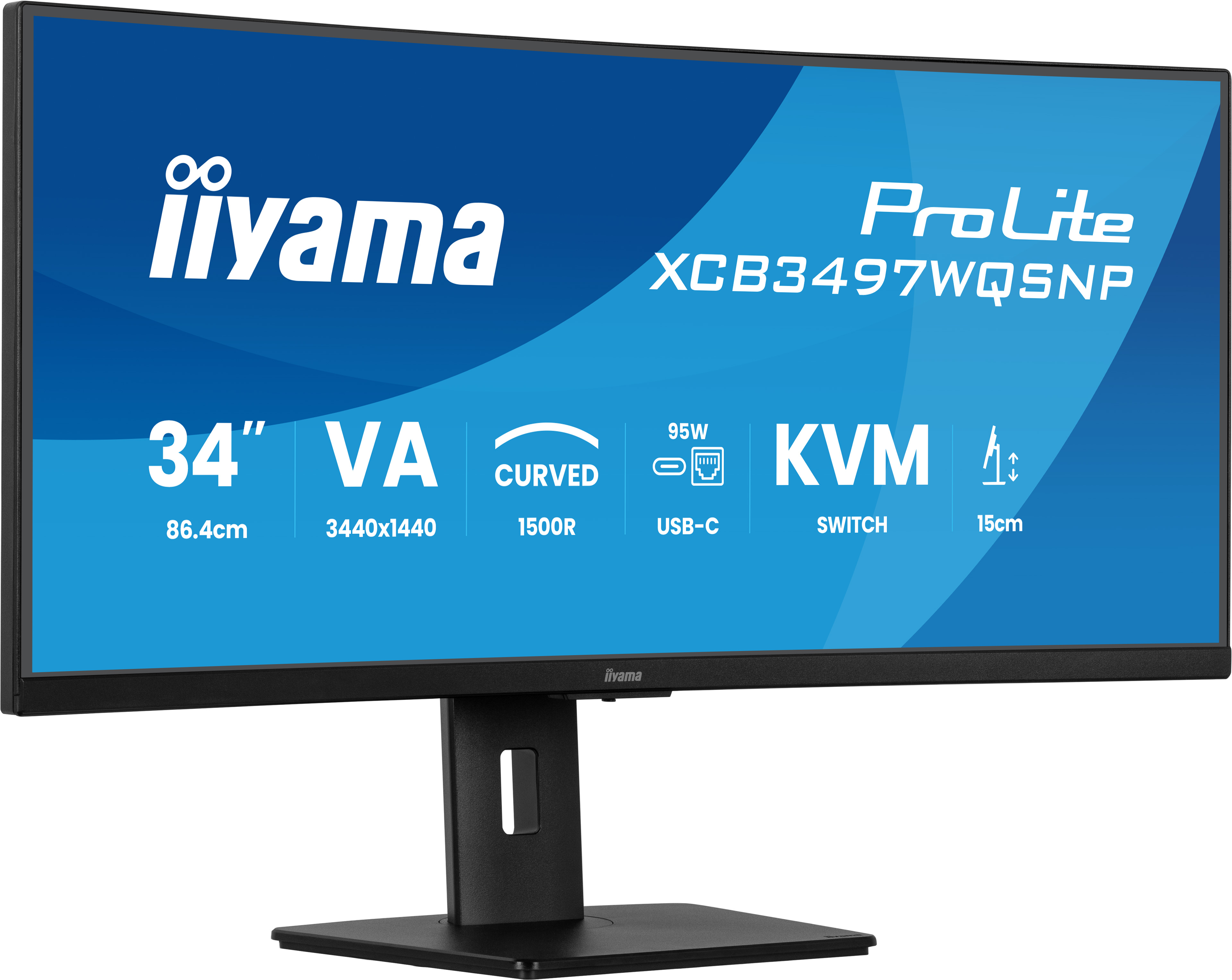
For £295.91 ex‑VAT, the iiyama ProLite XCB3497WQSNP-B1 is the kind of no-nonsense ultrawide that makes sense in an office where people actually use a lot of screen real estate. A 34" 21:9 panel is great for day-to-day multitasking—spreadsheets side-by-side with email/CRM, developers with docs + IDE, analysts with dashboards + reference tabs. If you want the “one monitor instead of two” workflow without paying the premium brands tax, iiyama usually delivers good value and tends to be the more pragmatic choice for B2B environments.
That said, it’s not the best pick if your priority is colour-critical work, fast competitive gaming, or you’re very sensitive to panel uniformity and brightness consistency. Also worth checking your desk setup: ultrawides look great, but if your seating is too close or you’re expecting perfectly centered text for lots of narrow UI work, you may end up tweaking scaling a lot. I’d recommend this monitor for office productivity and general business use—especially for users who live in tabs all day—but I wouldn’t buy it as a “creative studio” main display without doing a quick compare in person (or confirming the panel performance you need).
Easy multi-device control with KVM
Easily switch between multiple computers using one monitor, keyboard, and mouse, making multitasking smooth and efficient.
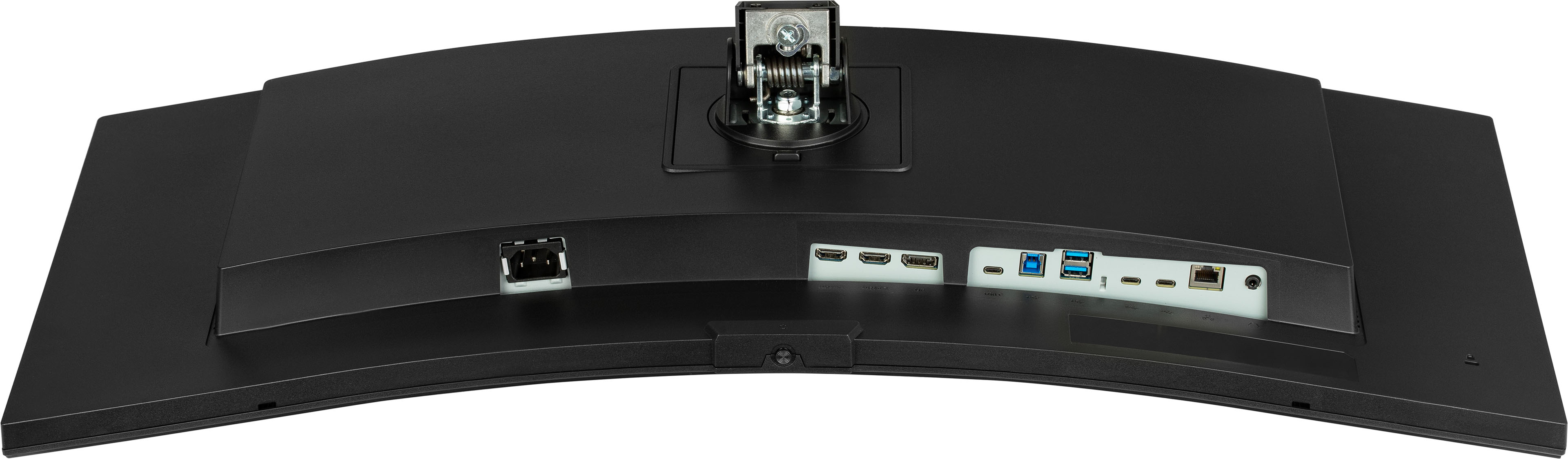
USB-C dock for tidy desk & easy connectivity
Connect everything with just one cable — handle video, data, and power while keeping your desk clean and organized.
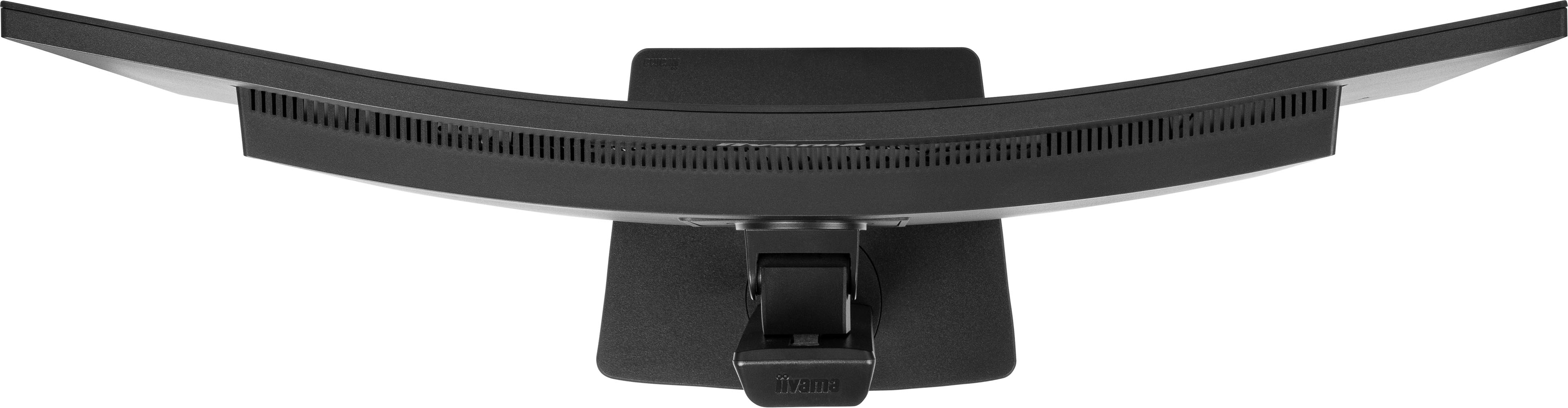
Curved for immersive viewing
Step into an immersive, natural viewing setup that minimizes distortion and reduces eye strain during long work or entertainment sessions.
Multitasking with ultra-wide QHD
Get more space to multitask, compare documents side by side, or fully immerse in your content without switching windows.
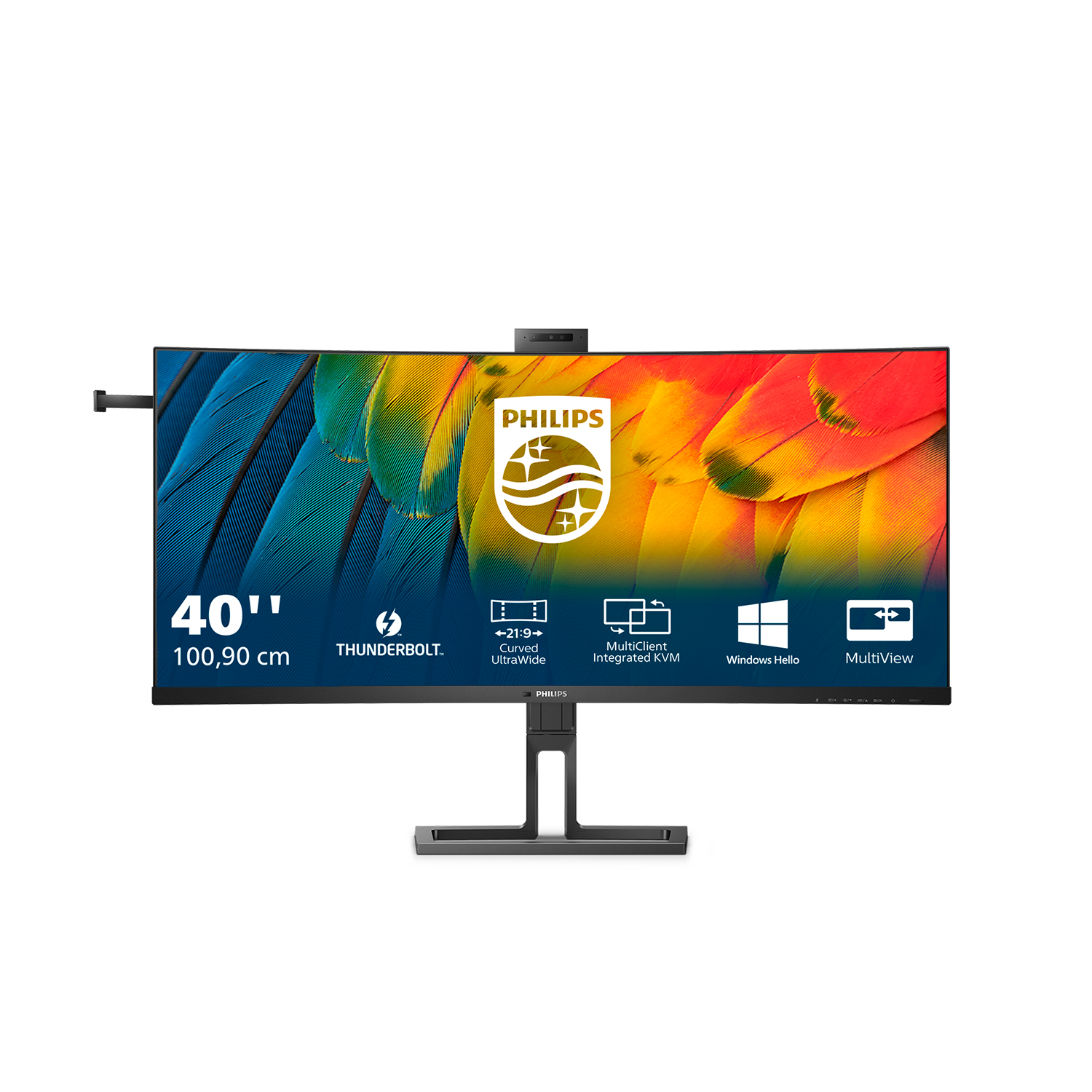
Philips
Philips 40B1U6903CH - 6000 Series - LED monitor - curved - USB - 39.7" - 5120 x 2160 WUHD @ 75 Hz - IPS - 300 cd/m� - 1000:1 - HDR10 - 4 ms - Thunderbolt 4, 2xHDMI, DisplayPort - speakers - textured black
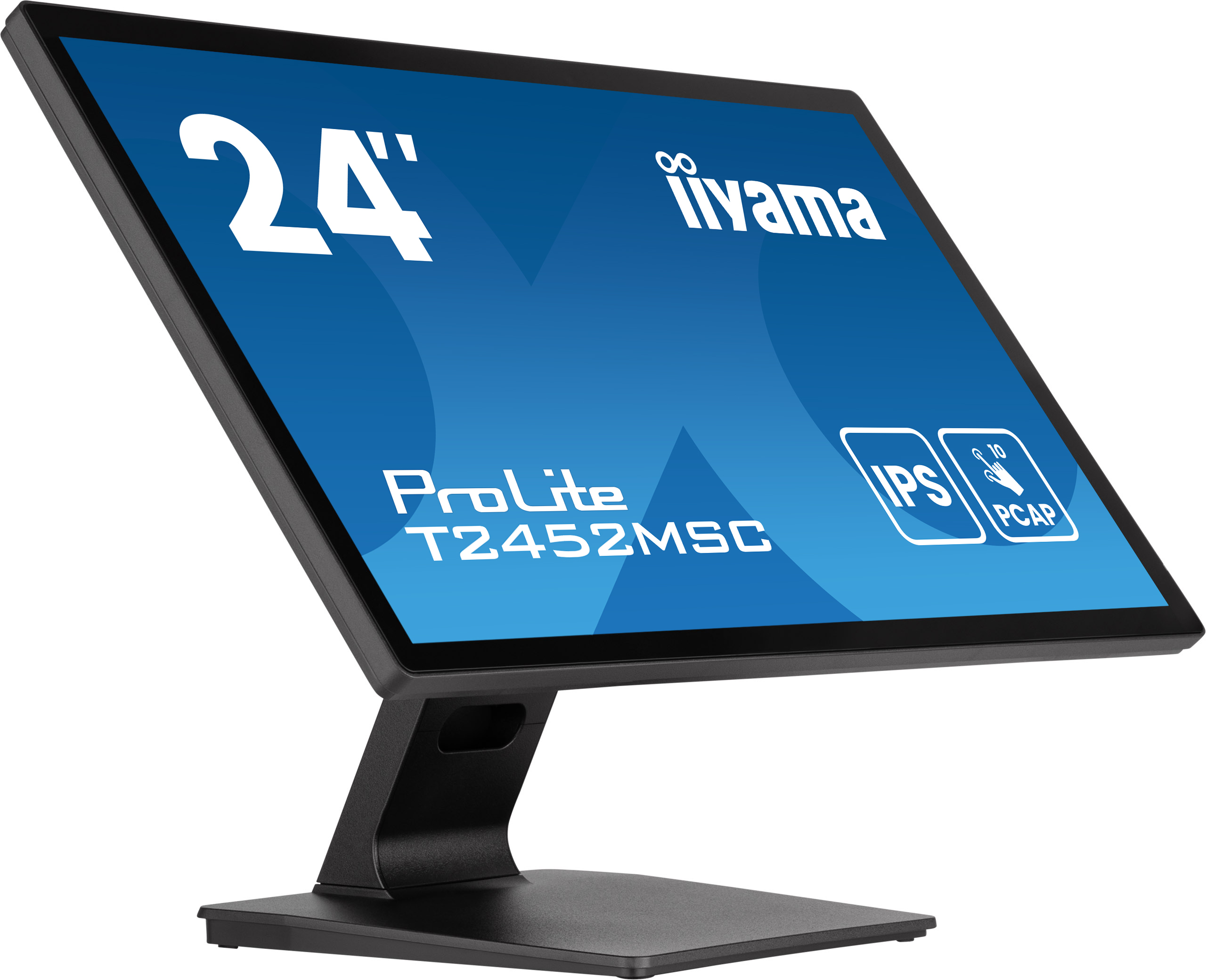
Iiyama
iiyama ProLite T2452MSC-B1AG - LED monitor - 24" (23.8" viewable) - touchscreen - 1920 x 1080 Full HD (1080p) - IPS - 400 cd/m� - 1000:1 - 14 ms - HDMI, DisplayPort - speakers - matte black
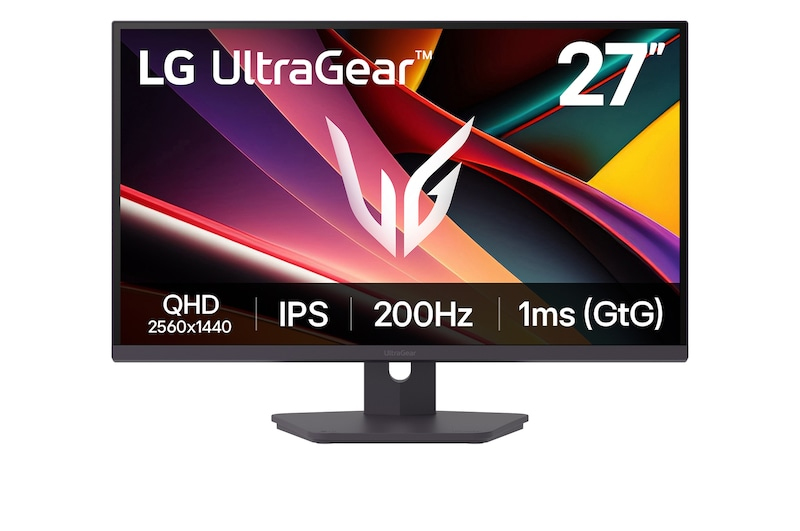
LG Electronics
LG UltraGear 27G610A-B - LED monitor - gaming - 27" - 2560 x 1440 QHD @ 200 Hz - IPS - 400 cd/m� - 1000:1 - DisplayHDR 400 - 1 ms - 2xHDMI, DisplayPort

Dell
Dell P2225H - LED monitor - 22" (21.5" viewable) - 1920 x 1080 Full HD (1080p) @ 100 Hz - IPS - 250 cd/m� - 1500:1 - 5 ms - HDMI, VGA, DisplayPort - BTO