- Cyber Security
Zero Trust Security: What It Means for SMEs
4 Jul, 2025


£850.74 inc. VAT
AI-generated summary
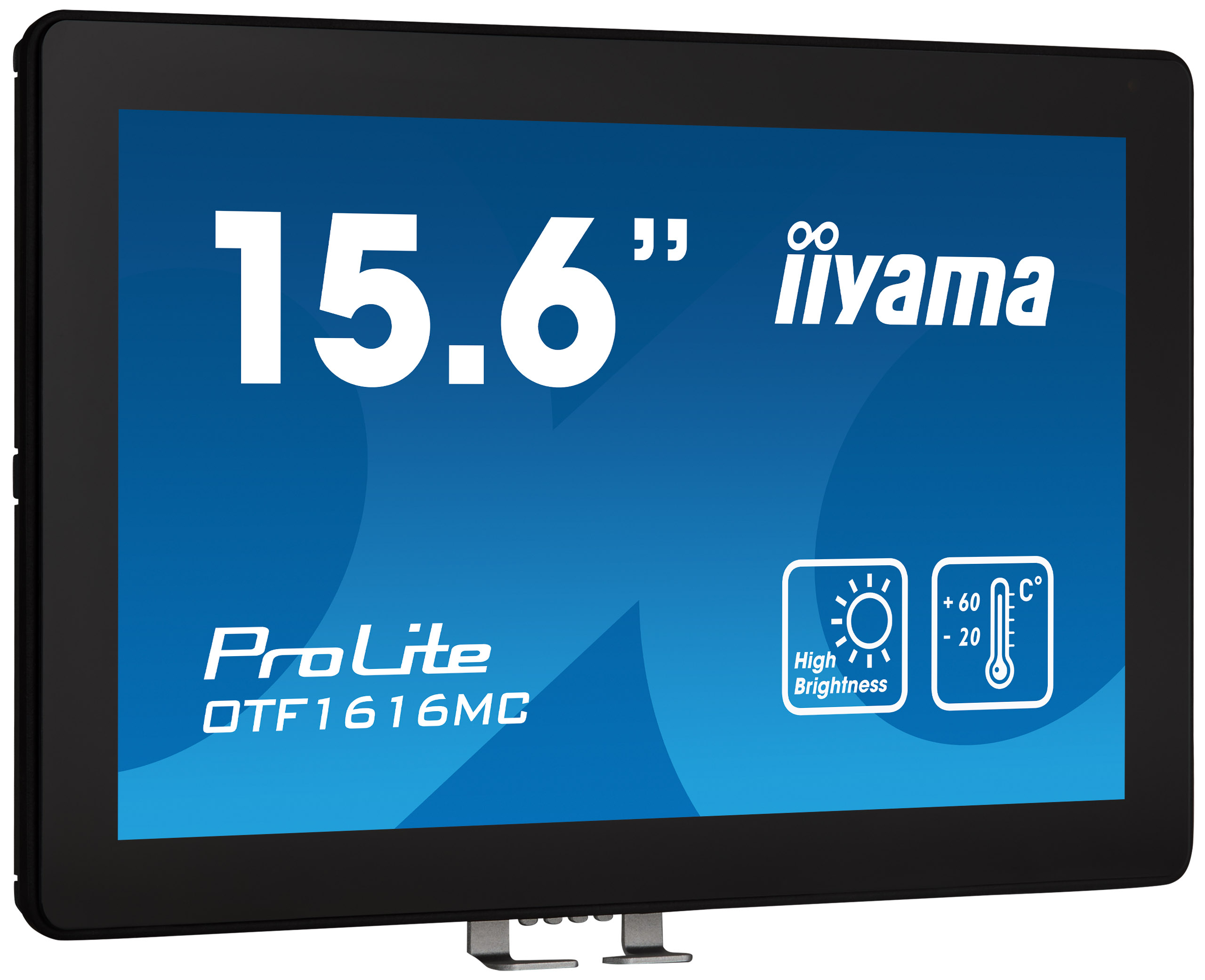
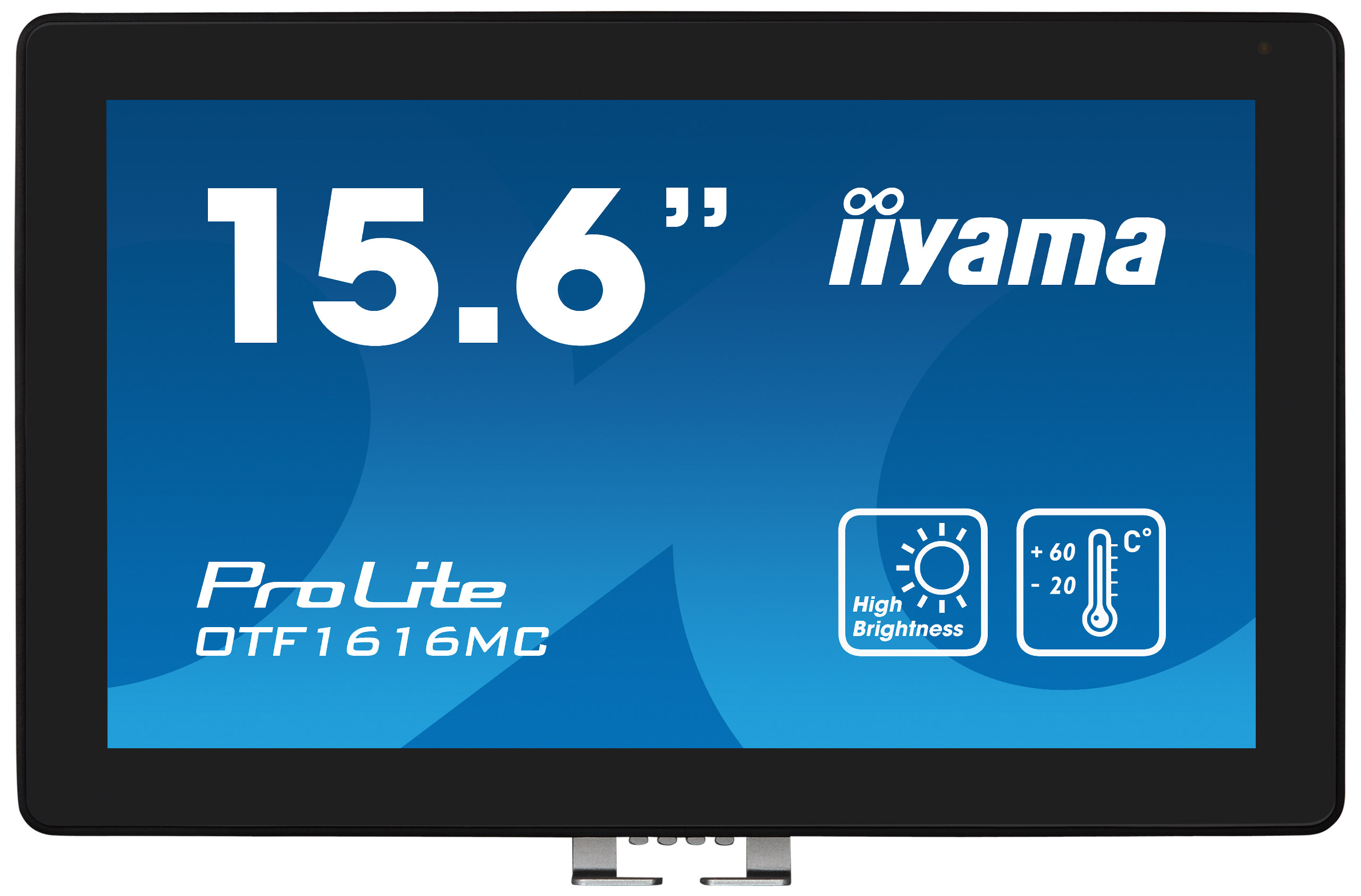
If you’re paying £724 ex-VAT for a 15.6" iiyama touchscreen, I’d only call this a “good deal” if you genuinely need touch in a small, professional setting. This kind of panel makes sense for control-room style workflows, reception kiosks, or operators who interact with systems directly (industrial dashboards, management screens, lightweight HMI use). The appeal is basically convenience: the touch layer removes a lot of friction versus a keyboard/mouse setup, and iiyama’s typically decent at making business-oriented displays that hold up in daily use.
That said, the size is the big question mark. For most office use, 15.6" feels small for that money, and you’d normally get more screen real estate—or better overall value—elsewhere (either a larger non-touch unit or a more cost-effective touch option). Also, at this price point you’ll want to be sure you’re not accidentally buying a niche display when you could deploy a more capable all-rounder. My honest take: it’s a buy for teams with a clear touch-first use case and limited mounting/space constraints; it’s a miss if you’re buying “just because it’s touchscreen” without a real operational need.
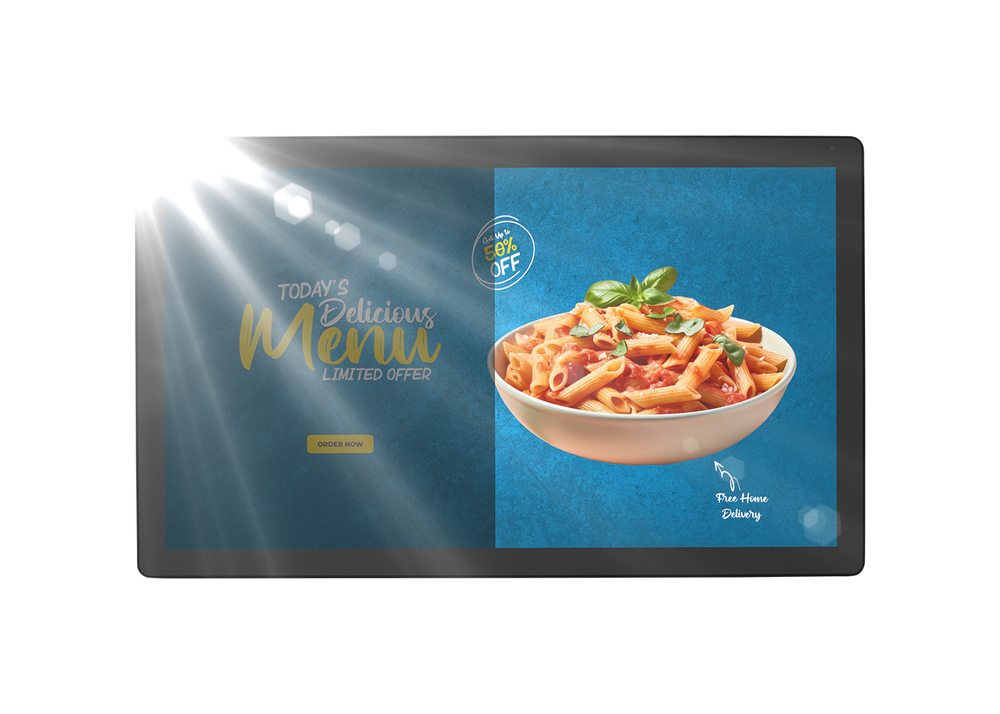
High-brightness
The display offers a brightness of up to 935 cd/m², so that the content displayed on the screen is clearly visible even in very bright environments.
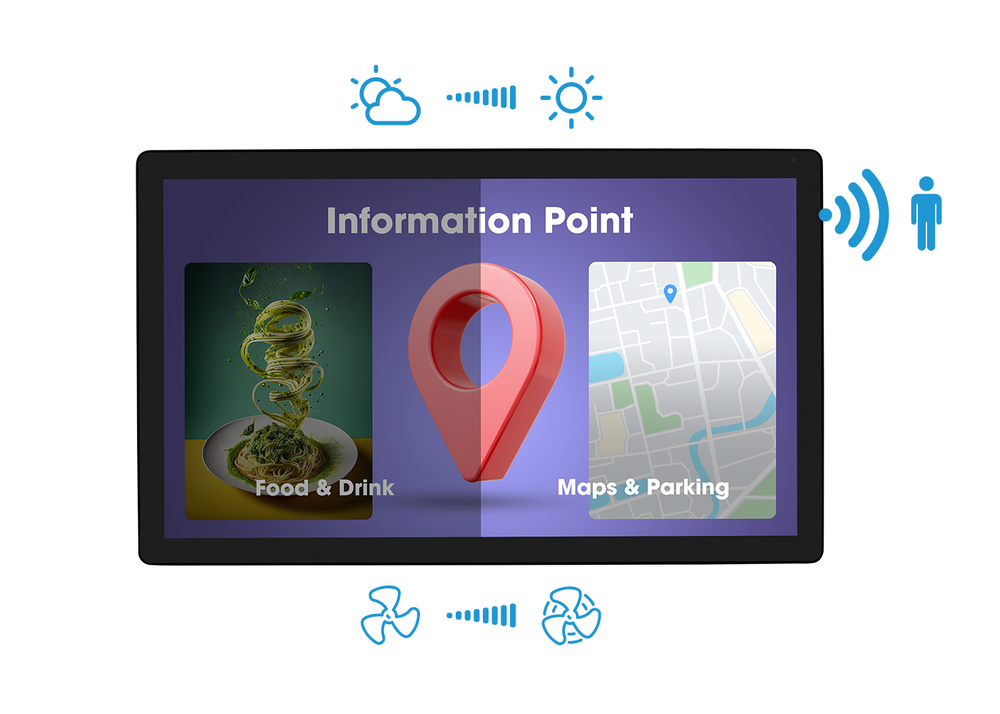
Smart sensors
A proximity sensor turns the screen off after a while when it detects no one in the environment, an ambient light sensor adjusts the screen brightness when ambient light changes, and a temperature ...
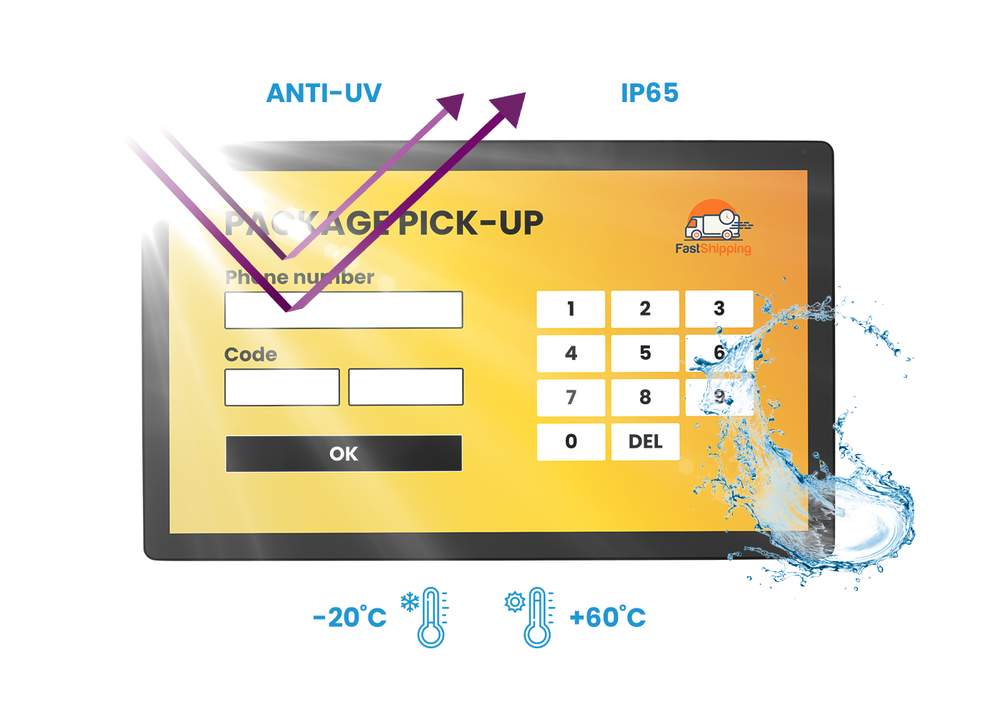
Environmental resistance
The monitor offers comprehensive protection against various ambient conditions. With UV resistance and IP65 protection, it is safeguarded against sunlight and resulting in dust and water resistance...
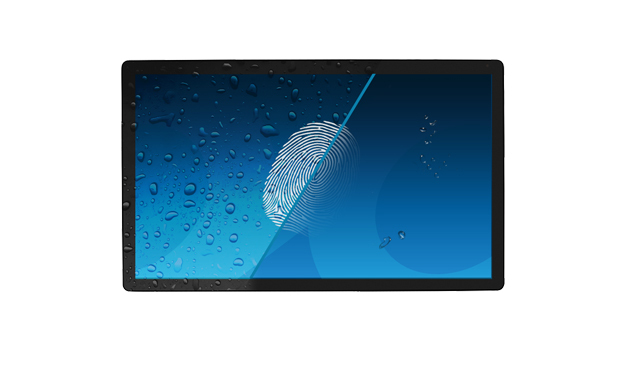
Anti-fingerprint coating
This special Nano coating ensures a smoother touch and less resistance in the swipe. It makes the screen less static and susceptible to dirt, dust, fingerprints and it improves the clarity of the c...
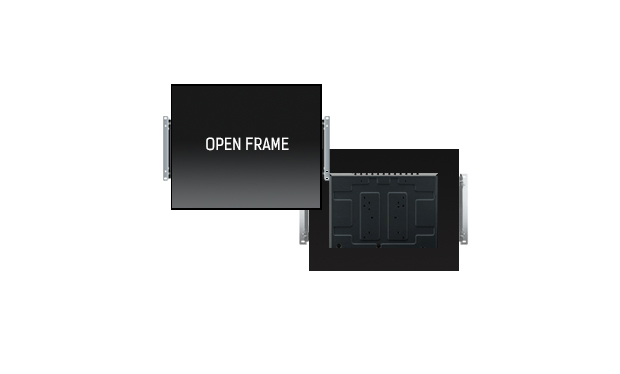
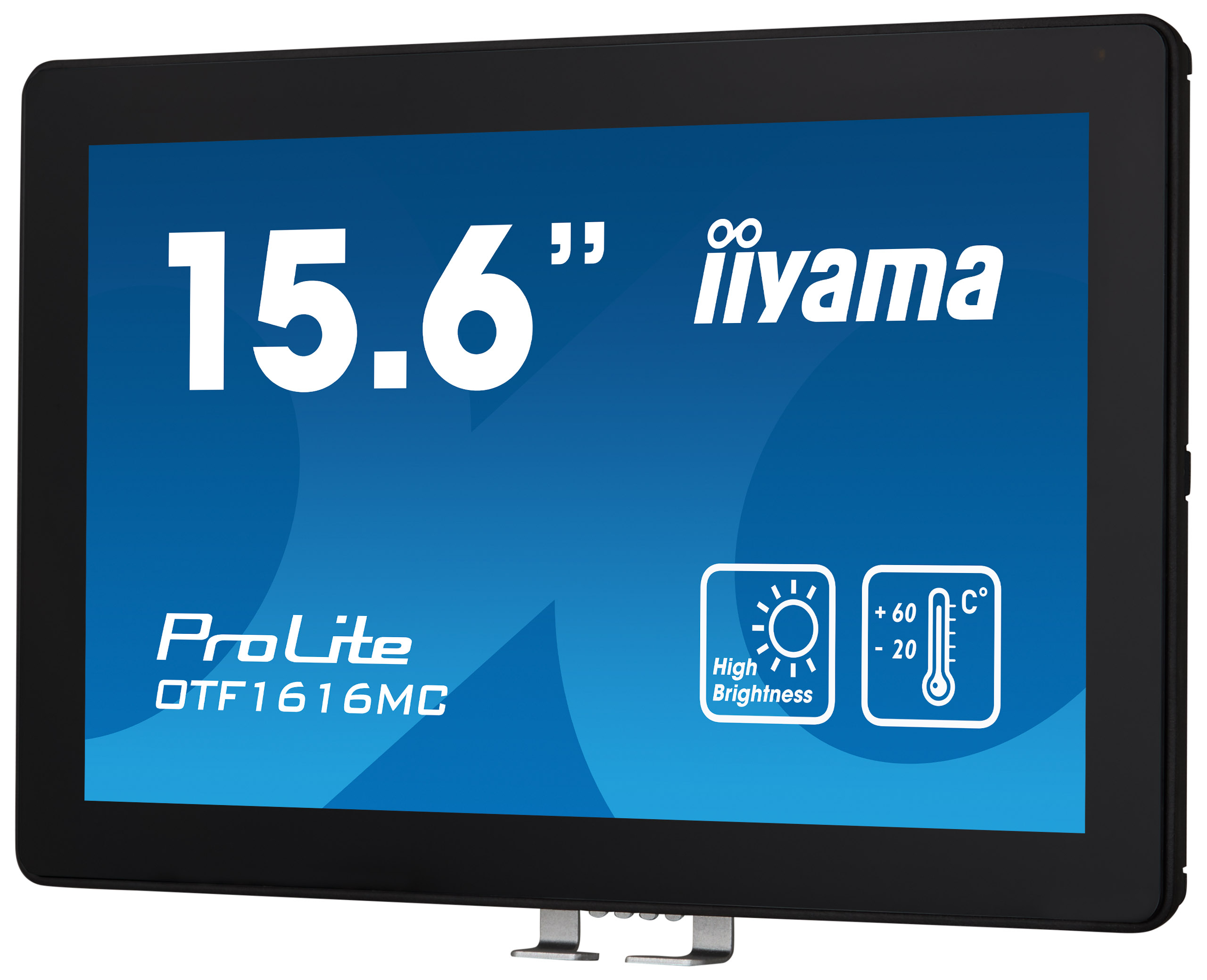
Open frame brackets
This open frame monitor can be equipped with optional external mounting brackets. It guarantees easy installation and makes it an ideal solution for kiosk integrators and In-store Retail.

Sony
Sony PrimeSupport Pro - Extended service agreement - parts and labour (for televisions) - 2 years (4th/5th year) - for Sony TO-65BZ35F-IR10
Samsung
Samsung QM65C - 65" Diagonal Class QMC Series LED-backlit LCD display - Crystal UHD - digital signage - Tizen OS - 4K UHD (2160p) 3840 x 2160 - Edge LED - black

Samsung
Samsung EM13DX - 13" Diagonal Class (13.3" viewable) - EMDX series e-Paper display - E Ink Spectra 6 - digital signage - Tizen OS 1600 x 1200 - PoE - grey white

Samsung
Samsung SH37C - 37" Diagonal Class SHC Series LED-backlit LCD display - digital signage - Tizen OS 1920 x 540 - black