- Network Admin
Network Switches Explained: Managed vs Unmanaged
11 Mar, 2026
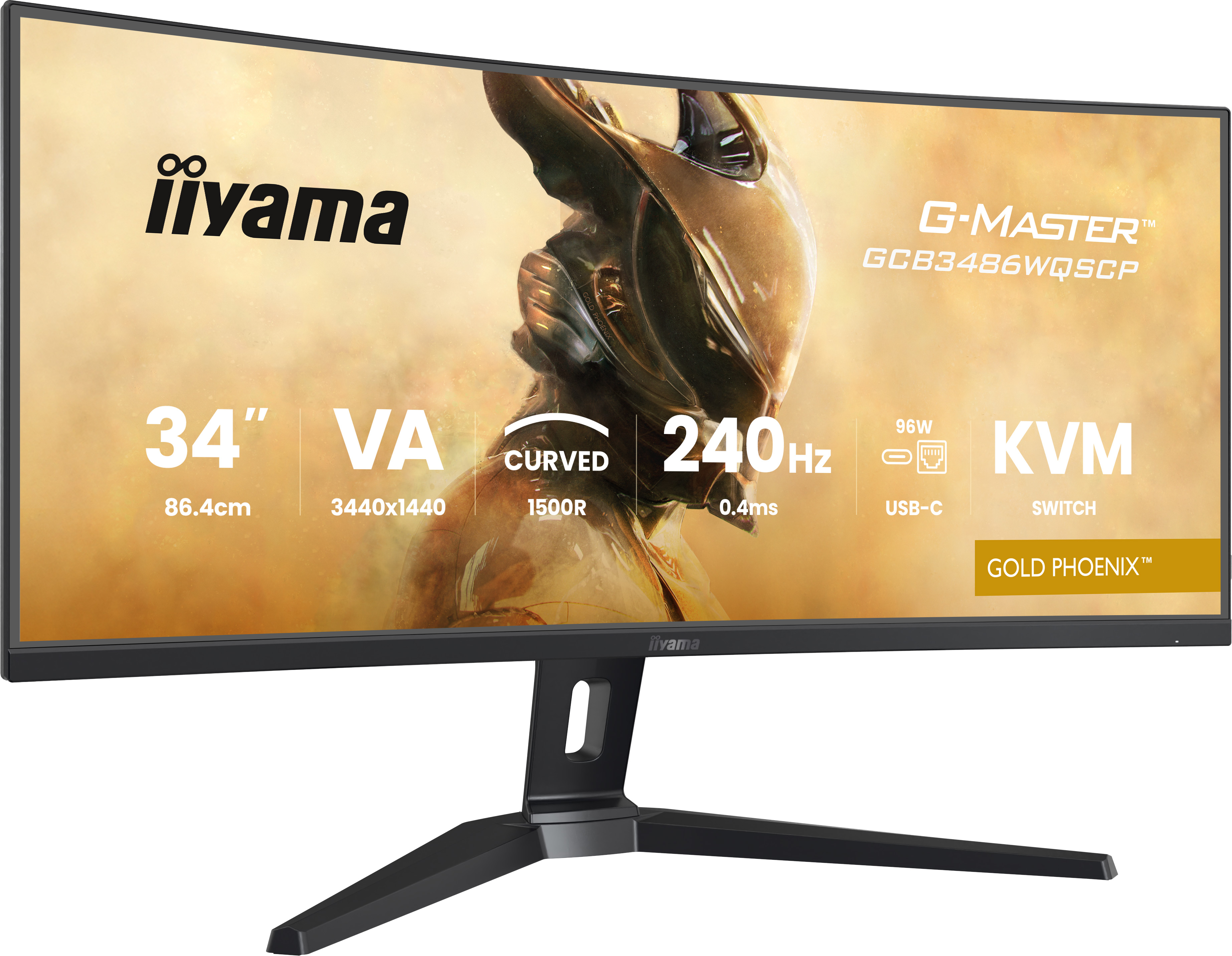
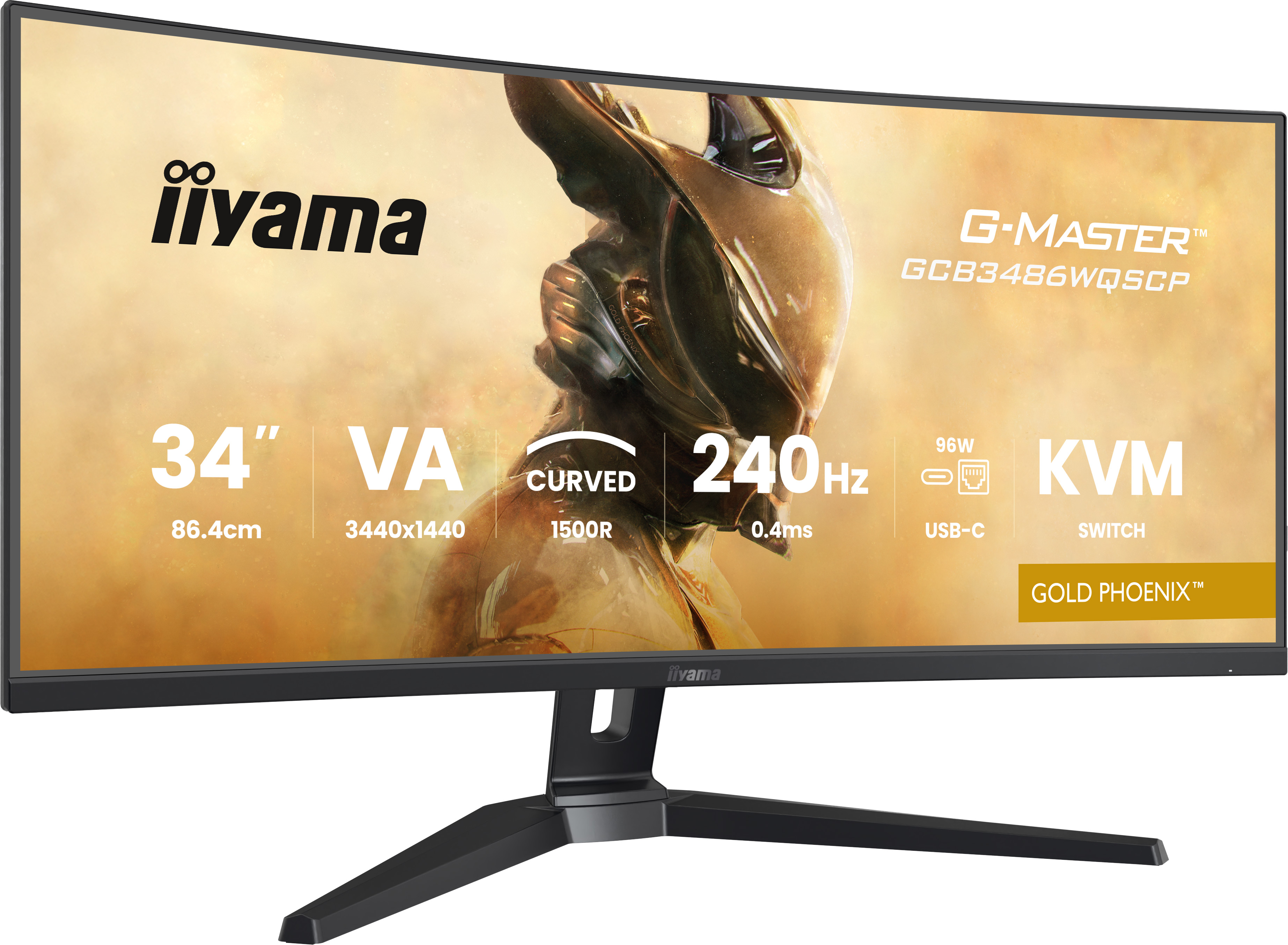
£404.02 inc. VAT
AI-generated summary
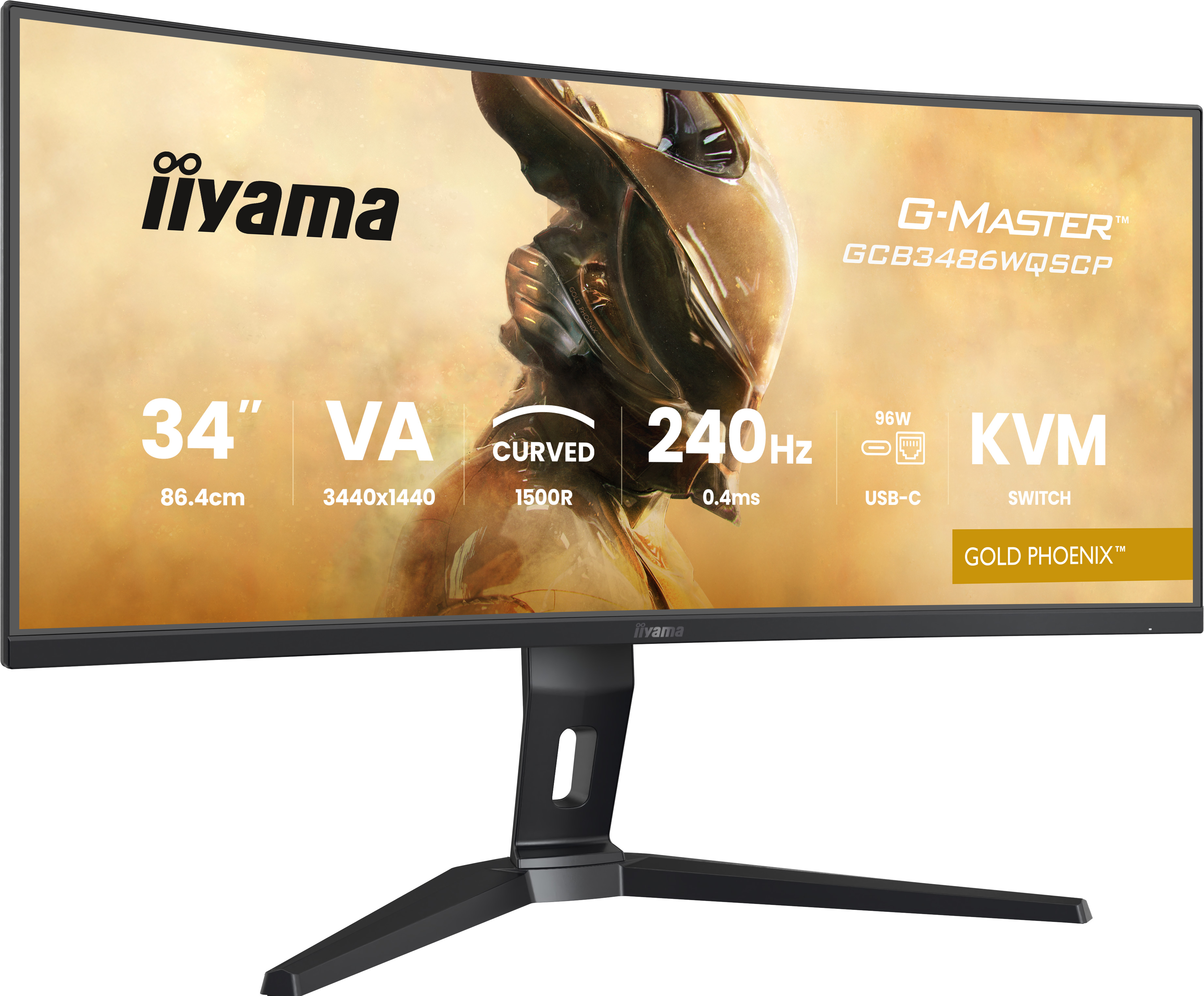
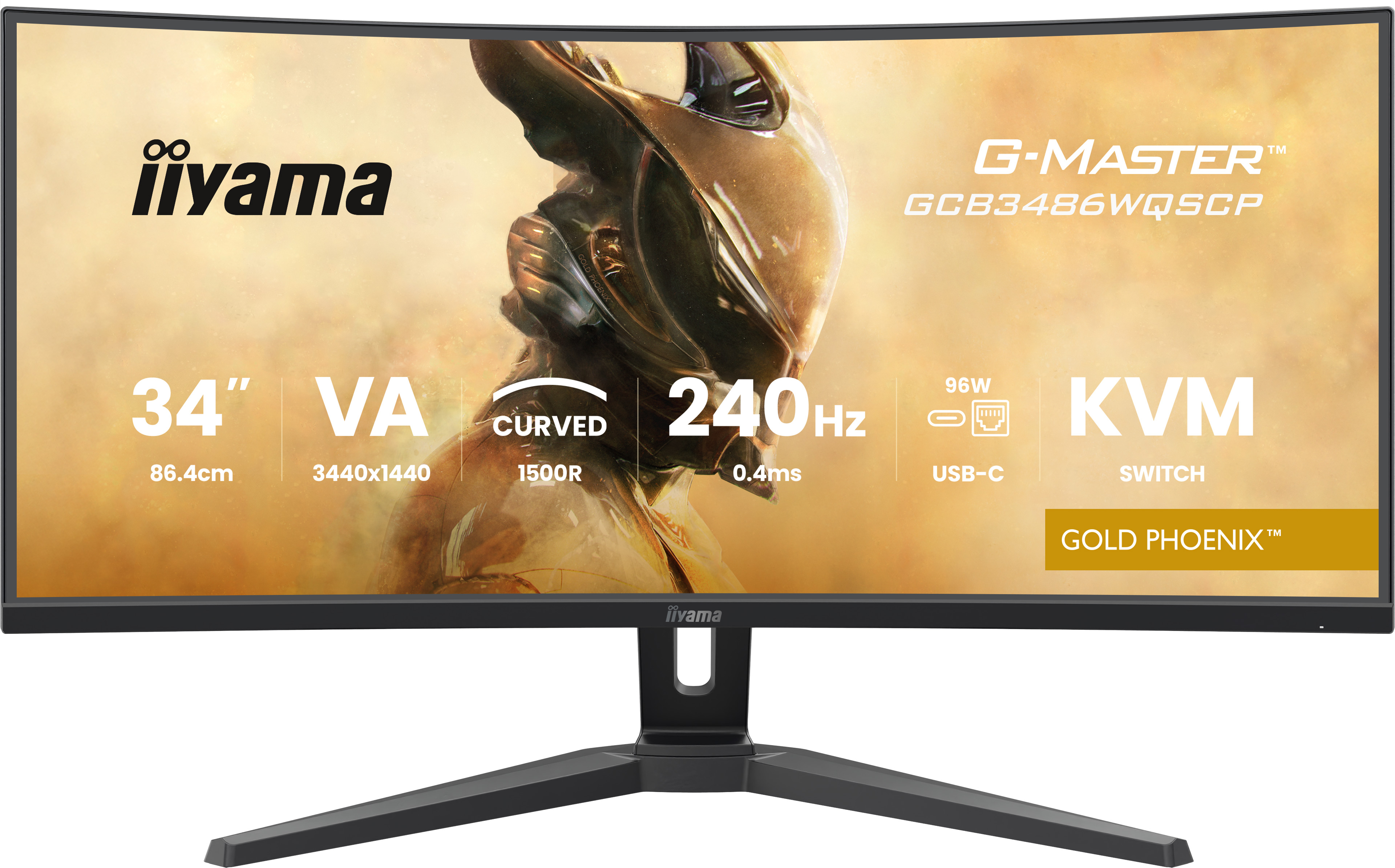
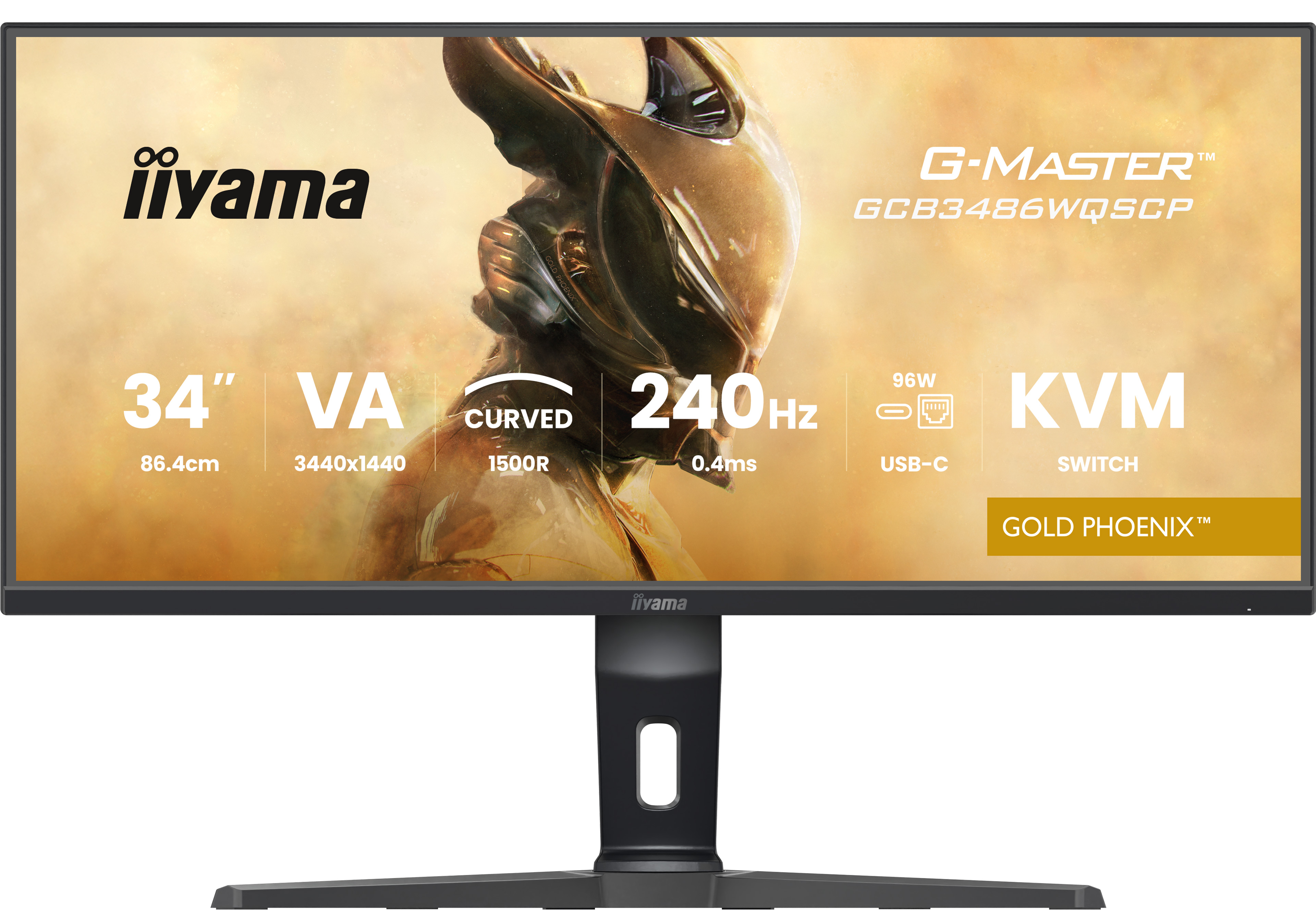
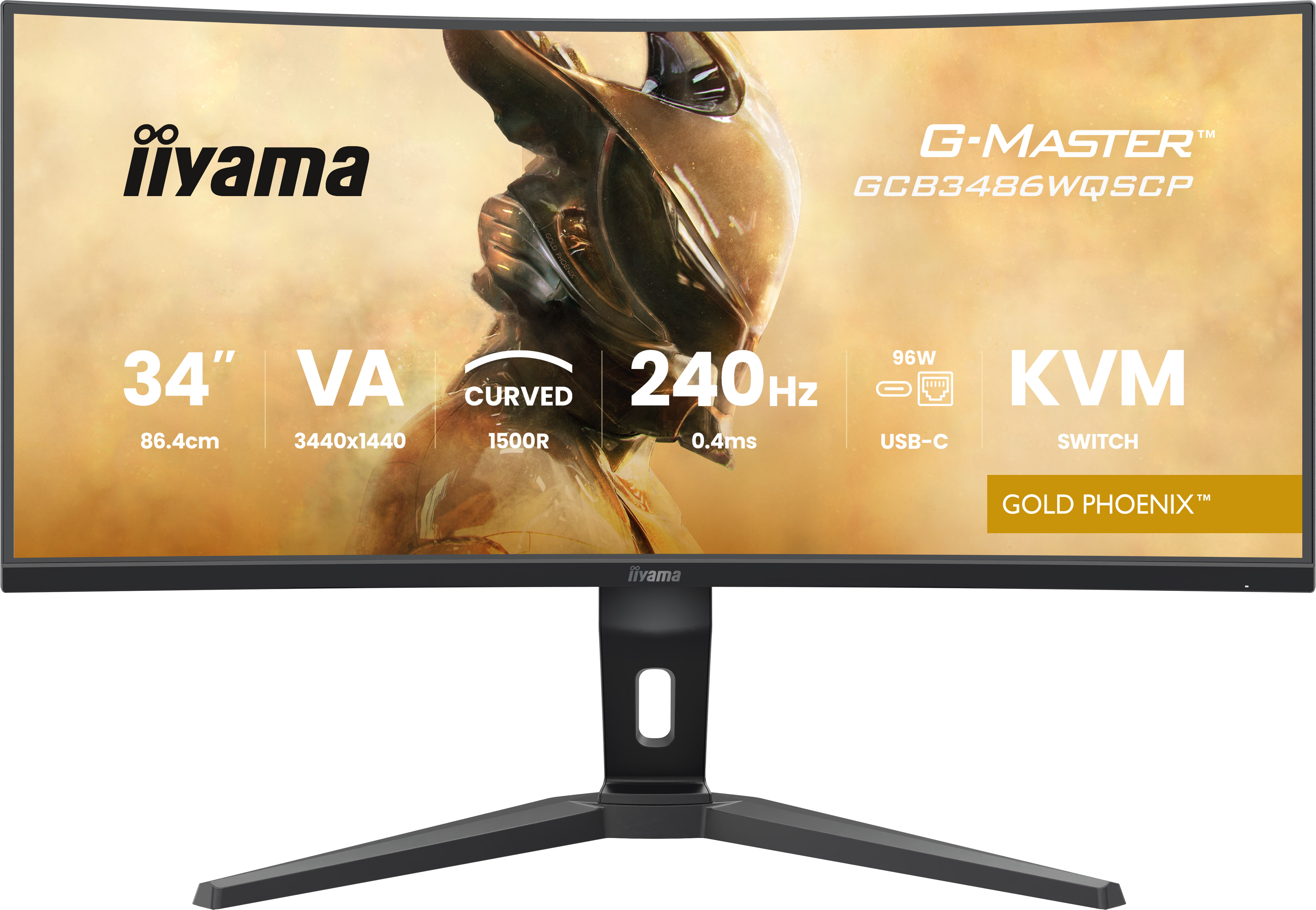
The iiyama G‑MASTER GCB3486WQSCP-B1 is a solid pick if you want an ultrawide for the office/workday rather than chasing fancy premium branding. At £343.93 ex‑VAT, it sits in the “good value if it fits your use” bracket: the 34-inch size is genuinely useful for spreadsheets, code, ticketing systems, and side-by-side documentation. iiyama monitors generally do well on day-to-day usability—clear menus, sensible factory tuning, and fewer “why is this blurry at 80% brightness?” moments than you sometimes get in cheaper tiers.
That said, I wouldn’t buy this if your priority is creative colour-critical work or meticulous consistency across long sessions—mid-range ultrawides can be great, but they’re not the same league as higher-end panels calibrated for design teams. Also check your workspace: an ultrawide is brilliant for productivity, but it can be less comfortable if your desk is tight or if you’re frequently switching between many single-window tasks. For most UK B2B users—IT support, finance, operations, analysts—this is a sensible, cost-conscious ultrawide that should feel like a real upgrade over a standard 27–32 inch setup.
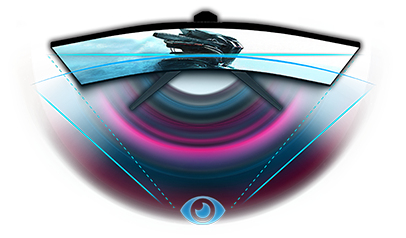
CURVED DESIGN 1500R
The 1500R curvature of the screen guarantees a realistic and comfortable viewing experience allowing you to really immerse yourself in the game.
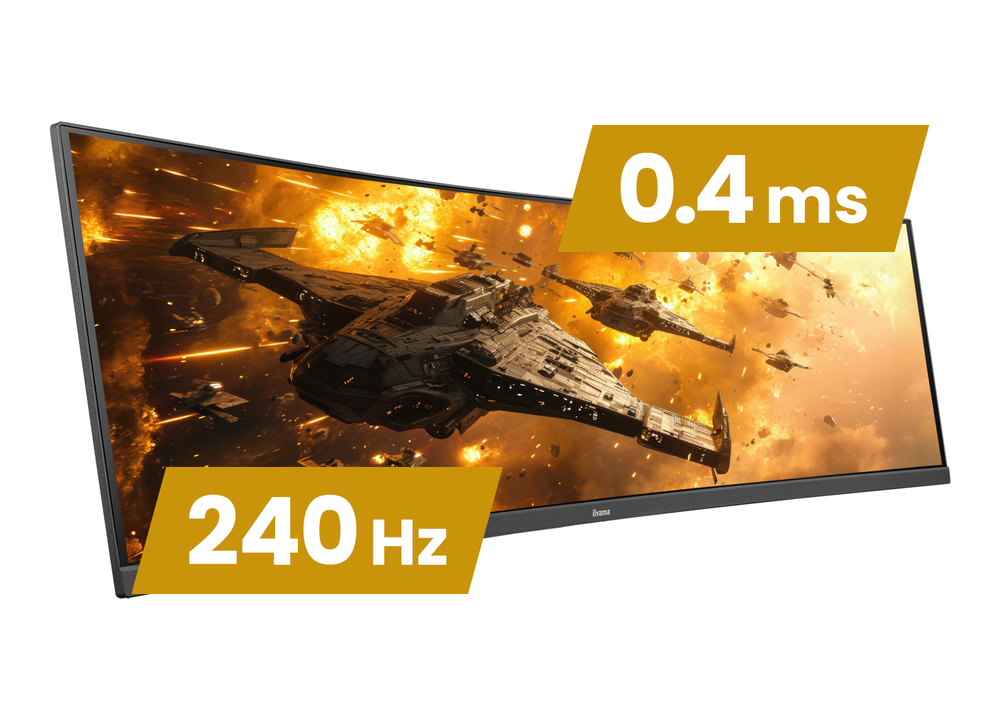
240Hz & 0.4ms MPRT
With 240Hz refresh rate and 0.4ms MPRT response time the force is with you! Make split second decisions and be sure the image on the screen is always sharp and smooth.
Smoother & tear-free gaming
FreeSync Premium eliminates tearing and stuttering, ensuring smooth visuals and lightning-fast reactions.
USB-C Dock with 95W PD
The USB-C docking feature creates a truly streamlined setup: a single cable handles video, data transfer, and power delivery, reducing clutter and keeping your desk effortlessly tidy.
KVM Switch
The built-in KVM switch lets you move seamlessly between two computers using the same monitor, keyboard, and mouse - perfect for hybrid working and gaming.
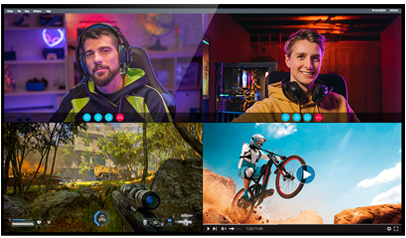
PbP (picture-by-picture)
The PbP (picture-by-picture) feature of gaming monitors enables you to display content from two sources simultaneously while the screen can be split to the left and right side. This screen provides...
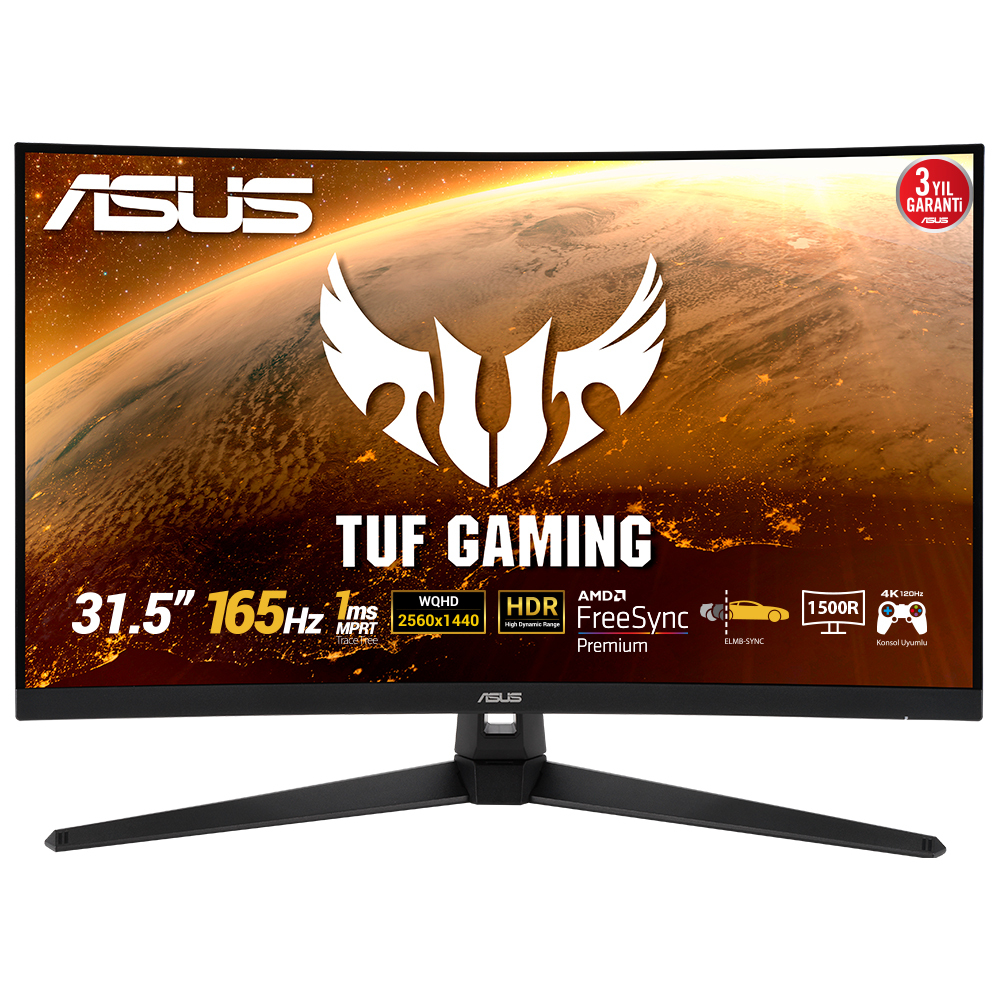
Asus
ASUS TUF Gaming VG32VQ1BR - LED monitor - gaming - curved - 31.5" - 2560 x 1440 WQHD @ 165 Hz - VA - 250 cd/m� - 3000:1 - 1 ms - 2xHDMI, DisplayPort - speakers
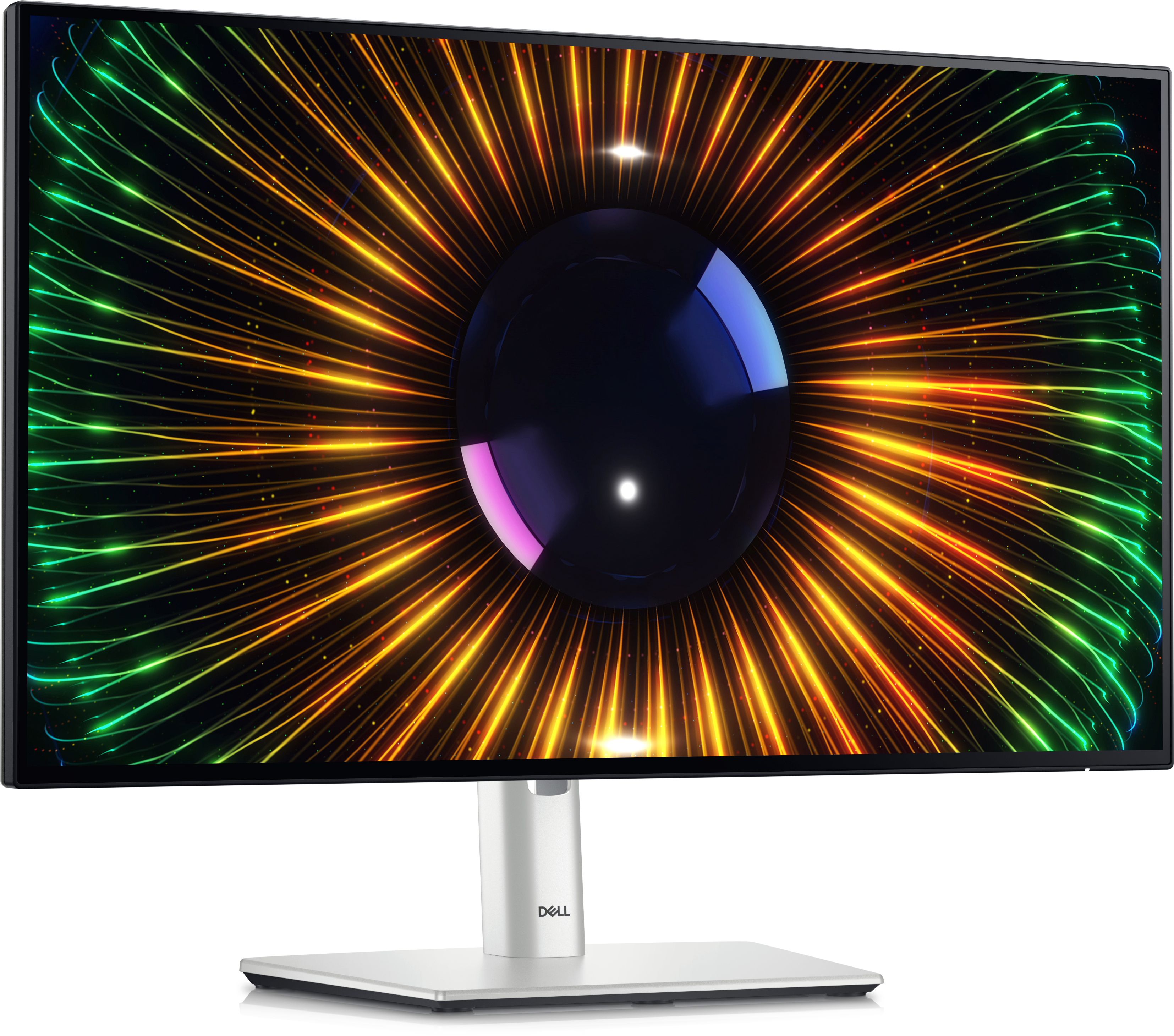
Dell
Dell UltraSharp U2424H - LED monitor - 24" (23.8" viewable) - 1920 x 1080 Full HD (1080p) @ 120 Hz - IPS - 250 cd/m� - 1000:1 - 5 ms - HDMI, DisplayPort - with 3 years Advanced Exchange Basic Warranty
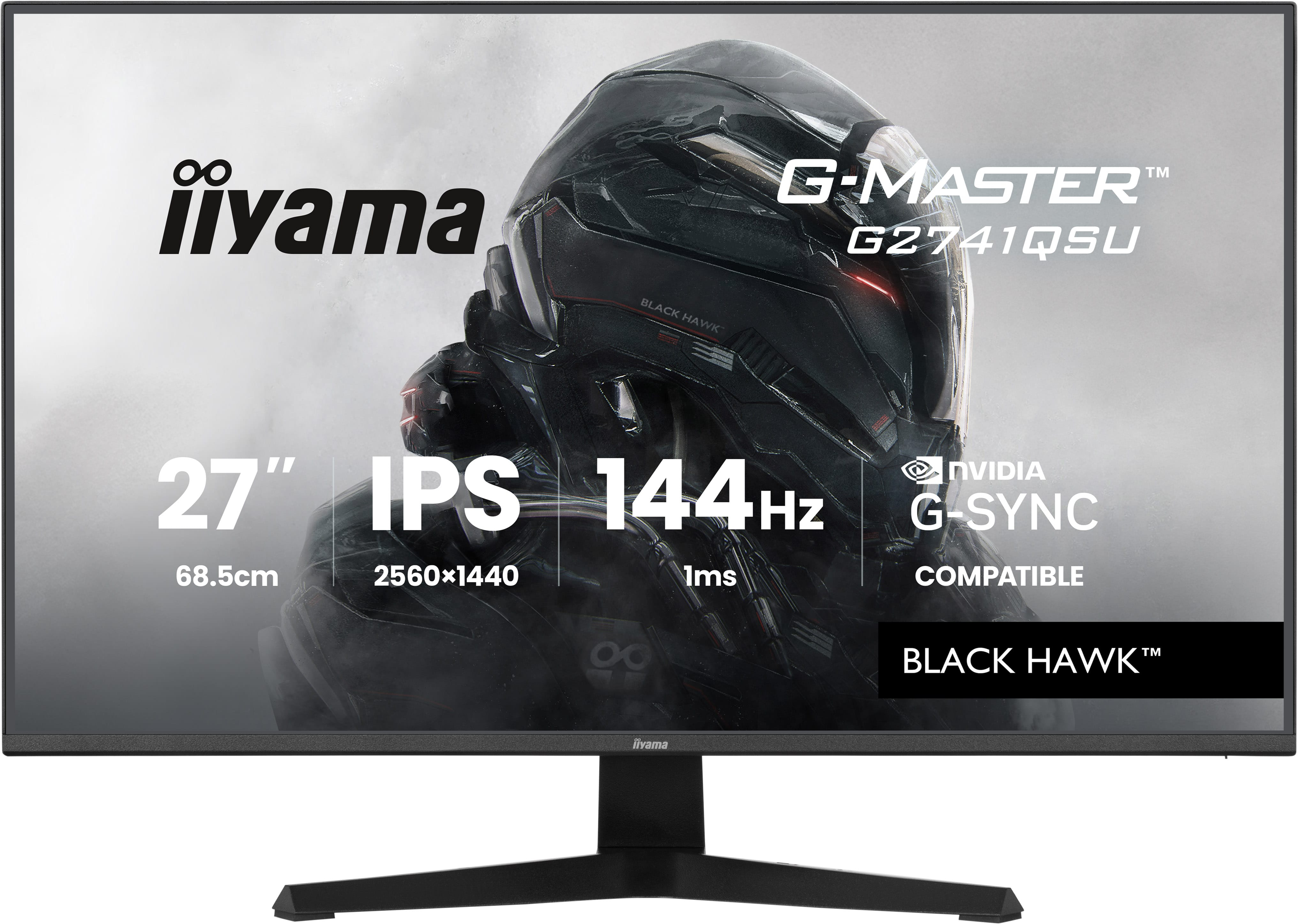
Iiyama
iiyama G-MASTER Black Hawk G2741QSU-B1 - LED monitor - gaming - 27" - 2560 x 1440 QHD @ 144 Hz - IPS - 350 cd/m� - 1500:1 - 1 ms - HDMI, DisplayPort - speakers - black, matte

Lenovo
Lenovo ThinkVision P27h-30 - LED monitor - 27" - 2560 x 1440 QHD @ 60 Hz - IPS - 350 cd/m� - 1000:1 - HDR10 - 4 ms - HDMI, DisplayPort, USB-C - raven black