- VoIP & Phone Systems
VoIP for Remote and Hybrid Teams: Best Practices for 2026
18 Mar, 2026

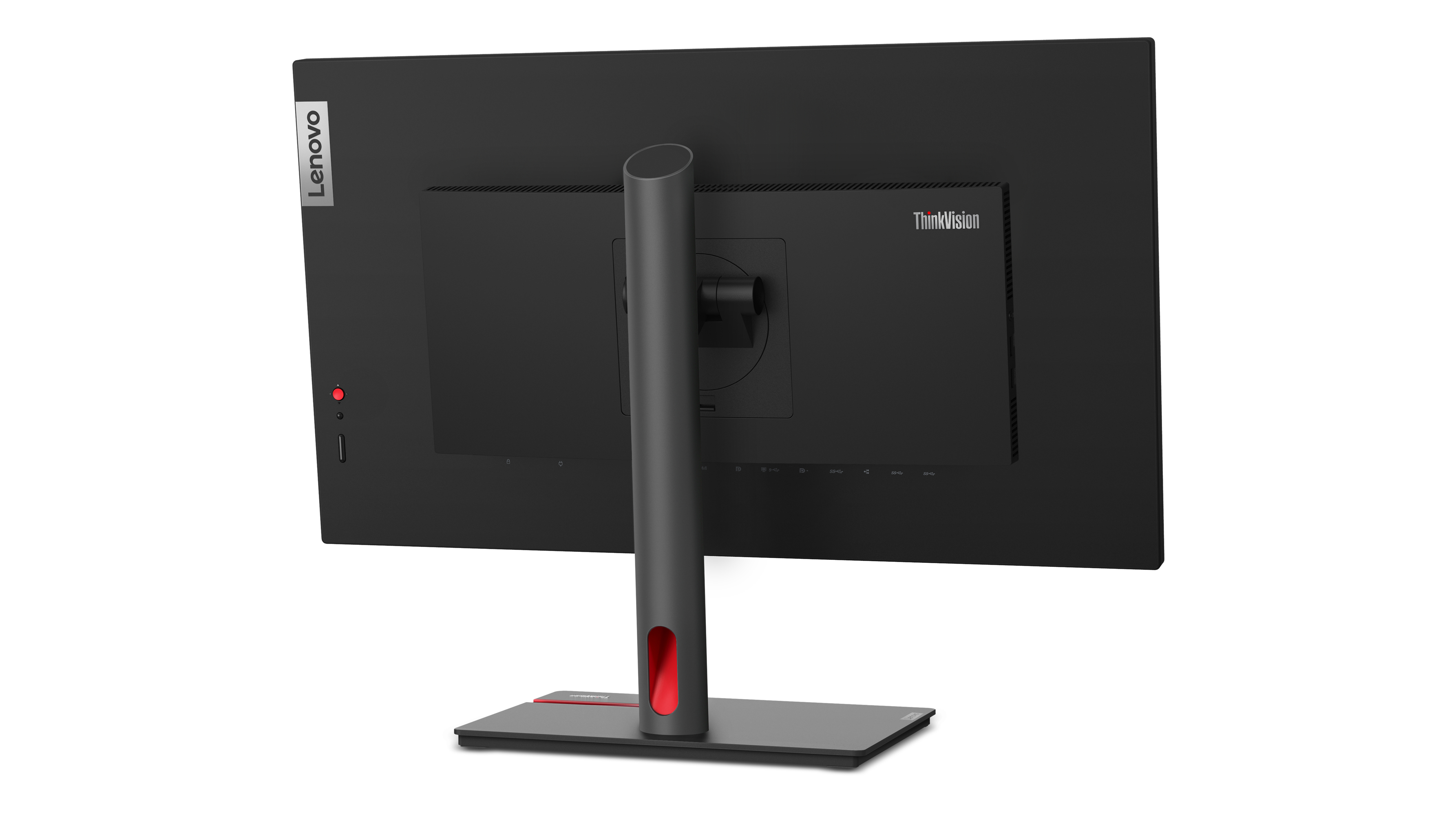
£436.99 inc. VAT
AI-generated summary
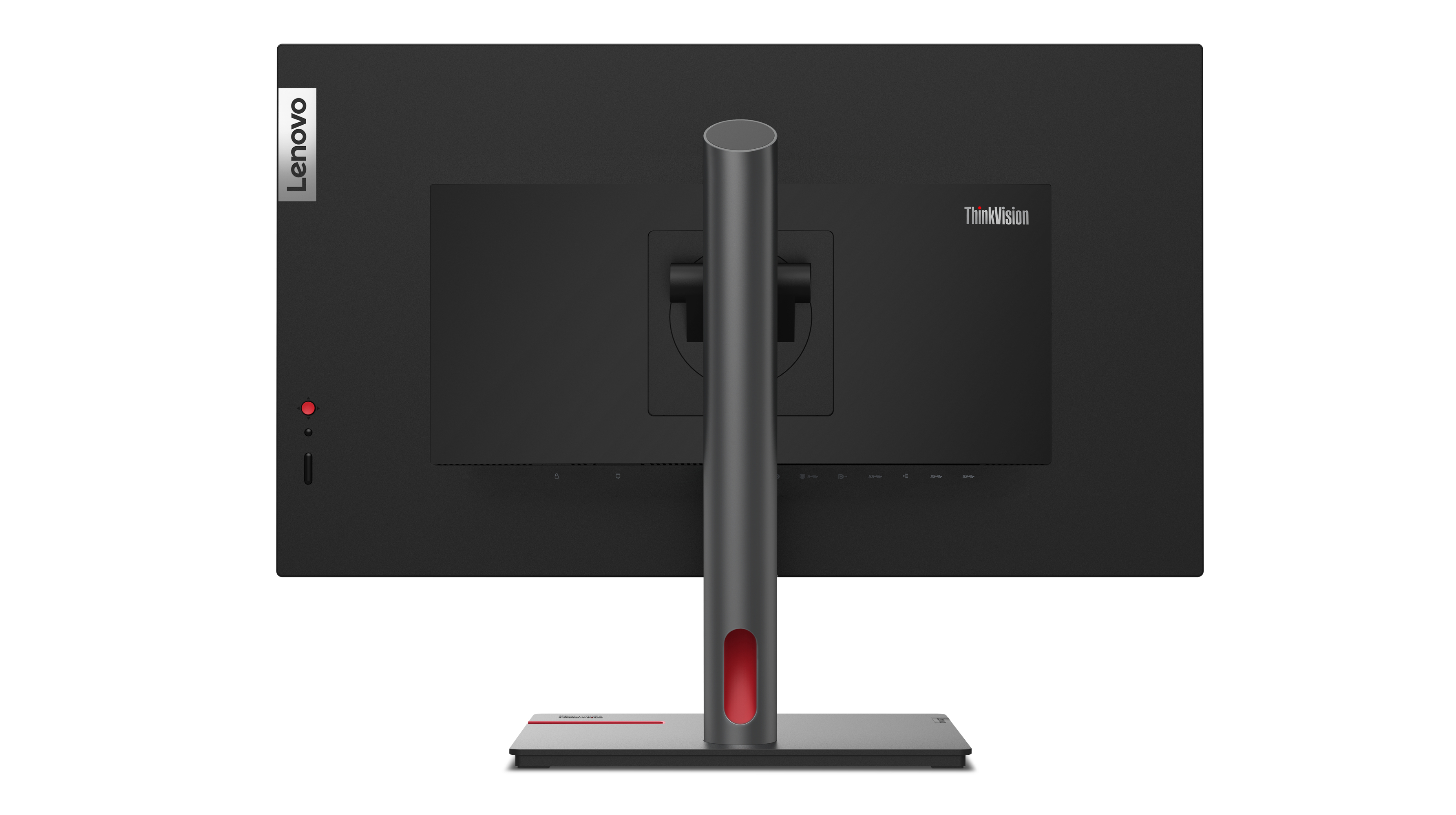
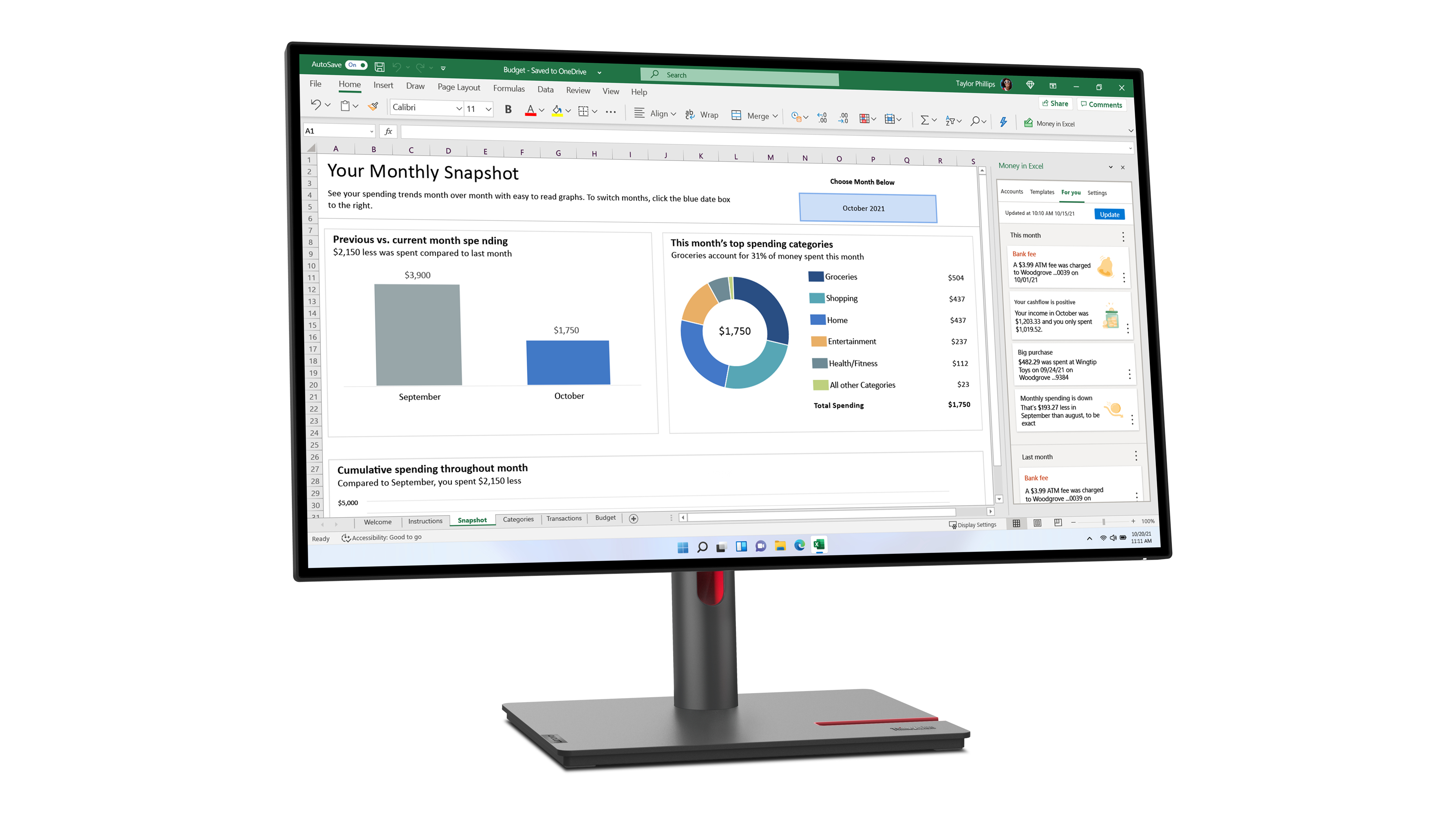
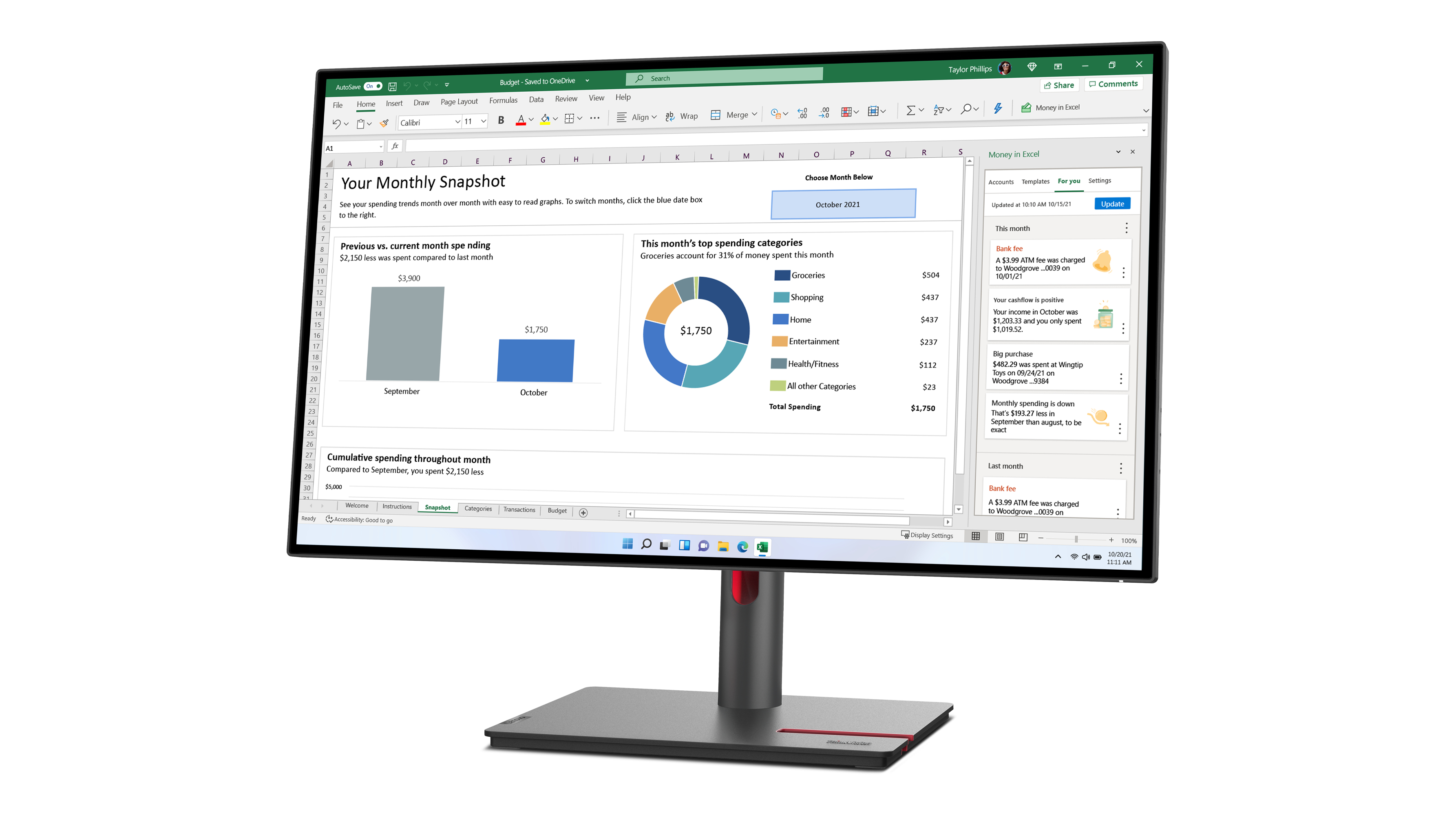
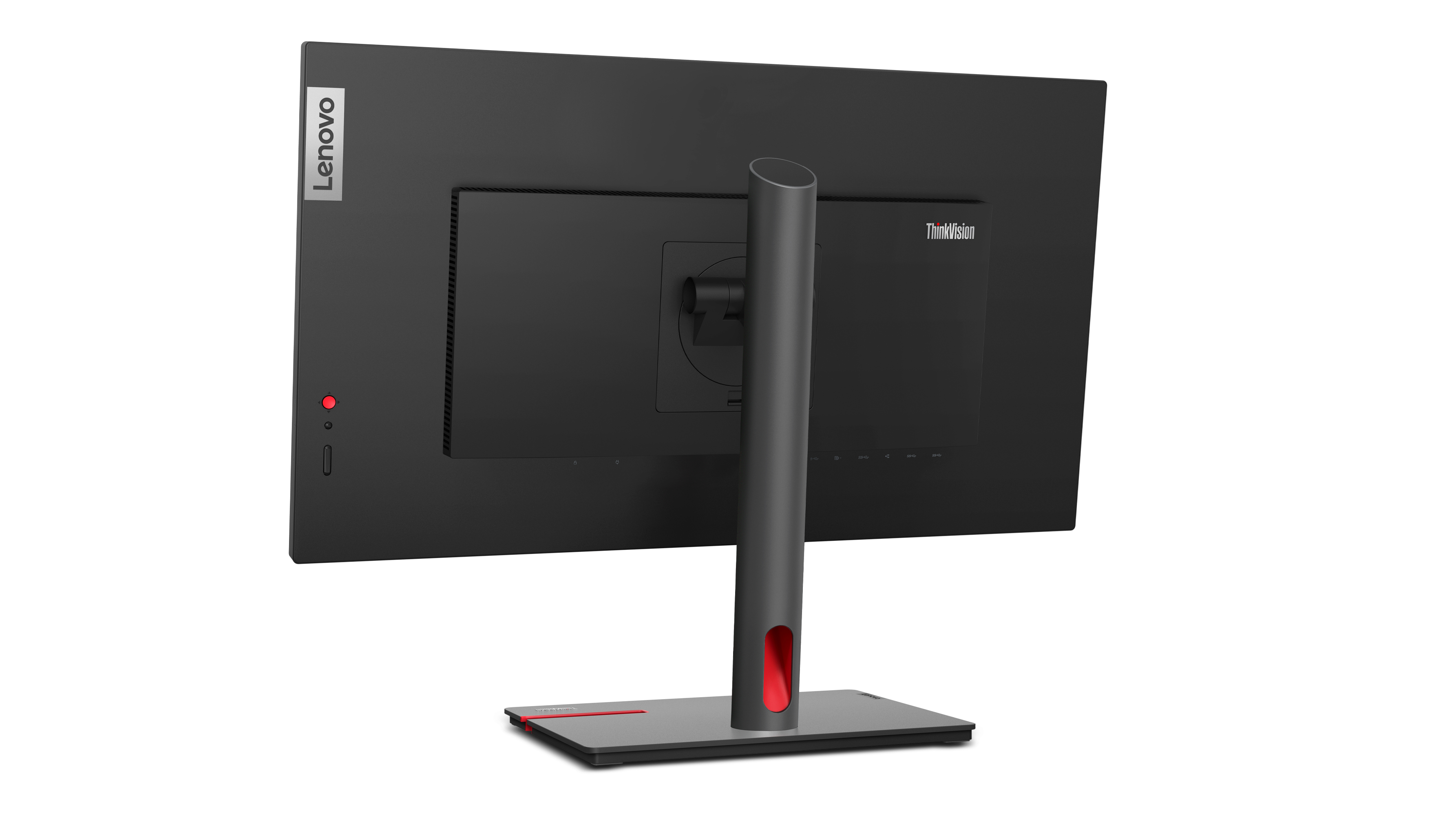
The Lenovo ThinkVision P27h-30 is a sensible choice if you want a solid 27-inch, Quad HD work monitor without going full “premium” pricing. For the money, you’re getting a screen that’s comfortable for long admin/code/research sessions thanks to the IPS-type viewing (good consistency when you’re not perfectly head-on) and the 1440p resolution hits a sweet spot for productivity—more usable space than 1080p, but not as demanding as higher resolutions. At £364 ex-VAT, it’s positioned as “practical corporate value” rather than a bargain-beater, so it tends to suit desks with mixed workloads, hot-desking setups, and teams that just need reliable day-to-day performance.
I’d be a bit cautious if your priority is high-end colour work, very fast gaming, or “best-in-class” ergonomics—this isn’t the type of monitor you buy for creative grading or esports responsiveness. Also, if you’re planning a multi-monitor office with lots of spreadsheet work, double-check your connectivity and your expectations around USB/port docking (those details matter more in real deployments than the headline model name). If you want a mainstream business monitor that’s unlikely to annoy your users, this one generally fits; if you’re chasing maximum wow-factor or specialist use, you may be better served stepping up or shopping for a model that clearly targets your use case.
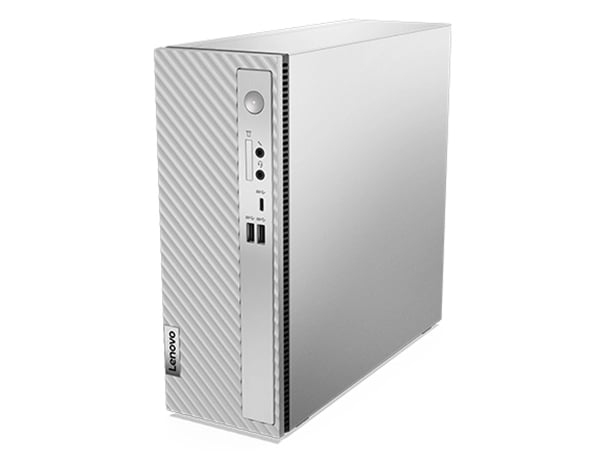
Punches way above is weight
The space-saving IdeaCentre 3i Gen 8 desktop lets you work, play, and be entertained like a pro. It packs a powerful punch with the latest generation of Intel® Core™ i7 processors. And together wit...
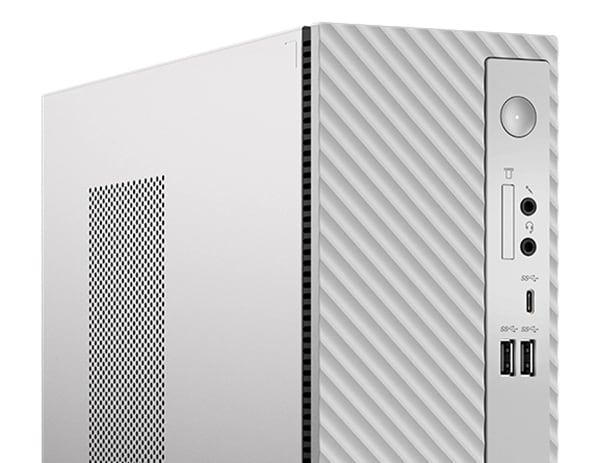
All the right connections
You’ll never have to play ‘hunt the port’ on the IdeaCentre 3i Gen 8 desktop. There are plenty of ports for your computing, monitor, and audio essentials, including three in the front for easier ac...
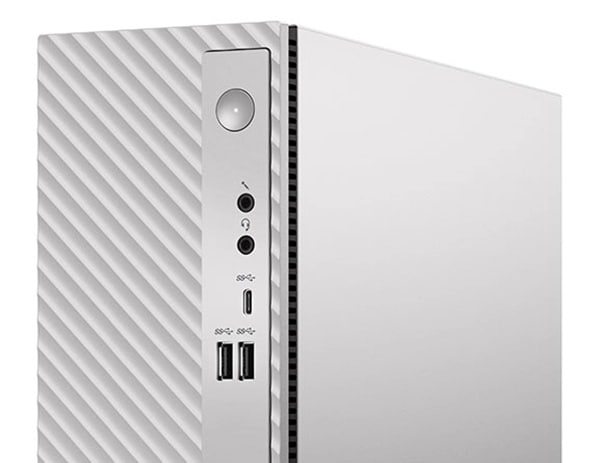
Sharing & syncing, made easy
The IdeaCentre 3i Gen 8 desktop, has a dual-storage design, with both HDD and SSD, and more than enough space for your family’s entire media library. What’s more, the Smart Storage feature gives yo...
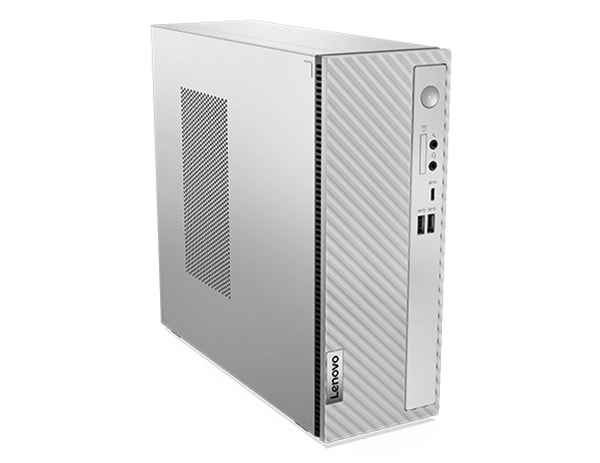
Make the most of any workspace
Built for those with a contemporary, minimalist mindset, this compact command center optimizes any home workspace. Blending beautifully into any room, the IdeaCentre 3i Gen 8 desktop will save you ...
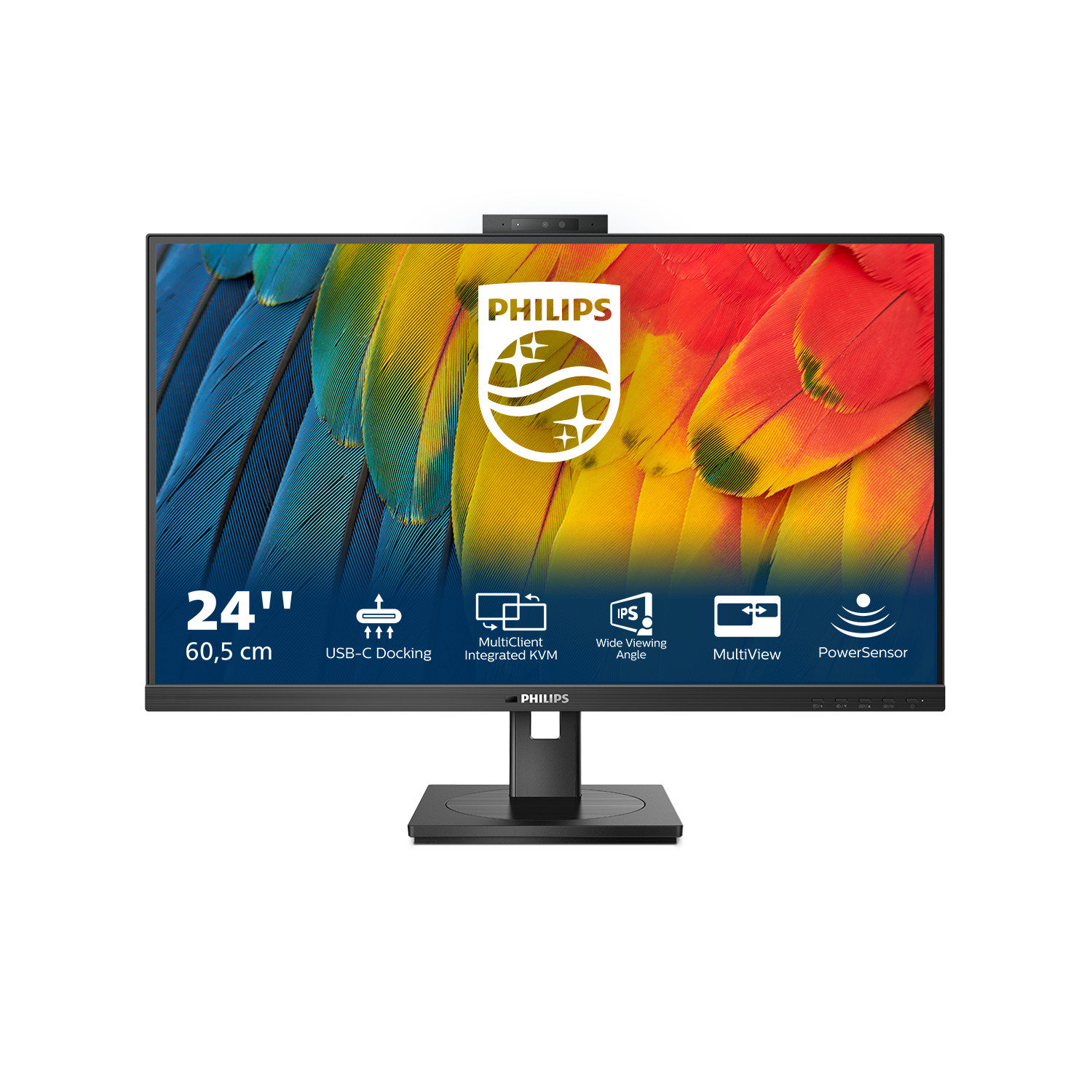
Philips
Philips 24B1U5301H - 5000 Series - LED monitor - USB - 23.8" - 1920 x 1080 Full HD (1080p) @ 75 Hz - IPS - 300 cd/m� - 1000:1 - 4 ms - HDMI, DisplayPort, USB-C - speakers - black
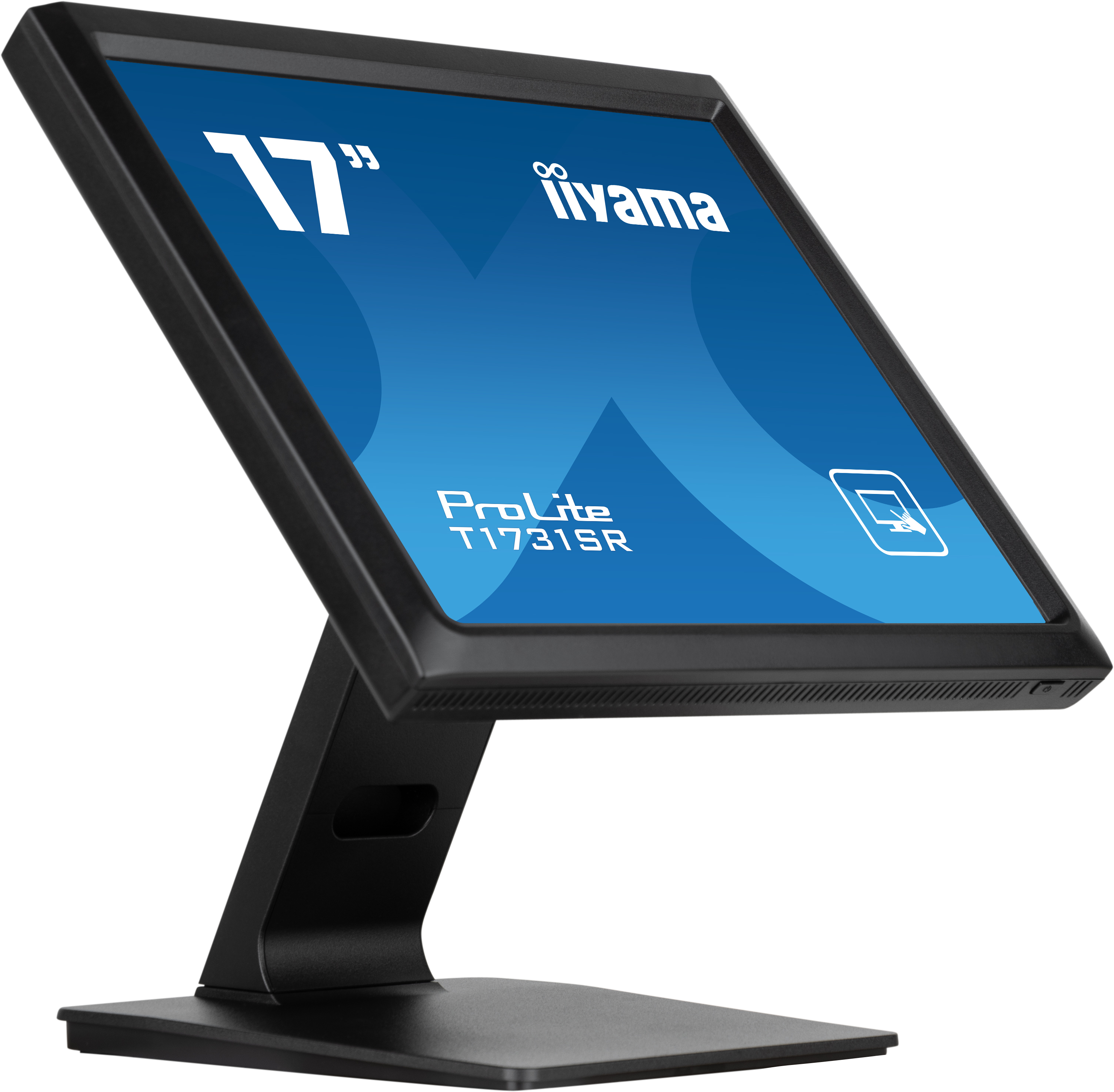
Iiyama
iiyama ProLite T1731SR-B1S - LED monitor - 17" - touchscreen - 1280 x 1024 - TN - 250 cd/m� - 1000:1 - 5 ms - HDMI, VGA, DisplayPort - speakers - black, matte

Philips
Philips S-line 275S1AE - LED monitor - 27" - 2560 x 1440 QHD @ 75 Hz - IPS - 250 cd/m� - 1000:1 - 4 ms - HDMI, DVI-D, DisplayPort - speakers - black texture
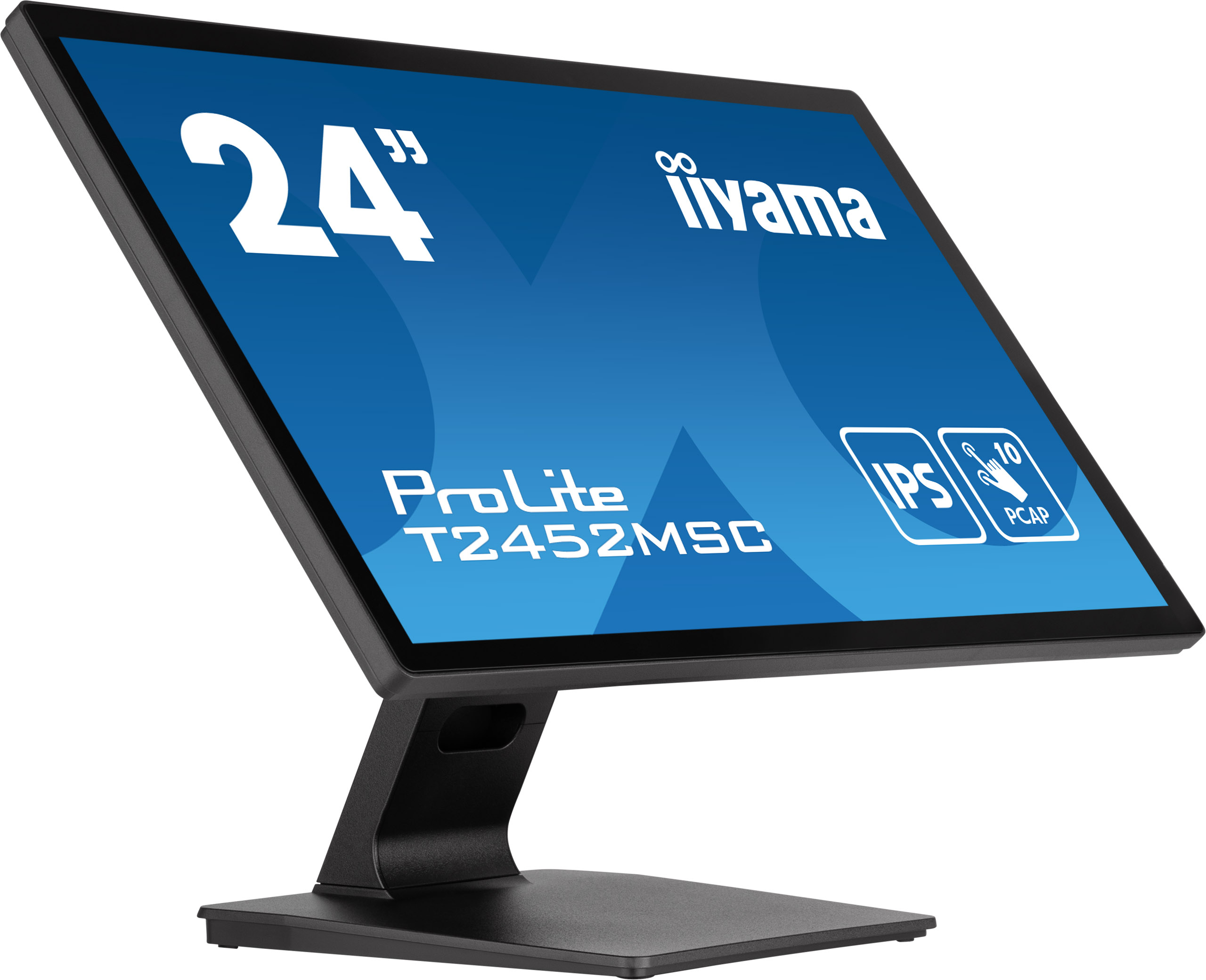
Iiyama
iiyama ProLite T2452MSC-B1 - LED monitor - 24" (23.8" viewable) - touchscreen - 1920 x 1080 Full HD (1080p) - IPS - 400 cd/m� - 1000:1 - 14 ms - HDMI, DisplayPort, 2xUSB-C - speakers - matte black